Covers for Pages, profiles, groups and events
Free Facebook Cover Maker – Create Professional Facebook Covers
Design professional Facebook covers for your business, brand, Page, profile, group or event. Start with a customizable template made for your industry, or create your own design from scratch.
Popular searches:
- 4,000 templates
- 100% free
- Safe-area guides
- Crop previews
- Your business details
- Private
851 × 315 · PNG · JPG
What is the M2Toolkit Facebook Cover Maker?
A free online Facebook cover maker and full design editor that runs in your browser. Choose from 4,000 editable cover templates — or start from a blank cover — add your business details, photos and logo, check how it crops on computers and phones, and download it at Facebook's recommended size.
- Templates
- 4,000 templates: exactly 100 in each of 40 categories, 20 design directions and 34 layout types
- Made for
- Business Pages, agencies, shops, restaurants, agents, creators, coaches, schools, charities, clubs and personal profiles
- Formats
- Page and profile covers (851 × 315), group covers (1640 × 856) and event covers (1920 × 1005)
- Crop safety
- A safe area inside every reported crop, Meta's computer and phone frames, the profile-picture zone and a crop check
- Downloads
- PNG and JPG at 851 × 315 or 1702 × 630, quality setting, under-100 KB option — no watermark
- Price & privacy
- Free, no sign-up; your photos never leave your device
Blank canvas
Start with a format, or a template
Open the editor on a blank cover with the safe area already marked — then add text, photos and shapes, or pick a template from inside the editor.
Popular Facebook cover categories
40 categories, 100 templates each
Business & Professional
Companies, agencies, consultants, startups, tech firms and personal brands.
 Corporate Business covers100 templates
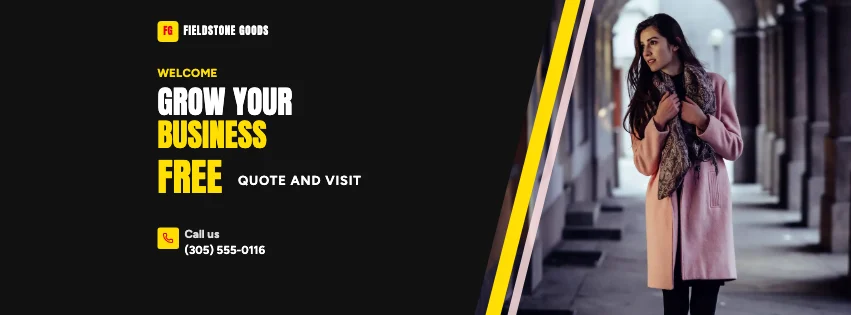 Business Promotion covers100 templates
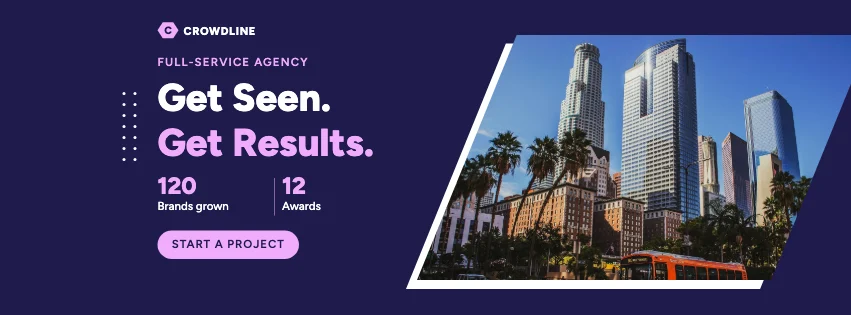 Marketing Agency covers100 templates
 Digital Agency covers100 templates
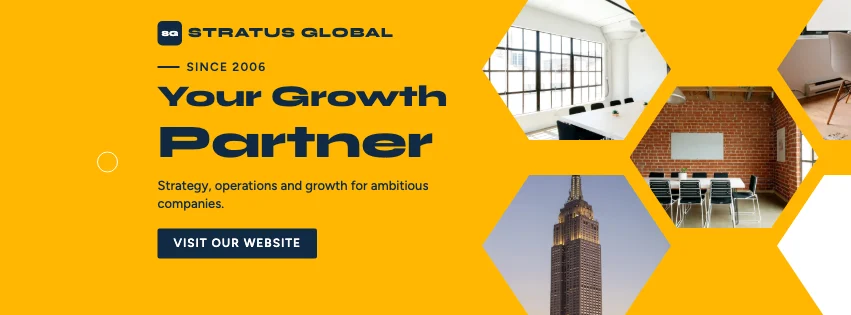
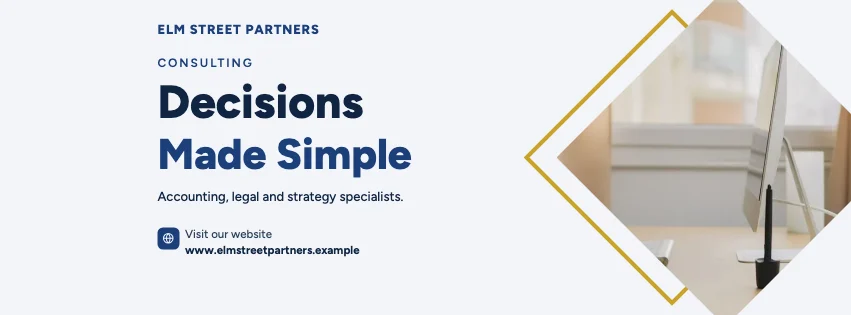 Consulting & Professional Services covers100 templates
 Startup & Entrepreneur covers100 templates
 Technology Company covers100 templates
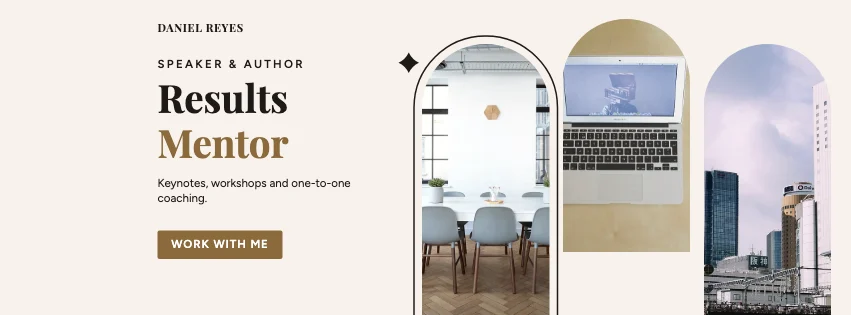 Personal Brand & Professional Profile covers100 templates
Commercial & Retail
Property, food and drink, fashion, salons, online stores, products and sales.
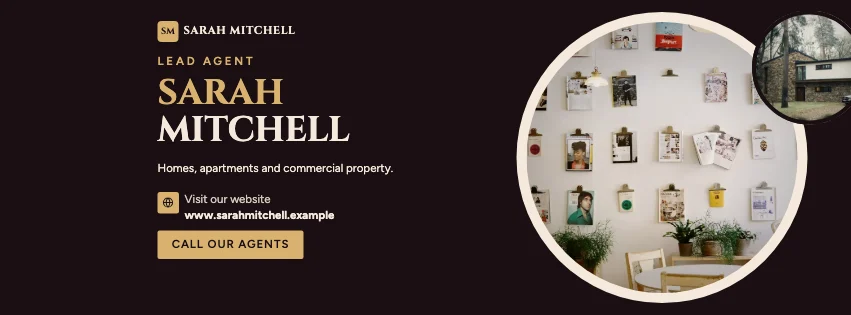 Real Estate & Property covers100 templates
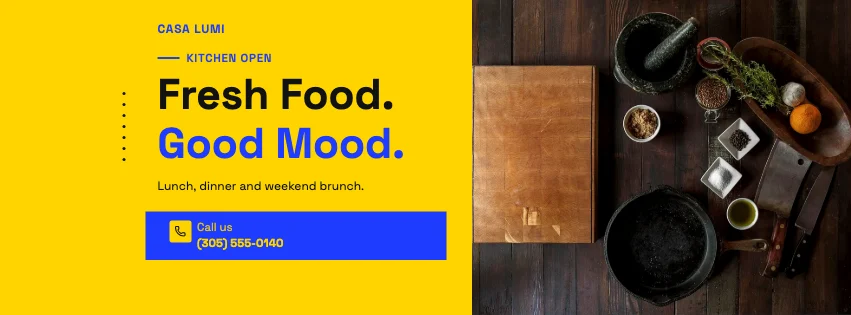 Restaurant & Food Business covers100 templates
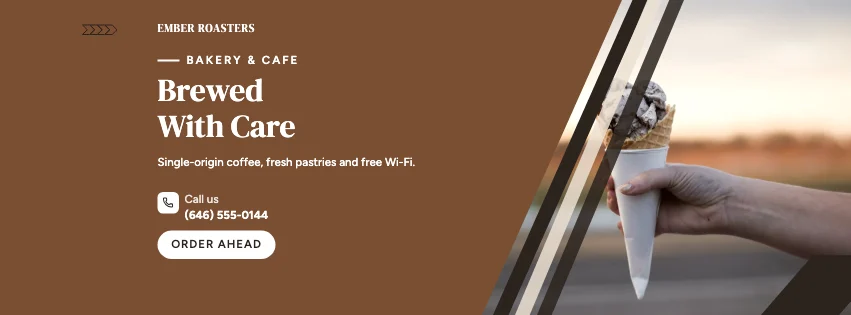 Cafe & Coffee Shop covers100 templates
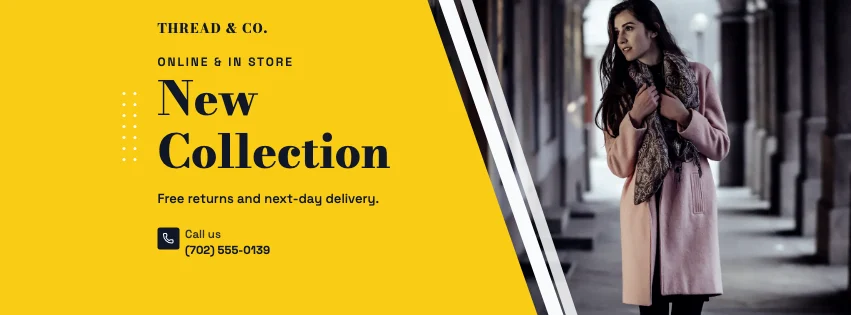 Fashion & Clothing Store covers100 templates
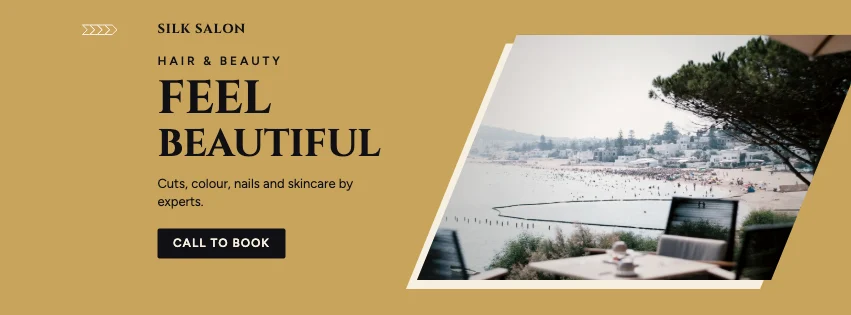 Beauty & Salon Business covers100 templates
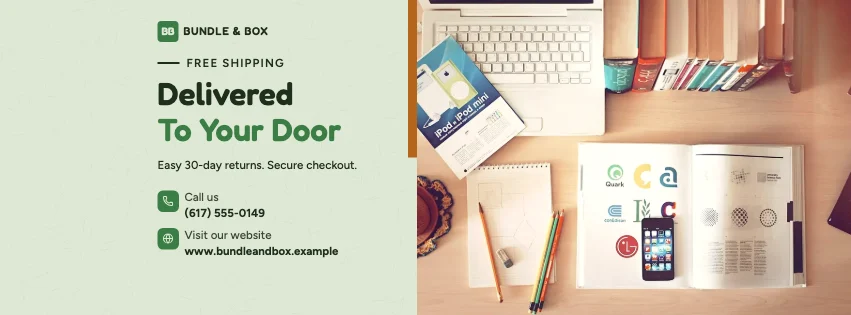 Ecommerce & Online Store covers100 templates
 Product Advertisement covers100 templates
 Sales & Special Offers covers100 templates
Creative & Digital Services
Designers, photographers, developers, marketers, creators, studios, software and courses.
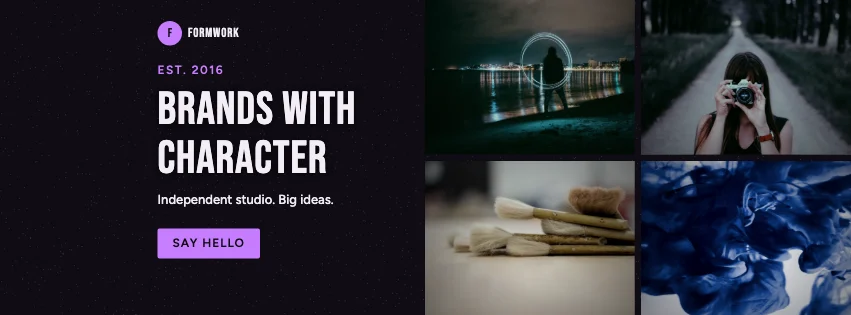 Graphic Design Studio covers100 templates
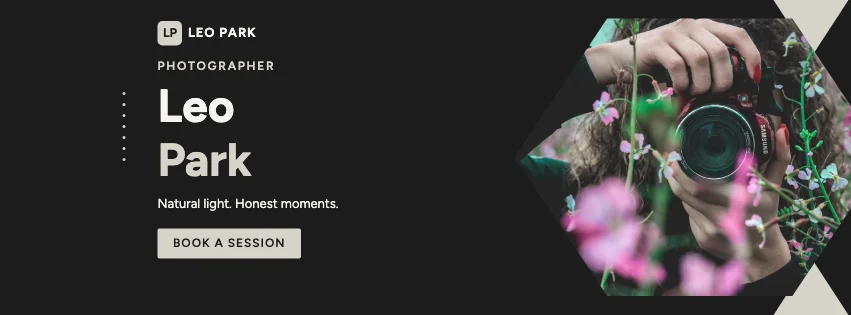 Photography Business covers100 templates
 Web Design & Development covers100 templates
 Social Media Marketing covers100 templates
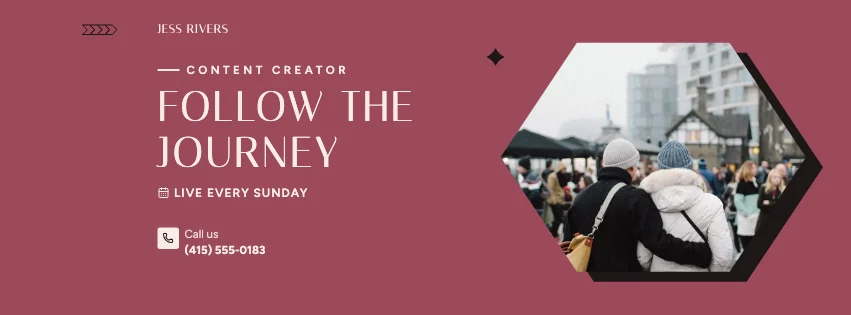 Digital Creator & Influencer covers100 templates
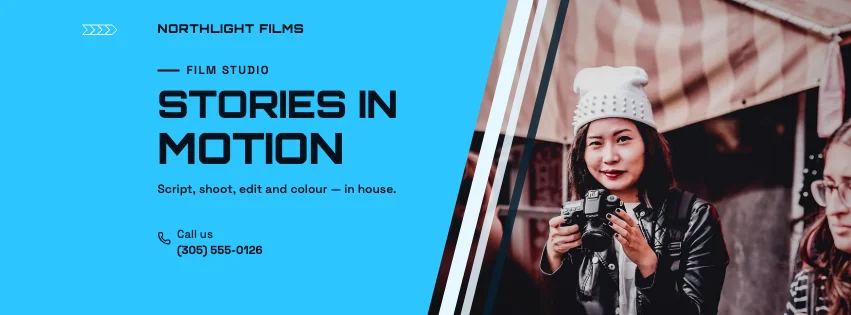 Video Production & Creative Studio covers100 templates
 AI & Software Product covers100 templates
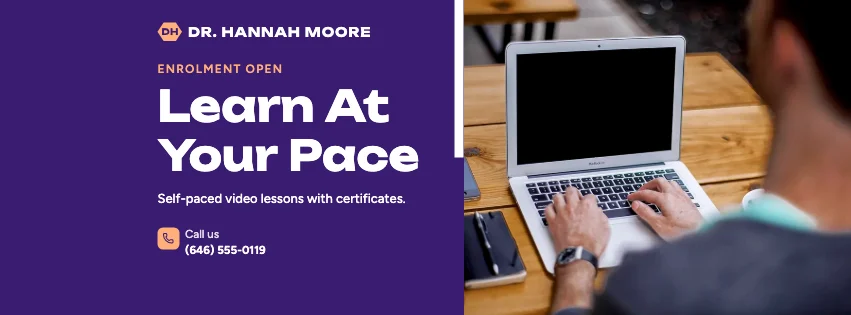 Education & Online Course covers100 templates
Lifestyle & Community
Travel, fitness, wellness, beauty, motivation, family, weddings and music.
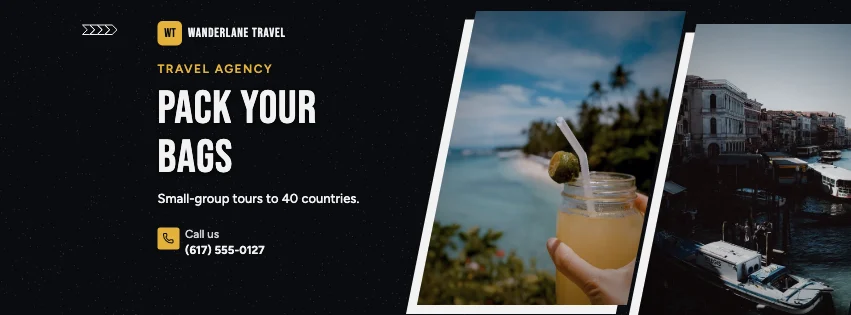
 Travel & Tourism covers100 templates
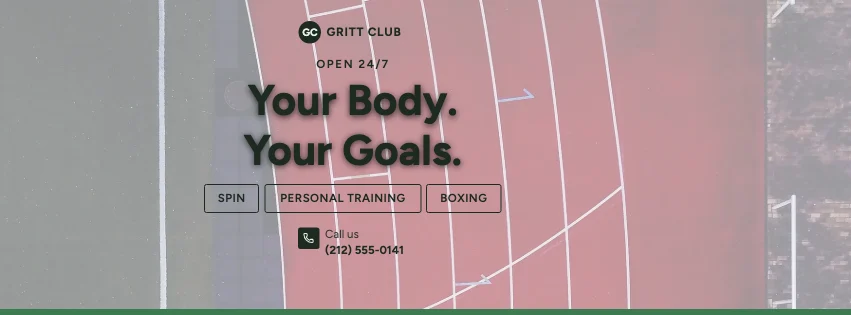 Fitness & Gym covers100 templates
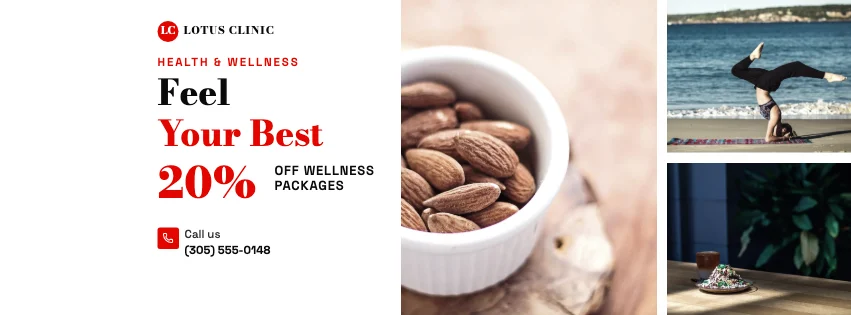 Health & Wellness covers100 templates
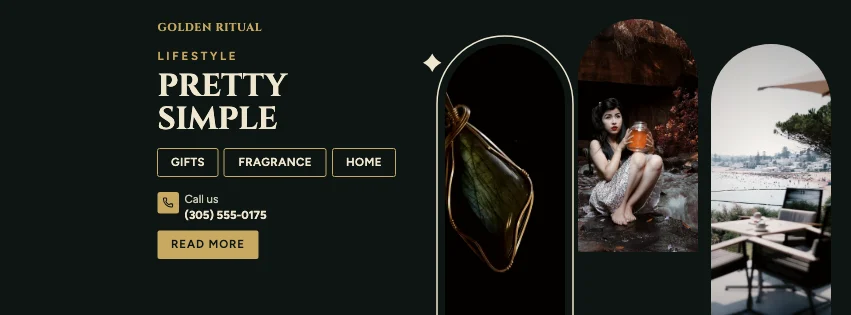 Beauty & Lifestyle covers100 templates
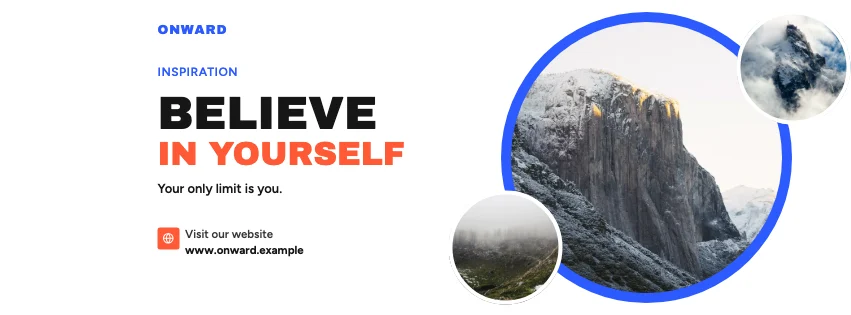 Personal Motivation & Inspiration covers100 templates
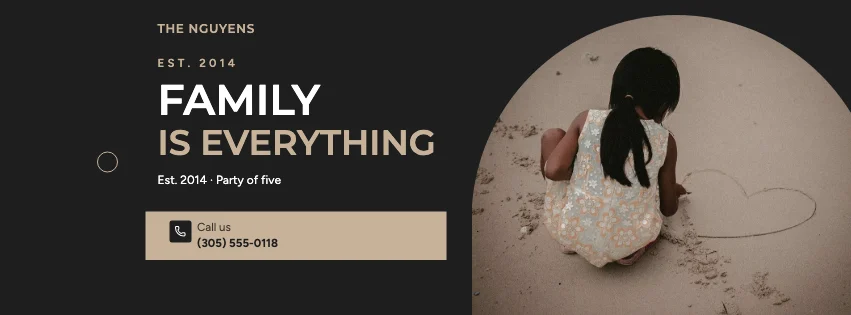 Family & Personal covers100 templates
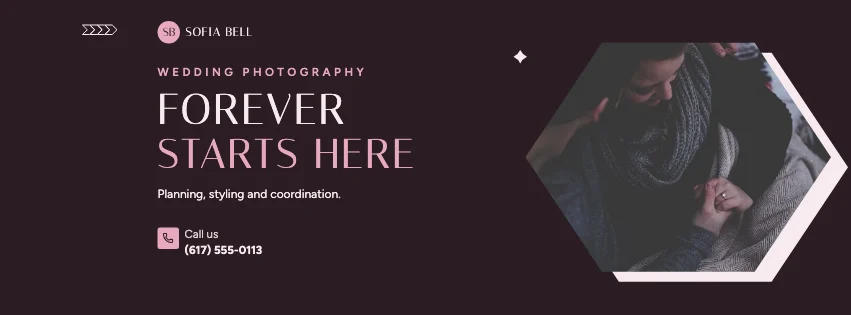 Wedding & Photography covers100 templates
 Music & Entertainment covers100 templates
Organizations & Special Interests
Schools, universities, charities, communities, gaming, sports, car businesses and holidays.
 School & Education Institution covers100 templates
 University & College covers100 templates
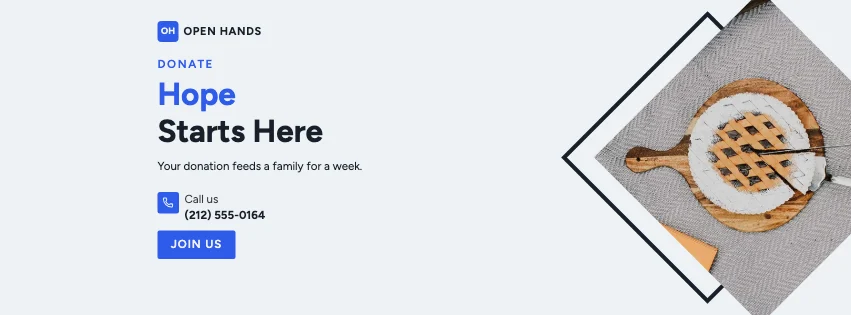 Nonprofit & Charity covers100 templates
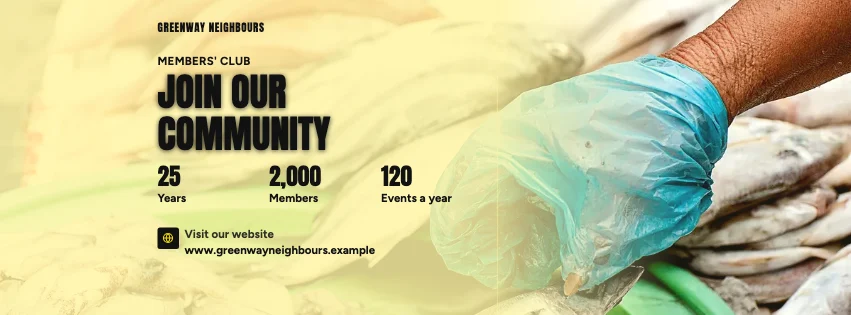 Community & Organization covers100 templates
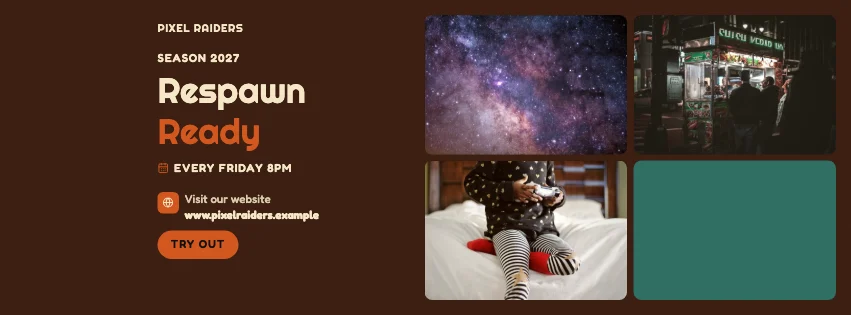 Gaming & Esports covers100 templates
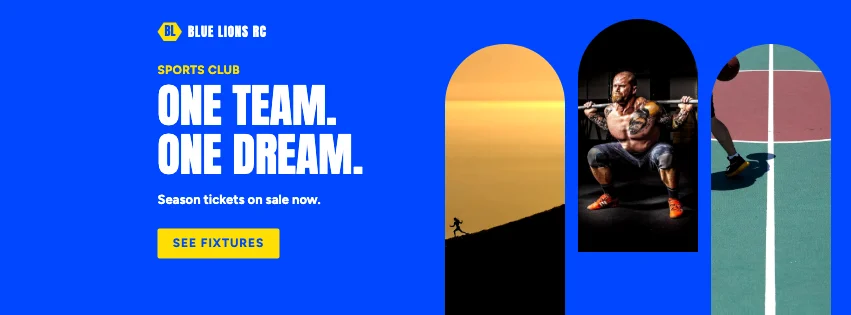 Sports & Athletic covers100 templates
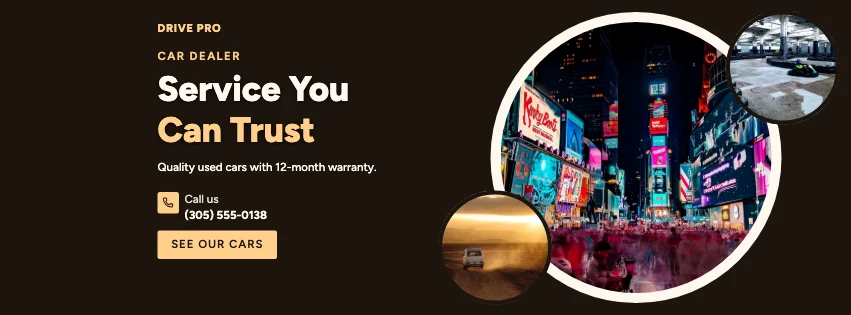 Automotive & Car Business covers100 templates
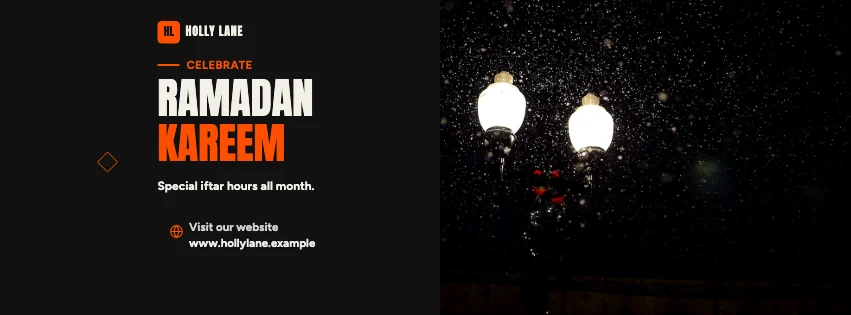 Seasonal & Holiday Promotion covers100 templates
Featured designs
Explore 4,000 Editable Facebook Cover Templates
Every card is the real template, drawn by the editor. Search by business, filter by industry, style, colour, mood, purpose or format, save favourites with the heart, and open one — it opens exactly as shown.
4,000 templates · showing 24
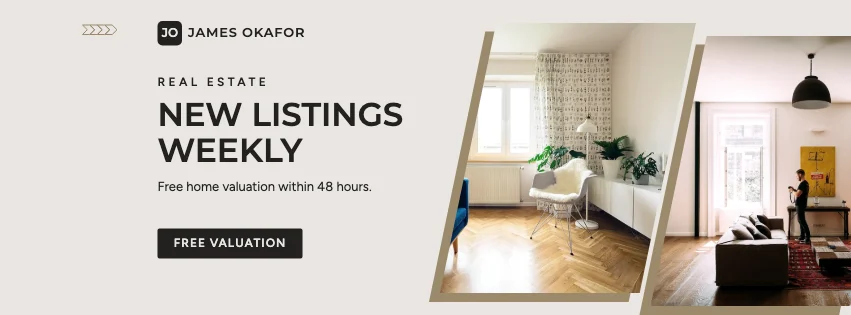
Real Estate Framed Sides Facebook Cover
Real Estate · Navy & White Professional · Page cover
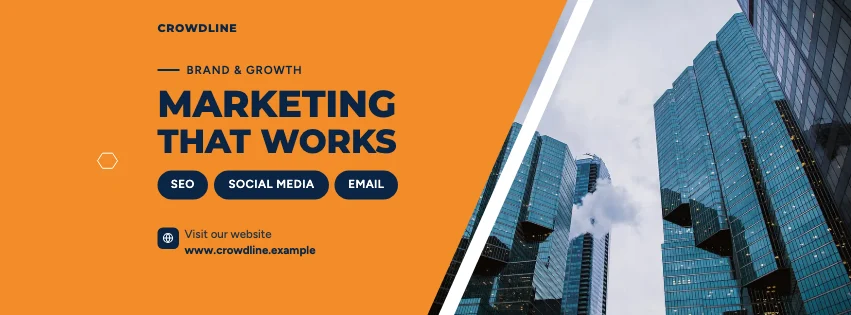
Edit this templateBusiness Promo Clean Photo Facebook Cover
Business Promo · Corporate Blue & Orange · Page cover
Edit this templateMarketing Agency Arched Facebook Cover
Marketing Agency · Bold Typography · Page cover
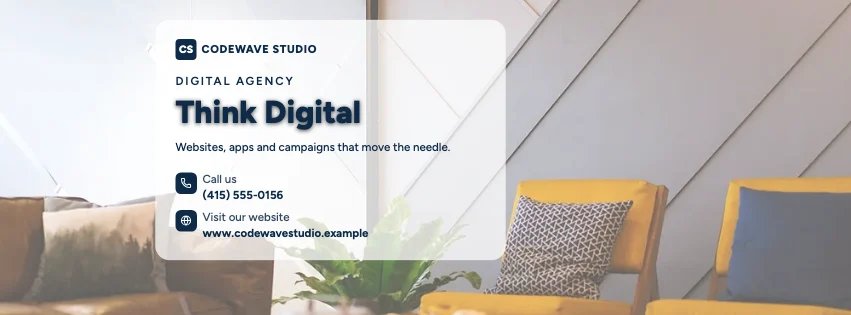
Edit this templateDigital Agency Glassmorphism Facebook Cover
Digital Agency · Gradient Modern · Page cover
Edit this templateHigh-Contrast Editorial Gaming Futuristic Facebook Cover
Gaming · High-Contrast Editorial · Page cover
Edit this template
24 of 4,000
Recently added · the whole collection was added on . Popular and trending lists will appear once there is real usage data — we don't invent it.
Popular design styles
20 design directions, each a complete look
Typefaces, palettes, ornaments and photo treatment, made to work together — from corporate blue and orange, navy and luxury black and gold to glassmorphism, Swiss, retro and natural organic.
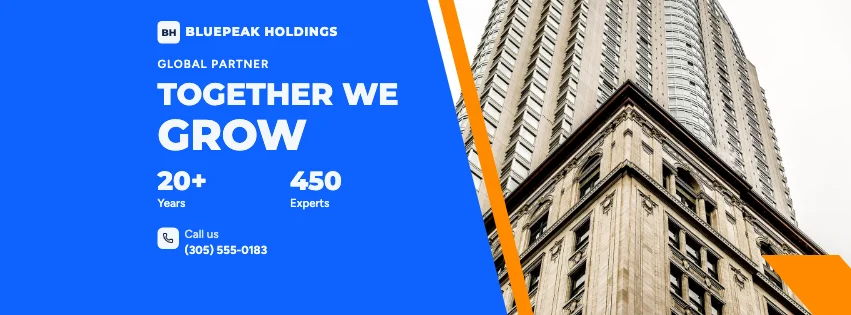 Corporate Blue & Orange267 templates · Professional
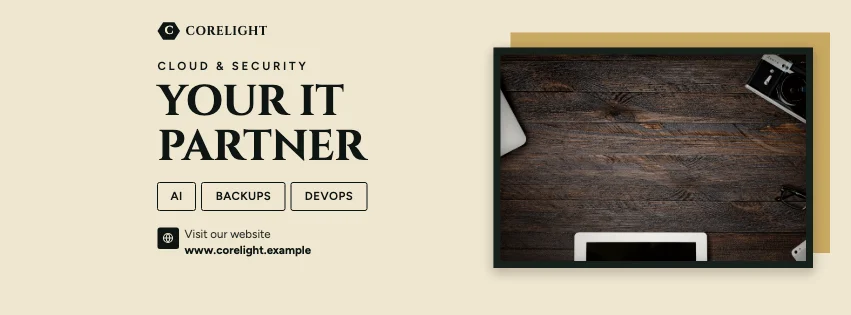
 Navy & White Professional159 templates · Trustworthy
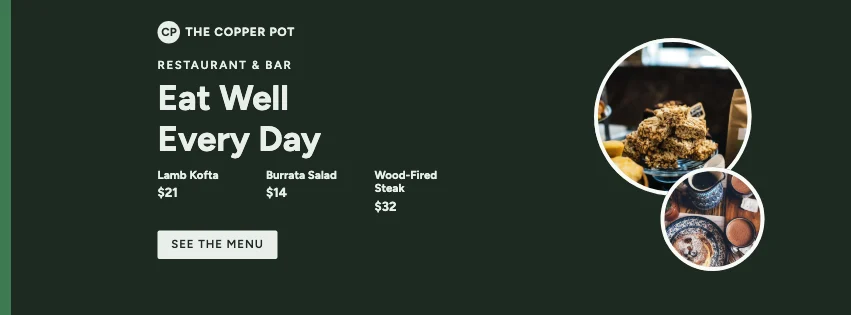
 Luxury Black & Gold133 templates · Luxurious
 Minimal Modern286 templates · Calm
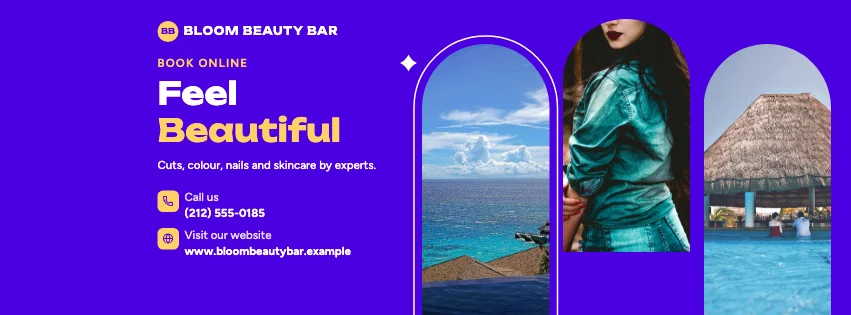 Gradient Modern251 templates · Energetic
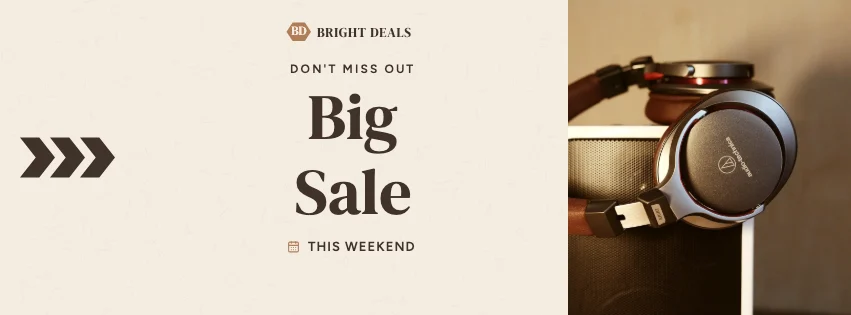 Elegant Beige122 templates · Warm
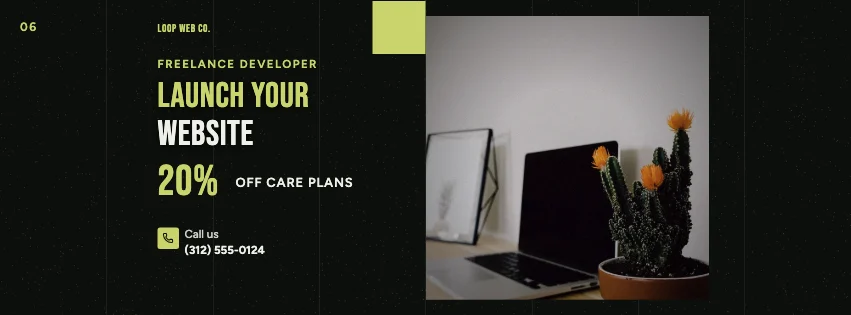 Dark Cinematic218 templates · Dramatic
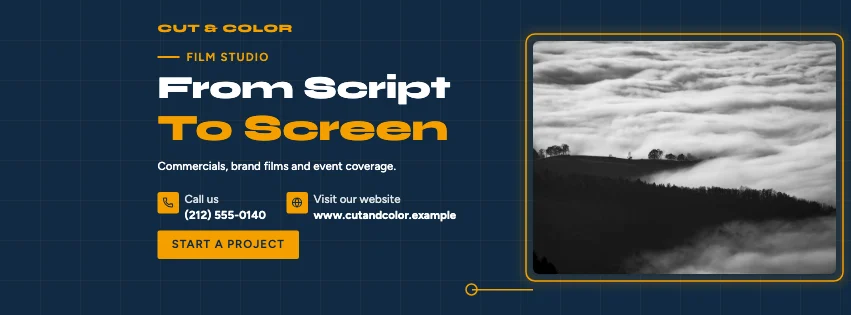 Geometric Business204 templates · Structured
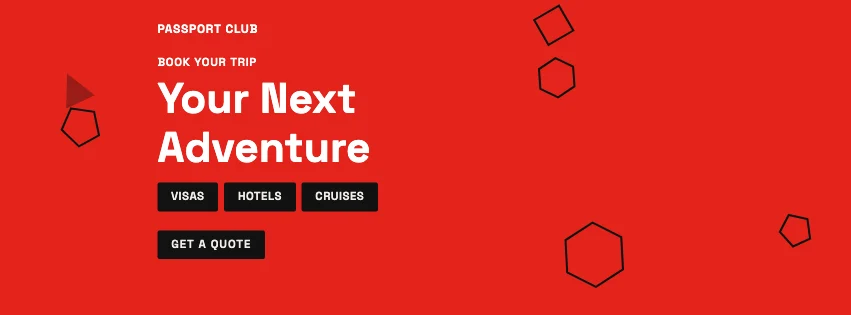 Swiss Style177 templates · Rational
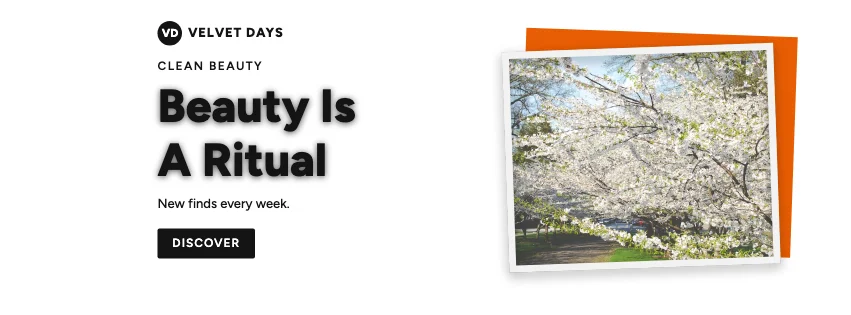 Photography Focused238 templates · Natural
- Bold Typography257 templates · Loud
- Glassmorphism199 templates · Modern
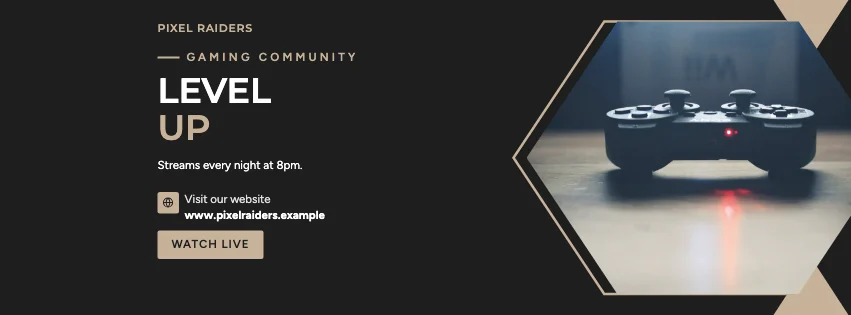 Contemporary Minimalist207 templates · Refined
- Futuristic Tech148 templates · Innovative
- Retro Business189 templates · Nostalgic
 Elegant Serif244 templates · Elegant
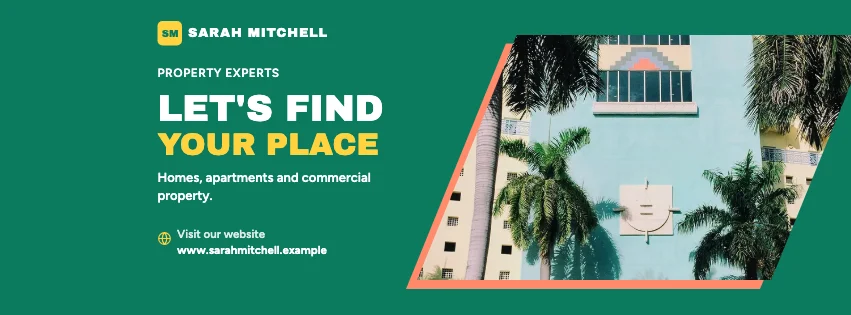 Colour-Block Modern261 templates · Playful
- Natural Organic138 templates · Fresh
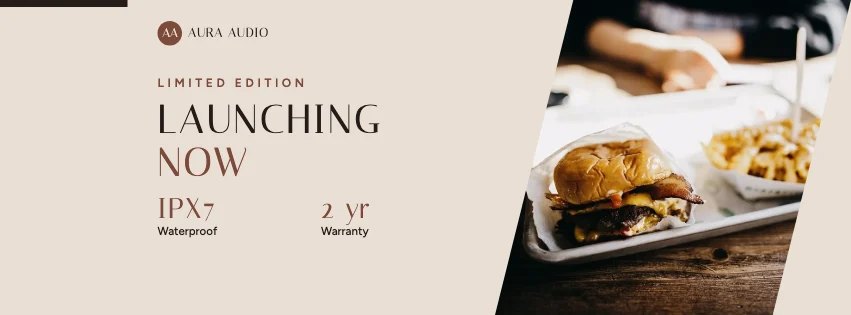 Luxury Fashion108 templates · Chic
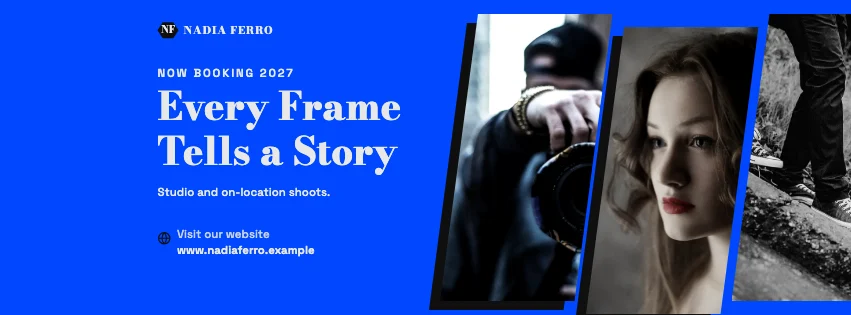 High-Contrast Editorial194 templates · Bold
Step by step
How to make a Facebook cover
The 4,000 templates are exactly 100 for each of 40 categories — corporate, marketing and digital agencies, consultants, startups, real estate, restaurants, cafes, fashion, salons, online stores, photographers, creators, online courses, travel, fitness, wellness, weddings, music, schools, universities, charities, gaming, sports, car businesses and seasonal promotions. Each is a complete composition (one of 34 layout types: photos in hexagon, diamond and slanted frames, diagonal dividers, contact bars, portrait cards, service rows, key figures, property listings, menus, sale bursts, glass panels, tech grids…) in one of 20 design directions, with copy written for that business.
Colour changes never count as new templates: a template is only kept when its layout differs from every other template in its category, and from every other template in the same style. Every template was then drawn in a real browser and checked for text that overflows, words outside the safe area and text that's hard to read against the photo or colour behind it.
Facebook shows covers through different windows: Meta says computers show a 16:9 frame and phones a 2.4:1 frame, both left-aligned, and many guides report phones centring the cover instead. The safe area is where all of those overlap — clear of the profile picture — so every template keeps its words inside it.
Everything happens in your browser: no account, no watermark and nothing uploaded. Your covers save automatically on this device under My covers.
- 1
Find a template: type your business or purpose (real estate, restaurant, marketing agency, gym, Christmas…) or browse the 40 categories. Filter by industry, style, colour, mood, purpose or format.
- 2
Open it in the free editor — it opens exactly as the preview shows, every part editable. Or start from a blank Page, profile, group or event cover.
- 3
Open Business and fill in your name, phone, website, email and address once — they go into the cover's own lines, and into any other design you try.
- 4
Add your photos in Uploads (or pick one from Images, the CC0 library). Change a photo's shape in Frames — hexagon, diamond, slanted panel, octagon and more. Remove a background in Cut-out.
- 5
Keep your words in the red safe area: switch on Screen crops to see Meta's computer and phone frames and the profile-picture zone, or open Crop check to find and fix anything that may be cut.
- 6
Download a PNG or JPG at Meta's recommended 851 × 315 (or twice that for sharp screens), then upload it on your Page or profile.
How to customize templates
A real design editor, in your browser
Templates, text, uploads, images, elements, frames and layers on the left; the cover in the middle with the safe area and crop guides; properties on the right. On a phone, the same tools open as sheets.
Edit text where it is
Double-click a headline, phone number or offer and type. Change font, size, weight, spacing, colour, outline, shadow and background.
Safe area and crop check
The red safe area shows where words survive every crop; Screen crops shows Meta's computer and phone frames, and Crop check moves stray words inside.
Business details & brand kit
Save your name, phone, website, email, address, hours, colours, fonts and logo once — then apply them to any cover.
Geometric photo frames
Cut photos to hexagons, diamonds, slanted panels, octagons, pentagons, arches, circles and organic shapes.
Your photos and logo
Upload or drop photos to replace the samples; crop, zoom, flip and adjust them. Place your logo where the template's mark sits, or in any safe corner.
Background remover
Cut a person or product out of its background on your device — nothing is uploaded.
Palettes and font pairings
Swap to another of the style's palettes, build one from your brand colour, or apply a curated font pairing.
Layers and shortcuts
Select, reorder, duplicate, lock, hide and group layers, align with snapping guides, and undo or redo every step.
Facebook cover dimensions
Every Facebook cover, one design
Switch formats any time from Sizes in the editor — template designs are laid out again for the new shape and its safe area, never stretched.
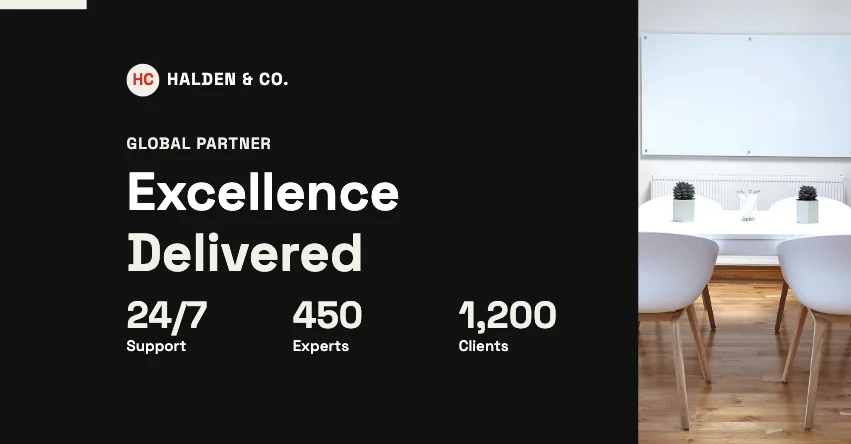
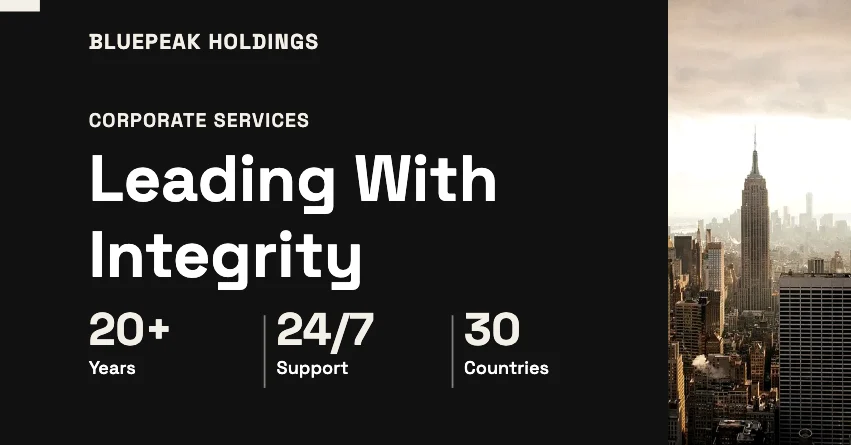
| Cover | Upload size | Source | |
|---|---|---|---|
| Facebook Page cover | 851 × 315 px (at least 400 × 150) | Meta | Computer: 16:9 frame; mobile: 2.4:1 frame, both left-aligned |
| Facebook profile cover | 851 × 315 px | Same layout as Pages | The profile picture overlaps the lower left |
| High-density version | 1702 × 630 px | Twice Meta's size | Sharper on high-density screens |
| Facebook group cover | 1640 × 856 px | Third-party guides | Phones reported to trim the sides |
| Facebook event cover | 1920 × 1005 px | Third-party guides | Some guides say 1920 × 1080 |
Meta's figures are from its Help Centre article on Page cover photo dimensions; the others are from third-party guides because Meta doesn't publish them.
Downloading and uploading
Facebook-ready PNG and JPG
Meta says a cover “loads fastest as an sRGB JPG file that's 851 pixels wide, 315 pixels tall and less than 100 kilobytes”, and that for covers with a logo or text “you may get a better result by using a PNG file”. The download offers both: PNG for crisp text, JPG with a quality setting, and a button that genuinely re-compresses the JPG to under 100 KB — or tells you when a busy photo can't get that small without losing quality.
Twice the size (1702 × 630) stays sharper on high-density screens. Group and event sizes aren't published by Meta, so the editor uses the figures third-party guides agree on and labels them that way. Facebook may still crop, resize or re-compress what you upload.
PNG — Lossless and crisp — Meta says PNG can look better for covers with a logo or text.
JPG — Smaller files with a quality setting, and an option that re-compresses to under 100 KB (Meta: loads fastest) — or tells you honestly when it can't.
Sizes — 851 × 315 (Meta's recommendation) or 1702 × 630 for sharper screens; group and event covers at their reported sizes; or a custom width.
Save and reuse — covers save automatically in this browser under My covers: reopen, rename, duplicate or delete them, and save copies in every Facebook format. They aren't synced to other devices.
Design tips
Tips for a cover that works on every screen
- Words near the edges: phones and computers crop covers differently — keep words inside the red safe area.
- Text behind the profile picture: the lower left is covered on Pages and profiles; the editor shades that zone.
- Too much text: a cover is seen at a glance — one headline, one line about you and one way to reach you.
- Tiny type: on a phone the whole cover is only about as wide as the screen, so small print disappears.
- Low contrast on photos: put words on a solid panel, a fade or a darker part of the photo.
- Blurry uploads: use the 1702 × 630 download, or PNG, when the cover has a logo or small text.
Who uses these covers
- Businesses and agencies introducing what they do, with phone and website on the cover.
- Estate agents with listings, prices and an agent's portrait.
- Restaurants and cafes with dishes, menus, hours and booking details.
- Shops and online stores with sales, offers and new collections.
- Coaches, creators and professionals building a personal brand.
- Schools, charities, clubs and teams announcing admissions, appeals, fixtures and events.
Good to know
- Sample photos are CC0 (public domain dedication) photographs from Wikimedia Commons, mostly Unsplash and Pexels uploads; their creators and source pages are listed on this page. Replace them with your own.
- Business names, people, phone numbers (555) and web addresses (.example) in the templates are invented placeholders.
- Meta publishes Page cover sizes; group and event sizes, and the centred phone crop, come from third-party guides and are labelled as such. Facebook's layout changes over time, so crop previews are guides, not guarantees.
- Popular and trending lists aren't shown: there is no usage data yet, and we don't invent it. Recently viewed, favourites and recommendations come from this browser only.
- Covers, favourites and your business details are saved in this browser only — not synced across devices. Download anything important.
- The background remover runs on your device and works best on one clear subject.
FAQ
Frequently Asked Questions
Content last updated . See how M2Toolkit works.
Also try:YouTube Banner Maker· Instagram Post Maker· Background Remover· Social Media Banner Maker
Is this Facebook cover maker free?
Yes. All 4,000 templates, the editor and every download are free, with no account, no watermark and no limit.
What size is a Facebook cover photo?
Meta recommends 851 × 315 pixels for Page covers (at least 400 × 150) and says computers show a 16:9 frame and phones a 2.4:1 frame. The editor designs at 1702 × 630 — exactly twice — so you can download Meta's size or a sharper double-size file.
Why does my cover look cropped on my phone?
Facebook shows the cover through a different window on phones than on computers, and the profile picture covers part of the lower left. Keep words and your logo inside the editor's red safe area, and check the Crop preview before you upload.
PNG or JPG?
Meta says covers load fastest as an sRGB JPG under 100 KB, and that covers with a logo or text can look better as a PNG. Choose PNG for crisp text; choose JPG (or the under-100 KB option) for a photo-heavy cover.
Can I make a group or event cover?
Yes. Open Sizes in the editor and pick a group (1640 × 856) or event (1920 × 1005) cover — template designs are laid out again for the shape. Meta doesn't publish these sizes, so they're the figures third-party guides use.
Can I add my logo, phone number and website?
Yes. Fill them in once in Business — they go into the cover's brand, phone and website lines, and your logo replaces the template's logo mark or sits in a spot you choose inside the safe area.
How many templates are there?
4,000: exactly 100 in each of 40 categories. Each was checked for repeated layouts, text that overflows, words outside the safe area and text that's hard to read.
Is there AI in the editor?
No. Palettes, colour harmonies, font pairings, variations, resizing and the business cover generator are rule-based and run in your browser. The background remover is a small on-device model; nothing is sent to an AI service.
Can I use the templates for my business?
Yes — your cover is yours to use for your business. The sample photos are CC0 and the fonts are open-licence (SIL OFL), both free for commercial use.
Free · No sign-up · No watermark
Your new Facebook cover, ready in minutes.
Pick one of 4,000 templates, add your details and download it at Facebook's recommended size.
Related tools.
Other free design tools for social media.
- YouTube Banner Maker5,000+ free YouTube banner templates — safe-area guides, device previews, channel branding and 2560 × 1440 JPG or PNG downloads checked against YouTube's limits.Editors
- Instagram Post MakerPopular4,000+ free Instagram post, Story and Reel cover templates in 23 styles — edit text and photos on the canvas, then download PNG, JPG or PDF.Editors
- Social Media Banner MakerDesign LinkedIn, X, Facebook and YouTube banners with text, gradients and your logo.Web
- Background RemoverPopularRemove the background from any photo in seconds with AI that runs in your browser — then download a transparent PNG or add a new colour, photo, blur, shadow or outline.Images
- Poster MakerPopular3,500 free poster templates in 35 categories — business, events, music, food, real estate, education and art. Edit on the canvas, A4 to 24 × 36 in, print-ready PDF.Editors
- Social Media Image ResizerPopularResize one photo for Instagram, X, LinkedIn, Facebook, YouTube and more — all at once.Web