100 free, editable templates
Digital Agency Facebook Cover Templates
Digital agencies sell competence in technology, so their covers should look current. These templates use tech grids, glowing frames, glassmorphism and clean Swiss layouts to present web, app and growth services.
Drop in a screenshot of your best project or a team photo, and list what you build — the layout keeps it readable on a phone.

Popular layouts for digital agency covers
 Digital Agency Parallelogram Facebook CoverSlanted photo panels · Swiss Style
 Digital Agency Glass Facebook CoverGlass panel · Glassmorphism
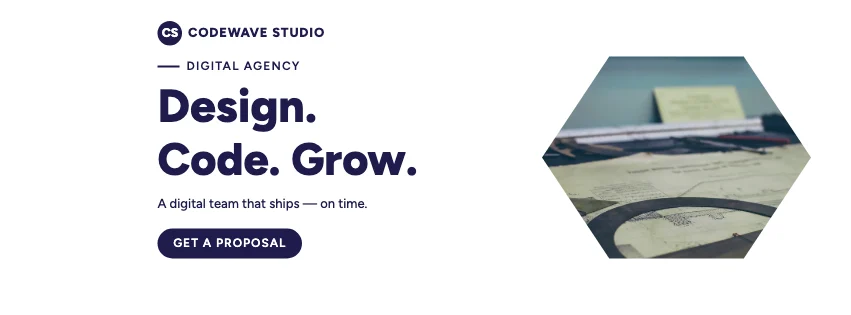 Digital Agency Digital Facebook CoverTech grid · Glassmorphism
 Digital Agency Round Photo Facebook CoverPhoto circles · Corporate Blue & Orange
 Digital Agency Offerings Facebook CoverServices row · Gradient Modern
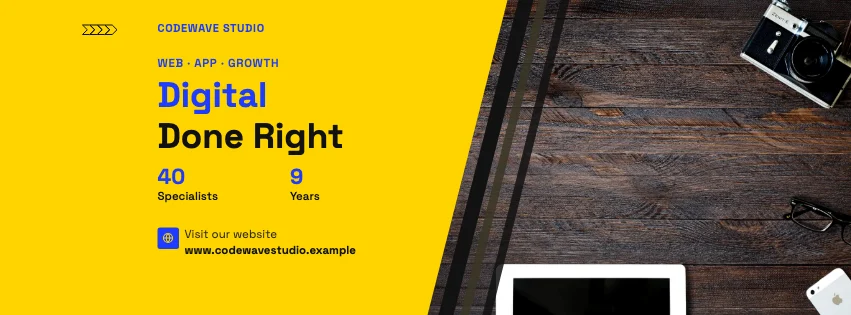 Digital Agency Split Facebook CoverDiagonal split · Swiss Style
Design advice
How to design a great digital agency Facebook cover
- Show real work: a screenshot or mock-up beats an abstract graphic.
- Name what you build — websites, apps, stores — in plain words.
- Dark tech palettes need strong contrast; keep small text bright.
- Add uptime or project figures only if you can back them up.
- Link the cover to your portfolio with a short web address.
What to include
- Agency name
- What you build
- A project screenshot
- Key services
- Website
In this collection: Swiss Style, Glassmorphism, Colour-Block Modern, Corporate Blue & Orange, Gradient Modern, Futuristic Tech styles and slanted photo panels, glass panel, tech grid, hexagon photo frames, photo circles, services row layouts — every one editable, with every word inside the safe area.
All 100 digital agency Facebook cover templates
Search within digital agency covers, filter by style, colour, mood, purpose or format, and open any template in the free editor.
100 templates · showing 24
Digital Agency Glassmorphism Facebook Cover
Digital Agency · Gradient Modern · Page cover
Edit this templateDigital Agency Parallelogram Facebook Cover
Digital Agency · Swiss Style · Page cover
Edit this templateDigital Agency Honeycomb Group Cover
Digital Agency · Colour-Block Modern · Group cover
Edit this templateDigital Agency Round Photo Facebook Cover
Digital Agency · Corporate Blue & Orange · Page cover
Edit this templateDigital Agency Offerings Facebook Cover
Digital Agency · Gradient Modern · Page cover
Edit this templateDigital Agency Key Figures Facebook Cover
Digital Agency · Gradient Modern · Page cover
Edit this templateDigital Agency Slanted Panel Facebook Cover
Digital Agency · Geometric Business · Page cover
Edit this templateDigital Agency Twin Photo Facebook Cover
Digital Agency · Glassmorphism · Page cover
Edit this templateDigital Agency Circles Facebook Cover
Digital Agency · Futuristic Tech · Page cover
Edit this templateDigital Agency Arched Group Cover
Digital Agency · Corporate Blue & Orange · Group cover
Edit this templateDigital Agency Hexagon Facebook Cover
Digital Agency · Futuristic Tech · Page cover
Edit this templateDigital Agency Futuristic Facebook Cover
Digital Agency · Futuristic Tech · Page cover
Edit this templateDigital Agency Diamond Facebook Cover
Digital Agency · Contemporary Minimalist · Page cover
Edit this templateDigital Agency Offerings Event Cover
Digital Agency · Geometric Business · Event cover
Edit this templateDigital Agency Angled Photo Facebook Cover
Digital Agency · Swiss Style · Page cover
Edit this templateDigital Agency Abstract Facebook Cover
Digital Agency · Colour-Block Modern · Page cover
Edit this templateDigital Agency Widescreen Facebook Cover
Digital Agency · Geometric Business · Page cover
Edit this template
24 of 100
Questions about digital agency Facebook covers
Sizes, crops and downloads are covered on the Facebook Cover Maker page.
What size should the cover be?
Meta recommends 851 × 315 pixels for Page and profile covers. The editor designs at twice that (1702 × 630) so you can download either, and keeps every word inside the area all screens show.
How do I add a website screenshot?
Upload it in Uploads and drop it on a photo frame; double-click to adjust the crop, or change the frame's shape in Frames.