100 free, editable templates
Cafe & Coffee Shop Facebook Cover Templates
A cafe cover should feel like walking in: warm light, good coffee and a reason to visit. These templates use beige, retro and organic styles with arch and circle photo frames, menus and opening hours.
Show your own space and drinks, and mention what makes you different — the roast, the bakes or the corner by the window.
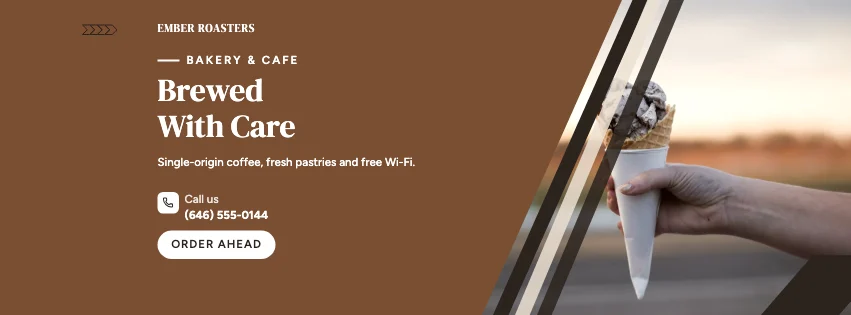
Popular layouts for cafe covers
 Cafe Magazine Facebook CoverEditorial · Minimal Modern
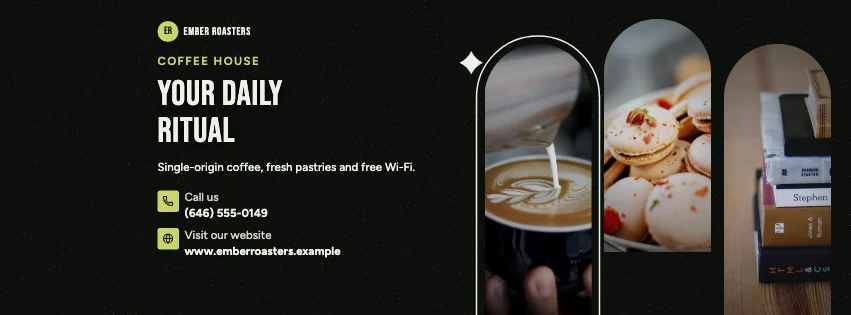 Cafe Arched Facebook CoverArched windows · Dark Cinematic
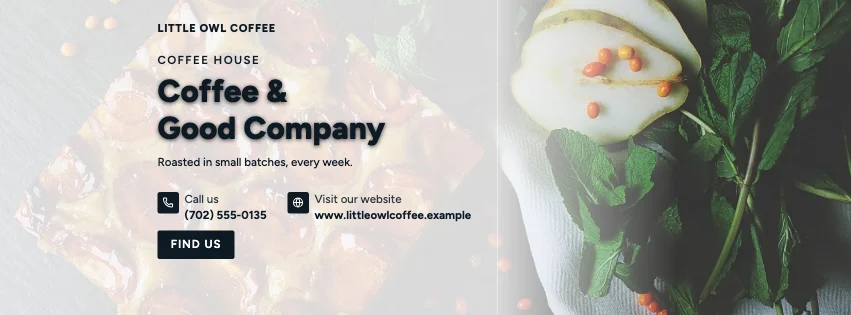 Cafe Full Photo Facebook CoverFull-width photo · Photography Focused
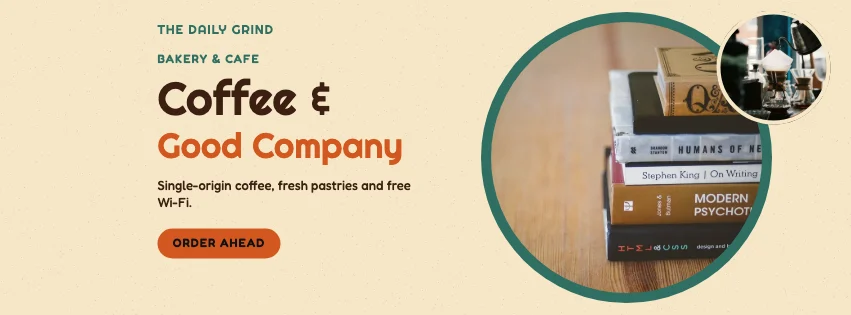 Cafe Bubble Facebook CoverPhoto circles · Retro Business
 Cafe Classic Facebook CoverPhoto at the right · Photography Focused
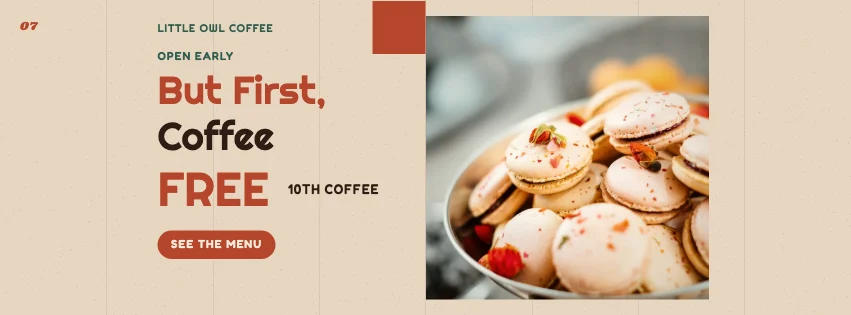 Cafe Modernist Facebook CoverSwiss grid · Retro Business
Design advice
How to design a great cafe Facebook cover
- Use photos of your actual drinks and counter.
- Mention opening hours — cafes are visited on impulse.
- Feature one specialty rather than the whole menu.
- Soft, warm palettes suit most coffee shops.
- Add an offer for regulars, like a loyalty stamp.
What to include
- Cafe name
- A coffee or bakery photo
- A specialty
- Opening hours
- Address
In this collection: Minimal Modern, Elegant Beige, Dark Cinematic, Natural Organic, Photography Focused, Retro Business styles and editorial, framed print, arched windows, menu strip, full-width photo, photo circles layouts — every one editable, with every word inside the safe area.
All 100 cafe Facebook cover templates
Search within cafe covers, filter by style, colour, mood, purpose or format, and open any template in the free editor.
100 templates · showing 24
24 of 100
Questions about cafe Facebook covers
Sizes, crops and downloads are covered on the Facebook Cover Maker page.
What size should the cover be?
Meta recommends 851 × 315 pixels for Page and profile covers. The editor designs at twice that (1702 × 630) so you can download either, and keeps every word inside the area all screens show.
Can I add a map pin and address?
Yes. Add your address in Business; templates with a contact row show it with a map-pin icon.