100 free, editable templates
Social Media Marketing Facebook Cover Templates
If you sell social media, your own cover is the proof. These templates use gradients, glass, colour blocks and bold type with service chips and real-result figures.
Show the platforms you manage and the result clients get, then point to a free audit or call.

Popular layouts for social media covers
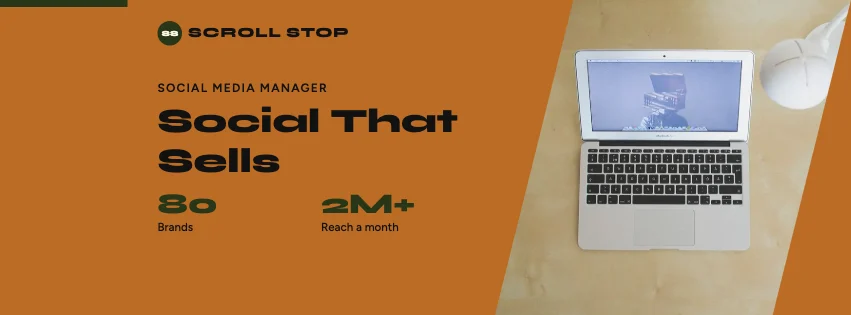 Social Media Stats Facebook CoverKey figures · Geometric Business
 Social Media Split Facebook CoverDiagonal split · Bold Typography
 Social Media Abstract Facebook CoverGeometric shapes · Colour-Block Modern
 Social Media Wave Facebook CoverGradient waves · Gradient Modern
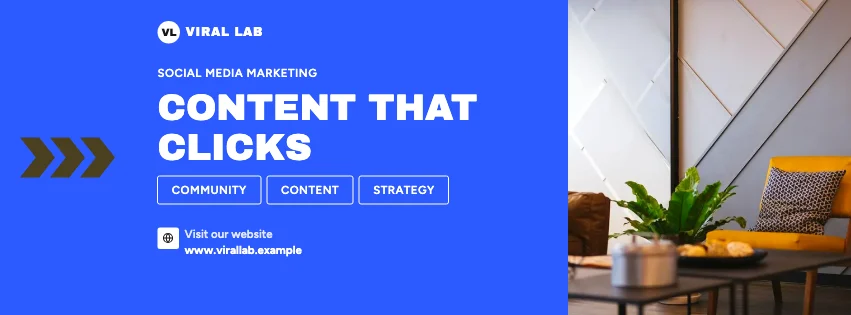 Social Media Statement Facebook CoverBold type · Colour-Block Modern
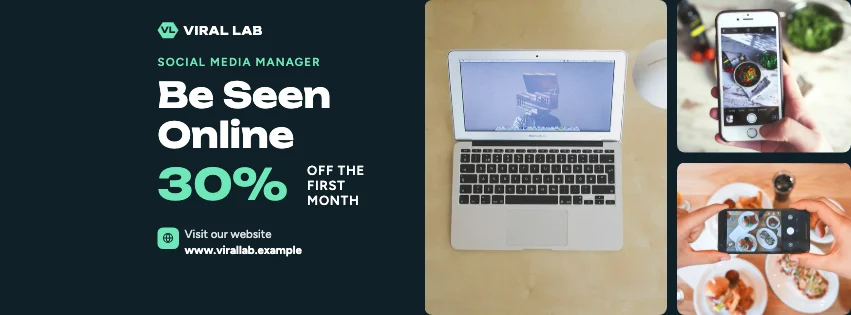 Social Media Gallery Facebook CoverPhoto tiles · Gradient Modern
Design advice
How to design a great social media Facebook cover
- Show results clients care about: reach, sales, leads.
- List the platforms you manage.
- Use your own brand palette, not a platform's.
- Keep claims verifiable.
- Offer a low-risk first step, like an audit.
What to include
- Business name
- Platforms you manage
- A real result
- Services
- Call to action
In this collection: Geometric Business, Bold Typography, Contemporary Minimalist, Colour-Block Modern, Gradient Modern, Glassmorphism styles and key figures, diagonal split, slanted photo panels, geometric shapes, gradient waves, bold type layouts — every one editable, with every word inside the safe area.
All 100 social media Facebook cover templates
Search within social media covers, filter by style, colour, mood, purpose or format, and open any template in the free editor.
100 templates · showing 24
Social Media Angled Photo Event Cover
Social Media · Contemporary Minimalist · Event cover
Edit this templateSocial Media Abstract Facebook Cover
Social Media · Colour-Block Modern · Page cover
Edit this templateSocial Media Statement Facebook Cover
Social Media · Colour-Block Modern · Page cover
Edit this templateSocial Media Big Type Facebook Cover
Social Media · Geometric Business · Page cover
Edit this templateSocial Media Gradient Facebook Cover
Social Media · Geometric Business · Page cover
Edit this templateColour-Block Modern Social Media Geometric Facebook Cover
Social Media · Colour-Block Modern · Page cover
Edit this templateSocial Media Round Photo Facebook Cover
Social Media · Geometric Business · Page cover
Edit this templateSocial Media Colour Block Facebook Cover
Social Media · Bold Typography · Page cover
Edit this template
24 of 100
Questions about social media Facebook covers
Sizes, crops and downloads are covered on the Facebook Cover Maker page.
What size should the cover be?
Meta recommends 851 × 315 pixels for Page and profile covers. The editor designs at twice that (1702 × 630) so you can download either, and keeps every word inside the area all screens show.
Can I make covers for my clients?
Yes — save each client's details in Business, apply them, and download Meta's size.