100 free, editable templates
Startup & Entrepreneur Facebook Cover Templates
A young company's cover should feel like the product — bold, new and confident. These templates use gradients, glass panels, colour blocks and big type for launch announcements, waitlists and founder stories.
Say what's coming and how to be first in line; update the cover as you move from waitlist to launch.

Popular layouts for startup covers
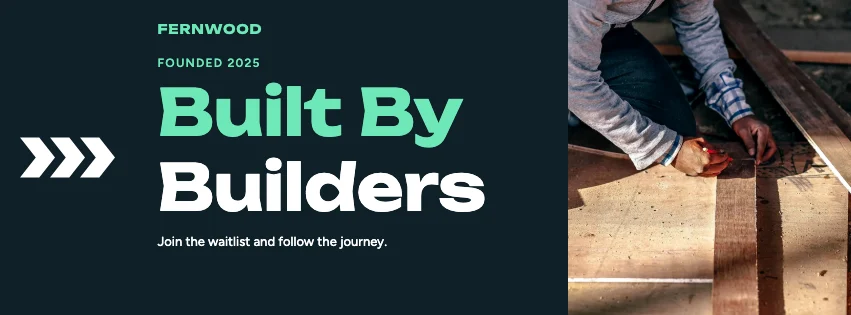 Startup Big Type Facebook CoverBold type · Gradient Modern
 Startup Shapes Facebook CoverGeometric shapes · Futuristic Tech
 Startup Key Figures Facebook CoverKey figures · Elegant Serif
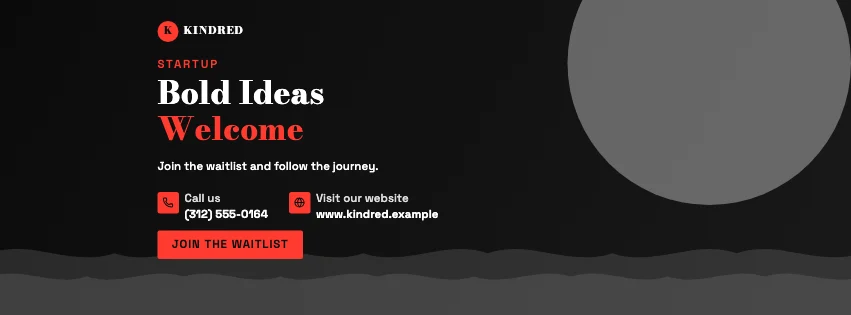 Startup Gradient Facebook CoverGradient waves · High-Contrast Editorial
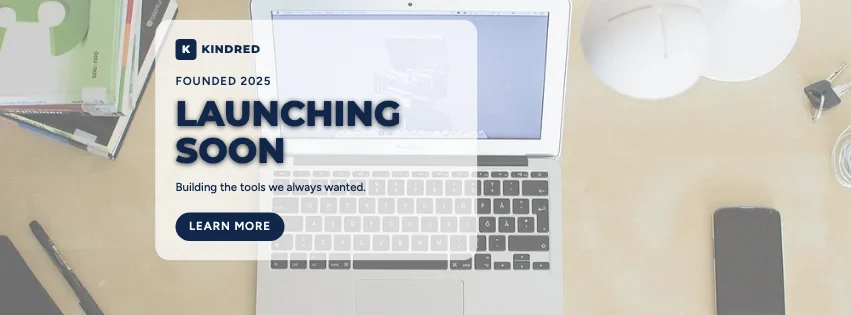 Startup Frosted Facebook CoverGlass panel · Corporate Blue & Orange
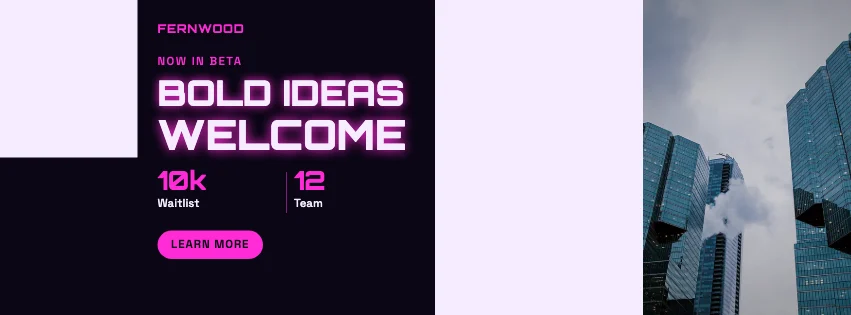 Startup Panels Facebook CoverColour blocks · Futuristic Tech
Design advice
How to design a great startup Facebook cover
- Explain the idea in one line a stranger understands.
- Give one action: join the waitlist, try the beta or follow.
- Use your product's colours so the cover and app feel connected.
- A founder photo adds trust for a brand-new company.
- Change the cover at each milestone — launches are news.
What to include
- Startup name
- What it does
- Launch or beta status
- Call to action
- Website
In this collection: Gradient Modern, Futuristic Tech, Elegant Serif, High-Contrast Editorial, Corporate Blue & Orange, Geometric Business styles and bold type, geometric shapes, key figures, gradient waves, glass panel, colour blocks layouts — every one editable, with every word inside the safe area.
All 100 startup Facebook cover templates
Search within startup covers, filter by style, colour, mood, purpose or format, and open any template in the free editor.
100 templates · showing 24
Colour-Block Modern Startup Statement Facebook Cover
Startup · Colour-Block Modern · Page cover
Edit this templateContemporary Minimalist Startup Colour Block Facebook Cover
Startup · Contemporary Minimalist · Page cover
Edit this template
24 of 100
Questions about startup Facebook covers
Sizes, crops and downloads are covered on the Facebook Cover Maker page.
What size should the cover be?
Meta recommends 851 × 315 pixels for Page and profile covers. The editor designs at twice that (1702 × 630) so you can download either, and keeps every word inside the area all screens show.
Can I add a QR code to our waitlist?
Yes — QR & icons makes a QR code for any link. Keep it large; on phones the cover is small.