100 free, editable templates
Travel & Tourism Facebook Cover Templates
Travel covers sell a feeling before a trip. These templates use full-width scenery, slanted and arched photo frames, tiles and cinematic bars, with tour prices and booking details.
Use your own destination photos where you can, and show one compelling offer.
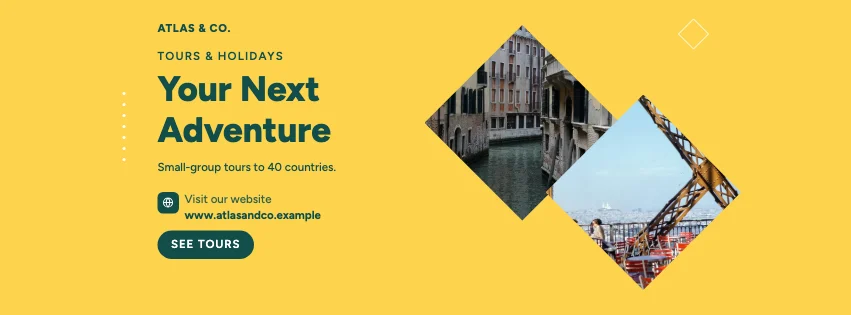
Popular layouts for travel covers
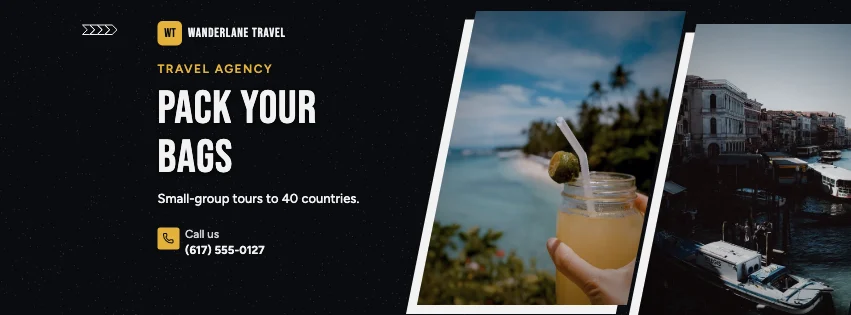 Travel Angled Photo Facebook CoverSlanted photo panels · Dark Cinematic
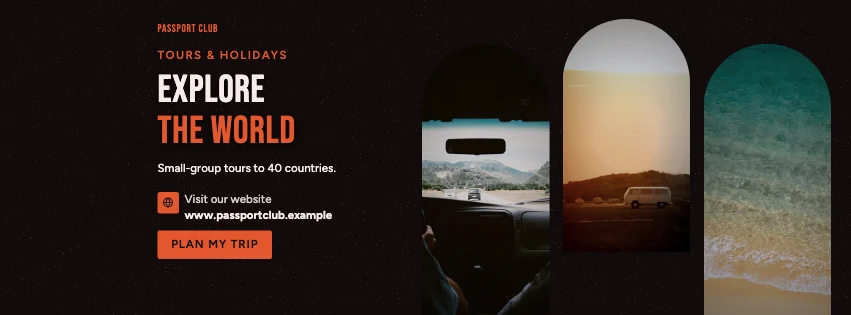 Travel Arch Facebook CoverArched windows · Dark Cinematic
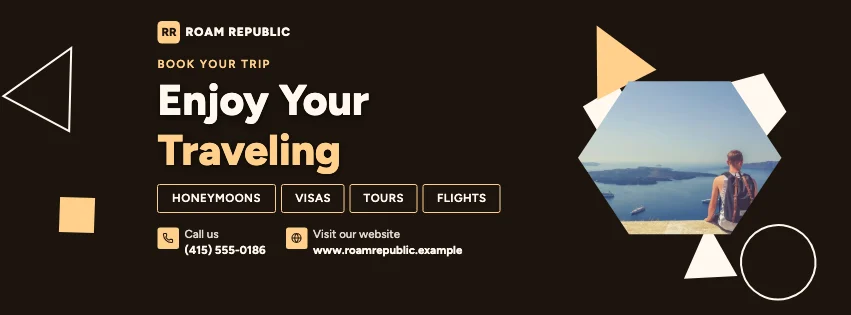 Travel Abstract Facebook CoverGeometric shapes · Photography Focused
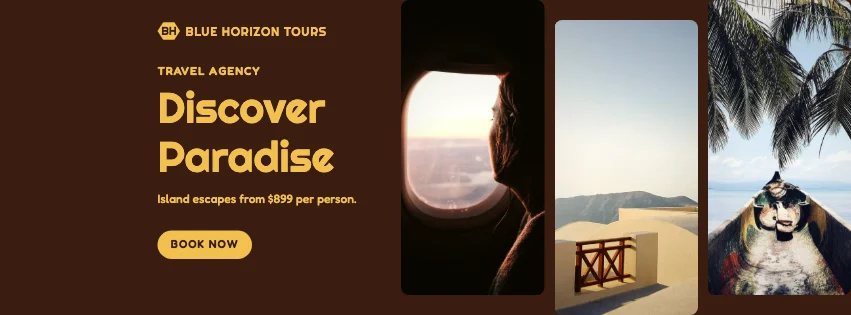 Travel Photo Grid Facebook CoverPhoto tiles · Retro Business
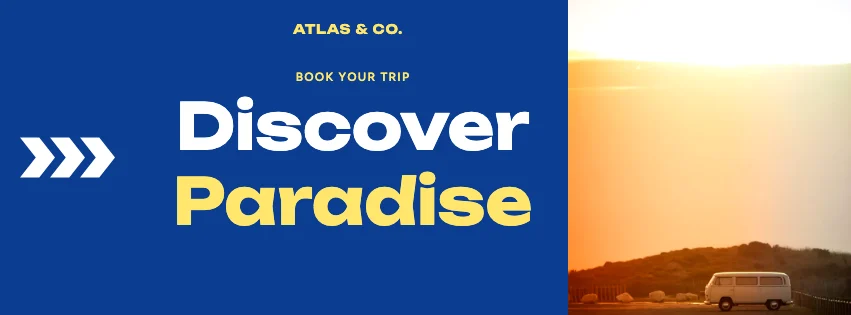 Travel Big Type Facebook CoverBold type · Gradient Modern
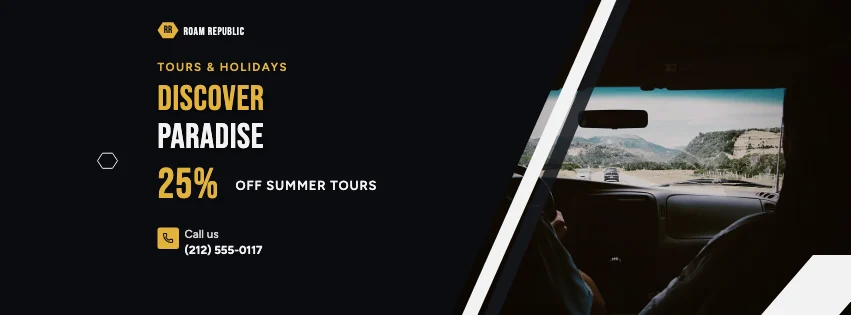 Travel Split Facebook CoverDiagonal split · Dark Cinematic
Design advice
How to design a great travel Facebook cover
- Use one breathtaking destination photo.
- Show a 'from' price with what's included.
- Name the destination or kind of trip.
- Keep text off the horizon and faces.
- Add how to book.
What to include
- Agency name
- Destination photo
- Tour or offer
- Price and inclusions
- Booking contact
In this collection: Dark Cinematic, Photography Focused, Gradient Modern, Retro Business, Glassmorphism, Natural Organic styles and slanted photo panels, services row, full-width photo, arched windows, geometric shapes, photo tiles layouts — every one editable, with every word inside the safe area.
All 100 travel Facebook cover templates
Search within travel covers, filter by style, colour, mood, purpose or format, and open any template in the free editor.
100 templates · showing 24
24 of 100
Questions about travel Facebook covers
Sizes, crops and downloads are covered on the Facebook Cover Maker page.
What size should the cover be?
Meta recommends 851 × 315 pixels for Page and profile covers. The editor designs at twice that (1702 × 630) so you can download either, and keeps every word inside the area all screens show.
Can I use more than one destination?
Yes — tile and slanted-panel layouts hold two to four photos.