100 free, editable templates
Web Design & Development Facebook Cover Templates
Web designers and developers need covers that look as fast and clean as the sites they build. These templates use tech grids, glass panels, Swiss layouts and service rows with room for a site screenshot.
Show a real project and say what you build — the layout handles the rest.

Popular layouts for web design covers
 Web Design Digital Facebook CoverTech grid · Photography Focused
 Web Design Split Facebook CoverDiagonal split · Swiss Style
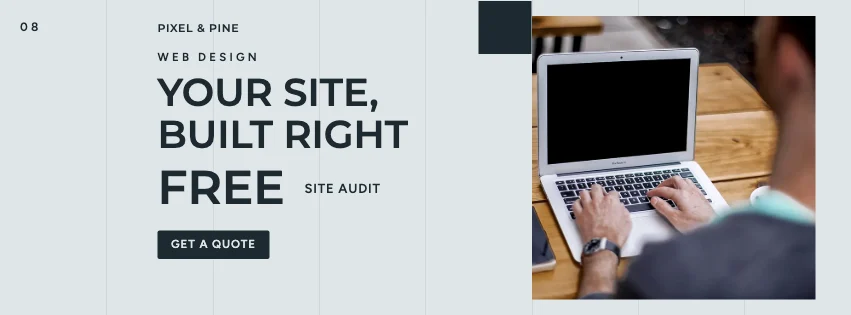 Web Design Grid Facebook CoverSwiss grid · Contemporary Minimalist
 Web Design Flow Facebook CoverGradient waves · Elegant Serif
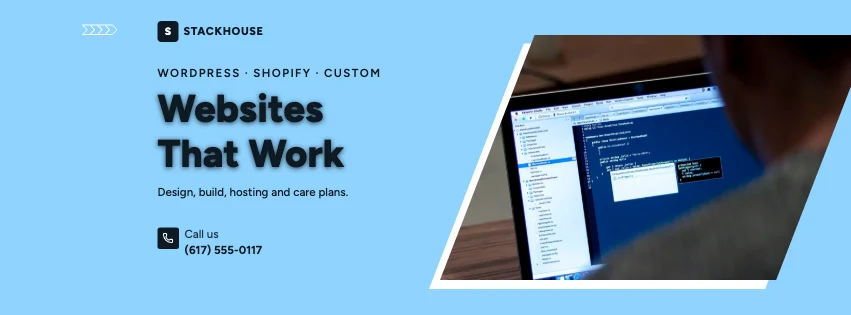 Web Design Angled Photo Facebook CoverSlanted photo panels · Photography Focused
 Web Design Features Facebook CoverServices row · High-Contrast Editorial
Design advice
How to design a great web design Facebook cover
- Show a real site you built, on a laptop or phone.
- Name the platforms you work with.
- Mention speed or accessibility only if you deliver it.
- Keep the palette close to your own site.
- Make your portfolio link easy to read.
What to include
- Your name or studio
- A site screenshot
- Platforms and services
- A starter price, if any
- Website
In this collection: Photography Focused, Swiss Style, Contemporary Minimalist, Elegant Serif, Glassmorphism, Gradient Modern styles and tech grid, diagonal split, swiss grid, gradient waves, key figures, photo circles layouts — every one editable, with every word inside the safe area.
All 100 web design Facebook cover templates
Search within web design covers, filter by style, colour, mood, purpose or format, and open any template in the free editor.
100 templates · showing 24
Web Design Angled Photo Facebook Cover
Web Design · Photography Focused · Page cover
Edit this templateWeb Design Features Facebook Cover
Web Design · High-Contrast Editorial · Page cover
Edit this templateDark Cinematic Web Design Swiss Grid Facebook Cover
Web Design · Dark Cinematic · Page cover
Edit this templateWeb Design Gradient Facebook Cover
Web Design · Contemporary Minimalist · Page cover
Edit this templateWeb Design Glassmorphism Facebook Cover
Web Design · Geometric Business · Page cover
Edit this templateWeb Design Double Photo Facebook Cover
Web Design · Geometric Business · Page cover
Edit this template
24 of 100
Questions about web design Facebook covers
Sizes, crops and downloads are covered on the Facebook Cover Maker page.
What size should the cover be?
Meta recommends 851 × 315 pixels for Page and profile covers. The editor designs at twice that (1702 × 630) so you can download either, and keeps every word inside the area all screens show.
Can I put a screenshot in a frame?
Yes. Drop it on any photo frame, or change the frame's shape in Frames.