100 free, editable templates
Video Production & Creative Studio Facebook Cover Templates
A production company's cover should look like a frame from your reel. These templates use cinematic letterbox bars, dark grading, slanted panels and editorial layouts with services and figures.
Use a still from your best work and point people to your reel.
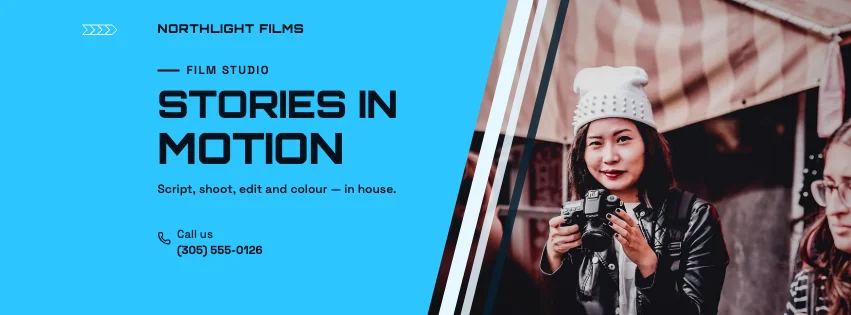
Popular layouts for video studio covers
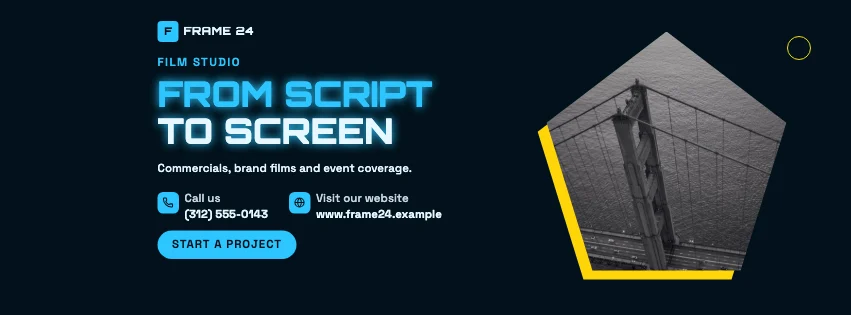 Video Studio Octagon Facebook CoverBadge photo · Futuristic Tech
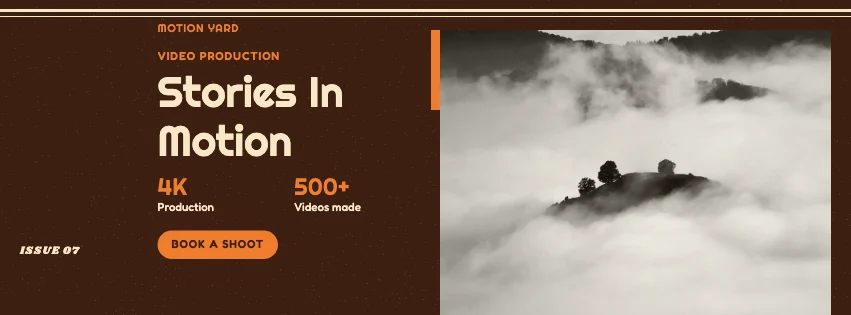 Video Studio Journal Facebook CoverEditorial · Retro Business
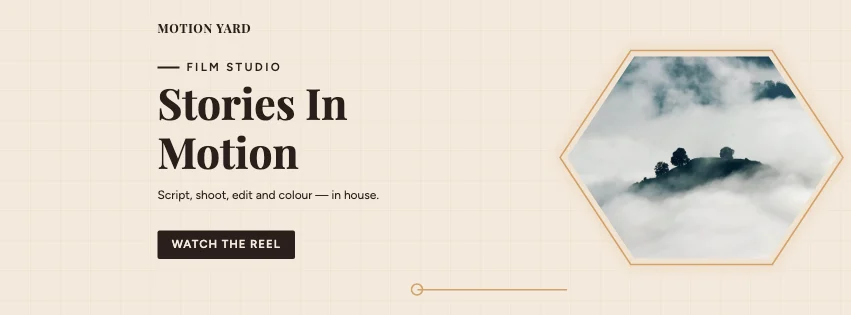 Video Studio Digital Facebook CoverTech grid · Elegant Serif
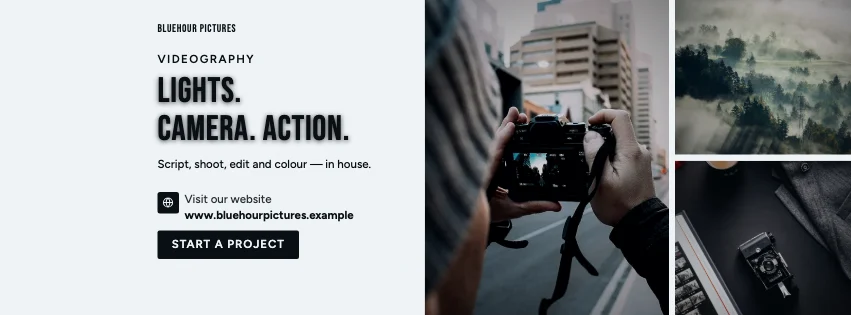 Video Studio Tiles Facebook CoverPhoto tiles · Dark Cinematic
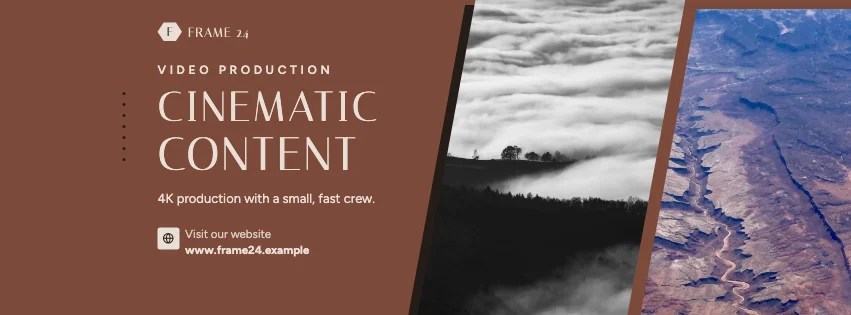 Video Studio Parallelogram Facebook CoverSlanted photo panels · Luxury Fashion
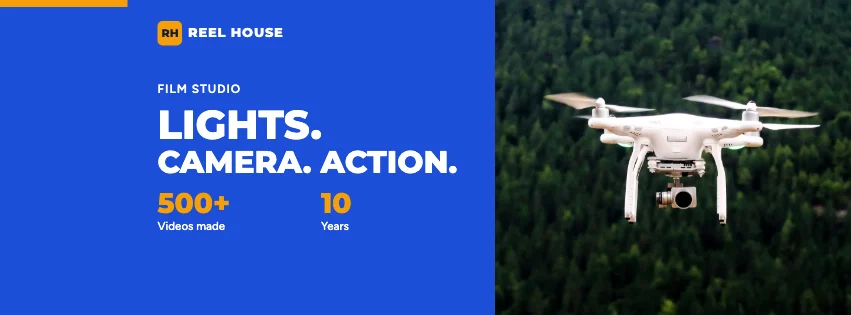 Video Studio Numbers Facebook CoverKey figures · Corporate Blue & Orange
Design advice
How to design a great video studio Facebook cover
- Use a real still from your work, well graded.
- Keep text minimal — like a title card.
- Name the kinds of films you make.
- Point to your reel or showreel page.
- Check dark designs on a phone.
What to include
- Studio name
- A film still
- What you produce
- Reel link
- Contact
In this collection: Futuristic Tech, Retro Business, Elegant Serif, Dark Cinematic, Luxury Fashion, High-Contrast Editorial styles and badge photo, editorial, tech grid, photo tiles, slanted photo panels, key figures layouts — every one editable, with every word inside the safe area.
All 100 video studio Facebook cover templates
Search within video studio covers, filter by style, colour, mood, purpose or format, and open any template in the free editor.
100 templates · showing 24
Video Studio Rhombus Facebook Cover
Video Studio · Contemporary Minimalist · Page cover
Edit this templateVideo Studio Parallelogram Facebook Cover
Video Studio · Luxury Fashion · Page cover
Edit this templateVideo Studio Slanted Panel Facebook Cover
Video Studio · High-Contrast Editorial · Page cover
Edit this templateVideo Studio Numbers Facebook Cover
Video Studio · Corporate Blue & Orange · Page cover
Edit this templateVideo Studio Colour Block Facebook Cover
Video Studio · High-Contrast Editorial · Page cover
Edit this templateVideo Studio Round Photo Event Cover
Video Studio · Photography Focused · Event cover
Edit this templateVideo Studio Angled Photo Facebook Cover
Video Studio · Bold Typography · Page cover
Edit this templateVideo Studio Gallery Facebook Cover
Video Studio · High-Contrast Editorial · Page cover
Edit this templateVideo Studio Business Card Facebook Cover
Video Studio · Photography Focused · Page cover
Edit this templateVideo Studio Glassmorphism Event Cover
Video Studio · Bold Typography · Event cover
Edit this templateHigh-Contrast Editorial Video Studio Photo Grid Facebook Cover
Video Studio · High-Contrast Editorial · Page cover
Edit this templateVideo Studio Editorial Event Cover
Video Studio · High-Contrast Editorial · Event cover
Edit this template
24 of 100
Questions about video studio Facebook covers
Sizes, crops and downloads are covered on the Facebook Cover Maker page.
What size should the cover be?
Meta recommends 851 × 315 pixels for Page and profile covers. The editor designs at twice that (1702 × 630) so you can download either, and keeps every word inside the area all screens show.
Can I use a frame from my video?
Yes — export a still, upload it and drop it on the background photo.