100 free, editable templates
Fashion & Clothing Store Facebook Cover Templates
Fashion covers work like a magazine page: a striking photo, a collection name and space. These templates use luxury fashion, editorial and minimal styles with slanted panels, arches and tiles for new drops and seasonal edits.
Use your own lookbook photos, and change the cover with every collection.
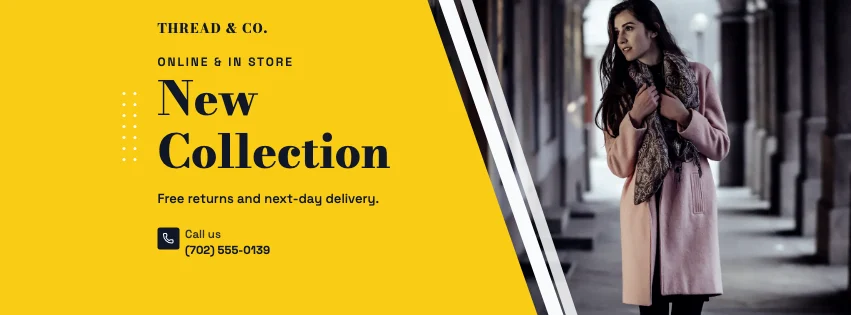
Popular layouts for fashion covers
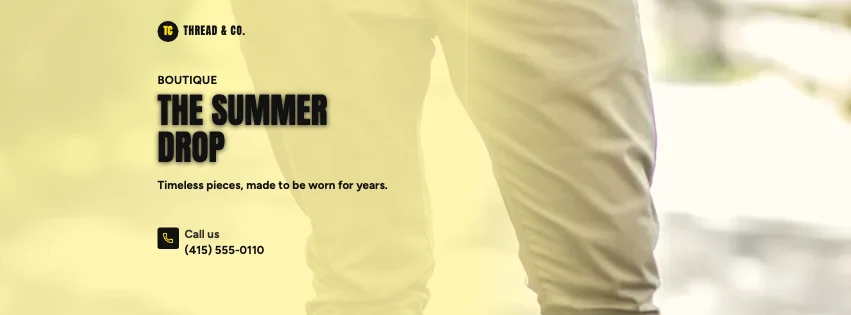 Fashion Full Photo Facebook CoverFull-width photo · Bold Typography
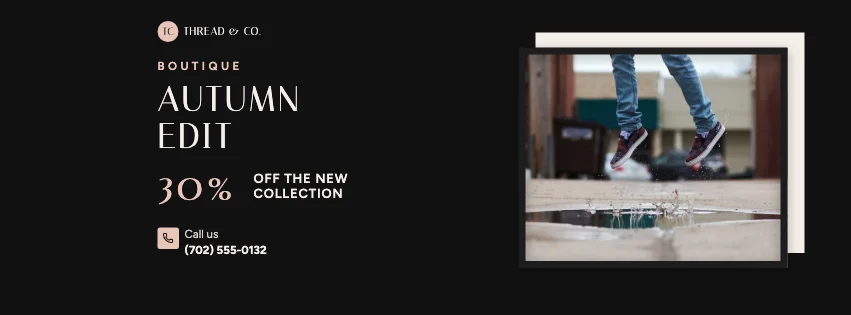 Fashion Framed Facebook CoverFramed print · Luxury Fashion
 Fashion Hexagon Facebook CoverHexagon photo frames · Luxury Black & Gold
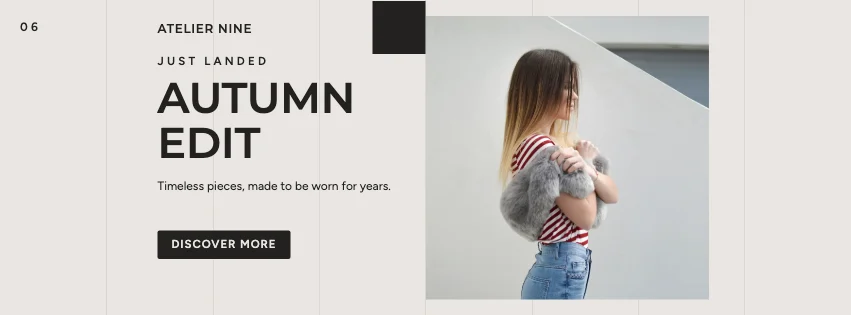 Fashion Swiss Grid Facebook CoverSwiss grid · Contemporary Minimalist
 Fashion Deal Facebook CoverSale burst · Luxury Fashion
 Fashion Abstract Facebook CoverGeometric shapes · High-Contrast Editorial
Design advice
How to design a great fashion Facebook cover
- One strong model or product photo beats a busy collage.
- Name the collection or season clearly.
- Hairline serifs and wide spacing say 'premium'.
- Mention delivery or returns if they're a selling point.
- Keep sale banners short and dated.
What to include
- Store name
- Collection or season
- A lookbook photo
- Shop link
- Offer, if any
In this collection: Bold Typography, Luxury Fashion, High-Contrast Editorial, Luxury Black & Gold, Minimal Modern, Contemporary Minimalist styles and full-width photo, framed print, photo tiles, hexagon photo frames, services row, swiss grid layouts — every one editable, with every word inside the safe area.
All 100 fashion Facebook cover templates
Search within fashion covers, filter by style, colour, mood, purpose or format, and open any template in the free editor.
100 templates · showing 24
Fashion Parallelogram Facebook Cover
Fashion · Navy & White Professional · Page cover
Edit this templateDark Cinematic Fashion Angled Photo Facebook Cover
Fashion · Dark Cinematic · Page cover
Edit this template
24 of 100
Questions about fashion Facebook covers
Sizes, crops and downloads are covered on the Facebook Cover Maker page.
What size should the cover be?
Meta recommends 851 × 315 pixels for Page and profile covers. The editor designs at twice that (1702 × 630) so you can download either, and keeps every word inside the area all screens show.
Can I show several products?
Yes — tile and slanted-panel layouts hold two to four photos.