100 free, editable templates
Beauty & Salon Business Facebook Cover Templates
Salon clients book on mood and trust. These templates use soft beige, elegant serif and luxury styles with arch and circle photos, service lists and clear booking details.
Show your own work and space, and make it easy to book.
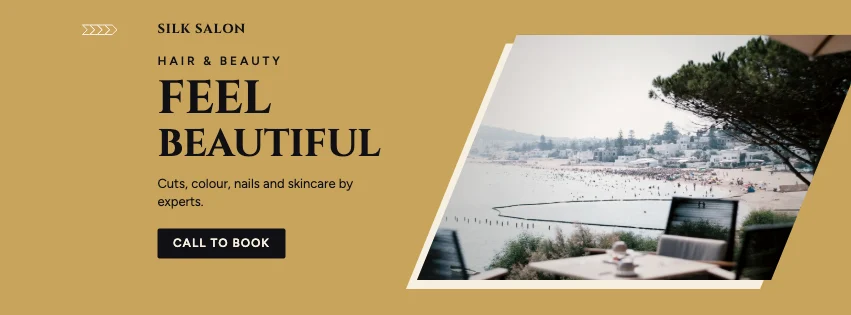
Popular layouts for salon covers
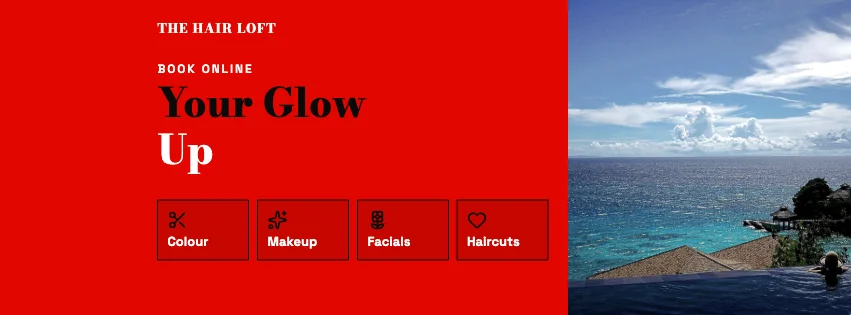 Salon Offerings Facebook CoverServices row · High-Contrast Editorial
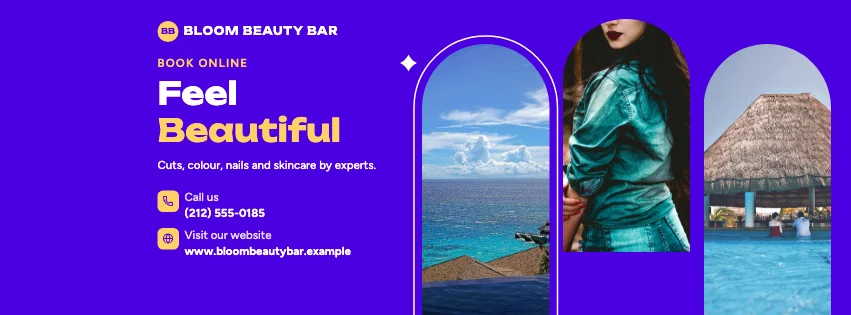 Salon Arched Facebook CoverArched windows · Gradient Modern
 Salon Snapshot Facebook CoverFramed print · Gradient Modern
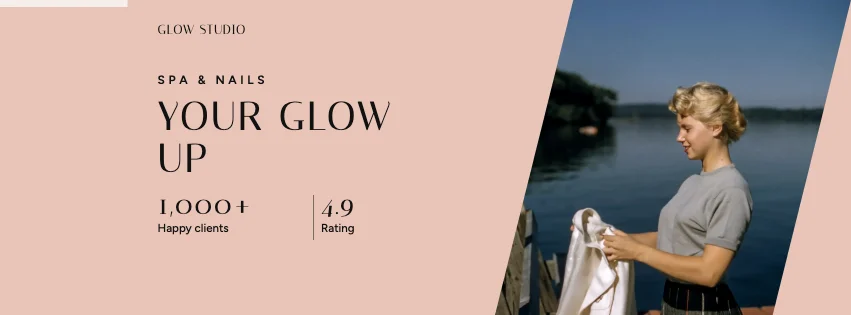 Salon Numbers Facebook CoverKey figures · Luxury Fashion
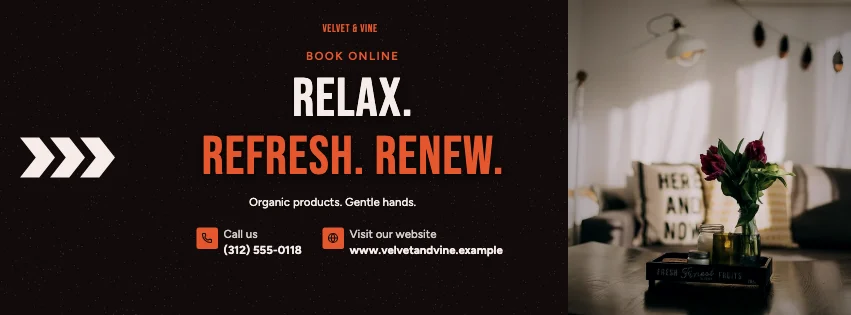 Salon Bold Type Facebook CoverBold type · Dark Cinematic
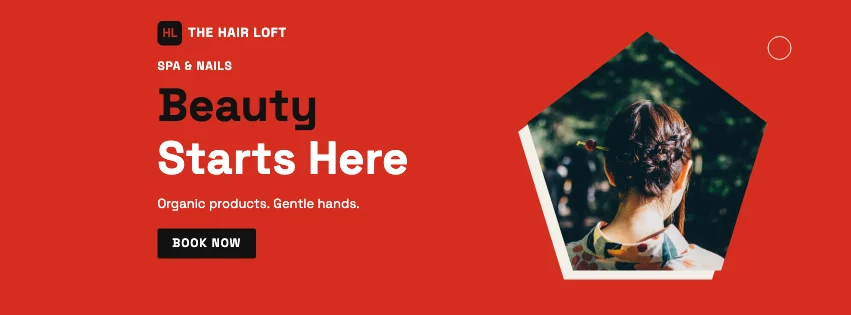 Salon Emblem Facebook CoverBadge photo · Swiss Style
Design advice
How to design a great salon Facebook cover
- Use photos of your own work — cuts, colour, nails.
- List your most-booked treatments, not everything.
- Add how to book: phone, link or message.
- Soft palettes and serif type feel calm and premium.
- Mention a first-visit offer if you have one.
What to include
- Salon name
- A photo of your work
- Key treatments
- Booking details
- Opening hours
In this collection: High-Contrast Editorial, Gradient Modern, Luxury Fashion, Dark Cinematic, Swiss Style, Retro Business styles and services row, arched windows, framed print, key figures, bold type, badge photo layouts — every one editable, with every word inside the safe area.
All 100 salon Facebook cover templates
Search within salon covers, filter by style, colour, mood, purpose or format, and open any template in the free editor.
100 templates · showing 24
24 of 100
Questions about salon Facebook covers
Sizes, crops and downloads are covered on the Facebook Cover Maker page.
What size should the cover be?
Meta recommends 851 × 315 pixels for Page and profile covers. The editor designs at twice that (1702 × 630) so you can download either, and keeps every word inside the area all screens show.
Can I add a booking link?
Yes. Put your booking page in Website, or add a QR code from QR & icons.