100 free, editable templates
Product Advertisement Facebook Cover Templates
A product cover sells with one great picture and a few reasons to buy. These templates put the product on discs and bursts, beside feature lists and key specs, in gradient, glass, cinematic and minimal styles.
Cut your product out of its background, drop it in, and lead with the feature people care about most.
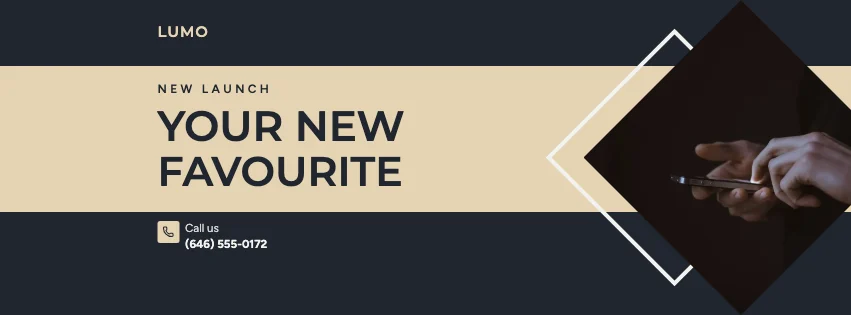
Popular layouts for product covers
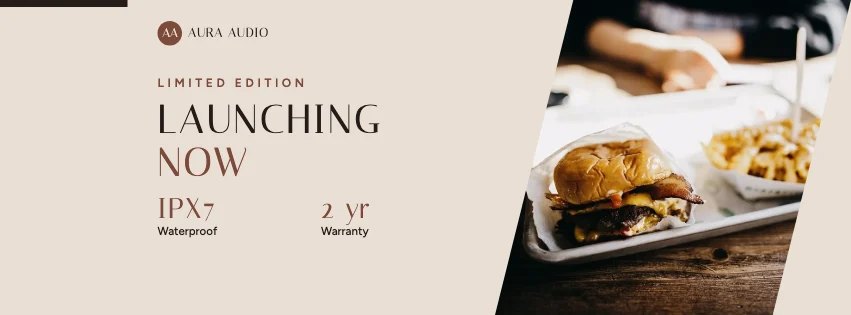 Product Numbers Facebook CoverKey figures · Luxury Fashion
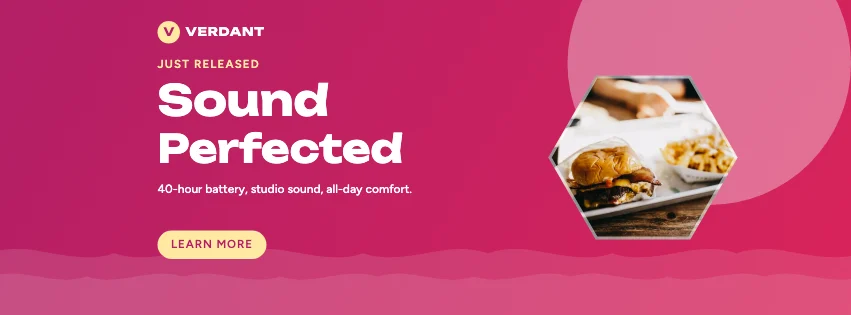 Product Wave Facebook CoverGradient waves · Gradient Modern
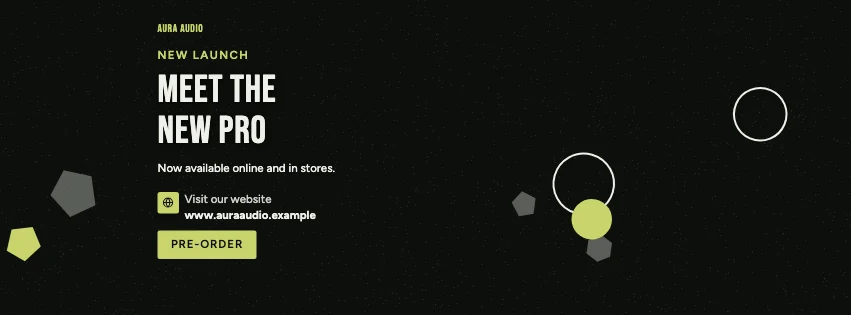 Product Shapes Facebook CoverGeometric shapes · Dark Cinematic
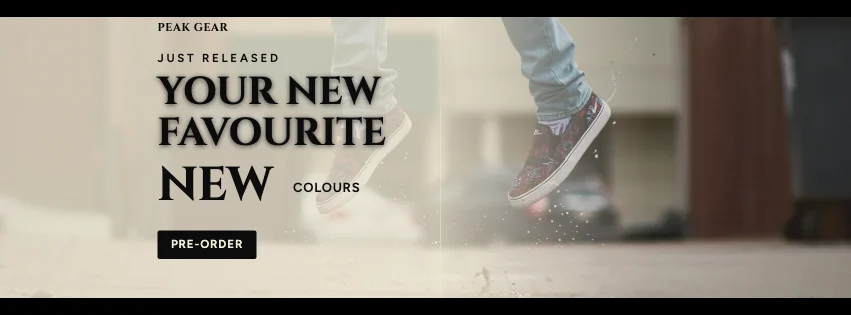 Product Cinematic Facebook CoverCinematic bars · Luxury Black & Gold
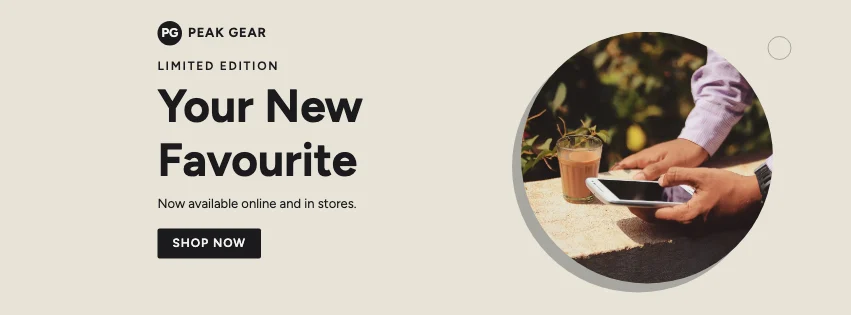 Product Octagon Facebook CoverBadge photo · Minimal Modern
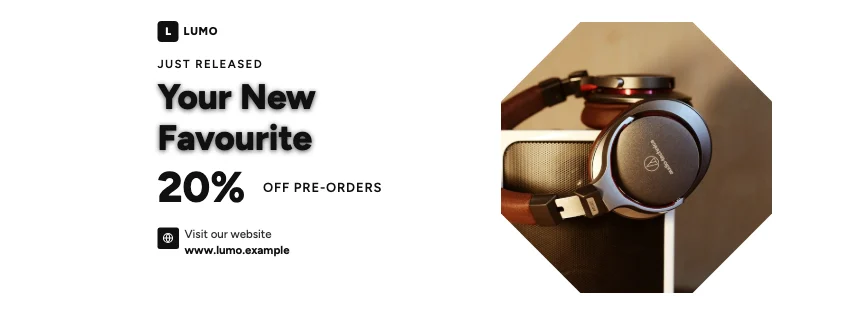 Product Spotlight Facebook CoverProduct hero · Photography Focused
Design advice
How to design a great product Facebook cover
- Shoot the product on a plain background, then use Cut-out.
- Lead with the benefit, then two or three features.
- Show a launch price or pre-order date.
- Keep specs to the numbers that matter (battery, size).
- Use the product's own colours in the palette.
What to include
- Product name
- A product photo
- Key benefit
- Two or three features
- Price or launch date
In this collection: Luxury Fashion, Gradient Modern, Dark Cinematic, Luxury Black & Gold, Minimal Modern, Photography Focused styles and key figures, gradient waves, geometric shapes, cinematic bars, badge photo, diagonal split layouts — every one editable, with every word inside the safe area.
All 100 product Facebook cover templates
Search within product covers, filter by style, colour, mood, purpose or format, and open any template in the free editor.
100 templates · showing 24
24 of 100
Questions about product Facebook covers
Sizes, crops and downloads are covered on the Facebook Cover Maker page.
What size should the cover be?
Meta recommends 851 × 315 pixels for Page and profile covers. The editor designs at twice that (1702 × 630) so you can download either, and keeps every word inside the area all screens show.
Can I show the price on a badge?
Yes — sale-burst and product-hero layouts include an offer badge you can type over.