100 free, editable templates
Digital Creator & Influencer Facebook Cover Templates
A creator's cover should feel like your content: your face, your vibe and when to tune in. These templates use portrait cards, gradients, glass and colour blocks with upload schedules and follower figures.
Use a photo that looks like your videos, and tell people what they'll get by following.
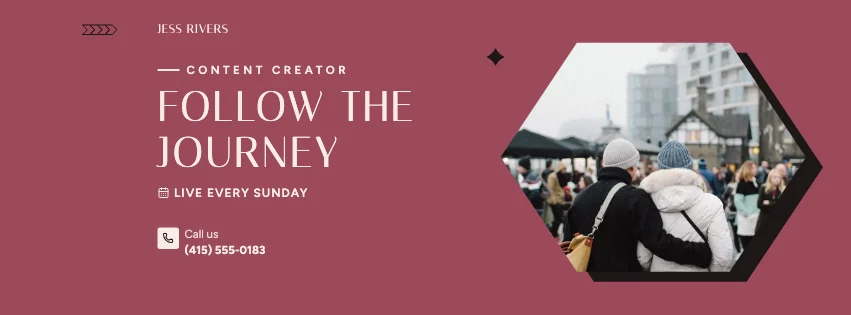
Popular layouts for creator covers
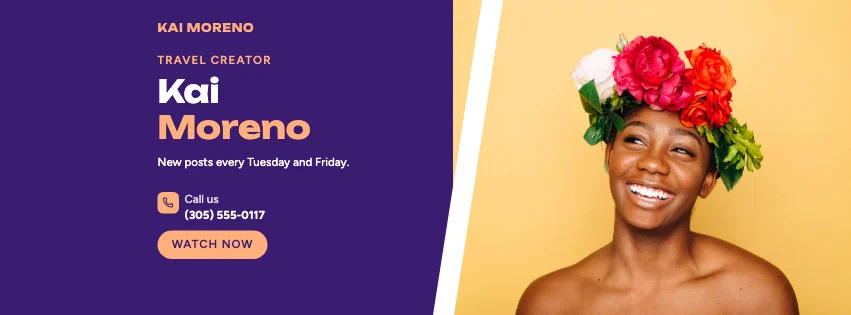 Creator Portrait Facebook CoverPortrait card · Gradient Modern
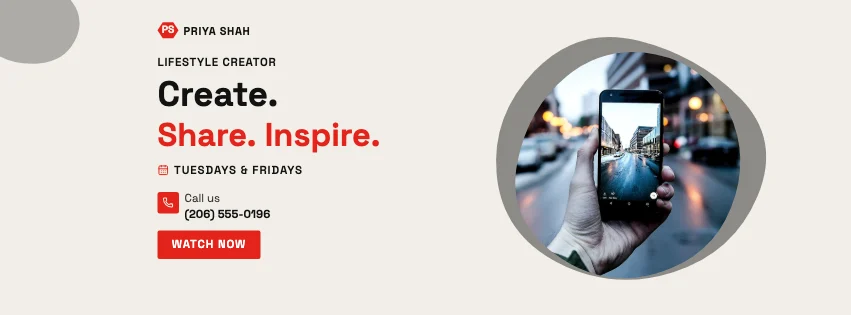 Creator Natural Facebook CoverOrganic shapes · Swiss Style
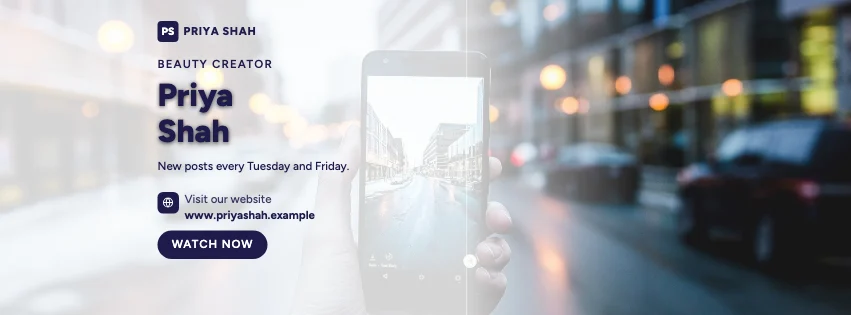 Creator Scenic Facebook CoverFull-width photo · Glassmorphism
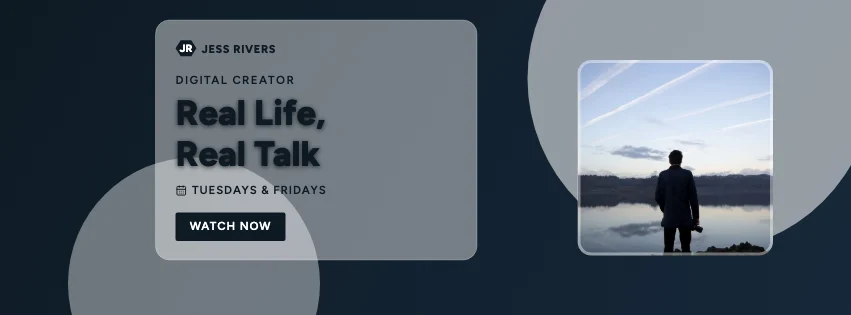 Creator Glassmorphism Facebook CoverGlass panel · Photography Focused
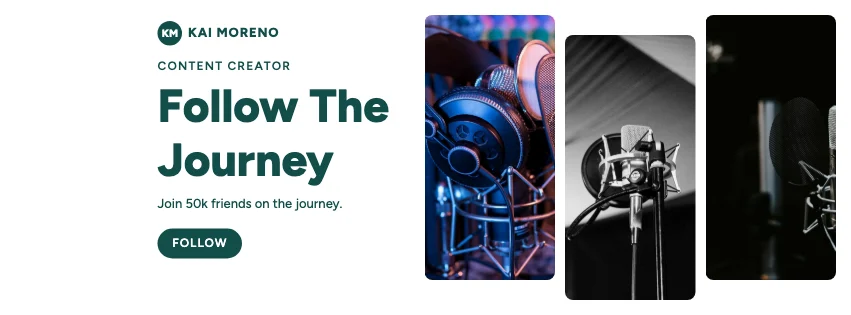 Creator Gallery Facebook CoverPhoto tiles · Glassmorphism
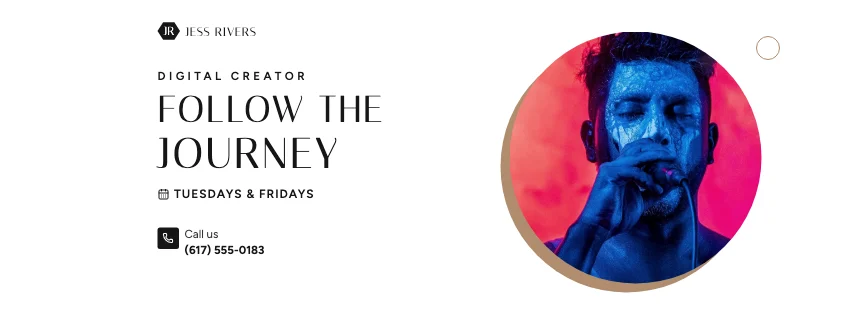 Creator Emblem Facebook CoverBadge photo · Luxury Fashion
Design advice
How to design a great creator Facebook cover
- Use a clear photo of you — it's your brand.
- Say what your content is about in a few words.
- Add your posting schedule.
- Use real follower numbers, or none at all.
- Match the cover to your channel's look.
What to include
- Your name or handle
- Your photo
- Content topics
- Posting schedule
- Collab contact
In this collection: Gradient Modern, Geometric Business, Swiss Style, Glassmorphism, Photography Focused, Retro Business styles and portrait card, badge photo, organic shapes, full-width photo, glass panel, photo tiles layouts — every one editable, with every word inside the safe area.
All 100 creator Facebook cover templates
Search within creator covers, filter by style, colour, mood, purpose or format, and open any template in the free editor.
100 templates · showing 24
24 of 100
Questions about creator Facebook covers
Sizes, crops and downloads are covered on the Facebook Cover Maker page.
What size should the cover be?
Meta recommends 851 × 315 pixels for Page and profile covers. The editor designs at twice that (1702 × 630) so you can download either, and keeps every word inside the area all screens show.
Can I match my YouTube banner?
Yes — use the same palette and fonts here and in the YouTube Banner Maker.