100 free, editable templates
Sales & Special Offers Facebook Cover Templates
Sale covers have to stop the scroll: a big number, a short deadline and somewhere to go. These templates use bold type, bursts, stripes and colour blocks for flash sales, clearances and weekend deals.
Type your real discount and end date — and switch the cover back when the sale ends.
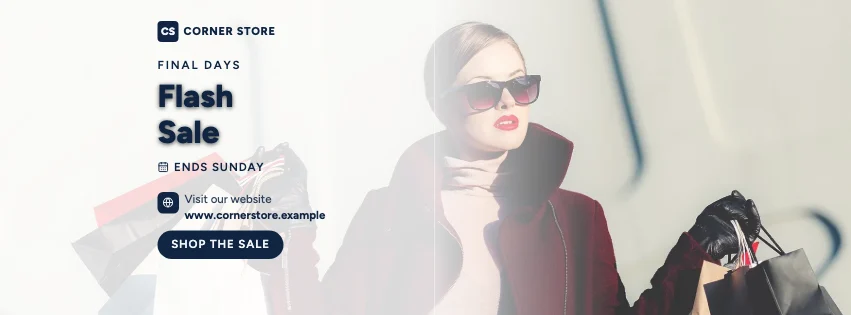
Popular layouts for sale covers
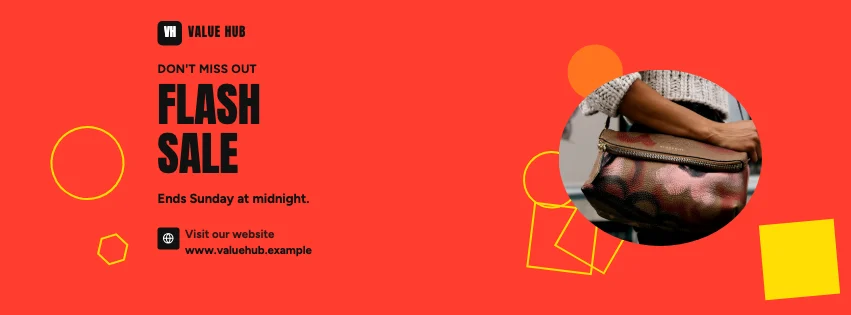 Sale Abstract Facebook CoverGeometric shapes · Bold Typography
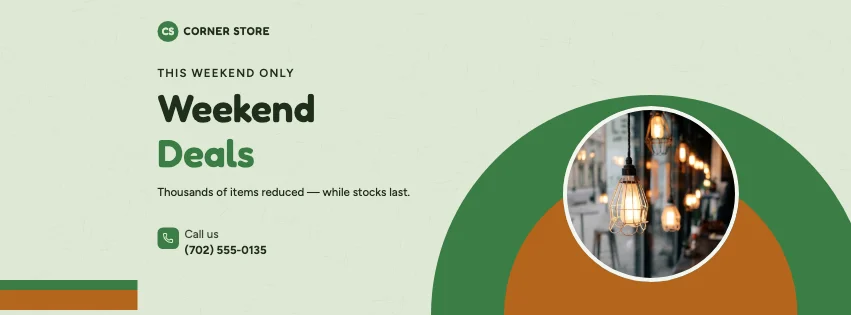 Sale Sunset Facebook CoverRetro sun · Natural Organic
 Sale Arch Facebook CoverArched windows · Corporate Blue & Orange
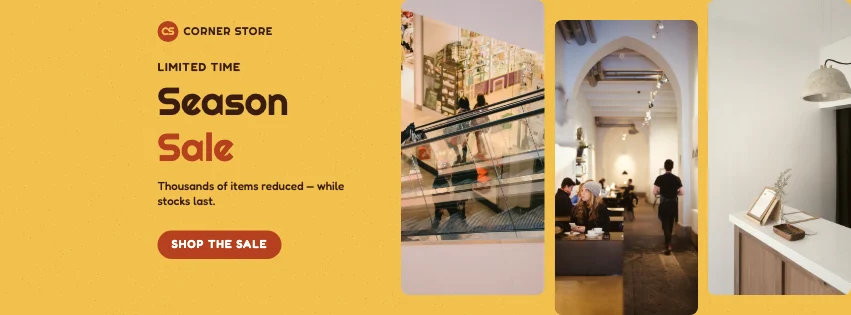 Sale Gallery Facebook CoverPhoto tiles · Retro Business
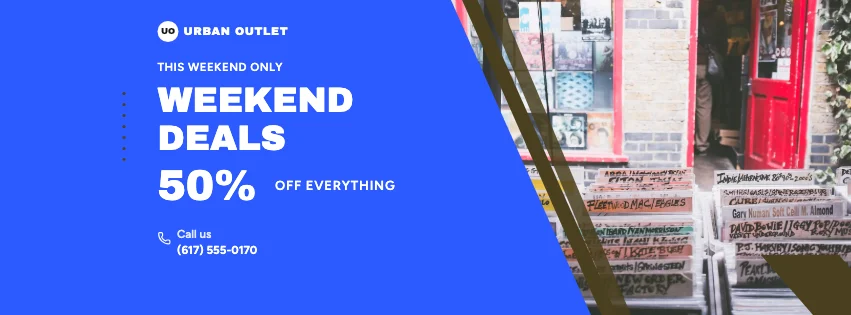 Sale Split Facebook CoverDiagonal split · Colour-Block Modern
 Sale Big Type Facebook CoverBold type · Bold Typography
Design advice
How to design a great sale Facebook cover
- Make the discount the biggest thing on the cover.
- Always include when the sale ends.
- Say what's included: everything, selected lines, online only.
- High-contrast colours work best for sales.
- Replace the cover after the sale — stale deals hurt trust.
What to include
- The discount
- End date
- What's included
- Where to shop
- Store name
In this collection: Glassmorphism, Bold Typography, Natural Organic, Corporate Blue & Orange, Retro Business, Colour-Block Modern styles and colour blocks, geometric shapes, retro sun, arched windows, photo tiles, diagonal split layouts — every one editable, with every word inside the safe area.
All 100 sale Facebook cover templates
Search within sale covers, filter by style, colour, mood, purpose or format, and open any template in the free editor.
100 templates · showing 24
Colour-Block Modern Sale Gallery Facebook Cover
Sale · Colour-Block Modern · Page cover
Edit this template
24 of 100
Questions about sale Facebook covers
Sizes, crops and downloads are covered on the Facebook Cover Maker page.
What size should the cover be?
Meta recommends 851 × 315 pixels for Page and profile covers. The editor designs at twice that (1702 × 630) so you can download either, and keeps every word inside the area all screens show.
Can I change the discount number?
Yes — double-click the offer and type. The badge repeats it as decoration; change both.