100 free, editable templates
Graphic Design Studio Facebook Cover Templates
A designer's cover is part of the portfolio. These templates use Swiss grids, colour blocks, bold type, editorial layouts and geometric shapes, with tiles for your best work.
Make the cover your own — change the palette and fonts to your studio's identity.
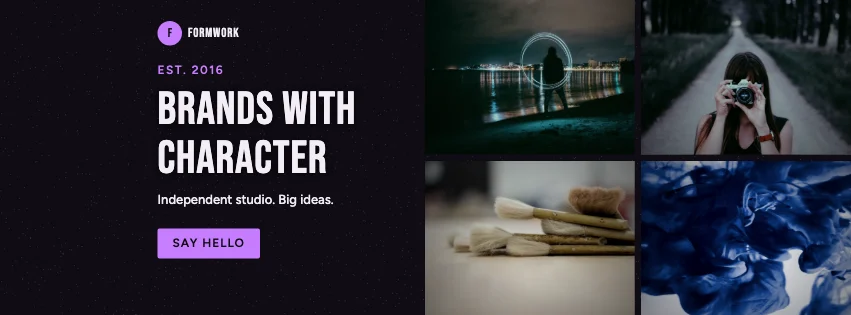
Popular layouts for design studio covers
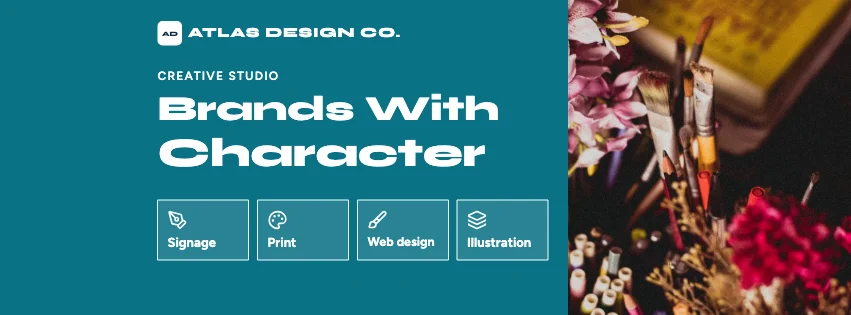 Design Studio Features Facebook CoverServices row · Geometric Business
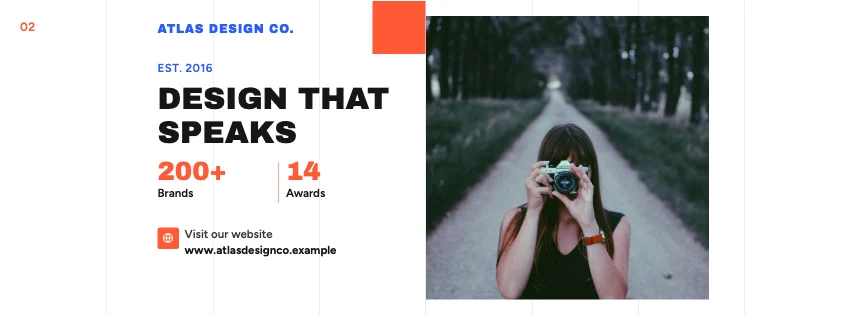 Design Studio Swiss Grid Facebook CoverSwiss grid · Colour-Block Modern
 Design Studio Editorial Facebook CoverEditorial · Colour-Block Modern
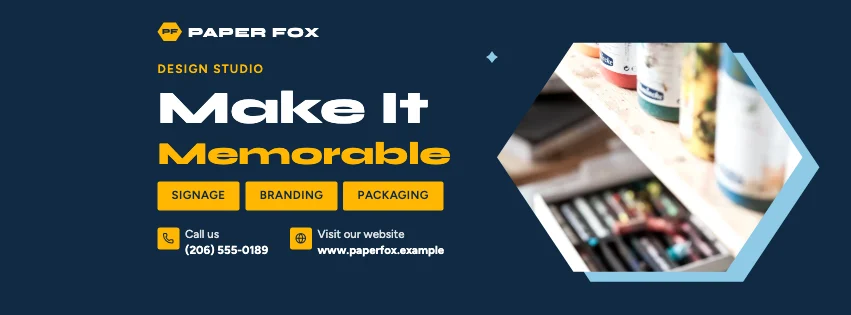 Design Studio Hex Frame Facebook CoverHexagon photo frames · Geometric Business
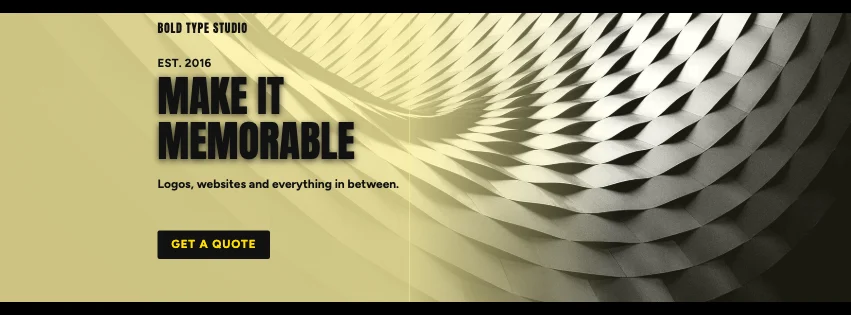 Design Studio Widescreen Facebook CoverCinematic bars · Bold Typography
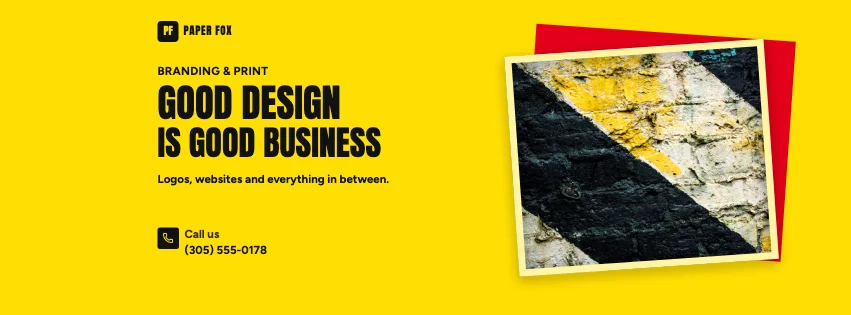 Design Studio Framed Facebook CoverFramed print · Bold Typography
Design advice
How to design a great design studio Facebook cover
- Show your best two or three projects, not ten.
- Use your own studio colours and fonts.
- Name the kind of work you want more of.
- White space is a design choice — use it.
- Link straight to your portfolio.
What to include
- Studio name
- Portfolio images
- Services
- Website
- Contact
In this collection: Elegant Beige, Dark Cinematic, Geometric Business, Photography Focused, Bold Typography, Colour-Block Modern styles and geometric shapes, photo tiles, services row, slanted photo panels, swiss grid, hexagon photo frames layouts — every one editable, with every word inside the safe area.
All 100 design studio Facebook cover templates
Search within design studio covers, filter by style, colour, mood, purpose or format, and open any template in the free editor.
100 templates · showing 24
Design Studio Swiss Grid Facebook Cover
Design Studio · Colour-Block Modern · Page cover
Edit this templateDesign Studio Features Facebook Cover
Design Studio · Geometric Business · Page cover
Edit this templateDesign Studio Angled Photo Group Cover
Design Studio · Geometric Business · Group cover
Edit this templateDesign Studio Swiss Grid Group Cover
Design Studio · Photography Focused · Group cover
Edit this templateDesign Studio Geometric Group Cover
Design Studio · High-Contrast Editorial · Group cover
Edit this templateDesign Studio Editorial Facebook Cover
Design Studio · Colour-Block Modern · Page cover
Edit this templateDesign Studio Colour Block Group Cover
Design Studio · High-Contrast Editorial · Group cover
Edit this templateDesign Studio Hex Frame Facebook Cover
Design Studio · Geometric Business · Page cover
Edit this templateDesign Studio Honeycomb Facebook Cover
Design Studio · Corporate Blue & Orange · Page cover
Edit this templateDesign Studio Widescreen Facebook Cover
Design Studio · Bold Typography · Page cover
Edit this templateDesign Studio Modernist Facebook Cover
Design Studio · Colour-Block Modern · Page cover
Edit this templateDesign Studio Badge Group Cover
Design Studio · High-Contrast Editorial · Group cover
Edit this templateDesign Studio Shapes Facebook Cover
Design Studio · Colour-Block Modern · Page cover
Edit this templateDesign Studio Statement Facebook Cover
Design Studio · Geometric Business · Page cover
Edit this templateDesign Studio Bold Type Facebook Cover
Design Studio · Colour-Block Modern · Page cover
Edit this templateDesign Studio Contact Event Cover
Design Studio · High-Contrast Editorial · Event cover
Edit this templateDesign Studio Photo Grid Facebook Cover
Design Studio · Geometric Business · Page cover
Edit this templateDesign Studio Tiles Facebook Cover
Design Studio · Colour-Block Modern · Page cover
Edit this template
24 of 100
Questions about design studio Facebook covers
Sizes, crops and downloads are covered on the Facebook Cover Maker page.
What size should the cover be?
Meta recommends 851 × 315 pixels for Page and profile covers. The editor designs at twice that (1702 × 630) so you can download either, and keeps every word inside the area all screens show.
Can I change every font and colour?
Yes — every element is editable, and Fonts offers curated pairings.