100 free, editable templates
Corporate Business Facebook Cover Templates
A company cover is the first thing people see on your Page, so it should say who you are and why to trust you in a glance. These 100 templates pair confident blue, navy and orange palettes with hexagon and diagonal photo frames, key figures and a tidy contact row.
Add your logo and details once in Business and they drop into any design — then check the crop preview so nothing important is cut on phones.

Popular layouts for corporate covers
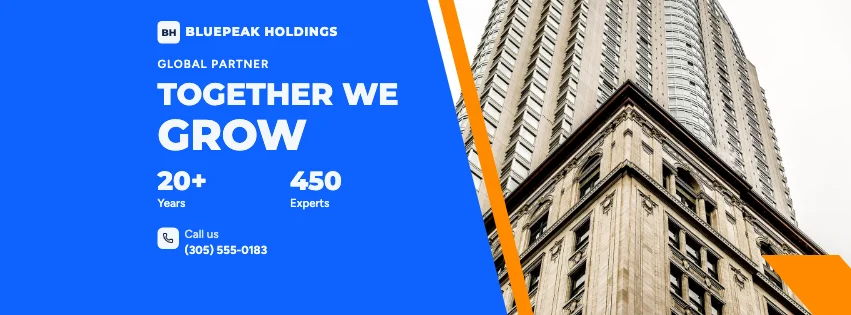 Corporate Split Facebook CoverDiagonal split · Corporate Blue & Orange
 Corporate Colour Block Facebook CoverColour blocks · Geometric Business
 Corporate Features Facebook CoverServices row · Futuristic Tech
 Corporate Hexagon Facebook CoverHexagon photo frames · Contemporary Minimalist
 Corporate Geometric Facebook CoverGeometric shapes · Geometric Business
 Corporate Photo Side Facebook CoverPhoto at the right · Swiss Style
Design advice
How to design a great corporate Facebook cover
- Lead with what you do for clients, not your company history.
- Show one proof point — years, clients or countries — and only real numbers.
- Use your brand colours so the cover matches your website and logo.
- Keep the phone or website in the safe area; the lower left is covered by your profile picture.
- Choose photos of real work or people rather than generic skylines when you can.
What to include
- Company name and logo
- A one-line promise
- One or two key figures
- Phone number or website
- A professional photo
In this collection: Geometric Business, Swiss Style, Corporate Blue & Orange, Navy & White Professional, Futuristic Tech, Contemporary Minimalist styles and hexagon photo frames, key figures, diagonal split, services row, colour blocks, geometric shapes layouts — every one editable, with every word inside the safe area.
All 100 corporate Facebook cover templates
Search within corporate covers, filter by style, colour, mood, purpose or format, and open any template in the free editor.
100 templates · showing 24
Corporate Offerings Group Cover
Corporate · Navy & White Professional · Group cover
Edit this templateNavy & White Professional Corporate Diagonal Facebook Cover
Corporate · Navy & White Professional · Page cover
Edit this templateCorporate Blue & Orange Corporate Split Facebook Cover
Corporate · Corporate Blue & Orange · Page cover
Edit this templateCorporate Clean Photo Facebook Cover
Corporate · Contemporary Minimalist · Page cover
Edit this templateCorporate Abstract Facebook Cover
Corporate · Navy & White Professional · Page cover
Edit this templateCorporate Swiss Grid Facebook Cover
Corporate · Contemporary Minimalist · Page cover
Edit this template
24 of 100
Questions about corporate Facebook covers
Sizes, crops and downloads are covered on the Facebook Cover Maker page.
What size should the cover be?
Meta recommends 851 × 315 pixels for Page and profile covers. The editor designs at twice that (1702 × 630) so you can download either, and keeps every word inside the area all screens show.
Can I use my company colours?
Yes. Open Business, switch on brand colours and pick your main and accent colours — text that used them is re-checked for contrast.