100 free, editable templates
Gaming & Esports Facebook Cover Templates
Gaming covers should hit like a loading screen. These templates use futuristic neon, bold type, cinematic and colour-block styles with stream schedules, tournament dates and team stats.
Use your team's colours and gameplay or setup shots.
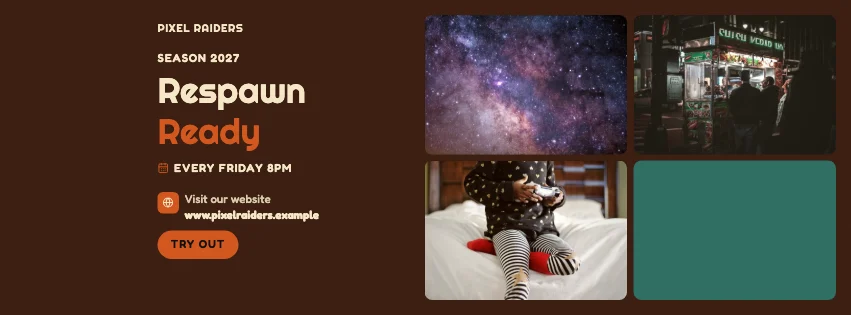
Popular layouts for gaming covers
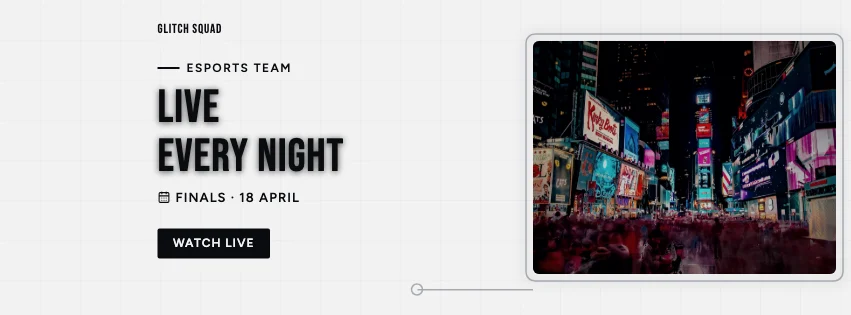 Gaming Digital Facebook CoverTech grid · Dark Cinematic
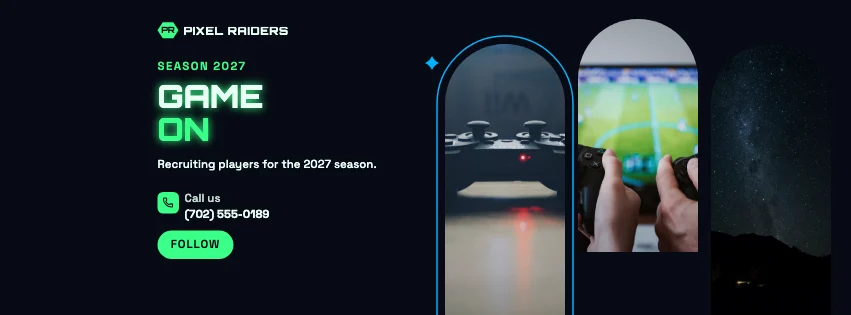 Gaming Window Facebook CoverArched windows · Futuristic Tech
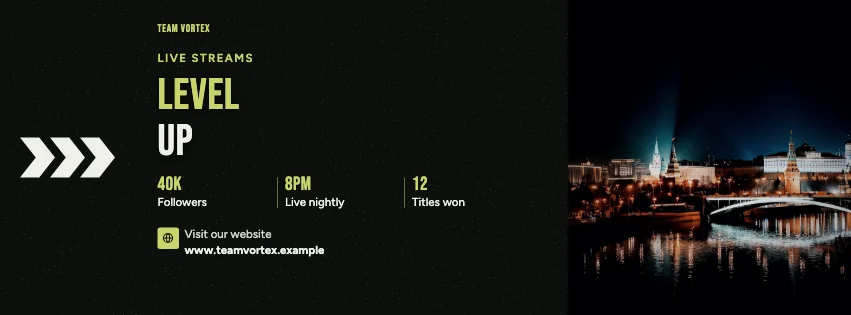 Gaming Statement Facebook CoverBold type · Dark Cinematic
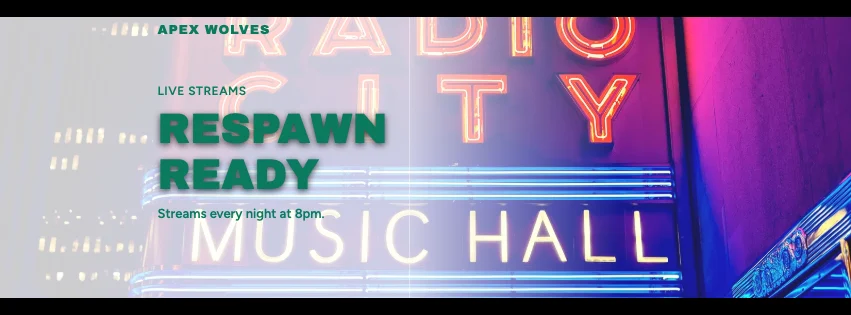 Gaming Widescreen Facebook CoverCinematic bars · Colour-Block Modern
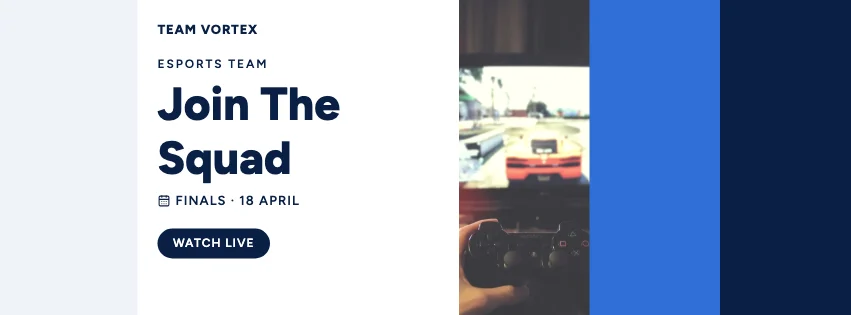 Gaming Colour Block Facebook CoverColour blocks · Navy & White Professional
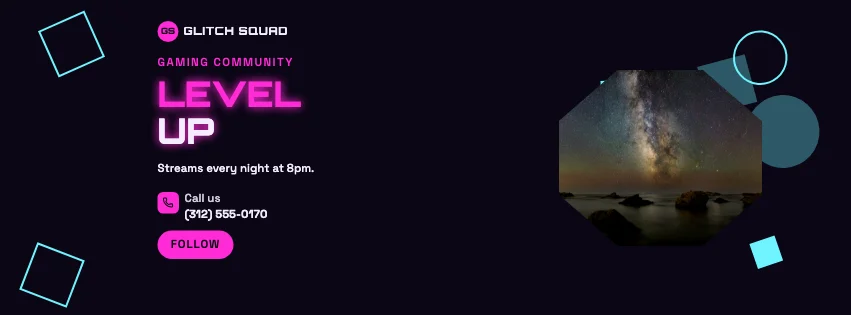 Gaming Abstract Facebook CoverGeometric shapes · Futuristic Tech
Design advice
How to design a great gaming Facebook cover
- Use your team or channel colours.
- Add stream times or match dates.
- Neon on dark looks great — keep small text bright.
- Show your setup or gameplay.
- Point to where to watch.
What to include
- Team or gamer name
- Gameplay or setup photo
- Schedule
- Achievements
- Where to watch
In this collection: Dark Cinematic, Bold Typography, Futuristic Tech, Colour-Block Modern, Navy & White Professional, Photography Focused styles and tech grid, hexagon photo frames, arched windows, bold type, cinematic bars, colour blocks layouts — every one editable, with every word inside the safe area.
All 100 gaming Facebook cover templates
Search within gaming covers, filter by style, colour, mood, purpose or format, and open any template in the free editor.
100 templates · showing 24
High-Contrast Editorial Gaming Futuristic Facebook Cover
Gaming · High-Contrast Editorial · Page cover
Edit this template
24 of 100
Questions about gaming Facebook covers
Sizes, crops and downloads are covered on the Facebook Cover Maker page.
What size should the cover be?
Meta recommends 851 × 315 pixels for Page and profile covers. The editor designs at twice that (1702 × 630) so you can download either, and keeps every word inside the area all screens show.
Can I match my Twitch or YouTube look?
Yes — use the same palette and fonts across your covers and banners.