100 free, editable templates
Education & Online Course Facebook Cover Templates
Course covers sell a change: what students will be able to do. These templates combine instructor portraits, enrolment dates, lesson and student figures, and clear calls to enrol.
Say who the course is for and when the next cohort starts.

Popular layouts for online course covers
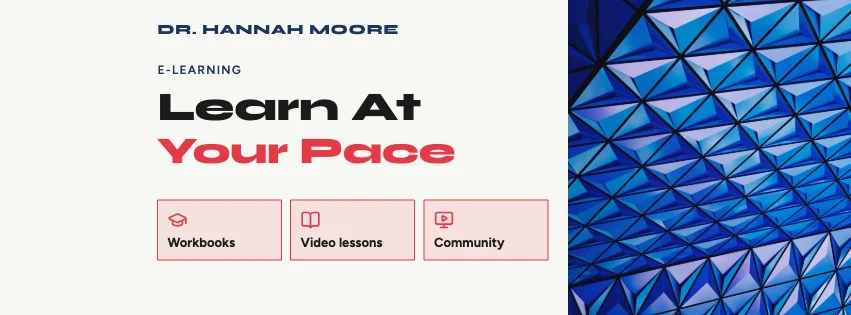 Online Course Services Facebook CoverServices row · Geometric Business
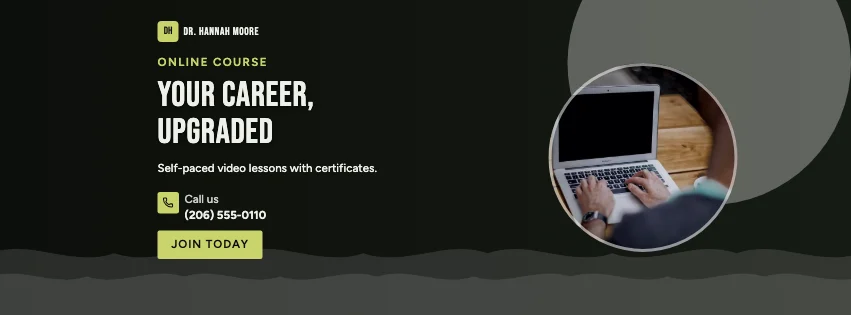 Online Course Flow Facebook CoverGradient waves · Dark Cinematic
 Online Course Panels Facebook CoverColour blocks · Photography Focused
 Online Course Double Photo Facebook CoverPhotos both sides · Colour-Block Modern
 Online Course Profile Facebook CoverPortrait card · Corporate Blue & Orange
 Online Course Date Facebook CoverEvent date · Gradient Modern
Design advice
How to design a great online course Facebook cover
- Lead with the skill students will gain.
- Show the instructor — people learn from people.
- Add the start date or 'enrol any time'.
- Use real student numbers and ratings only.
- Give one call to action: enrol, or try a free lesson.
What to include
- Course name
- The skill taught
- Instructor photo
- Start date
- Enrol link
In this collection: Minimal Modern, Geometric Business, Dark Cinematic, Photography Focused, Colour-Block Modern, Corporate Blue & Orange styles and glass panel, services row, gradient waves, colour blocks, photos both sides, portrait card layouts — every one editable, with every word inside the safe area.
All 100 online course Facebook cover templates
Search within online course covers, filter by style, colour, mood, purpose or format, and open any template in the free editor.
100 templates · showing 24
Elegant Beige Online Course Blocks Facebook Cover
Online Course · Elegant Beige · Page cover
Edit this templateOnline Course Services Facebook Cover
Online Course · Geometric Business · Page cover
Edit this templateOnline Course Panels Facebook Cover
Online Course · Photography Focused · Page cover
Edit this templateOnline Course Double Photo Facebook Cover
Online Course · Colour-Block Modern · Page cover
Edit this templateOnline Course Profile Facebook Cover
Online Course · Corporate Blue & Orange · Page cover
Edit this templateOnline Course Modernist Facebook Cover
Online Course · Colour-Block Modern · Page cover
Edit this templateCorporate Blue & Orange Online Course Save the Date Facebook Cover
Online Course · Corporate Blue & Orange · Page cover
Edit this templateOnline Course Colour Block Facebook Cover
Online Course · Gradient Modern · Page cover
Edit this templateOnline Course Honeycomb Facebook Cover
Online Course · Photography Focused · Page cover
Edit this templateOnline Course Portrait Event Cover
Online Course · Corporate Blue & Orange · Event cover
Edit this templateRetro Business Online Course Panels Facebook Cover
Online Course · Retro Business · Page cover
Edit this templateOnline Course Key Figures Facebook Cover
Online Course · Gradient Modern · Page cover
Edit this templateColour-Block Modern Online Course Hexagon Facebook Cover
Online Course · Colour-Block Modern · Page cover
Edit this templateOnline Course Offerings Group Cover
Online Course · Corporate Blue & Orange · Group cover
Edit this template
24 of 100
Questions about online course Facebook covers
Sizes, crops and downloads are covered on the Facebook Cover Maker page.
What size should the cover be?
Meta recommends 851 × 315 pixels for Page and profile covers. The editor designs at twice that (1702 × 630) so you can download either, and keeps every word inside the area all screens show.
Can I show the course start date?
Yes — event-date layouts and many others have a date line you can type over.