Two-sided cards, ready for print
Free Business Card Maker – Design and Print Professional Business Cards
Design both sides of a professional business card in your browser. Start from a template made for your profession, add your name, contact details, logo and QR code, then download a print-ready PDF with bleed and crop marks — or PNG and JPG files.
Popular searches:
- 4,500 templates
- Front and back
- Print-ready PDF
- Real QR codes
- 100% free
- Private
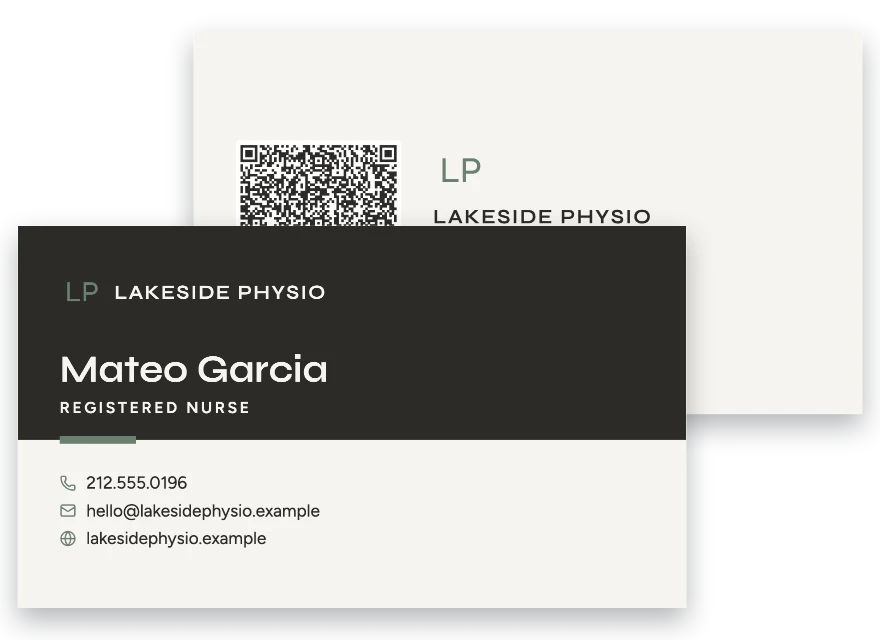
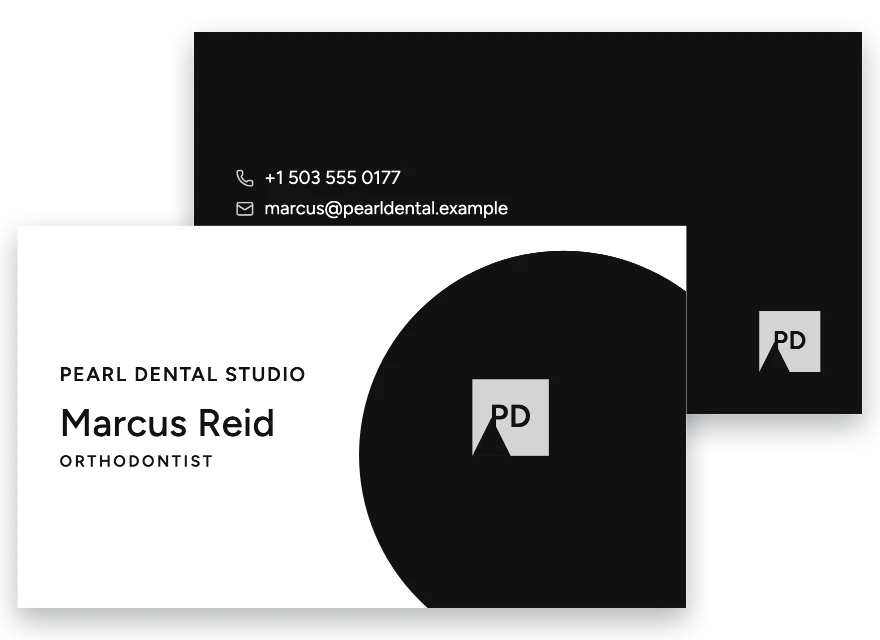
3.5 × 2 in · 85 × 55 mm · PDF with bleed
What is the M2Toolkit Business Card Maker?
A free online business card maker and full design editor that runs in your browser. Choose from 4,500 two-sided templates — or start from a blank card — add your details, logo and a QR code, check the print guides, and download a print-ready PDF or PNG and JPG files.
- Templates
- 4,500 templates: exactly 100 in each of 45 categories, 24 design directions, 30 front and 15 back layouts
- Made for
- Professionals, companies, agents, clinics, salons, shops, restaurants, creatives, coaches and makers
- Sizes
- 3.5 × 2 in (US & Canada), 85 × 55 mm, 90 × 50 mm, portrait and custom sizes
- Safe-area and bleed guides, PDF with bleed and crop marks, 300 or 600 ppi, rounded-corner preview
- Extras
- Your details on both sides, logo upload, real QR codes, brand palettes, saved projects
- Price & privacy
- Free, no sign-up, no watermark; nothing is uploaded
Blank card
Start with a card size, or a template
Open the editor on a blank two-sided card with the safe line and bleed already marked — then add text, your logo, shapes and a QR code, or pick a template from inside the editor.
Industry-specific templates
45 categories, 100 templates each
Each category has its own page with cards written for that work — real job titles, services and the backs that profession uses, like appointment cards for clinics and loyalty cards for cafes.
Professional and Corporate
Corporate, executive, minimalist, geometric, luxury, classic, agency, startup, personal brand and freelancer cards.
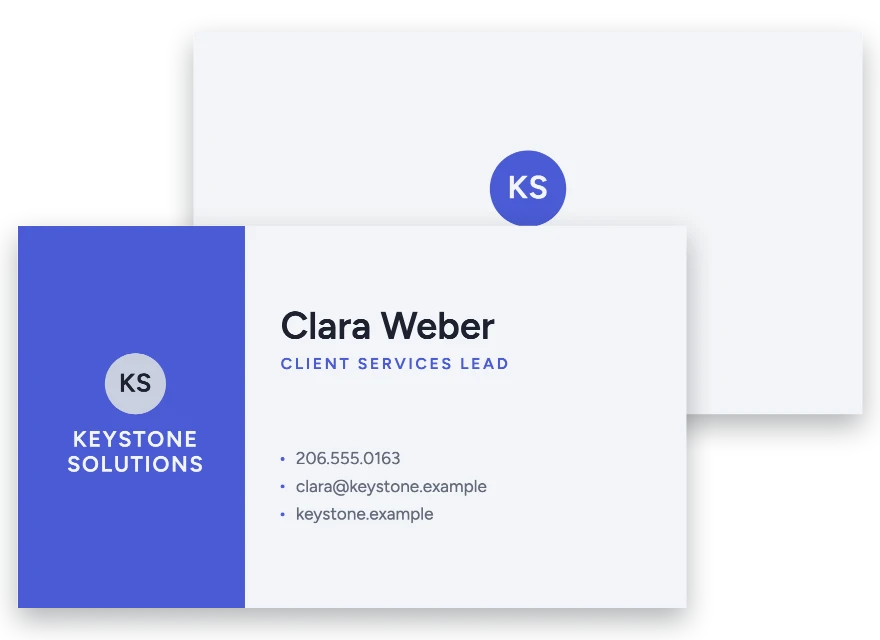 Corporate Business Cards business cards100 templates
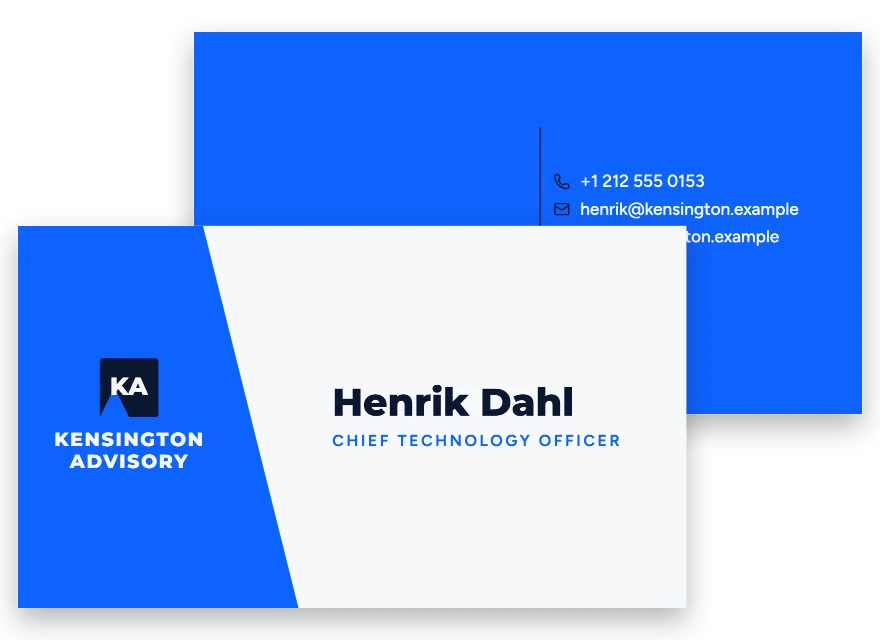 Executive and Leadership business cards100 templates
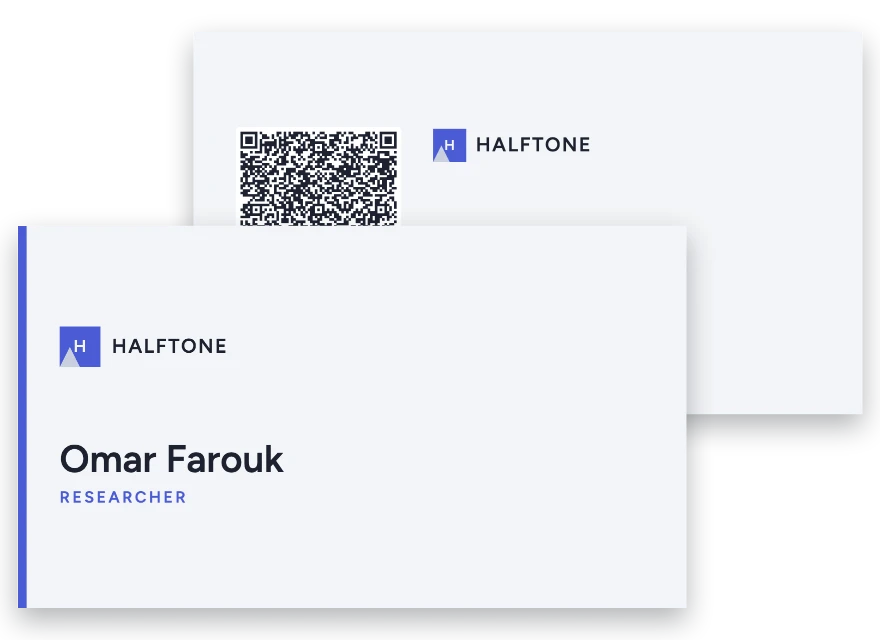 Minimalist Professional business cards100 templates
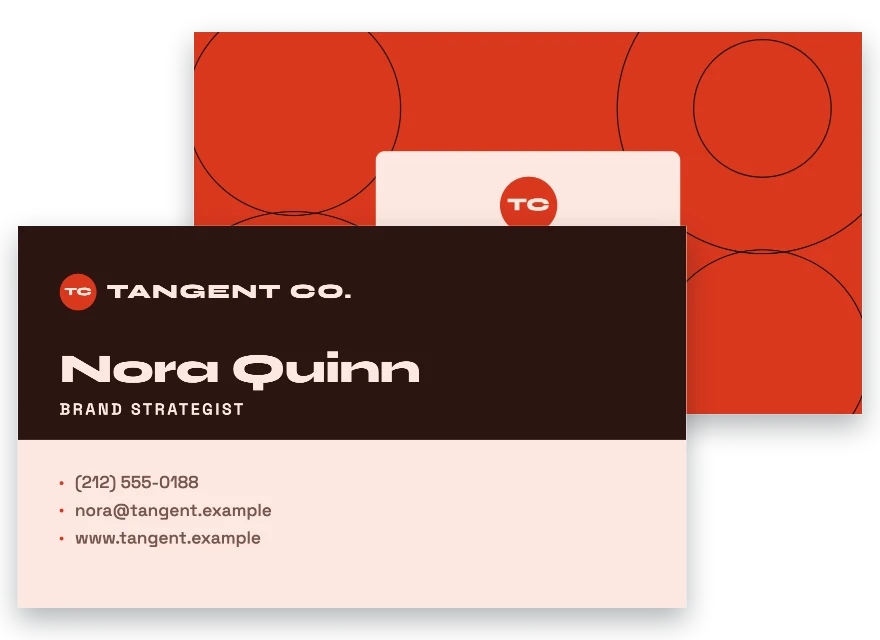 Modern Geometric business cards100 templates
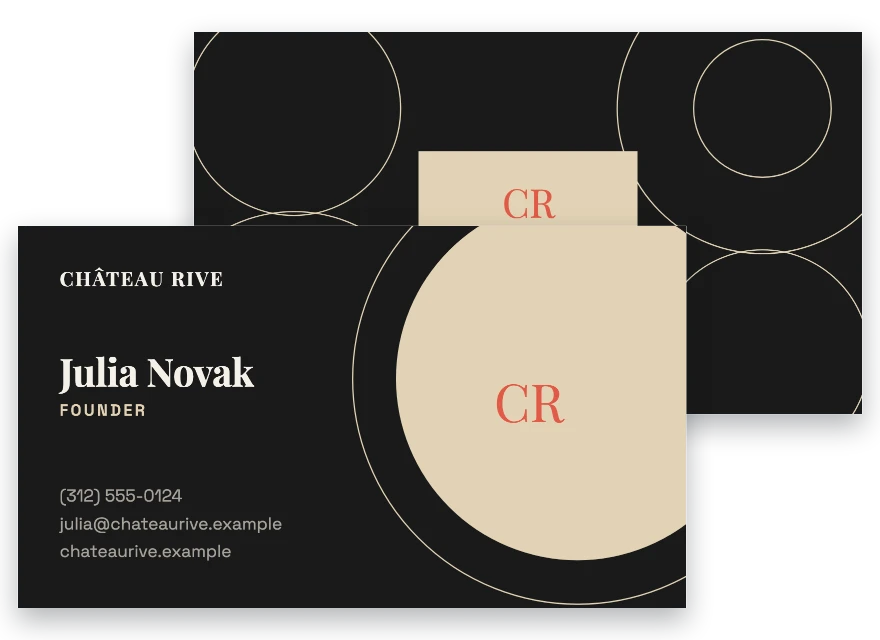 Luxury and Premium business cards100 templates
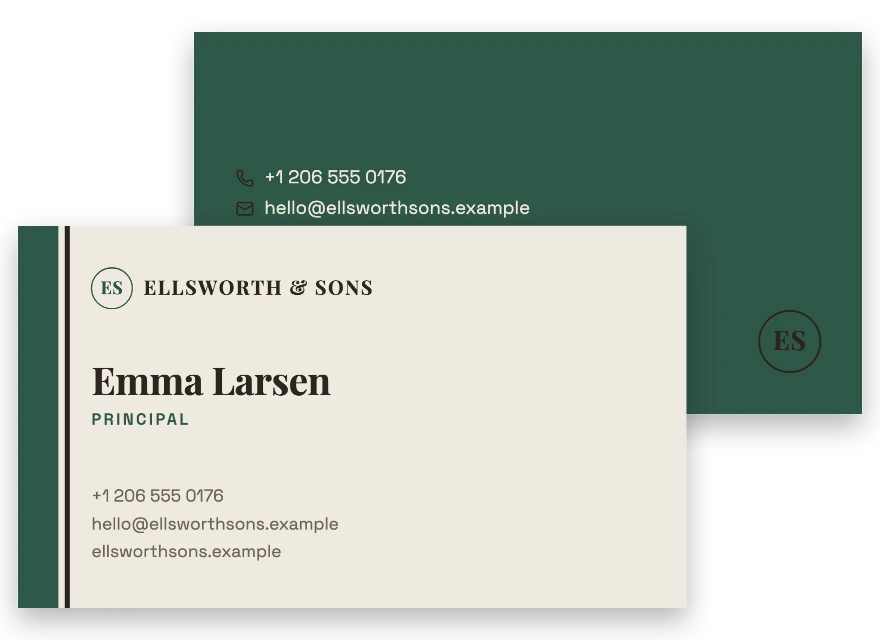 Elegant Classic business cards100 templates
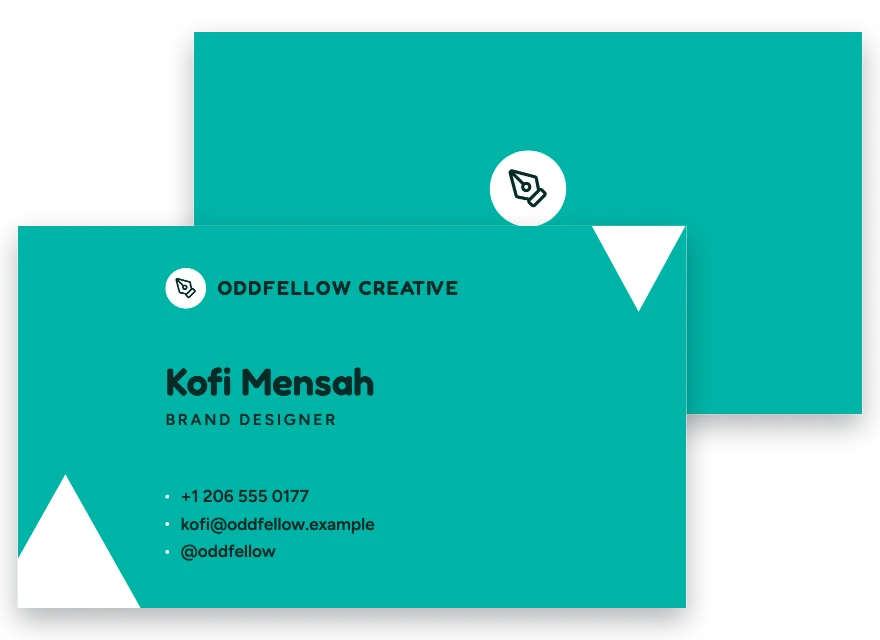 Creative Agency business cards100 templates
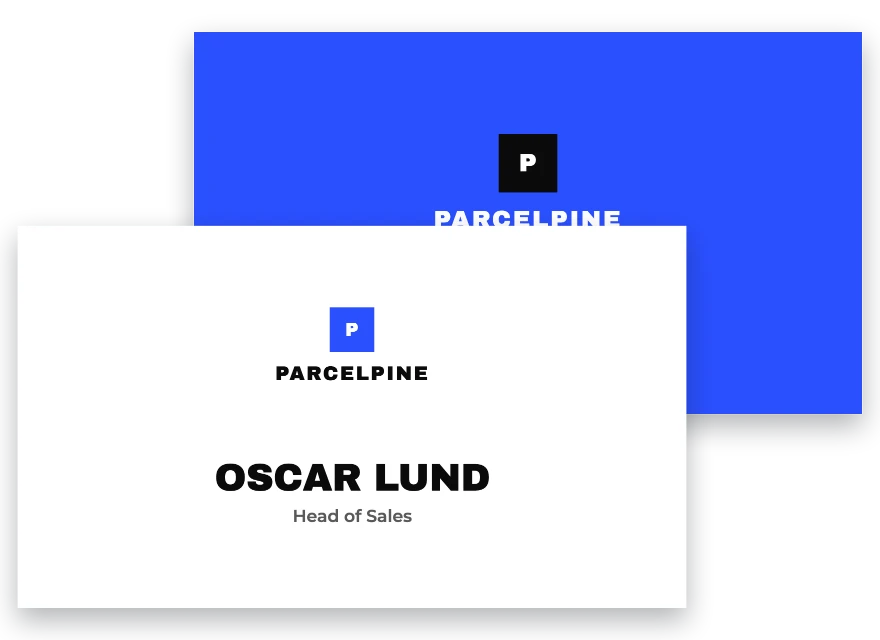 Startup and Entrepreneur business cards100 templates
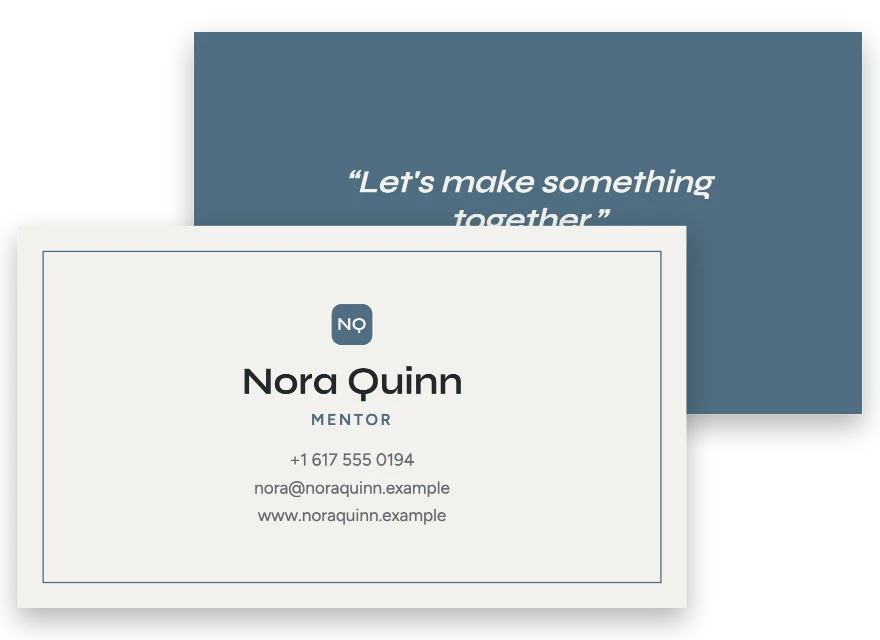 Personal Branding business cards100 templates
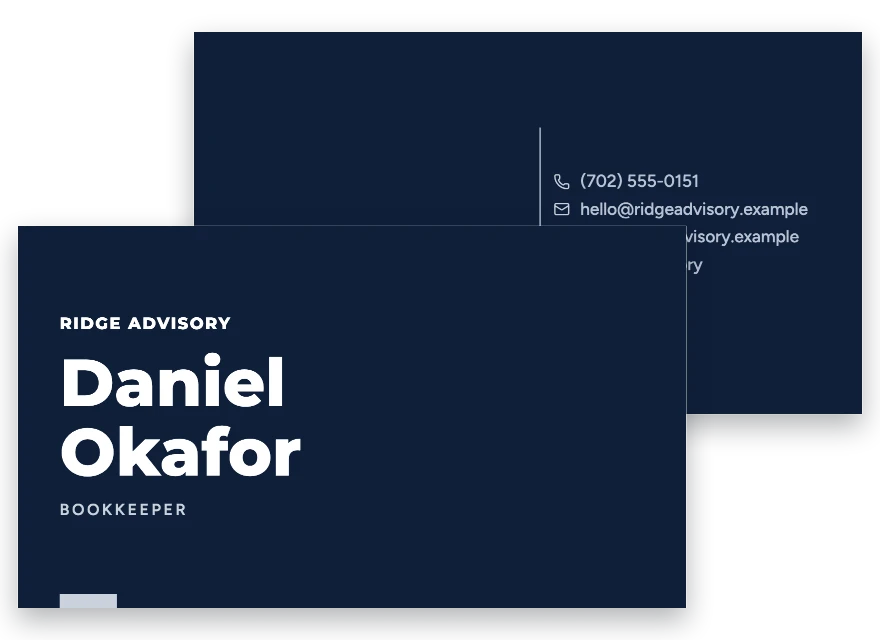 Freelancer and Consultant business cards100 templates
Industry-Specific
Real estate, architecture, construction, finance, law, healthcare, dental, education, technology, marketing, photography, beauty, fashion, restaurants and retail.
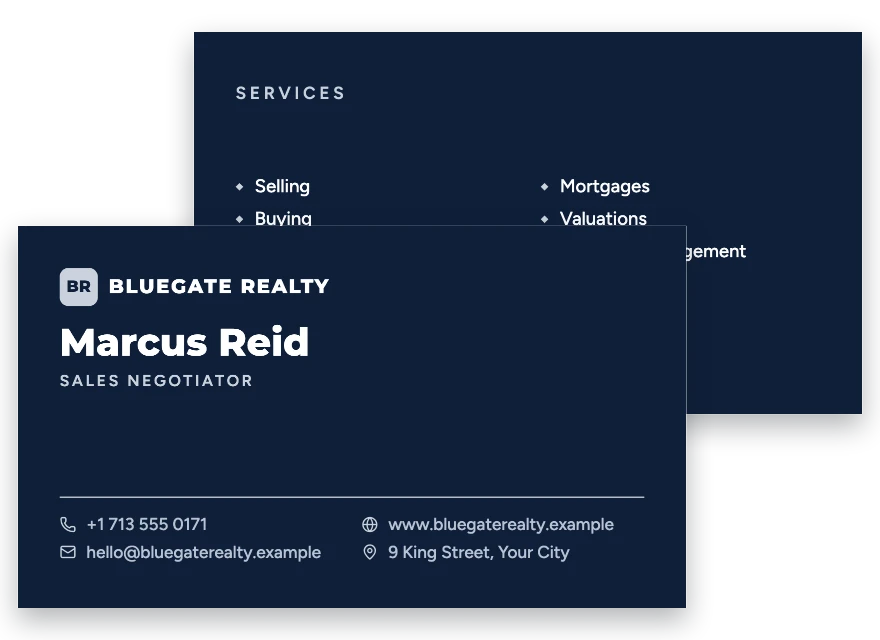 Real Estate and Property business cards100 templates
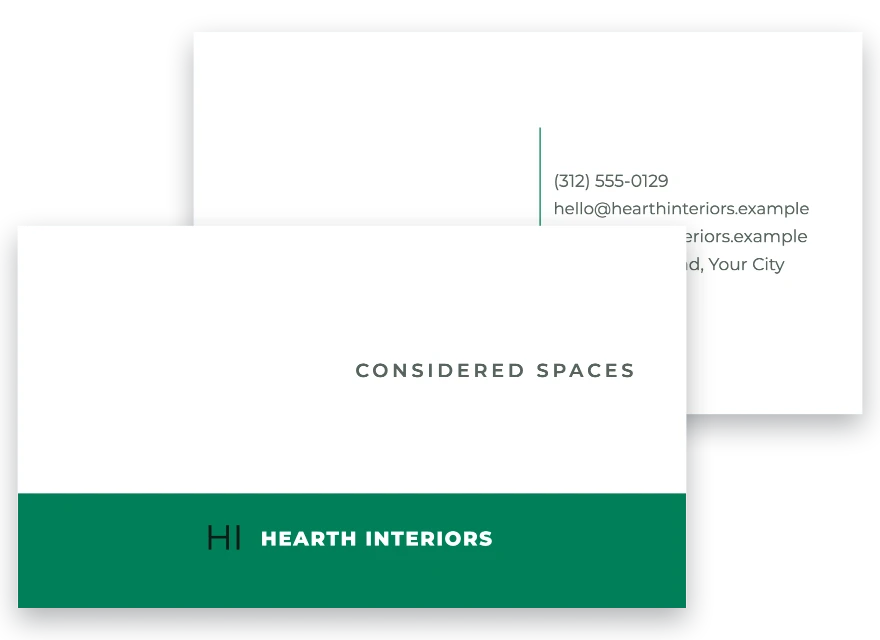 Architecture and Interior Design business cards100 templates
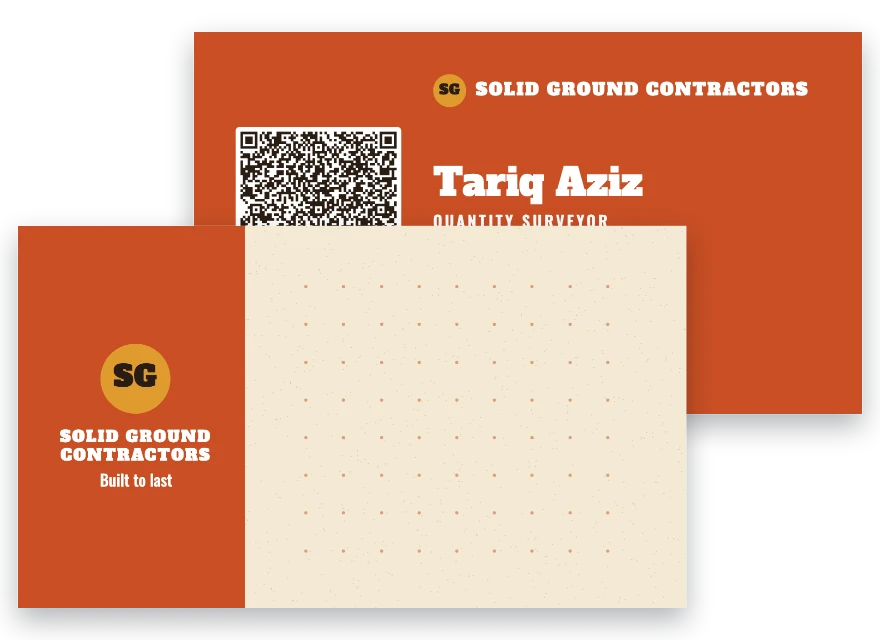 Construction and Engineering business cards100 templates
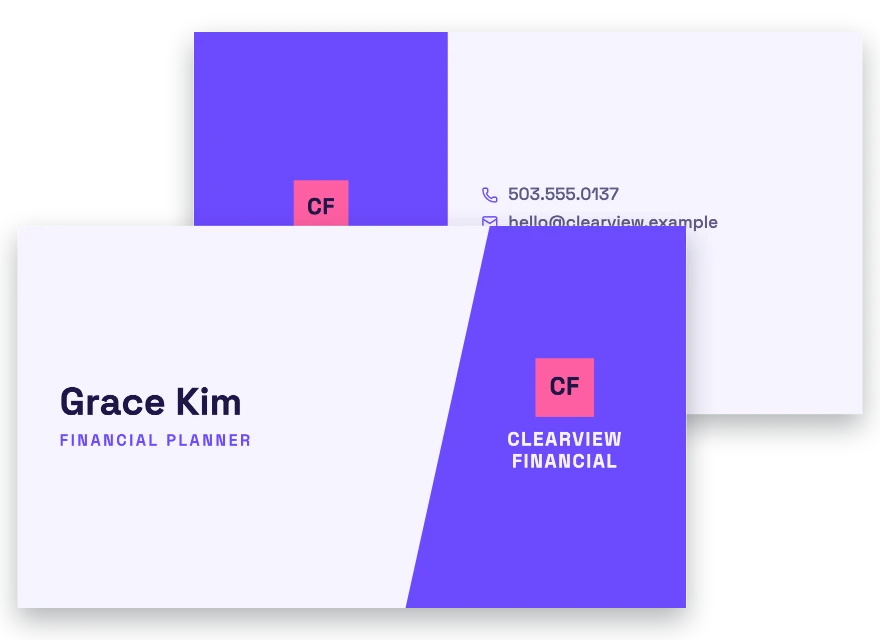 Finance and Accounting business cards100 templates
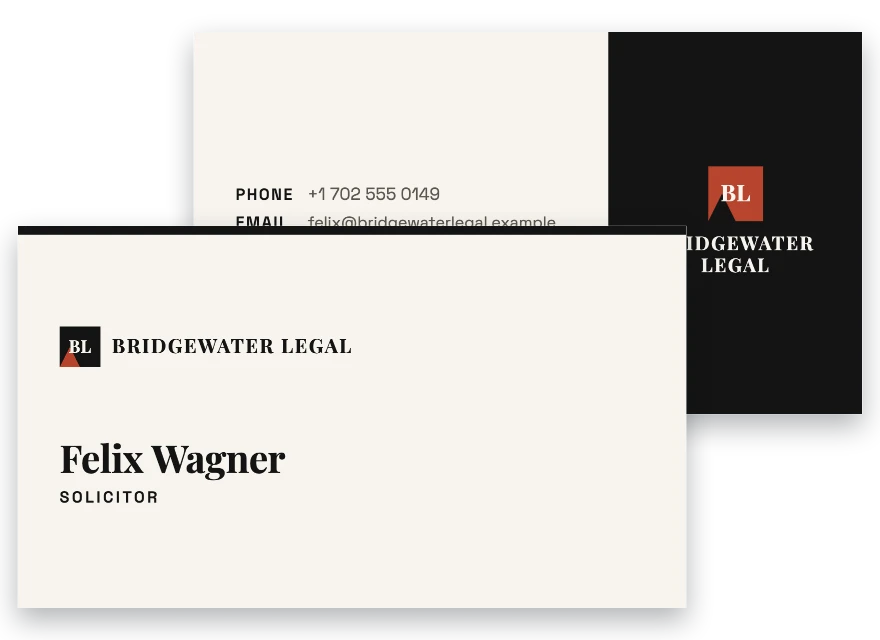 Law and Legal Services business cards100 templates
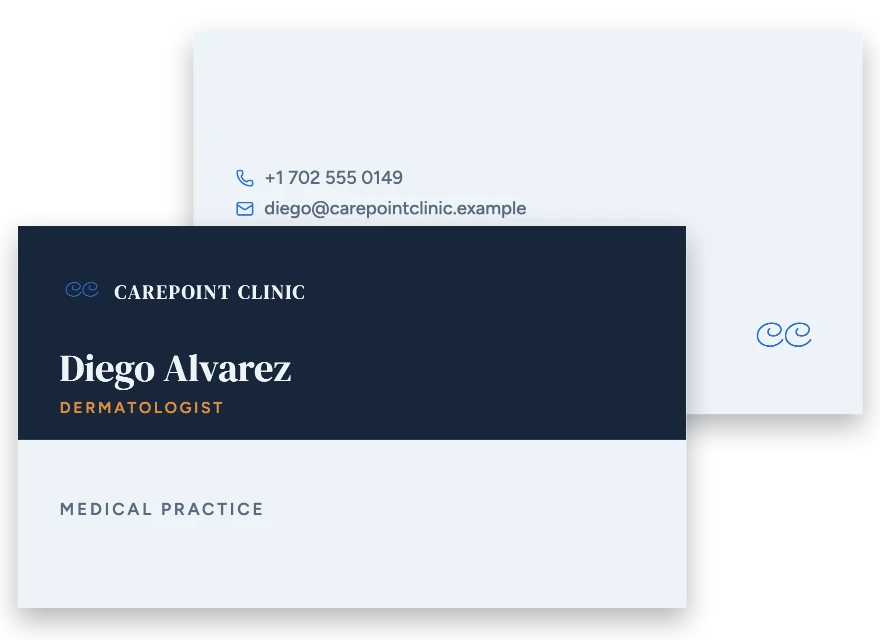 Healthcare and Medical business cards100 templates
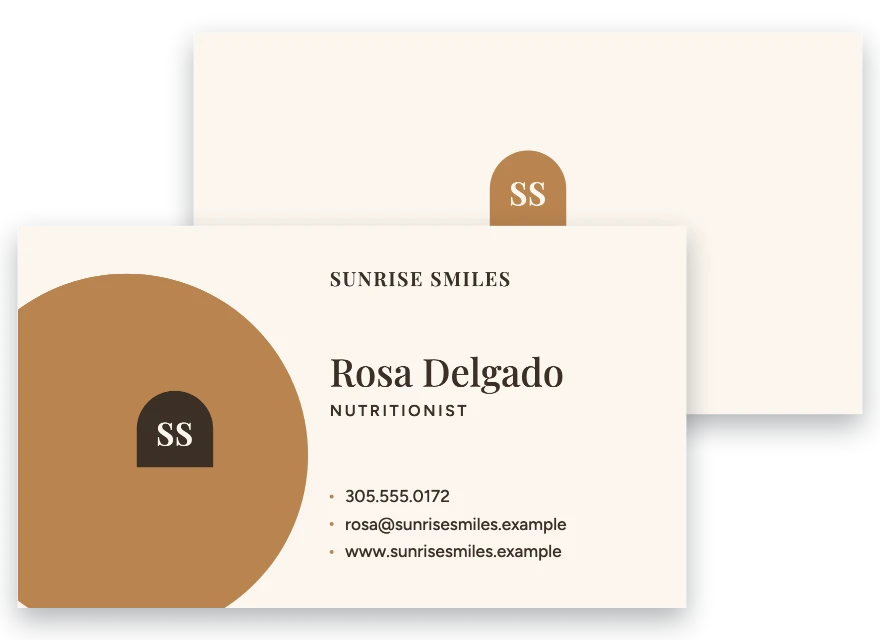 Dental and Wellness business cards100 templates
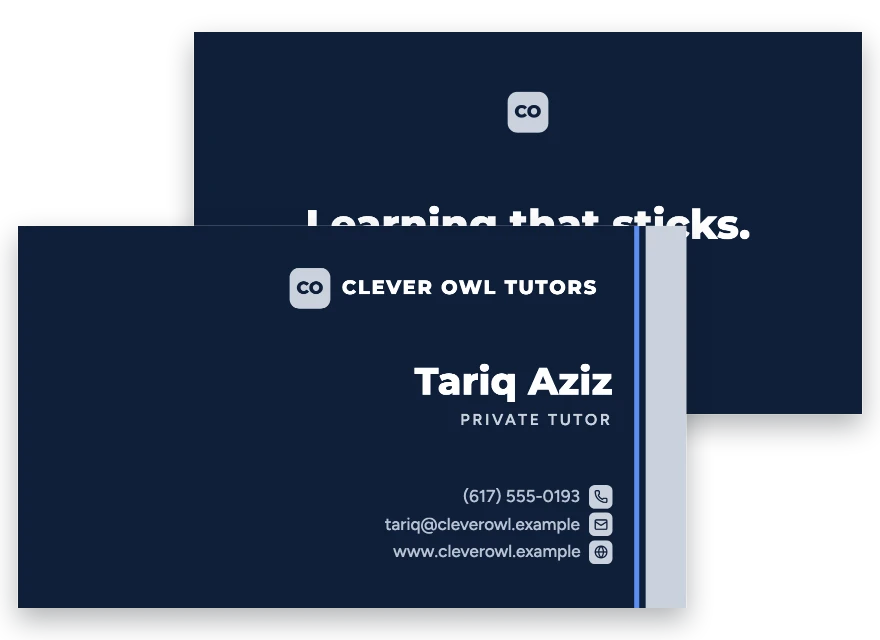 Education and Training business cards100 templates
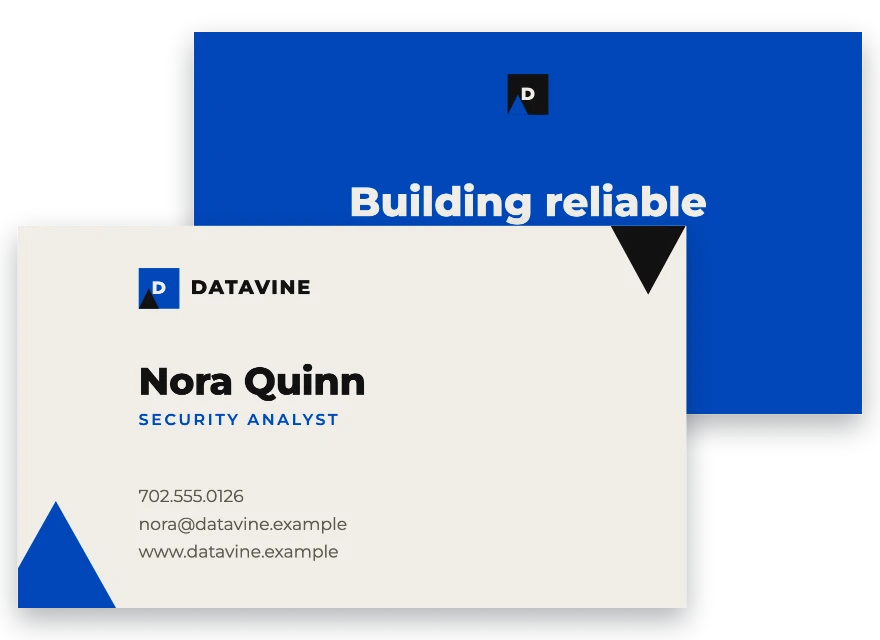 Technology and Software business cards100 templates
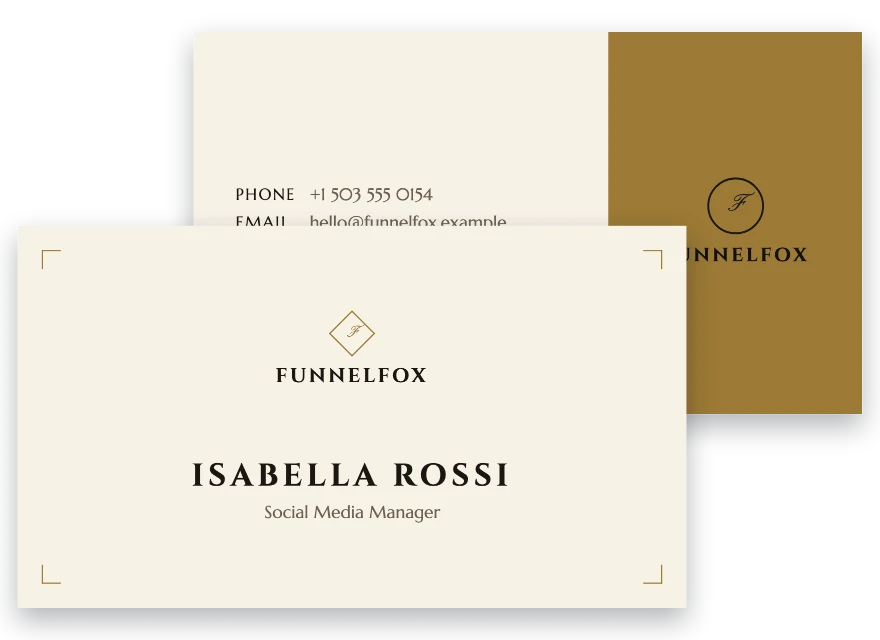 Marketing and Advertising business cards100 templates
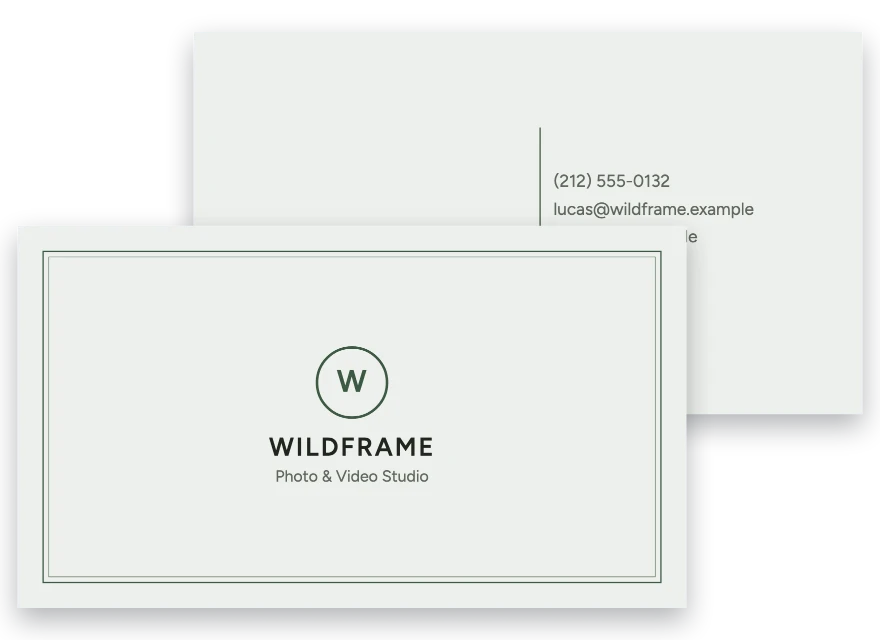 Photography and Videography business cards100 templates
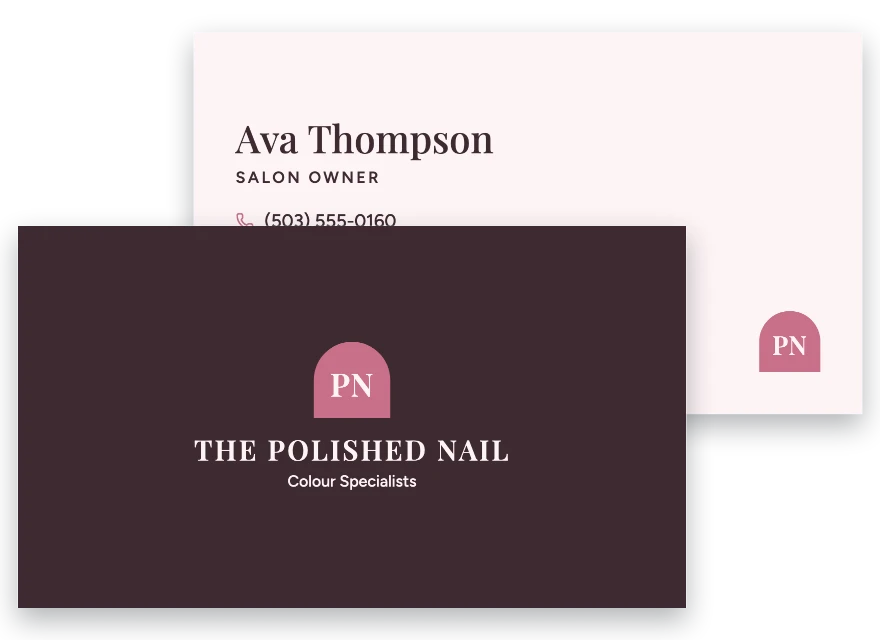 Beauty and Salon business cards100 templates
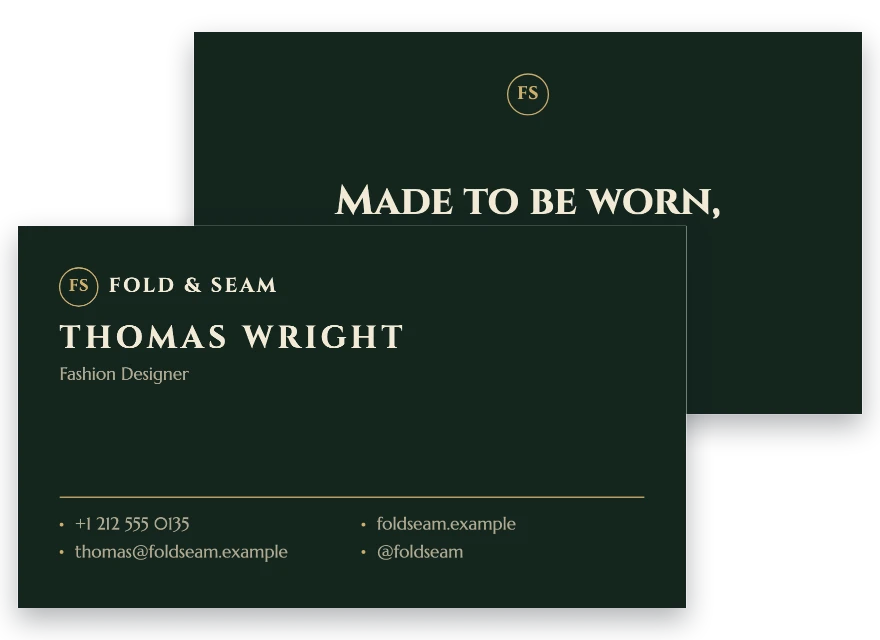 Fashion and Apparel business cards100 templates
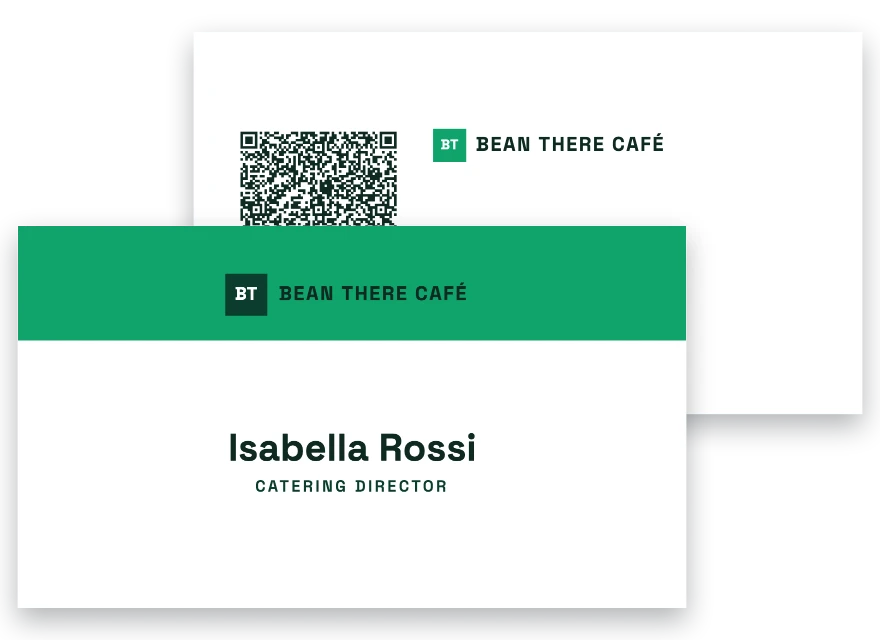 Restaurant and Catering business cards100 templates
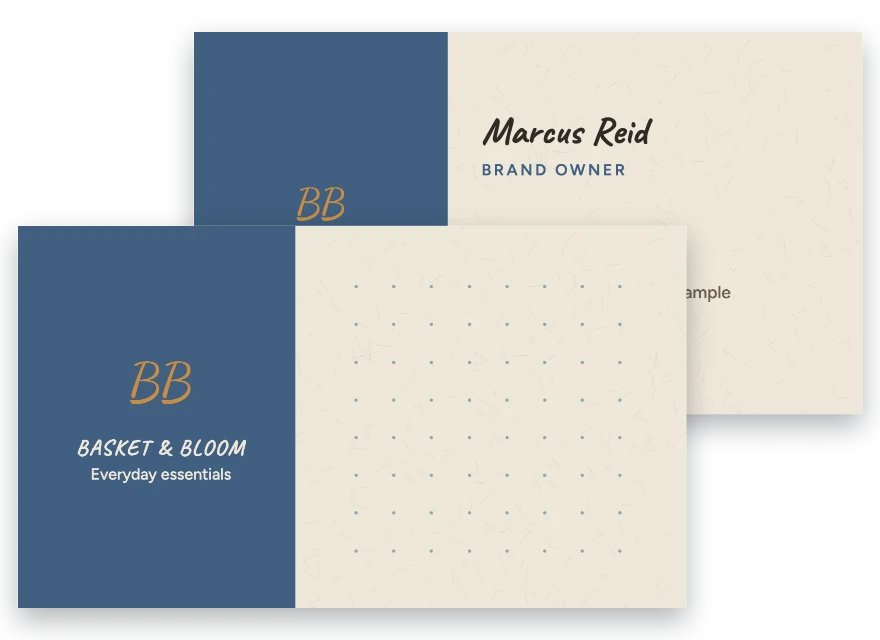 Retail and E-commerce business cards100 templates
Creative and Lifestyle
Artists, musicians, travel, fitness, car businesses, home services, weddings and events, coaches, makers and gardeners.
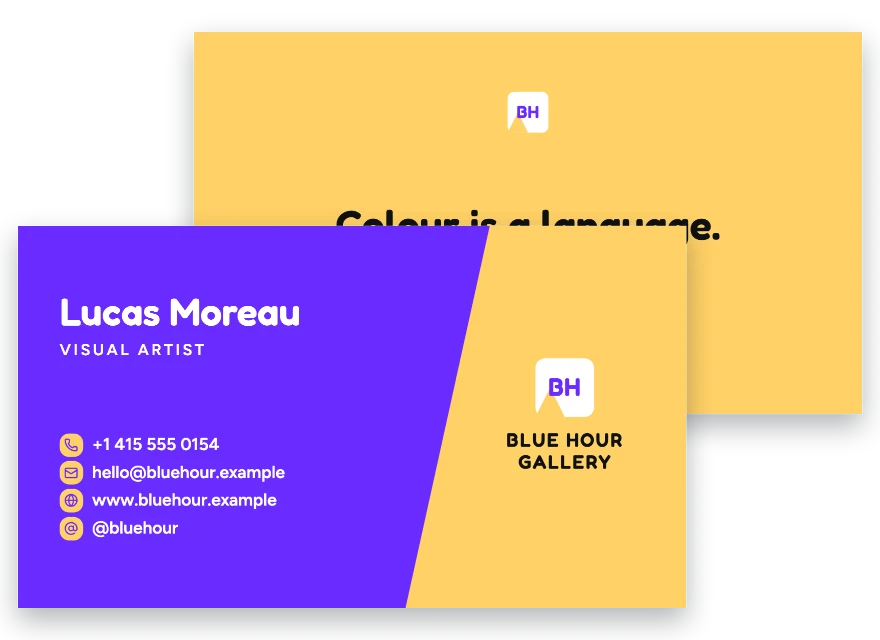 Art and Illustration business cards100 templates
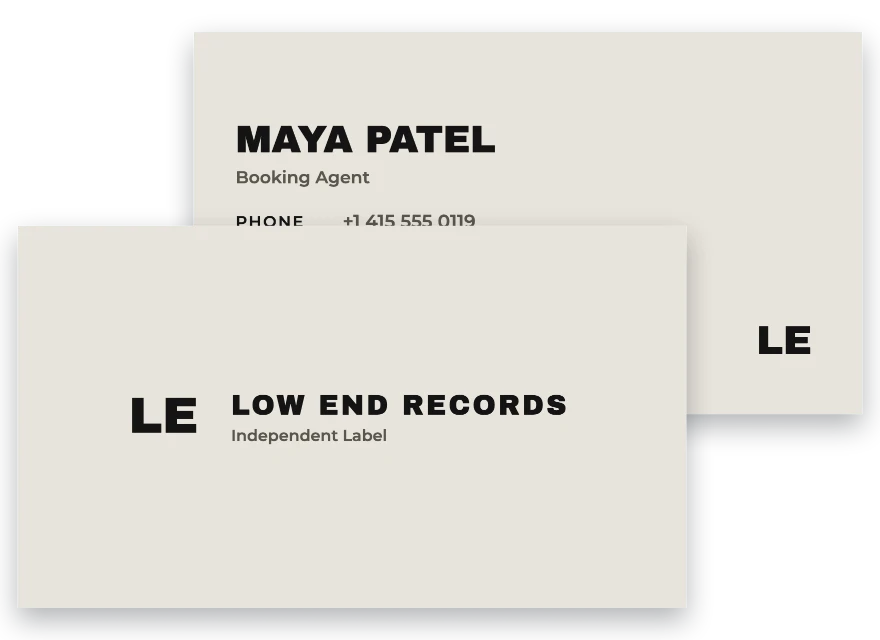 Music and Entertainment business cards100 templates
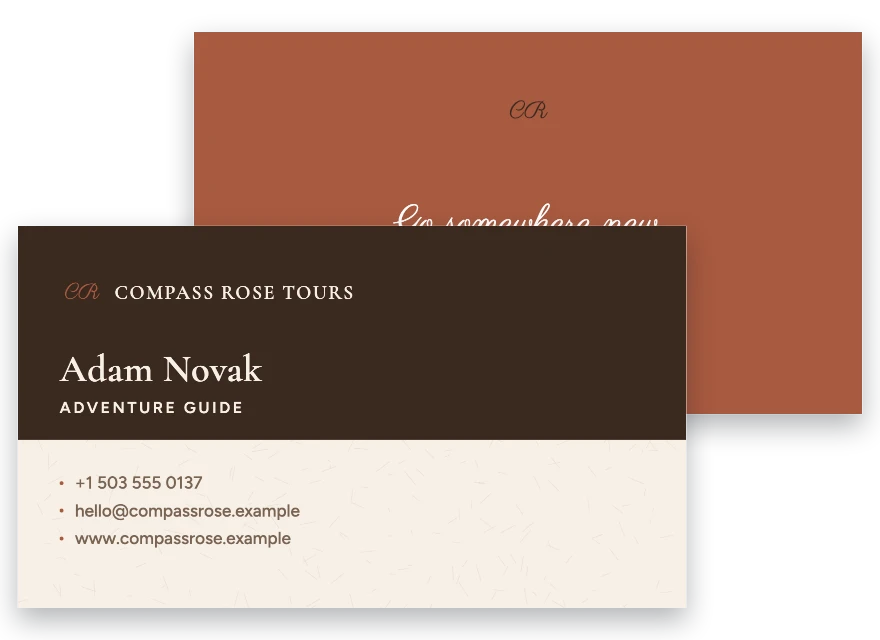 Travel and Tourism business cards100 templates
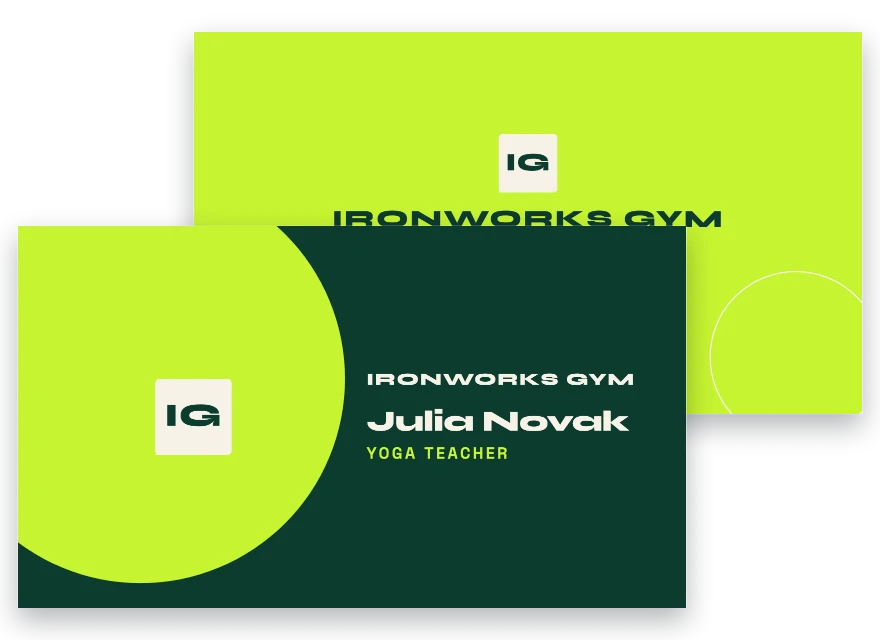 Fitness and Personal Training business cards100 templates
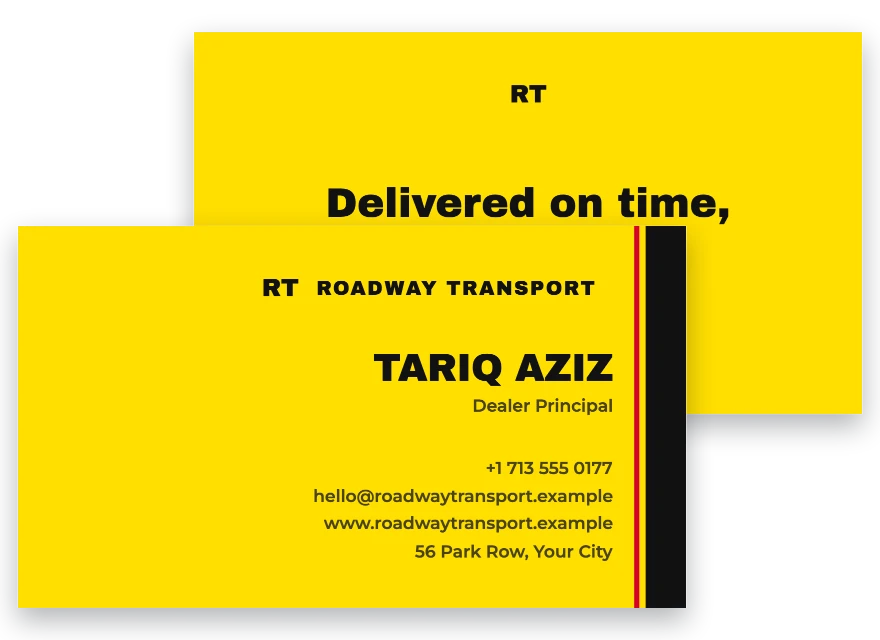 Automotive and Transportation business cards100 templates
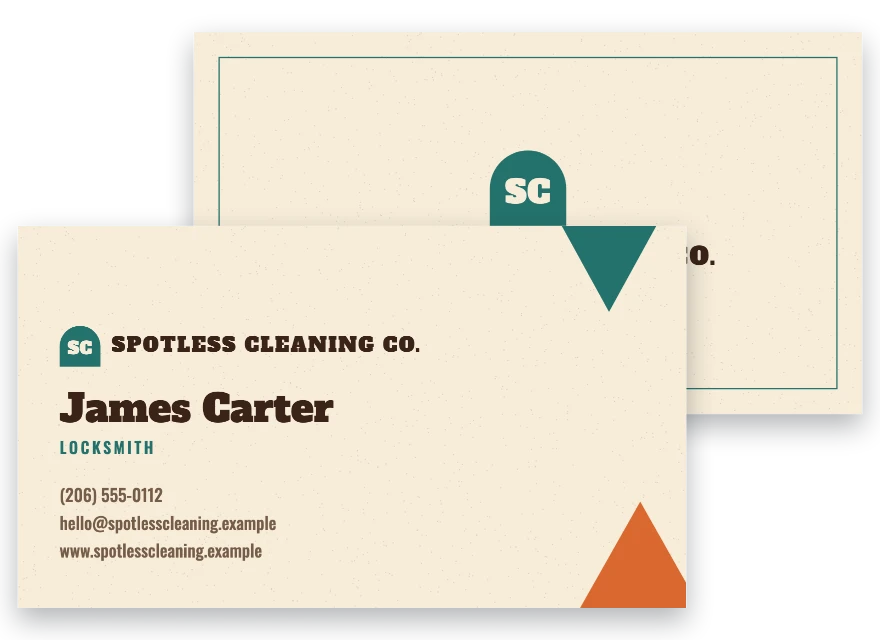 Home Services and Repair business cards100 templates
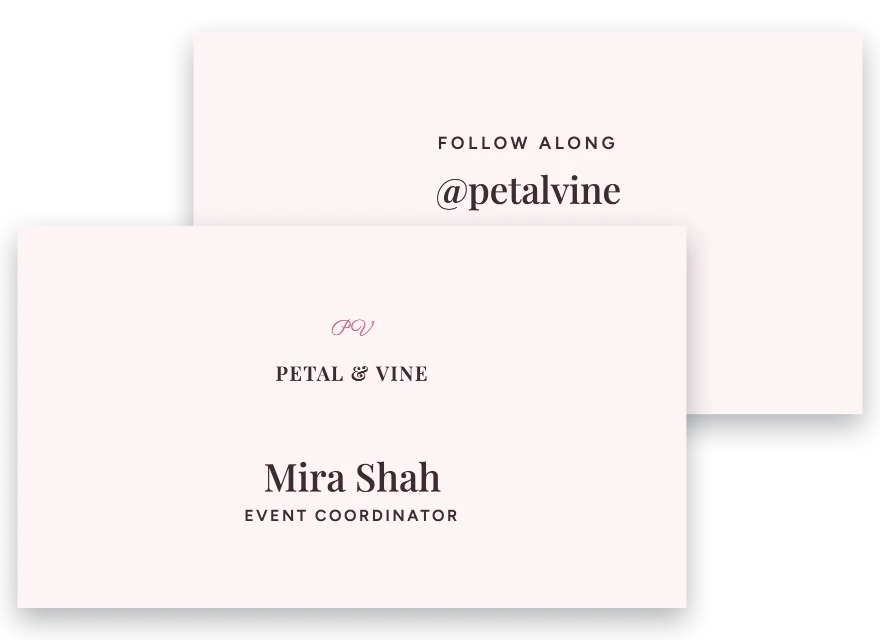 Event Planning and Weddings business cards100 templates
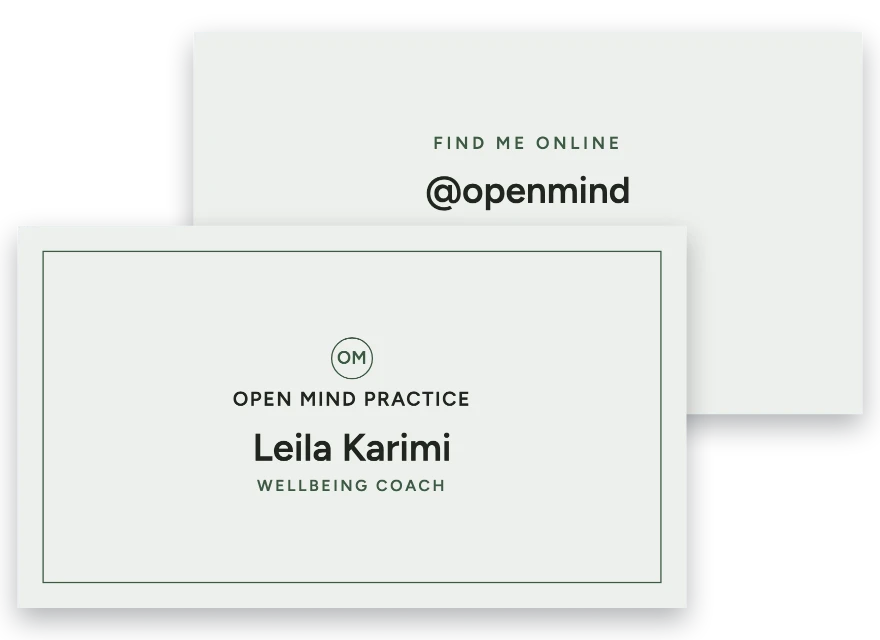 Coaching and Personal Development business cards100 templates
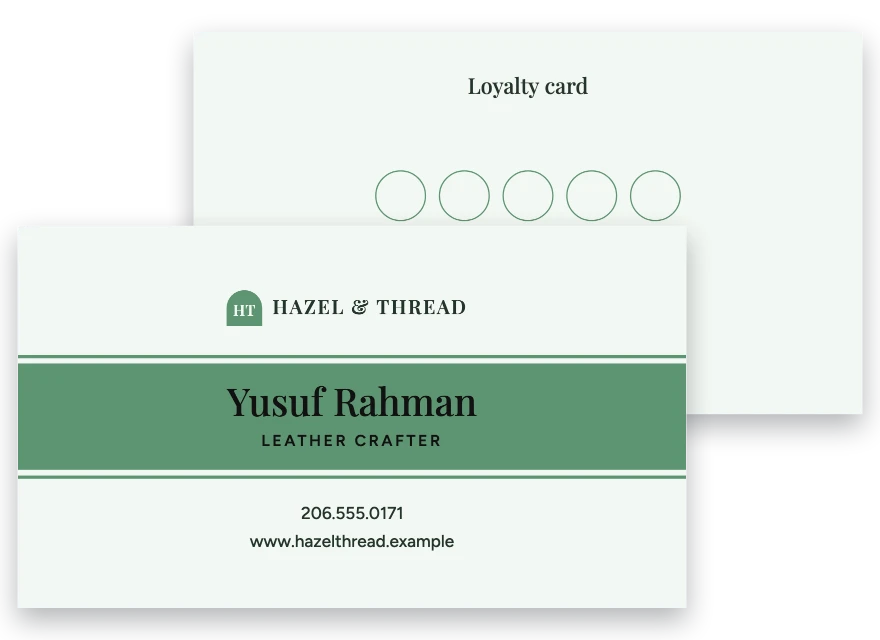 Handmade and Craft Business cards100 templates
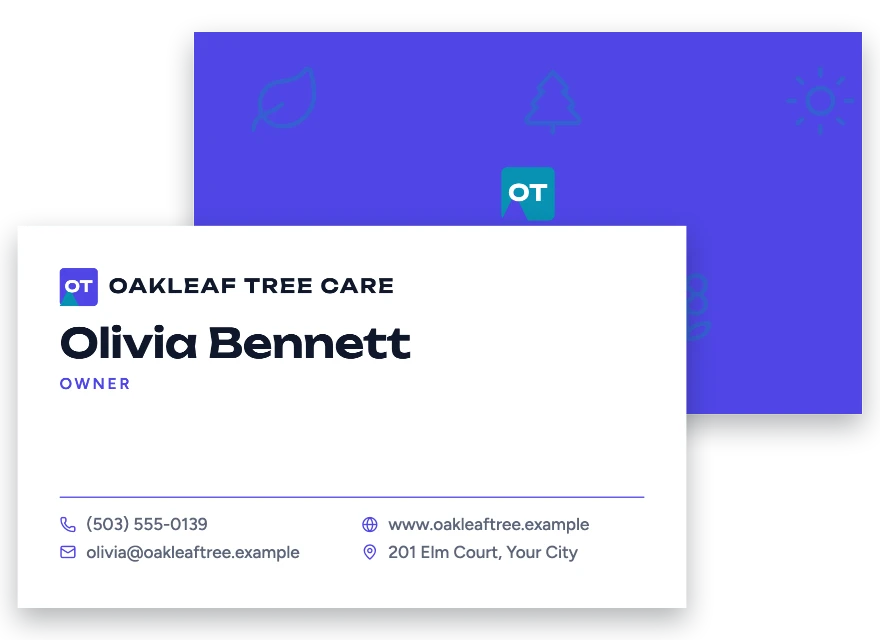 Gardening and Landscaping business cards100 templates
Distinctive Visual Styles
Black and gold, white minimal, dark elegant, bold type, colourful, organic, retro, futuristic, monogram and QR-code cards.
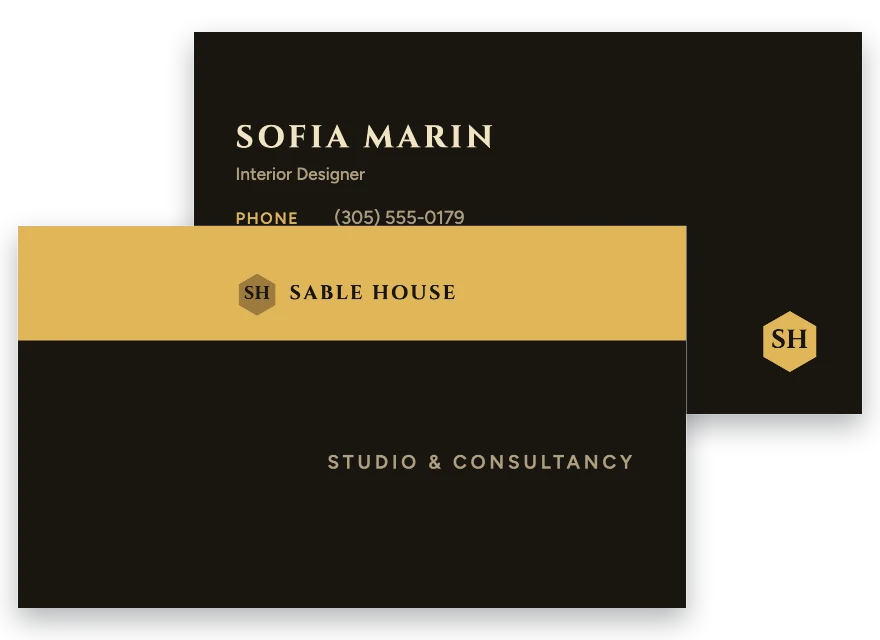 Black and Gold business cards100 templates
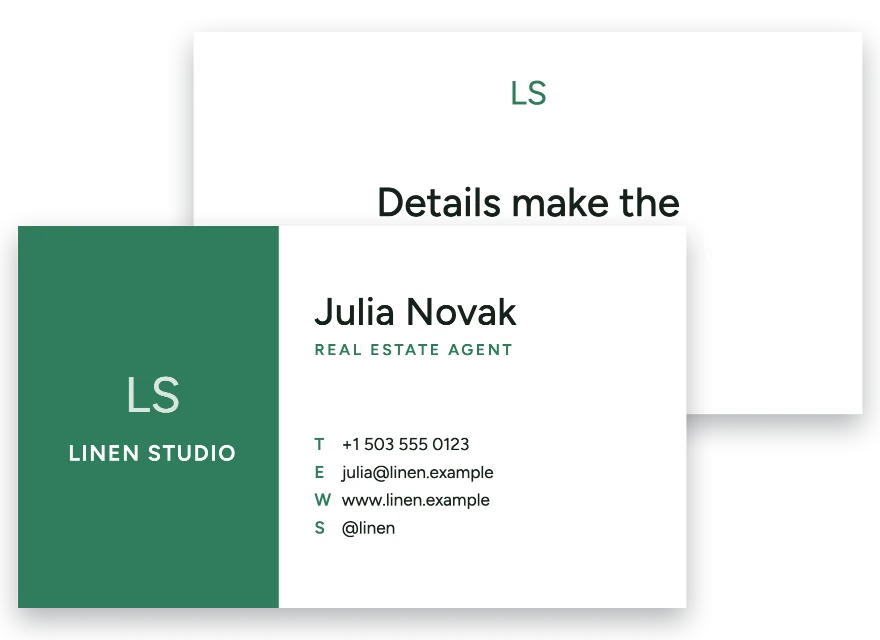 White and Minimal business cards100 templates
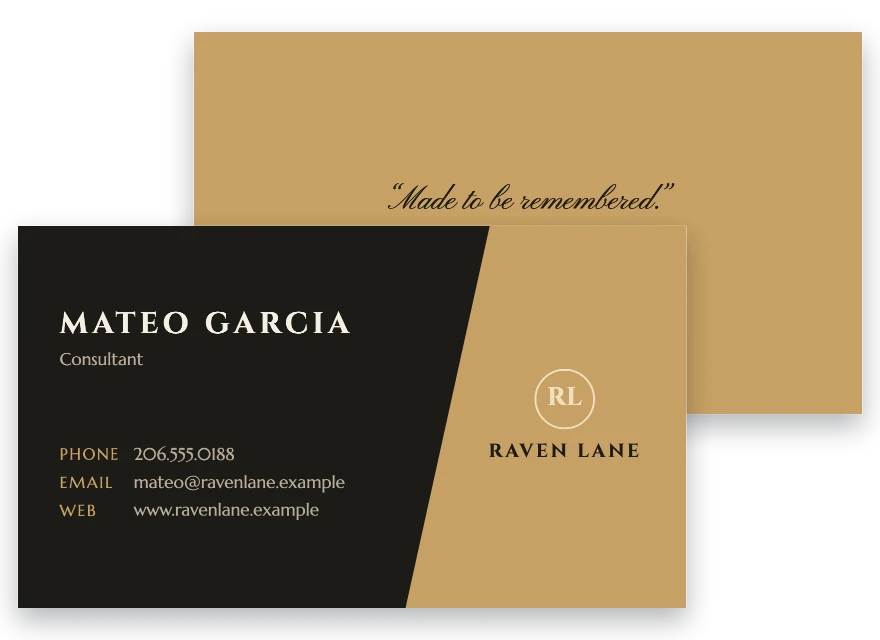 Dark and Elegant business cards100 templates
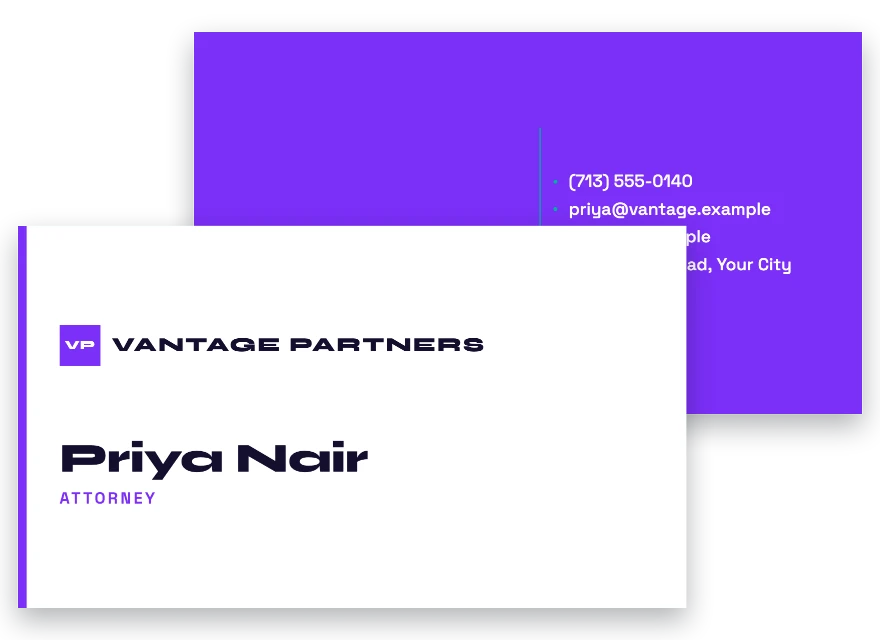 Bold Typography business cards100 templates
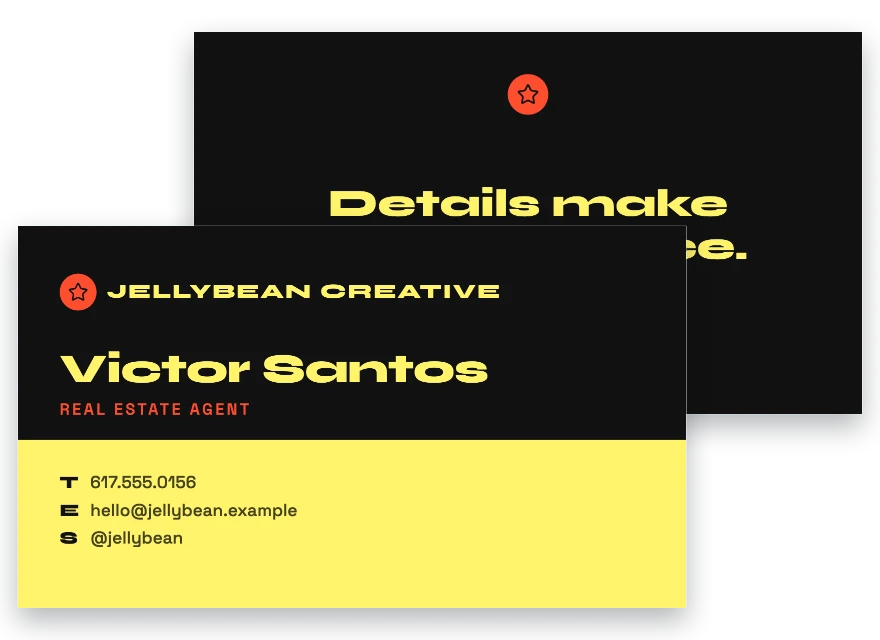 Colorful and Vibrant business cards100 templates
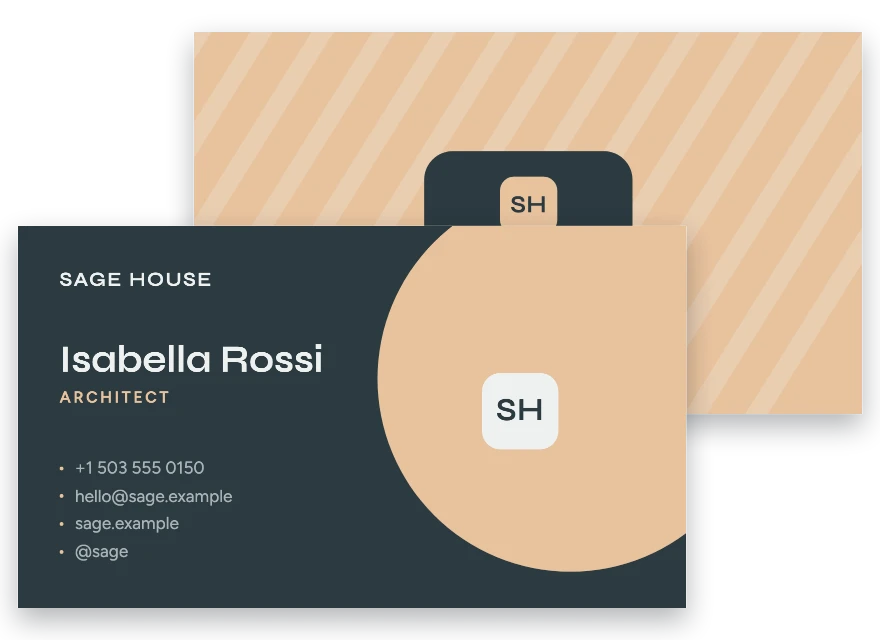 Organic and Natural business cards100 templates
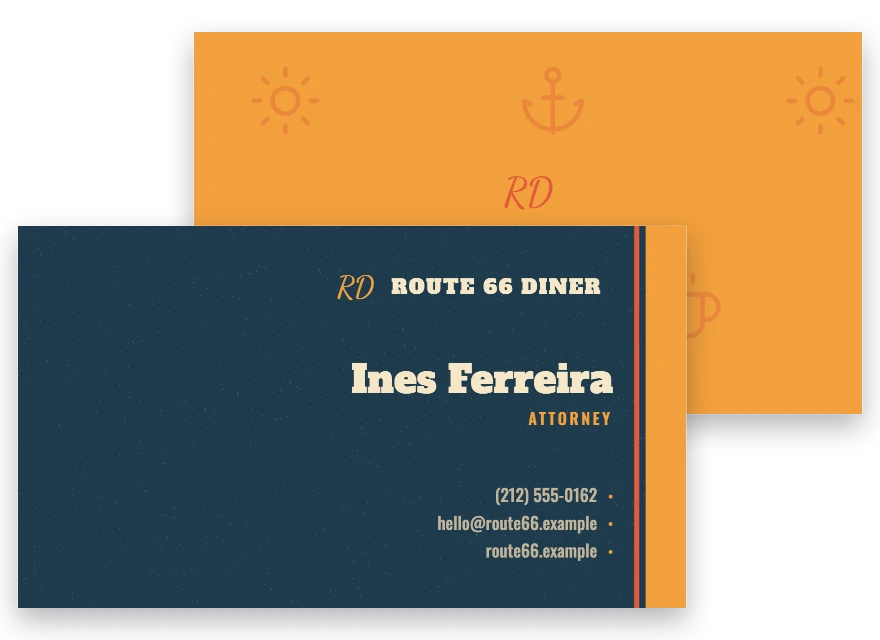 Retro and Vintage business cards100 templates
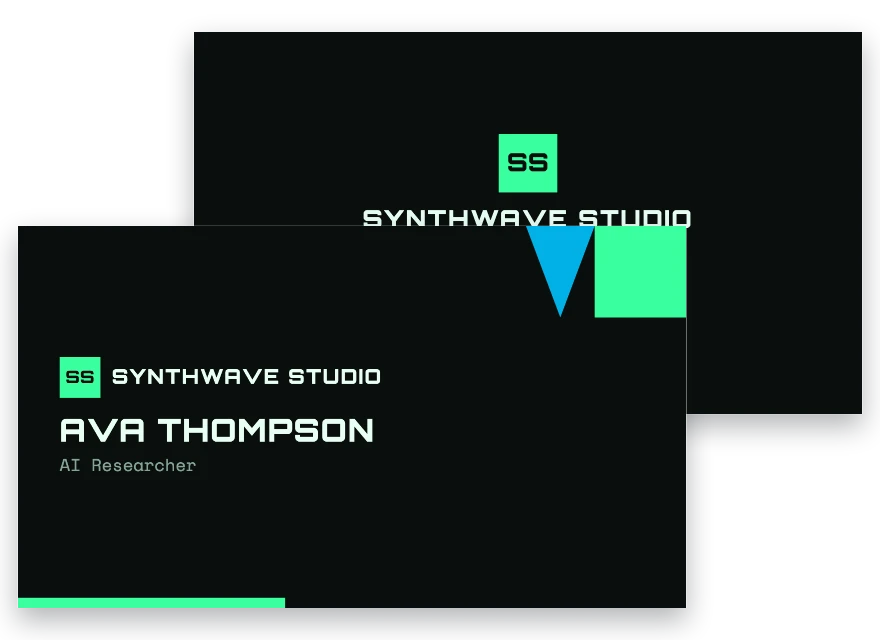 Futuristic and Tech business cards100 templates
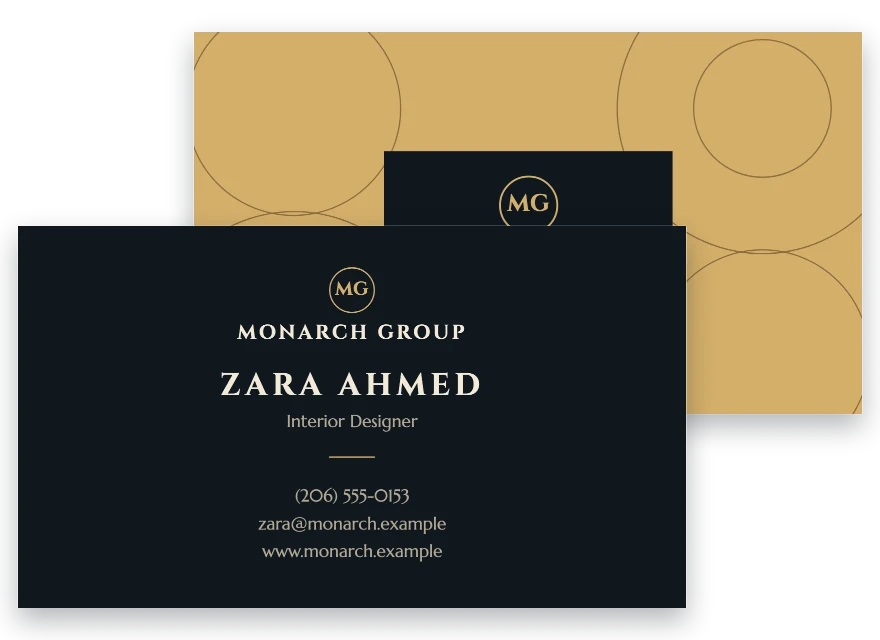 Luxury Monogram business cards100 templates
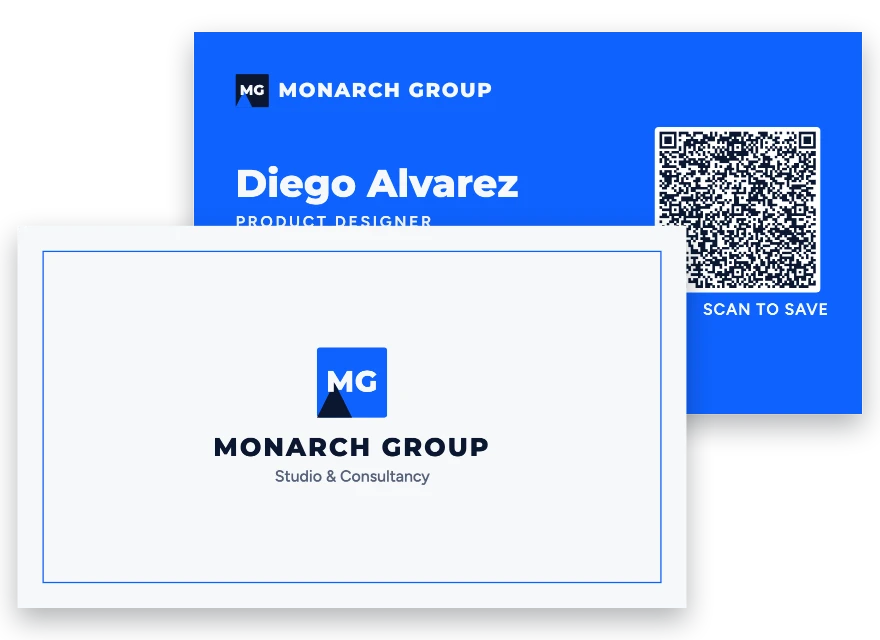 QR Code and Digital Contact business cards100 templates
Featured templates
Explore 4,500 Editable Business Card Templates
Every card is the real template, front and back, drawn by the editor. Search by profession or style, filter by industry, colour, mood, orientation or QR code, save favourites with the heart, and preview one to try your own details on it.
4,500 templates · showing 24
24 of 4,500
Recently added · the whole collection was added on . Popular and trending lists will appear once there is real usage data — we don't invent it.
Design styles
24 design directions, each a complete look
Typefaces, palettes, logo marks and shape language made to work together — from corporate blue and engraved luxury to Swiss grids, natural organic, retro and futuristic.
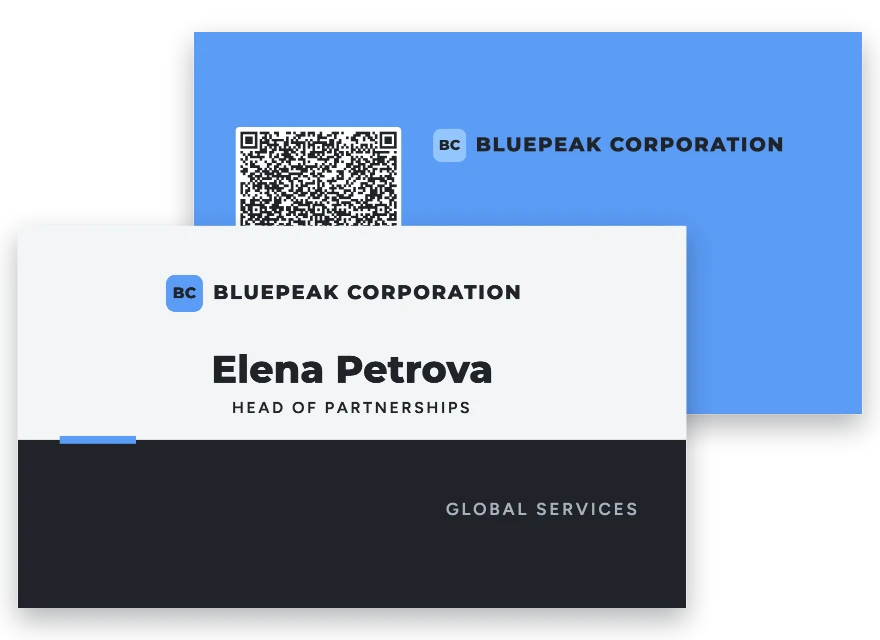 CorporateClean sans-serif, clear hierarchy and confident blue or navy.
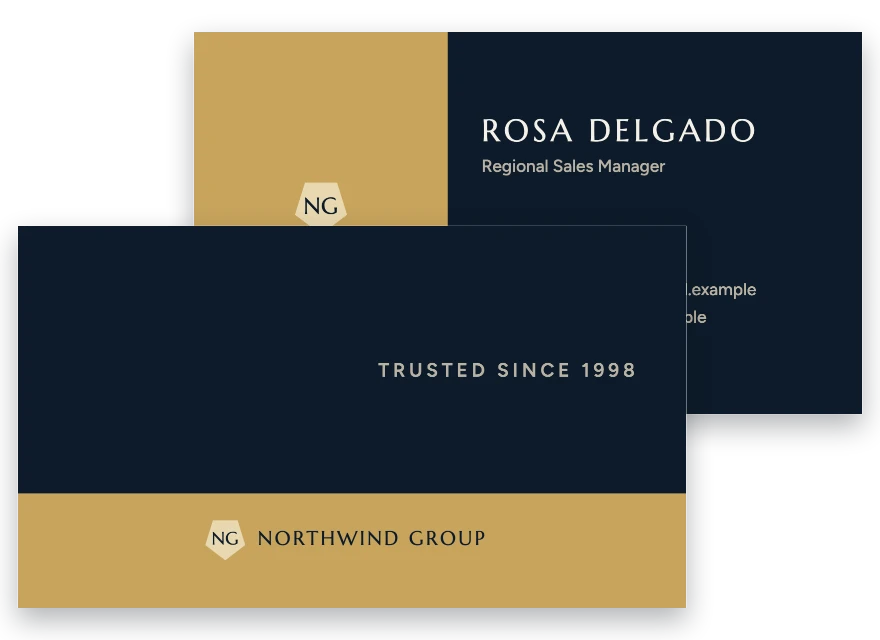 ExecutiveRoman capitals and fine rules on deep navy, charcoal, emerald or ivory.
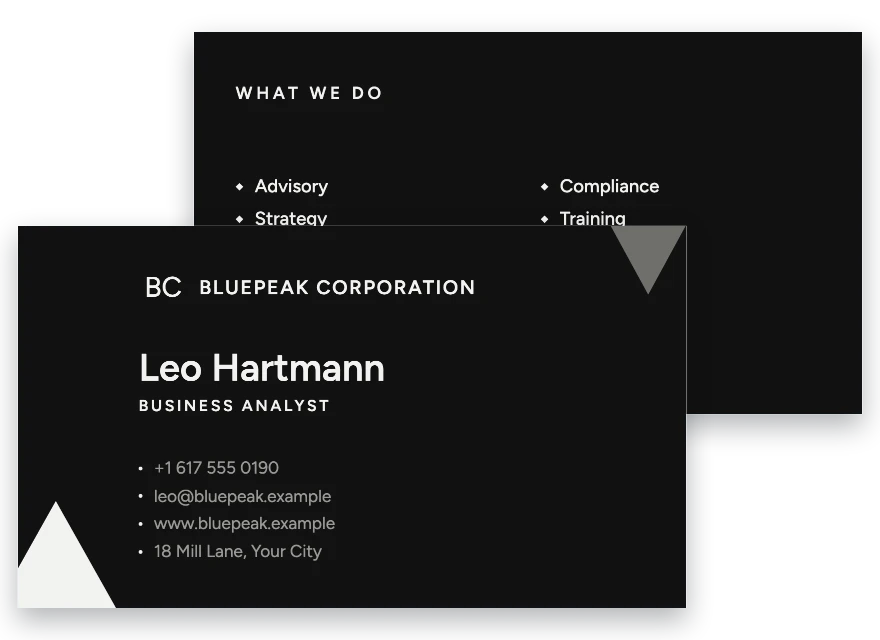 MinimalLots of white space, one typeface and a single quiet accent.
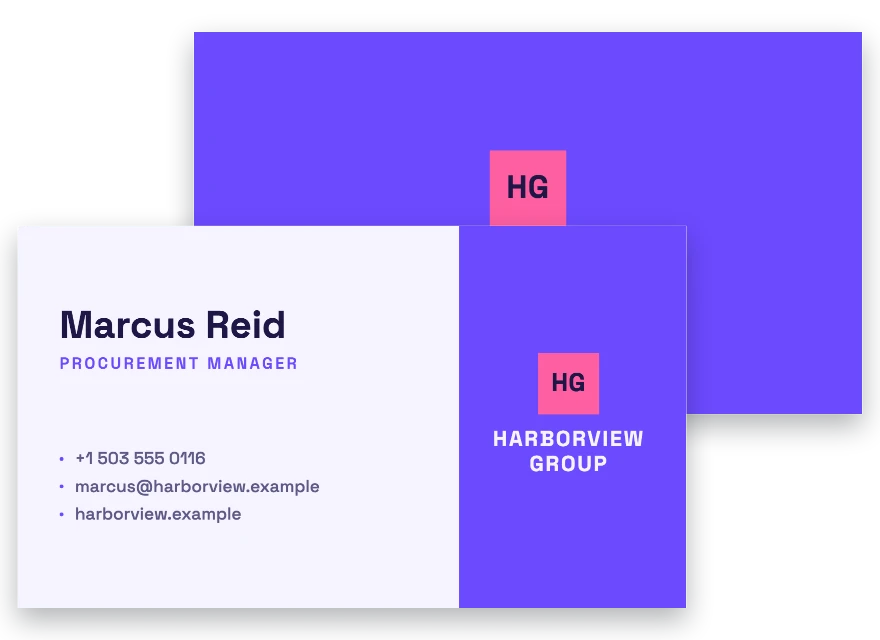 Modern GeometricTriangles, circles and bold blocks in two strong colours.
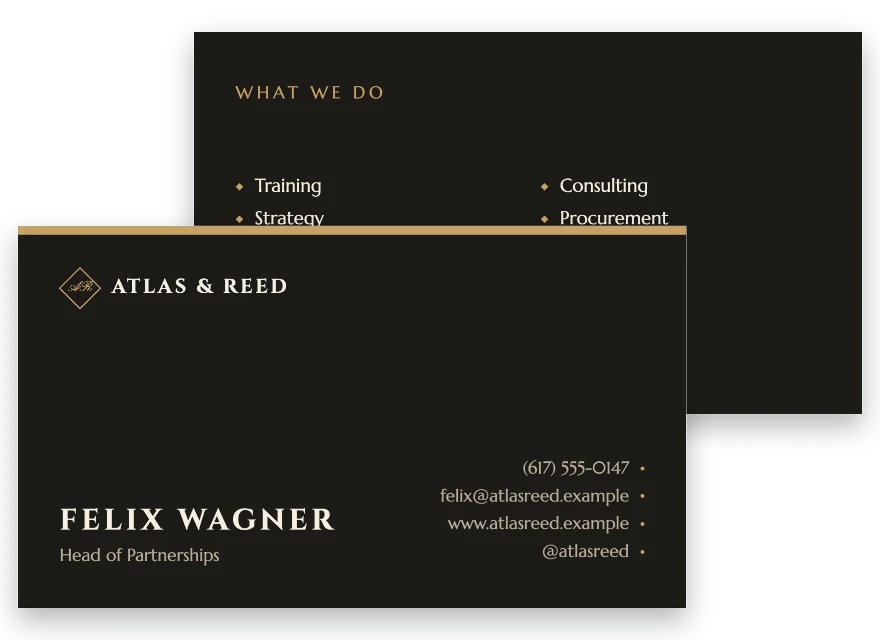 LuxuryEngraved capitals, gold accents and deep, quiet grounds.
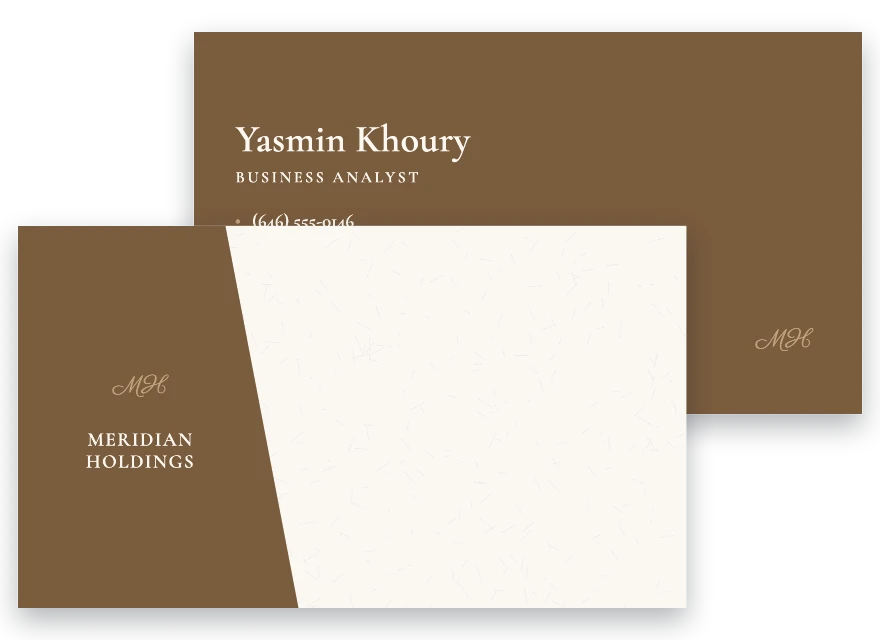 Elegant ClassicGaramond-style serif, centred lines and warm paper tones.
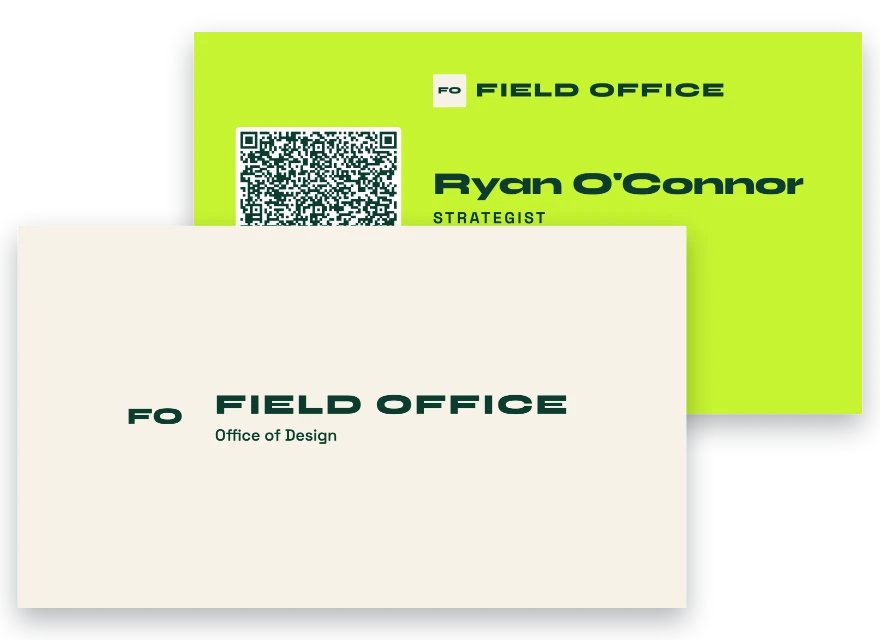 Creative AgencyExpressive display type, punchy colour and confident blocks.
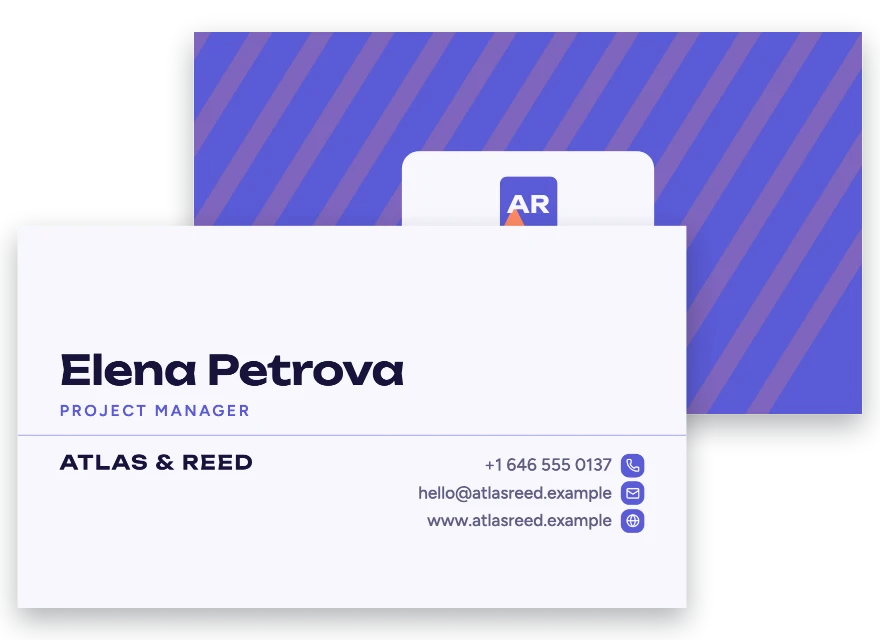 StartupRounded geometric type, bright accents and friendly shapes.
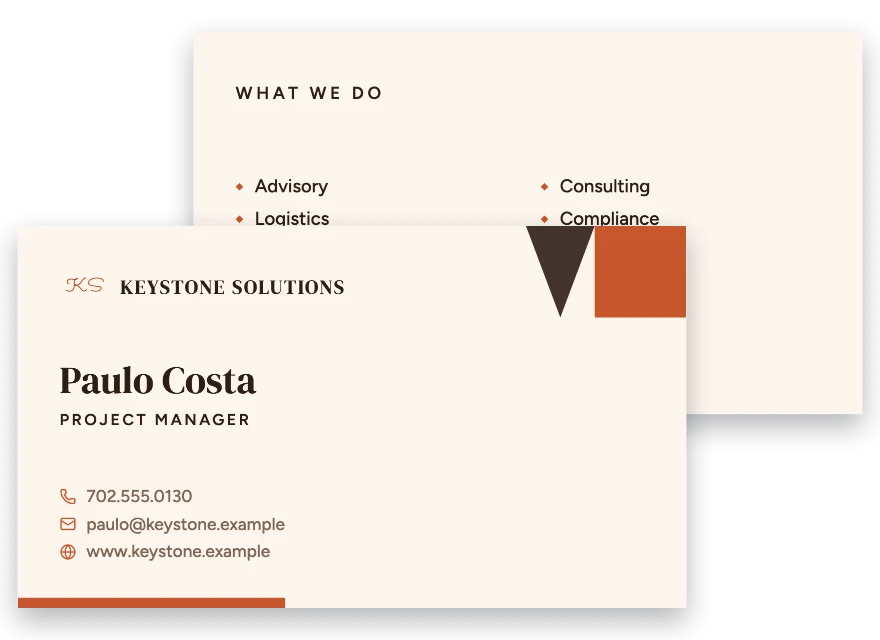 Personal BrandA display serif with a signature flourish and warm colour.
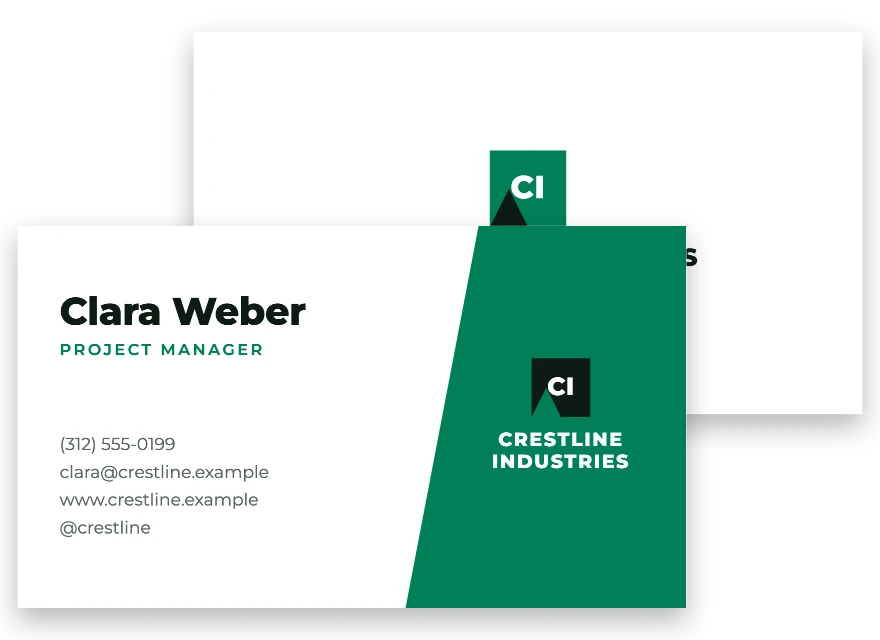 Swiss GridStrict grid, heavy sans-serif and one signal colour.
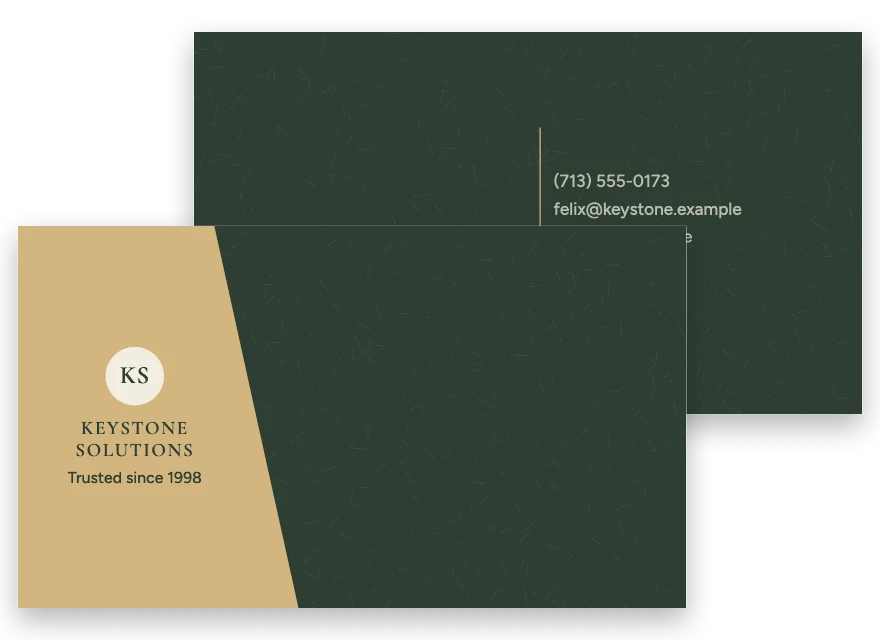 Organic & NaturalSoft serif, leaf and pebble shapes in earthy, natural colour.
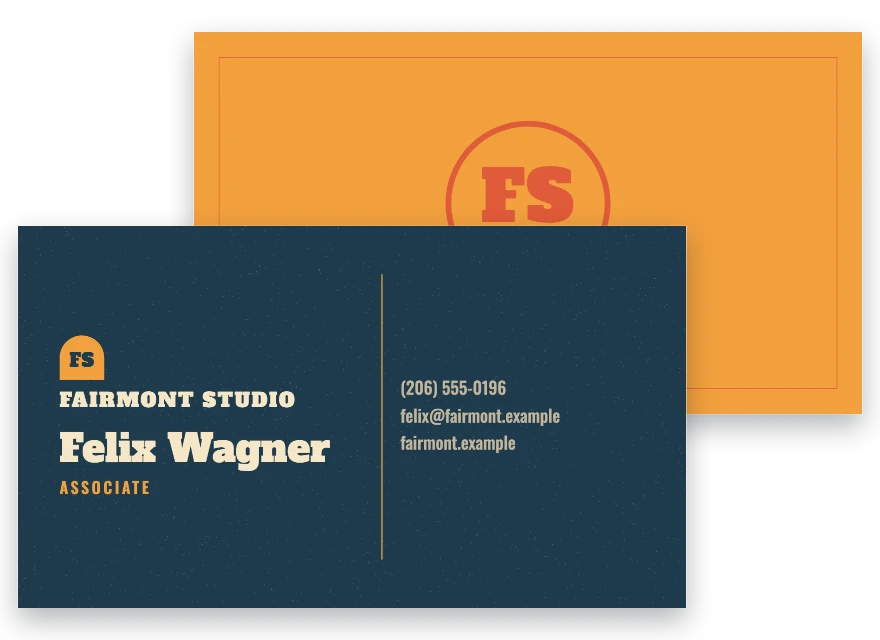 Retro & VintageSlab-serif names, sunburst stripes and sun-faded colour.
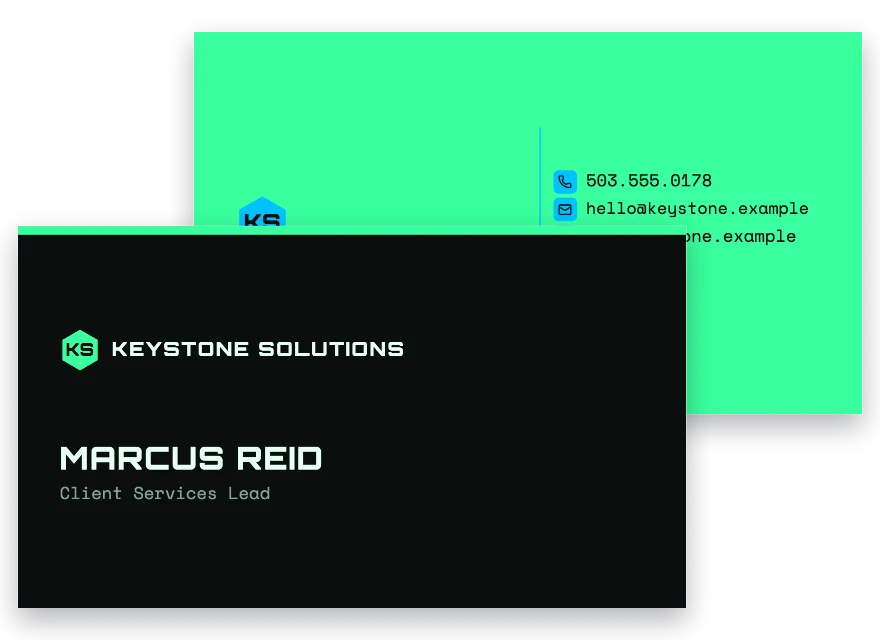 Futuristic & TechWide techno capitals, monospace details and glowing accents.
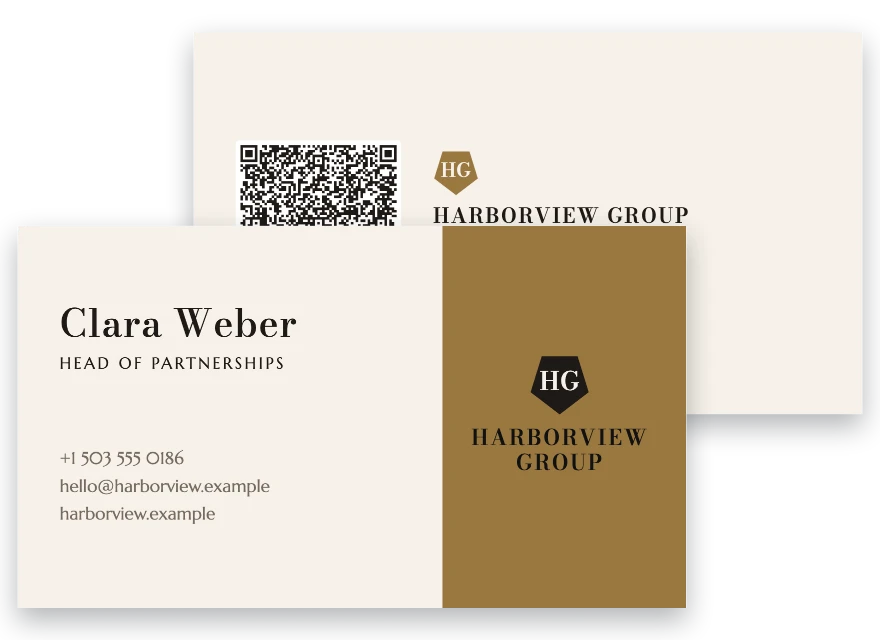 Luxury MonogramA large initial monogram, Bodoni name and engraved feel.
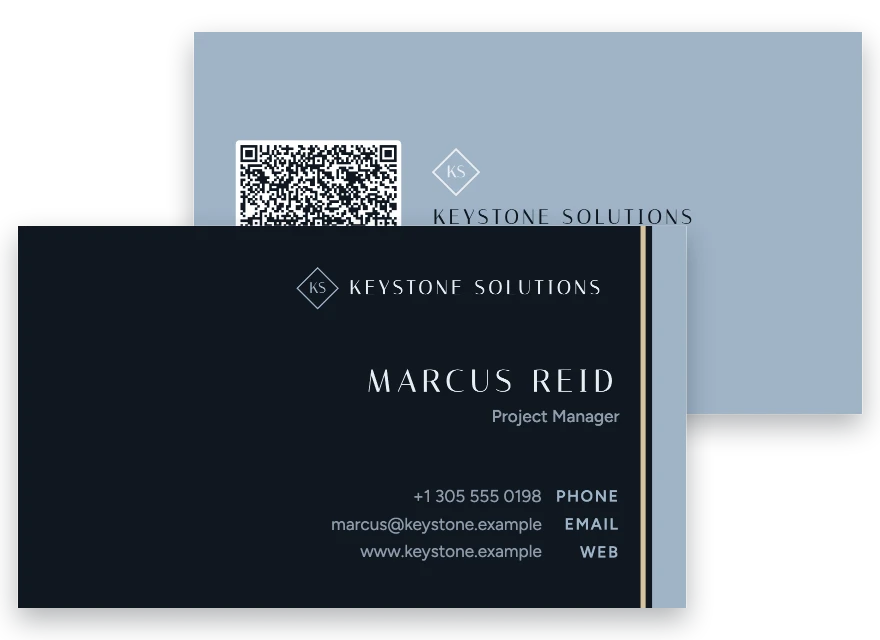 Dark & ElegantHairline capitals on near-black with muted metallic accents.
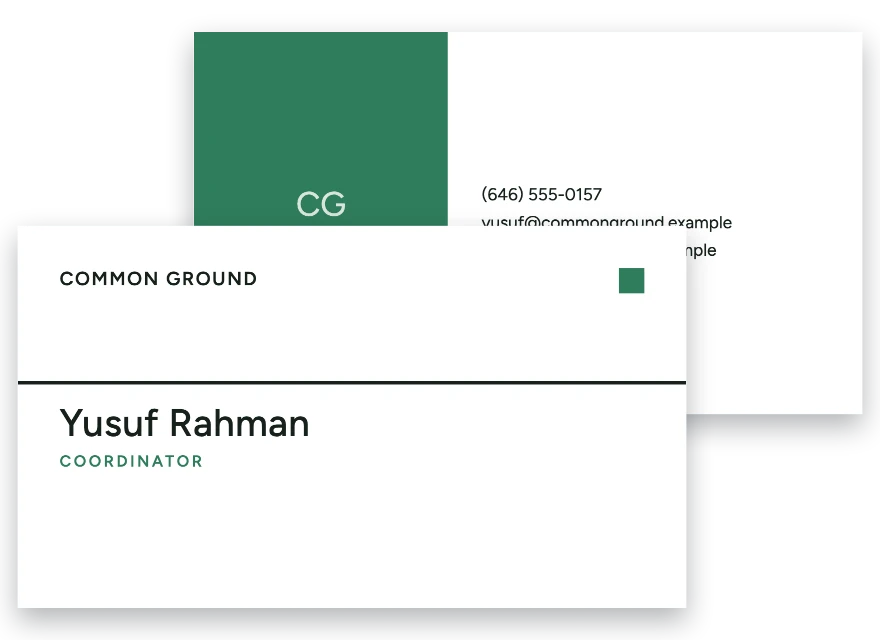 White & MinimalPure white, fine type and one small detail of colour.
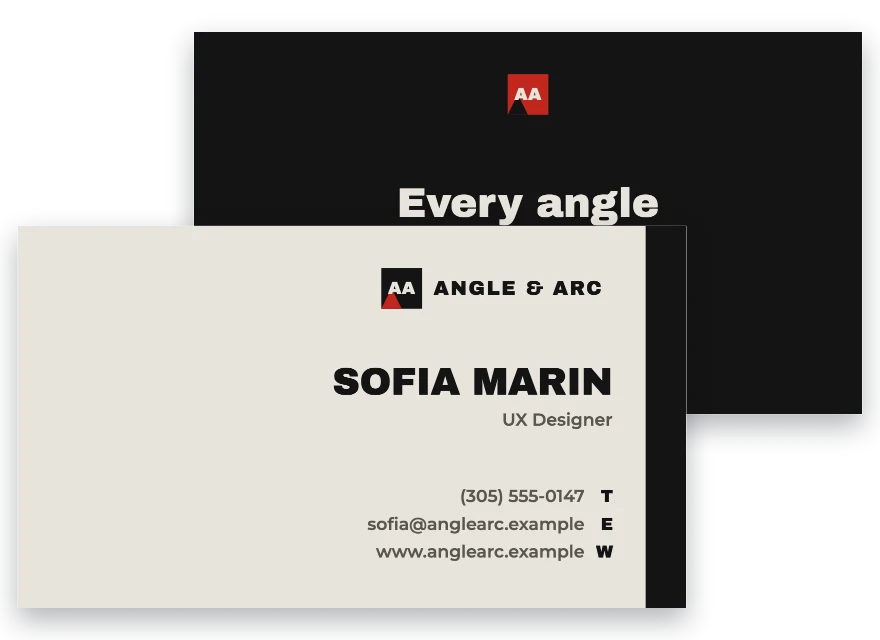 Bold TypographyHeavy black type set big — the name is the design.
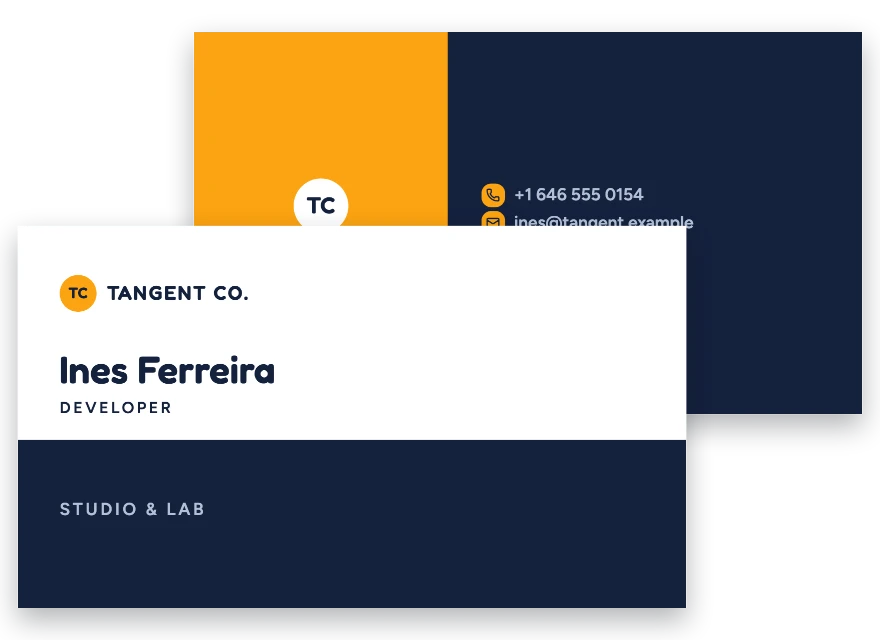 Colorful & VibrantRounded friendly type, confetti colour and playful shapes.
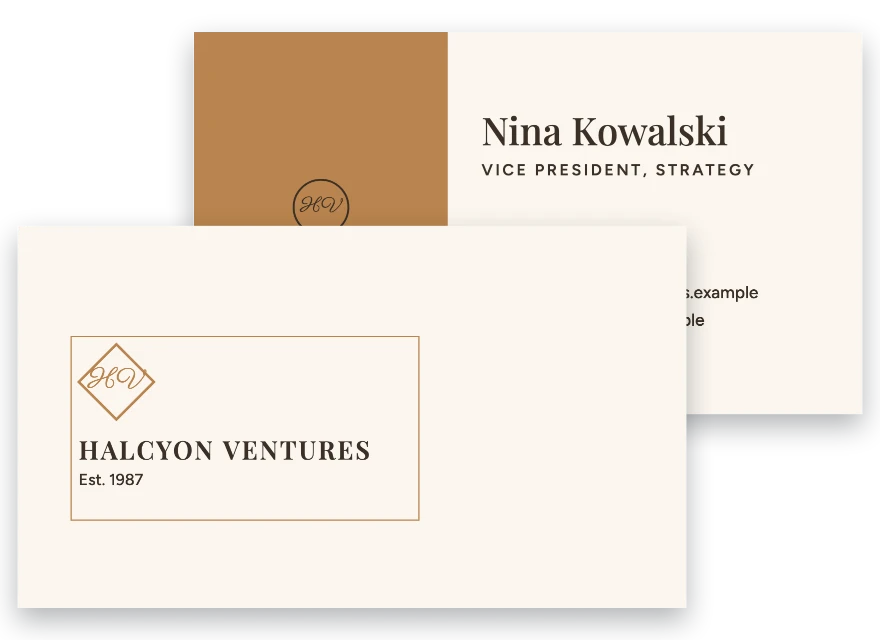 Elegant PastelSoft pastel grounds, italic serif and a fine script accent.
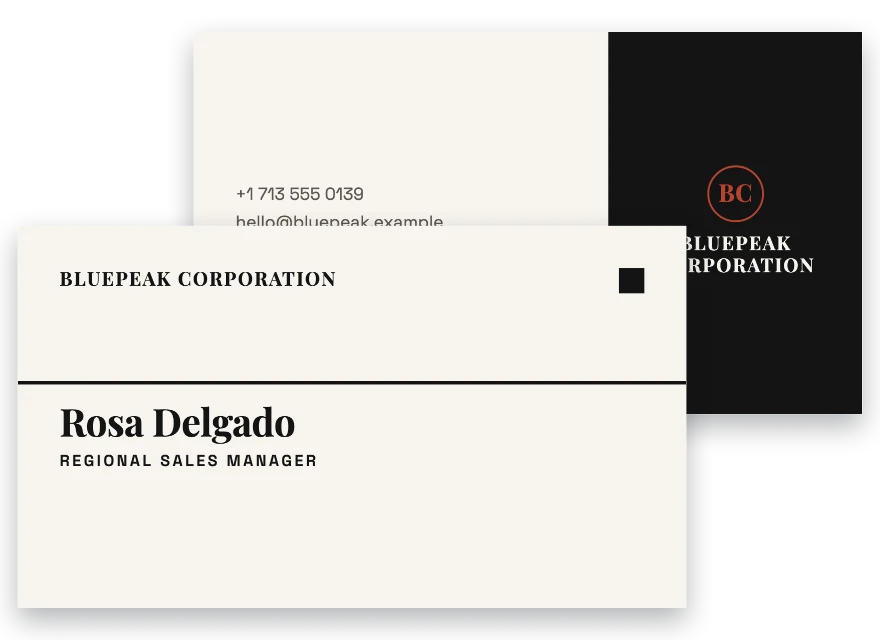 EditorialHigh-contrast serif headlines and a magazine-style grid.
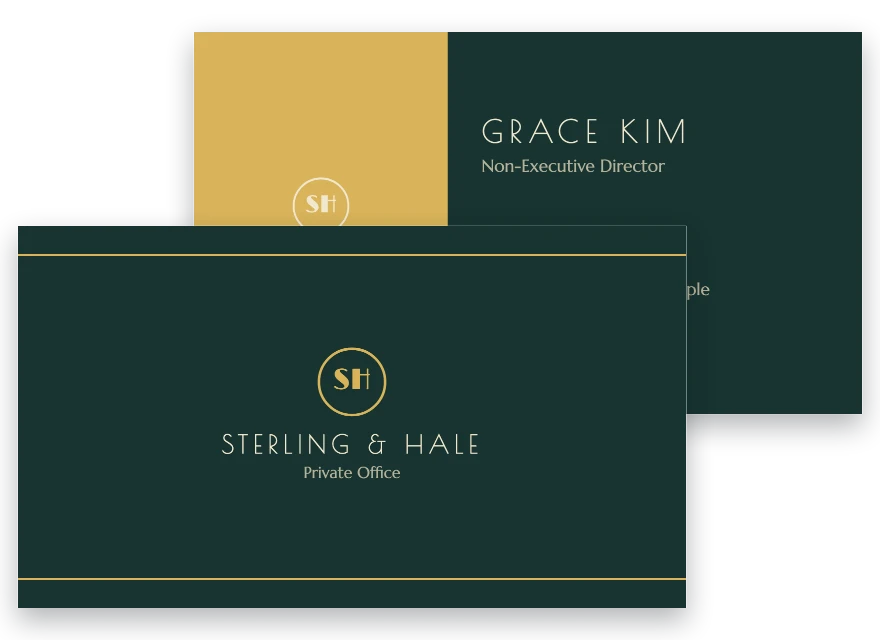 Art DecoThin geometric capitals, fans and stepped gold lines.
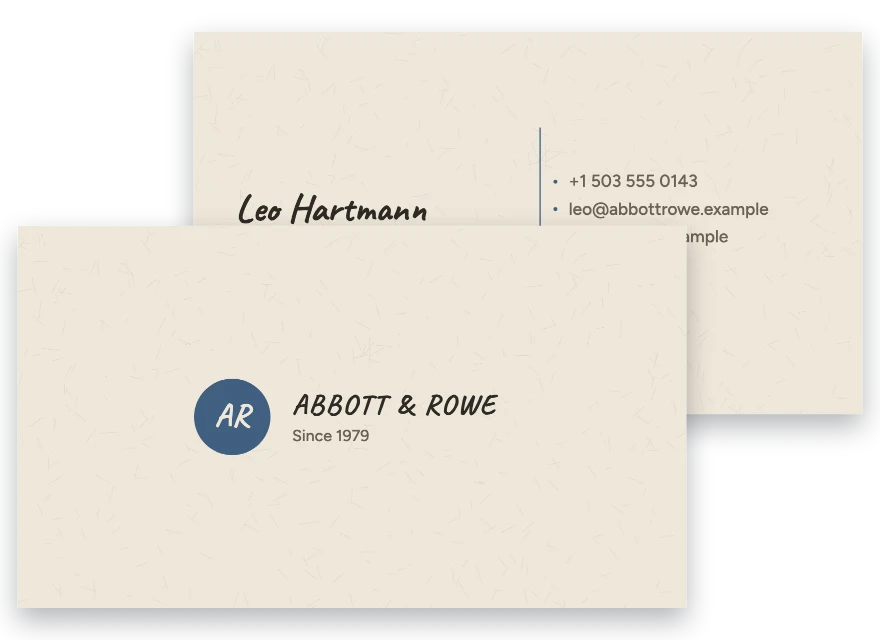 Handmade & CraftHandwritten names, stitched lines and kraft-paper colour.
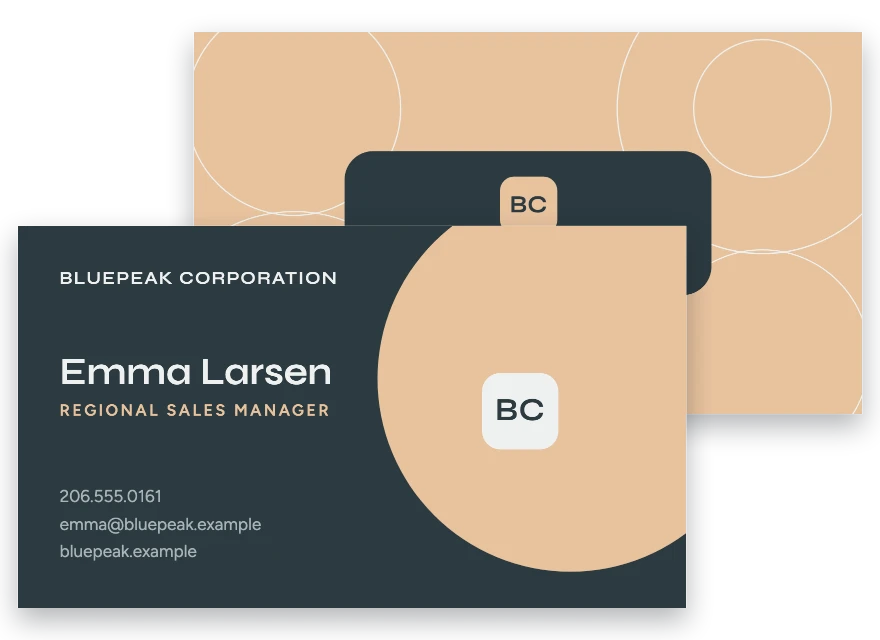 Nordic SoftMuted Scandinavian tones, generous margins and soft shapes.
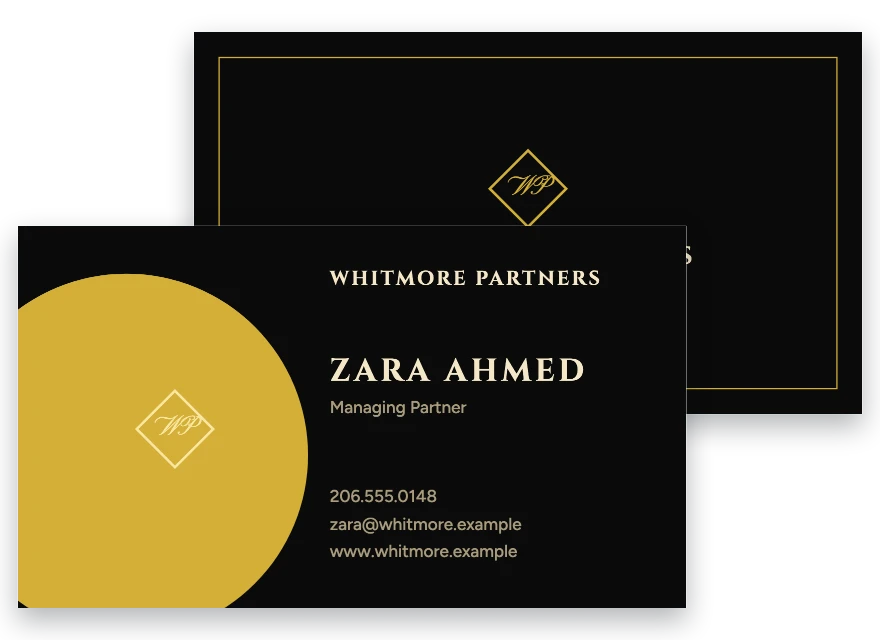 Black & GoldBlack grounds, gold-foil gradients and engraved capitals.
Step by step
How to make a business card
The 4,500 templates are exactly 100 for each of 45 categories — corporate, executive, minimalist, luxury, creative agencies, startups, freelancers, real estate, architecture, construction, finance, law, healthcare, dental, education, technology, marketing, photography, beauty, fashion, restaurants, retail, art, music, travel, fitness, car businesses, home services, weddings, coaching, makers, gardeners and ten distinctive looks from black and gold to QR-code cards. Each is a complete two-sided design: one of 30 front layouts paired with one of 15 back layouts that suits it, in one of 24 design directions, with names, job titles and services written for that profession.
Fronts and backs are designed as pairs: a logo-only front gets a back with your name and contact details; a front with your name gets a back with your contacts; a complete front gets a brand, pattern, QR code, services, appointment, loyalty or visit-us back. A colour change alone never counts as a new template — a card is only kept when its two-sided layout differs from every other card in its category and every other card in the same style.
Every card was then drawn in a real browser and checked on both sides: no text that overflows its box, no word outside the print safe area, no text too small to print (names at least 9.6 pt, everything else at least 6 pt) and no text that's hard to read against what is behind it.
Everything happens in your browser: no account, no watermark and nothing uploaded. Your cards save automatically on this device under My cards.
- 1
Find a template: search your profession or style (realtor, lawyer, minimalist, luxury, QR code…) or browse the 45 categories. Filter by industry, style, colour, mood, orientation and QR code.
- 2
Preview it front and back. Type your name, job title and contact details in the preview to see them on the card, or skip that and open the template as it is.
- 3
In the editor, open Details to change any detail and upload your logo — the card's own lines update on both sides as you type, and empty details hide their line.
- 4
Design each side with the Front / Back switch above the card: edit text, colours, fonts, shapes, icons and layers; add a QR code with your contact card, website or WhatsApp.
- 5
Keep every word inside the red dashed safe line. Choose the size in Size & print — 3.5 × 2 in, 85 × 55 mm, 90 × 50 mm, portrait or custom — and the bleed your printer asks for.
- 6
Download: a print PDF (front and back pages, bleed and crop marks) for a printer, or PNG and JPG files at 300 or 600 ppi for screens, email and home printing.
The business card editor
A real design editor, in your browser
Templates, details, text, uploads, elements, QR codes, colours and print settings on the left; the card in the middle with its print guides and the Front / Back switch; properties and layers on the right. On a phone, the same tools open as sheets.
Your details in one go
Type your name, job title, company, phone, email, website, address and social handle once — both sides update as you type, and an empty detail hides its line.
Front and back
Turn the card over with the Front / Back switch. Each side has its own background, layers and QR code; copy the front to the back or swap them.
Your logo
Upload a PNG, JPG, WebP or SVG — it replaces the template's logo mark on both sides at the same size. SVGs are turned into a picture on your device so nothing in them can run.
QR codes
A contact card (vCard), website, email, phone, WhatsApp, social profile or text — with colours, size, quiet zone and error correction, and warnings when a code may not scan.
Typography
Font, size, weight, italic, letter spacing, line height, alignment, colour, opacity, capitals and rotation — with curated open-licence fonts and font pairings.
Brand colours
Fifteen named palettes — corporate blue, black and gold, navy and silver, emerald and cream and more — HEX, RGB and HSL controls, and palettes saved in your browser.
Shapes, lines and icons
Add shapes, lines, dividers, corner accents and line icons; move, resize, rotate, duplicate, lock, align, group and order everything in Layers.
Sizes and print guides
3.5 × 2 in, 85 × 55 mm, 90 × 50 mm, portrait or custom; the safe line, the bleed and a rounded-corner preview on the canvas.
Business card size guide
Standard sizes, bleed and safe area
The editor designs at 300 pixels per inch, so the canvas is the trimmed card at print resolution. Change the size any time in Size & print — template designs are laid out again for the new shape and safe area, never stretched.
Bleed is extra background beyond the cut line (it is trimmed off); the safe area is how far inside the cut to keep words and logos. Printers vary — use their numbers if they give them.
| Card | Trim size | Bleed | |
|---|---|---|---|
| US & Canada standard | 3.5 × 2 in (88.9 × 50.8 mm) | 0.125 in on every side | 0.125 in from the edge |
| International standard | 85 × 55 mm (3.35 × 2.17 in) | 3 mm on every side | 3 mm from the edge |
| Common alternative | 90 × 50 mm (3.54 × 1.97 in) | 3 mm on every side | 3 mm from the edge |
| Portrait (vertical) | Any of the above turned upright | Same as landscape | Same as landscape |
| Custom | Your own width and height in mm or inches | None, 2 mm, 3 mm, 0.125 in or 5 mm | 3 mm, 0.125 in, 4 mm or 5 mm |
Bleed and safe-area figures are common printer guidance; printers vary, so the editor lets you set your printer's numbers.
Front-and-back design guide
Two sides, two different jobs
Most printed business cards use both sides, and the two sides do different jobs. The front is what people see first: your name and job title, or just your logo and company name for a strong brand. The back carries what people need later — phone, email, website, address — or something useful: a QR code that saves your contact, an appointment reminder, a loyalty stamp card or your services.
In the editor, the Front / Back switch above the card turns it over. Each side has its own background, layers and QR code. Front & back has Copy front to back (a starting point for a matching back), Swap front and back, and Start the back from blank. Preview shows both sides together, with rounded corners if you chose them.
Logo front + details back — A brand-first front, with your name, title and contacts on the back.
Name front + contact back — Your name and role up front; phone, email and website behind.
Full front + QR back — Everything on the front, and a code that saves your contact on the back.
Appointment or loyalty back — Write-in appointment lines for clinics and salons; stamp cards for cafes and shops.
Business card design tips
Tips for a card that prints well
- Words too close to the edge: the cut can drift by a millimetre or so — keep everything important inside the red dashed safe line.
- No bleed: a background that stops at the trim line can leave a thin white edge. Download the print PDF with bleed.
- Tiny type: 6 pt is about the smallest that prints cleanly; names read best at 10–14 pt or more.
- Too much on one side: name, title and two or three ways to reach you are plenty — use the back for the rest.
- Low contrast: light grey on white or dark blue on black disappear in print, especially on textured paper.
- An untested QR code: scan it with your phone before you print, at the size you'll print.
Who uses these cards
- Professionals — lawyers, accountants, doctors, consultants — who need a clean, credible card.
- Estate agents with a QR code to their listings or contact card.
- Salons, clinics and studios using the back as an appointment or loyalty card.
- Restaurants, cafes and shops with opening hours and an address on the back.
- Creatives, photographers and makers with a portfolio link or social handle.
- New businesses trying a design before ordering cards from a printer.
QR-code business cards
Let people save you with one scan
A QR code lets people save your details without typing. The editor makes real codes on your device from what you enter: a contact card (vCard 3.0 with your name, job title, company, phone, email, website and address, escaped properly so phones import it correctly), a website, an email, a phone call, a WhatsApp chat (wa.me link), a social profile or plain text. There is no tracking redirect, so the code keeps working as long as the details are right.
Print the code at least about 16–20 mm (0.6–0.8 in) wide, keep a quiet zone of clear space around it, and use a dark code on a light background — the editor warns you when the colours are too close or the code is too small. Always test it with your phone before you print.
QR code business card templates →QR Code GeneratorQR Code Scanner
- Contact card (vCard)
- Website
- Phone call
- WhatsApp chat
- Social profile
- Plain text
Download and print guide
Print-ready PDF, PNG and JPG
For a print shop, download the PDF: one page for the front and one for the back, each the card's trim size plus bleed, with the PDF's TrimBox and BleedBox set and optional crop marks outside the bleed. Pages are drawn at 600 pixels per inch — well above the 300 ppi printers ask for. Backgrounds and shapes touching the edge continue into the bleed, so no white edge shows if the cut drifts.
PNG and JPG files are good for screens, email signatures, online printing services that ask for images, and printing at home. Choose 300 or 600 ppi, with or without bleed; PNG can have a transparent background. Files are tagged with their resolution so layout programs open them at the card's real size.
Browsers draw in RGB, so the files are RGB (sRGB), not CMYK. Printers convert them — very bright blues, greens and oranges may print slightly duller than on screen. If your printer needs CMYK, they can convert the PDF for you.
Print PDF — Front and back as two pages, each the trim size plus bleed, with TrimBox, BleedBox and optional crop marks — drawn at 600 ppi.
PNG — Lossless, at 300 or 600 ppi, trimmed or with bleed — and with a transparent background when you need one.
JPG — Smaller files with a quality setting, tagged with their resolution so they open at the card's real size.
Save and reopen — cards save automatically in this browser under My cards: reopen, rename, duplicate or delete them, or export a project file to keep or move. They aren't synced to other devices.
- Printing at home? Business Card Print Sheet (ten cards per page)
Good to know
- Names, companies, phone numbers (555) and web addresses (.example) in the templates are invented placeholders. Replace them with your own.
- Templates are typography, shapes, line icons and your own logo — no stock photography. The fonts are open-licence (SIL OFL) and self-hosted, free for commercial use.
- Files are RGB (sRGB): browsers can't make CMYK. Printers convert colours, and very bright colours may print slightly duller.
- PDF pages are high-resolution pictures of each side (600 ppi), so text in the PDF isn't selectable.
- Rounded corners are a preview: the printer cuts them. Your files stay square, as printers expect.
- Popular and trending lists aren't shown: there is no usage data yet, and we don't invent it. Recently viewed and favourites come from this browser only.
- Cards, favourites, saved palettes and your details are saved in this browser only — not synced across devices. Download anything important, or export the project file.
FAQ
Frequently Asked Questions
Content last updated . See how M2Toolkit works.
Also try:QR Code Generator· Email Signature Generator· Letterhead Maker· Colour Palette Generator
Is this business card maker free?
Yes. All 4,500 templates, the editor and every download — PDF, PNG and JPG — are free, with no account, no watermark and no limit.
What size is a standard business card?
In the US and Canada, 3.5 × 2 inches. In most other countries, 85 × 55 mm. 90 × 50 mm is also common in parts of Asia, Scandinavia and elsewhere. The editor has all three, in landscape and portrait, plus any custom size.
What is bleed, and do I need it?
Bleed is extra background that runs past the cut line and is trimmed off, so no white edge shows if the cut is slightly off. Printers usually ask for 0.125 in (US) or 3 mm. The print PDF adds it for you, and anything touching the edge of your card runs into it.
Can I design the front and the back?
Yes. Every template has a front and a back designed to go together. Use the Front / Back switch above the card to edit each side, copy the front to the back, or swap them. Downloads can include either side or both.
Does the QR code really work?
Yes — it is made on your device from the details you enter: a contact card (vCard), website, email, phone, WhatsApp, social profile or text. There is no tracking link. Test it with your phone before printing, and print it at least about 16–20 mm wide.
Can I upload my logo?
Yes: PNG, JPG, WebP or SVG. Your logo replaces the template's logo mark on both sides, at the same spot and size. SVG files are turned into a picture on your device, so nothing inside the file can run.
Is the PDF ready for a print shop?
It has each side as its own page at the card's trim size plus bleed, with TrimBox, BleedBox and optional crop marks, drawn at 600 ppi. Colours are RGB — most printers convert that to CMYK themselves; ask yours if they need a CMYK file.
Can I print the cards at home?
Yes. Download PNG or JPG at 300 or 600 ppi, or use the Business Card Print Sheet tool to print ten cards on one page at actual size. Card stock of about 250–350 gsm works in many home printers.
How many templates are there?
4,500: exactly 100 in each of 45 categories. Each two-sided card was checked for repeated layouts, text that overflows, words outside the safe area, type too small to print and text that's hard to read.
Is there AI in the editor?
No. Templates, palettes, font pairings, resizing and personalisation are rule-based and run in your browser. Nothing is sent to an AI service.
Where are my cards saved?
In this browser, automatically, under My cards — reopen, rename, duplicate or delete them there, or export a project file to move a card to another device. They aren't stored on a server.
Free · No sign-up · No watermark
Your new business card, ready to print.
Pick one of 4,500 two-sided templates, add your details and logo, and download a print-ready PDF.
Related tools.
Other free tools for your brand and paperwork.
- QR Code GeneratorPopularMake a free QR code for any link or text, in PNG or SVG. No expiry.Web
- Business Card Print SheetFill in a quick form and print a sheet of ten business cards at actual size. For full two-sided designs, use the Business Card Maker.Business
- Email Signature GeneratorPopularBuild a professional email signature with 20 templates, photo and logo, social icons and buttons — copy it for Gmail, Outlook or Apple Mail, or download HTML and PNG.Business
- Letterhead MakerDesign a company letterhead with logo, contact details and footer — print or save as PDF.Business
- Color Palette GeneratorBuild harmonious palettes: complementary, analogous, triadic and more.Design
- Flyer MakerPopular4,500+ free flyer templates for business, events, sales, restaurants and real estate — edit on the canvas, A4, A5, A6, Letter or social sizes, QR codes, and print-ready PDF with bleed, PNG or JPG.Editors