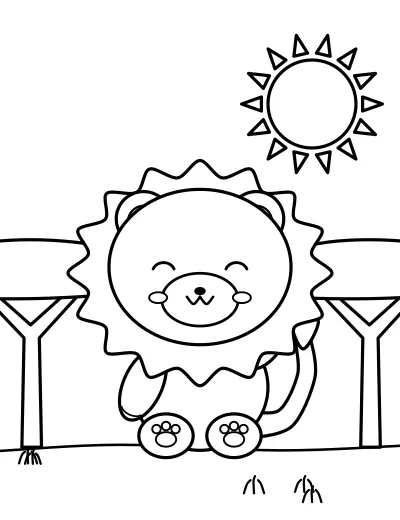
Lion on the Savanna
Animals · Ages 4–6 · Easy
2,000 free coloring pages
Pick from 2,000 original coloring pages — animals, dinosaurs, unicorns, mandalas, vehicles and more — and color them online with a tap-to-fill bucket, brushes and a pencil. Or turn your own photo into a coloring page, then print it or build a whole coloring book as one PDF.
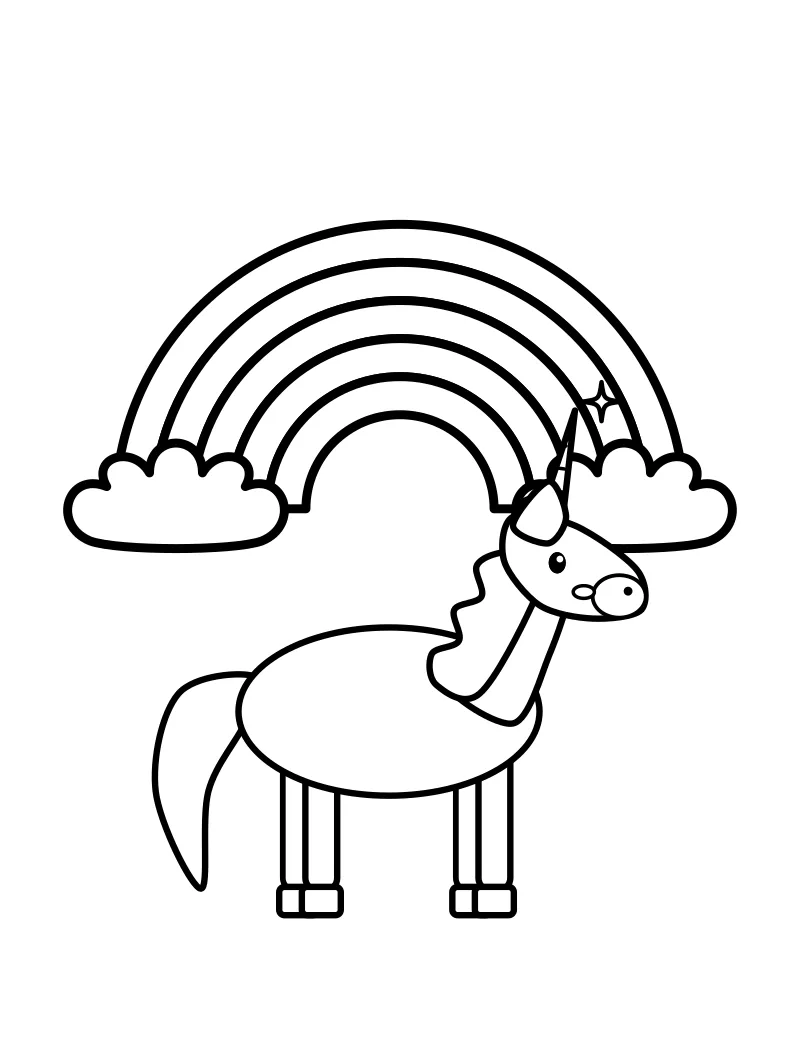
1. Pick a page
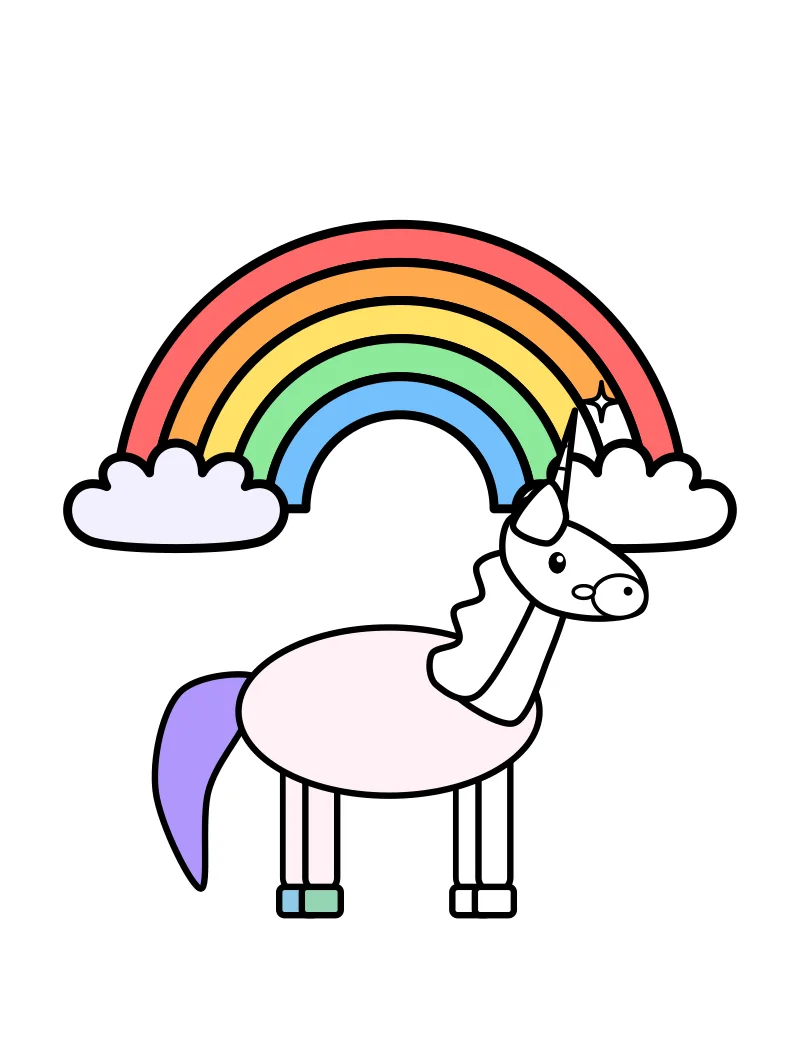
2. Tap to fill
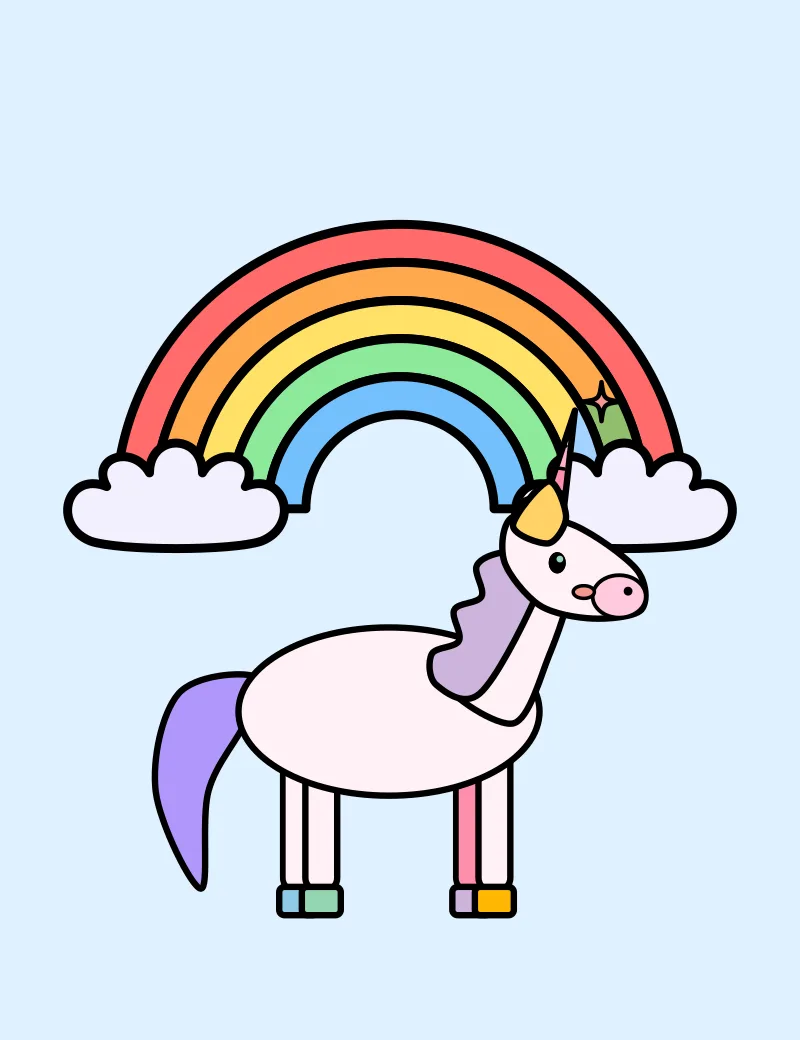
3. Print or download
A free coloring page maker and online coloring studio that runs in your browser. Color any of 2,000 original pages online or print them, turn a photo into a coloring page, and put pages together into your own printable coloring book.
Editor's picks
Hand-picked from across the collection. (We don't track what you color, so there's no “most popular” list.)
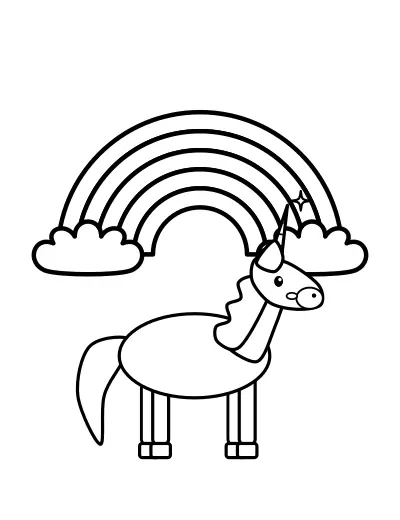 Unicorn Under a RainbowAges 4–6 · Easy
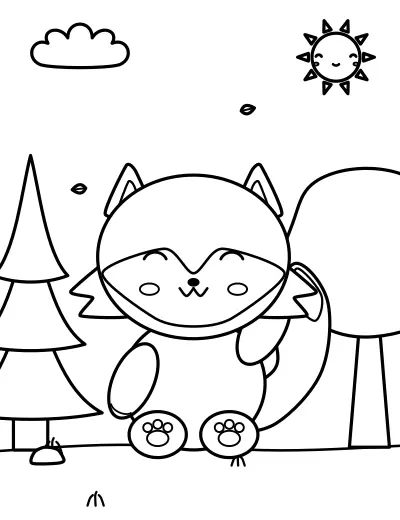 Fox in the ForestAges 4–6 · Easy
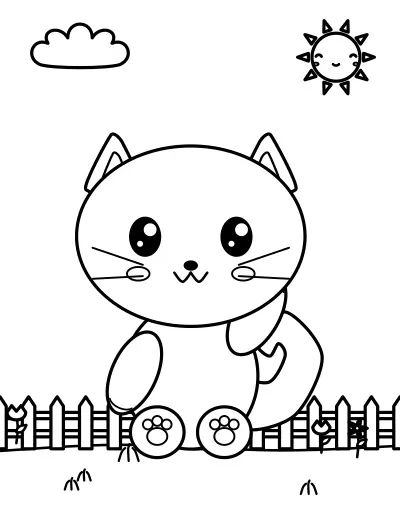 Kitten in the GardenAges 4–6 · Easy
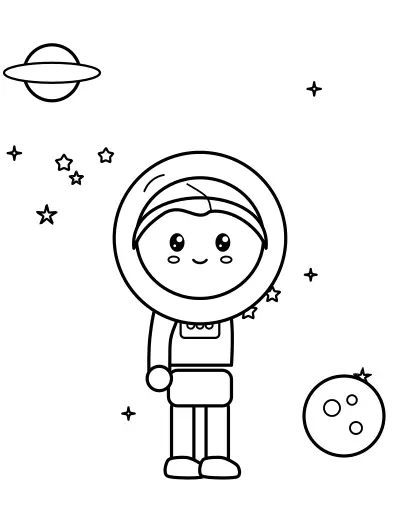 Astronaut in SpaceAges 4–6 · Easy
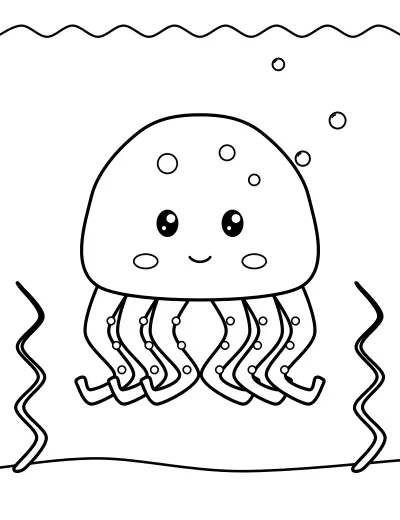 Octopus Under the SeaAges 4–6 · Easy
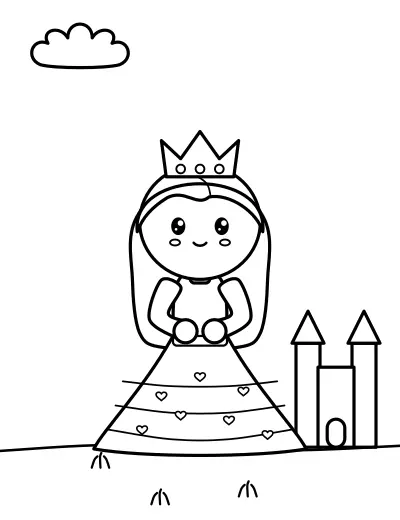 Princess in a Ball Gown by the CastleAges 4–6 · Easy
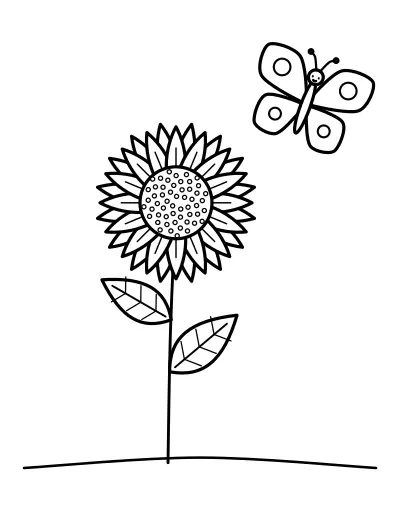 Sunflower with a ButterflyAges 4–6 · Easy
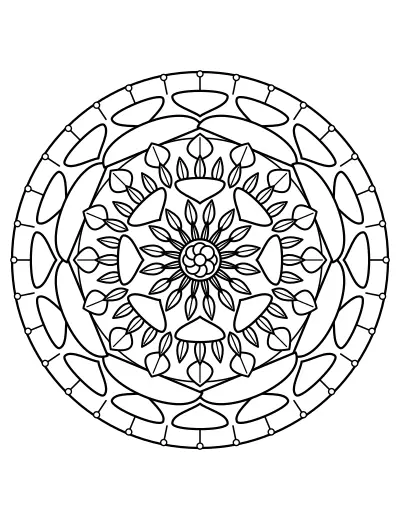 Starlight Floral MandalaAges 8–12 · Intermediate
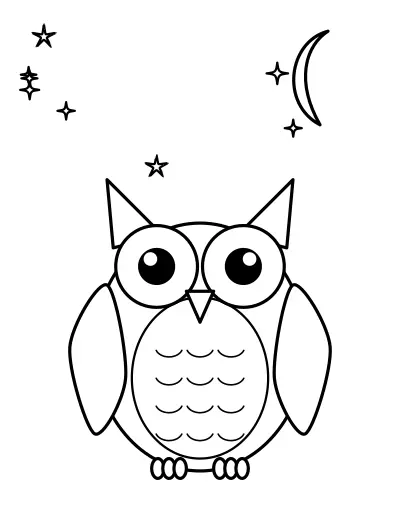 Owl Under the StarsAges 4–6 · Easy
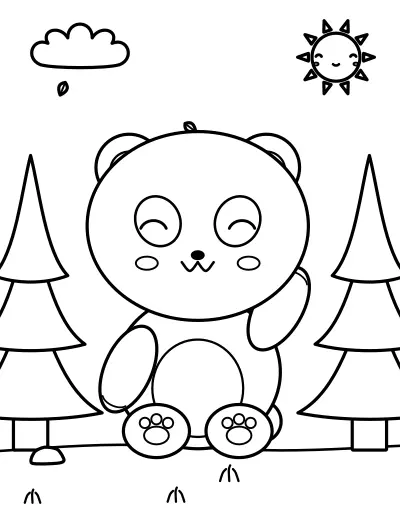 Panda in the ForestAges 4–6 · Easy
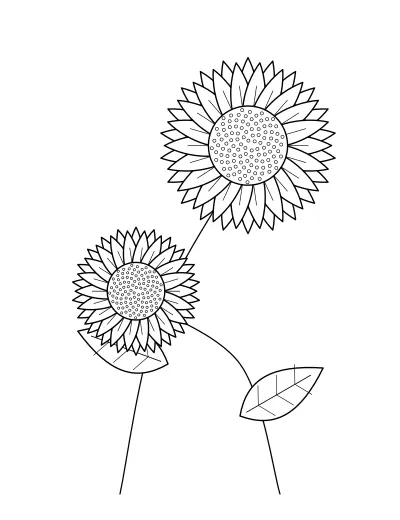 Detailed Sunflower BotanicalTeens & adults · Advanced
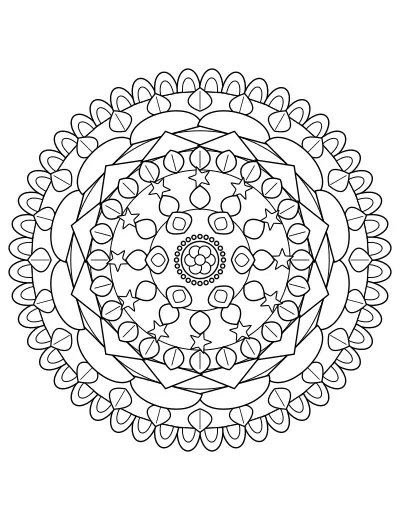 Serene Intricate MandalaTeens & adults · Advanced
20 categories · 100 pages each
Animals100 pages Kawaii100 pages
 Dinosaurs100 pagesPrincesses100 pages
 Unicorns & fantasy100 pages
 Vehicles100 pagesSpace100 pages
 Ocean100 pages
 Flowers100 pages
 Mandalas100 pages
 Relaxation100 pages
 Food100 pages
 Holidays100 pages
 Mermaids & fairies100 pages
 Educational100 pages
 Travel100 pages
 Superheroes100 pages
 Home & family100 pages
 Fashion100 pages
 Architecture100 pages
Search by subject, category, age or difficulty — then tap Color to open the page in the online coloring studio, or Preview for the details.
2,000 coloring pages
Animals · Ages 4–6 · Easy
Kawaii · Ages 4–6 · Easy
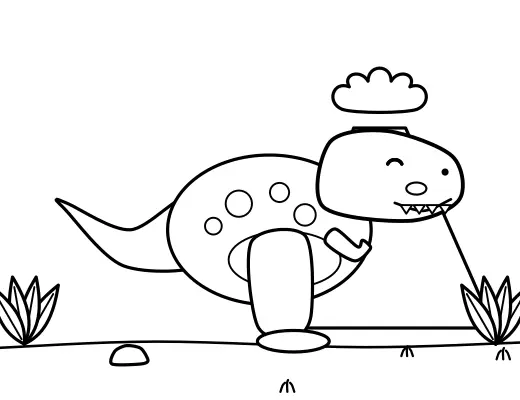
Dinosaurs · Ages 4–6 · Easy
Princesses · Ages 4–6 · Easy
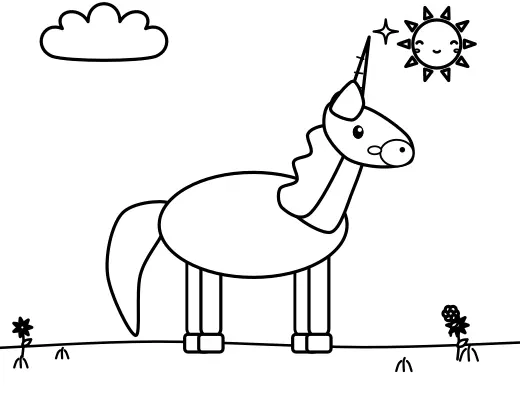
Unicorns & fantasy · Ages 4–6 · Easy
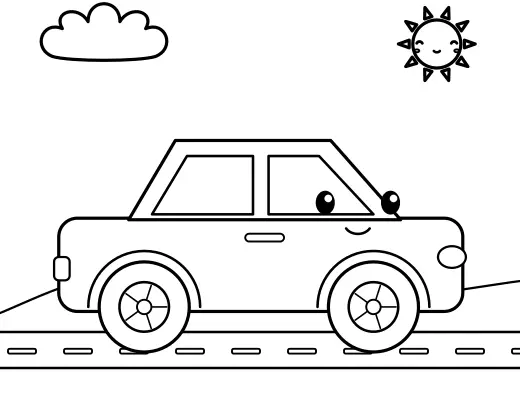
Vehicles · Ages 4–6 · Easy
Space · Ages 4–6 · Easy
Ocean · Ages 4–6 · Easy
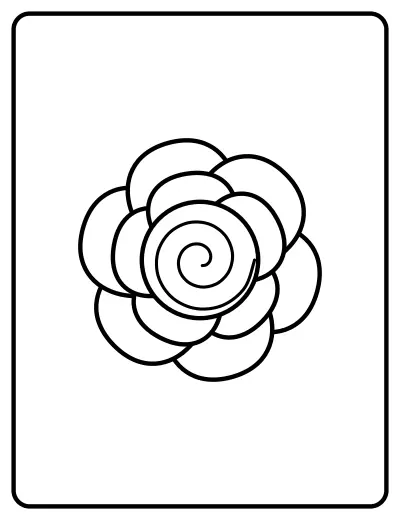
Flowers · Ages 2–4 · Beginner
Mandalas · Ages 6–8 · Easy
Relaxation · Teens & adults · Advanced
Food · Ages 4–6 · Easy
Holidays · Ages 4–6 · Easy
Mermaids & fairies · Ages 4–6 · Easy
Educational · Ages 4–6 · Beginner
Travel · Ages 4–6 · Easy
Superheroes · Ages 4–6 · Easy
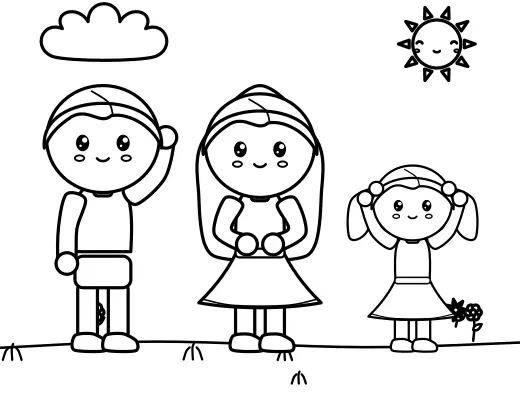
Home & family · Ages 4–6 · Easy
Fashion · Ages 6–8 · Easy
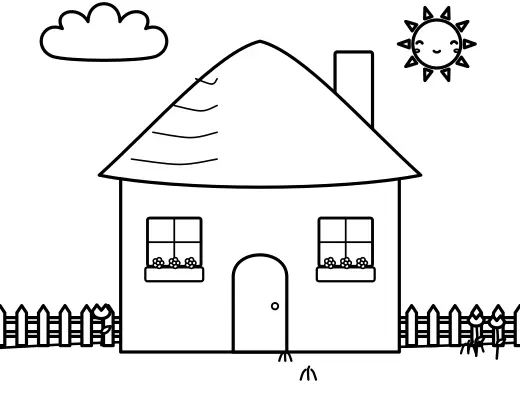
Architecture · Ages 6–8 · Easy
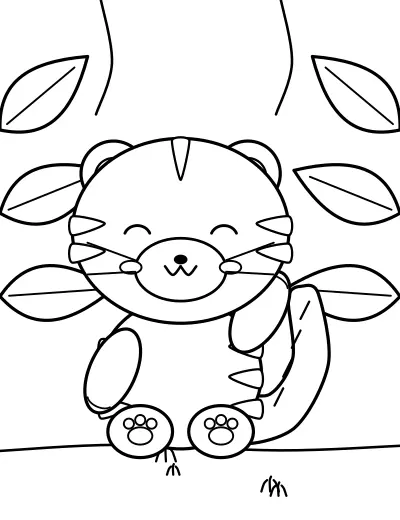
Animals · Ages 4–6 · Easy
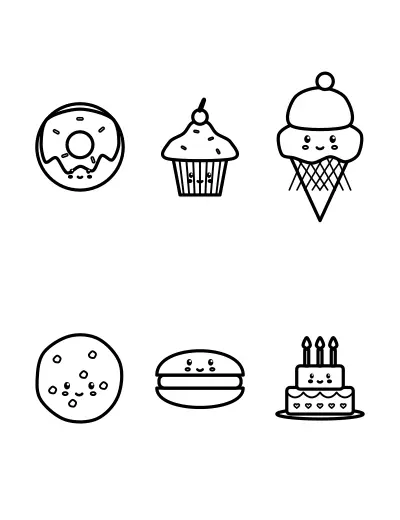
Kawaii · Ages 4–6 · Easy
Dinosaurs · Ages 4–6 · Easy
Princesses · Ages 4–6 · Easy
Ages 2 to 8
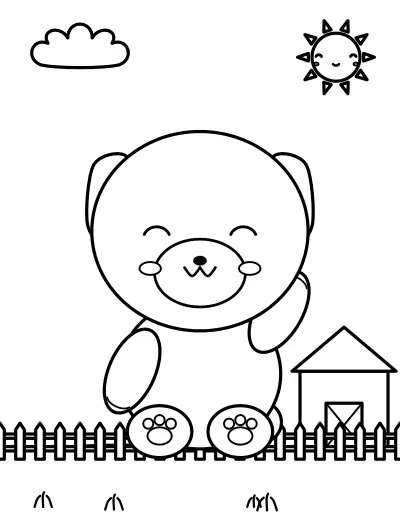
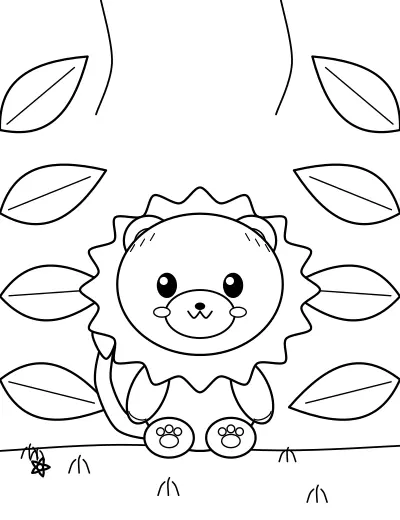
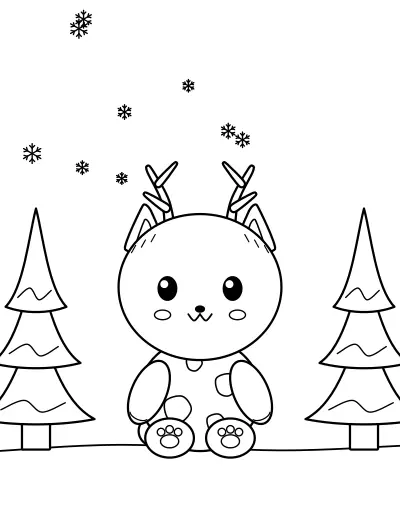
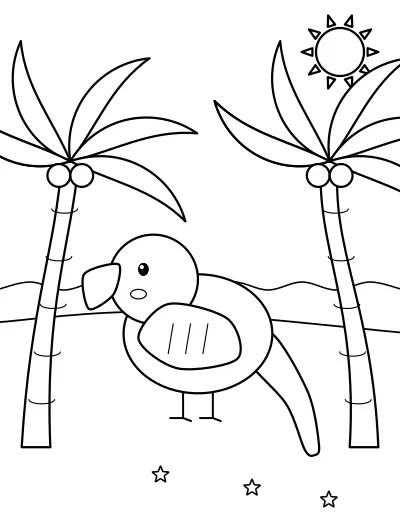
Big shapes and thick outlines for toddlers, friendly characters for preschoolers and more detail for early readers. On a tablet, one tap fills a shape — and the outlines can't be colored over.
Teens & adults
Intricate mandalas, botanical studies, patterned landscapes, cozy rooms and decorated objects — with fine lines and hundreds of small regions. They print as sharp vector PDFs.
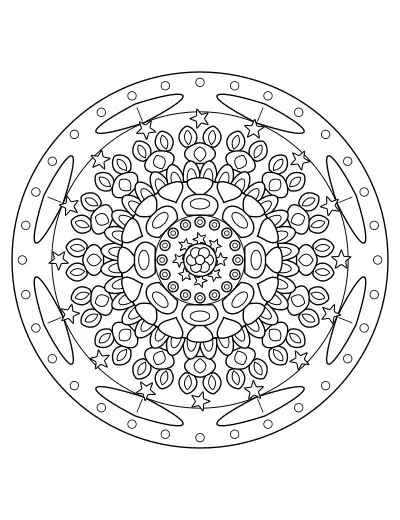
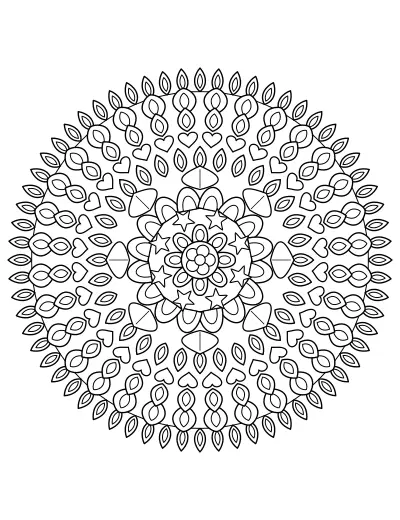
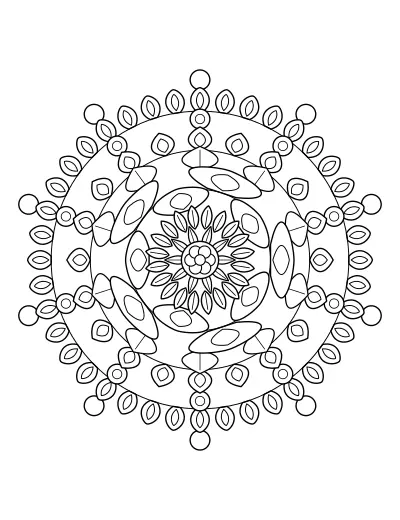
Online coloring editor
Tap a shape and it fills right up to the outline — solid, gradient (4 directions) or pattern (dots, stripes, stars, checks, zigzag, hearts, flowers, texture). Gap tolerance stops leaks through small breaks.
Brush, marker, crayon and spray, plus a fine pencil — with size, opacity, smoothing and pen pressure. “Stay inside the lines” keeps strokes in the shape you start in.
The original line art sits on its own layer on top, so erasing — or coloring — never damages it.
Pastel, rainbow, nature, ocean, warm, cool, neon, vintage, earth tones, skin tones, four seasons and an artist's palette — plus HEX, RGB, a color picker, favourite colors and saved palettes.
Stamp stars, hearts, flowers, butterflies and more, add bubble-letter names, a page border or a patterned backdrop — all outlines you can color.
Unlimited-feeling undo and redo for every step, zoom and pan (pinch, scroll or the hand tool), fit to screen, full screen and a before/after slider.
Photo to coloring page
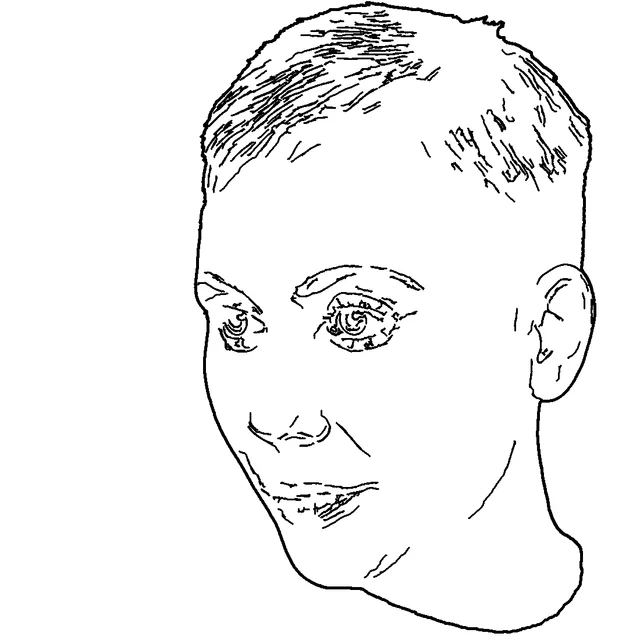
Upload a JPG, PNG or WebP photo — a pet, your child, a toy, a favourite place — and get black-and-white outlines you can color. Choose from 8 styles and adjust outline intensity, edge sensitivity, detail, line thickness, contrast, noise reduction, simplification and detail preservation; switch on background removal to keep just the subject.
It runs on your device — nothing is uploaded. Results depend on the photo: a clear subject on a plain background works best, and you get a live preview to tune it.

Describe a page
Describe a page and it's built from our original line-art library — about 230 subjects, 30 scenes and layouts for simple, scene, mandala, framed and title pages — matched to your words. Choose the style, complexity, orientation and line thickness.
Honest note: this is rule-based, not an AI image generator. It can only draw subjects in the library, and it tells you which words it couldn't match.
“A cute baby elephant playing in a garden”
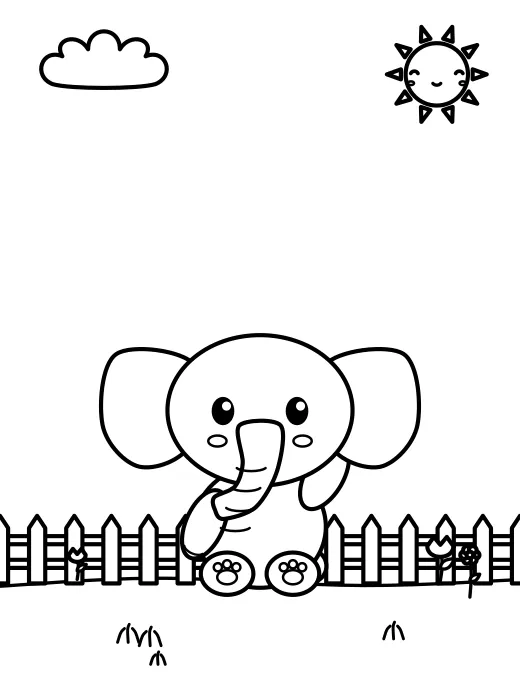
“A friendly robot exploring space”

“A cozy house during winter”

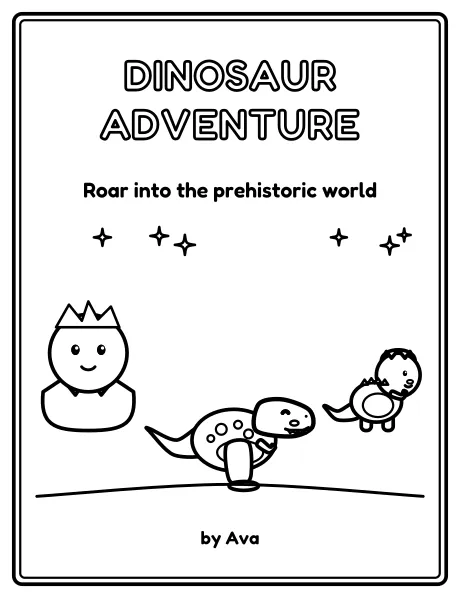
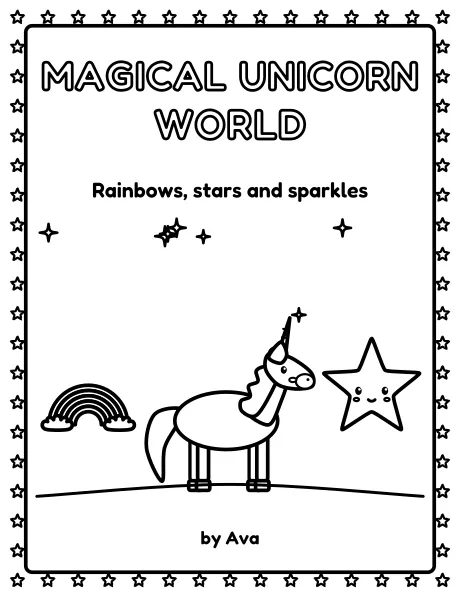
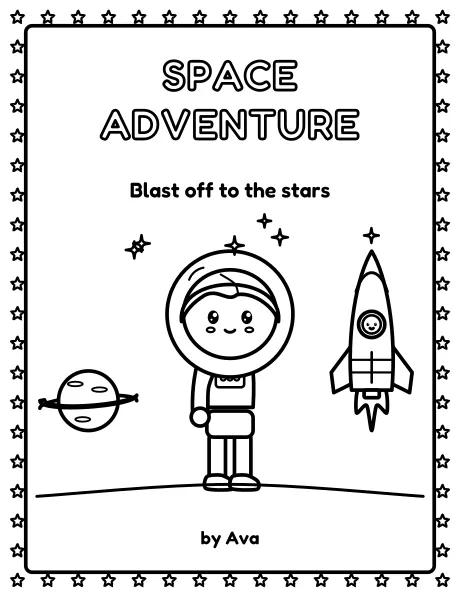
Coloring Book Builder
Printable PDF
Uncolored pages are written to the PDF as vector outlines, so they stay sharp at any size. Colored pages are saved as 2,000 × 2,600 px images — the download tells you the resolution they print at (about 265 dpi on A4 with 10 mm margins). Pages keep their shape inside the margins: no stretching, no clipping.
| Paper | Size | Orientation |
|---|---|---|
| A4 | 210 × 297 mm | Portrait or landscape |
| US Letter | 8.5 × 11 in | Portrait or landscape |
| A5 | 148 × 210 mm | Portrait or landscape |
| Custom | 50–600 mm each side | Book Builder |
Choose a page — search (cats, baby dinosaurs, mandalas, cars…), browse the 20 categories, or filter by age and difficulty. You can also upload a photo, your own drawing, or describe a page.
Color it: tap a shape with Fill to color it in one go (solid, gradient or pattern), or use the brush, marker, crayon, spray and pencil. The eraser only removes your color — the outlines can't be damaged.
Pick colors from 15 palettes (pastel, rainbow, nature, ocean, neon, vintage, skin tones, seasonal…), enter a HEX code or RGB values, and save favourite colors and your own palettes.
Add finishing touches: stamp decorations, bubble-letter names, a page border or a patterned backdrop — they're outlines too, so you can color them.
Download a PNG or JPG, a PDF in A4, US Letter or A5, or print straight from the browser. Your work saves automatically in this browser.
Making a book? Add pages to the Book Builder, choose one of 10 themes, add a cover, a “This book belongs to” page and your name, arrange the pages and download one printable PDF.
The 2,000 coloring pages are exactly 100 in each of 20 categories: animals and wildlife, cute and kawaii, dinosaurs, princesses and fairy tales, unicorns and fantasy, cars and vehicles, space, underwater and ocean, flowers and botanical, mandalas and patterns, adult relaxation, food and desserts, seasons and holidays, mermaids and fairy gardens, educational pages, beach and travel, original superheroes, home and family, fashion, and architecture.
Every page is original black-and-white line art drawn by code for this tool — not traced photos or downloaded clip art. Shapes are closed so a single tap fills them, lines stay the same weight wherever a drawing is scaled, and there's no grey shading. Each page was checked to be real line art and visibly different from every other page in the whole collection before it was kept.
Pages are labelled by age (2–4, 4–6, 6–8, 8–12, teens and adults) and by difficulty (beginner to advanced), from big bold toddler shapes to intricate mandalas and detailed botanical scenes, so you can choose by complexity rather than by age alone.
Everything runs in your browser: coloring, the photo converter and the downloads. There's no account, no watermark and no upload; projects and books are saved in this browser only.
Content last updated . See how M2Toolkit works.
Yes. All 2,000 coloring pages, the online coloring studio, the photo converter, the Book Builder and every download are free, with no sign-up and no watermark.
Open any page and tap a shape with the Fill tool — it fills up to the outlines in one go. Switch to the brush, marker, crayon, spray or pencil for freehand coloring, and use the eraser to remove color without touching the outlines. Undo and redo work for every step.
Yes. Choose Photo to coloring page, upload a JPG, PNG or WebP image, pick one of 8 styles (from Simple Kids to Realistic Line Art), adjust the outlines and open the result in the coloring editor — or download it. The photo is processed in your browser and never uploaded.
There's “Describe a page”: type something like “a cute baby elephant in a garden” and it builds a new page from our original line-art library by matching your words to its subjects, scenes and layouts. It's rule-based rather than an AI image generator, so it can only draw things in the library — and it tells you which words it couldn't match.
Open the Book Builder, pick one of 10 themes (or start blank), add coloring pages from any category or your own colored pages, add a cover, a “This book belongs to” page, a name page, an introduction and blank pages, arrange them and download one PDF. Page size, orientation, margins, paper color and page numbers are all yours to set.
A4, US Letter, A5 or a custom size in millimetres, portrait or landscape. Pages keep their shape inside the margins — nothing is stretched or cropped — and landscape pages turn sideways on portrait paper to fill the sheet.
Yes — filter by Ages 2–4 or Beginner for big shapes with thick outlines and few details. The tap-to-fill bucket makes them easy on a tablet.
Yes: the Mandalas and Patterns and Adult Relaxation categories, plus Teens & adults and Advanced filters across every category, include intricate mandalas, botanical studies, patterned landscapes, cozy rooms and decorative frames.
In this browser, automatically (IndexedDB). You can reopen, rename, duplicate and delete them under My projects. Nothing is uploaded or synced, so they won't appear on another device — download anything you want to keep.
Yes, you can print as many copies as you need for personal, family and classroom use.
Free · No sign-up · No watermark
More free creative tools from M2Toolkit.