100 free, two-sided templates
Elegant Classic Business Card Templates
Classic cards never date: centred names in a fine serif, a thin frame or rule, and warm cream, ivory or navy. These templates suit practices, advisers, curators and anyone whose clients value tradition.
A subtle paper texture is drawn on some designs; on a real textured stock you may prefer to remove it in Background.
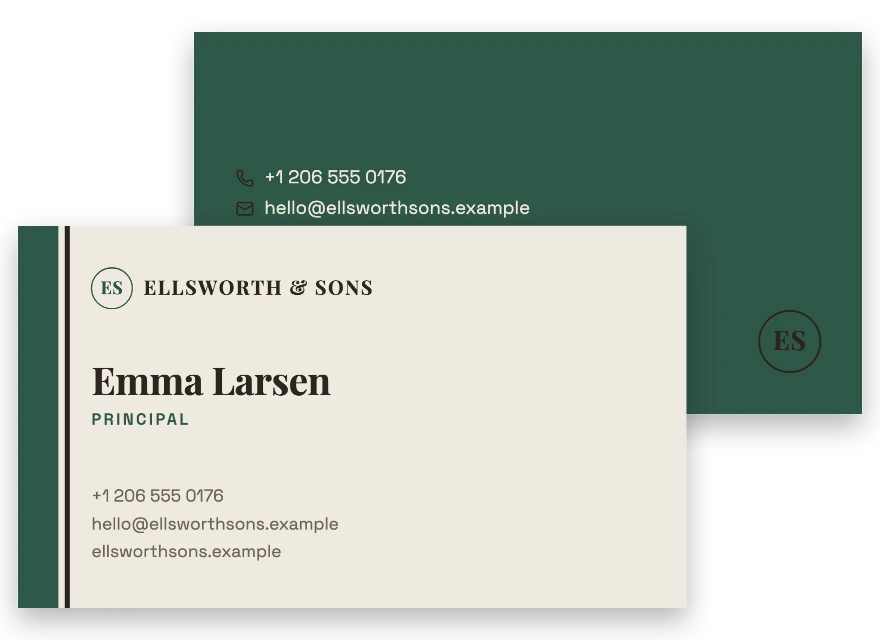
Design advice
How to design a great classic business card
- Centre-aligned layouts work best with short lines.
- Use small capitals for the title for a traditional look.
- Keep to one serif family and vary weight and size.
- Frames should sit well inside the trim so uneven cutting doesn't show.
- Cream or ivory stock suits these palettes.
What to include
- Your name
- Title or credentials
- Firm or practice name
- Telephone and email
- Address
In this collection: Personal Brand, Luxury, Executive, Editorial, Minimal, Elegant Classic styles; two-tone, split panel, vintage seal, bold circle, column fronts; details back, logo back, split back, quote back, contact list, pattern back backs; 8 with a working QR code. Every card is editable on both sides, with every word inside the print safe area.
All 100 classic business card templates
Search within classic cards, filter by style, colour, mood, orientation or QR code, preview both sides with your own details, and open any template in the free editor.
100 templates · showing 24
24 of 100
Questions about classic business cards
Sizes, bleed, QR codes and printing are covered on the Business Card Maker page.
What size are these business cards?
They open at 3.5 × 2 in (the US and Canadian standard). In Size & print you can switch to 85 × 55 mm, 90 × 50 mm, portrait or a custom size — the design is laid out again for the new shape, never stretched.
Can I send the card to a printer?
Yes. Download the print PDF: front and back pages with bleed, TrimBox and BleedBox, and optional crop marks, drawn at 600 ppi. Files are RGB; your printer converts them to CMYK.