Video covers for your TikTok profile grid
Free TikTok Cover Maker – Create Scroll-Stopping TikTok Covers
Design TikTok video covers that read on your profile grid and stop the scroll. Start from a template made for your kind of video — or a blank 9:16 canvas — then download a 1080 × 1920 PNG or JPG.
Popular searches:
- 3,000 templates
- 100% free
- Profile-grid preview
- Safe-area guides
- Caption stickers
- Private
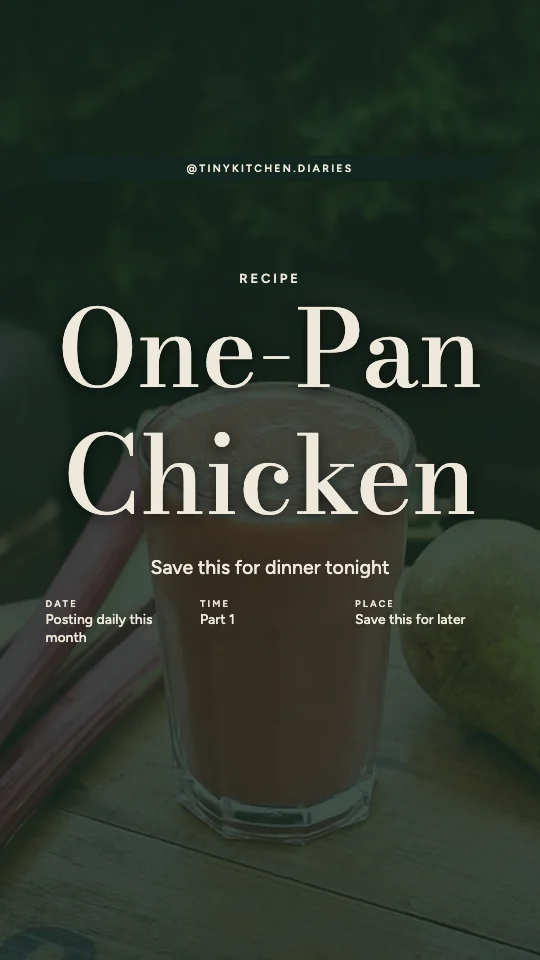

The profile grid shows the middle 3:4 of each cover.
1080 × 1920 · PNG · JPG
What is the M2Toolkit TikTok Cover Maker?
A free online TikTok cover maker and full design editor that runs in your browser. Choose from 3,000 editable 9:16 cover templates — or start from a blank canvas — add your words, photos and handle, check how it reads on a profile grid and in the feed, and download a 1080 × 1920 PNG or JPG.
- Templates
- 3,000 templates: exactly 100 in each of 30 categories, 25 design directions and 43 layout types
- Made for
- Creators, vloggers, cooks, coaches, teachers, reviewers, gamers, salons, agents and small businesses
- Canvas
- 9:16 at 1080 × 1920 px; every template keeps its words inside the 3:4 profile-grid window
- Previews
- Profile grid, a generic phone with the feed's usual overlays, and the full cover
- Downloads
- PNG (optional transparent background) and JPG with a quality setting, at 1080 × 1920 or 2160 × 3840 — no watermark
- Price & privacy
- Free, no sign-up; your photos never leave your device
TikTok cover categories
30 categories, 100 templates each
Creators & stories
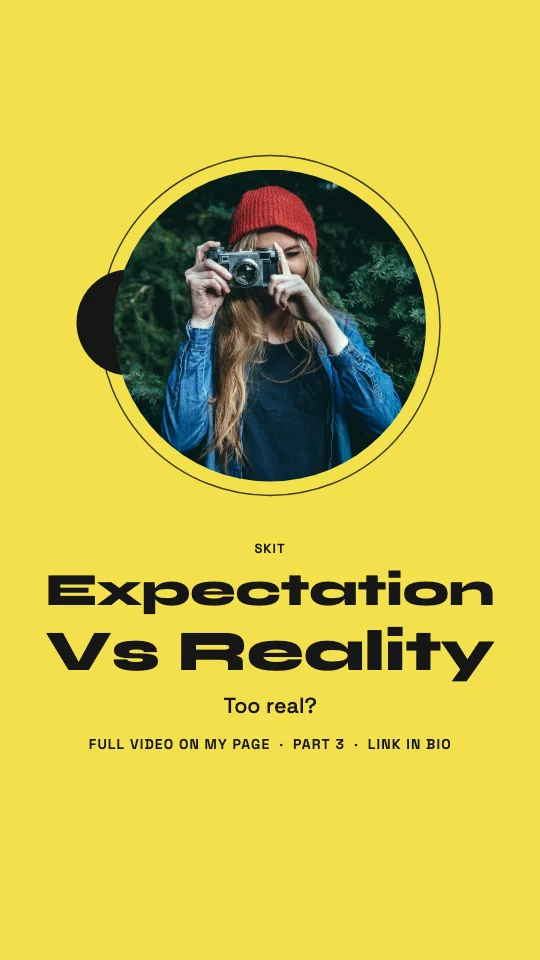
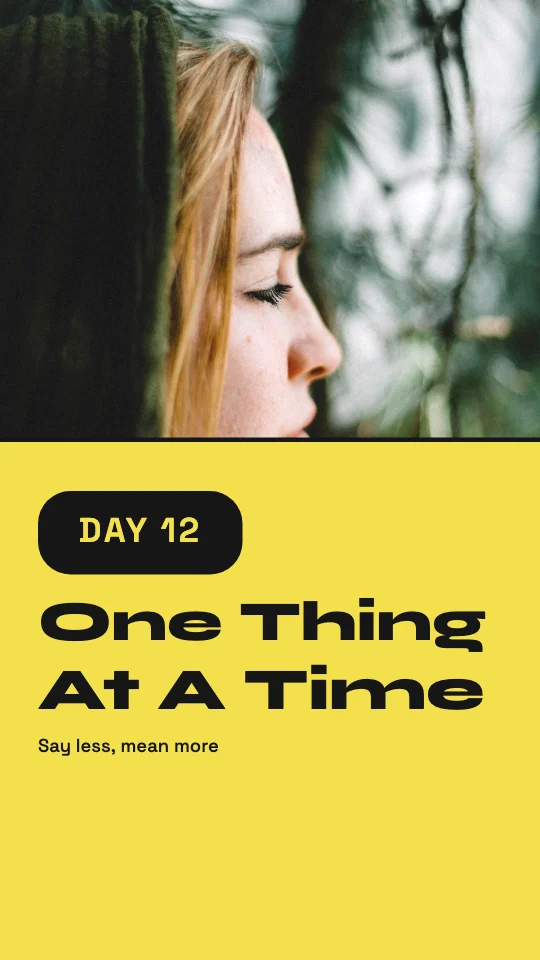
Viral hooks, creator branding, storytime, motivation, comedy and minimalist type.
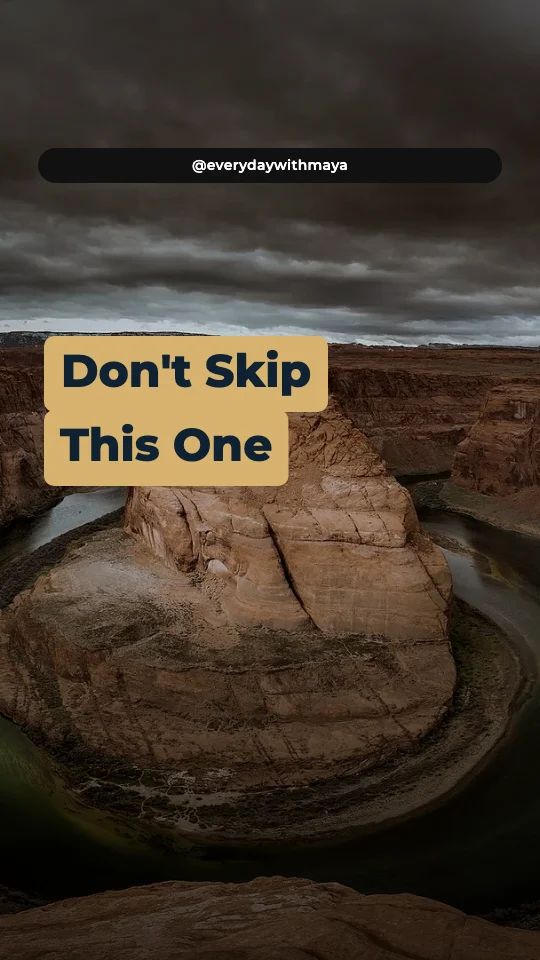
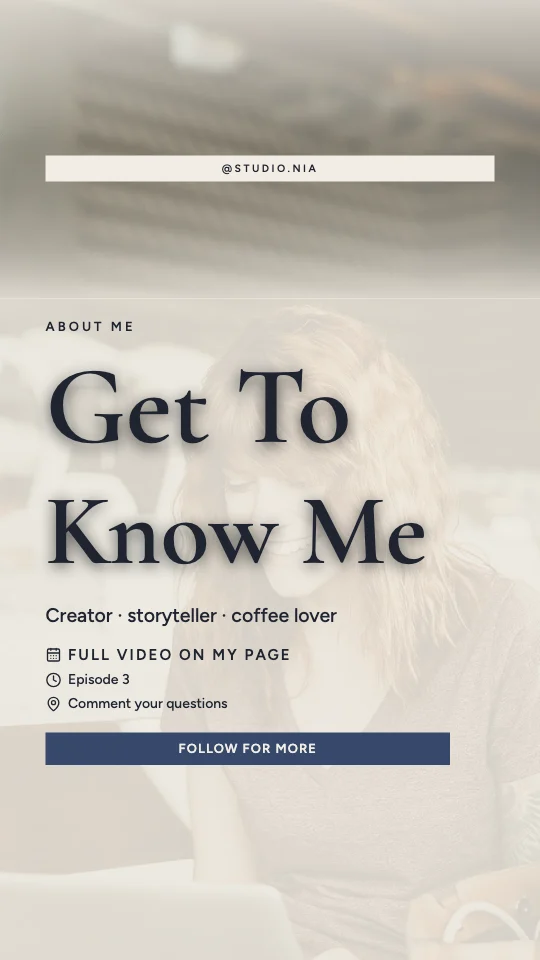

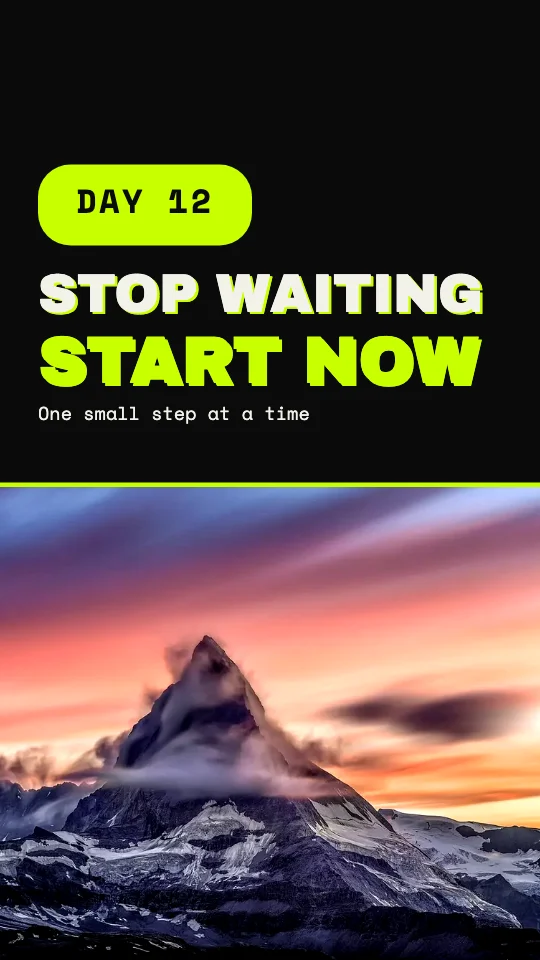
Lifestyle & beauty
Vlogs, fashion, beauty, fitness, food, travel, before-and-after reveals, salons and luxury.
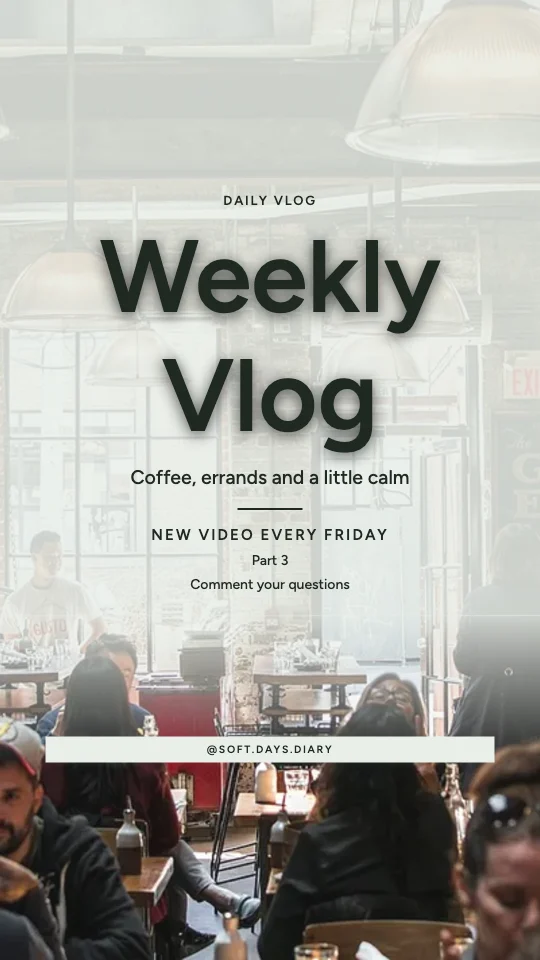 Lifestyle and Daily Vlogs100 templates
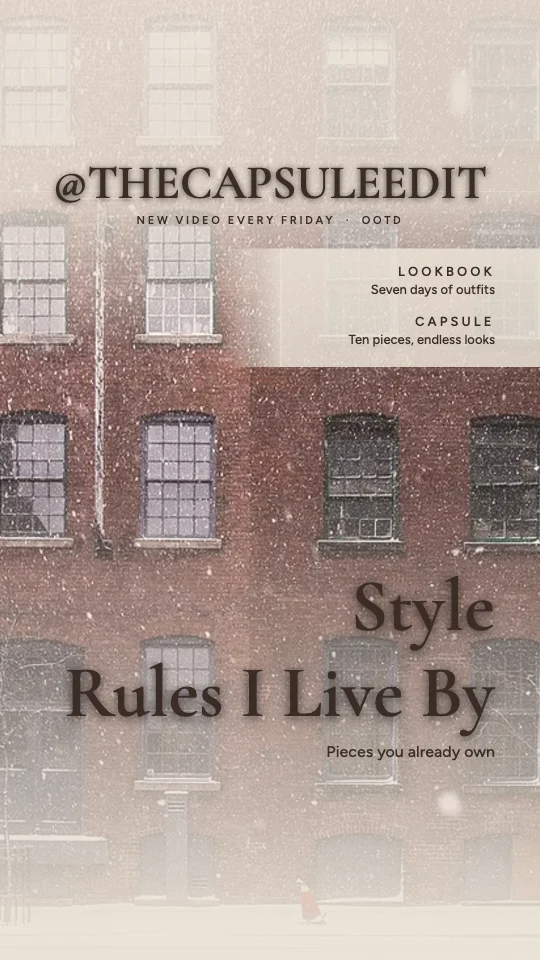 Fashion and Outfit Ideas100 templates
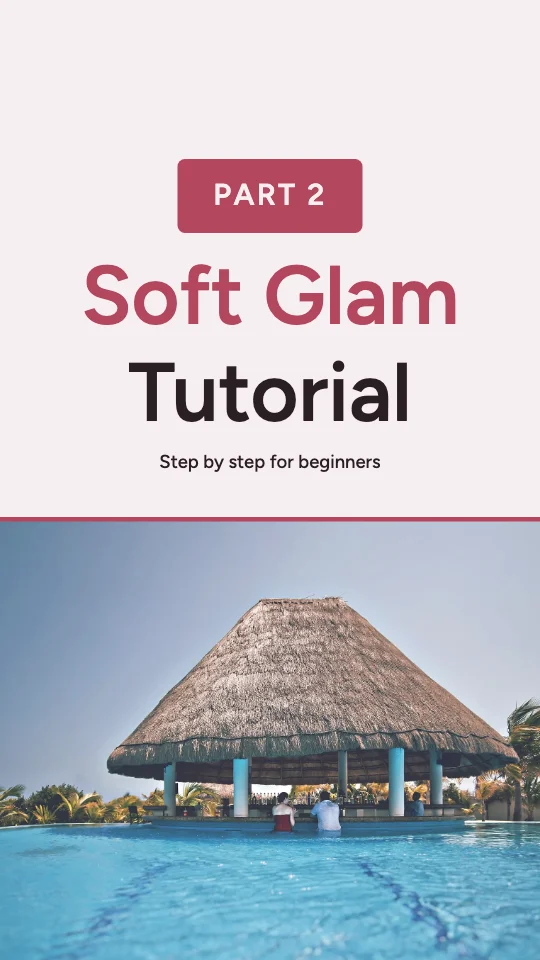 Beauty and Makeup100 templates
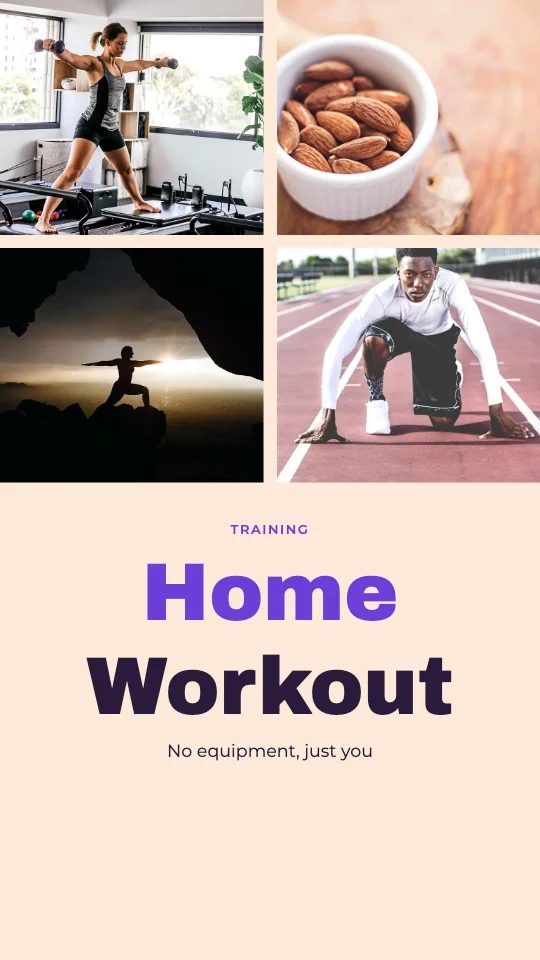 Fitness and Workout100 templates
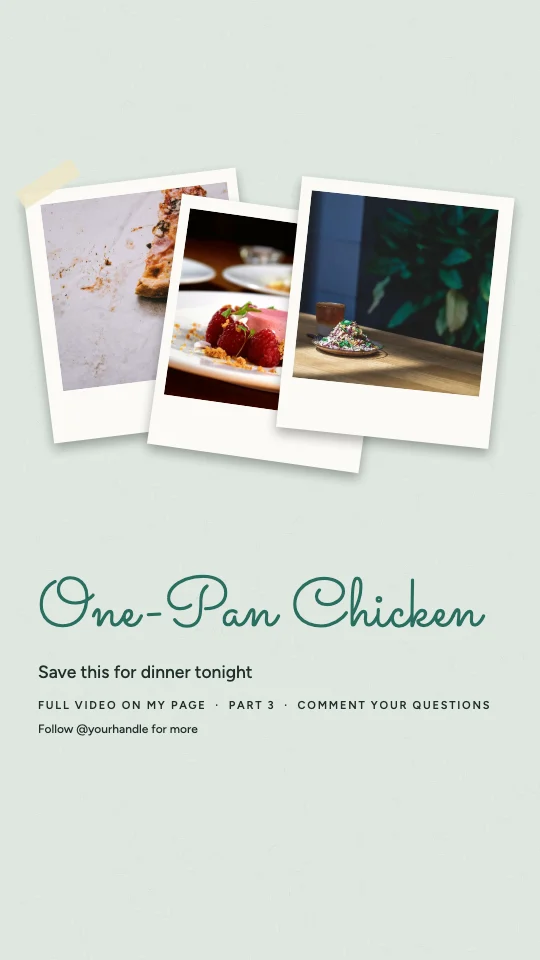 Food and Recipes100 templates
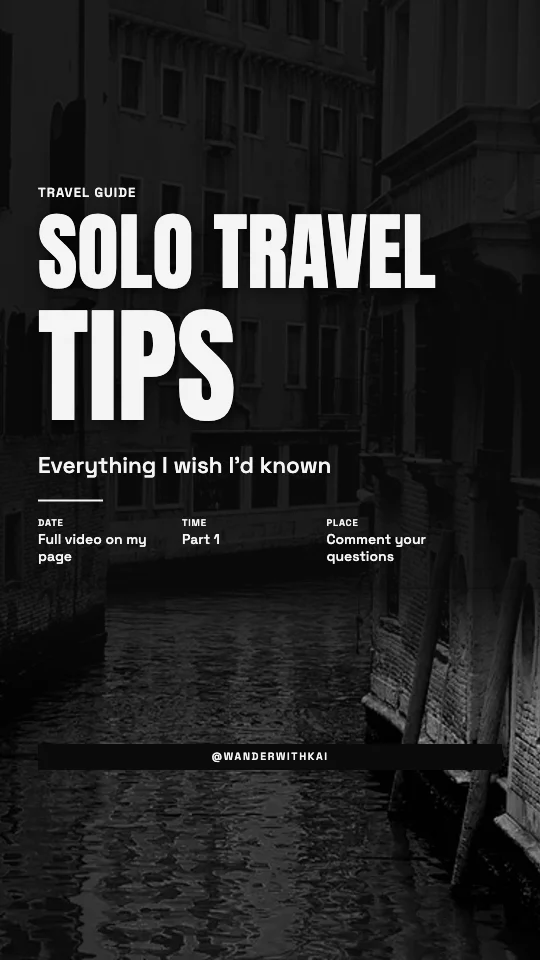 Travel and Adventure100 templates
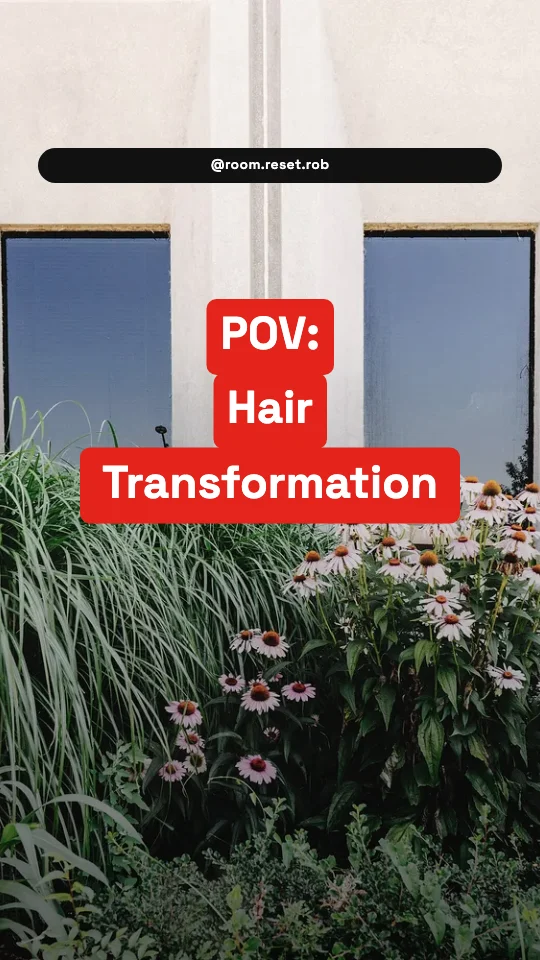 Before and After100 templates
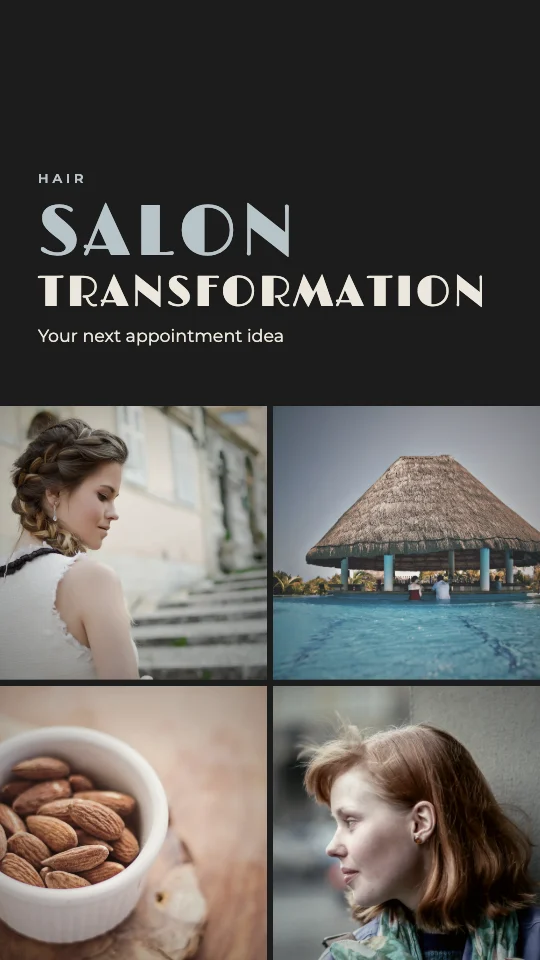 Beauty Salon and Personal Care100 templates
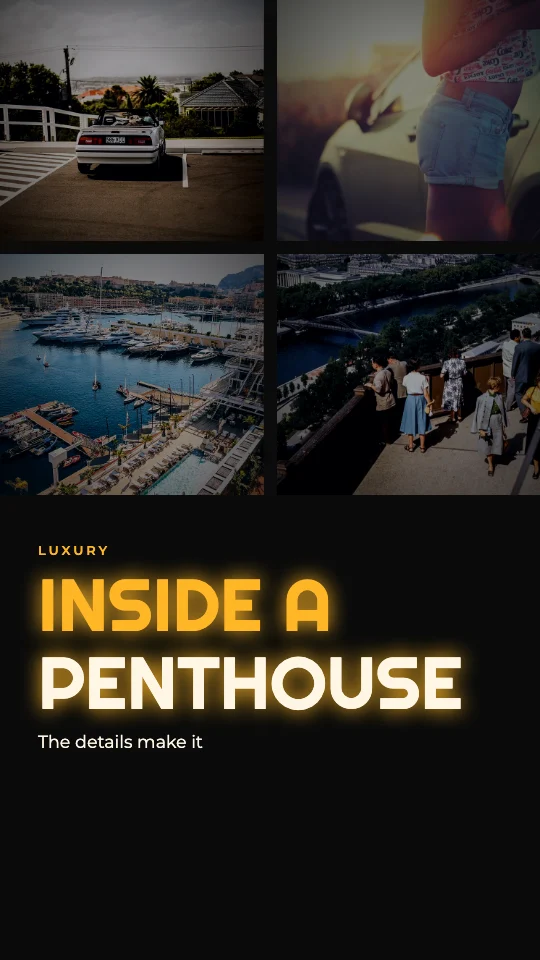 Luxury and Editorial100 templates
Learning & talk
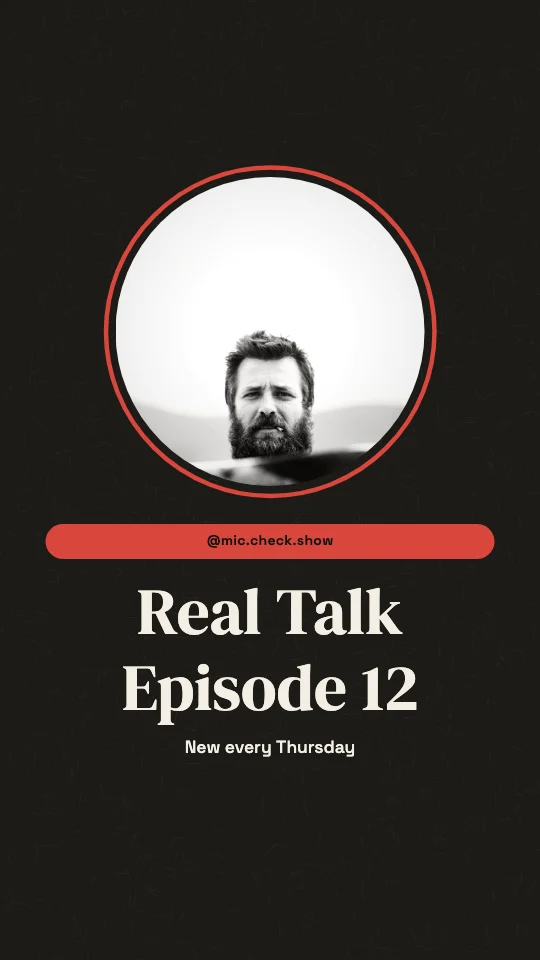
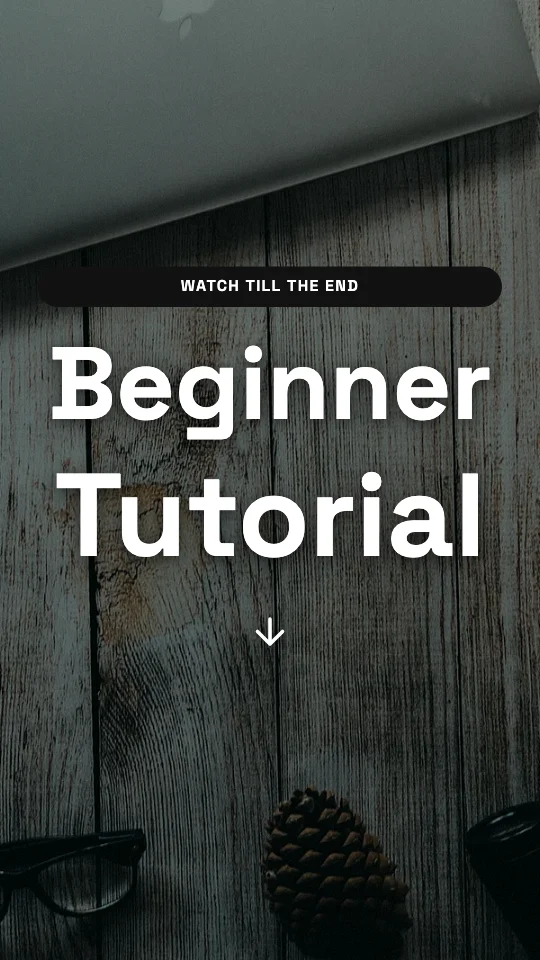
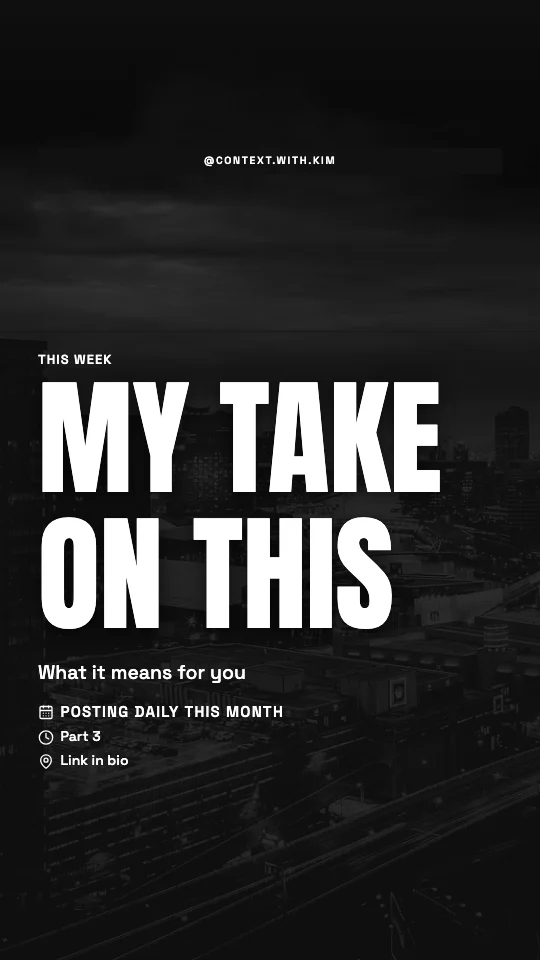
Education, podcasts, tutorials and news explainers.
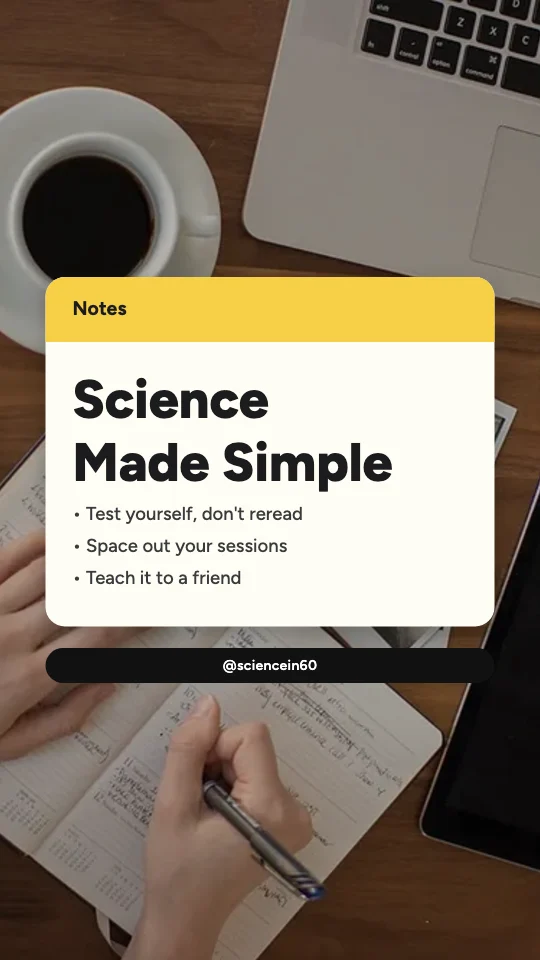
Business, money & tech
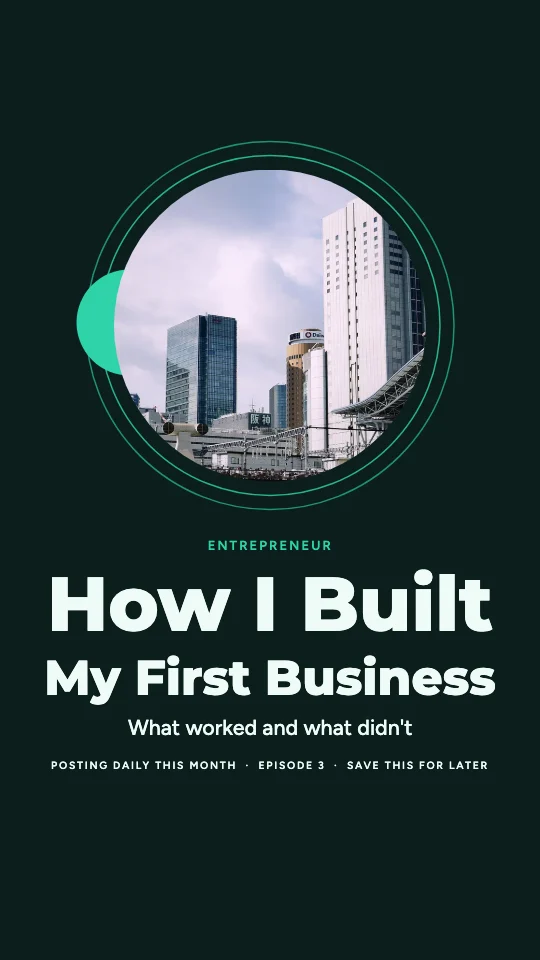
Business, marketing, technology, AI, finance, real estate and product reviews.


Entertainment
Gaming, photography, music and events.

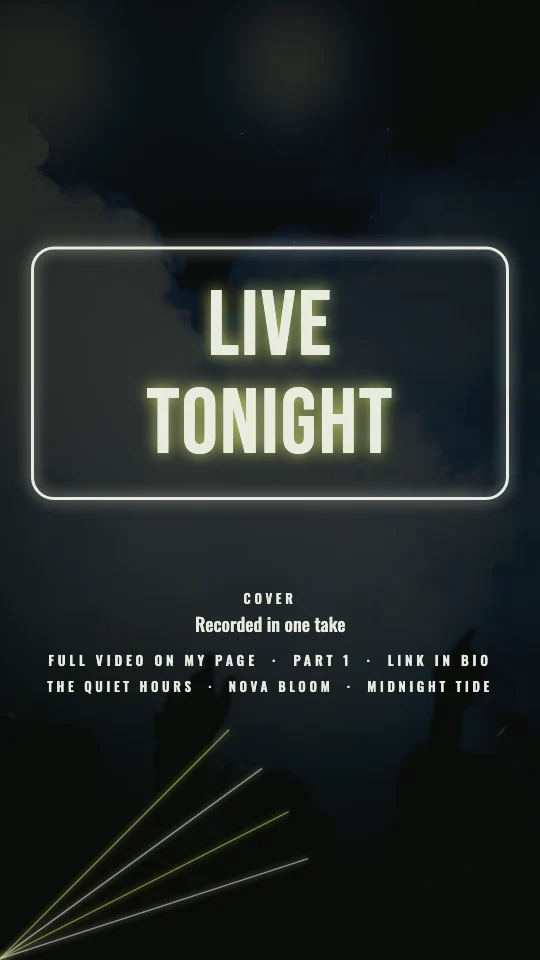
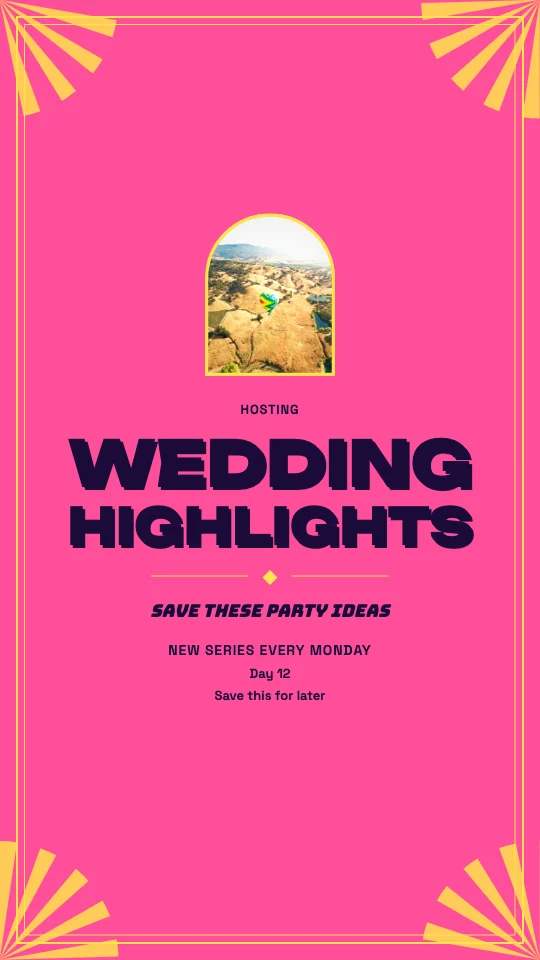
Featured designs
Explore 3,000 Editable TikTok Cover Templates
Every card is the real template, drawn by the editor. Search by the kind of video, filter by topic, category or style, and open one — it opens exactly as shown.
3,000 templates
- Edit this template
Viral Side Photo TikTok Cover
Viral · Photo column · Swiss Grid
- Edit this template
Lifestyle Cover TikTok Cover
Lifestyle · Full-bleed photo · Modern Minimal
- Edit this template
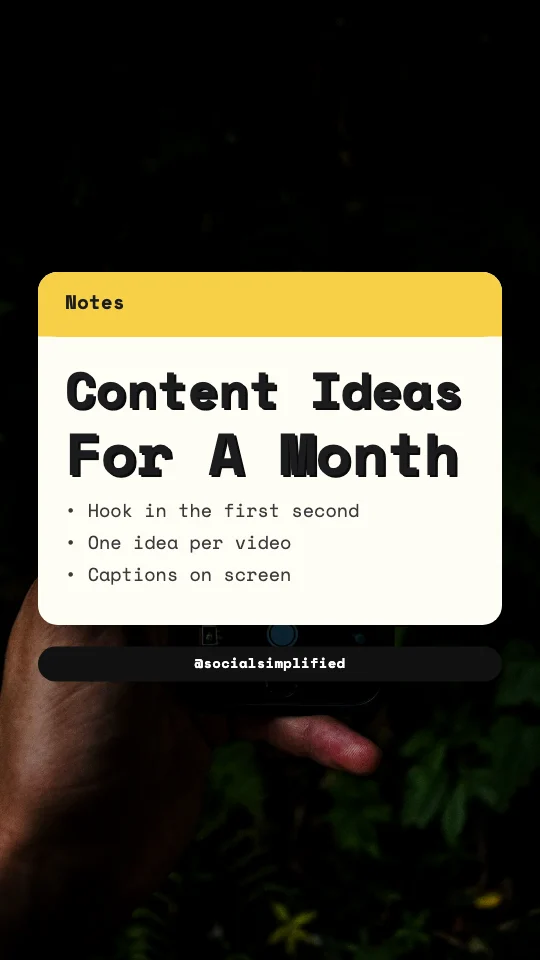
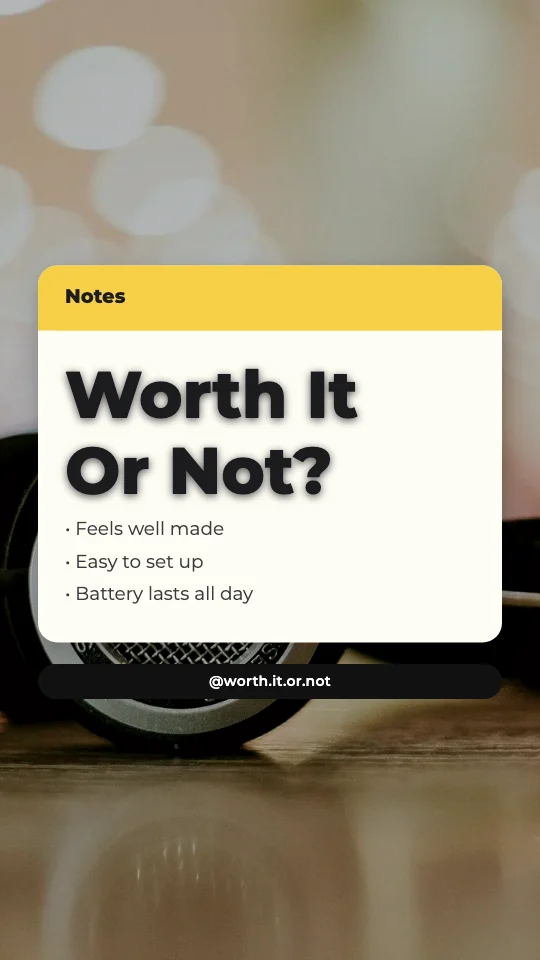
Learning Notes TikTok Cover
Learning · Notes card · Geometric Abstraction
- Edit this template
Business Cover Story TikTok Cover
Business · Magazine cover · Street Collage
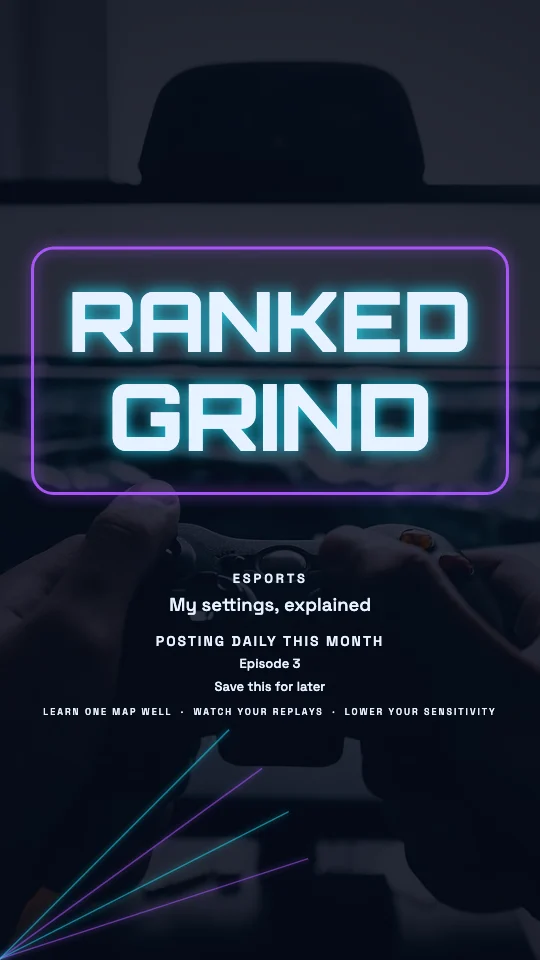 Edit this template
Gaming Neon TikTok Cover
Gaming · Neon sign · Futuristic Tech
- Edit this template
Creator Profile TikTok Cover
Creator · Creator card · Elegant Serif
- Edit this template
Fashion This or That TikTok Cover
Fashion · This vs that · Neo-Brutalist
- Edit this template
Podcast Mantra TikTok Cover
Podcast · Quote · Cinematic
- Edit this template
Marketing Blocks TikTok Cover
Marketing · Colour blocks · Luxury Editorial
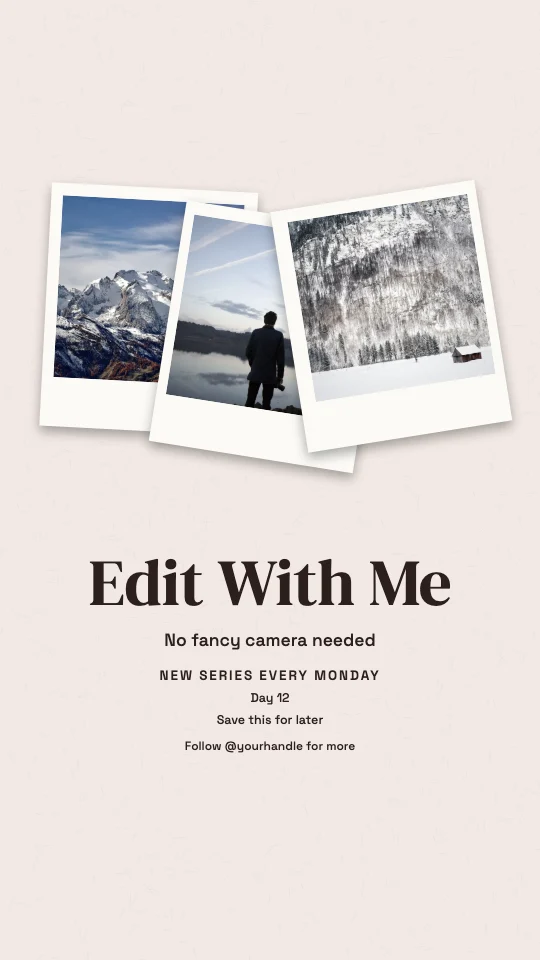 Edit this template
Photography Snapshots TikTok Cover
Photography · Instant prints · Japanese Minimal
- Edit this template
Storytime Collage TikTok Cover
Storytime · Photo grid · Vintage Print
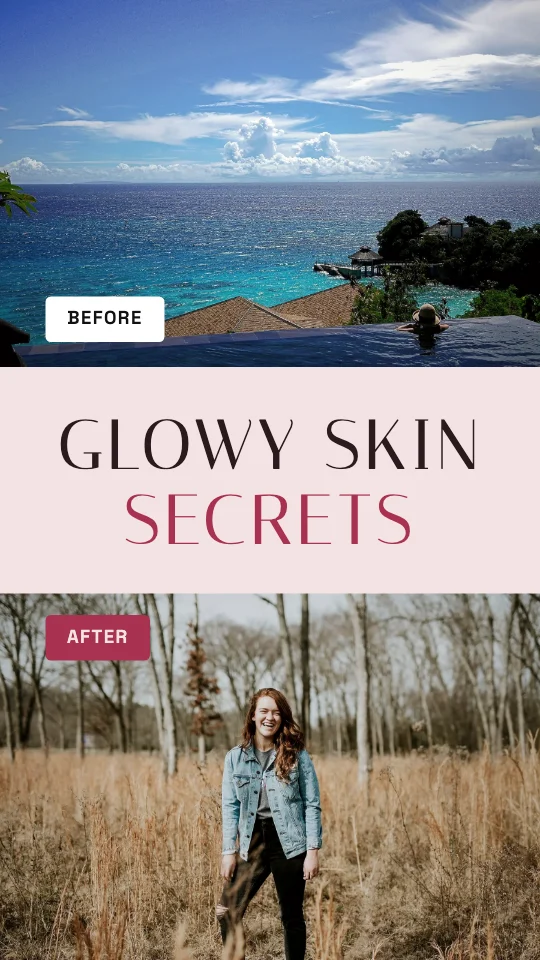 Edit this template
Beauty Transformation TikTok Cover
Beauty · Before & after · Fashion Editorial
- Edit this template
How-To Tall Type TikTok Cover
How-To · Vertical title · Playful Illustrated
- Edit this template
Tech Review TikTok Cover
Tech · Review score · Neon Night
- Edit this template
Music Headline TikTok Cover
Music · Mega typography · Festival Pop
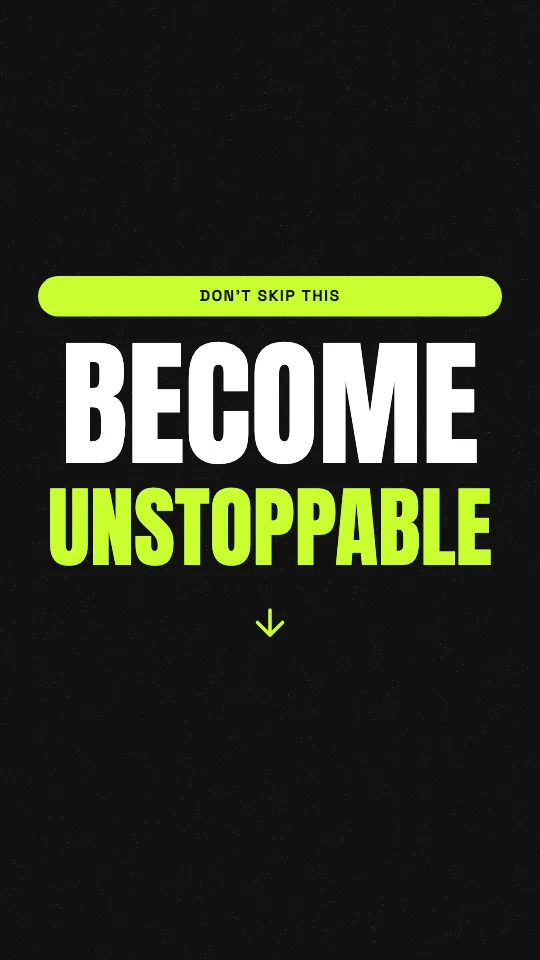 Edit this template
Motivation Watch This TikTok Cover
Motivation · Big hook · High-Contrast Mono
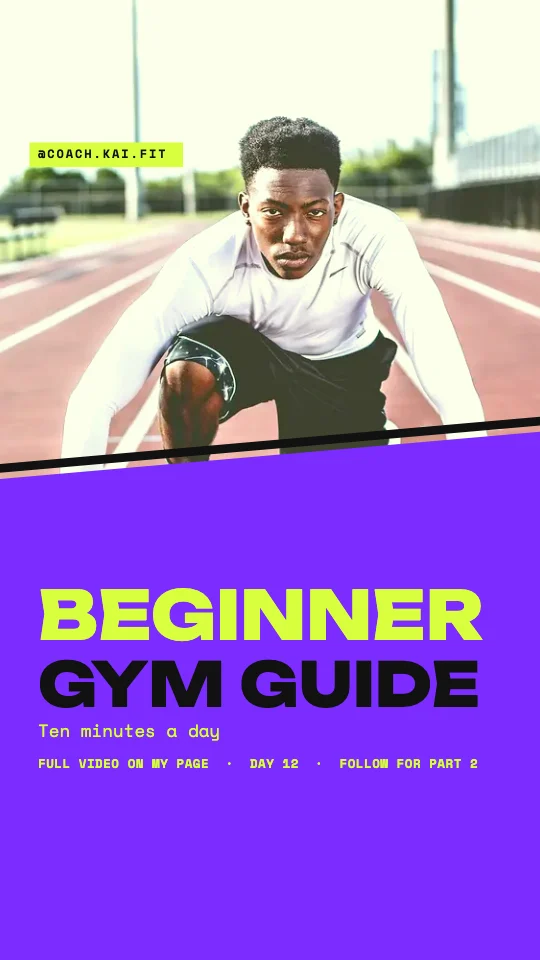 Edit this template
Fitness Cut Corner TikTok Cover
Fitness · Cut corner · Experimental Type
- Edit this template
News Series TikTok Cover
News · Series part · Contemporary Type
- Edit this template
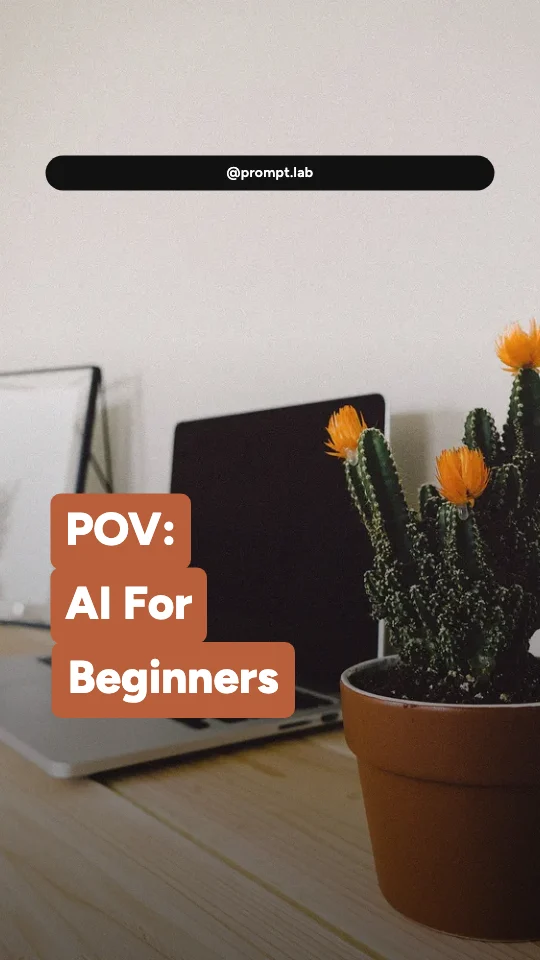
AI Swiss TikTok Cover
AI · Swiss grid · Art Deco
- Edit this template
Celebration Gatsby TikTok Cover
Celebration · Deco frame · Modern Corporate
- Edit this template
Comedy Bold Box TikTok Cover
Comedy · Brutalist boxes · Colour Block
- Edit this template
Food Arch TikTok Cover
Food · Arch window · Organic Natural
- Edit this template
Learning Day Timeline TikTok Cover
Learning · Day timeline · Academic Classic
- Edit this template
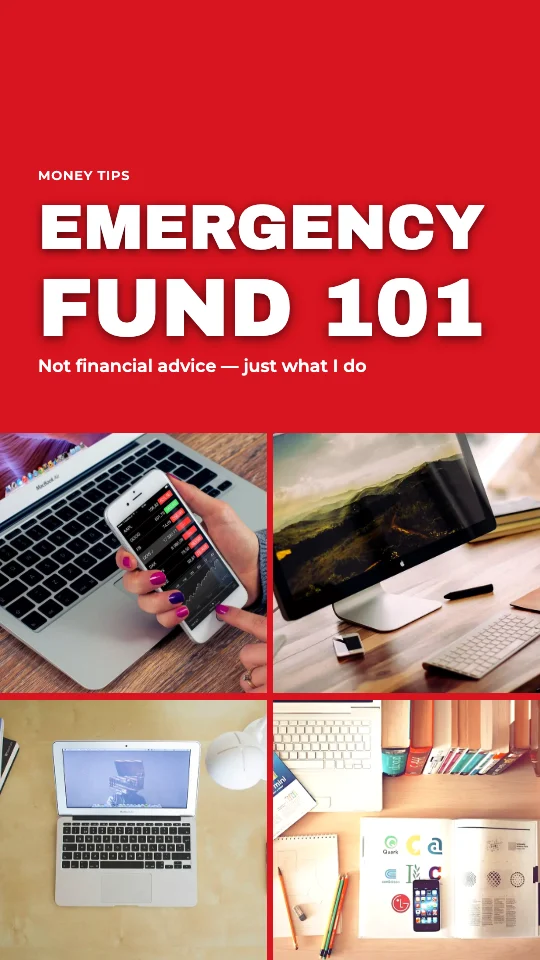
Money List TikTok Cover
Money · Numbered list · Commercial Ad
The whole collection was added on . Featured covers are picked for range across categories and styles, not by popularity — we don't invent usage data.
Step by step
How to make a TikTok cover
The 3,000 templates are exactly 100 for each of 30 categories — viral hooks, creator branding, daily vlogs, fashion, beauty, fitness, food, travel, learning, business, marketing, tech, AI, gaming, podcasts, storytime, motivation, money tips, property, photography, music, comedy, product reviews, tutorials, before and after, news, salons, celebrations, minimalist typography and luxury editorial. Each is a complete composition — one of 43 layouts, from numbered lists, POV caption stickers, series-part badges and before-and-after splits to review scores, notes cards, this-vs-that, creator cards, day timelines, photo grids and magazine covers — in one of 25 design directions.
Colour changes never count as new templates: a design is only kept when its layout differs from every other template in its category and in the same style. Every template was then drawn in a real browser and checked for text that overflows its box, words outside the profile-grid crop and text that's hard to read against what's behind it.
TikTok shows covers as 3:4 tiles on your profile, cut from the middle of the 9:16 cover, so every template keeps its words inside that window. The sample photos are public-domain (CC0) pictures from M2Toolkit's own library — replace them with yours.
Everything happens in your browser: no account, no watermark and nothing uploaded. Your covers save automatically on this device under My covers.
- 1
Find a template: search for your kind of video (recipe, outfit, workout, storytime, review, POV…) or browse the 30 categories.
- 2
Open it in the free editor — it opens exactly as the preview shows, and every word, colour, photo and shape is editable. Or start from a blank 1080 × 1920 cover.
- 3
Double-click the headline and type your own. Text keeps the template's style and fits its box; caption stickers, part badges and your @handle are ready to edit.
- 4
Swap the sample photos for yours in Uploads, or pick one from Images. Double-click a photo to crop it, or cut a person out of the background in Cut-out.
- 5
Keep your words inside the red safe area. Switch on Profile grid to see the 3:4 window TikTok shows on your profile, and Feed overlays for where the app usually draws its buttons and caption.
- 6
Preview it in the profile grid and the feed, then download a 1080 × 1920 PNG or JPG — or the 3:4 profile-grid tile — and choose it as your cover after uploading the video.
How to customize templates
A real design editor, in your browser
Templates, text, uploads, images, elements and layers on the left; the cover in the middle with the grid and feed guides; properties on the right. On a phone, the same tools open as sheets.
Edit text where it is
Click a headline, sticker or handle and type. Change font, size, weight, spacing, colour, outline, shadow and background box.
Profile grid and feed guides
The 3:4 window the profile grid shows, the zones the feed usually covers, and a red outline round any words outside the safe area.
Caption stickers and badges
Add a headline, caption sticker, Part badge, handle pill, numbered tip, big number or call to action in one click.
Your photos
Upload or drop photos to replace the samples; crop, zoom, flip and adjust them, or pick from the sample library already on the site.
Background remover
Cut a person or product out of its background on your device — nothing is uploaded.
Palettes and brand kit
Swap to another of the style's palettes, save your colours, fonts and handle once, and apply them to any cover.
Layers, align and lock
Select, reorder, duplicate, lock, hide and group layers, and align with snapping guides.
Undo, reset and switch
Undo or redo every step, reset to the original template, or switch templates — your words and photos move in.
Downloading and uploading
TikTok-ready PNG and JPG
Download a PNG (crisp text, and an optional transparent background for layering elsewhere) or a JPG with a quality setting, at 1080 × 1920 — the 9:16 size TikTok uses — or at twice that. The profile-grid option saves just the 3:4 middle, as your profile shows it.
On TikTok, upload your video, tap Edit cover and choose the image from your photos. TikTok may crop, resize or re-compress what you upload, and its options change between app versions.
PNG — 1080 × 1920, lossless — crisp text. Optional transparent background for layering the cover in a video editor.
JPG — 1080 × 1920 with a quality setting, for smaller files.
High resolution — 2160 × 3840 (twice the size) for sharper screens, or the 1080 × 1440 profile-grid crop on its own.
Save and reopen — Covers save automatically in this browser. Reopen, rename or duplicate them later — they aren't synced to other devices.
Design tips
Tips for a cover that reads at thumbnail size
- Keep the headline short — three to six words read on a small profile tile.
- Put the words in the middle: the profile grid shows only the middle 3:4 of your cover.
- Use one big headline, not three medium lines — size beats detail at thumbnail size.
- Give text a solid background or sticker when it sits on a busy photo.
- Use the same style for a series so your grid looks planned.
- Leave the bottom fifth calm: in the feed, the caption and username sit there.
Who uses these covers
- Creators who want a consistent, readable profile grid
- Series and multi-part videos (Part 1, Part 2…)
- Recipe, fitness, beauty and fashion videos
- Tutorials, explainers and study tips
- Product reviews, unboxings and before-and-after reveals
- Small businesses, salons, agents and podcasts on TikTok
Good to know
- The feed's buttons, caption and tabs move with the phone, the app version and the caption's length — the guides mark where they usually are.
- TikTok decides how covers are cropped and compressed; this tool designs at 1080 × 1920 and shows the 3:4 grid crop it uses on profiles.
- Sample words and handles are placeholders to replace — none describe real people, results or products.
- Sample photos are CC0 pictures already in M2Toolkit's library; no new or downloaded images are used.
FAQ
Frequently Asked Questions
Content last updated . See how M2Toolkit works.
Also try:YouTube Thumbnail Maker· Instagram Post Maker· Background Remover· Facebook Cover Maker
What size is a TikTok cover?
TikTok videos and covers are 9:16 — this maker designs at 1080 × 1920 pixels. On your profile, TikTok shows a 3:4 tile cut from the middle (1080 × 1440 of the cover), so keep your words there.
Is the TikTok Cover Maker free?
Yes. All 3,000 templates, the editor and every download are free, with no sign-up and no watermark.
How do I add a cover to my TikTok video?
Download your cover, upload your video on TikTok, tap Edit cover, then choose the image from your photos. The exact steps can change with app updates.
Will my text be cut off on my profile?
Not if it stays inside the red safe area. Every template keeps its words inside the 3:4 window the profile grid shows, and the editor outlines anything you move outside it.
Can I use my own photos and fonts?
Yes. Upload your photos, crop and reposition them, remove a background on your device, and choose from the editor's fonts. Your brand colours and fonts can be saved in the Brand kit.
Are my designs saved?
Yes, automatically in this browser under My covers — reopen, rename, duplicate or delete them. They aren't uploaded or synced to other devices.
Are the templates just colour swaps?
No. Every template's layout differs from the others in its category and style — colour changes never count as a new template.
Free · No sign-up · No watermark
Your next TikTok cover, ready in minutes.
Pick one of 3,000 templates, change the words and photos, and download it at 1080 × 1920.
Related tools.
Other free design tools for social media.
- YouTube Thumbnail Maker5,000+ free YouTube thumbnail templates — small-size previews, readability checks, A/B versions, on-device background removal and 1280 × 720 JPG or PNG downloads.Editors
- Instagram Post MakerPopular4,000+ free Instagram post, Story and Reel cover templates in 23 styles — edit text and photos on the canvas, then download PNG, JPG or PDF.Editors
- Social Media Carousel MakerPopular7,000+ free Instagram and LinkedIn carousel templates in 81 design styles for every industry — edit every slide, then download PNG, JPG, ZIP or PDF.Editors
- Background RemoverPopularRemove the background from any photo in seconds with AI that runs in your browser — then download a transparent PNG or add a new colour, photo, blur, shadow or outline.Images
- Poster MakerPopular3,500 free poster templates in 35 categories — business, events, music, food, real estate, education and art. Edit on the canvas, A4 to 24 × 36 in, print-ready PDF.Editors
- Social Media Image ResizerPopularResize one photo for Instagram, X, LinkedIn, Facebook, YouTube and more — all at once.Web