100 free, two-sided templates
Dental and Wellness Business Card Templates
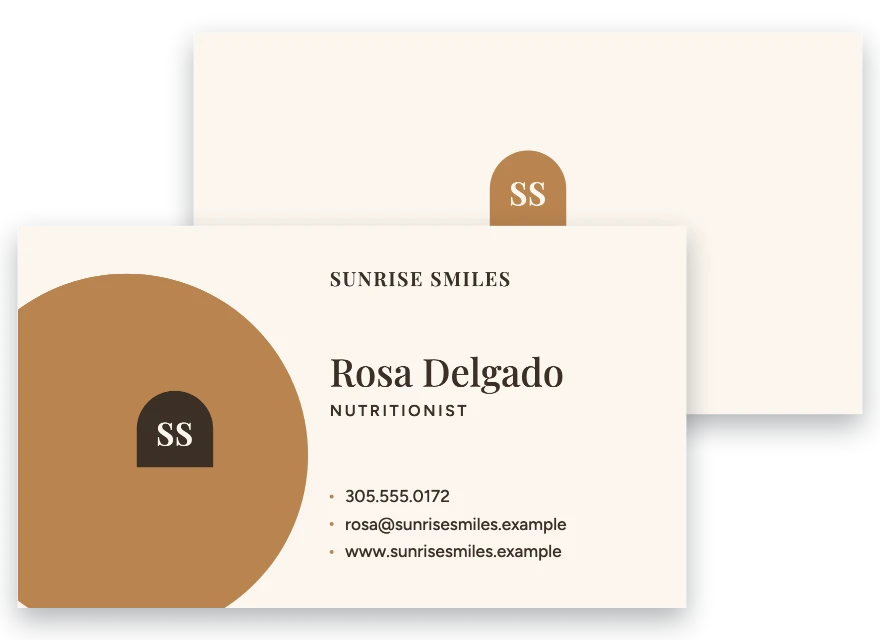
Dental practices, spas and therapists send patients home with a card for the next appointment. These templates use soft, friendly shapes — waves, arches and pebbles — in fresh greens, blues and pastels, with appointment, visit-us and contact backs.
Put your booking number and hours where they can't be missed.
Design advice
How to design a great dental & wellness business card
- Use the appointment back for the next visit's date and time.
- Fresh, light colours suit dental and wellness brands.
- Show opening hours and the address on the back.
- A QR code to online booking reduces phone calls.
- Keep the front calm — one name, one service line.
What to include
- Practice name and logo
- Practitioner name
- Booking phone or link
- Opening hours
- Address
In this collection: Organic & Natural, White & Minimal, Luxury Monogram, Startup, Elegant Pastel, Minimal styles; glass panel, split panel, two-tone, centred, hairline fronts; pattern back, visit us, contact list, appointment card, logo back, qr code back backs; 18 with a working QR code. Every card is editable on both sides, with every word inside the print safe area.
All 100 dental & wellness business card templates
Search within dental & wellness cards, filter by style, colour, mood, orientation or QR code, preview both sides with your own details, and open any template in the free editor.
100 templates · showing 24
Dental & Wellness Duotone Business Card
Dental & Wellness · Luxury Monogram · Landscape
Edit this cardDental & Wellness Balanced Business Card
Dental & Wellness · White & Minimal · Landscape
Edit this cardDental & Wellness Essential Business Card
Dental & Wellness · White & Minimal · Landscape
Edit this cardDental & Wellness Two-Tone Business Card
Dental & Wellness · Modern Geometric · Landscape
Edit this cardDental & Wellness Glass Business Card
Dental & Wellness · Organic & Natural · Landscape
Edit this card
24 of 100
Questions about dental & wellness business cards
Sizes, bleed, QR codes and printing are covered on the Business Card Maker page.
What size are these business cards?
They open at 3.5 × 2 in (the US and Canadian standard). In Size & print you can switch to 85 × 55 mm, 90 × 50 mm, portrait or a custom size — the design is laid out again for the new shape, never stretched.
Can I add a QR code?
Yes. Open QR code in the editor and choose a contact card (vCard), website, email, phone, WhatsApp, social profile or text — the code is made on your device from your details. Test it with your phone before printing.