100 free, two-sided templates
Event Planning and Wedding Business Card Templates
Planners, florists and venues meet couples and clients at fairs and viewings. These templates use monograms, arches, frames and soft pastel, ivory and gold palettes, with backs for your details, social handle or a QR code to your portfolio.
Couples browse on their phones — a QR code to your gallery helps.
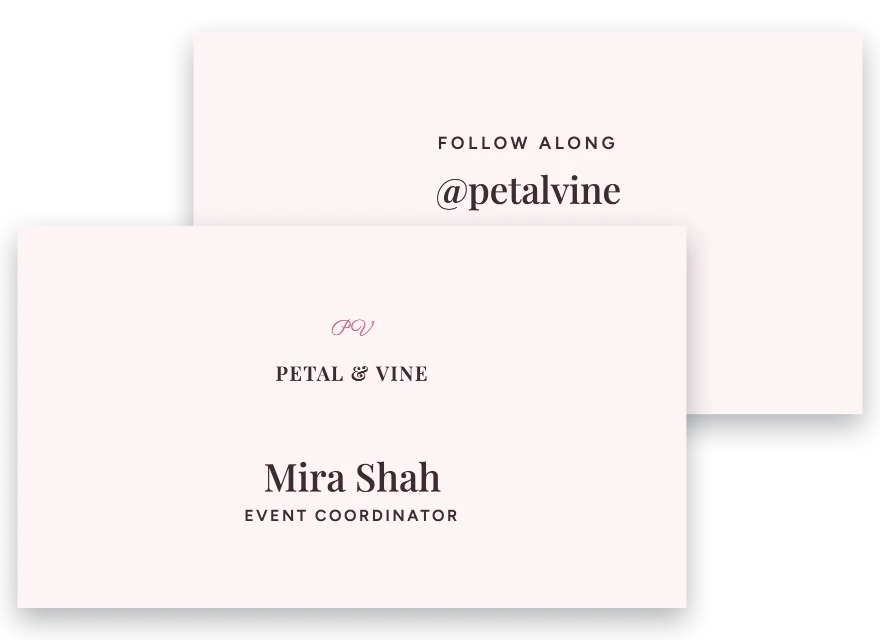
Design advice
How to design a great events & weddings business card
- Show your style: romantic, modern or classic.
- A QR code to your portfolio or reviews builds trust.
- Use the back for your details and social handle.
- Soft palettes and script accents suit weddings.
- Consider a premium stock — your clients notice.
What to include
- Business name or monogram
- Your name and role
- Phone and email
- Website or portfolio
- Social handle
In this collection: Art Deco, Luxury, Organic & Natural, Black & Gold, Elegant Pastel, Retro & Vintage styles; wave, two-tone, framed, organic shapes, column fronts; tagline back, details back, qr code back, logo back, contact list, pattern back backs; 16 with a working QR code. Every card is editable on both sides, with every word inside the print safe area.
All 100 events & weddings business card templates
Search within events & weddings cards, filter by style, colour, mood, orientation or QR code, preview both sides with your own details, and open any template in the free editor.
100 templates · showing 24
Events & Weddings Framed Business Card
Events & Weddings · Organic & Natural · Portrait
Edit this cardEvents & Weddings Classic Business Card
Events & Weddings · Organic & Natural · Landscape
Edit this cardEvents & Weddings Initials Business Card
Events & Weddings · Organic & Natural · Landscape
Edit this cardOrganic & Natural Events & Weddings Initials Business Card
Events & Weddings · Organic & Natural · Landscape
Edit this cardEvents & Weddings Balanced Business Card
Events & Weddings · Luxury Monogram · Landscape
Edit this card
24 of 100
Questions about events & weddings business cards
Sizes, bleed, QR codes and printing are covered on the Business Card Maker page.
What size are these business cards?
They open at 3.5 × 2 in (the US and Canadian standard). In Size & print you can switch to 85 × 55 mm, 90 × 50 mm, portrait or a custom size — the design is laid out again for the new shape, never stretched.
Can I add a QR code?
Yes. Open QR code in the editor and choose a contact card (vCard), website, email, phone, WhatsApp, social profile or text — the code is made on your device from your details. Test it with your phone before printing.