100 free, two-sided templates
Architecture and Interior Design Business Card Templates
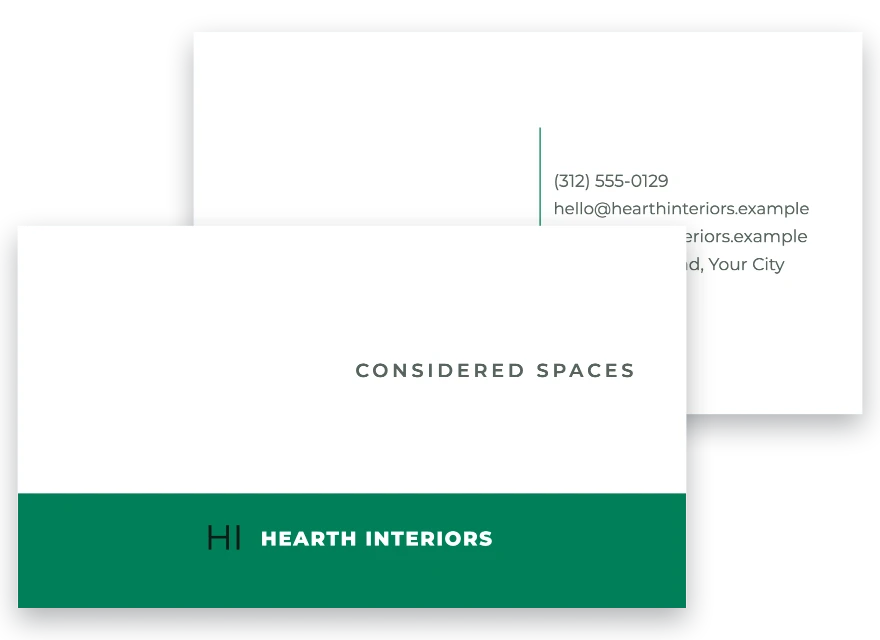
Architects and designers are judged on their eye, card included. These templates use strict grids, hairline rules, column layouts and calm neutral palettes that let the type and proportions speak.
The editor's snapping guides and exact sizes make it easy to align everything to a grid.
Design advice
How to design a great architecture business card
- Use the grid: align every line to the same left edge.
- A single sans-serif in two weights is plenty.
- Neutral palettes suit uncoated, textured papers.
- Put the practice name on one side and the person on the other.
- Add your professional registration in small type if appropriate.
What to include
- Practice name or mark
- Your name and role
- Phone and email
- Website
- Studio address
In this collection: Nordic Soft, White & Minimal, Minimal, Startup, Personal Brand, Organic & Natural styles; classic layout, swiss grid, arches, hairline, offset block fronts; pattern back, logo back, contact list, details back, services list, qr code back backs; 20 with a working QR code. Every card is editable on both sides, with every word inside the print safe area.
All 100 architecture business card templates
Search within architecture cards, filter by style, colour, mood, orientation or QR code, preview both sides with your own details, and open any template in the free editor.
100 templates · showing 24
24 of 100
Questions about architecture business cards
Sizes, bleed, QR codes and printing are covered on the Business Card Maker page.
What size are these business cards?
They open at 3.5 × 2 in (the US and Canadian standard). In Size & print you can switch to 85 × 55 mm, 90 × 50 mm, portrait or a custom size — the design is laid out again for the new shape, never stretched.
Can I send the card to a printer?
Yes. Download the print PDF: front and back pages with bleed, TrimBox and BleedBox, and optional crop marks, drawn at 600 ppi. Files are RGB; your printer converts them to CMYK.