100 free, two-sided templates
Futuristic and Tech Business Card Templates
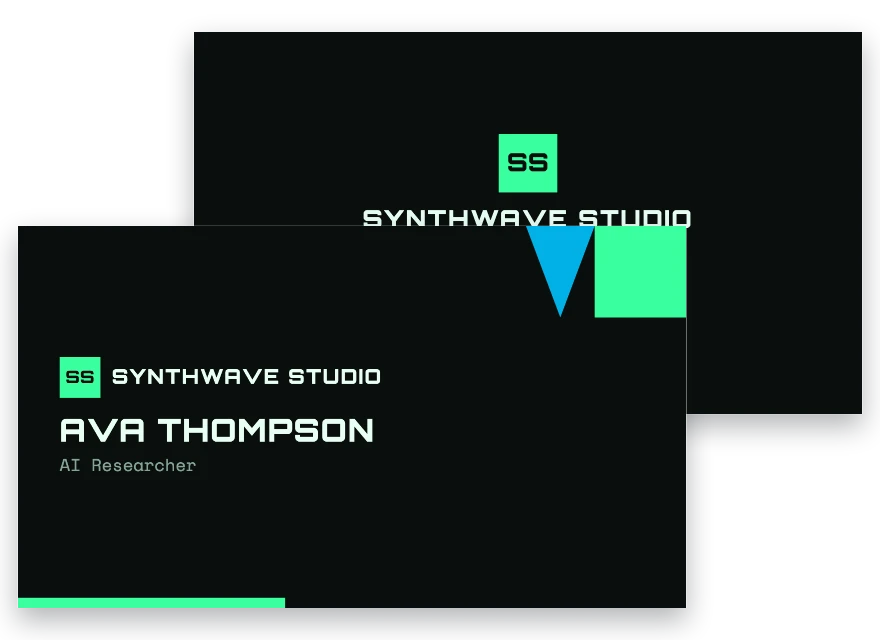
Futuristic cards use wide techno capitals, monospace details, grids, brackets and glowing accents on deep grounds — for developers, gaming, AI and anyone building what's next. Many carry a QR code.
Neon colours are brighter on screen than in print; consider a dark matte stock and check a proof.
Design advice
How to design a great futuristic business card
- Bright accents on dark grounds look striking.
- Use monospace for contact details.
- A QR code fits the theme and saves typing.
- Neon colours print duller — check a proof.
- Keep grids and brackets off the text.
What to include
- Your name
- Role
- Website or GitHub
- QR code
In this collection: Futuristic & Tech styles; hexagons, offset block, qr on the front, hairline, corner geometry fronts; pattern back, qr code back, tagline back, logo back, contact list, social back backs; 28 with a working QR code. Every card is editable on both sides, with every word inside the print safe area.
All 100 futuristic business card templates
Search within futuristic cards, filter by style, colour, mood, orientation or QR code, preview both sides with your own details, and open any template in the free editor.
100 templates · showing 24
Futuristic & Tech Futuristic Corner Business Card
Futuristic · Futuristic & Tech · Landscape
Edit this cardFuturistic & Tech Futuristic Hive Business Card
Futuristic · Futuristic & Tech · Landscape
Edit this cardFuturistic & Tech Futuristic Glass Business Card
Futuristic · Futuristic & Tech · Landscape
Edit this card
24 of 100
Questions about futuristic business cards
Sizes, bleed, QR codes and printing are covered on the Business Card Maker page.
What size are these business cards?
They open at 3.5 × 2 in (the US and Canadian standard). In Size & print you can switch to 85 × 55 mm, 90 × 50 mm, portrait or a custom size — the design is laid out again for the new shape, never stretched.
Can I add a QR code?
Yes. Open QR code in the editor and choose a contact card (vCard), website, email, phone, WhatsApp, social profile or text — the code is made on your device from your details. Test it with your phone before printing.