100 free, two-sided templates
White and Minimal Business Card Templates
Pure white cards look clean and confident. Every template here is on a white ground, with fine type, hairlines, generous margins and a single small detail of colour.
White shows fingerprints and uneven cutting less than you'd think, but a heavier stock makes it feel special.
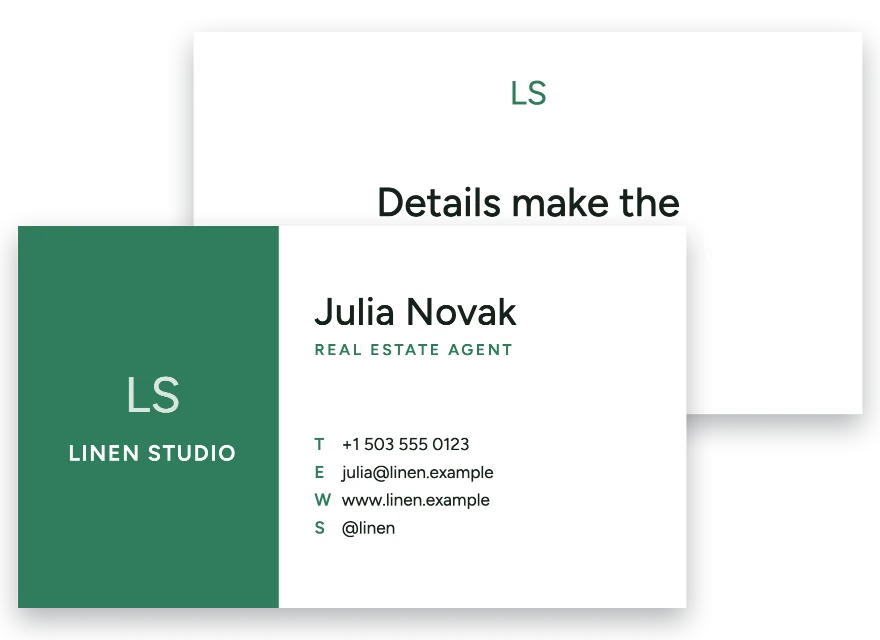
Design advice
How to design a great white minimal business card
- Use a heavier, smooth or textured white stock.
- One accent colour, used once.
- Avoid very light grey text — it fades in print.
- Align everything to one edge or the centre.
- Let empty space be part of the design.
What to include
- Your name
- Role
- Phone
- Website
In this collection: Minimal, Editorial, White & Minimal, Swiss Grid styles; classic layout, hairline, bold circle, side band, swiss grid fronts; qr code back, logo back, details back, contact list, split back, tagline back backs; 23 with a working QR code. Every card is editable on both sides, with every word inside the print safe area.
All 100 white minimal business card templates
Search within white minimal cards, filter by style, colour, mood, orientation or QR code, preview both sides with your own details, and open any template in the free editor.
100 templates · showing 24
Swiss Grid White Minimal Side Band Business Card
White Minimal · Swiss Grid · Landscape
Edit this cardWhite & Minimal White Minimal Thin Line Business Card
White Minimal · White & Minimal · Portrait
Edit this card
24 of 100
Questions about white minimal business cards
Sizes, bleed, QR codes and printing are covered on the Business Card Maker page.
What size are these business cards?
They open at 3.5 × 2 in (the US and Canadian standard). In Size & print you can switch to 85 × 55 mm, 90 × 50 mm, portrait or a custom size — the design is laid out again for the new shape, never stretched.
Can I send the card to a printer?
Yes. Download the print PDF: front and back pages with bleed, TrimBox and BleedBox, and optional crop marks, drawn at 600 ppi. Files are RGB; your printer converts them to CMYK.