237 free templates
Free Real Estate Carousel Templates
Property carousels help agents educate buyers and sellers while showing listings. These templates include a new-listing showcase, a first-time buyer checklist, home-selling preparation tips, a renter’s guide and a monthly market update with space for your sourced figures.
Choose from navy-and-gold, blueprint, gallery-frame and other refined styles, and add your own property photos to any slide. Post listings as Instagram portrait slides, or download a PDF and share a buyer’s guide as a LinkedIn document post — the same design works for both.
What makes a good Real estate carousel
- Lead with the photoFor listings, put your best picture in the first slides and the details after.
- Educate between listingsChecklists and guides keep followers engaged when you have no new property to show.
- Source market figuresMarket updates should name where the numbers come from.
Popular real estate carousel designs
 Property development stagesBlue chip · Real estate
 New listing showcaseBlueprint · Real estate
 First-time buyer checklistExecutive navy · Real estate
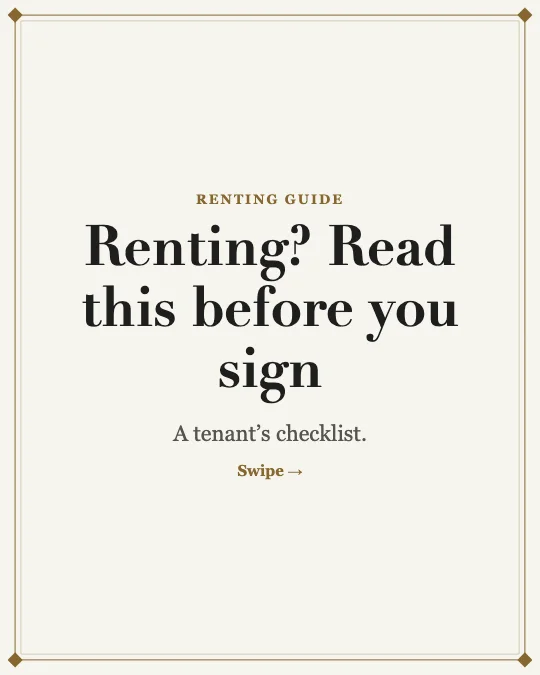 Renter’s guide to a smooth moveGallery frame · Real estate
 Monthly local market updateReal estate · Real estate
 Get your home ready to sellPremium luxury · Real estate
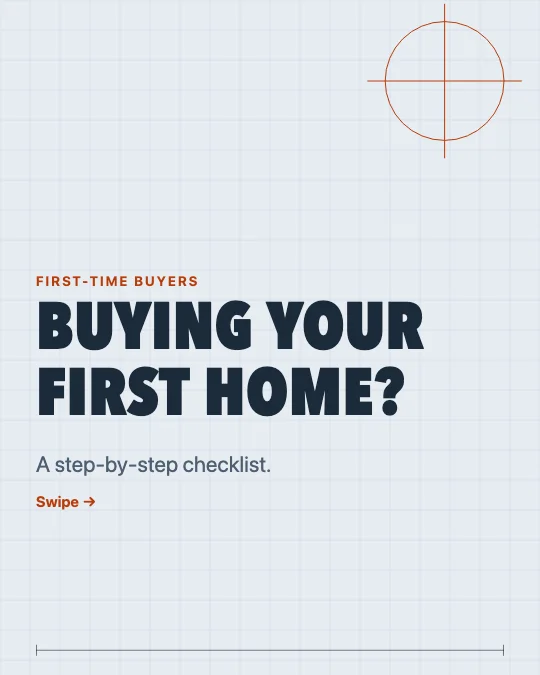 First-time buyer checklistDrafting table · Real estate
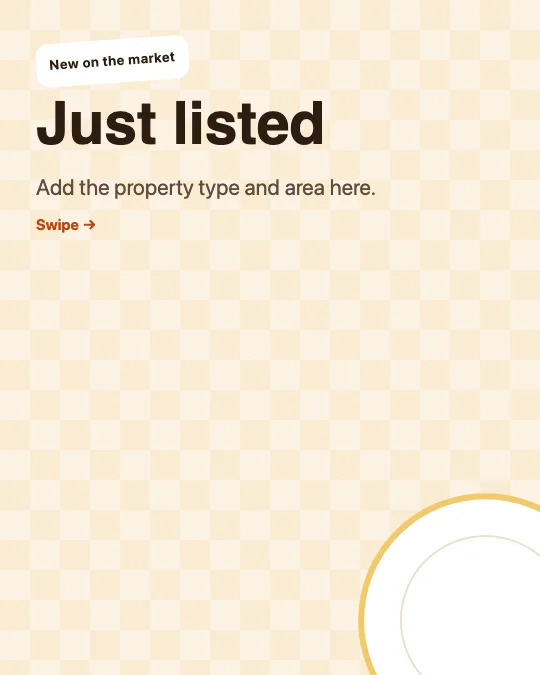 New listing showcaseKitchen table · Real estate
All 237 real estate carousel templates
Search, filter and preview every slide. Opening a template in the editor is free and needs no account.
237 templates · page 1 of 10
- FreeNew
- Free
- Free
- FreeNew
- Free
- Free
- Free
- Free
- FreeNew
- FreeNew
- Free
- Free
- FreeNew
- Free
- Free
- Free
- FreeNew
- Free
- Free
- Free
- FreeNew
- Free
- FreeNew
- FreeNew
Frequently Asked Questions
More answers on the Social Media Carousel Maker page.
Can I add my agency logo and contact details?
Yes. Add your logo and handle in the Brand panel, and put contact details on the closing slide.
What size works for listing carousels?
1080 × 1350 portrait for Instagram, or a PDF of 1080 × 1350 pages for LinkedIn.
Are my property photos uploaded anywhere?
No. Images stay in your browser’s storage and are only used to render your slides.