842 free templates
Free Marketing Carousel Templates
Marketing carousels work because they teach: a useful tip is something people save and come back to. These templates cover the topics marketers post about most — hook formulas, content pillars, SEO basics, email sequences, ad copy and analytics — each written as a complete, practical carousel you can adapt to your own audience.
They come in dozens of design styles, from clean corporate layouts to bold typography and dark editorial looks, so the same advice can match any brand.
What makes a good Marketing carousel
- Teach, then mention yourselfGive the useful part first. A last slide that says how you can help feels earned after real advice.
- Be specific“3-email welcome sequence” beats “email tips”. Specific covers get more swipes and more saves.
- Show examplesA before-and-after or a weak vs strong example makes advice concrete.
Popular marketing carousel designs
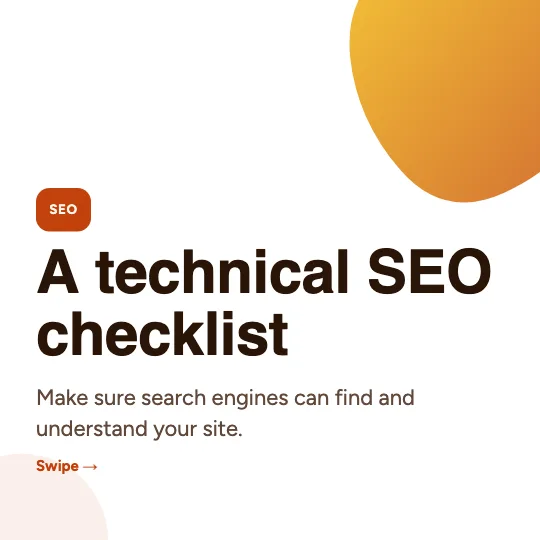 Technical SEO checklistStartup gradient · Digital marketing
 Plan a month of content in an hourGeometric · Digital marketing
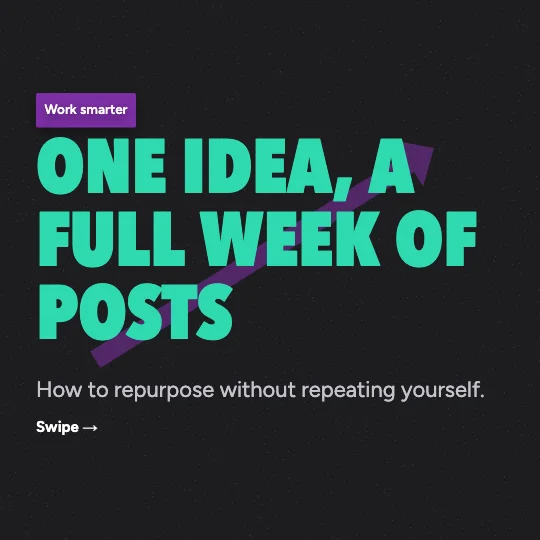 Turn one idea into a week of postsDark poster · Instagram marketing
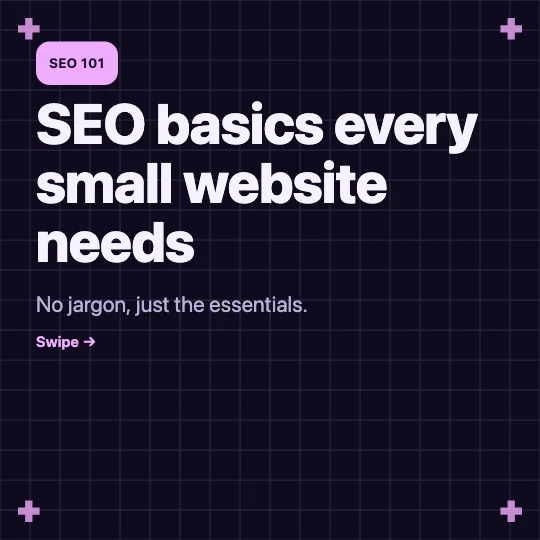 SEO basics for small websitesMidnight grid · Digital marketing
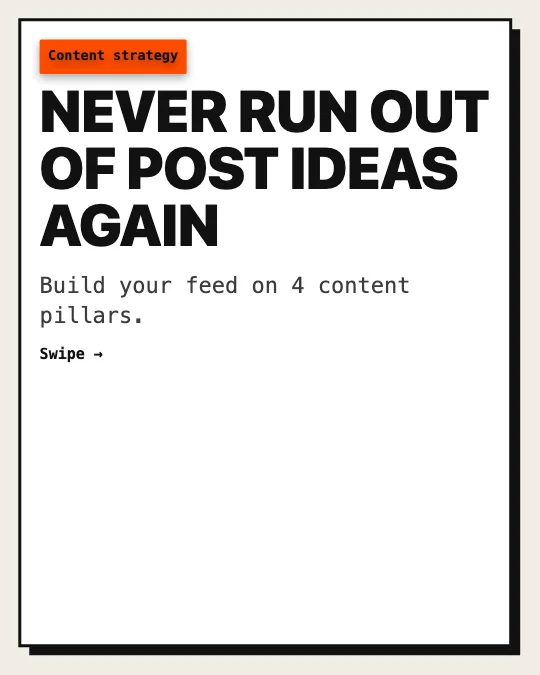 Content pillars for a consistent feedBrutalist · Instagram marketing
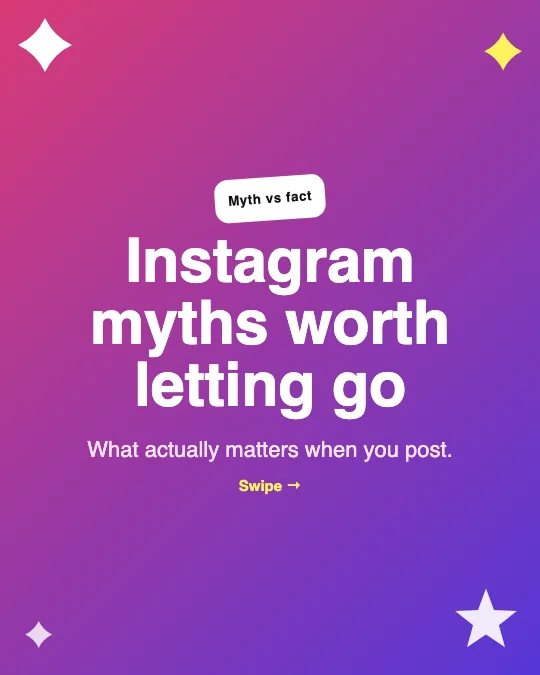 Instagram engagement mythsY2K sparkle · Instagram marketing
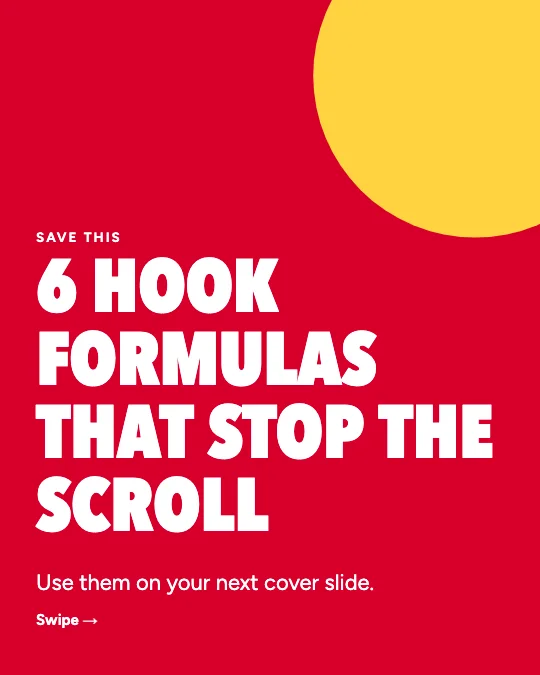 Hook formulas that stop the scrollBold typography · Instagram marketing
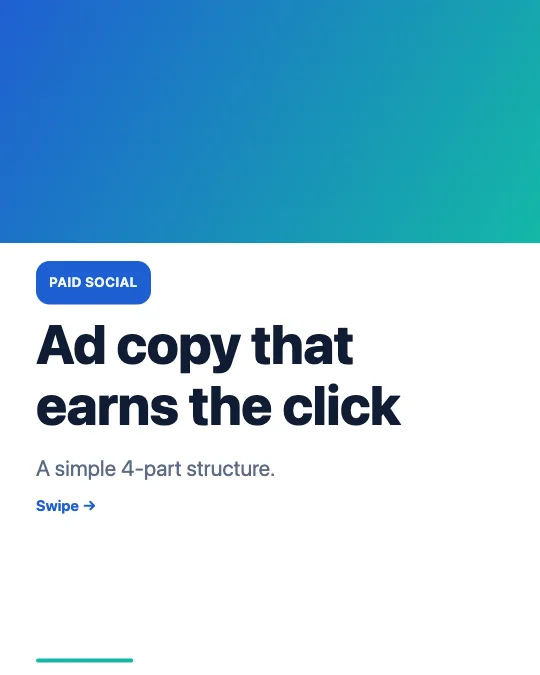 Ad copy that people actually clickModern corporate · Digital marketing
All 842 marketing carousel templates
Search, filter and preview every slide. Opening a template in the editor is free and needs no account.
842 templates · page 1 of 36
- FreeNew
- FreeNew
- Free
- Free
- Free
- FreeNew
- FreeNew
- Free
- Free
- Free
- Free
- Free
- FreeNew
- Free
- FreeNew
- Free
- Free
- Free
- FreeNew
- Free
- Free
- Free
- Free
- FreeNew
Frequently Asked Questions
More answers on the Social Media Carousel Maker page.
Can I use these templates for client work?
Yes. The templates are free to use for your own business and for clients. The sample text is original, so replace it with your own message.
Do the templates include real statistics?
No. Sample content never invents figures. Where a number belongs, the slide says so — add data you can source.
Can I change the colours to match a brand?
Yes. Set the palette and fonts once in the Brand panel and every slide updates.