448 free templates
Free Instagram Carousel Templates for Designers
Designers are judged on what they post, so their carousels need to look as considered as their work. These templates cover UI principles, UX research, design systems, Figma tips, typography, colour, accessibility, portfolio case studies, freelance pricing, logo design, motion design and interiors — plus photography, video editing, illustration and music.
The styles are built for creative work: a design-canvas layout with a frame label and selection handles, a type specimen with a giant ‘Aa’, an asymmetric editorial layout, a colour-study row of swatches, a studio portfolio block for your own photo, and Swiss, Bauhaus and magazine layouts.
What makes a good Designer carousel
- Show, then tellPut your own work on the cover, then explain the thinking on the slides that follow.
- Make the type do the workStrong hierarchy with only a few sizes looks more professional than decoration.
- Teach one principleOne idea, explained with a before and after, gets saved more than a mood board.
Popular designer carousel designs
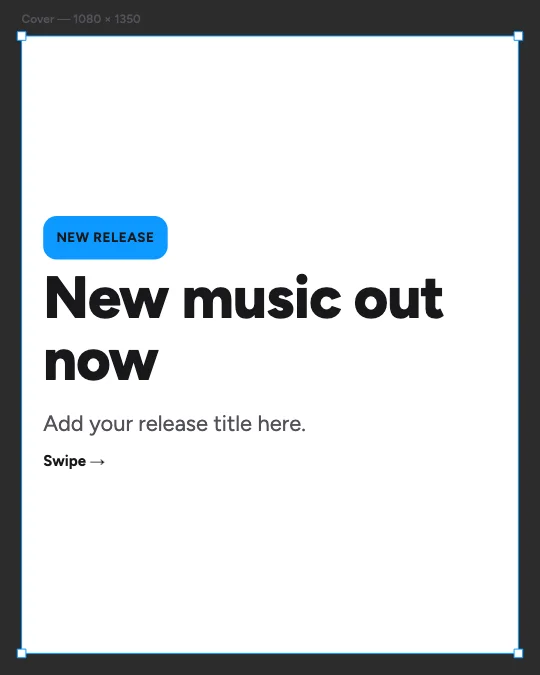 Promote your new releaseDesign canvas · Creative arts
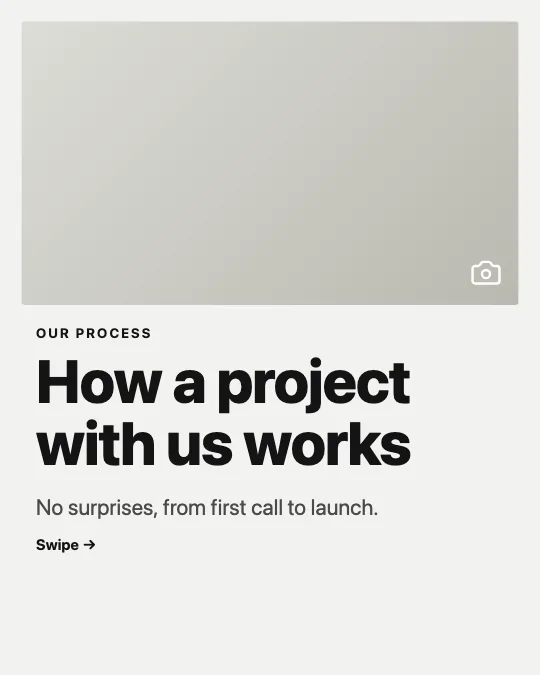 How we work with clientsStudio portfolio · Agency portfolio
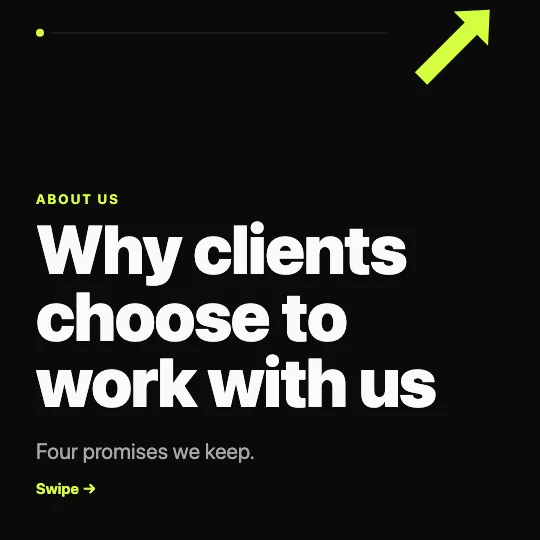 Why clients choose usAgency dark · Agency portfolio
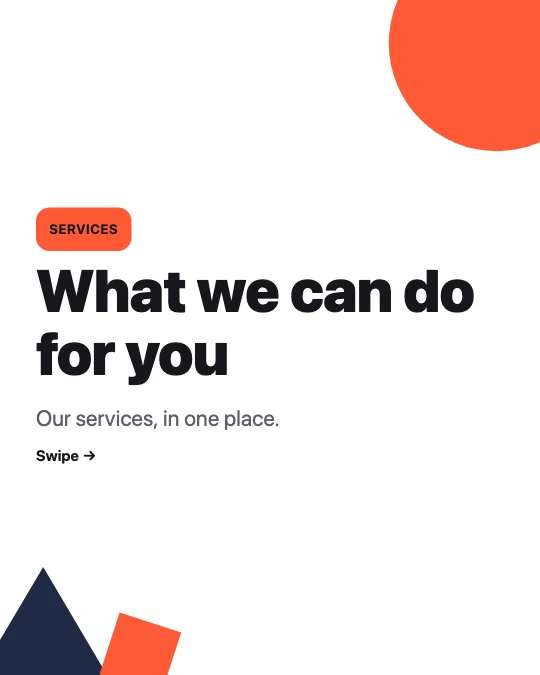 Our services at a glanceGeometric · Agency portfolio
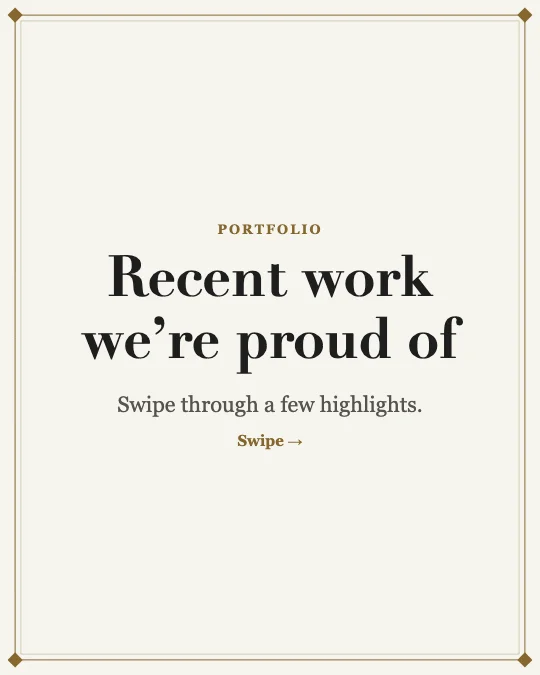 Portfolio highlightsGallery frame · Agency portfolio
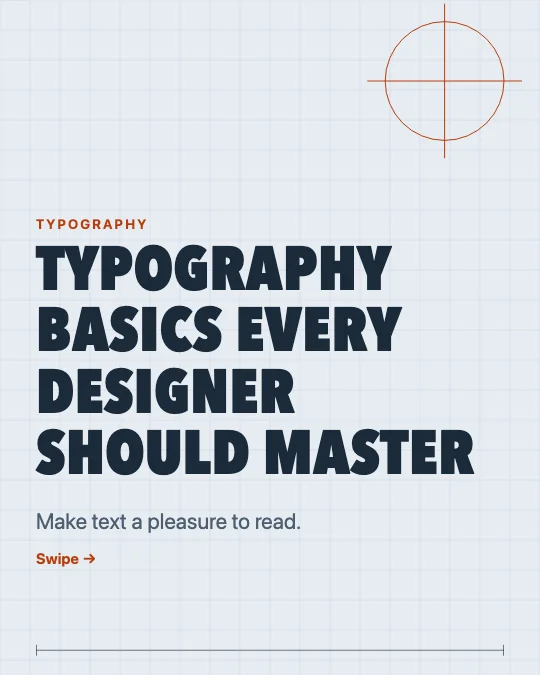 Typography basics for designersDrafting table · UI/UX & design
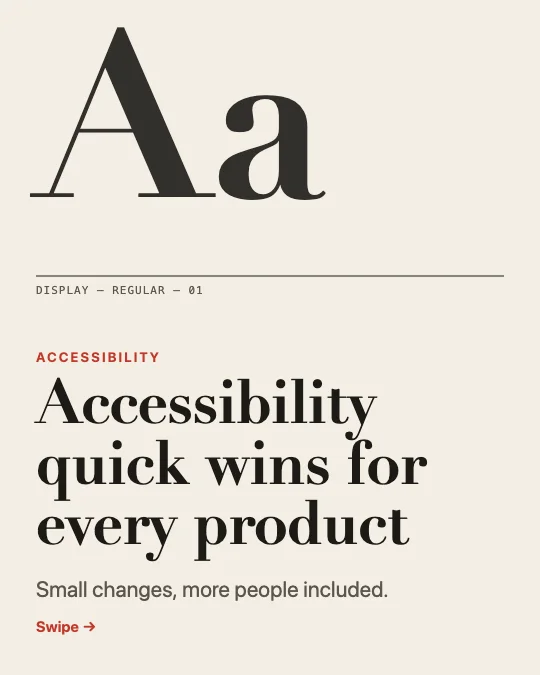 Accessibility quick winsType specimen · UI/UX & design
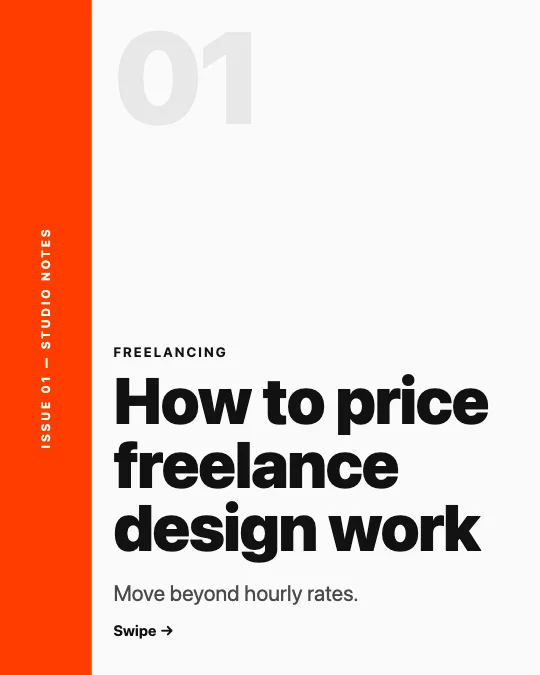 Freelance designer pricingAsymmetric editorial · UI/UX & design
All 448 designer carousel templates
Search, filter and preview every slide. Opening a template in the editor is free and needs no account.
448 templates · page 1 of 19
- FreeNew
- FreeNew
- Free
- FreeNew
- Free
- Free
- Free
- FreeNew
- FreeNew
- FreeNew
- FreeNew
- FreeNew
- FreeNew
- FreeNew
- Free
- FreeNew
- Free
- FreeNew
- FreeNew
- Free
- FreeNew
- FreeNew
- FreeNew
- Free
Frequently Asked Questions
More answers on the Social Media Carousel Maker page.
Can I use my own fonts and colours?
Set your palette and pick from the editor’s fonts once in the Brand panel and every slide follows. Fonts installed on your device appear too.
Can I add my portfolio images?
Yes. Insert images on any slide; the studio portfolio style has a picture block designed for them.
Are these free for client work?
Yes — free for personal and commercial use, with no watermark.