1,634 free templates
Free Business Carousel Templates
Business carousels share what you know: lessons from leading a team, how you priced your services, a client case study, why you’re hiring. These templates are written for founders, small business owners and teams, in the formats that work on LinkedIn document posts and Instagram alike.
Pick a layout that matches your brand — professional blue, executive navy, Swiss grid, finance ledger and many more — and adapt the sample story to your own experience.
What makes a good Business carousel
- Share a real experienceLessons you’ve lived are more credible than general advice. The templates leave space for your own story.
- Keep claims checkableResults and figures should be ones you can back up; templates mark where they go.
- Make the next step clearBook a call, see open roles, read the case study — one action on the last slide.
Popular business carousel designs
 A weekly operations check-inMarket chart · Business growth
 Start a side business alongside your jobToken medallion · Entrepreneurship
 Lessons from my first year leading a teamViolet gradient · LinkedIn business
 Making hybrid work actually workBlack & orange · LinkedIn business
 How to find your first 10 customersNewsprint · Entrepreneurship
 Lessons from year one in businessMinimal editorial · Entrepreneurship
 The follow-up that wins the saleModern corporate · Business growth
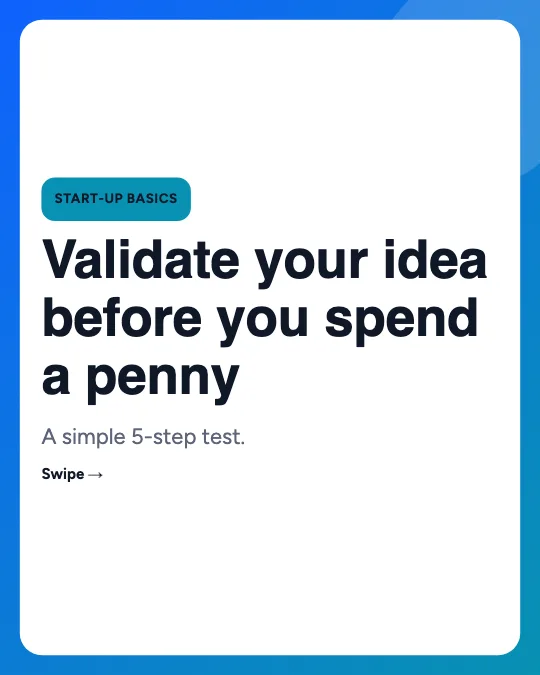 Validate a business idea before you buildCreative gradient · Entrepreneurship
All 1,634 business carousel templates
Search, filter and preview every slide. Opening a template in the editor is free and needs no account.
1,634 templates · page 1 of 69
- FreeNew
- FreeNew
- FreeNew
- Free
- Free
- Free
- Free
- Free
- Free
- Free
- Free
- FreeNew
- FreeNew
- FreeNew
- Free
- FreeNew
- Free
- Free
- Free
- Free
- Free
- Free
- Free
- Free
Frequently Asked Questions
More answers on the Social Media Carousel Maker page.
Which size is best for business carousels?
For LinkedIn document posts, 1080 × 1350 or 1080 × 1080 exported as a PDF. For Instagram, 1080 × 1350 PNG or JPG files.
Can I add my logo?
Yes. Upload your logo and handle in the Brand panel and choose where it appears on every slide.
Is anything uploaded to a server?
No. The editor runs in your browser and saves projects in this browser’s storage. Nothing is uploaded.