4,255 free templates
Free Instagram Carousel Templates
Every template here is sized for Instagram: 1080 × 1350 pixels (the 4:5 portrait shape that takes up the most room in the feed) or the classic 1080 × 1080 square. Each one is a complete carousel — a cover that makes a promise, the slides that keep it, and a closing slide with a call to action — written for a real topic, from fitness and food to marketing and study tips.
Open a template, replace the sample text with your own, change the colours and fonts once for the whole carousel, and download the slides as numbered PNG or JPG files in a ZIP. Instagram lets you post up to 20 images in one carousel; the numbers keep them in order when you select them on your phone.
What makes a good Instagram carousel
- Use the portrait size1080 × 1350 shows more of each slide in the feed than a square. Keep every slide in a carousel the same size — Instagram crops mixed shapes.
- Make the cover a promiseSay what the reader gets (“6 hook formulas that stop the scroll”), not just the topic. The cover decides whether anyone swipes.
- One idea per slideIf a slide needs a paragraph, split it into two. Around 15–40 words per slide reads comfortably on a phone.
- End with one actionSave, share, comment or follow — pick one. Saves tell Instagram the post was worth keeping.
Popular instagram carousel designs
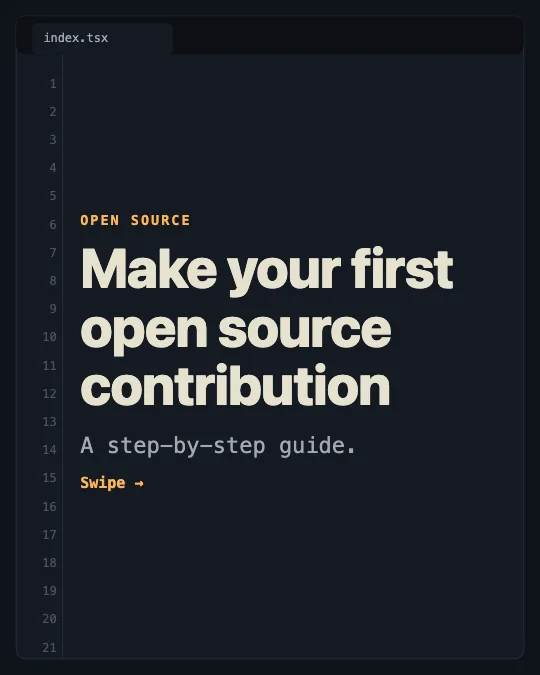 Your first open source contributionCode editor · Software development
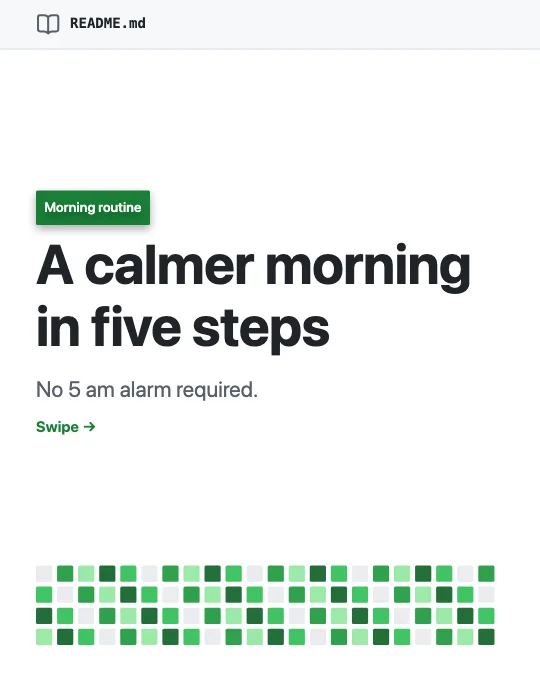 A calm morning routineREADME page · Productivity
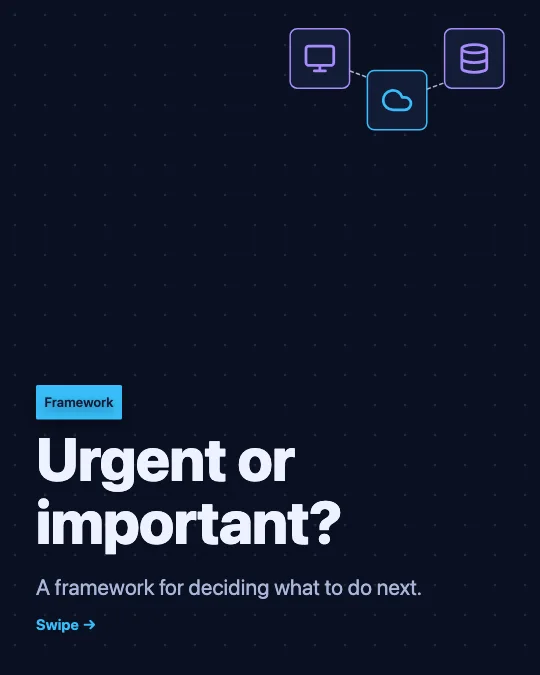 A simple decision frameworkSystem diagram · Infographics
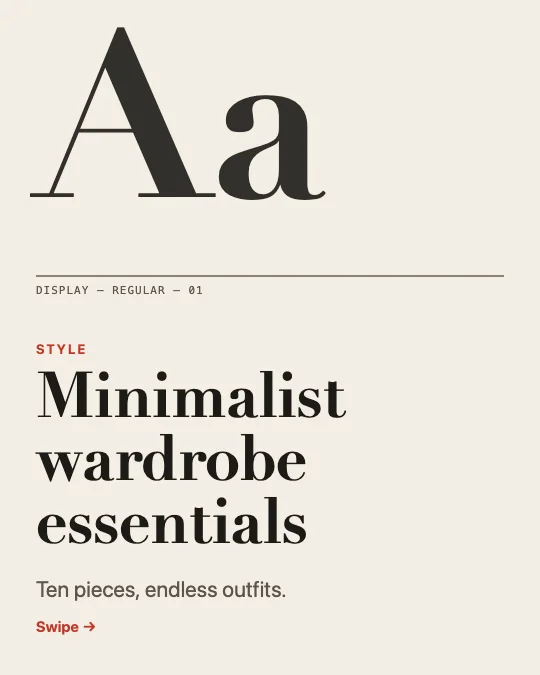 Minimalist wardrobe essentialsType specimen · Fashion
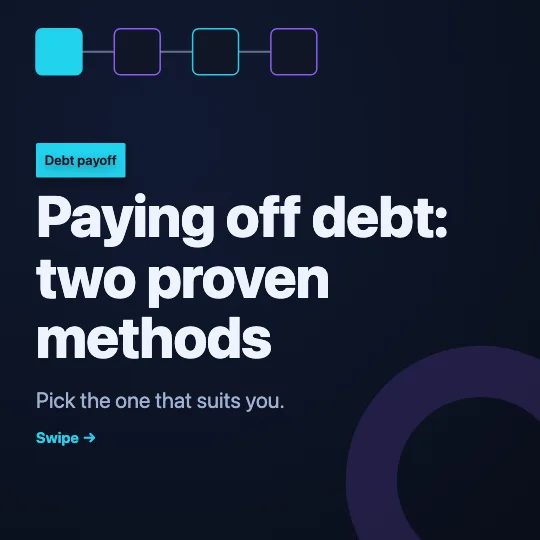 Two ways to pay off debtBlock chain · Finance
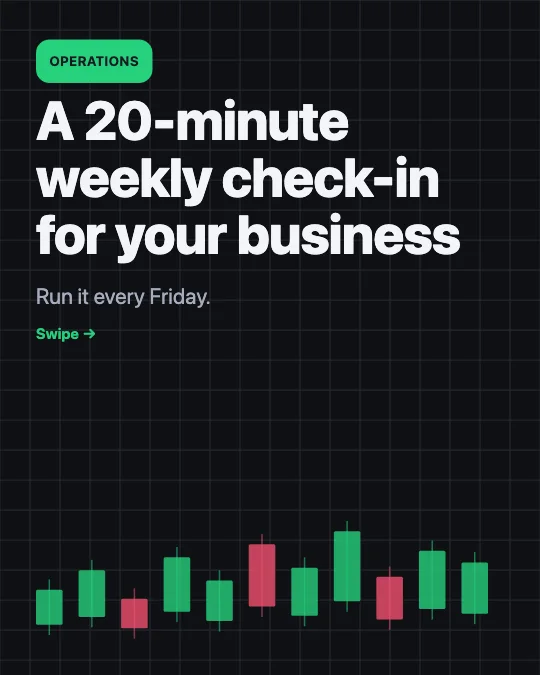 A weekly operations check-inMarket chart · Business growth
 Start a side business alongside your jobToken medallion · Entrepreneurship
 A day in my lifeFinancial paper · Storytelling
All 4,255 instagram carousel templates
Search, filter and preview every slide. Opening a template in the editor is free and needs no account.
4,255 templates · page 1 of 178
- FreeNew
- FreeNew
- FreeNew
- FreeNew
- FreeNew
- FreeNew
- FreeNew
- FreeNew
- FreeNew
- FreeNew
- FreeNew
- FreeNew
- FreeNew
- FreeNew
- Free
- Free
- Free
- Free
- Free
- Free
- Free
- Free
- Free
- Free
Frequently Asked Questions
More answers on the Social Media Carousel Maker page.
What size should an Instagram carousel be?
1080 × 1350 pixels (4:5) for the most space in the feed, or 1080 × 1080 for a square. Every slide in one carousel must share the same size; these templates keep it for you.
How many slides can an Instagram carousel have?
Instagram allows up to 20 photos or videos in one carousel post. Most templates here have five to eight slides, and you can add, duplicate or delete slides in the editor.
Are these Instagram templates really free?
Yes. The templates, the editor and every download — PNG, JPG, ZIP and PDF — are free, with no account and no watermark.