3,021 free templates
Professional LinkedIn Carousel Templates
A LinkedIn carousel is a PDF uploaded as a document post: each page becomes a slide people swipe through. These templates are built for that format — 1080 × 1350 document pages and 1080 × 1080 squares — with calm, readable layouts for lessons learned, industry insights, hiring posts, case studies and how-tos.
Edit the text on the canvas, apply your brand colours and fonts to every page at once, and download a single PDF. On LinkedIn, start a post, choose to add a document, upload the PDF and give it a title.
What makes a good LinkedIn carousel
- Lead with the takeawayProfessional readers skim. Put the lesson in the cover headline and use the pages for the evidence and examples.
- Keep pages readable on a phoneMost LinkedIn reading happens on mobile. Large headlines and short paragraphs beat dense slides.
- Use real numbers onlyTemplates mark where a figure belongs; replace it with numbers you can source, or leave it out.
- Ask a question at the endA closing page that invites a reply (“What would you add?”) turns readers into a conversation.
Popular linkedin carousel designs
 Planning an online courseDev notes · Education
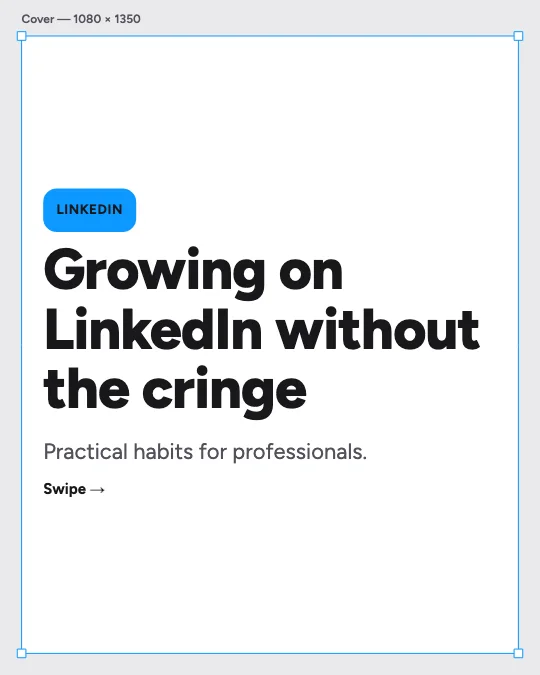 Growing on LinkedIn as a creatorDesign canvas · Personal branding
 The project that failed — and what it taught meAsymmetric editorial · Storytelling
 Feature tour in five slidesColour study · Product promotion
 Growth mindset phrasesHolographic · Motivation
 Employee onboarding checklistBoardroom · Legal, HR & careers
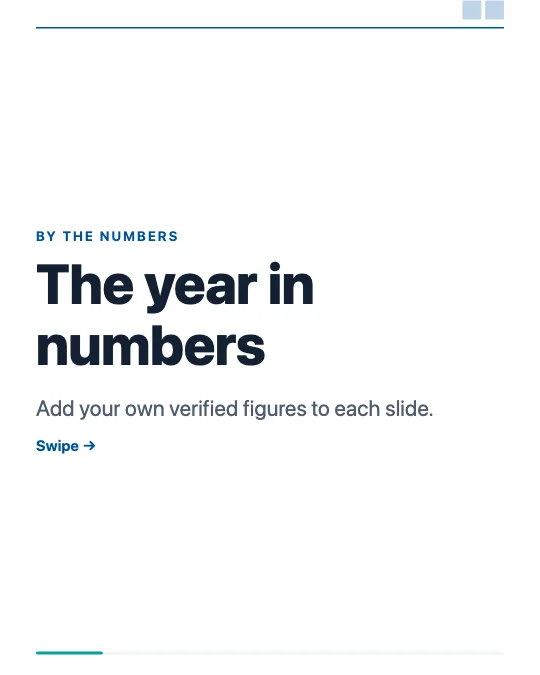 Key figures at a glanceConsulting deck · Infographics
 Technical SEO checklistStartup gradient · Digital marketing
All 3,021 linkedin carousel templates
Search, filter and preview every slide. Opening a template in the editor is free and needs no account.
3,021 templates · page 1 of 126
- FreeNew
- FreeNew
- FreeNew
- FreeNew
- FreeNew
- FreeNew
- FreeNew
- FreeNew
- FreeNew
- FreeNew
- FreeNew
- FreeNew
- FreeNew
- Free
- Free
- Free
- Free
- Free
- Free
- Free
- Free
- Free
- FreeNew
- FreeNew
Frequently Asked Questions
More answers on the Social Media Carousel Maker page.
How do I post a carousel on LinkedIn?
Design the slides, download a PDF, then on LinkedIn start a post, choose “Add a document”, upload the PDF and give it a title. Each page appears as a swipeable slide.
What size is a LinkedIn carousel?
LinkedIn accepts PDF pages of many sizes; 1080 × 1350 (4:5) and 1080 × 1080 (square) read best on phones. These templates use both.
Is the text in the PDF selectable?
No. Each PDF page is a high-resolution image of the slide, so it looks exactly like the editor. Put any links or long text in the post itself.