504 free templates
Free Social Media Templates for Developers
Developers share practical carousels on LinkedIn and Instagram: a cheat sheet, a mistake to avoid, a concept explained in five slides. These templates are written for the people who build software — React, Next.js, Vue and Angular developers, Python, Java, .NET, PHP and Node.js engineers, DevOps and cloud engineers, data and machine learning engineers, QA and security professionals.
The designs look like the tools you use every day: a dark code editor with file tabs and a line-number gutter, a clean README page with a contribution graph, a system-design diagram and dev-notes paper — alongside clean corporate and editorial styles for career posts. Every technical slide is plain, accurate advice you can adapt to your own stack.
What makes a good Developer carousel
- One concept per slideA short code idea or command with one sentence of context reads well on a phone.
- Lead with the mistake or the win“6 Next.js mistakes” or “Git commands you’ll use daily” tells readers exactly what they’ll get.
- Keep code shortLong snippets are hard to read in a feed — link to a gist or repo for the full version.
- End with a questionDevelopers love to add their own tip. Ask for it on the last slide.
Popular developer carousel designs
 Your first open source contributionCode editor · Software development
 Using AI tools at work, responsiblyBrutalist · Technology
 The cloud, explained simplyCode terminal · Technology
 Habits of developers who shipFrosted glass · Technology
 Digital declutter checklistSwiss grid · Technology
 Passwords and account security basicsData story · Technology
 Choosing a backend stackREADME page · Software development
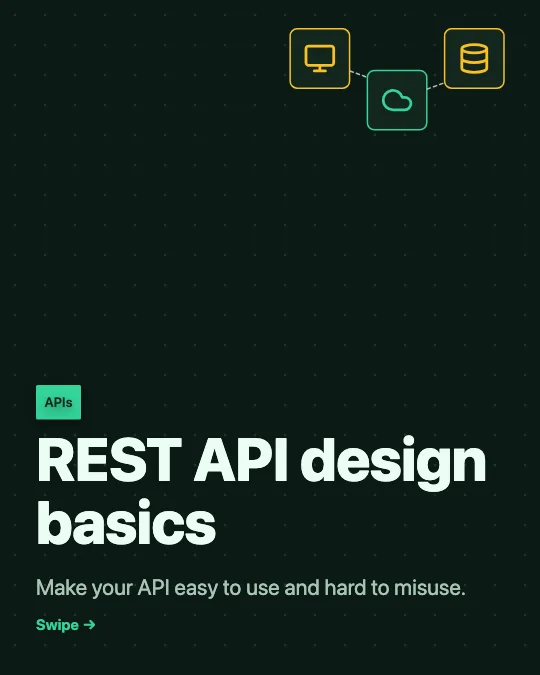 REST API design basicsSystem diagram · Software development
All 504 developer carousel templates
Search, filter and preview every slide. Opening a template in the editor is free and needs no account.
504 templates · page 1 of 21
- FreeNew
- Free
- Free
- Free
- Free
- Free
- Free
- FreeNew
- Free
- Free
- FreeNew
- FreeNew
- Free
- Free
- Free
- Free
- Free
- Free
- FreeNew
- Free
- FreeNew
- Free
- Free
- Free
Frequently Asked Questions
More answers on the Social Media Carousel Maker page.
Are the code tips accurate?
They follow widely documented, current practice and avoid version-specific details that date quickly. Always check them against your own stack before posting.
Which size is best for developer carousels?
A LinkedIn document (1080 × 1350, downloaded as a PDF) for career and technical posts; 1080 × 1350 images for Instagram.
Can I add screenshots of my code?
Yes. Add an image to any slide from the Insert panel. It stays in your browser and is never uploaded.