166 free templates
Free LinkedIn Templates for Professionals
LinkedIn rewards professionals who share what they know. These templates are written for specific jobs: contract basics and legal myths for lawyers, onboarding checklists for HR, advice for job seekers from recruiters, project and product management frameworks, customer support replies, virtual assistant and freelancer services, and engineering, architecture and construction-safety explainers.
Designs include boardroom, consulting deck, counsel green, executive navy, drafting table and site-safety styles. Legal and HR samples are general information and say so, so you can add the specifics for your country.
What makes a good Professional services carousel
- Share real experienceA lesson from your own work is more credible than general advice.
- Respect confidentialityAnonymise client and employer details in case studies.
- Use the PDF formatLinkedIn document posts let readers swipe through your pages in the feed.
Popular professional services carousel designs
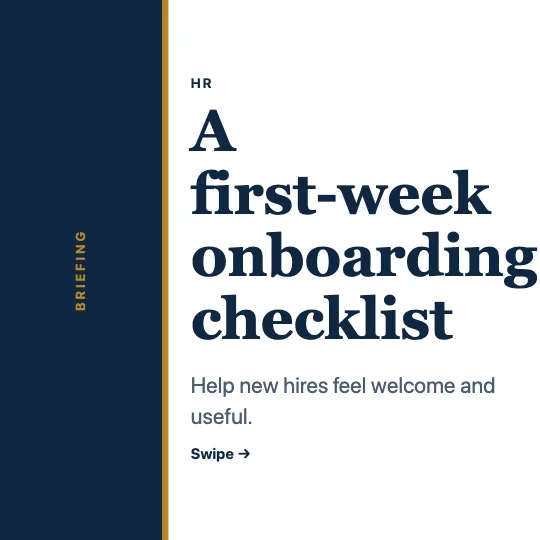 Employee onboarding checklistBoardroom · Legal, HR & careers
 Engineering careers: electrical vs mechanicalAnnual report · Engineering & construction
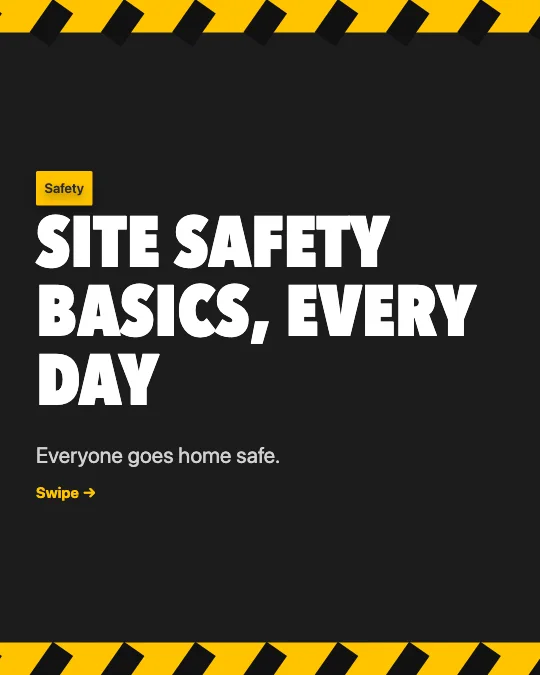 Construction site safety basicsSite safety · Engineering & construction
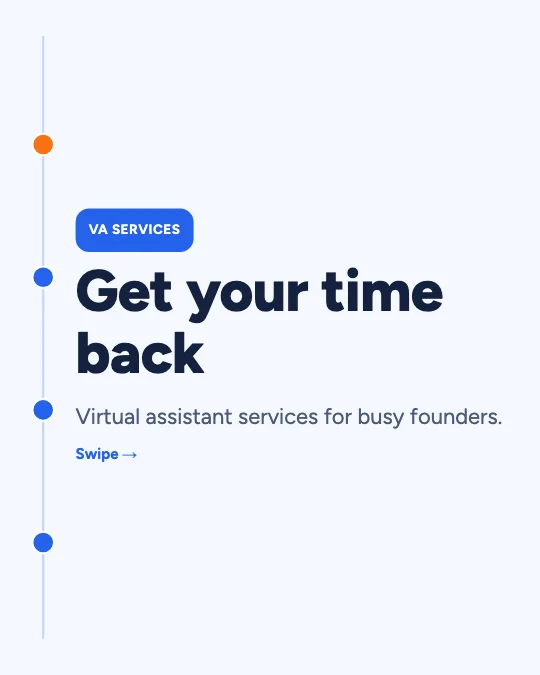 Virtual assistant servicesInfographic timeline · Work & professions
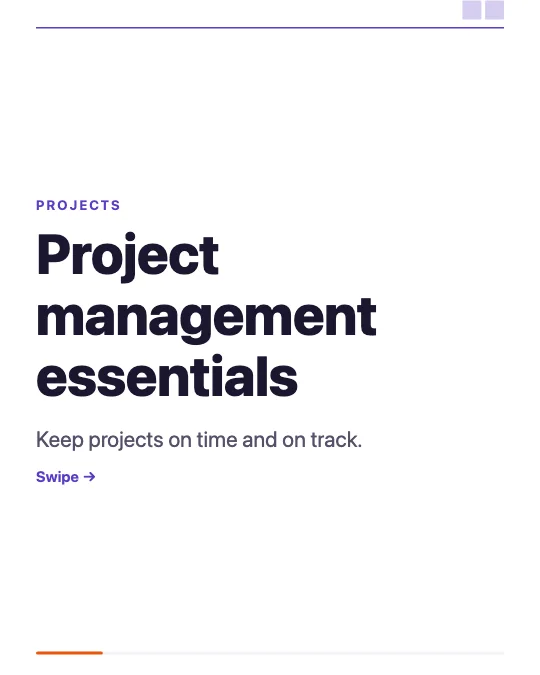 Project management essentialsConsulting deck · Work & professions
 Legal myths small businesses believeFinancial paper · Legal, HR & careers
 Career development planCounsel · Legal, HR & careers
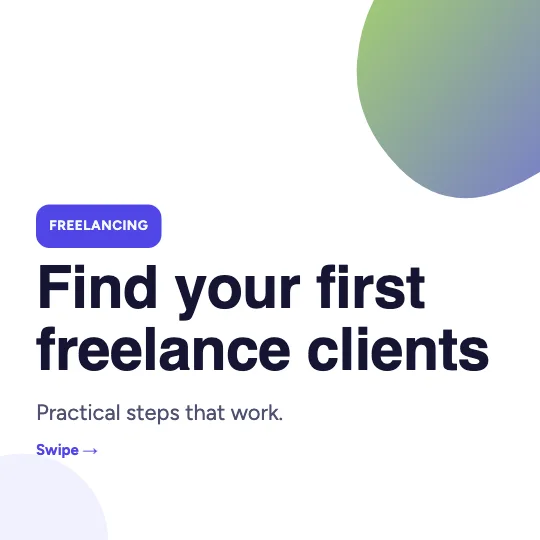 Finding freelance clientsStartup gradient · Work & professions
All 166 professional services carousel templates
Search, filter and preview every slide. Opening a template in the editor is free and needs no account.
166 templates · page 1 of 7
- FreeNew
- FreeNew
- FreeNew
- FreeNew
- FreeNew
- FreeNew
- FreeNew
- FreeNew
- FreeNew
- FreeNew
- FreeNew
- FreeNew
- FreeNew
- FreeNew
- FreeNew
- FreeNew
- FreeNew
- FreeNew
- FreeNew
- FreeNew
- FreeNew
- FreeNew
- FreeNew
- FreeNew
Frequently Asked Questions
More answers on the Social Media Carousel Maker page.
Is the legal content legal advice?
No. It’s general information. Add a note telling readers to seek advice for their own situation.
Can I add my company branding?
Yes — set colours, fonts, logo and handle once and every page follows.
How do I post a LinkedIn carousel?
Download the PDF, start a post on LinkedIn, choose to add a document, upload it and give it a title.