841 free templates
Free Educational Carousel Templates
Carousels are one of the best formats for teaching online: one idea per slide, read at the learner’s own pace, easy to save and revisit. These templates cover study techniques, lesson recaps, exam plans, step-by-step tutorials, frameworks and cheat sheets.
Teachers can turn a lesson into revision slides; creators can explain a concept in five swipes. Every template is fully editable and downloads as images or a PDF, so the same carousel works on Instagram, on LinkedIn, in a classroom presentation or as a printed handout.
What makes a good Educational carousel
- Start with the questionOpen with the problem the learner has, then answer it slide by slide.
- Number the stepsNumbered slides show progress and make the sequence easy to follow and refer back to.
- Finish with a checkA quick question or summary slide helps the idea stick.
Popular educational carousel designs
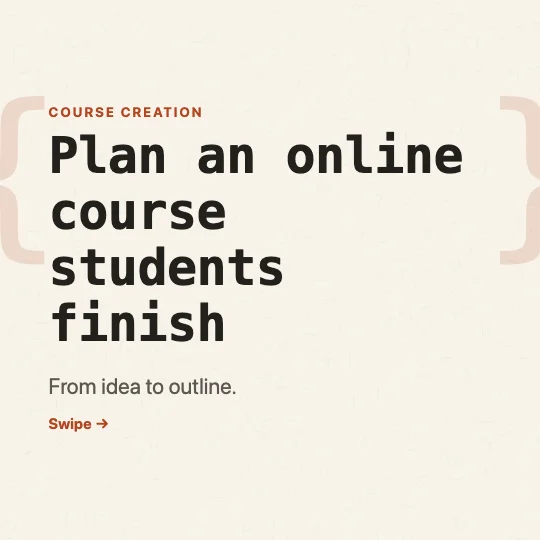 Planning an online courseDev notes · Education
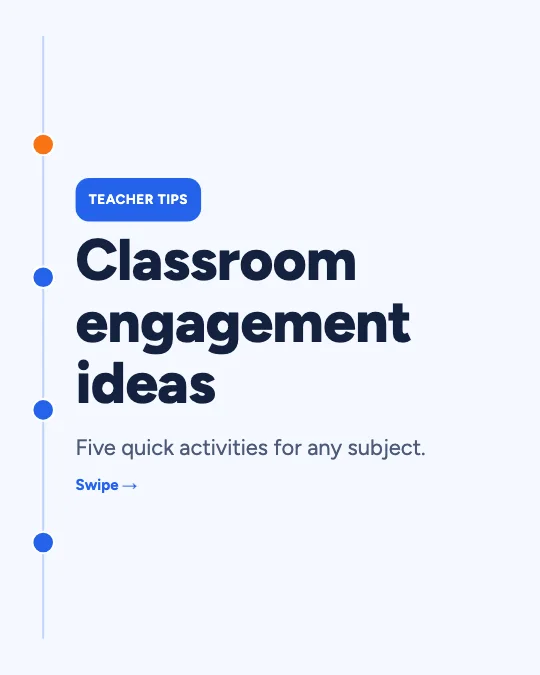 Classroom engagement ideasInfographic timeline · Education
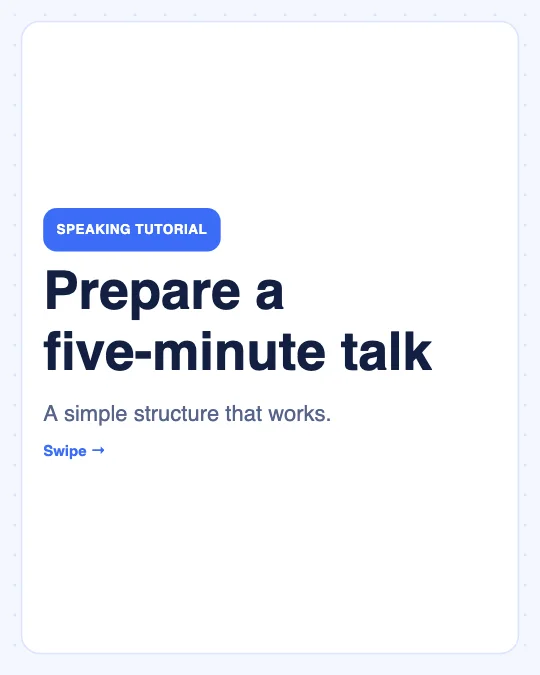 Prepare a five-minute talkClean educational · Tutorials
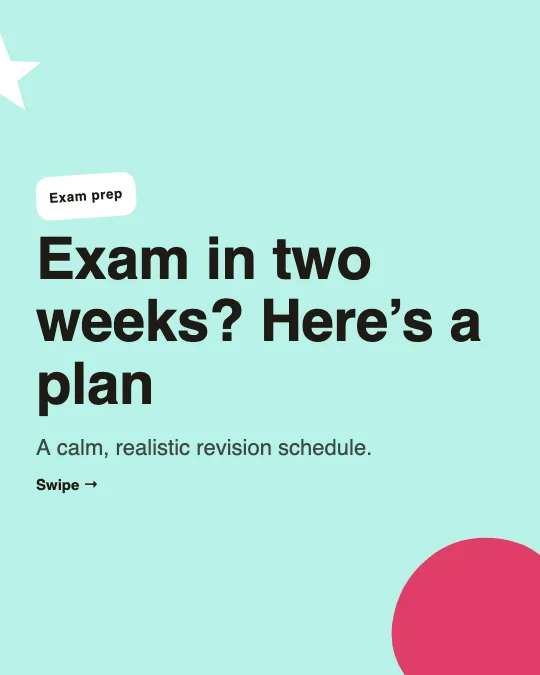 Two-week exam preparation planPlayful creator · Education
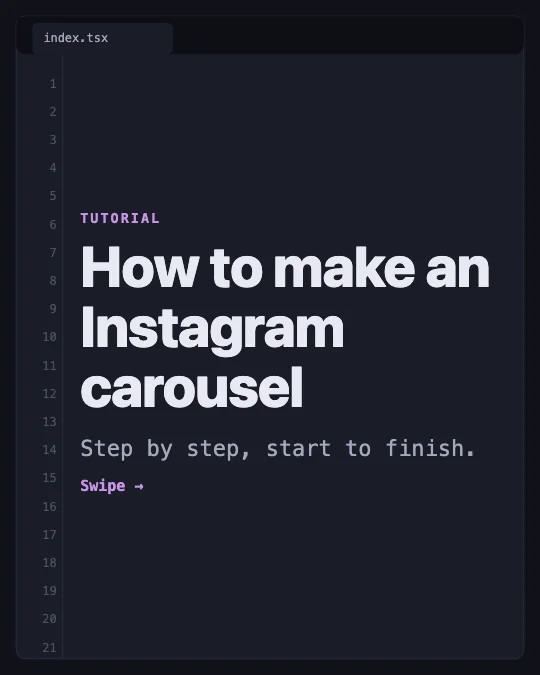 How to make an Instagram carouselCode editor · Tutorials
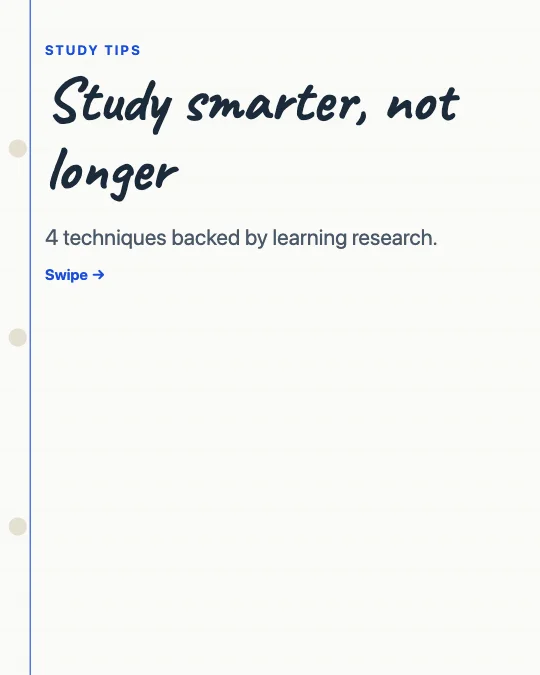 Study techniques that actually workNotebook page · Education
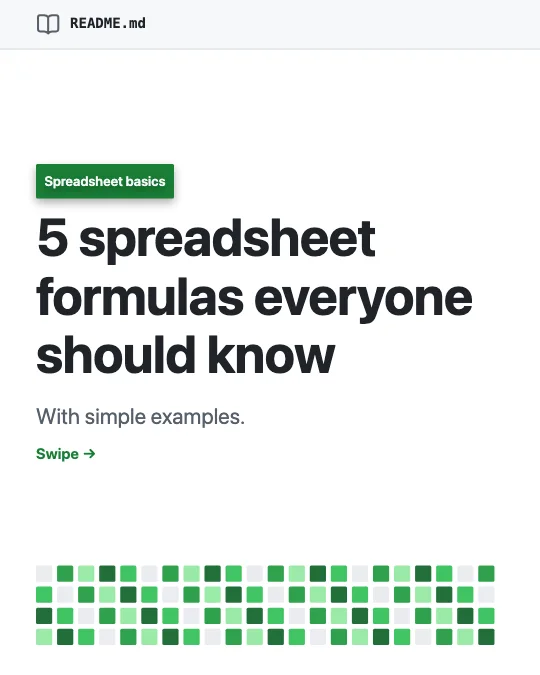 Spreadsheet formulas for beginnersREADME page · Tutorials
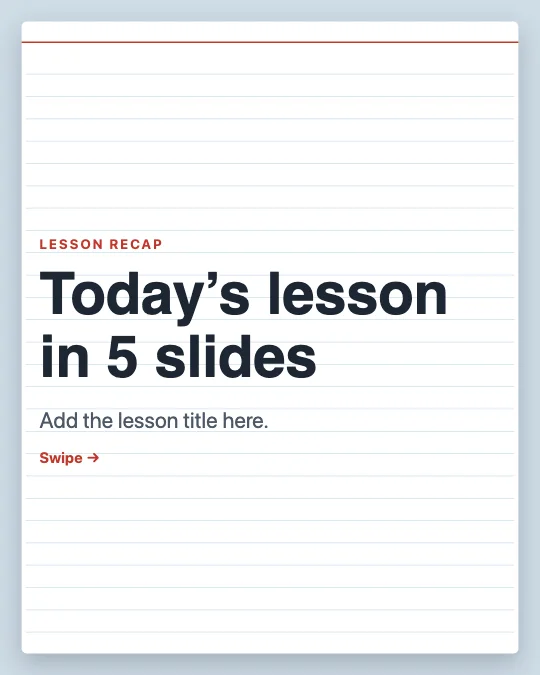 Lesson recap for studentsIndex card · Education
All 841 educational carousel templates
Search, filter and preview every slide. Opening a template in the editor is free and needs no account.
841 templates · page 1 of 36
- FreeNew
- FreeNew
- FreeNew
- FreeNew
- Free
- Free
- Free
- Free
- FreeNew
- FreeNew
- FreeNew
- Free
- Free
- Free
- FreeNew
- FreeNew
- FreeNew
- Free
- Free
- Free
- Free
- Free
- FreeNew
- FreeNew
Frequently Asked Questions
More answers on the Social Media Carousel Maker page.
Can I use these templates in class?
Yes. Download a PDF to share or present, or PNG images for slides and printouts.
Can students use them for free?
Yes. Everything is free, with no account needed.
Can I turn my own notes into a carousel?
Yes. Use “Turn text into slides” in the editor: paste your notes and it splits them into an editable outline by headings and lists — rule-based, nothing uploaded.