Create Stunning Posters for Every Occasion
Free Online Poster Maker – Create Professional Posters
Design professional posters for businesses, events, promotions, and personal projects. Start with a customizable template or create your own design from scratch.
Popular searches:
- 3,500 templates
- 100% free
- Edit on the canvas
- Real poster sizes
- 300 dpi print PDF
- Private
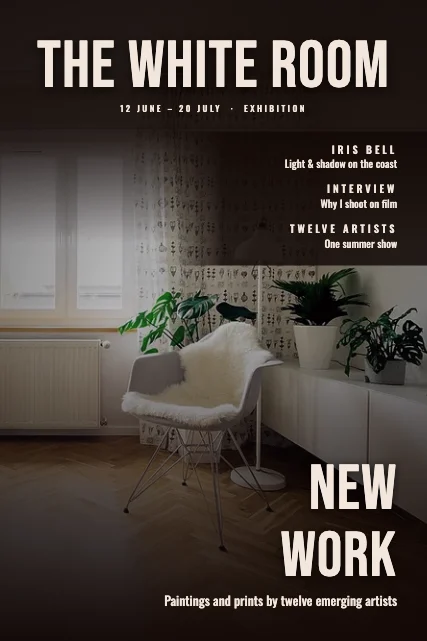
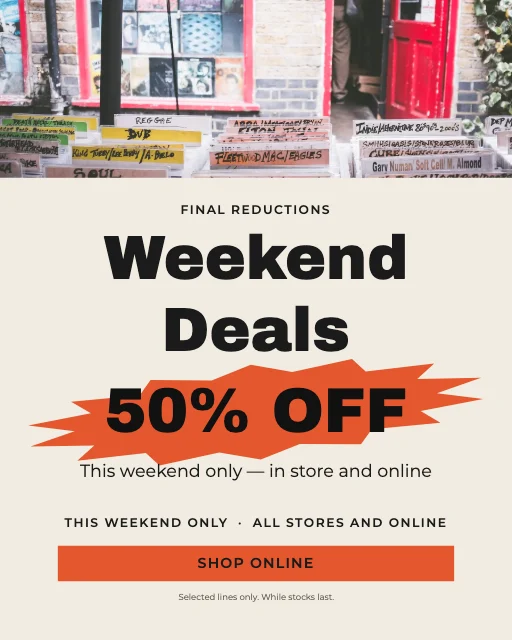
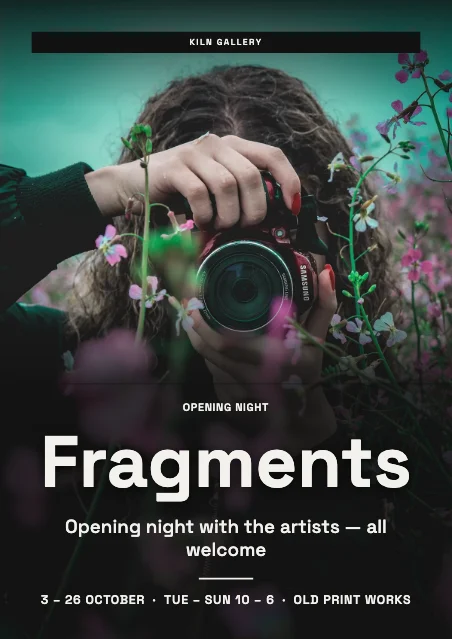
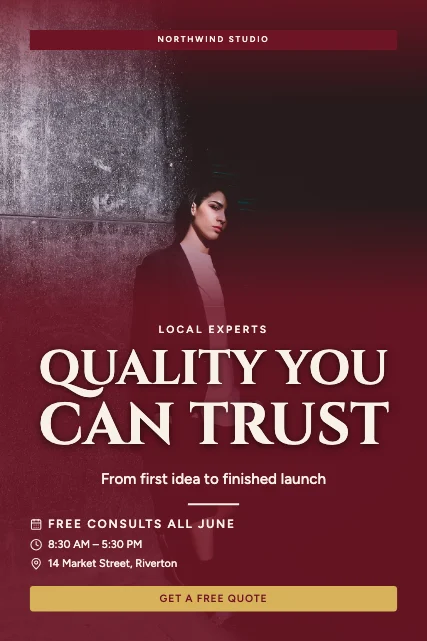
300 dpi PDF · PNG · JPG
What is the M2Toolkit Poster Maker?
A free online poster maker and full design editor that runs in your browser. Choose from 3,500 editable poster templates — or start from a blank poster — edit every word, photo and shape on the canvas, and download a print-ready PDF or a high-quality image.
- Templates
- 3,500 templates: exactly 100 in each of 35 categories, 25 design directions and 40 layout types
- Made for
- Businesses, shops, restaurants, agents, event organisers, schools, charities, artists, creators and personal celebrations
- Sizes
- A4, A3, A2, A1, 11 × 17, 18 × 24, 24 × 36 and 16 × 20 in (portrait or landscape), Instagram, Story and 16:9 — or custom
- Editing
- Text, photos, background removal, shapes, icons, QR codes, layers, palettes, fonts, brand kit, undo and redo
- Downloads
- PDF at 150–300 dpi with bleed and crop marks, PNG (transparent) and JPG — no watermark
- Price & privacy
- Free, no sign-up; your photos never leave your device
Popular formats
Start with a size, or a blank canvas
Open the editor on a blank poster at the size you need — then add text, photos and shapes, or pick a template from inside the editor.
- A4210 × 297 mm
- A3297 × 420 mm
- A2420 × 594 mm
- 11 × 17 inTabloid / ledger
- 18 × 24 in457 × 610 mm
- 24 × 36 in610 × 914 mm
- 1080 × 13501080 × 1350 px
- 1080 × 19201080 × 1920 px
More sizes, landscape versions and custom pixels are in the editor. Open a blank A3 poster →
Popular poster categories
35 categories, 100 templates each
Business & Commercial
Promotions, products, sales, openings, property, food and retail.
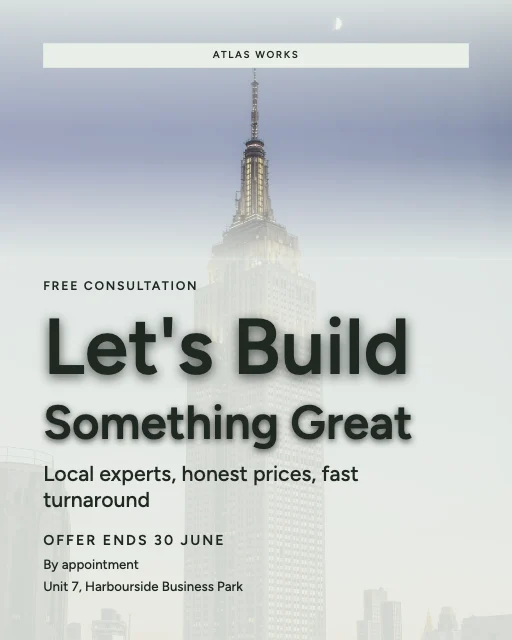 Business Promotion posters100 templates
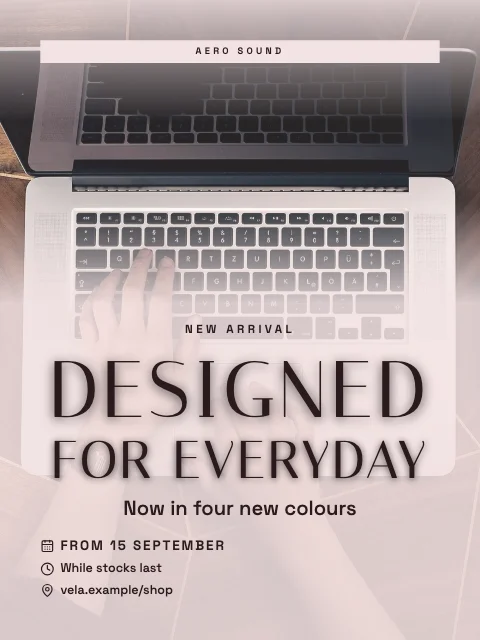 Product Advertisement posters100 templates
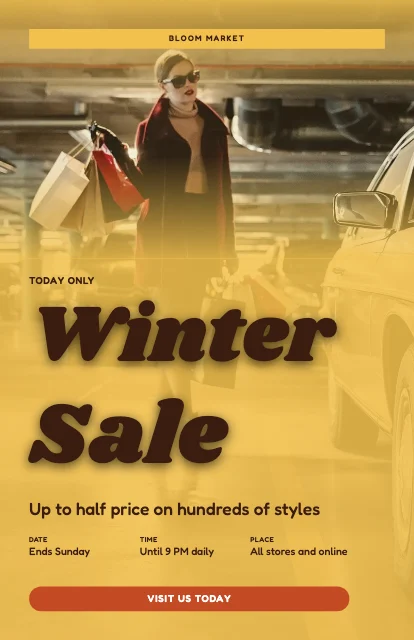 Sales & Discount posters100 templates
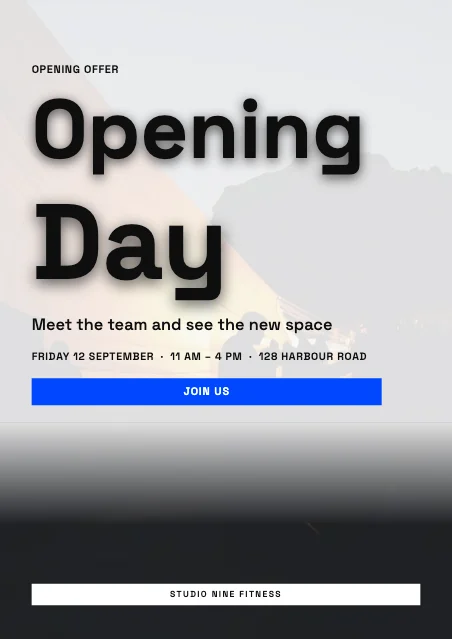 Grand Opening posters100 templates
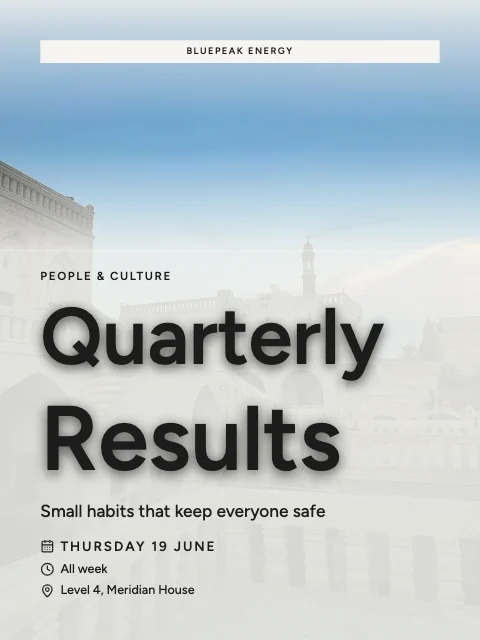 Corporate & Professional posters100 templates
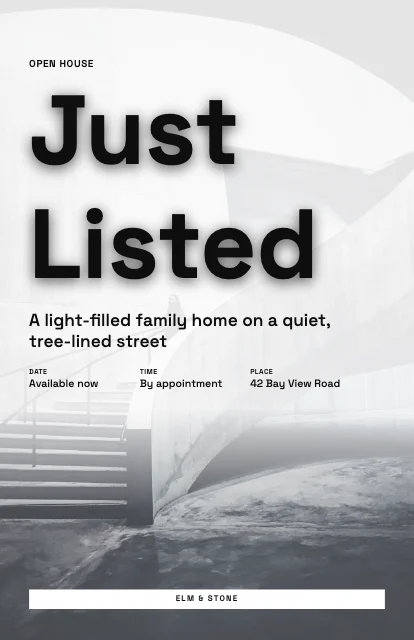 Real Estate & Property posters100 templates
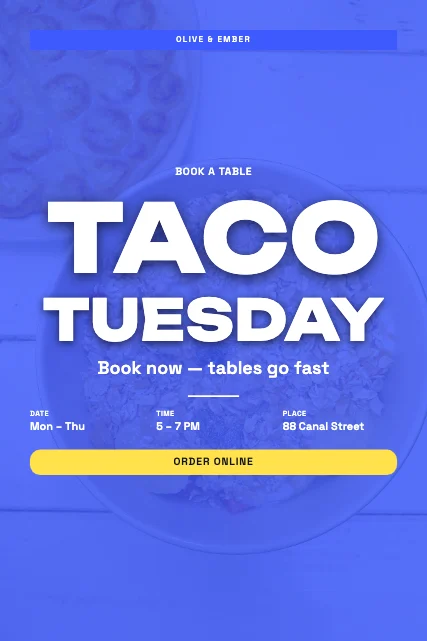 Restaurant & Food Promotion posters100 templates
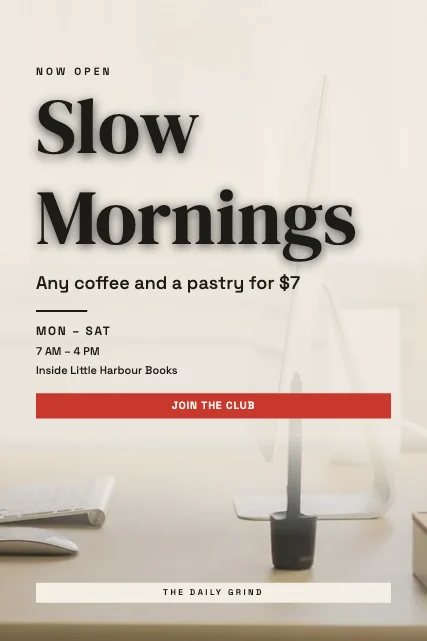 Cafe & Coffee Shop posters100 templates
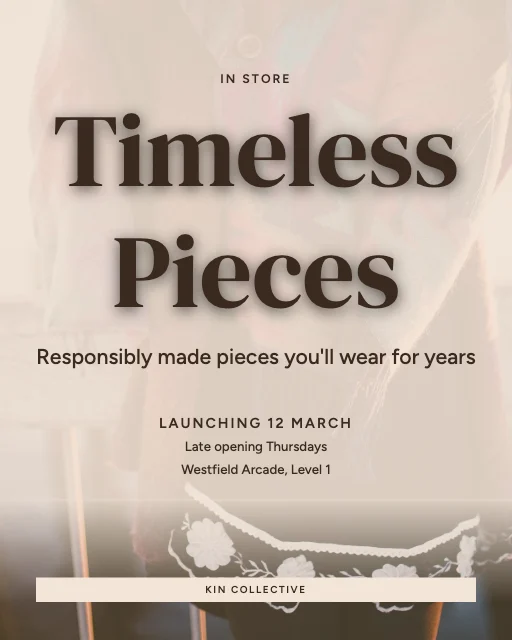 Retail & Fashion Store posters100 templates
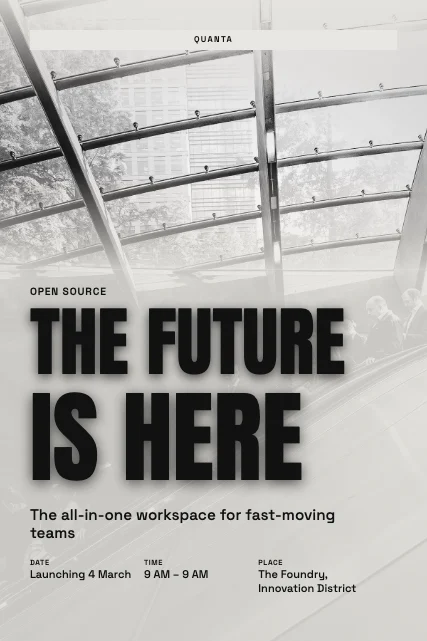 Technology & Startup posters100 templates
Events & Entertainment
Festivals, concerts, nights out, parties, weddings, film, theatre and sport.
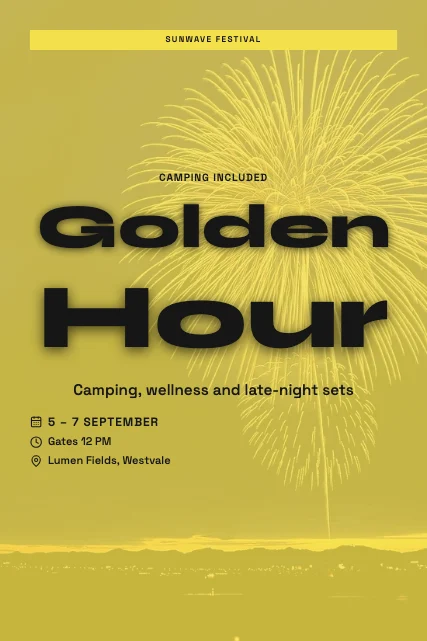 Music Festival posters100 templates
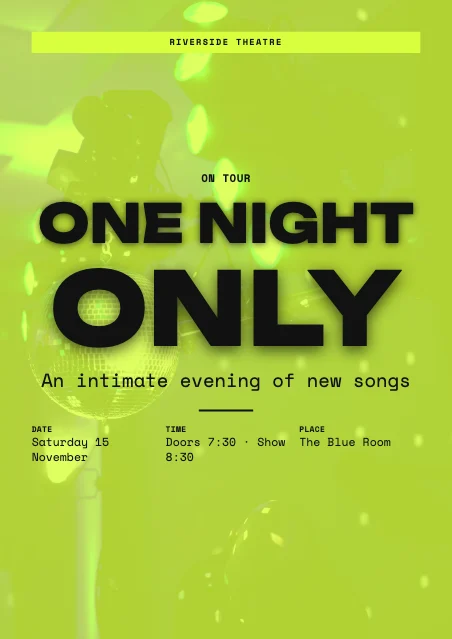 Concert & Live Music posters100 templates
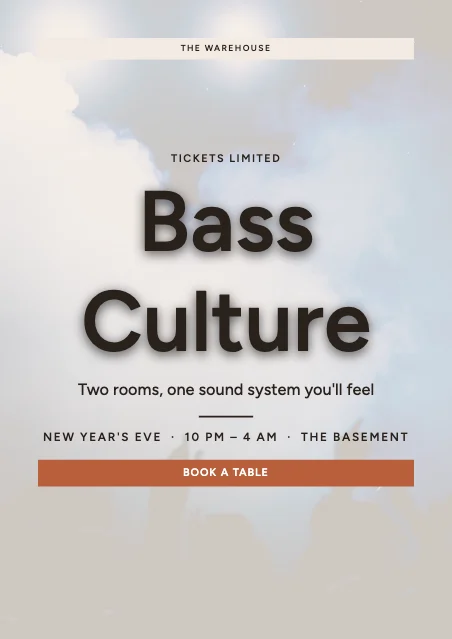 DJ & Nightclub posters100 templates
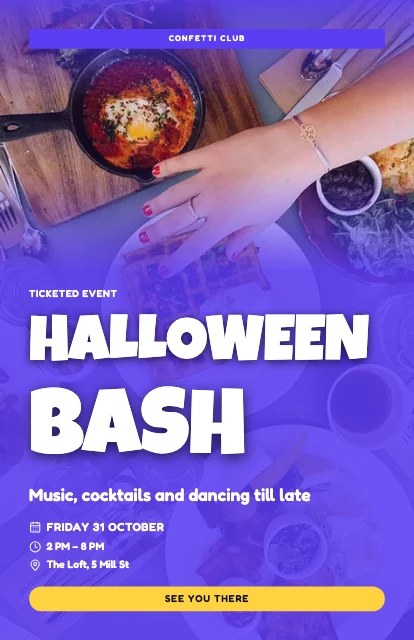 Party & Celebration posters100 templates
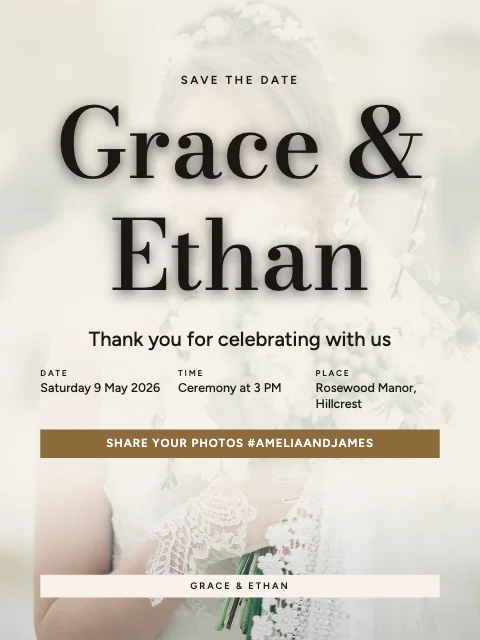 Wedding & Engagement posters100 templates
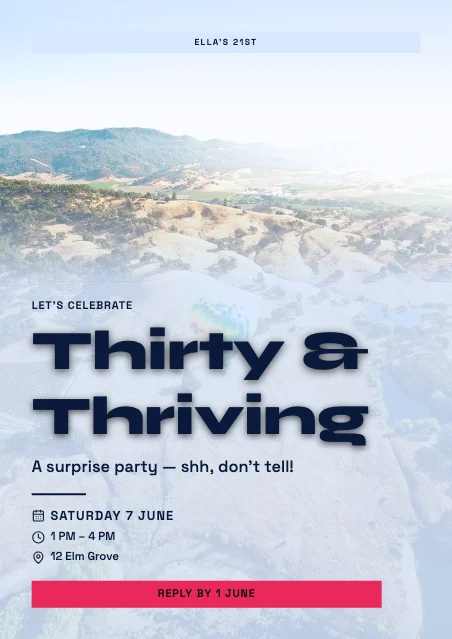 Birthday posters100 templates
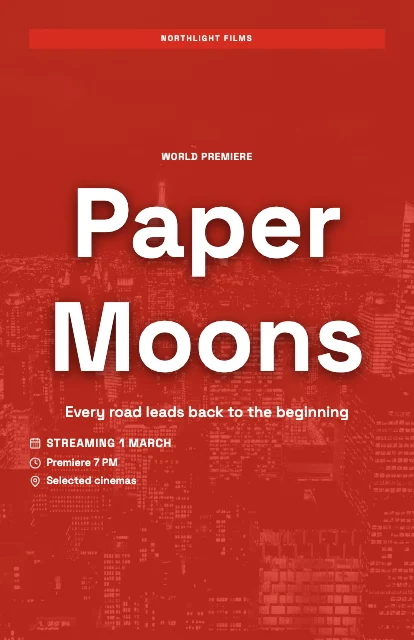 Movie & Film posters100 templates
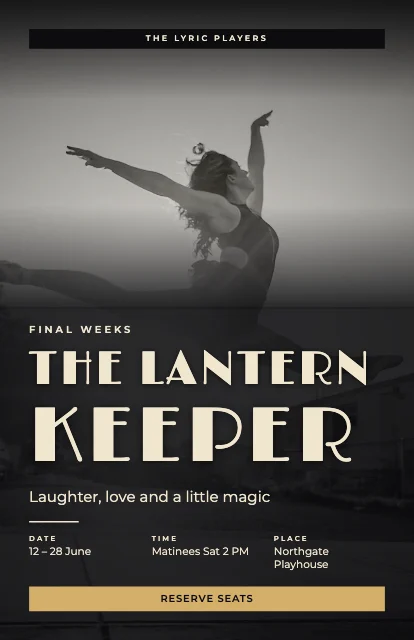 Theatre & Performance posters100 templates
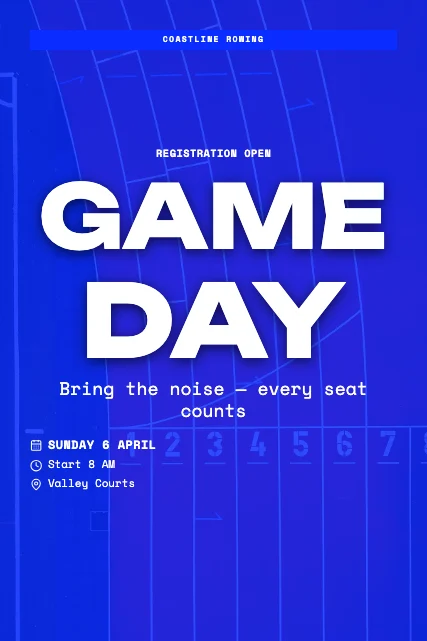 Sports Event posters100 templates
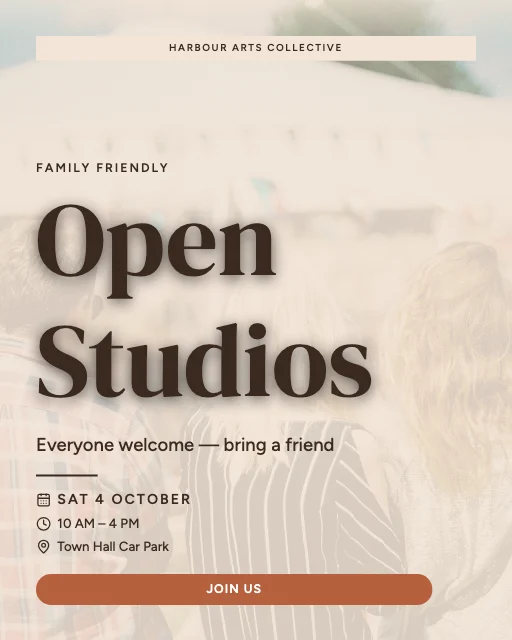 Community & Cultural Events posters100 templates
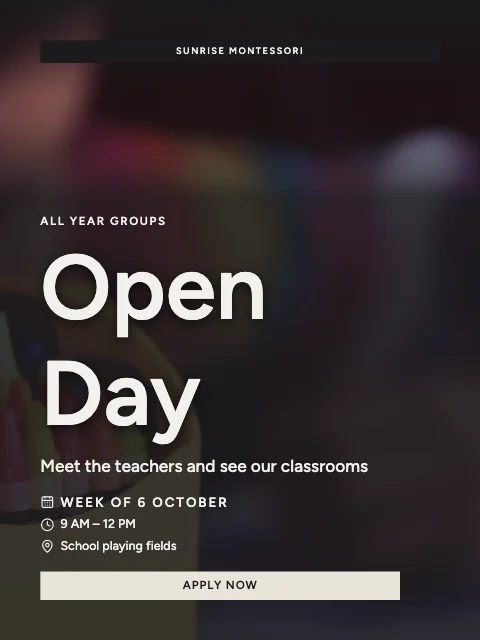
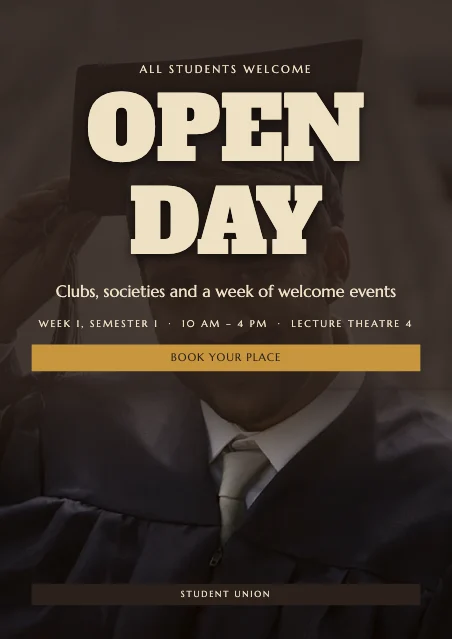
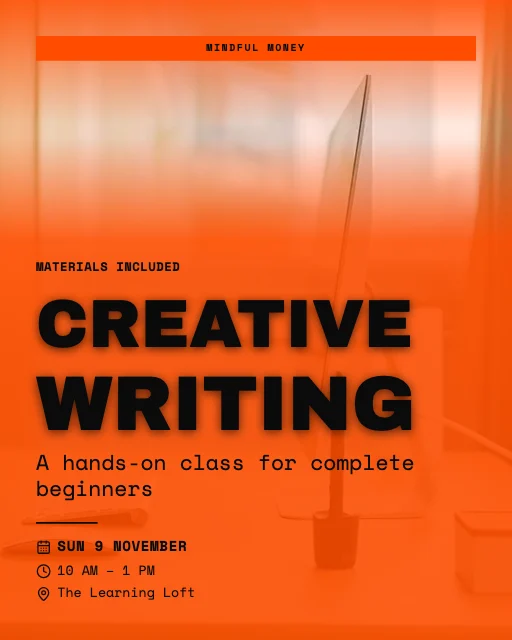
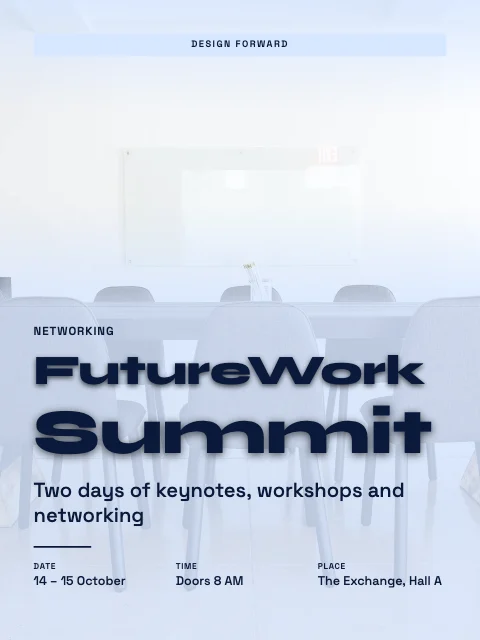
Education & Organisations
Schools, universities, workshops, conferences and charities.
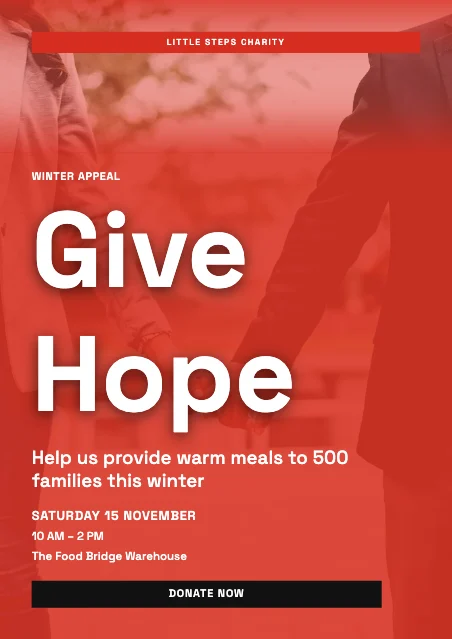
Creative & Personal
Motivation, travel, art, typography, retro, abstract, nature, wellness, beauty and creators.
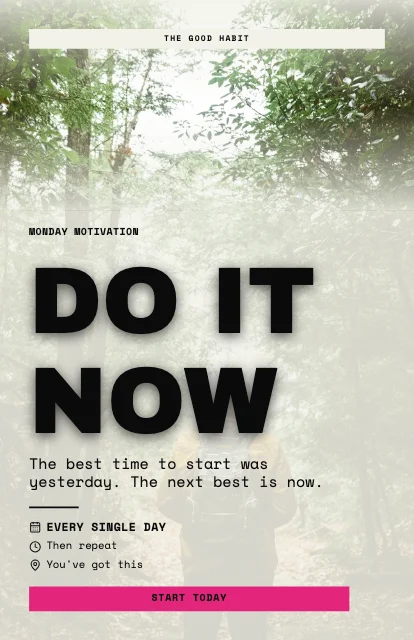 Motivational & Inspirational posters100 templates
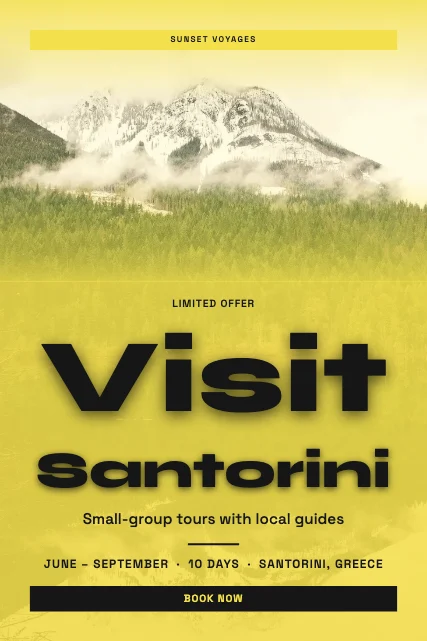 Travel & Tourism posters100 templates
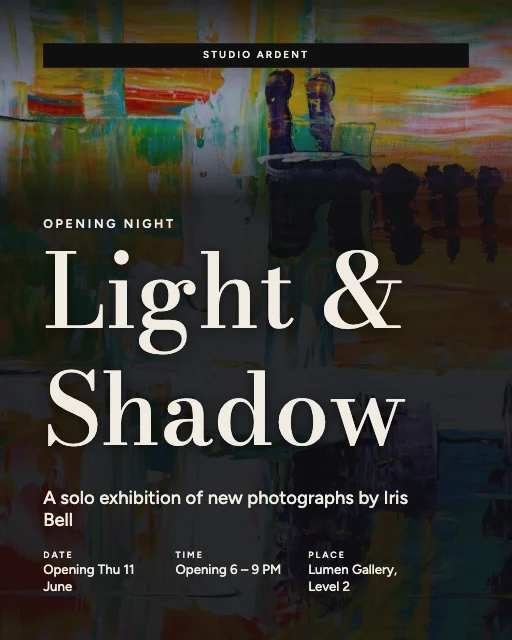 Photography & Art posters100 templates
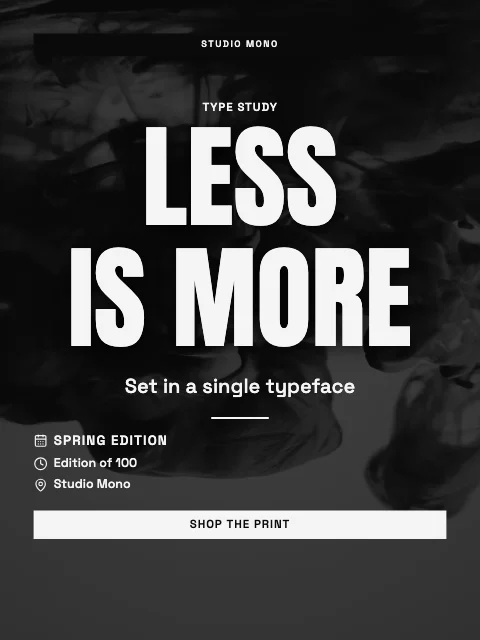 Minimalist Typography posters100 templates
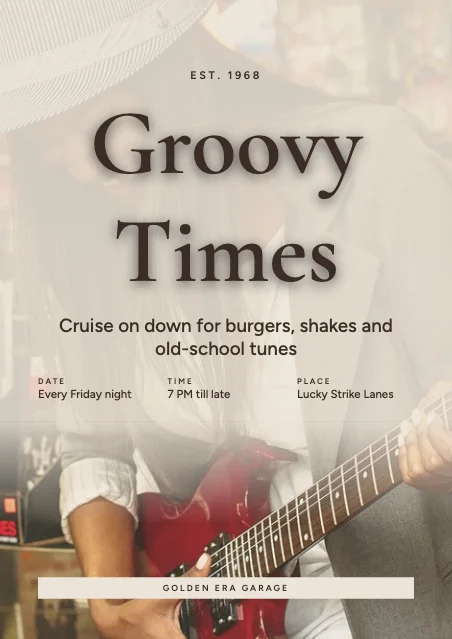 Vintage & Retro posters100 templates
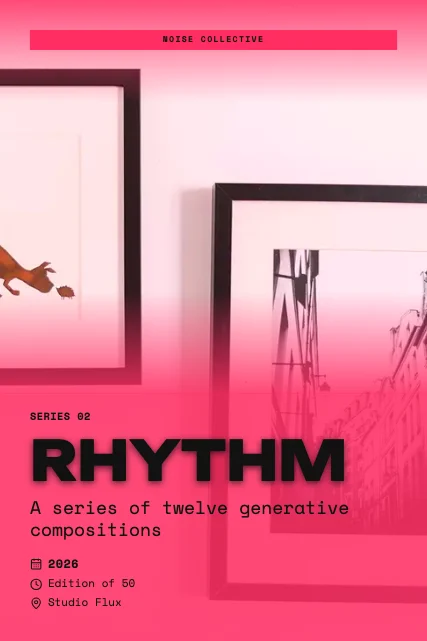 Abstract & Experimental posters100 templates
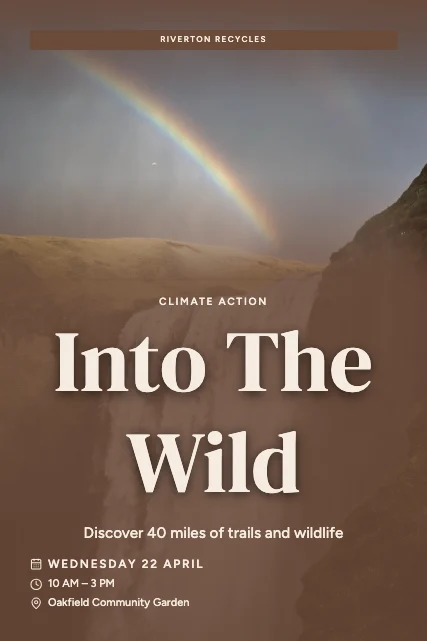 Nature & Environmental posters100 templates
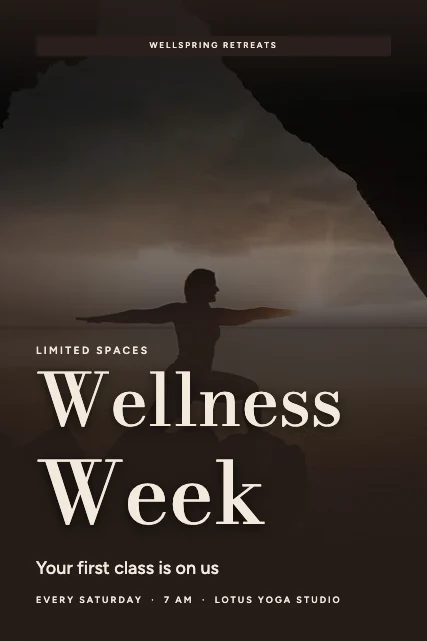 Health & Wellness posters100 templates
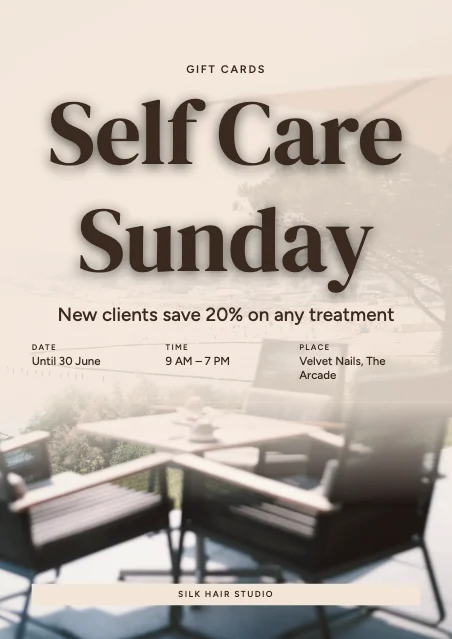 Beauty & Lifestyle posters100 templates
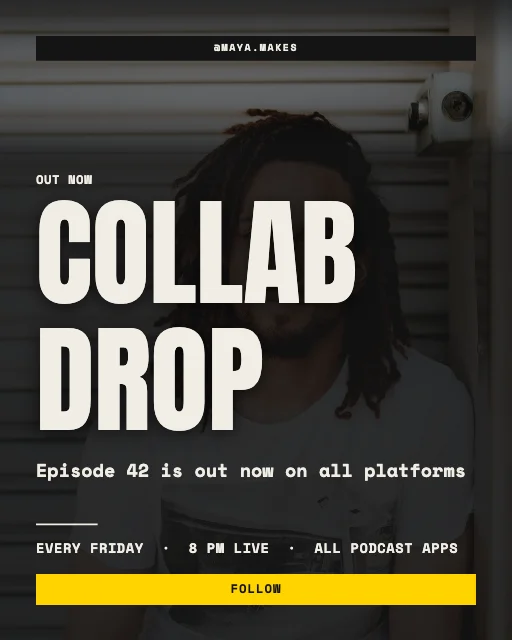 Social Media & Creator posters100 templates
Featured designs
Explore 3,500 Editable Poster Templates
Every card is the real template, drawn by the editor. Search by purpose, filter by size, orientation, style, colour, industry or use, save favourites with the heart, and open one — it opens exactly as shown.
3,500 templates · showing 24
24 of 3,500
Recently added · the whole collection was added on . Popular and trending lists will appear once there is real usage data — we don't invent it.
Popular design styles
25 design directions, each a complete look
Typefaces, palettes, ornaments, textures and photo treatment, made to work together — from Swiss grids and Art Deco to Retro 70s, neon and Japanese minimalism.
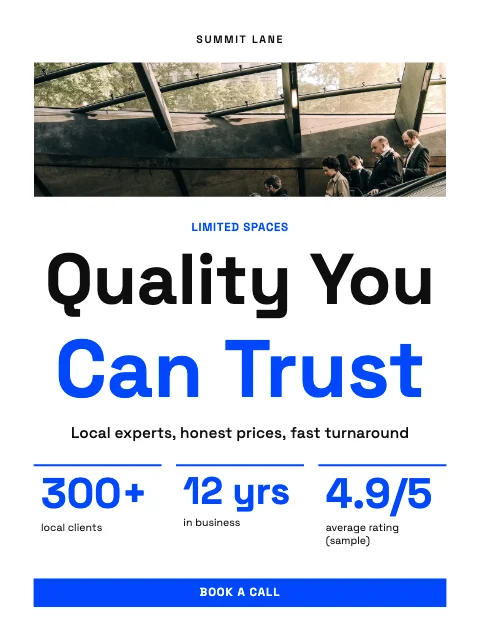 Swiss Grid188 templates
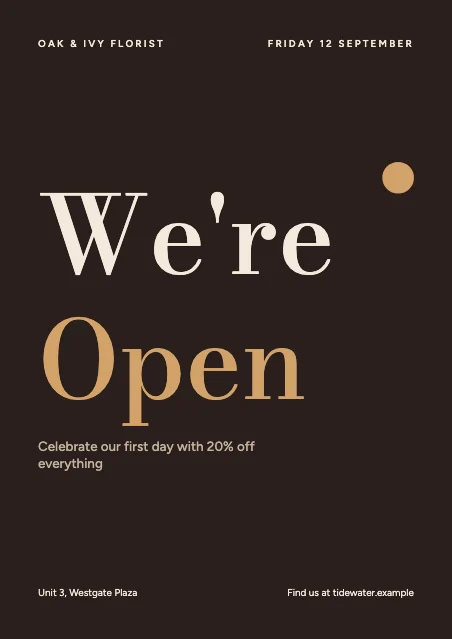 Luxury Editorial196 templates
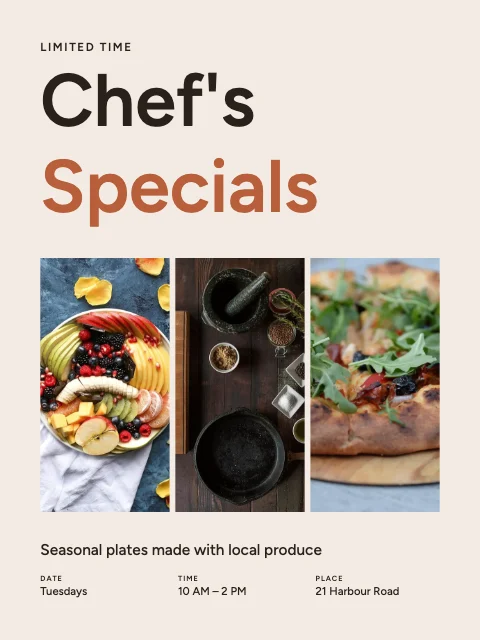 Modern Minimal229 templates
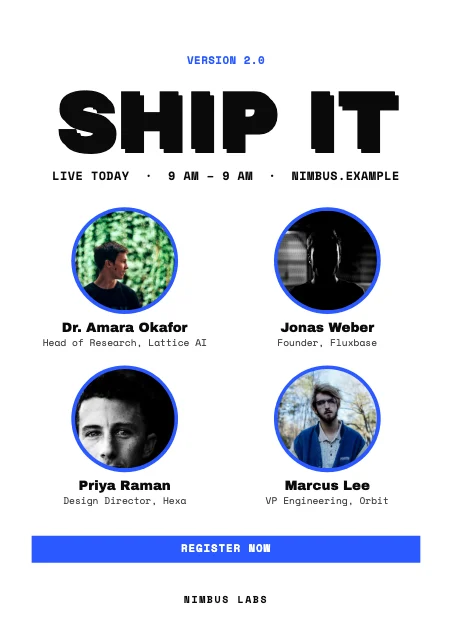 Neo-Brutalist107 templates
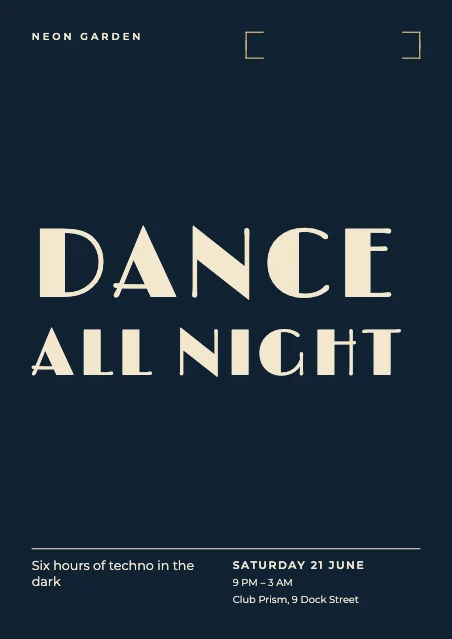 Art Deco130 templates
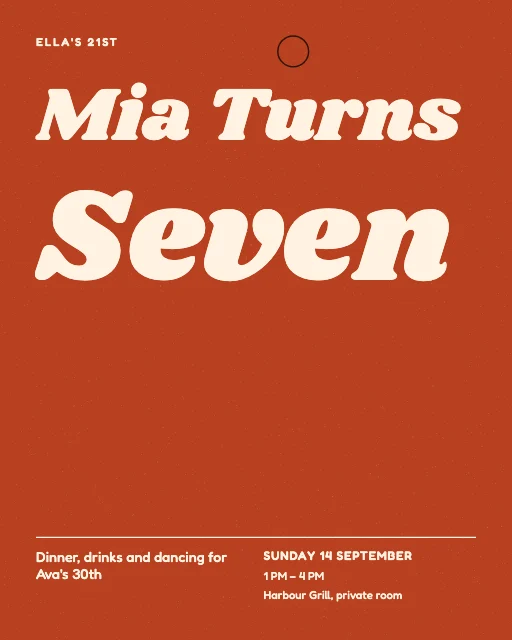 Retro 70s145 templates
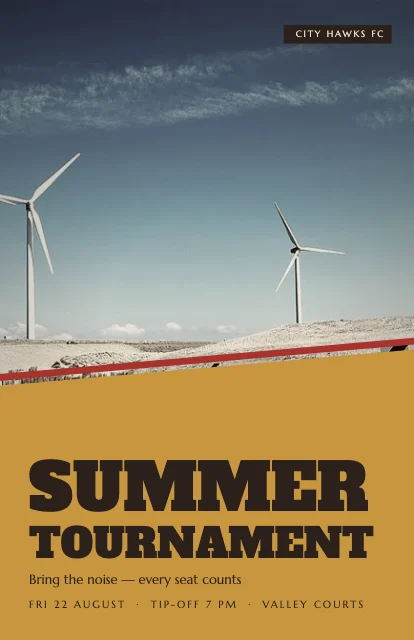 Vintage Print163 templates
 Contemporary Type271 templates
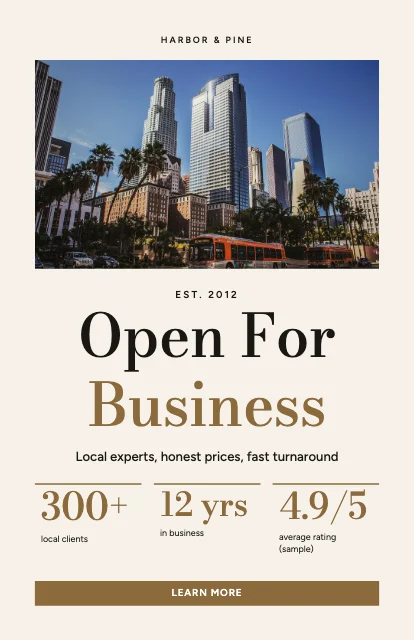 Cinematic63 templates
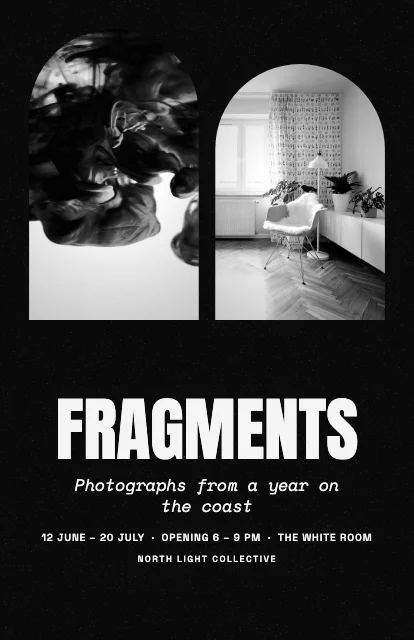 High-Contrast Mono132 templates
- Modern Corporate104 templates
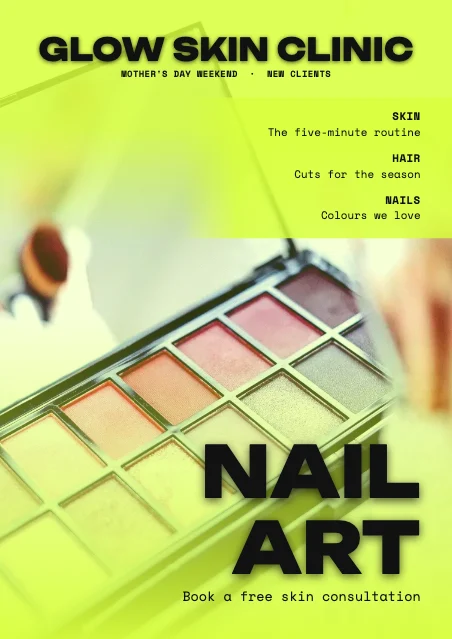 Experimental Type165 templates
- Japanese Minimal130 templates
 Geometric Abstraction151 templates
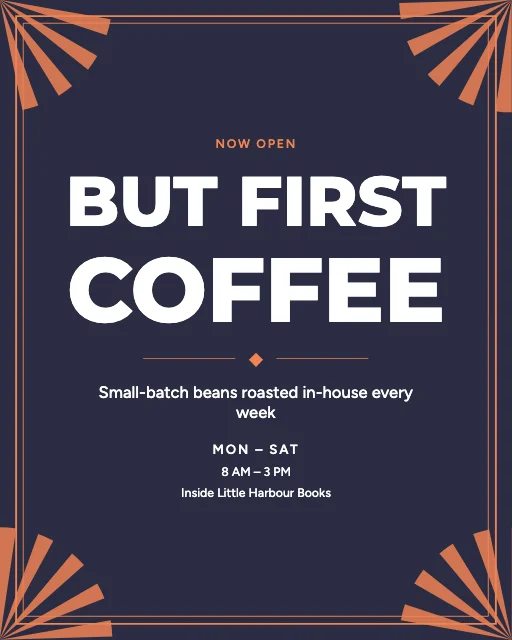 Colour Block231 templates
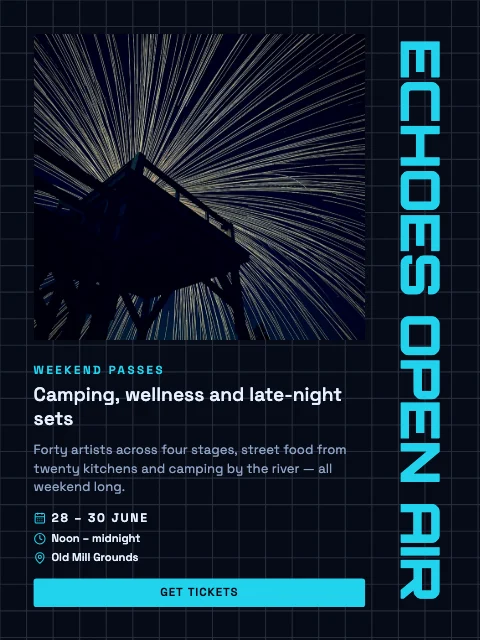 Futuristic Tech131 templates
- Elegant Serif125 templates
- Playful Illustrated114 templates
- Fashion Editorial94 templates
- Commercial Ad53 templates
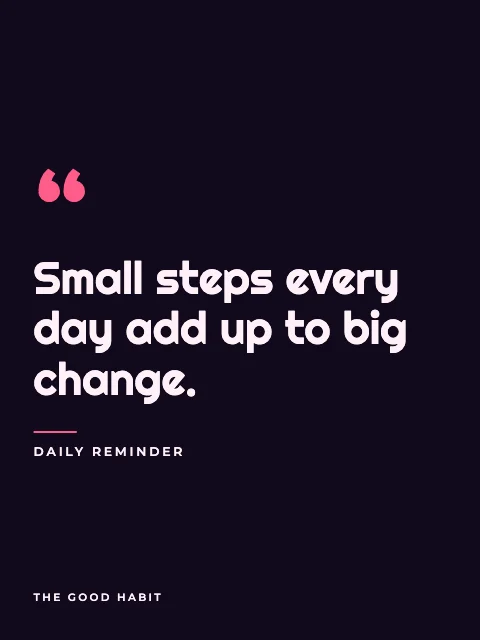 Neon Night125 templates
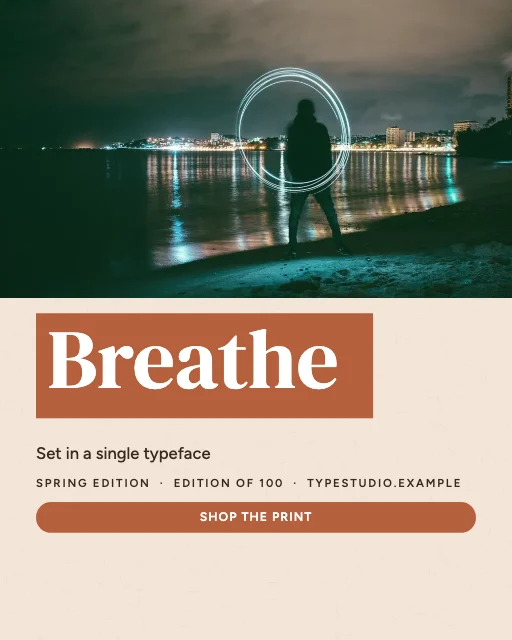 Organic Natural158 templates
- Festival Pop138 templates
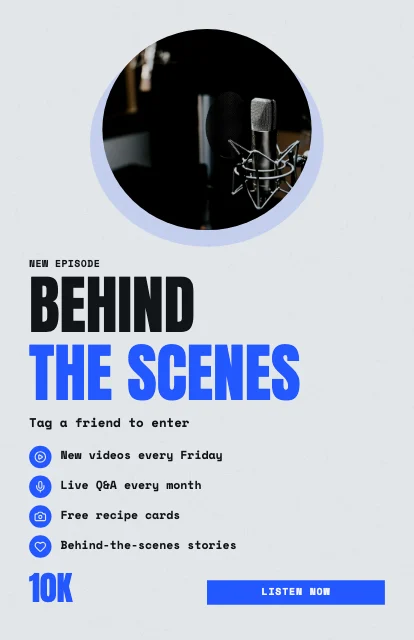 Street Collage111 templates
- Academic Classic46 templates
Step by step
How to create a poster
The 3,500 templates are exactly 100 for each of 35 categories — from business promotions, sales and grand openings to festivals, concerts, weddings, movies, school admissions, conferences, charity appeals, travel, typography and creator posters. Each is a complete composition (one of 40 layout types: full-bleed photography, festival line-ups, menu boards with prices, property listings, movie one-sheets with a billing block, speaker grids, Swiss grids, mega typography, Art Deco frames, sunbursts…) in one of 25 design directions, with copy written for its purpose.
Colour changes never count as new templates: a template is only kept when its layout differs from every other template in its category, and from every other template in the same style. Every template was then rendered in a real browser and checked for text that overflows, words outside the poster and text that is hard to read against the photo or colour behind it.
Poster canvases are design canvases: A4, A3, A2 and A1 share one shape, so switching between them keeps your layout exactly, and the download is drawn at the resolution the paper needs. The PDF reaches 300 dpi even at A1 or 24 × 36 in by drawing the poster in strips — something one browser image can't do.
Everything happens in your browser: no account, no watermark and nothing uploaded. Your posters save automatically on this device under My posters.
- 1
Find a template: type what the poster is for (restaurant opening, Black Friday sale, music festival, school admission…) or browse the 35 categories. Filter by size, orientation, style or colour.
- 2
Open it in the free editor — it opens exactly as the preview shows, every part editable. Or start from a blank poster at any size.
- 3
Double-click any text to type your own: headline, date, place, price and contact details keep the template's fonts and colours.
- 4
Add your photos in Uploads (or pick one from Images, the CC0 library). Double-click a photo to crop it; remove a background in Cut-out; add a QR code in QR & icons.
- 5
Make it yours: try another palette, a font pairing, a variation or your saved brand kit — your words and photos stay put.
- 6
Choose the paper size in Size & print (A4 to A1, 11 × 17, 18 × 24 or 24 × 36 in), run the print check, then download a PDF at 300 dpi with bleed and crop marks, or a PNG or JPG.
How to customize templates
A real design editor, in your browser
Templates, text, uploads, images, elements, backgrounds and layers on the left; the poster in the middle with zoom, grid and guides; properties on the right. On a phone, the same tools open as sheets.
Edit text where it is
Double-click a headline, date or price and type. Change font, size, weight, italic, letter spacing, line height, alignment, colour, outline, shadow, background and rotation.
Your photos, perfected
Upload or drop photos to replace the samples; crop, zoom, rotate, flip, set fit or fill, and adjust brightness, contrast and more. Or pick from the CC0 Images library.
Background remover
Cut a person or product out of its background on your device — nothing is uploaded. Works best with one clear subject.
Layers and arranging
Select, rename, reorder, duplicate, lock, hide and delete layers; group items, align with snapping guides, and undo or redo every step.
Palettes and font pairings
Swap to another of the style's palettes, build one from a colour with colour-wheel rules, or apply a curated font pairing.
Brand kit
Save your logo, colours, fonts and contact line in this browser, then apply them to any poster in one click.
Size converter
A4 to A1 keep your layout exactly; other shapes and social sizes are re-composed for you — never stretched.
QR codes, icons and shapes
Add a QR code for any link, line icons, shapes, frames, dividers, badges, stickers, arrows and sunbursts.
Poster dimensions and sizes
Every poster size, one design
Change size at any time from Size & print. Sizes of the same shape keep your layout; other shapes are re-composed for you — never stretched.


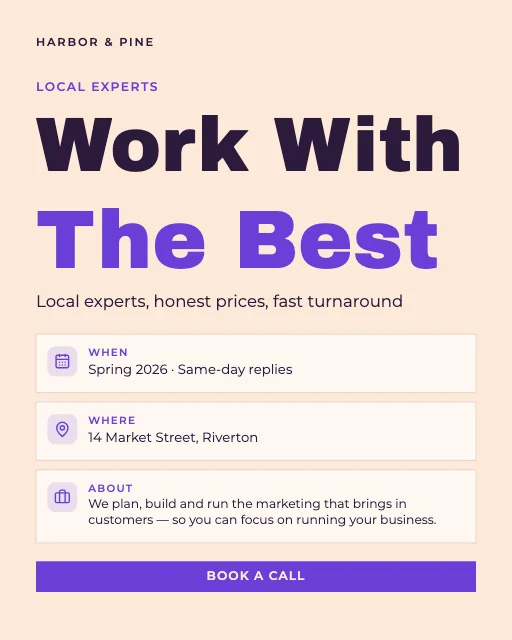
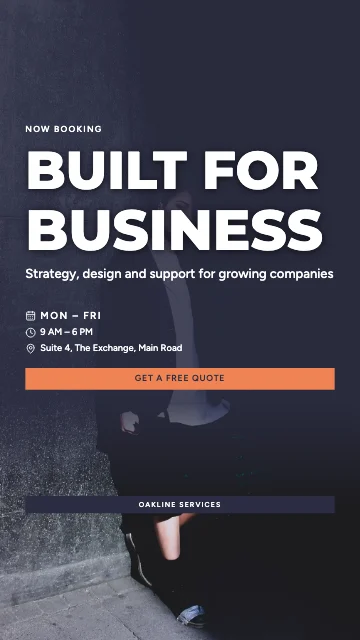
| Format | Size | Pixels at 300 dpi | |
|---|---|---|---|
| Small poster | 11 × 17 in (279 × 432 mm) | 3300 × 5100 | Print shops and office printers, notice boards |
| Medium poster | 18 × 24 in (457 × 610 mm) | 5400 × 7200 | Shop windows, framed prints |
| Large poster | 24 × 36 in (610 × 914 mm) | 7200 × 10800 | Events, cinemas, wall posters |
| A4 | 210 × 297 mm | 2480 × 3508 | Home printers, notices, classrooms |
| A3 | 297 × 420 mm | 3508 × 4961 | The most common poster size |
| A2 | 420 × 594 mm | 4961 × 7016 | Windows and boards |
| A1 | 594 × 841 mm | 7016 × 9933 | Large event and wall posters |
| Instagram portrait / Square / Story | On screen | 1080 × 1350 / 1080 × 1080 / 1080 × 1920 | Social media |
| Landscape 16:9 / Horizontal 3:2 | On screen / 36 × 24 in | 1920 × 1080 / 10800 × 7200 | Screens and wide posters |
Printing and downloading
Print-ready PDF, PNG and JPG
For print, download the PDF. Choose 300 dpi for posters people read up close (A4, A3, notice boards) and 150 dpi for large posters seen from a few steps away — both are drawn at the real paper size. If your printer asks for bleed, switch on bleed (3 mm, or 0.125 in for US sizes) and crop marks.
PNG and JPG are single images, limited to 16 megapixels so every device can make them; the download screen shows the dpi that gives at your paper size. The PDF has no such limit. Files are RGB: most print shops convert to CMYK, and very bright colours can shift a little.
PDF — At the real paper size and 150, 300 or a custom dpi — even A1 and 24 × 36 in reach 300 dpi — with optional bleed and crop marks.
PNG — Lossless, optionally with a transparent background; tagged with its dpi at the paper size (single images stop at 16 megapixels).
JPG — Smaller files for email, WhatsApp and the web, with adjustable quality and a custom width.
Save and continue — posters save automatically in this browser under My posters: reopen, rename, duplicate or delete them any time. They aren't synced to other devices.
Design tips
Tips for designing effective posters
- Too many words: a poster is read in seconds from a distance — one headline, the essentials, one action.
- Small text: below about 8 pt is hard to read on paper; the print check tells you the smallest size in points.
- Low-resolution photos: the download screen and print check flag photos under 150 dpi at your paper size.
- Words at the edge: printers trim a little either way, so keep words inside the safe margin the editor shows.
- Low contrast: light text on a busy photo needs a darker photo, a scrim or a panel behind it.
- No call to action: say exactly what to do — book, call, scan, visit or register.
Popular poster types
- Shops and restaurants with sales, menus, grand openings and seasonal offers.
- Event organisers with festival line-ups, concerts, club nights and tickets.
- Estate agents with listings, open houses and new developments.
- Schools, universities and trainers with admissions, open days, workshops and agendas.
- Charities and community groups with appeals, fundraising goals and volunteer calls.
- Artists, photographers and creators with exhibitions, prints and channel announcements.
Good to know
- Sample photos are CC0 (public domain dedication) photographs from Wikimedia Commons, mostly Unsplash and Pexels uploads; their creators and source pages are listed on this page. Replace them with your own.
- Names, prices, dates, phone numbers (555) and web addresses (.example) in the templates are invented placeholders.
- PDFs are RGB images of the design, so their text can't be selected; the browser can't make CMYK files.
- Popular and trending lists aren't shown: there is no usage data yet, and we don't invent it. Recently viewed, favourites and recommendations come from this browser only.
- Posters, favourites and the brand kit are saved in this browser only — not synced across devices. Download anything important.
- The background remover runs on your device and works best on one clear subject; fine hair or busy backgrounds may need a cleaner photo.
FAQ
Frequently Asked Questions
Content last updated . See how M2Toolkit works.
Also try:Flyer Maker· Invitation Maker· Background Remover· QR Code Generator
Is this poster maker really free?
Yes. All 3,500 templates, the editor and every download are free, with no account, no watermark and no limit.
How many poster templates are there?
3,500: exactly 100 in each of 35 categories. Each was checked for repeated layouts, text that overflows and text that's hard to read.
What size should a poster be?
A3 (297 × 420 mm) or 11 × 17 in for notice boards and windows, A2 or 18 × 24 in for shops, and A1 or 24 × 36 in for events and walls. For social media use 1080 × 1350, 1080 × 1080 or a 1080 × 1920 Story.
Can I print my poster at 300 dpi?
Yes — download the PDF at 300 dpi. It is made at the real paper size, even for A1 and 24 × 36 in, with optional bleed and crop marks. PNG and JPG are capped at 16 megapixels, and the download screen shows the dpi that gives.
Can I change the size after I start?
Yes. A4, A3, A2 and A1 share one shape, so your layout stays exactly the same. Other shapes re-compose template designs for you; designs you built from scratch are scaled to fit, and the editor tells you to check the layout.
Can I add my own photos and logo?
Yes. Upload photos or drop them on the poster to replace the samples, crop and zoom them, flip them, adjust brightness and contrast, and remove a background on your device. Save your logo, colours and fonts in the brand kit to reuse them.
Can I make a social media version of my poster?
Yes. In Size & print, make an Instagram, square, Story or 16:9 version — saved as a new design or downloaded as a PNG — re-composed for that shape.
Is there AI in the editor?
No. Palettes, colour harmonies, font pairings, variations and resizing are rule-based and run in your browser. The background remover is a small on-device model; nothing is sent to an AI service.
Can I use the templates commercially?
Yes — your poster is yours to print and sell or use for your business. The sample photos are CC0 and the fonts are open-licence (SIL OFL), both free for commercial use.
Free · No sign-up · No watermark
Your next poster, designed in minutes.
Pick one of 3,500 templates, make it yours on the canvas and download it ready to print or share.
Related tools.
Other free design and print tools.
- Flyer MakerPopular4,500+ free flyer templates for business, events, sales, restaurants and real estate — edit on the canvas, A4, A5, A6, Letter or social sizes, QR codes, and print-ready PDF with bleed, PNG or JPG.Editors
- Invitation MakerPopular2,000+ free invitation templates for 160 occasions — weddings, Nikah, birthdays, baby showers and events. Print-ready PDFs and digital invitations with RSVP.Editors
- Instagram Post MakerPopular4,000+ free Instagram post, Story and Reel cover templates in 23 styles — edit text and photos on the canvas, then download PNG, JPG or PDF.Editors
- Background RemoverPopularRemove the background from any photo in seconds with AI that runs in your browser — then download a transparent PNG or add a new colour, photo, blur, shadow or outline.Images
- QR Code GeneratorPopularMake a free QR code for any link or text, in PNG or SVG. No expiry.Web
- Mood Board MakerPopularMake mood boards from 5,000+ free templates — inspiration library, colour palettes, materials and a drag-and-drop editor; download PNG, JPG or PDF.Editors