100 free, editable templates
University & College Poster Templates
University posters compete on busy campus boards. These templates cover open days, freshers' weeks, society recruitment, guest lectures, careers fairs, research showcases, graduation and scholarships, with speaker grids, agendas and key figures.
Academic, Swiss and corporate styles keep things credible; colour-block and typographic styles get noticed.
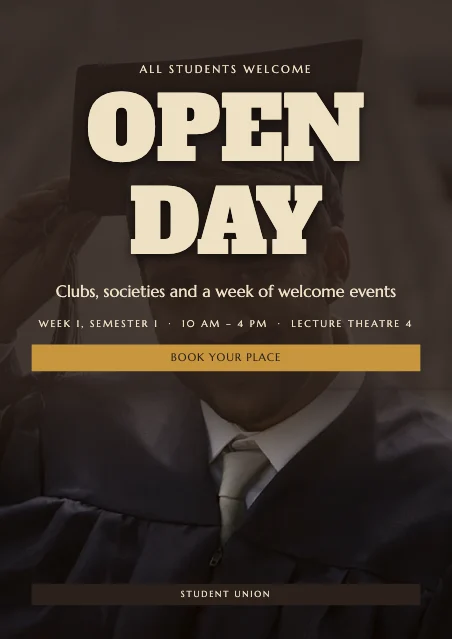
Popular layouts for university & college posters
 University Gatsby PosterDeco frame · Neo-Brutalist
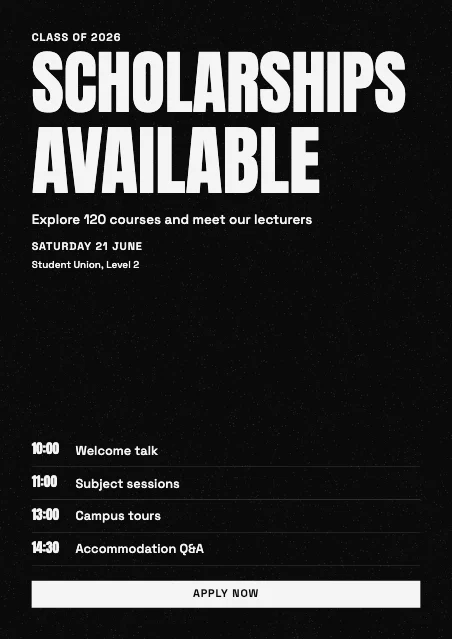 University Schedule PosterAgenda · High-Contrast Mono
 University Big Number PosterBig number · Swiss Grid
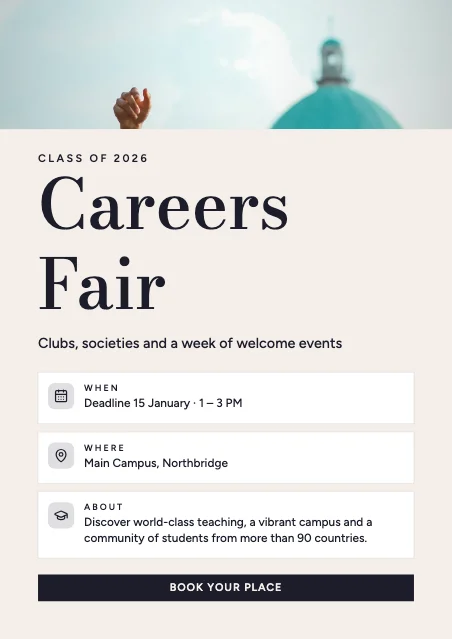 University When & Where PosterWhen & where · Luxury Editorial
 University Vertical PosterVertical title · Modern Minimal
 University Grid PosterSwiss grid · Modern Corporate
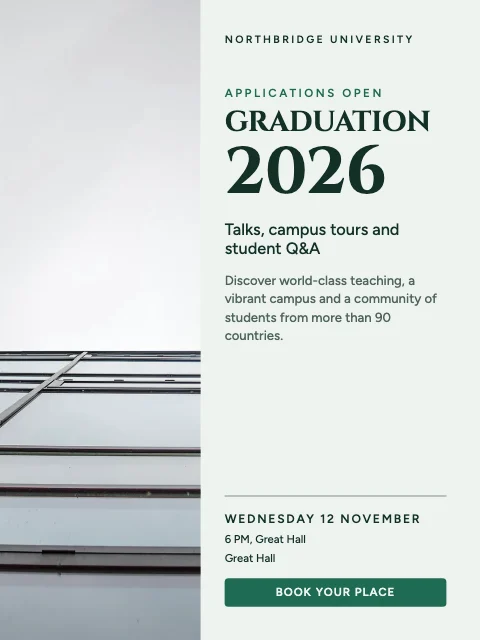 University Portrait PosterPhoto column · Academic Classic
 University Figures PosterKey figures · Swiss Grid
Design advice
How to design a great university poster
- Lead with the event and the benefit to students.
- Speaker events: show faces, names and titles.
- Give the room and the time — campuses are big.
- A QR code to sign up saves people typing a link.
- Make a Story version for society accounts.
What to include
- Event name
- Date, time and room
- Speakers or highlights
- Who can attend
- Sign-up link or QR
In this collection: Neo-Brutalist, Vintage Print, High-Contrast Mono, Swiss Grid, Luxury Editorial, Modern Minimal styles and deco frame, full-bleed photo, agenda, big number, when & where, vertical title layouts — every one editable, at any poster size.
All 100 university & college poster templates
Search within university posters, filter by size, orientation, style or colour, and open any template in the free editor.
100 templates · showing 24
24 of 100
Questions about university posters
Sizes, printing and editing are covered on the Poster Maker page.
Can I show guest speakers?
Speaker layouts show three or four portraits with names and roles — upload real photos to replace the samples.
Can I add a society logo?
Yes — add it as an image or save it in the brand kit.