100 free, editable templates
Corporate & Professional Poster Templates
Internal and professional posters need to be clear, credible and on brand. These templates cover hiring and careers, all-hands meetings, safety and wellbeing campaigns, employee awards and results, with agenda, key-figure and benefit layouts.
Designs use clean grids, geometric sans-serif type and restrained palettes; apply your company's brand kit to match your guidelines.

Popular layouts for corporate & professional posters
 Corporate Side Photo PosterPhoto column · Swiss Grid
 Corporate Cover PosterFull-bleed photo · Japanese Minimal
 Corporate Notice PosterWhen & where · Colour Block
 Corporate Minimal PosterMinimal type · Futuristic Tech
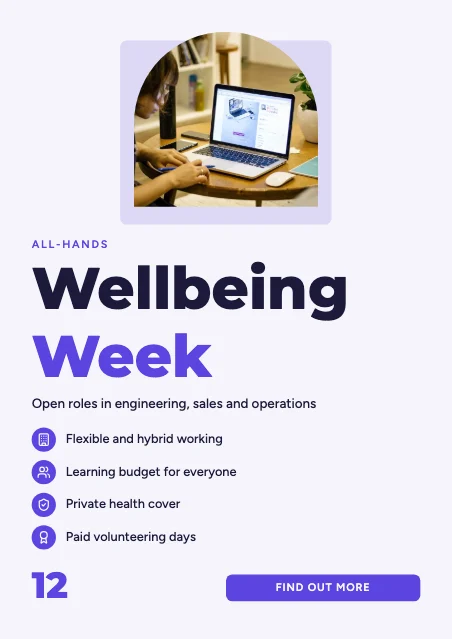 Corporate Features PosterProduct features · Modern Corporate
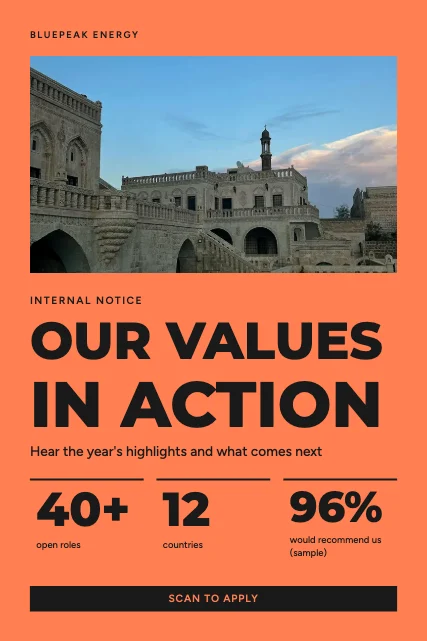 Corporate Figures PosterKey figures · Colour Block
 Corporate Modular PosterSwiss grid · Swiss Grid
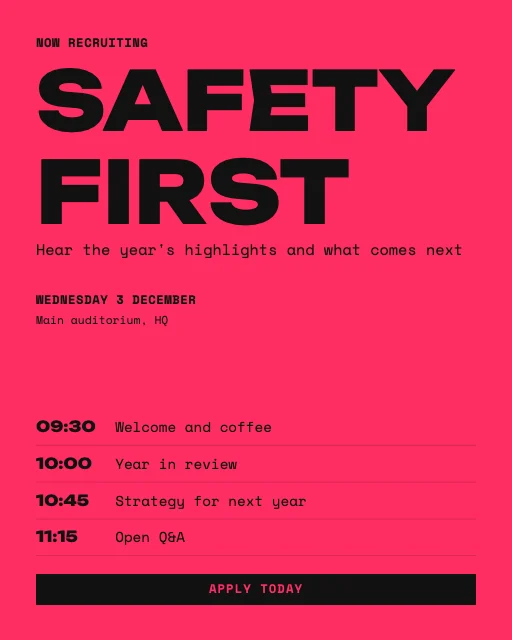 Corporate Agenda PosterAgenda · Experimental Type
Design advice
How to design a great corporate poster
- One message per poster — a town hall poster isn't a newsletter.
- Use figures sparingly and only real ones.
- Say who it's for and what to do: register, apply or read more.
- Match your brand colours and fonts exactly with the brand kit.
- Print at A3 for corridors; make a 16:9 version for office screens.
What to include
- Clear title
- Date, time and place (or apply-by date)
- What it's about in one line
- How to take part
- Team or department contact
In this collection: Swiss Grid, Modern Minimal, Japanese Minimal, Colour Block, Futuristic Tech, Modern Corporate styles and photo column, full-bleed photo, when & where, minimal type, product features, key figures layouts — every one editable, at any poster size.
All 100 corporate & professional poster templates
Search within corporate posters, filter by size, orientation, style or colour, and open any template in the free editor.
100 templates · showing 24
Organic Natural Corporate Spotlight Poster
Corporate · Organic Natural · 18 × 24 in
Edit this templateGeometric Abstraction Corporate Spotlight Poster
Corporate · Geometric Abstraction · 24 × 36 in
Edit this templateModern Corporate Corporate Highlights Poster
Corporate · Modern Corporate · 11 × 17 in
Edit this template
24 of 100
Questions about corporate posters
Sizes, printing and editing are covered on the Poster Maker page.
Can I show the poster on office screens?
Yes. Make a Landscape 16:9 version in Size & print and download it as a PNG for digital signage.
Can I use our company fonts?
The editor uses its own open-licence fonts so posters render identically everywhere; choose the closest pairing in Fonts.