693 free interior design templates
Free Interior Design Mood Board Templates
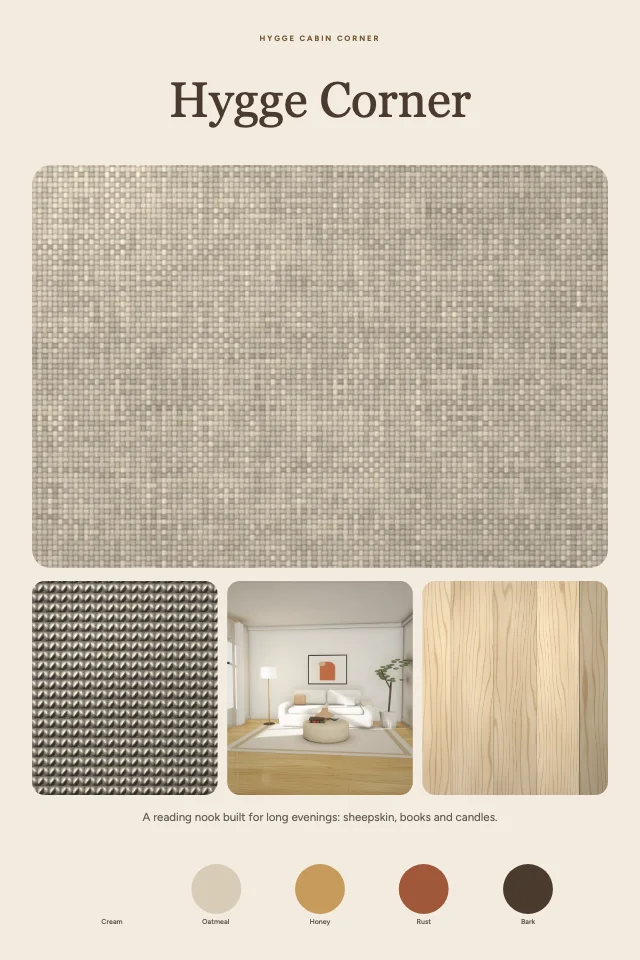
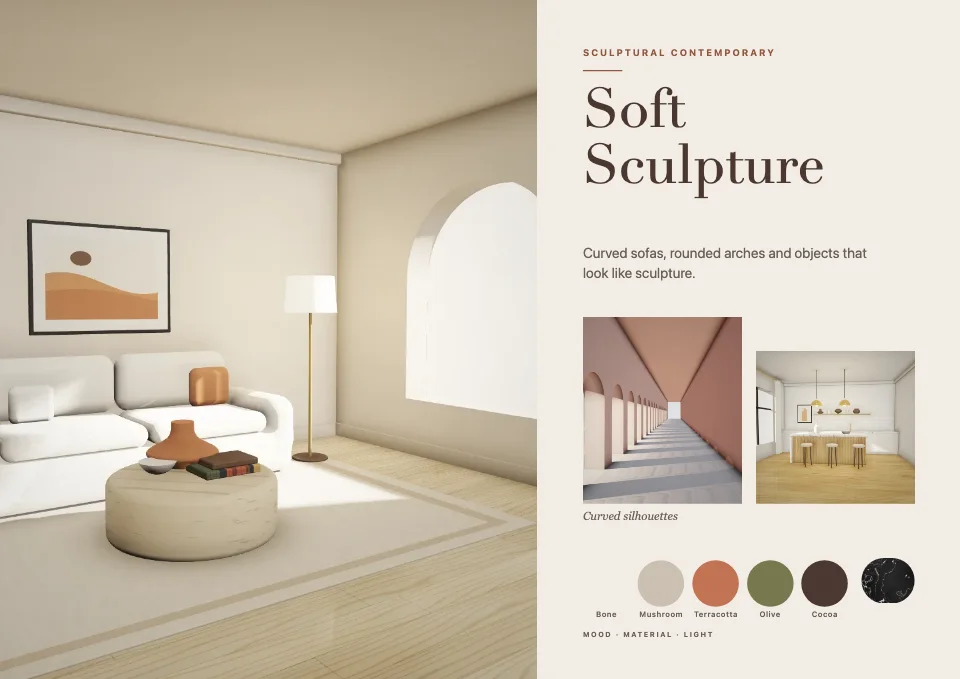
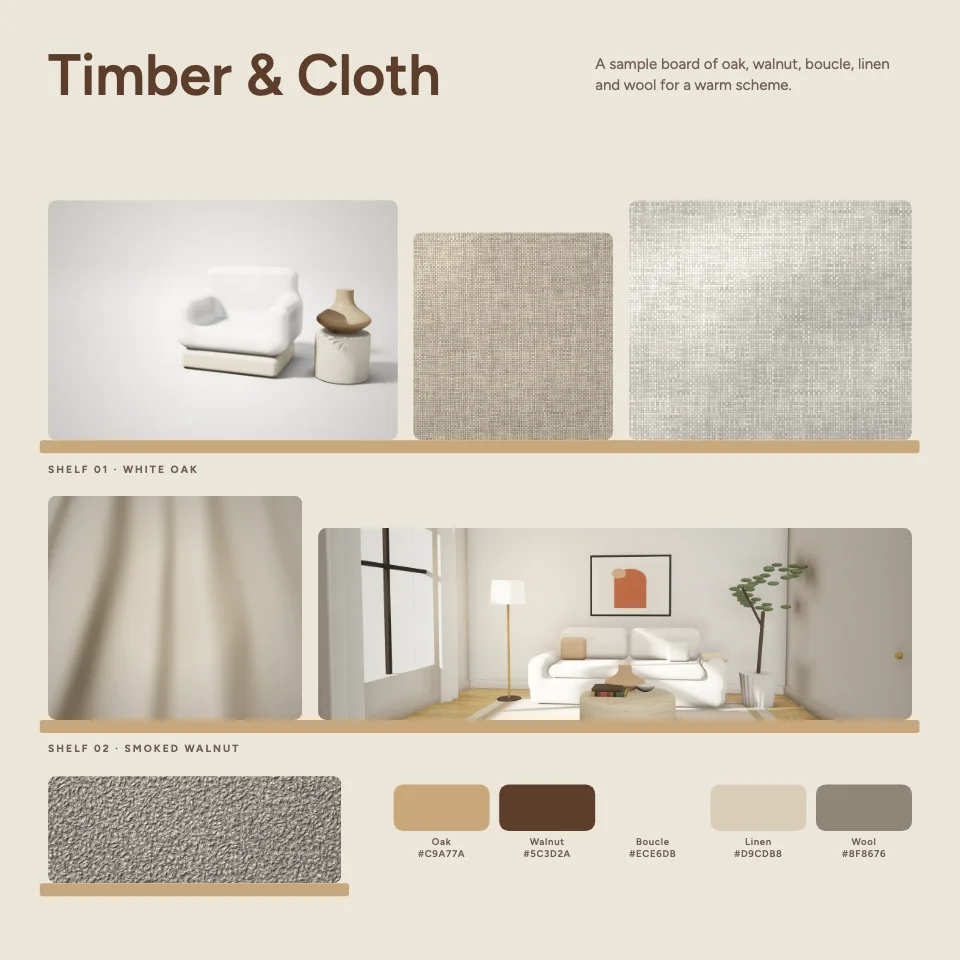
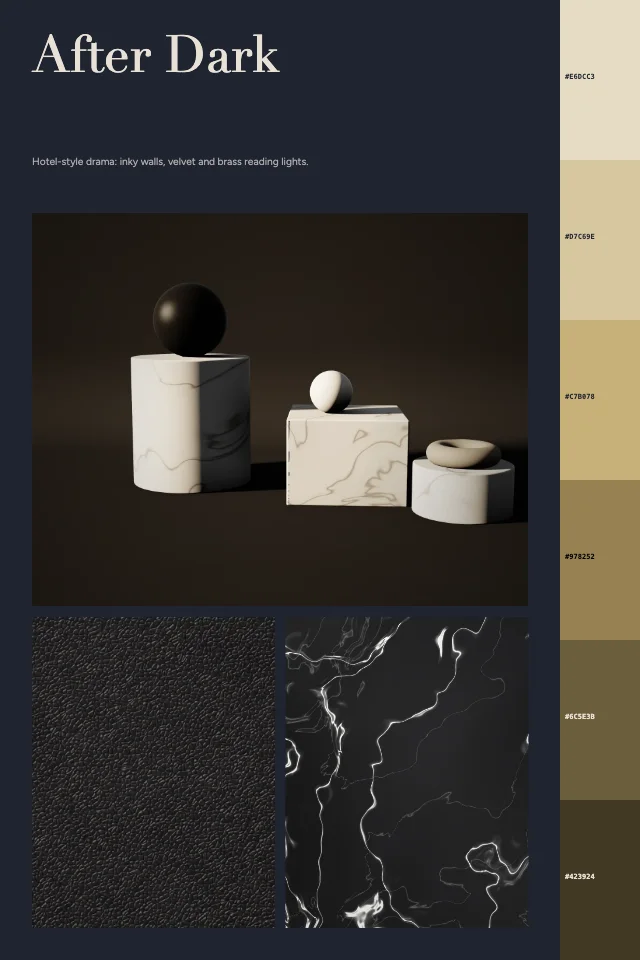
Plan a room before you buy anything. These interior design mood board templates are laid out for the way designers actually present a scheme: a hero picture that sets the mood, material and finish samples, a colour palette with hex codes, and short notes on lighting and furniture.
Styles range from Japandi and Scandinavian to warm minimalism, mid-century, industrial lofts, coastal and Mediterranean homes. Every template opens in the free editor, where you can swap in your own photos, change every word and download the board without a watermark.
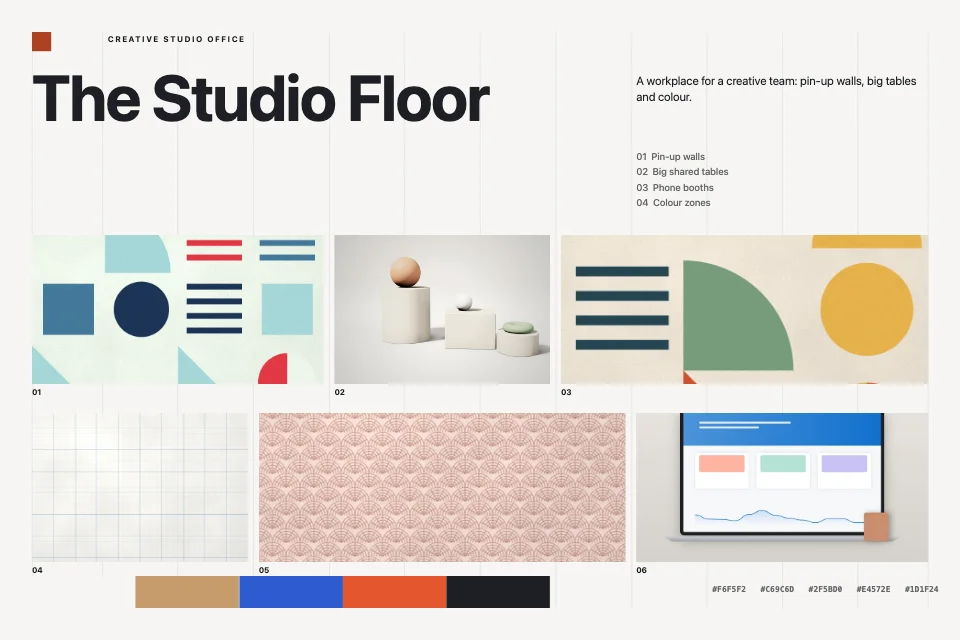
Creative studio office — Indexed grid · Swiss
Hand-picked interior design mood boards
Interior design mood board guide
What to put on an interior design mood board
- One hero image that captures the feeling of the finished room — light, scale and atmosphere matter more than furniture.
- Materials and finishes in the proportions you plan to use them: flooring, wall finish, worktops, joinery, metalwork and fabrics.
- A palette of four to six colours: one main wall colour, one or two supporting tones and a single accent.
- Key furniture shapes and one or two lighting ideas, so the board shows silhouettes as well as colour.
- Three or four words that describe the mood (calm, layered, warm) so everyone reads the board the same way.
Work from the largest surfaces down
Floors, walls and ceilings cover most of what you see, so decide them first and let them anchor the board. Then add the large furniture, then textiles, and save small accessories for last. If a cushion fabric fights the floor, the floor wins — it is far harder to change later.
Show texture, not only colour
Two rooms in the same beige can feel completely different: one in limewash, linen and oak, the other in gloss paint and glass. Put material close-ups next to each other on the board so the contrast between rough and smooth, matte and shiny is easy to judge. Check paint and fabric colours against physical samples in the room's own daylight before you order.
Present it to a client or partner
Use a landscape board for a screen presentation and A4 landscape for a printed pack. Keep one board per room, give each a clear title, and add a short line of notes under the palette explaining why each choice was made.
All 693 interior design mood board templates
Search, filter by style, colour and orientation, and preview any board in detail. Opening a template in the editor is free and needs no account.
Orientation
Colour
693 templates · page 1 of 29
- FreeEditor’s pick
- Free
- Free
- Free
- Free
- Free
- Free
- Free
- Free
- Free
- Free
- Free
- Free
- Free
- Free
- Free
- Free
- Free
- Free
- Free
- Free
- Free
- Free
- Free
Frequently Asked Questions
More answers on the Mood Board Maker page.
Are these interior design mood board templates free?
Yes. Every template, the editor and every download (PNG, JPG and PDF) are free, with no sign-up and no watermark.
Can I use my own room photos and material samples?
Yes. Replace any picture with your own photo, or add as many images as you like. Pictures stay in your browser and are never uploaded.
Which size should I use for a client presentation?
Landscape (1800 × 1200) or widescreen 16:9 for screens, A4 landscape when the board will be printed or added to a PDF pack.