Make your photo step out of the frame
3D Social Media Pop-Out Generator – Create Stunning 3D Photo Effects
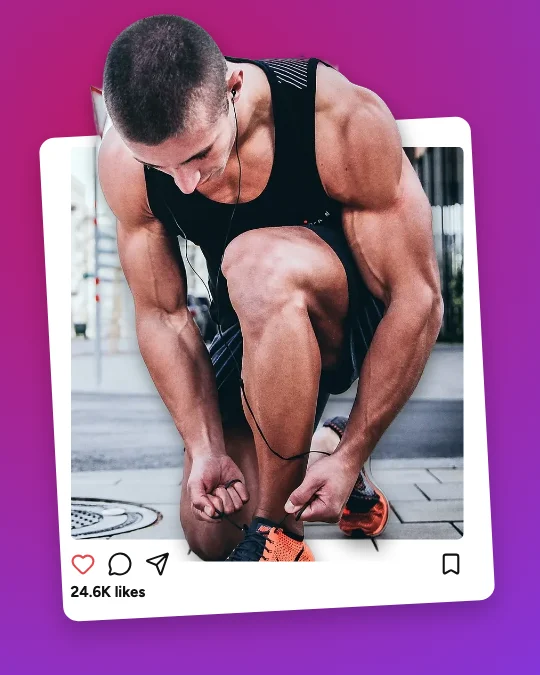
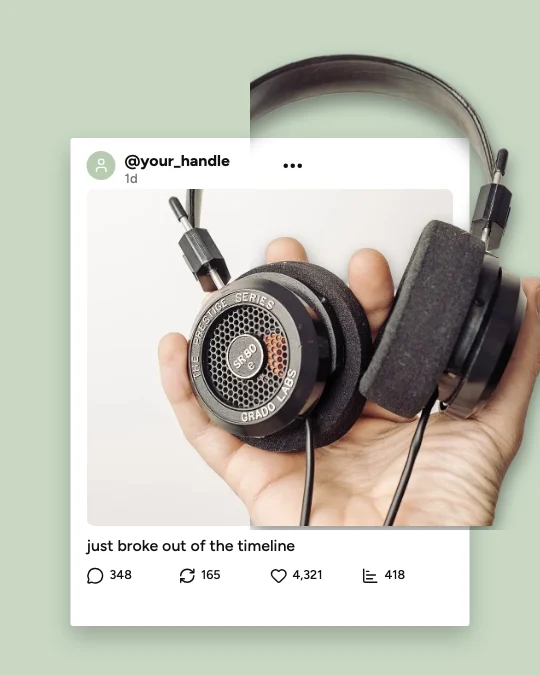
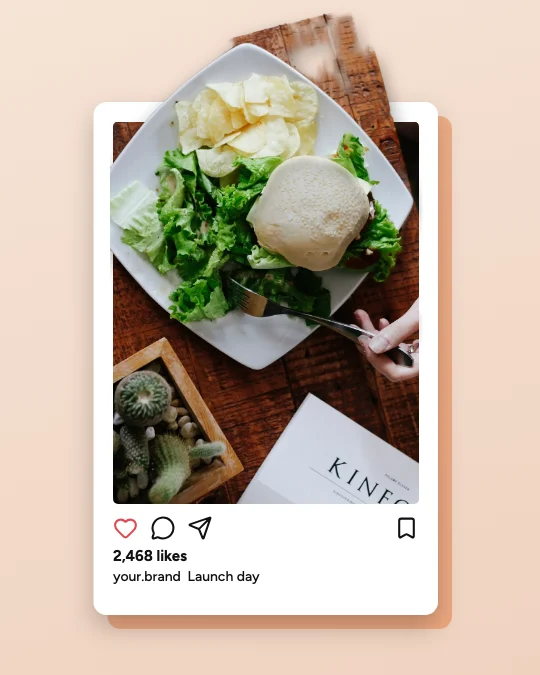
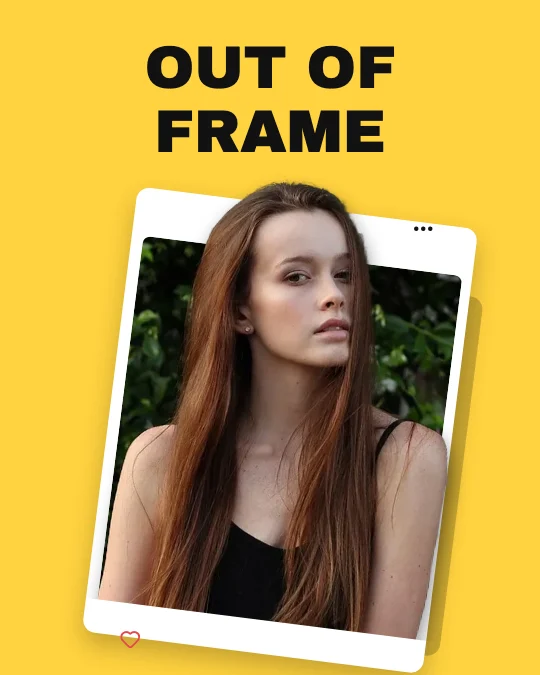
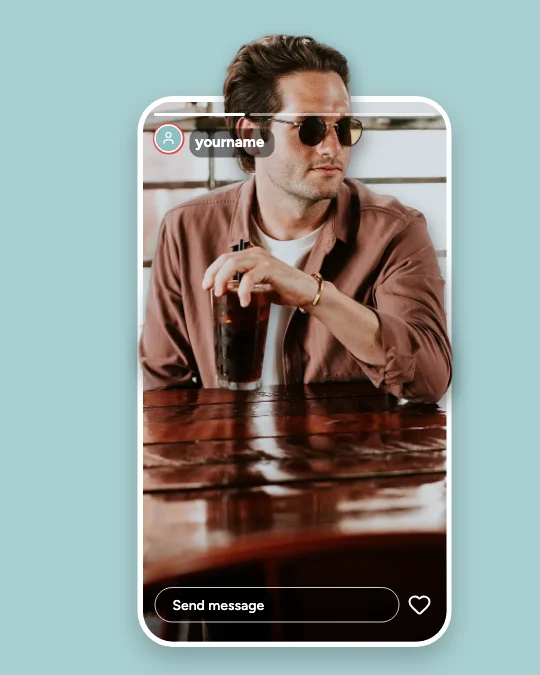
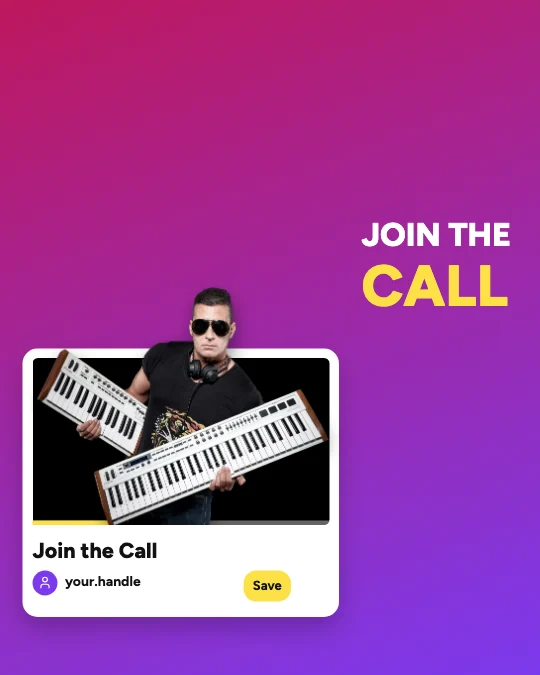
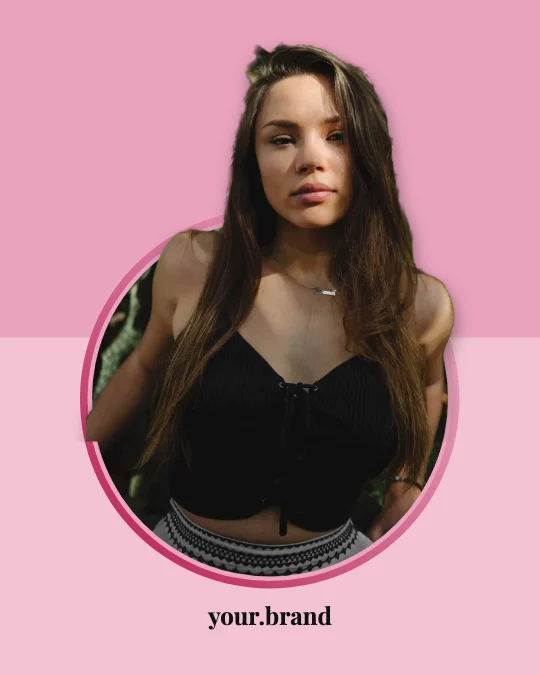
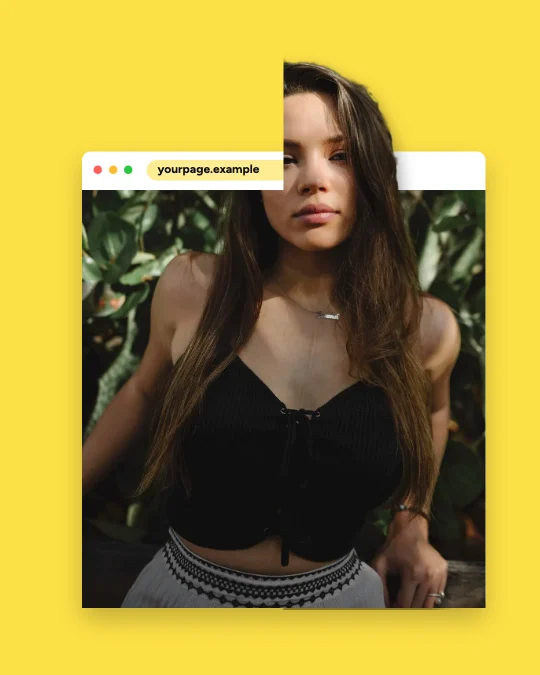
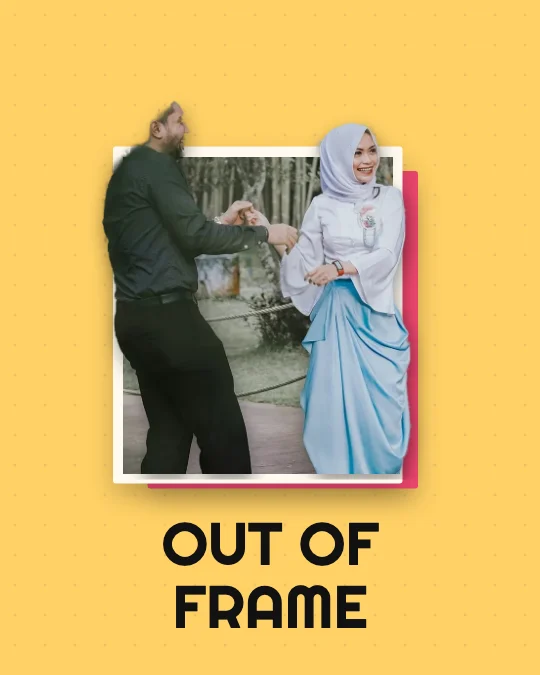
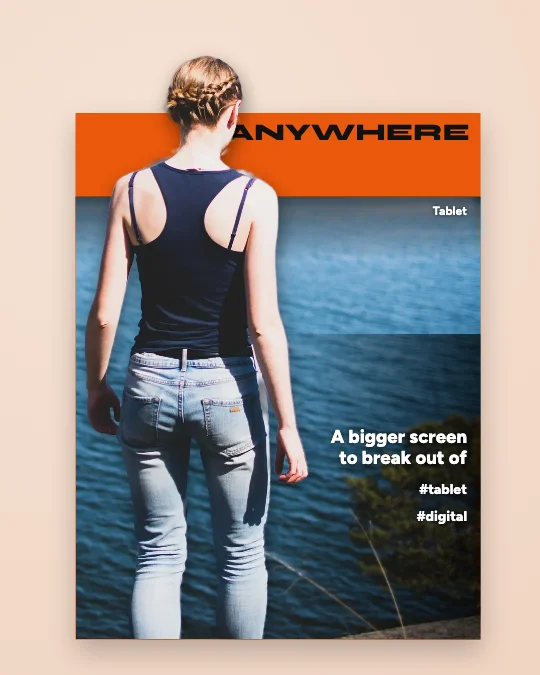
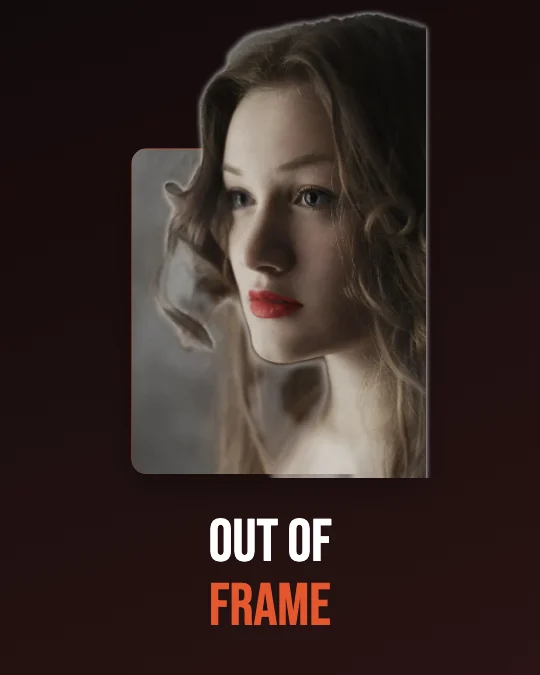
Make your photo look like it’s stepping out of the screen. Upload a picture, and the person or object is cut out on your device and placed in front of a social post, phone, picture frame or magazine cover — so it breaks out of the frame in 3D.
Popular:
- 5,800 templates
- 100% free
- Real cut-out
- 8 3D presets
- Every platform size
- Private
Drag to compare
What is the 3D Social Media Pop-Out Generator?
A free online editor that makes a person or object look like it’s stepping out of a social post, phone, picture frame or magazine cover. The subject is cut out of your photo in your browser and layered in front of the frame — then you choose how far it breaks out, the depth and the shadow, and download it.
- Templates
- 5,800: exactly 100 in each of 58 categories, 20 styles, 34 compositions
- The effect
- 8 presets, break-out area, depth, shadow, before/after, edge refining
- Shapes
- Portrait 4:5, square, vertical 9:16, widescreen 16:9 and tall 2:3 — plus platform sizes
- Downloads & privacy
- PNG, JPG or transparent PNG, no watermark; photos never leave your device
One click: upload your photo
Choose a look, then your photo. The subject is cut out on your device — nothing is uploaded.
PNG, JPG or WebP, up to 20 MB. Works best with one person or object in front.
3D effect presets
8 presets, from subtle to extreme
Each preset sets where the subject may break out, how much closer it looks and the shadow it casts — then fine-tune any of them in the 3D effect panel.
- 1
Subtle Pop-Out
Just the head over the edge, soft shadow
- 2
Natural Depth
A believable step forward
- 3
Medium 3D
Head, shoulders and arms out
- 4
Dramatic Pop-Out
Big, close and casting a strong shadow
- 5
Extreme Perspective
Much closer than the frame
- 6
Frame Break
Free in every direction
- 7
Full Body Emergence
The whole figure steps out
- 8
Product Emergence
A crisp product leaping forward
Blank canvas
Start with a shape, or a template
Open the editor on a blank canvas, add a photo, then choose Make it pop out in 3D effect — or pick any template from inside the editor.
Pop-out categories
58 categories, 100 templates each
Social Media Platforms
Instagram, Facebook, TikTok, YouTube, Snapchat, LinkedIn, Pinterest, X, Threads, WhatsApp, Reddit, Discord, Twitch and Telegram — generic, platform-inspired frames.
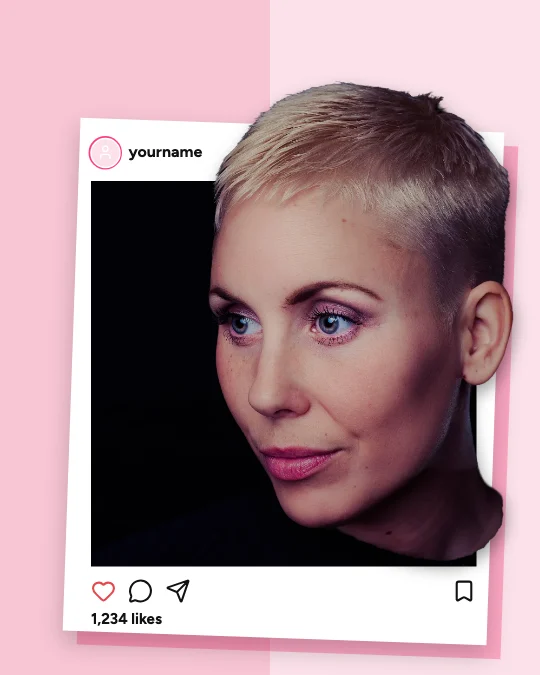 Instagram Post Pop-Out100 templates
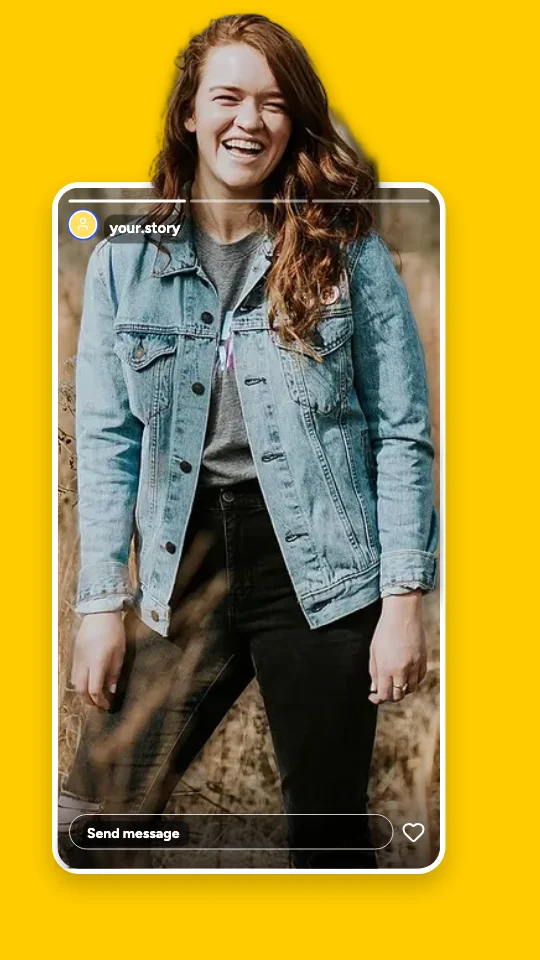 Instagram Story Pop-Out100 templates
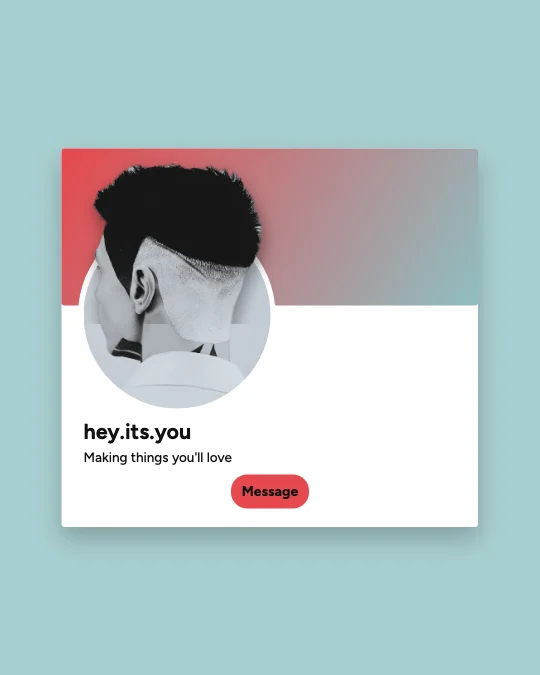 Instagram Profile Frame Pop-Out100 templates
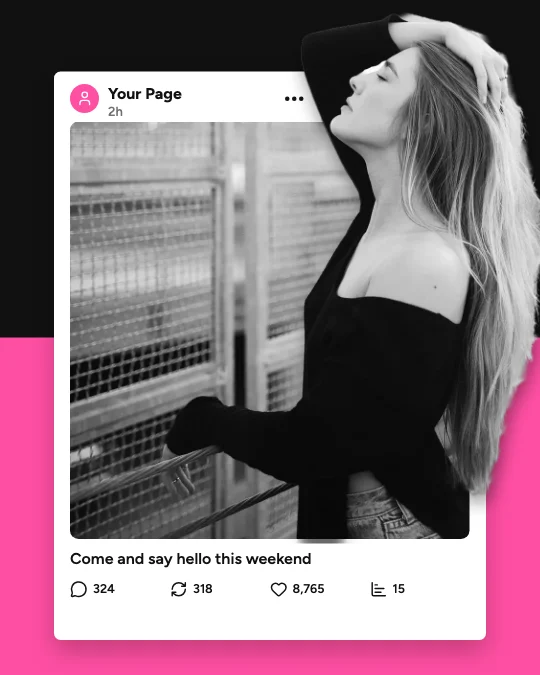 Facebook Post Pop-Out100 templates
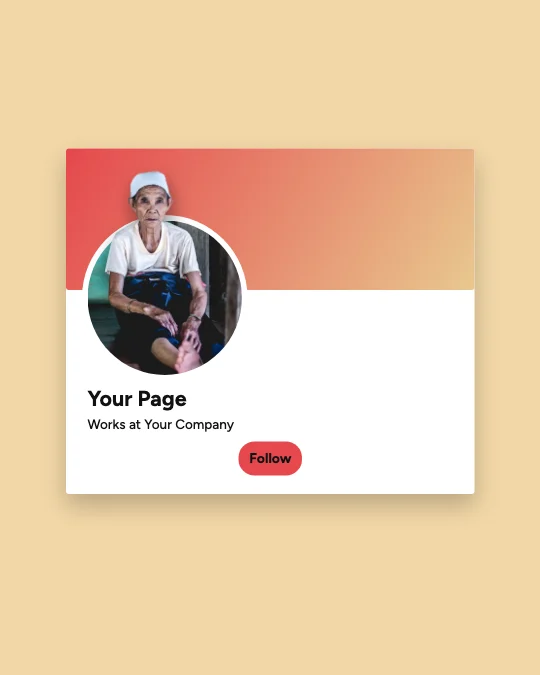 Facebook Profile and Cover Pop-Out100 templates
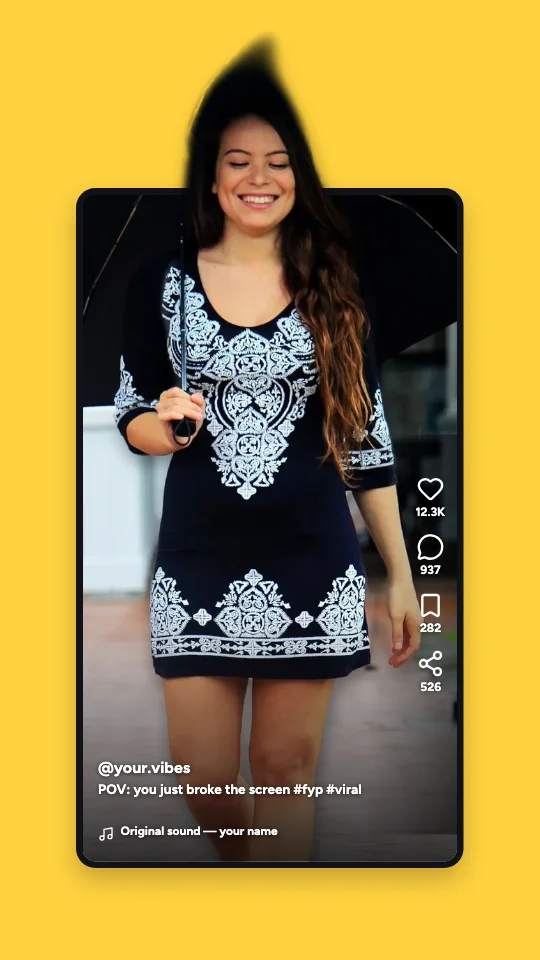 TikTok Screen Pop-Out100 templates
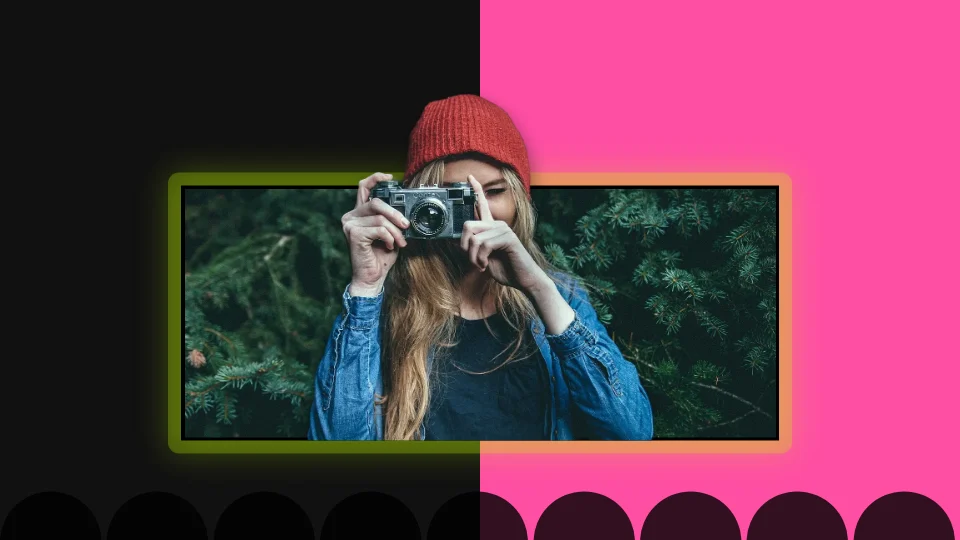 YouTube Video and Thumbnail Pop-Out100 templates
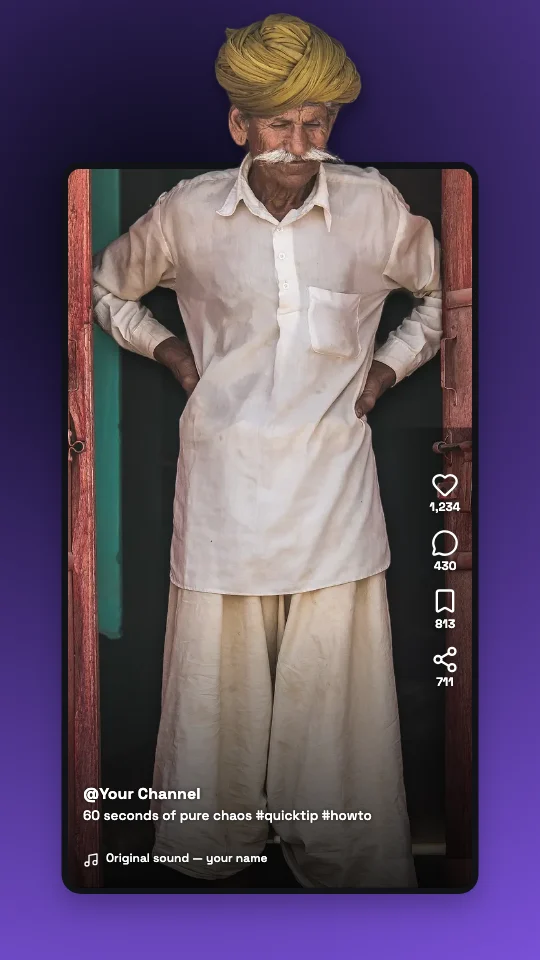 YouTube Shorts Pop-Out100 templates
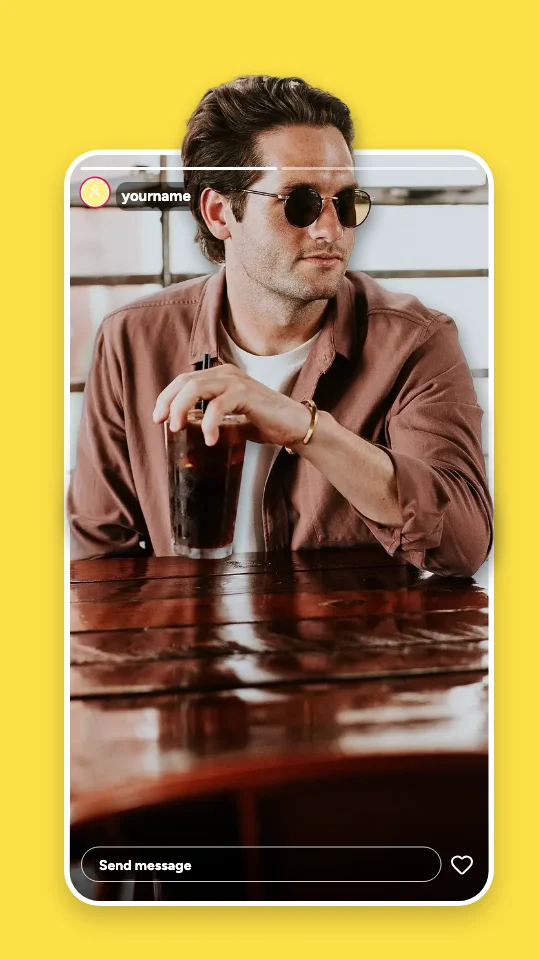 Snapchat Snap Pop-Out100 templates
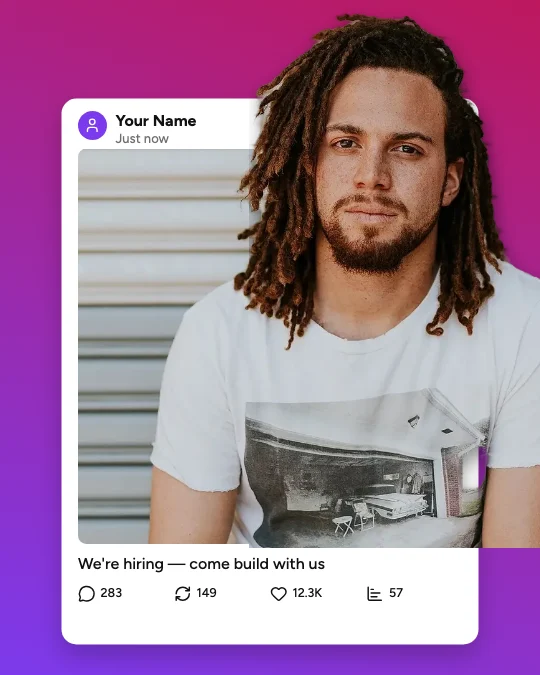 LinkedIn Post Pop-Out100 templates
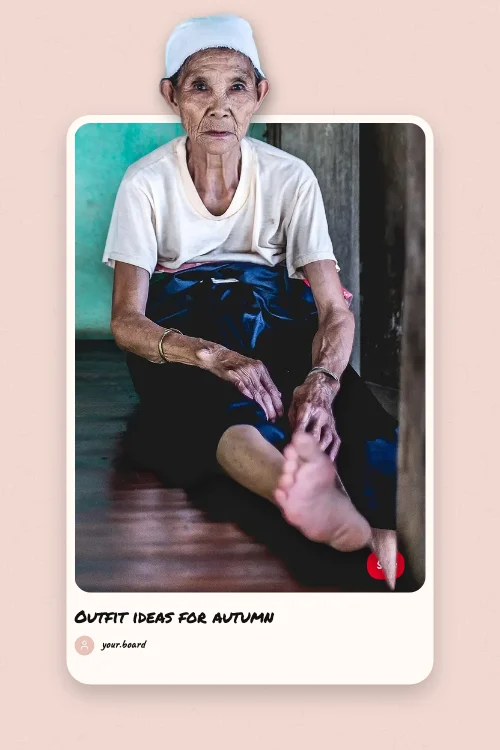 Pinterest Pin Pop-Out100 templates
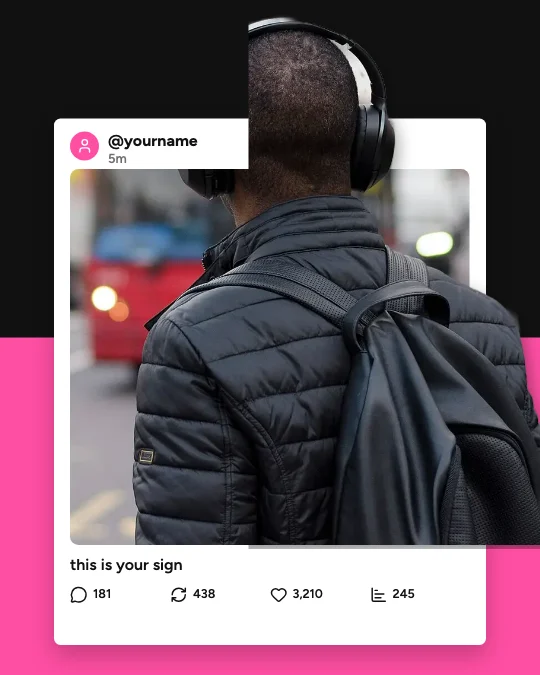 X (Twitter) Post Pop-Out100 templates
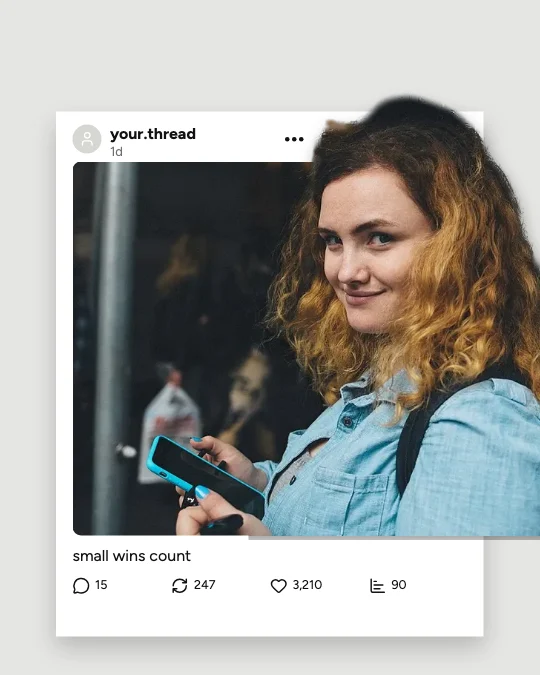 Threads Post Pop-Out100 templates
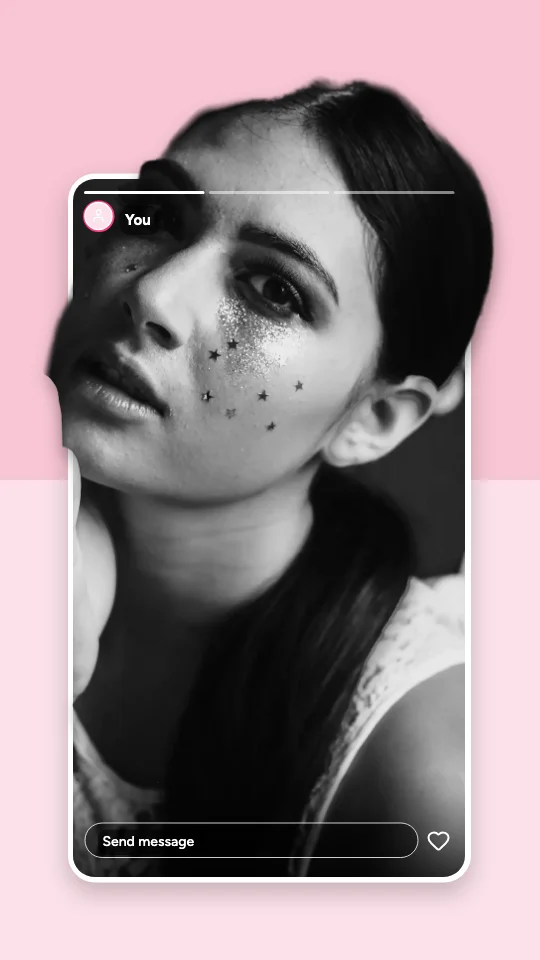 WhatsApp Status Pop-Out100 templates
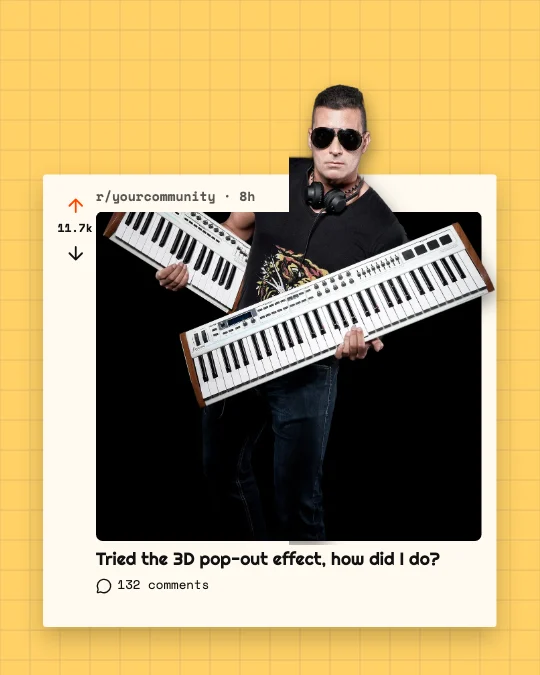 Reddit Post Pop-Out100 templates
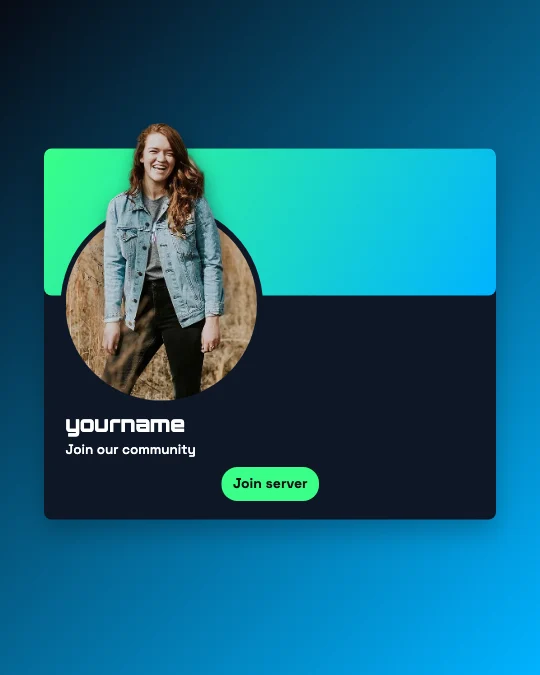 Discord Profile and Community Pop-Out100 templates
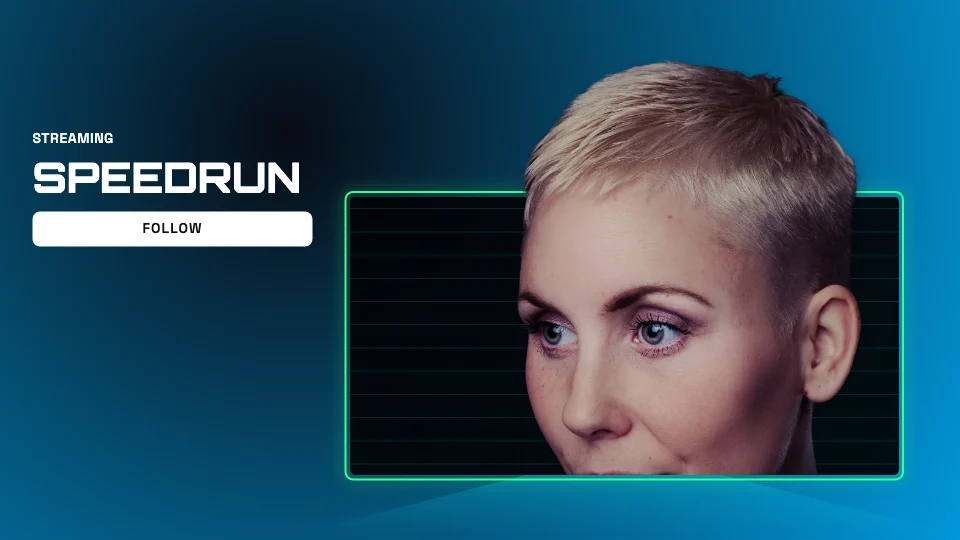 Twitch Stream Pop-Out100 templates
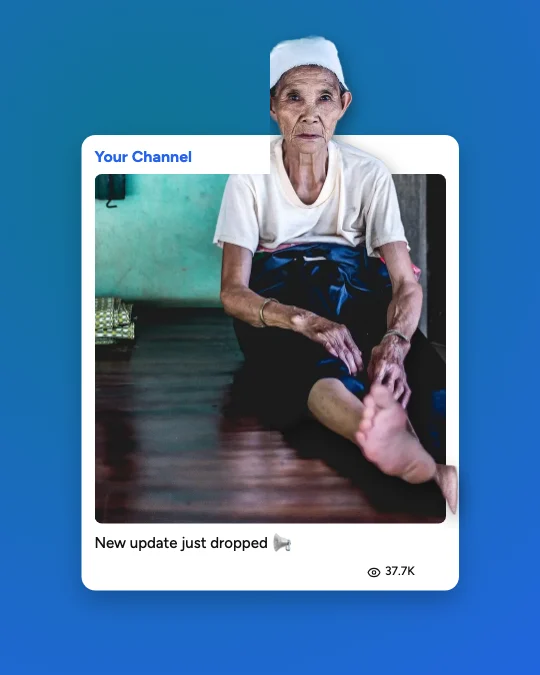 Telegram Post Pop-Out100 templates
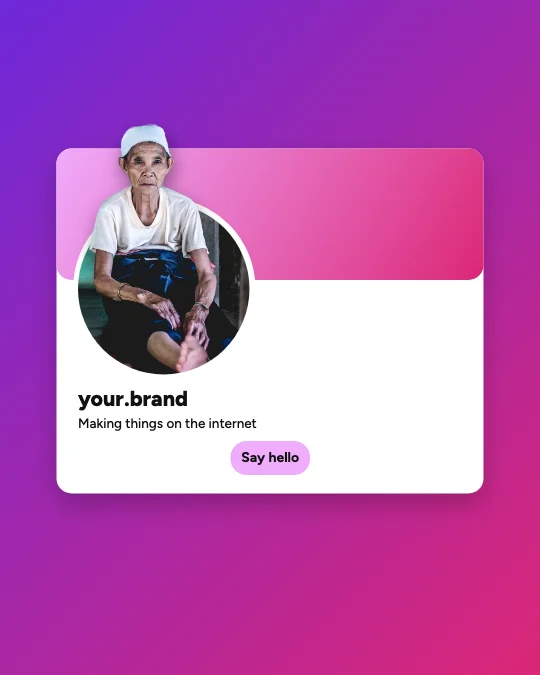 Social Media Profile Card Pop-Out100 templates
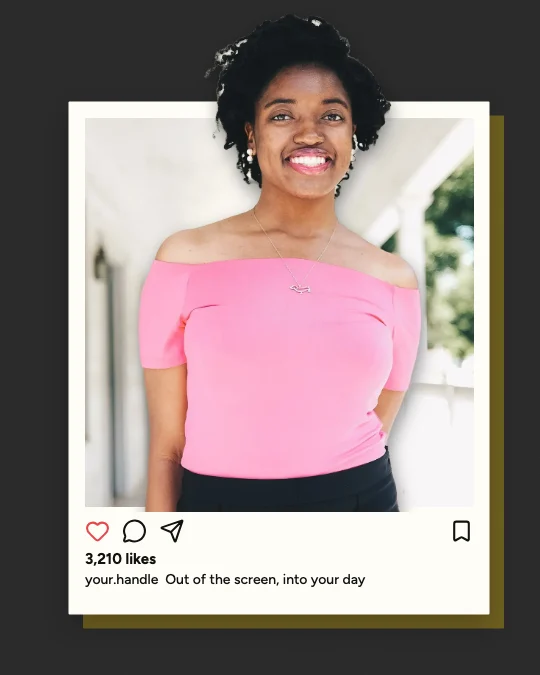 Universal Social Media Frame Pop-Out100 templates
3D Device and Frame Effects
Phones, tablets, laptops, monitors, viewfinders, polaroids, picture frames, broken glass, torn paper, magazines, newspapers, holograms and cinema screens.
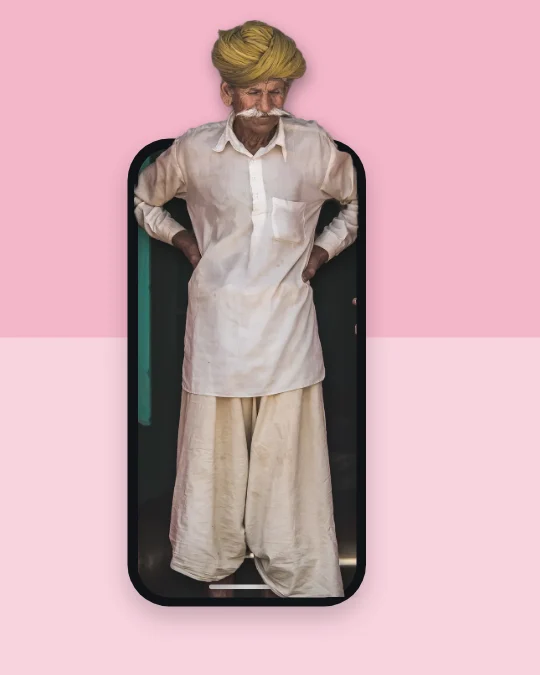 Smartphone Screen Pop-Out100 templates
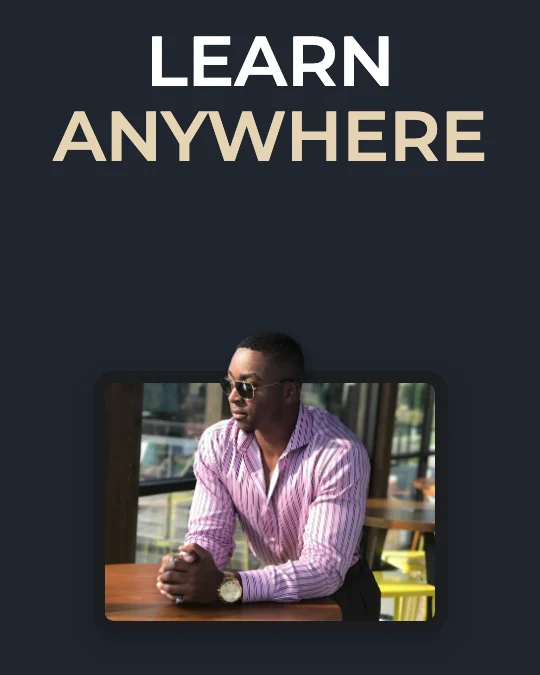 Tablet Screen Pop-Out100 templates
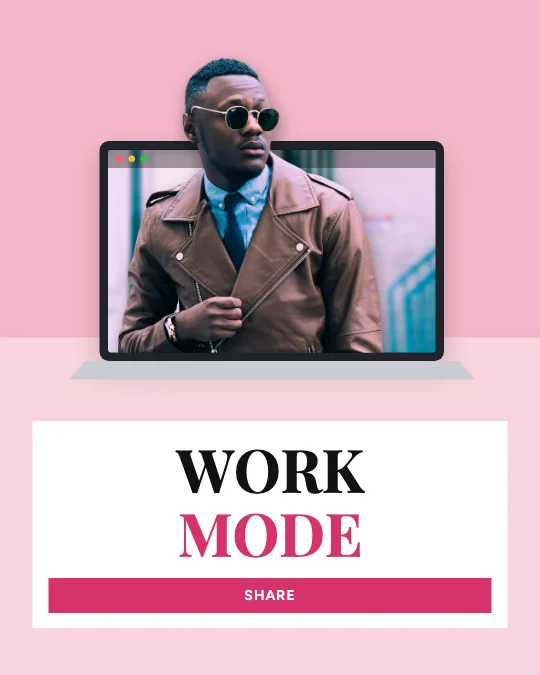 Laptop Screen Pop-Out100 templates
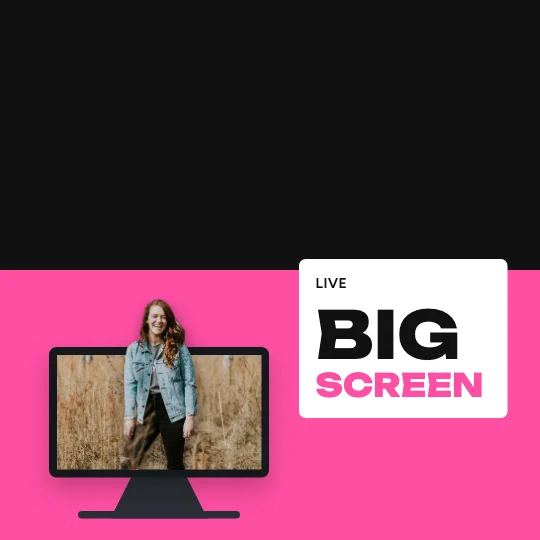 Desktop Monitor Pop-Out100 templates
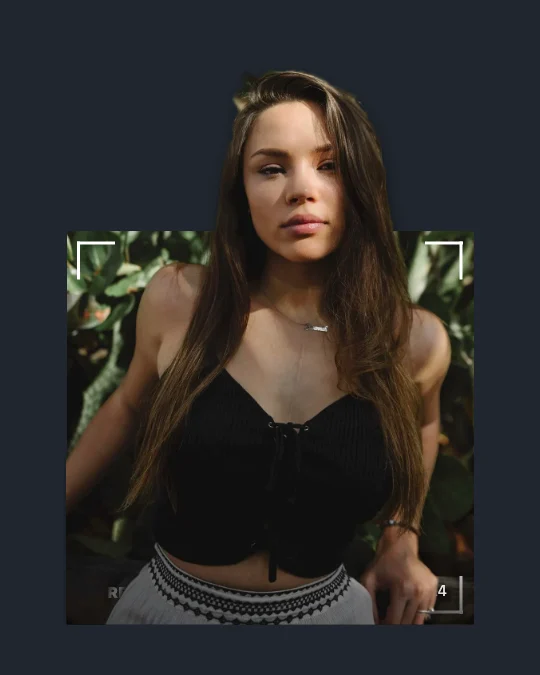 Camera Viewfinder Pop-Out100 templates
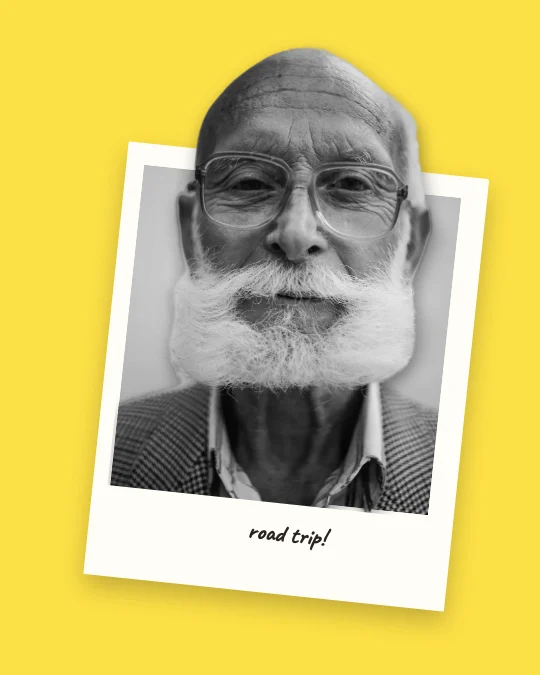 Polaroid Frame Pop-Out100 templates
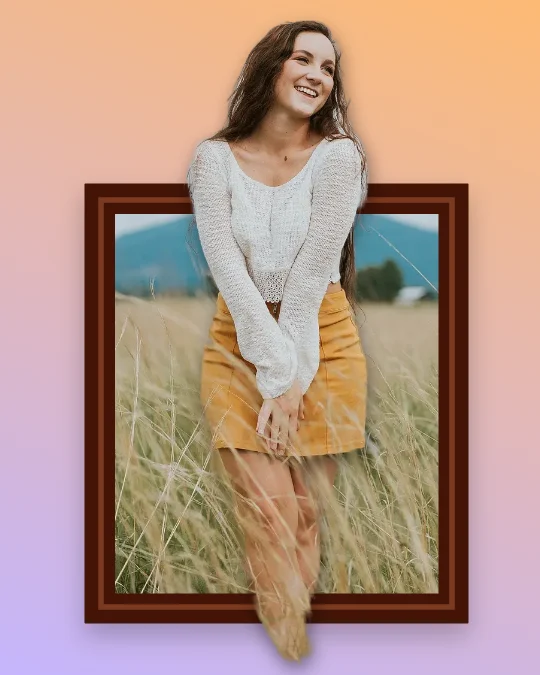 Classic Photo Frame Break100 templates
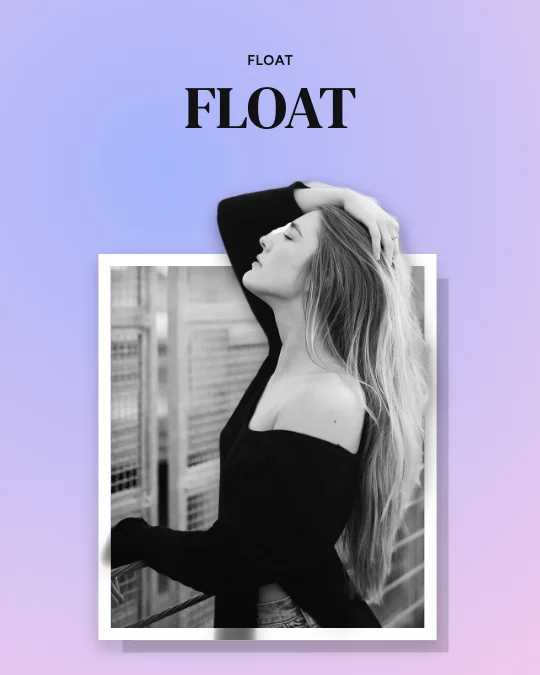 Floating Picture Frame100 templates
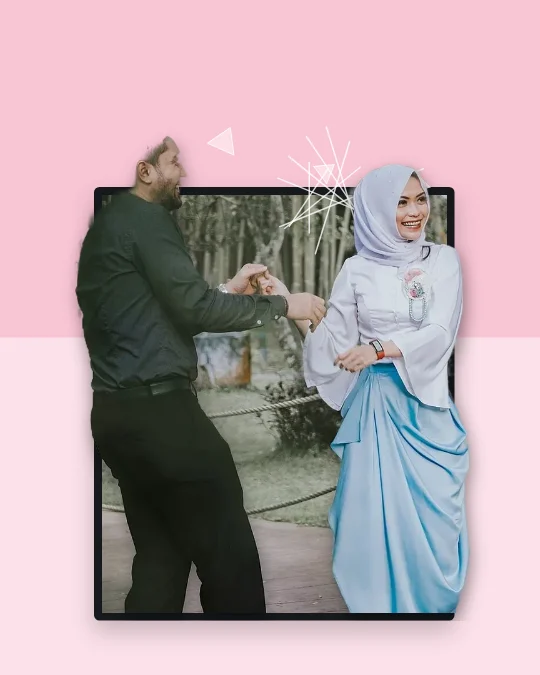 Broken Glass Frame Effect100 templates
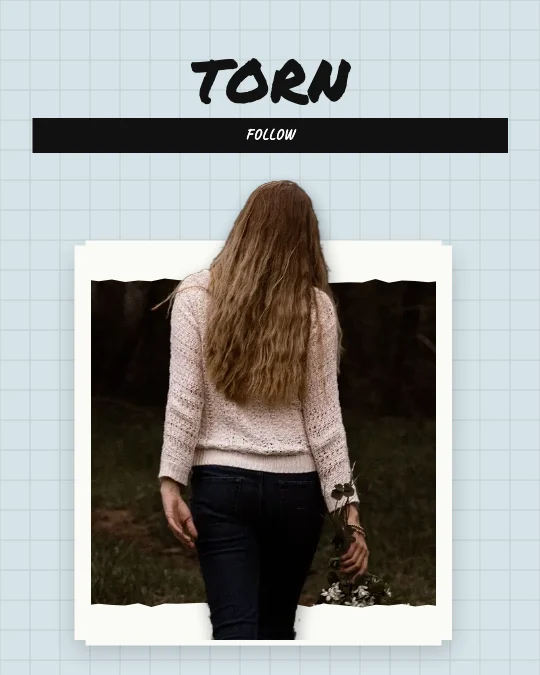 Torn Paper Frame Effect100 templates
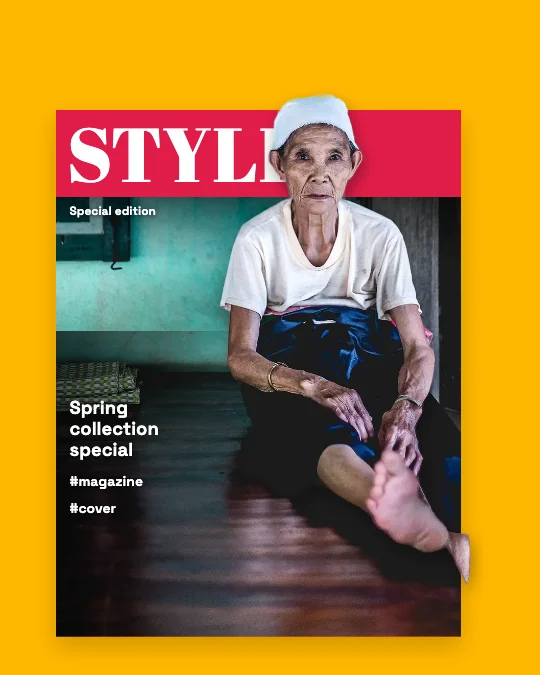 Magazine Cover Pop-Out100 templates
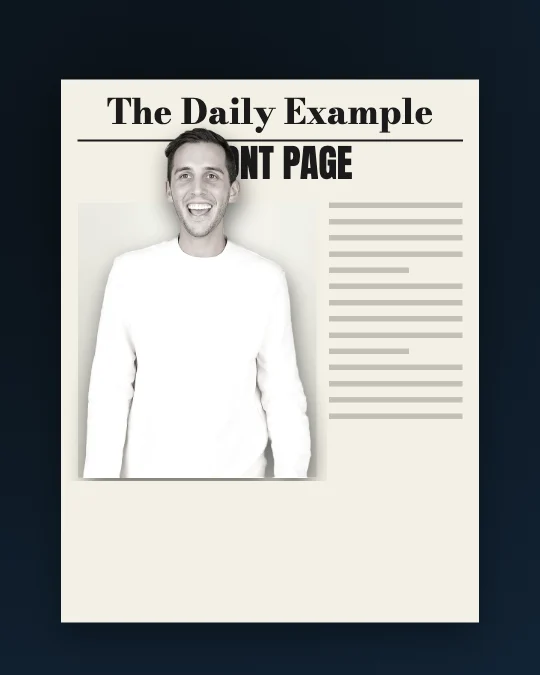 Newspaper Frame Pop-Out100 templates
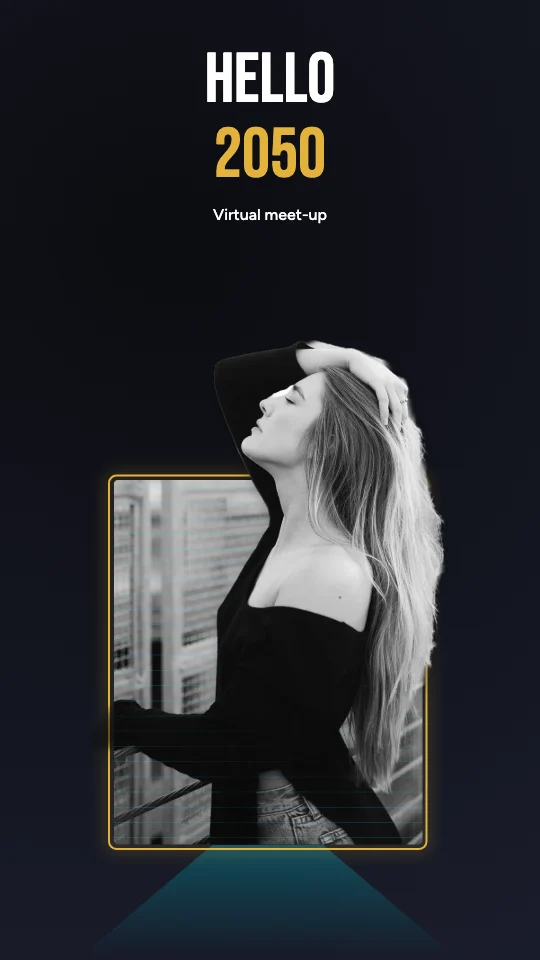 Holographic Screen Pop-Out100 templates
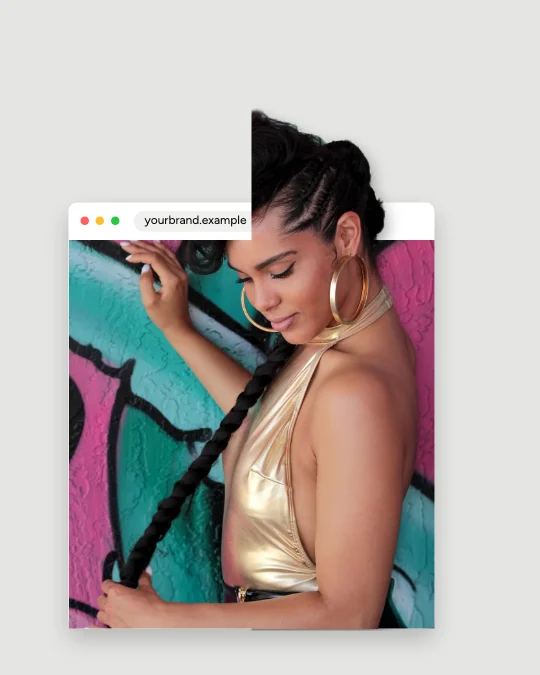 Digital Window Pop-Out100 templates
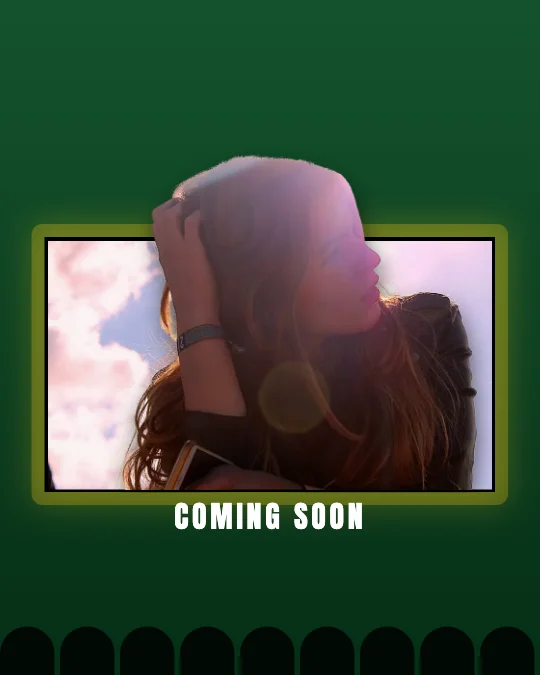 Cinematic Screen Break Effect100 templates
Creative 3D Photo Effects
Full body, portraits, hands, shoes, products, floating subjects, extreme perspective, layers, paper cut-outs, collages, comics, cinematic action and surreal scenes.
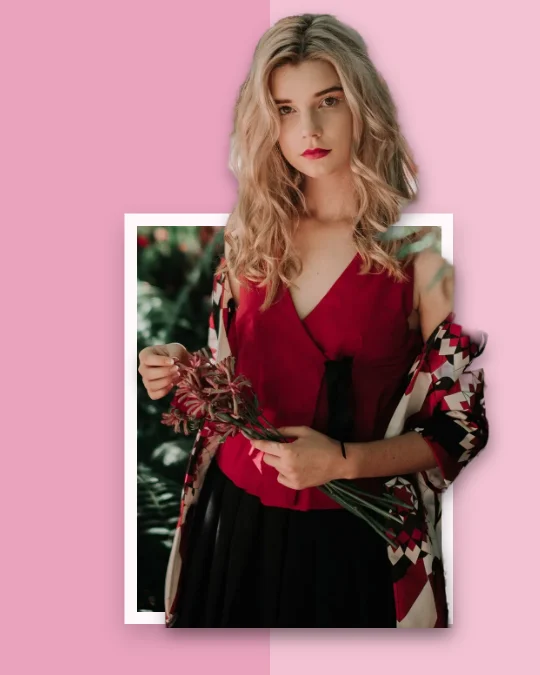 Full Body Pop-Out100 templates
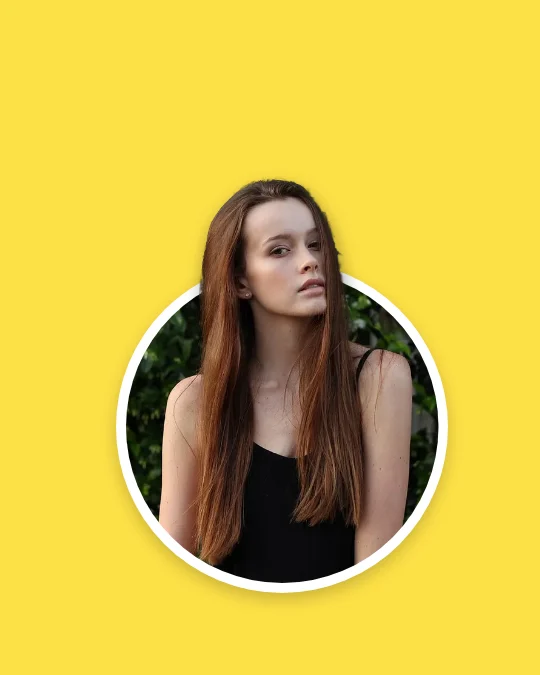 Face and Portrait Pop-Out100 templates
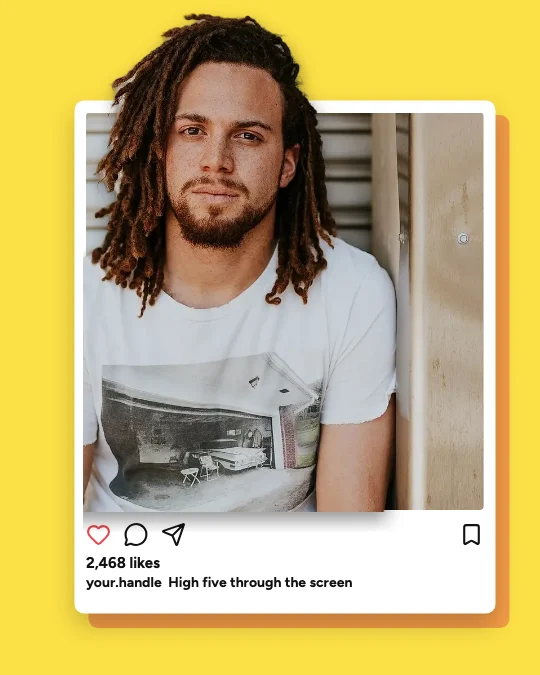 Hand Reaching Out Effect100 templates
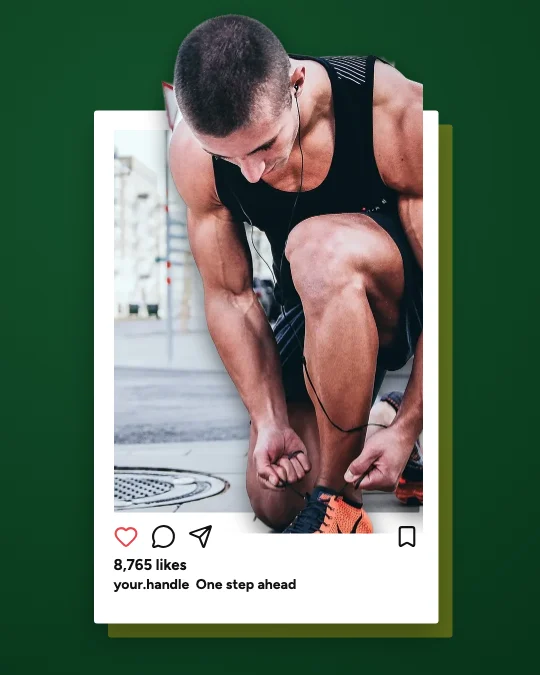 Foot and Shoe Coming Forward100 templates
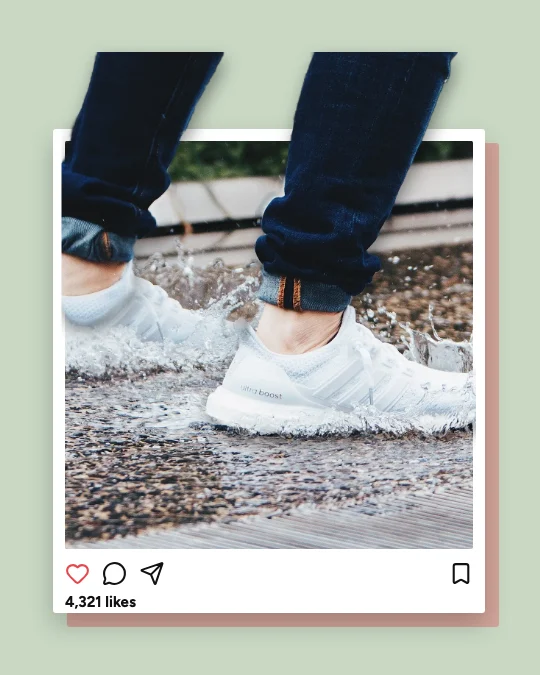 Object Breaking the Frame100 templates
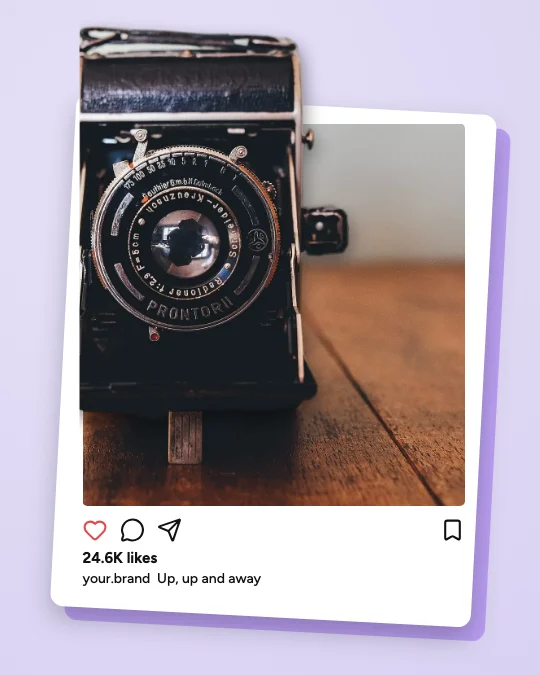 Flying Object Pop-Out100 templates
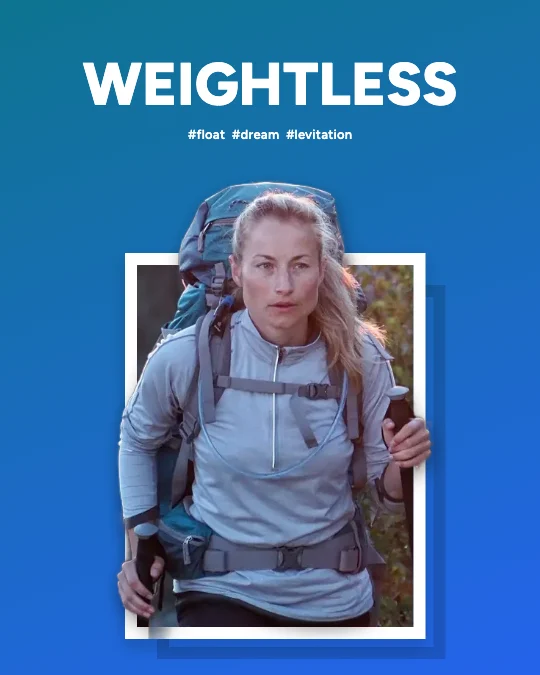 Floating Subject Effect100 templates
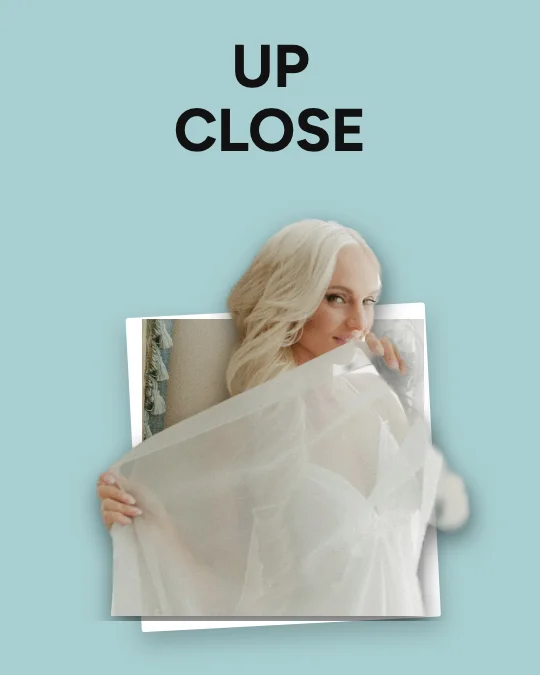 Extreme Perspective Pop-Out100 templates
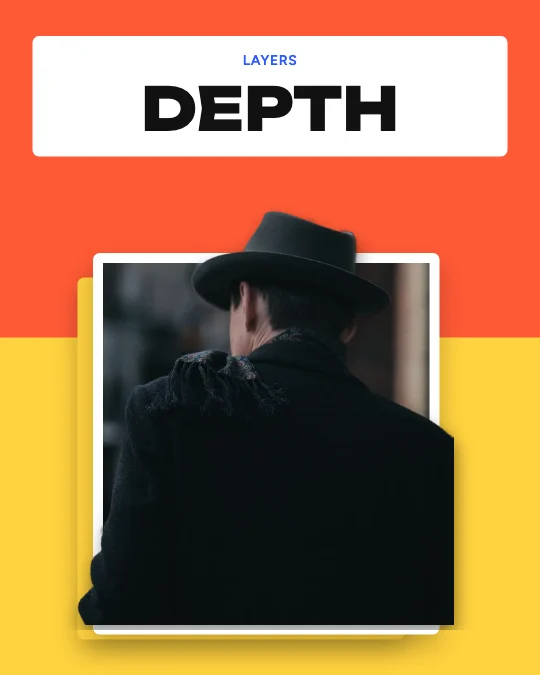 Double-Layer Depth Effect100 templates
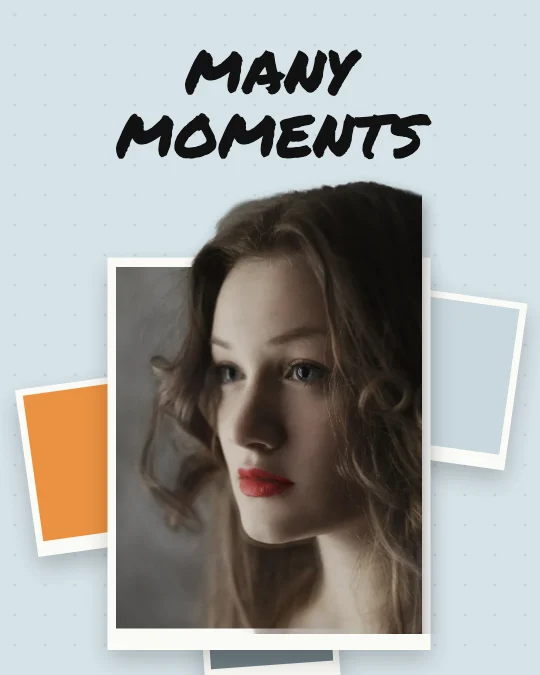 Multi-Layer 3D Composition100 templates
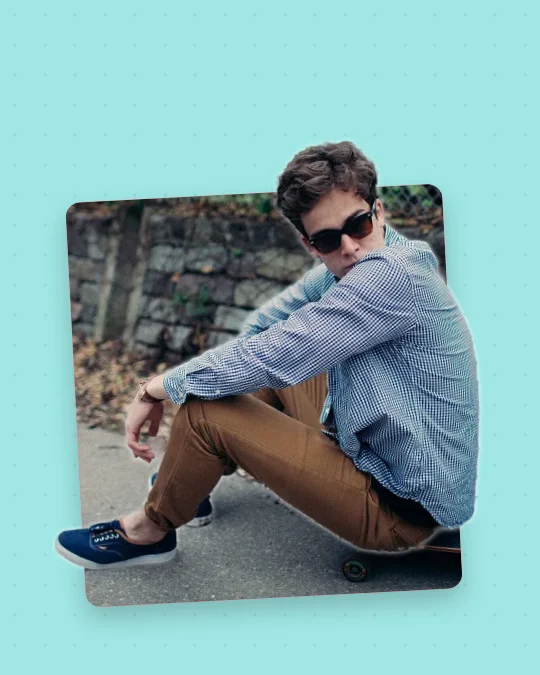 Paper Cutout Pop-Out100 templates
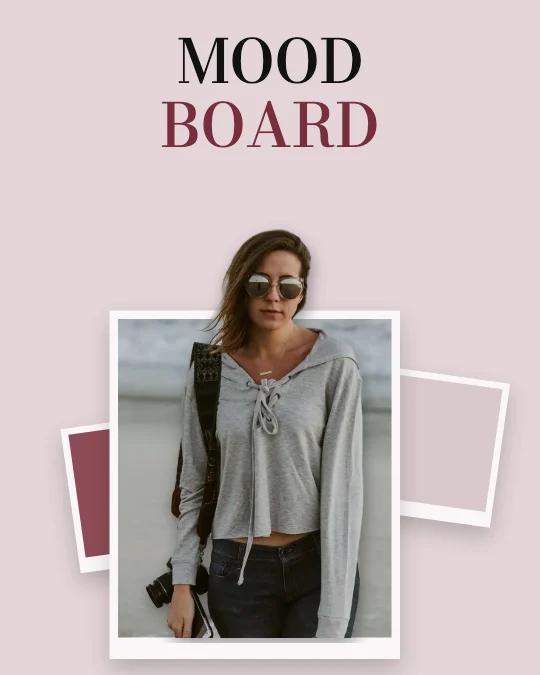 3D Collage Pop-Out100 templates
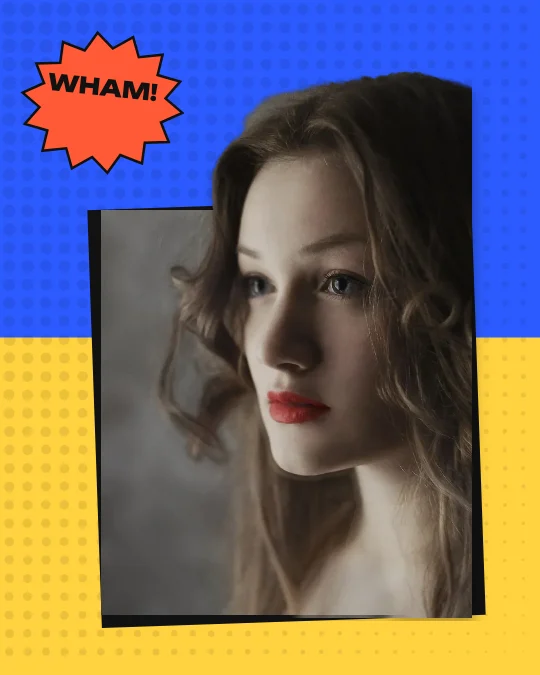 Comic Book Frame Break100 templates
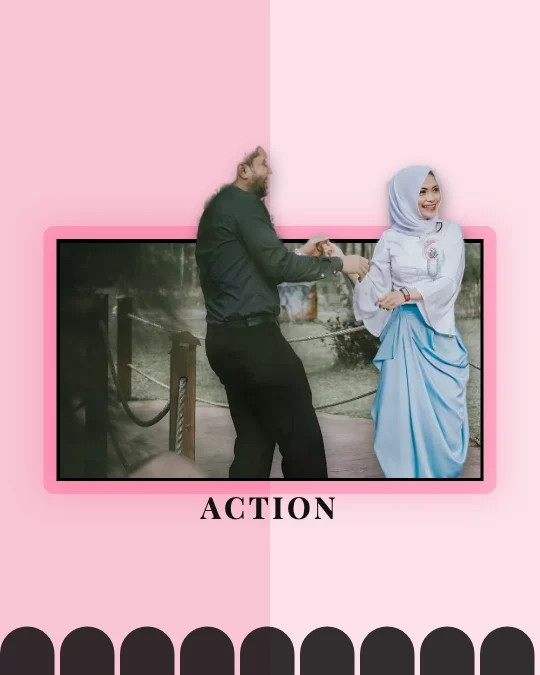 Cinematic Action Pop-Out100 templates
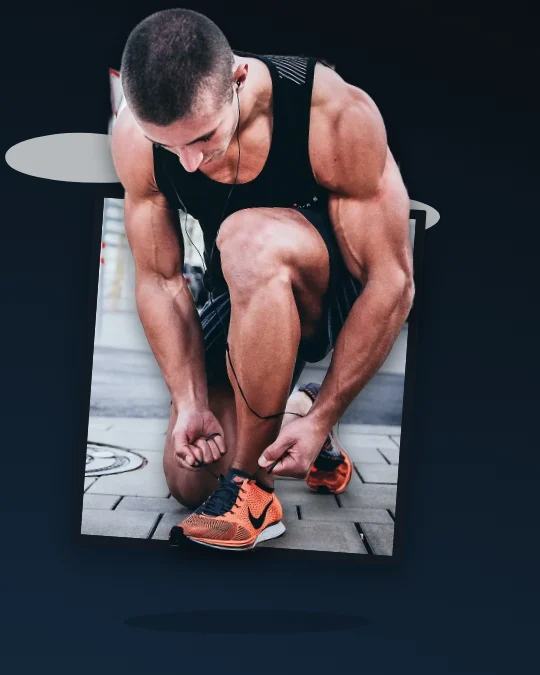 Surreal 3D Photo Effect100 templates
People, Brands and Lifestyle
Fashion, beauty, travel, fitness, products and ecommerce, gaming, celebrations and personal branding.
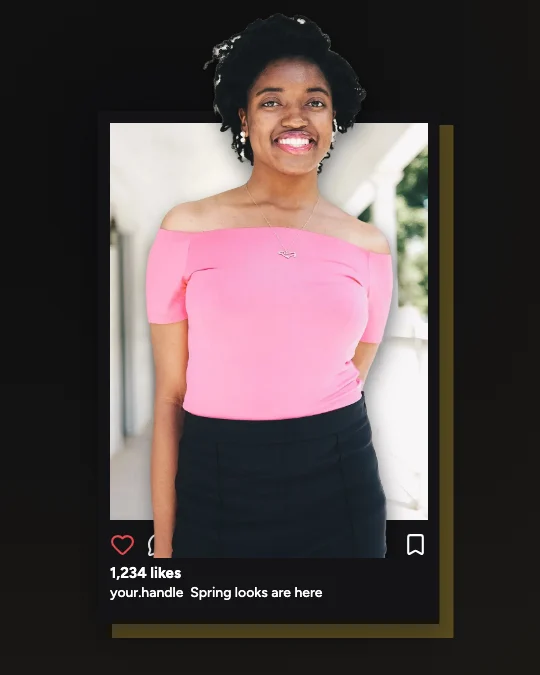 Fashion and Influencer Pop-Out100 templates
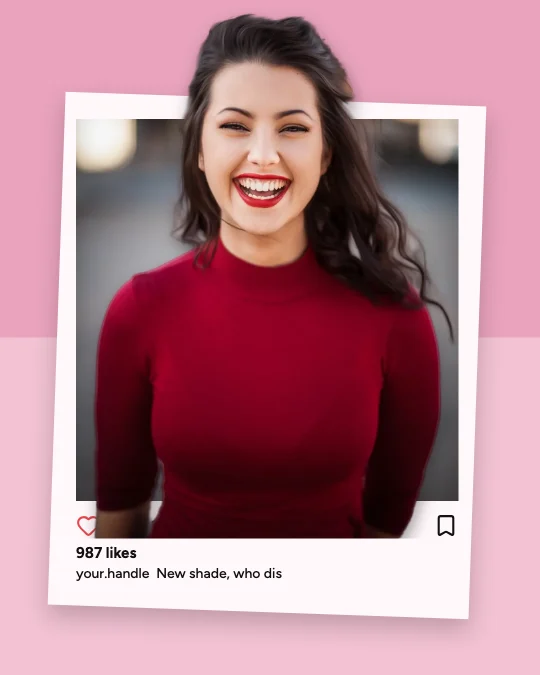 Beauty and Makeup Pop-Out100 templates
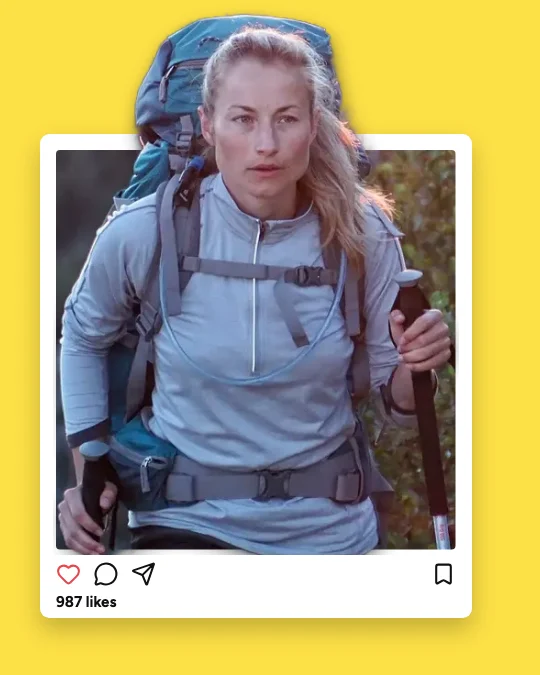 Travel and Adventure Pop-Out100 templates
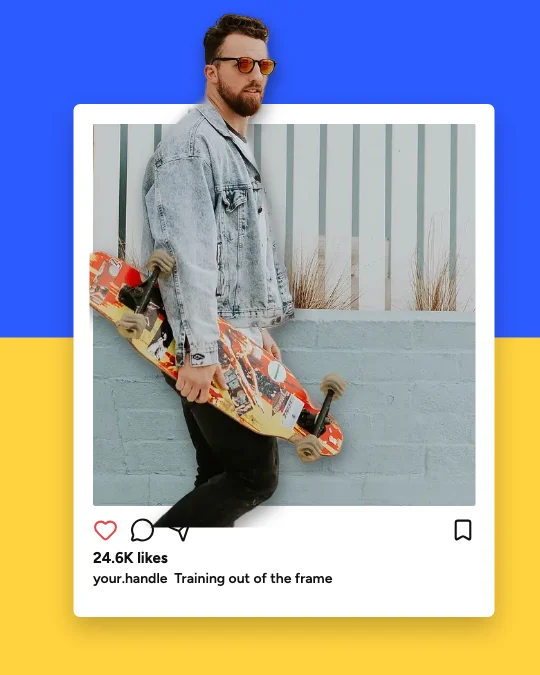 Fitness and Sports Pop-Out100 templates
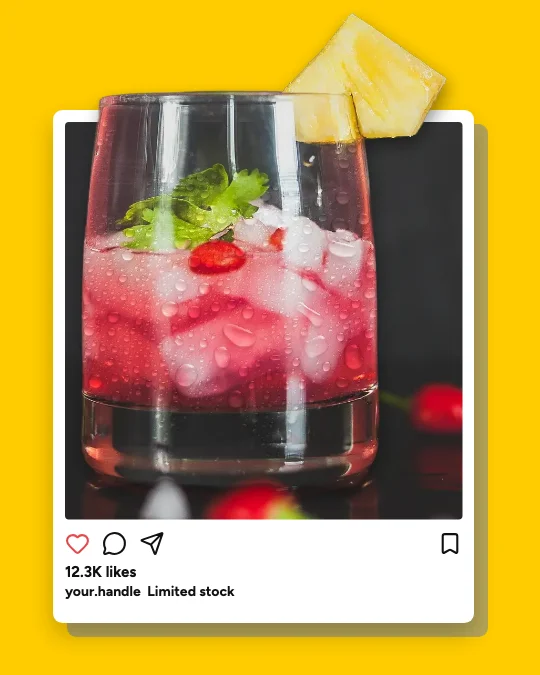 Product and Ecommerce Pop-Out100 templates
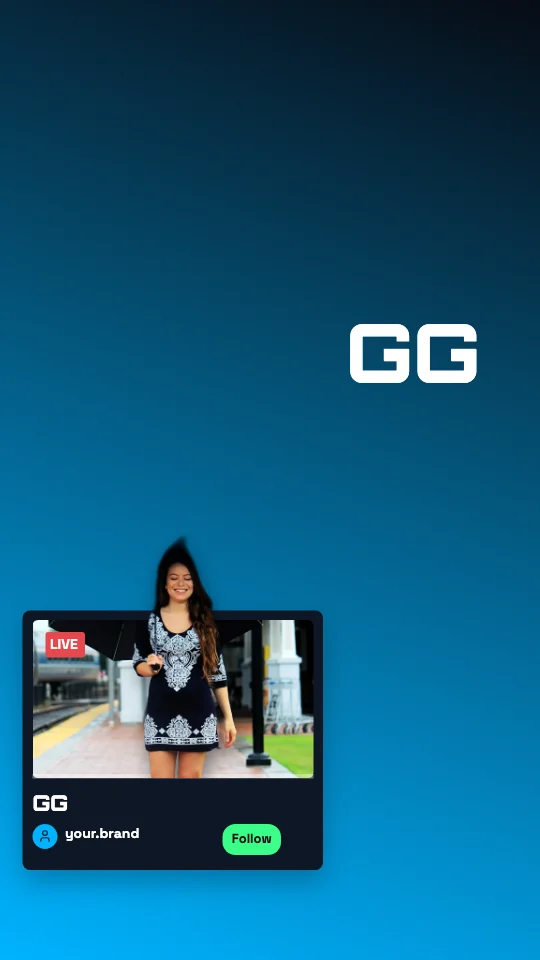 Gaming and Creator Pop-Out100 templates
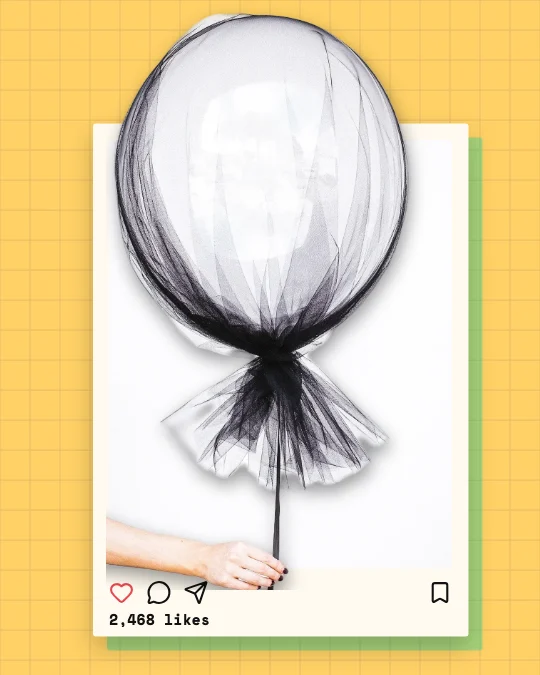 Birthday and Celebration Pop-Out100 templates
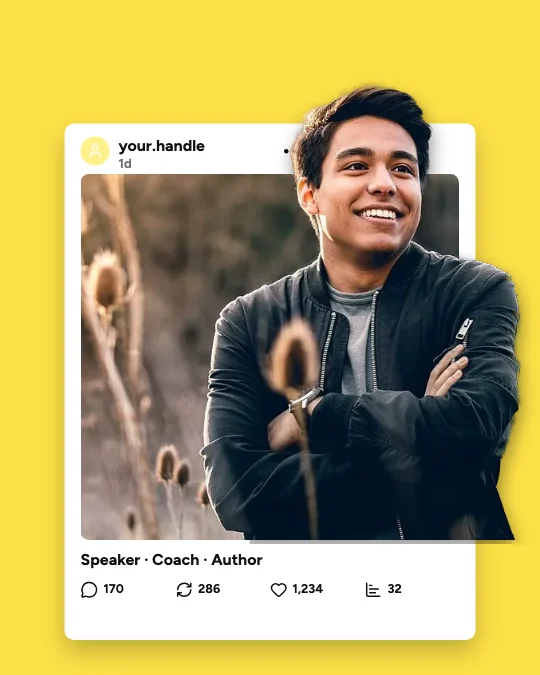 Professional and Personal Branding Pop-Out100 templates
All templates
Explore 5,800 Editable 3D Pop-Out Templates
Every card is the real template, drawn by the editor. Search, filter by platform, effect, style, shape, orientation, colour or subject, save favourites with the heart, and open one — it opens exactly as shown, ready for your photo.
5,800 templates · showing 24
Instagram Post Floating Frame Pop-Out
Instagram Post · Minimal White Social Frame · 1:1
Edit this templateExtreme Perspective Reaching Hand Close-Up Pop-Out
Reaching Hand · Extreme Perspective · 9:16
Edit this templateBold Graphic Composition Facebook Post Update Pop-Out
Facebook Post · Bold Graphic Composition · 4:5
Edit this templatePremium Product Showcase Shoes Forward Sticker Card Pop-Out
Shoes Forward · Premium Product Showcase · 4:5
Edit this templateCinematic Dark Frame Fitness Big Screen Pop-Out
Fitness · Cinematic Dark Frame · 4:5
Edit this template
24 of 5,800
Recently added · the whole collection was added on . Popular and trending lists will appear once there is real usage data — we don't invent it.
Design styles
20 styles, each a complete look
Typefaces, palettes, frame finishes, grounds and shadows made to work together — from clean social frames and pink editorial to cinematic dark, neon screens, comic and surreal.
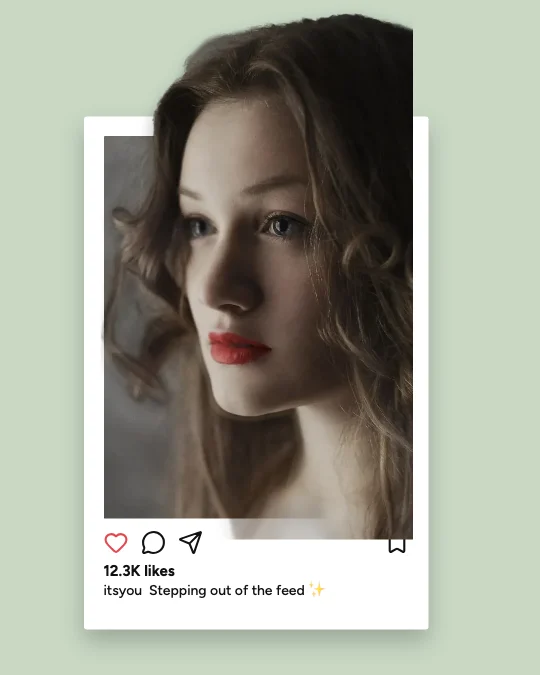 Minimal White Social Frame610 templates
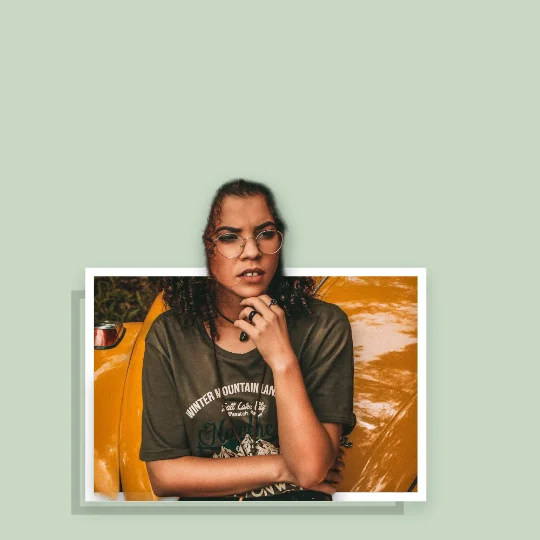 Luxury Black and Gold167 templates
- Bright Yellow Creator510 templates
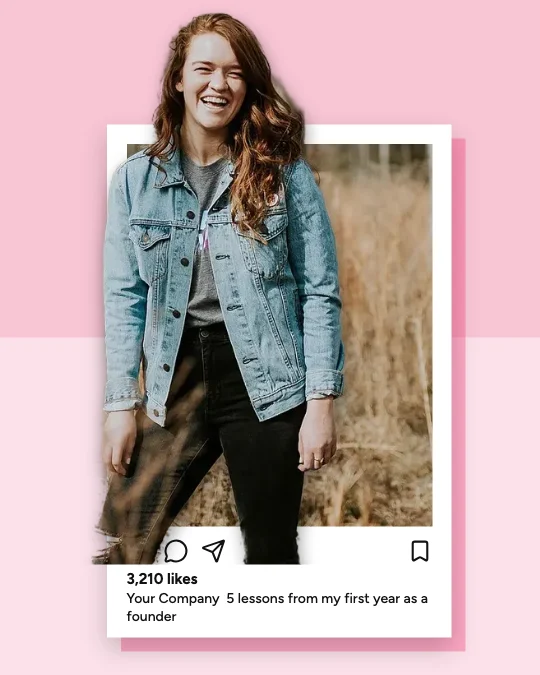 Pink Fashion Editorial555 templates
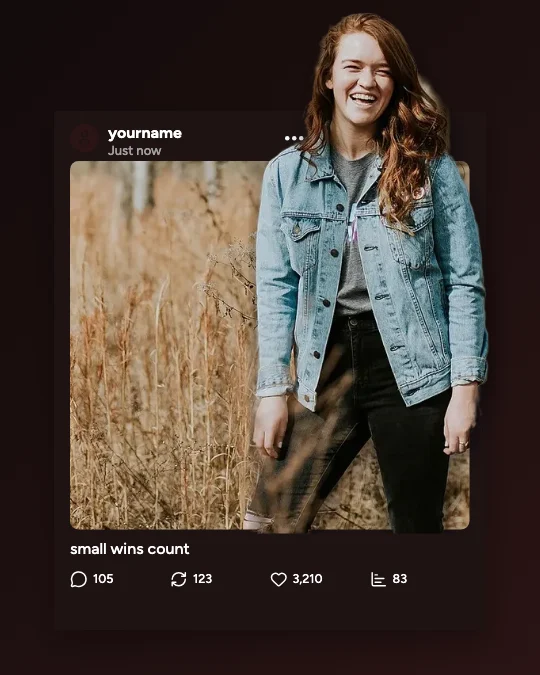 Cinematic Dark Frame621 templates
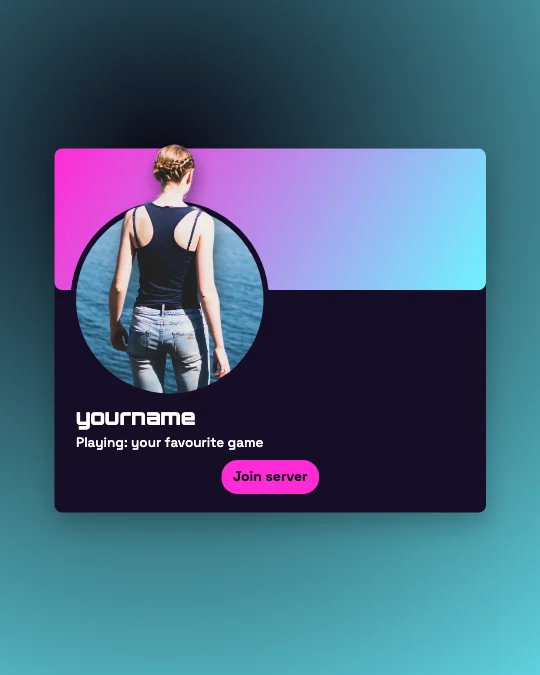 Futuristic Neon Screen420 templates
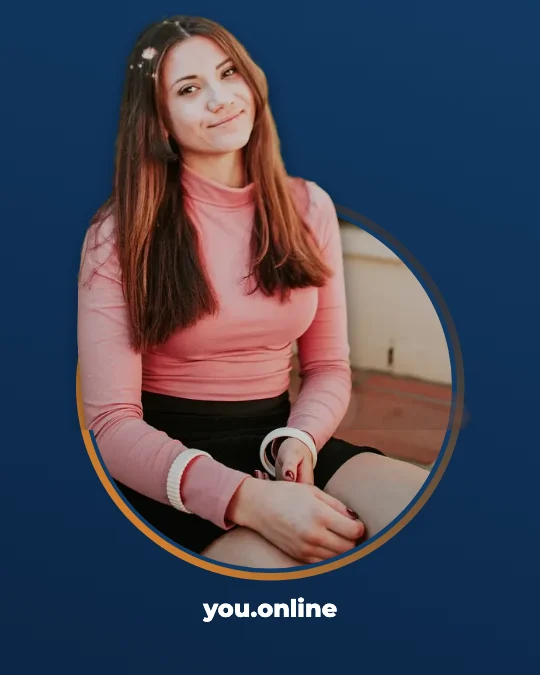 Professional Corporate225 templates
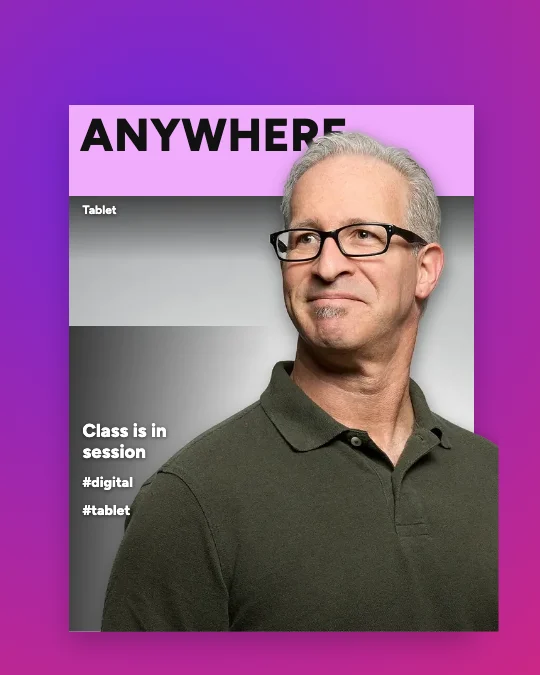 Floating Glass Frame408 templates
- Torn Paper Collage125 templates
- Polaroid Photography95 templates
- Oversized Smartphone119 templates
- Extreme Perspective144 templates
- Colourful Magazine Cover26 templates
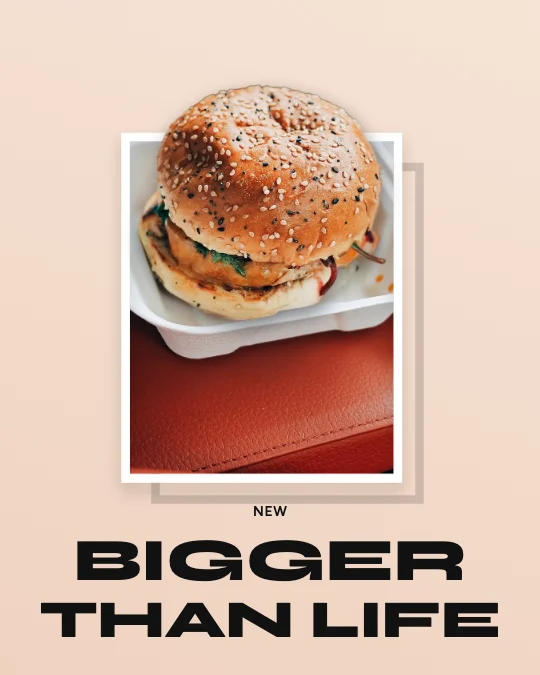 Premium Product Showcase112 templates
- Comic Book Frame Break68 templates
- Elegant Editorial214 templates
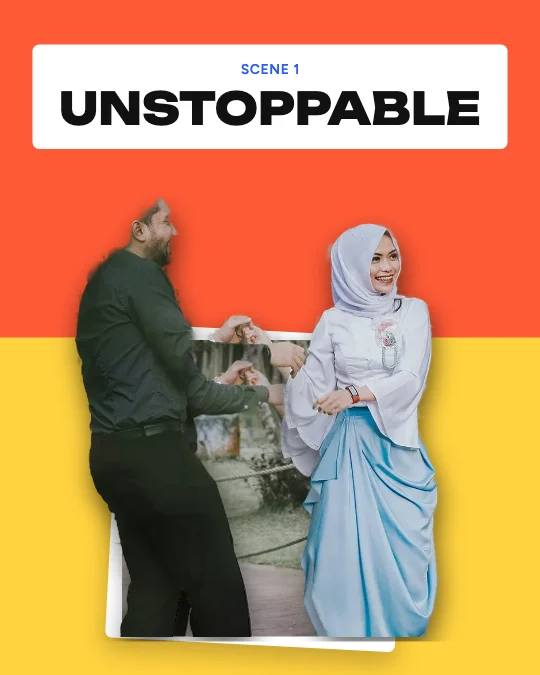 Bold Graphic Composition532 templates
- Modern Minimalist380 templates
- Retro Social Media255 templates
- Surreal Dimensional214 templates
Step by step
How to make a 3D pop-out photo
The 5,800 templates are exactly 100 for each of 58 categories in four groups: social media platforms (Instagram, Facebook, TikTok, YouTube, Snapchat, LinkedIn, Pinterest, X, Threads, WhatsApp, Reddit, Discord, Twitch, Telegram), device and frame effects (phones, tablets, laptops, monitors, viewfinders, polaroids, picture frames, broken glass, torn paper, magazines, newspapers, holograms, cinema screens), creative 3D effects (full body, portrait, hands, shoes, products, floating, extreme perspective, layered, paper cut-out, collage, comic, cinematic, surreal) and lifestyle (fashion, beauty, travel, fitness, products, gaming, celebrations, personal branding).
Each template is one of 34 compositions in one of 20 design styles. Colour changes never count as new templates: a template is only kept when its layout differs from every other template in its category and style. Every one passed checks that the subject really breaks out of its frame (a clear share of the cut-out sits outside the window), that it never covers small words, and — drawn in a real browser — that no text overflows or is hard to read against what’s behind it.
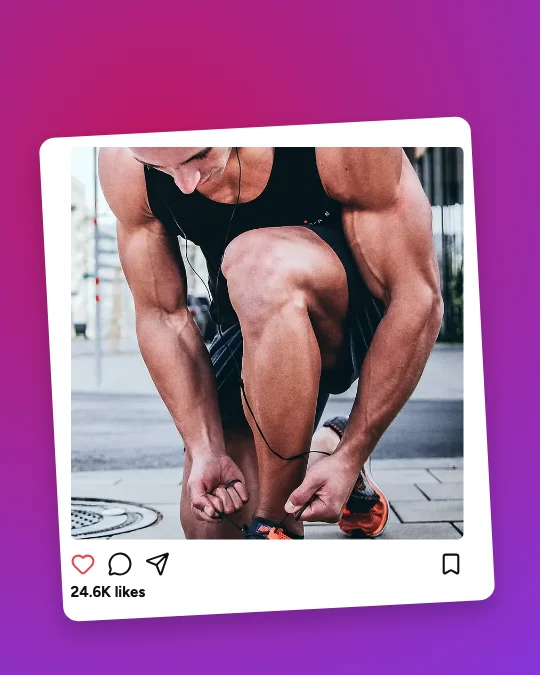
The 3D effect is real layering, not a filter: the photo sits inside its frame, and a second layer — the subject cut out of that same photo — is drawn in front of the frame, lined up pixel for pixel. Where it may show beyond the frame, how much bigger (closer) it is and the shadow it casts are all editable.
Frames are generic and platform-inspired: there are no platform logos or copied interfaces, and every username, like count and caption is an editable placeholder. Everything runs in your browser — no account, no watermark, no uploads.
- 1
Pick a template — search (Instagram, phone, magazine, product, fitness…) or browse the 58 categories — or upload your photo straight away and we’ll put it in a ready-made pop-out design.
- 2
Your photo goes into the frame, and the subject is cut out of it in your browser (about 2–5 seconds — nothing is uploaded). The crop is fitted so the head and shoulders break out over the frame.
- 3
Open 3D effect and choose one of 8 presets — Subtle, Natural Depth, Medium 3D, Dramatic, Extreme Perspective, Frame Break, Full Body or Product — then fine-tune where it breaks out, the depth and the shadow.
- 4
If the automatic cut-out missed a strand of hair or kept a bit of background, use Refine edges: paint with Erase or Restore, zoom in, undo and redo.
- 5
Change the words — the headline, handle, caption and button are placeholders — and the colours, fonts and size for your platform (Instagram post or story, TikTok, YouTube thumbnail, Pinterest pin…).
- 6
Download a PNG, JPG or transparent PNG at any size, with no watermark. Your design saves in this browser under My pop-outs.
The editor
A real 3D photo editor, in your browser
Templates, photos, text, elements and the 3D effect on the left; the design in the middle; properties on the right. On a phone, the same tools open as sheets.
Subject separation
The person or object is cut out of your photo by a model running in your browser, then fitted so it breaks out over the frame.
Refine edges
Erase background the cut-out kept, or restore hair, fingers and shoes straight from your photo — with brush size, zoom, undo and redo.
Break-out, depth and shadow
Choose where the subject may cross the frame (top, sides, everywhere), how much closer it looks, and its shadow’s strength, direction, softness and distance.
Real layers
Background, frame, photo, the cut-out in front and the words on top — select, reorder, lock, hide, group and align them like any design.
Edit text where it is
Double-click a headline, handle or caption and type. Change font, size, weight, spacing, colour, outline and shadow.
Your photos, or ours
Upload a photo, or try CC0 sample subjects with reviewed cut-outs. Add more photos and make several subjects pop out.
Palettes and fonts
Swap to another of the style’s palettes, build one from your brand colour, or apply a curated font pairing.
Before / after
Switch the effect off and on, or press P for a side-by-side before/after and a generic feed preview.
Platform sizes
Every platform, one design
Templates are made in five shapes — portrait 4:5, square, vertical 9:16, widescreen 16:9 and tall 2:3 — and Sizes in the editor re-composes any of them for these platforms. Where a platform publishes its size we say so; the rest are the widely used upload sizes.
| Platform | Size | Shape | |
|---|---|---|---|
| Instagram post | 1080 × 1350 · 1080 × 1080 | 4:5 · 1:1 | Widely used |
| Instagram Story / Reel | 1080 × 1920 | 9:16 | Widely used |
| Facebook post / Story | 1080 × 1350 · 1080 × 1920 | 4:5 · 9:16 | Widely used |
| TikTok · Snapchat · WhatsApp Status | 1080 × 1920 | 9:16 | Widely used |
| YouTube thumbnail | 1280 × 720 | 16:9 | Published by YouTube |
| YouTube Shorts | 1080 × 1920 | 9:16 | Widely used |
| Pinterest pin | 1000 × 1500 | 2:3 | Published by Pinterest |
| LinkedIn post | 1080 × 1350 · 1200 × 627 | 4:5 · 1.91:1 | Widely used |
| X post | 1600 × 900 · 1080 × 1350 | 16:9 · 4:5 | Widely used |
| Discord · Twitch | 1080 × 1080 · 1920 × 1080 | 1:1 · 16:9 | Widely used |
Downloads
PNG, JPG and transparent PNG
Downloads are drawn on your device by the editor’s own renderer, so the file is exactly what you see — at the design’s size, twice it, or any width from 400 px. PNG keeps words and edges crisp; JPG makes smaller files with a quality setting; a transparent PNG leaves the background colour out so the framed subject can sit on anything.
Need it for another platform? Choose a size in the download window — a story, a YouTube thumbnail, a Pinterest pin — and the design is laid out again for that shape (not stretched) without changing the one in the editor. Platforms may still re-compress what you upload.
PNG — Lossless and crisp — best for designs with words and sharp edges.
JPG — Smaller files with a quality setting from 55% to 100%.
Transparent PNG — The background colour left out — frame, subject and words kept — to place on another design.
Any size — The design’s size, twice it, a custom width, or laid out again for a platform size — no watermark.
Save and reuse — designs save automatically in this browser under My pop-outs: reopen, rename, duplicate or delete them. They aren't synced to other devices.
Tips
Tips for a pop-out that looks real
- Choose a photo with one clear subject in front of a simpler background — the cut-out is cleanest when the person or object stands out.
- Leave room above the head in your photo: the effect needs the head and shoulders to sit over the frame’s top edge.
- Subtle usually beats extreme: a head just over the edge with a soft shadow reads as real; save Extreme Perspective for sport and action.
- Check the edges where the subject crosses the frame — that’s where people look. Refine edges fixes stray hair or background in a minute.
- Keep small words away from the subject — every template does, and the 3D effect panel won’t move text for you.
- Download a PNG when the design has small text, a JPG when you need a small file, and a transparent PNG to place the framed subject on another design.
Who makes pop-out photos
- Creators and influencers making scroll-stopping posts, stories and thumbnails
- Small businesses showing a product leaping out of a phone or frame
- Coaches, speakers and professionals for personal-brand posts and profile images
- Gamers and streamers for channel art and stream announcements
- Fitness, travel, fashion and beauty accounts
- Birthdays, celebrations and fun posts for friends and family
Good to know
- The cut-out is made by an on-device segmentation model (the same one as our Background Remover). It’s good with people and clear objects; fine hair, glass, smoke and busy backgrounds may need Refine edges.
- Your photos never leave your device: cutting, editing and downloading all happen in the browser. Designs are saved in this browser only (not synced).
- Frames are generic and platform-inspired — no platform logos or interfaces. Usernames, like counts and captions are placeholders: change them before you post.
- The 148 sample photos are CC0 / public-domain pictures with reviewed cut-outs; photos with visible brand logos were left out.
- Platform sizes change from time to time; check each platform’s current guidance before an important campaign.
FAQ
Frequently Asked Questions
Content last updated . See how M2Toolkit works.
Also try:Background Remover· Instagram Post Maker· YouTube Thumbnail Maker· Photo Frame Maker
What is a 3D pop-out effect?
It’s a photo effect where the subject — a person, hand, shoe or product — looks like it’s stepping out of the frame it’s in: an Instagram post, a phone screen, a picture frame or a magazine cover. The photo stays inside the frame, and a cut-out of the subject is layered in front of the frame’s edge, usually with a soft shadow.
Is the 3D Pop-Out Generator free?
Yes. All 5,800 templates, the editor, the cut-out and the downloads are free, with no sign-up and no watermark.
Do you upload my photo?
No. The subject is cut out by a model running in your browser, and editing and downloading happen on your device too. Nothing is sent to a server.
Does it use AI?
The subject separation uses a small machine-learning segmentation model that runs in your browser — not a cloud AI service. Everything else (layouts, the effect, the crop that makes the subject break out) is rule-based. We don’t generate or alter faces.
How do I make a person come out of an Instagram post?
Open an Instagram Post Pop-Out template (or upload your photo on this page), and your photo replaces the sample. The person is cut out and fitted so their head and shoulders break out over the top of the post; then choose a preset in 3D effect and download.
What if the cut-out isn’t perfect?
Open 3D effect → Refine edges. Paint with Erase to remove background the model kept, or Restore to bring back parts of the subject — hair, fingers, a shoe — straight from your photo. Zoom in for detail; undo and redo every stroke.
Can more than one person or object pop out?
Yes. Add another photo to the design, then in 3D effect choose “Make it pop out too”. Each subject has its own break-out area, depth and shadow.
Which sizes can I download?
Any template can be laid out again for Instagram (post 4:5 or 1:1, Story/Reel), Facebook, TikTok, YouTube (thumbnail 1280 × 720, Shorts), Snapchat, LinkedIn, Pinterest (1000 × 1500), X, Threads, WhatsApp, Reddit, Discord, Twitch or Telegram — and downloaded at that size, twice it, or a custom width.
Can I download a transparent PNG?
Yes. Choose Transparent PNG in the download window: the background colour is left out, while the frame, the subject and the words are kept.
Are the platform frames official?
No. They are generic, platform-inspired frames with no logos or copied interfaces, and every username and count is a placeholder. We aren’t affiliated with any of these platforms.
Free · No sign-up · No watermark
Your photo, out of the frame in minutes.
Pick one of 5,800 templates, add your photo and download it for any platform.
Related tools.
Other free design tools for social media.
- Background RemoverPopularRemove the background from any photo in seconds with AI that runs in your browser — then download a transparent PNG or add a new colour, photo, blur, shadow or outline.Images
- Instagram Post MakerPopular4,000+ free Instagram post, Story and Reel cover templates in 23 styles — edit text and photos on the canvas, then download PNG, JPG or PDF.Editors
- YouTube Thumbnail Maker5,000+ free YouTube thumbnail templates — small-size previews, readability checks, A/B versions, on-device background removal and 1280 × 720 JPG or PNG downloads.Editors
- Photo Frame MakerPopular5,000+ free photo frame templates for weddings, babies, birthdays, travel and holidays — upload your photos, customise frames, text and decorations, and download PNG, JPG or PDF.Images
- Facebook Cover MakerPopular4,000 free Facebook cover templates in 40 categories for business Pages, profiles, groups and events — safe-area guides, crop previews, your logo and details.Editors
- Social Media Image ResizerPopularResize one photo for Instagram, X, LinkedIn, Facebook, YouTube and more — all at once.Web