100 free, editable templates
Instagram Profile Frame Pop-Out Templates
Round profile frames and profile cards where the face breaks out of the circle — a classic look for a profile picture, a creator card or a ‘follow me’ post.
100 designs in 4 compositions (profile card, status ring, portrait circle and post card) and 9 styles, made as portrait 4:5 and square 1:1.
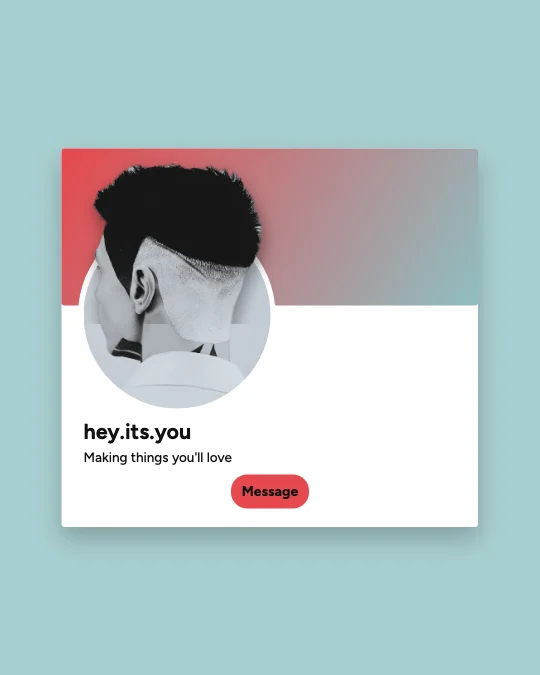
Popular designs for profile frame
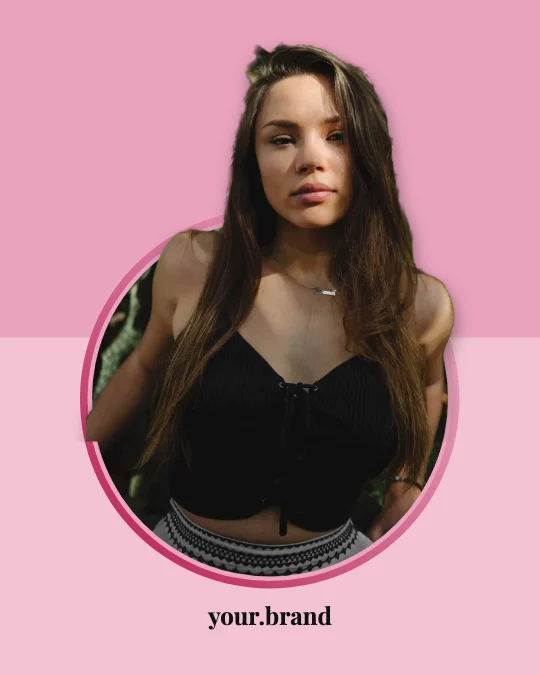 Profile Frame Status Pop-OutStatus ring · Pink Fashion Editorial
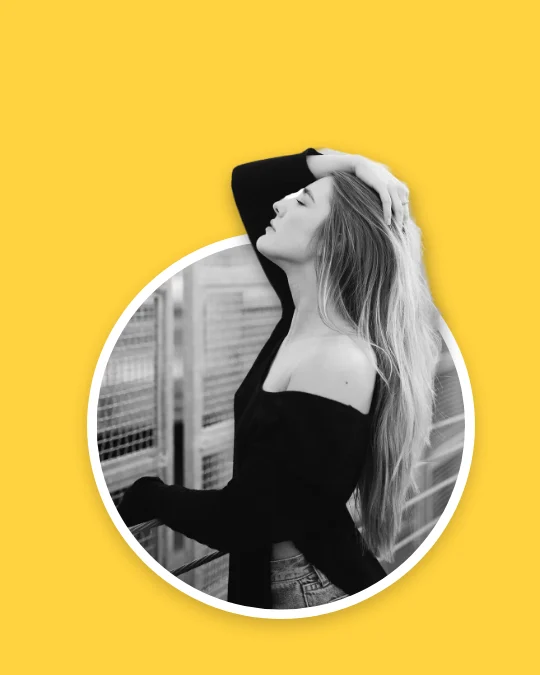 Profile Frame Round Portrait Pop-OutPortrait circle · Bright Yellow Creator
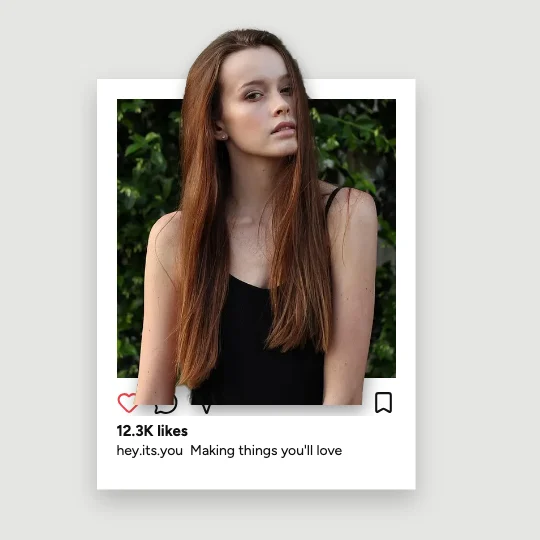 Profile Frame Photo Post Pop-OutPost card · Modern Minimalist
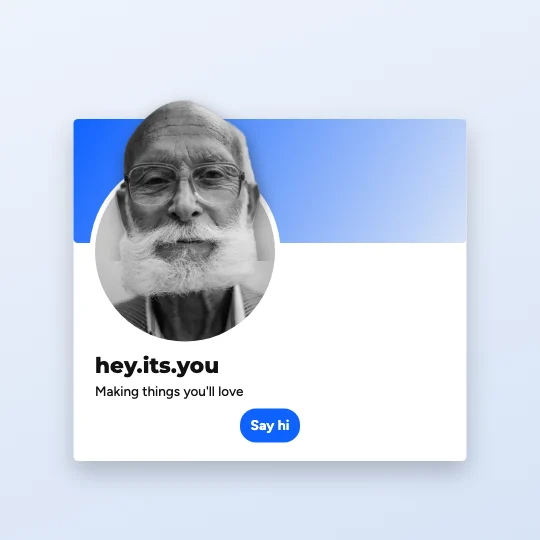 Professional Corporate Profile Frame Bio Card Pop-OutProfile card · Professional Corporate
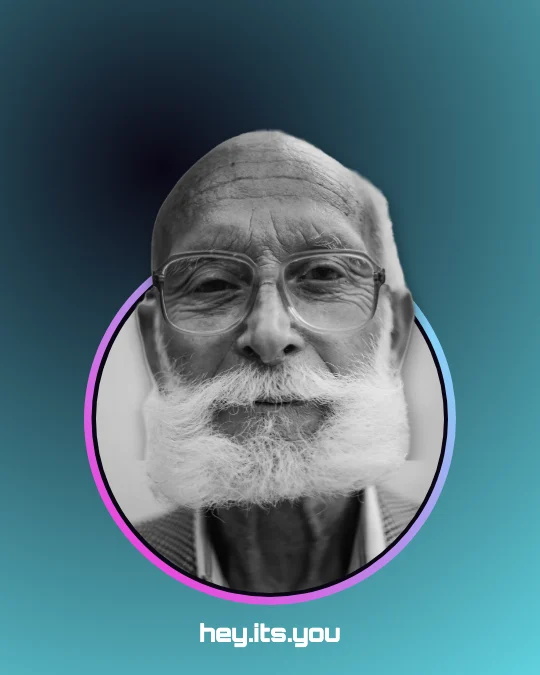 Profile Frame Story Ring Pop-OutStatus ring · Futuristic Neon Screen
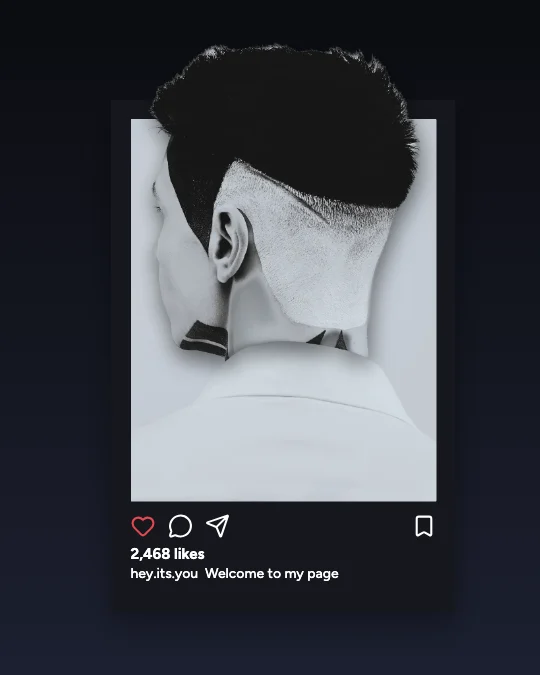 Profile Frame Post Pop-OutPost card · Cinematic Dark Frame
Make it yours
What people make with profile frame pop-outs
- A standout profile picture
- A ‘follow me’ card for another platform
- Team introductions
Faces work best: a head-and-shoulders photo, looking at the camera, with space above the hair.
One click: upload your photo
Choose a look, then your photo. The subject is cut out on your device — nothing is uploaded.
PNG, JPG or WebP, up to 20 MB. Works best with one person or object in front.
All 100 instagram profile frame pop-out templates
Search within profile frame designs, filter by effect, style, shape or colour, and open any template in the free editor — then replace the photo with yours.
100 templates · showing 24
Professional Corporate Profile Frame Bio Card Pop-Out
Profile Frame · Professional Corporate · 1:1
Edit this templateModern Minimalist Profile Frame Bio Card Pop-Out
Profile Frame · Modern Minimalist · 1:1
Edit this templatePink Fashion Editorial Profile Frame Bio Card Pop-Out
Profile Frame · Pink Fashion Editorial · 1:1
Edit this templateBright Yellow Creator Profile Frame Post Pop-Out
Profile Frame · Bright Yellow Creator · 4:5
Edit this templateFloating Glass Frame Profile Frame Bio Card Pop-Out
Profile Frame · Floating Glass Frame · 1:1
Edit this templateBright Yellow Creator Profile Frame Photo Post Pop-Out
Profile Frame · Bright Yellow Creator · 1:1
Edit this templatePink Fashion Editorial Profile Frame Feed Post Pop-Out
Profile Frame · Pink Fashion Editorial · 4:5
Edit this templateBright Yellow Creator Profile Frame Status Pop-Out
Profile Frame · Bright Yellow Creator · 4:5
Edit this templateMinimal White Social Frame Profile Frame Photo Post Pop-Out
Profile Frame · Minimal White Social Frame · 1:1
Edit this templatePink Fashion Editorial Profile Frame Photo Post Pop-Out
Profile Frame · Pink Fashion Editorial · 1:1
Edit this templateTorn Paper Collage Profile Frame Ring Pop-Out
Profile Frame · Torn Paper Collage · 4:5
Edit this templateTorn Paper Collage Profile Frame Bio Card Pop-Out
Profile Frame · Torn Paper Collage · 1:1
Edit this template
24 of 100
Questions about profile frame pop-outs
The effect, privacy and downloads are covered on the 3D Social Media Pop-Out Generator page.
How do I make a profile frame pop-out?
Open any of the 100 instagram profile frame pop-out templates, replace the sample photo with yours (or upload it on this page), and the face & portrait is cut out in your browser and fitted so it breaks out of the profile card. Pick a preset in 3D effect — Subtle to Extreme — and download a PNG, JPG or transparent PNG.
What sizes do these profile frame designs come in?
They’re made as portrait 4:5 (1080 × 1350) and square 1:1 (1080 × 1080). Sizes in the editor also lays any design out again for Instagram’s post 4:5 1080 × 1350, post 1:1 1080 × 1080 and Story / Reel 1080 × 1920 — and for every other platform, without stretching.
What photo works best?
Faces work best: a head-and-shoulders photo, looking at the camera, with space above the hair. The subject should stand out from the background; if the cut-out misses a detail, Refine edges lets you erase or restore it by hand.
Are these official platform frames?
No — they’re generic, platform-inspired frames with no logos or copied interfaces, and every username, count and caption is an editable placeholder. Change them before you post.