100 free, editable templates
WhatsApp Status Pop-Out Templates
Vertical status screens and ring frames — the person steps out of the status ring or the phone, for a fun status update.
100 designs in 3 compositions (status ring, smartphone and story screen) and 8 styles, made as vertical 9:16.
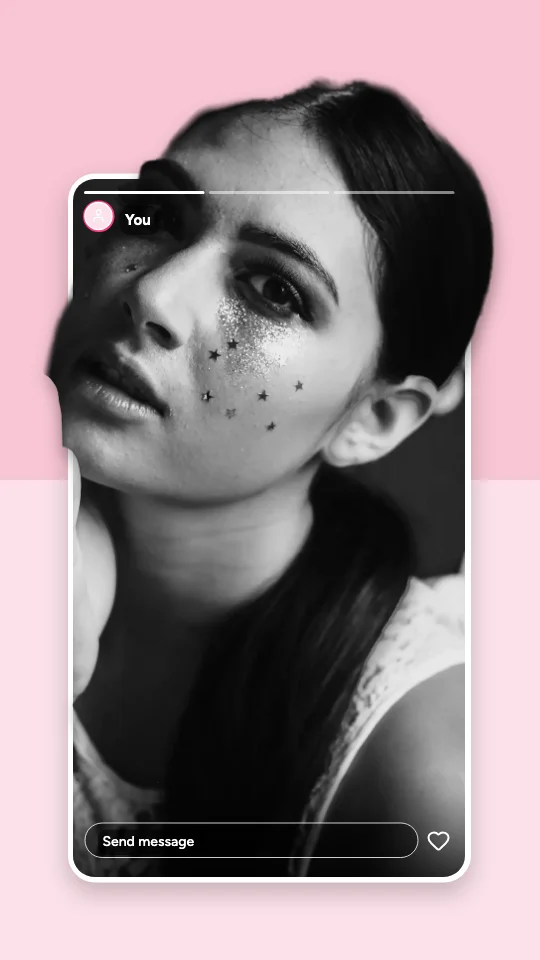
Popular designs for status
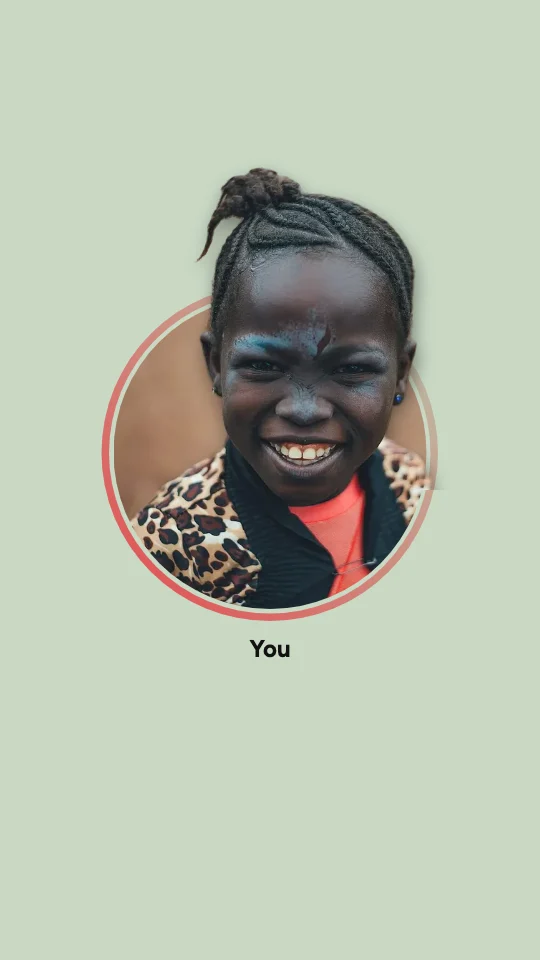 Status Ring Pop-OutStatus ring · Minimal White Social Frame
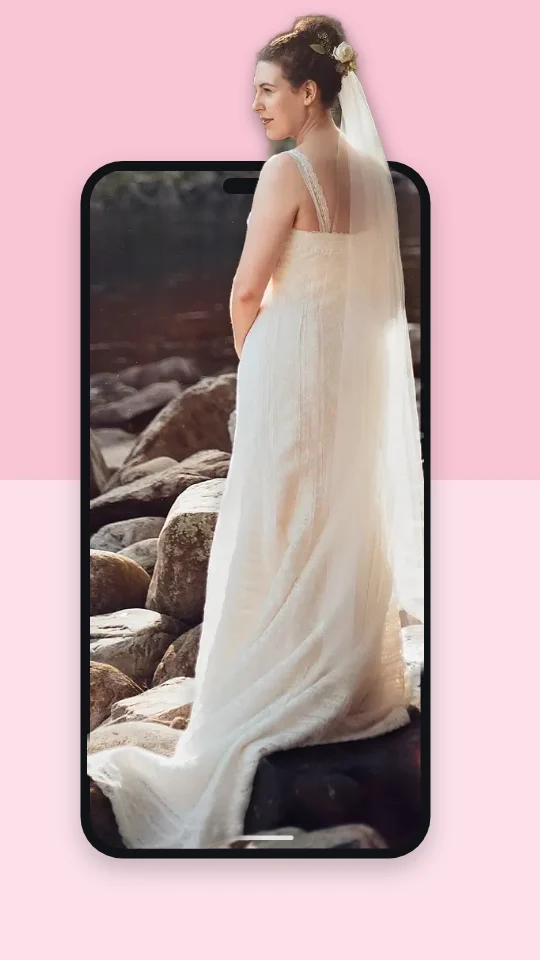 Status Phone Pop-OutSmartphone · Pink Fashion Editorial
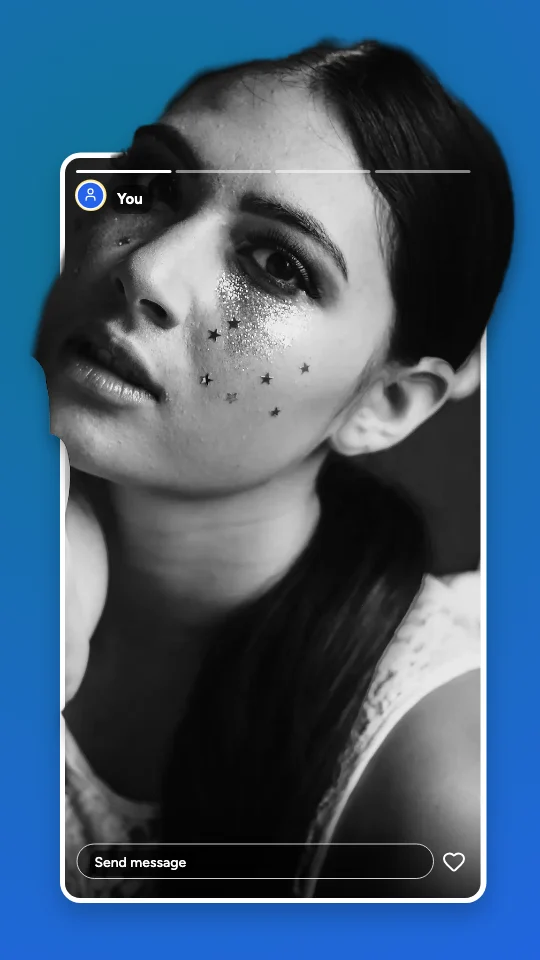 Status Story Pop-OutStory screen · Floating Glass Frame
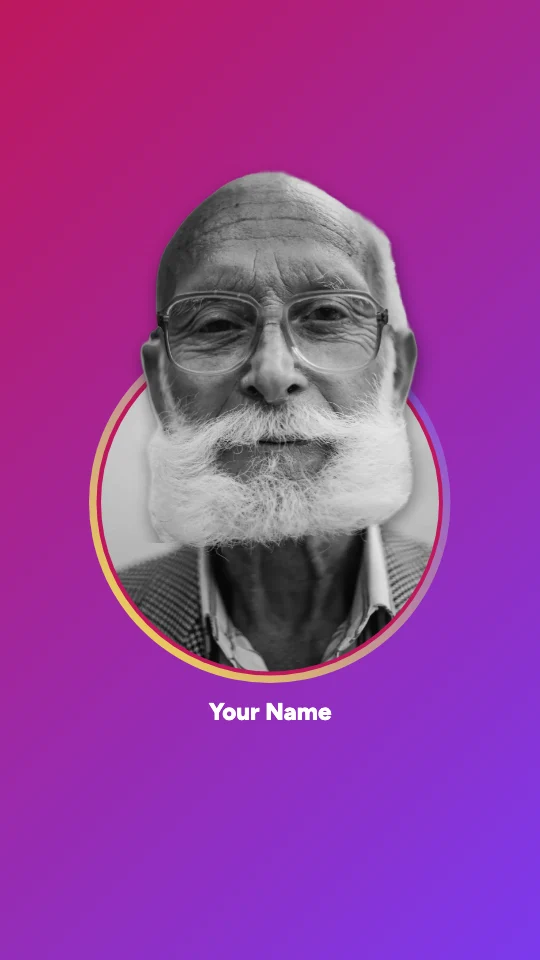 Status Story Ring Pop-OutStatus ring · Floating Glass Frame
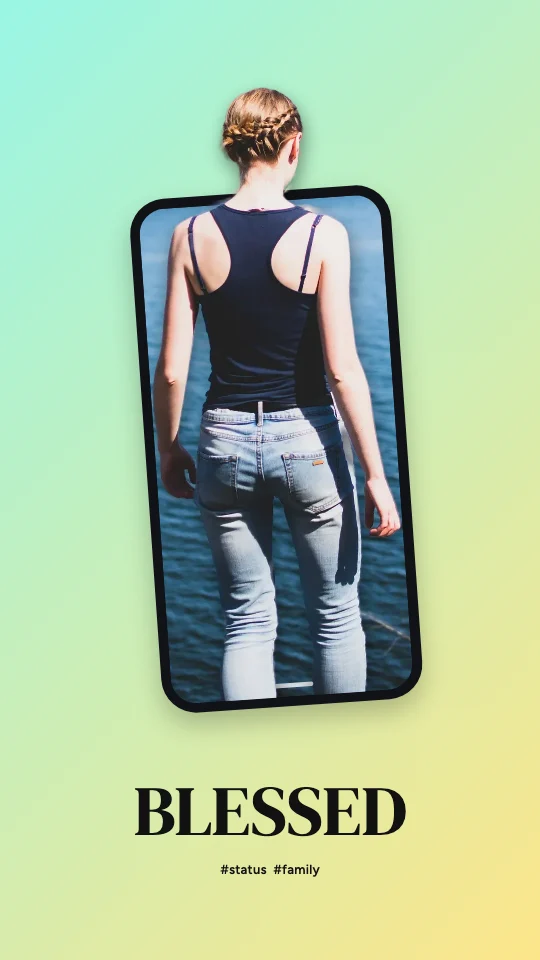 Status Mobile Screen Pop-OutSmartphone · Surreal Dimensional
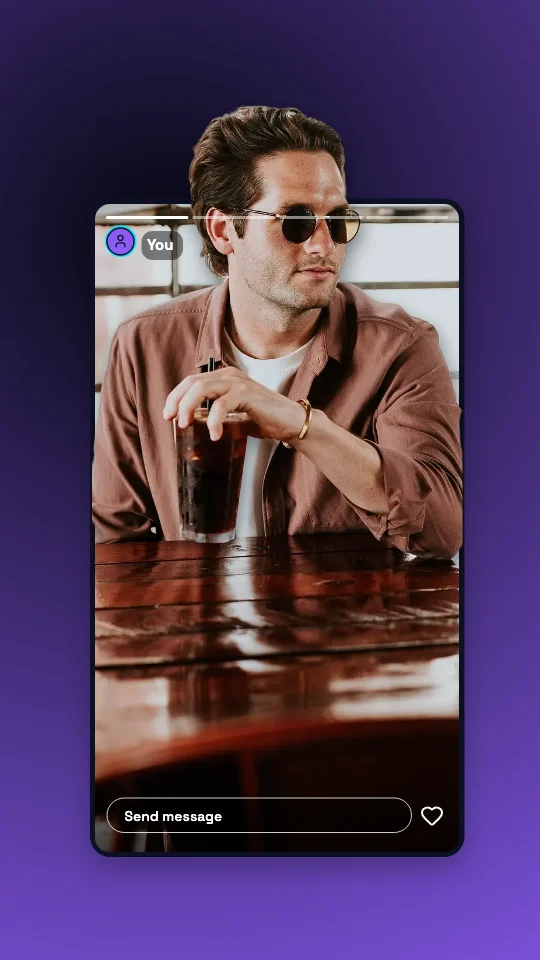 Status Full-Screen Story Pop-OutStory screen · Futuristic Neon Screen
Make it yours
What people make with status pop-outs
- Birthday and celebration statuses
- Small-business offers for contacts
- Travel updates
Status images are viewed full-screen on phones, so a single subject and big words work best.
One click: upload your photo
Choose a look, then your photo. The subject is cut out on your device — nothing is uploaded.
PNG, JPG or WebP, up to 20 MB. Works best with one person or object in front.
All 100 whatsapp status pop-out templates
Search within status designs, filter by effect, style, shape or colour, and open any template in the free editor — then replace the photo with yours.
100 templates · showing 24
Minimal White Social Frame Status Mobile Screen Pop-Out
Status · Minimal White Social Frame · 9:16
Edit this templatePink Fashion Editorial Status Mobile Screen Pop-Out
Status · Pink Fashion Editorial · 9:16
Edit this templateMinimal White Social Frame Status Story Ring Pop-Out
Status · Minimal White Social Frame · 9:16
Edit this templateOversized Smartphone Status Smartphone Pop-Out
Status · Oversized Smartphone · 9:16
Edit this templateMinimal White Social Frame Status Story Frame Pop-Out
Status · Minimal White Social Frame · 9:16
Edit this templateMinimal White Social Frame Status Story Pop-Out
Status · Minimal White Social Frame · 9:16
Edit this templateFloating Glass Frame Status Smartphone Pop-Out
Status · Floating Glass Frame · 9:16
Edit this templateMinimal White Social Frame Status Ring Pop-Out
Status · Minimal White Social Frame · 9:16
Edit this templateFloating Glass Frame Status Story Ring Pop-Out
Status · Floating Glass Frame · 9:16
Edit this template
24 of 100
Questions about status pop-outs
The effect, privacy and downloads are covered on the 3D Social Media Pop-Out Generator page.
How do I make a status pop-out?
Open any of the 100 whatsapp status pop-out templates, replace the sample photo with yours (or upload it on this page), and the person is cut out in your browser and fitted so it breaks out of the status ring. Pick a preset in 3D effect — Subtle to Extreme — and download a PNG, JPG or transparent PNG.
What sizes do these status designs come in?
They’re made as vertical 9:16 (1080 × 1920). Sizes in the editor also lays any design out again for WhatsApp’s Status 9:16 1080 × 1920 — and for every other platform, without stretching.
What photo works best?
Status images are viewed full-screen on phones, so a single subject and big words work best. The subject should stand out from the background; if the cut-out misses a detail, Refine edges lets you erase or restore it by hand.
Are these official platform frames?
No — they’re generic, platform-inspired frames with no logos or copied interfaces, and every username, count and caption is an editable placeholder. Change them before you post.