Free Online Photo Collage Maker – 4,000+ Templates
Create beautiful photo collages online: pick a template, upload your photos, customize the layout and download your creation — free, with no sign-up and no watermark.
- 4,000+ free templates
- 100% free
- Drag in your photos
- Edit on the canvas
- PNG, JPG & PDF
- Private
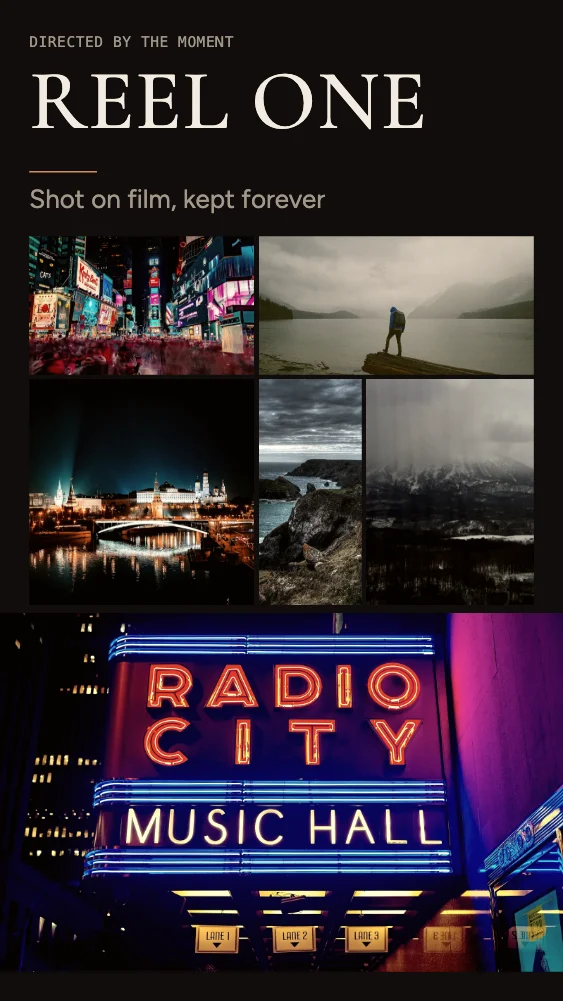
PNG · JPG · PDF
What is M2Toolkit Photo Collage Maker?
A free online photo collage maker and photo grid maker that runs in your browser. Choose from 4,146 templates, drag in your own photos and edit everything directly on the canvas before downloading.
- Templates
- 4,146 distinct designs in 37 categories, 52 styles and 55 layout types
- Made for
- Family, friends, couples, babies, birthdays, weddings, travel, social media, portfolios, products, real estate and events
- Collections
- 20 art-directed collections of 100 designs each — luxury editorial, wedding, travel, cinematic, minimalist, scrapbook, portfolio and more
- Photos
- 1 to 16 per template; JPG, PNG, WebP, GIF and iPhone HEIC
- Editing
- Drag and drop, crop, filters, text, shapes, backgrounds, layers, undo and redo
- Downloads
- PNG (optionally transparent), JPG and print-size PDF — no watermark
- Price & privacy
- Free, no sign-up; your photos never leave your device
Template gallery
Explore 4,000+ Free Photo Collage Templates
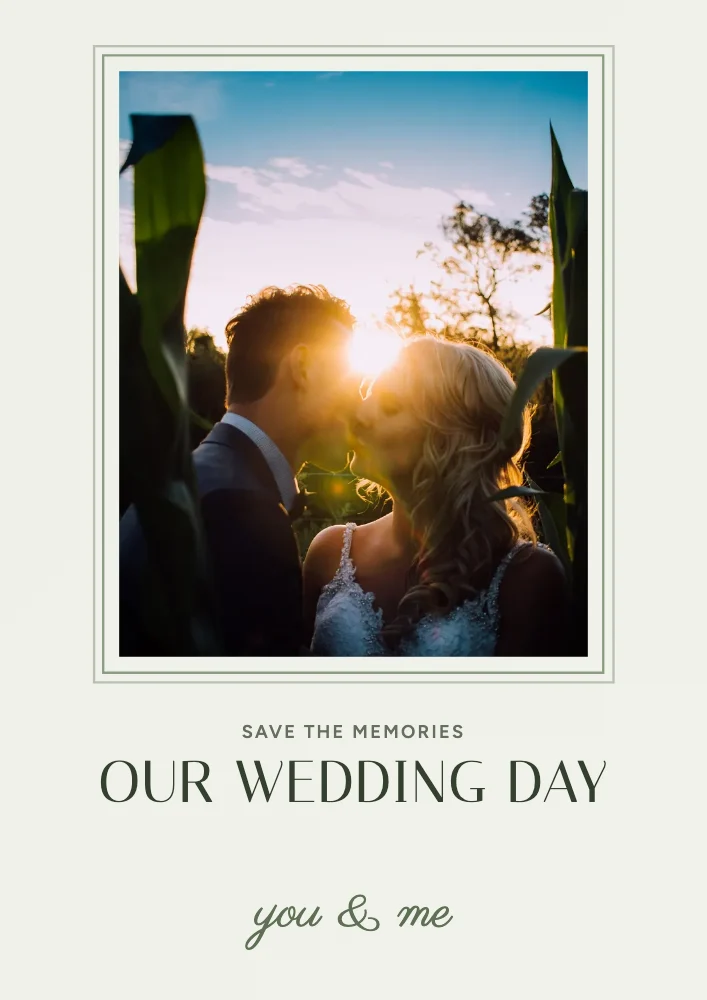
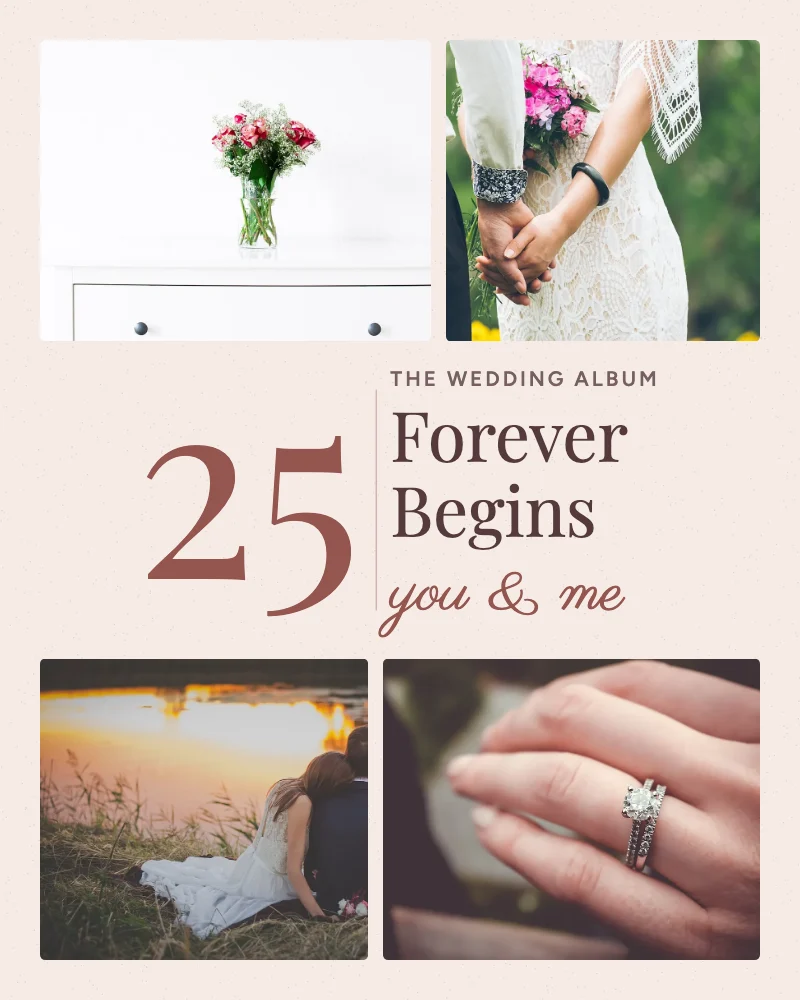
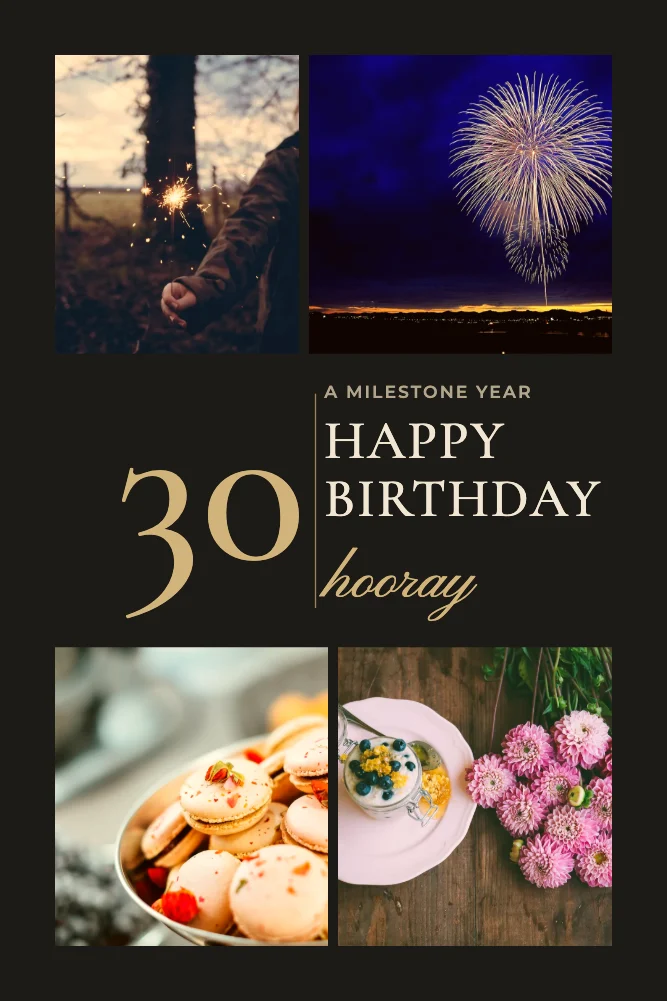
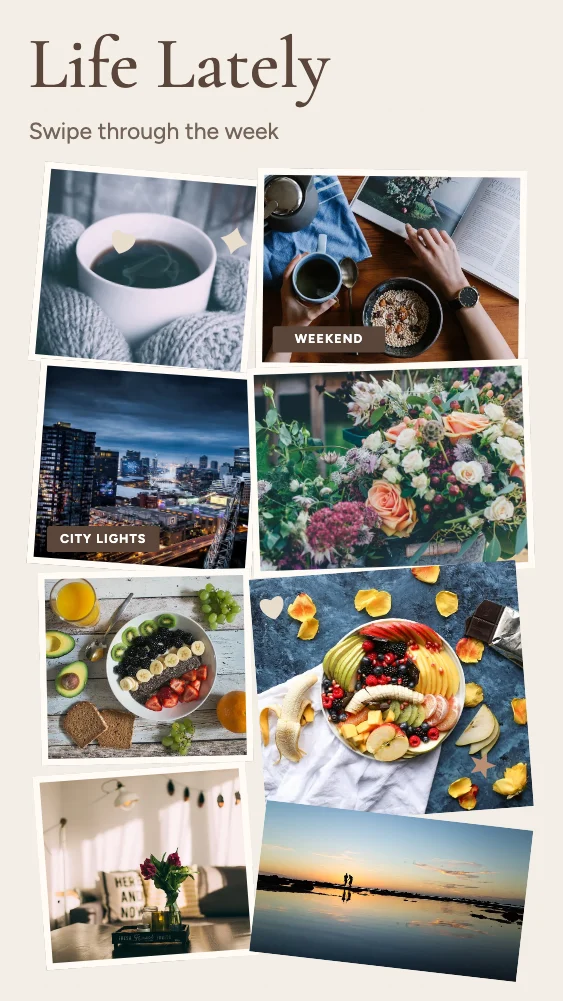
Every card is the real template, drawn by the editor. Search by occasion or style, filter by number of photos, layout and shape, then open one — it opens exactly as shown, ready for your photos.
- Photo collage templates
- 4,146
- Collections
- 20
- Design styles
- 52
- Layout types
- 55
4,146 templates · showing 24
- New
- New
- New
- New
- New
- New
- New
- New
- New
- New
- New
- New
- New
- New
- New
- New
- New
- New
- New
- New
- New
- New
- New
- New
24 of 4,146
20 collections
Collage templates for every story
Each collection has 100 designs made for it — from luxury magazine spreads and wedding albums to travel postcards, contact sheets and product features — plus related designs from the wider library.
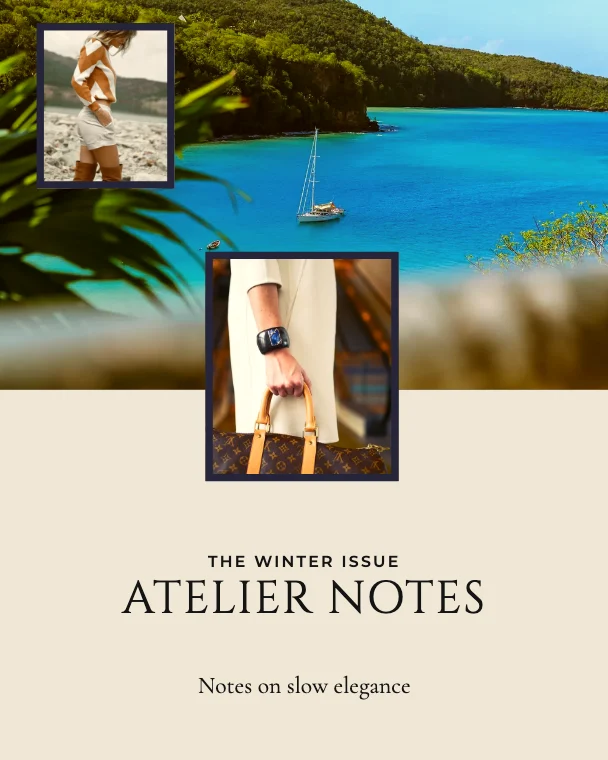 Luxury Editorial116 templates
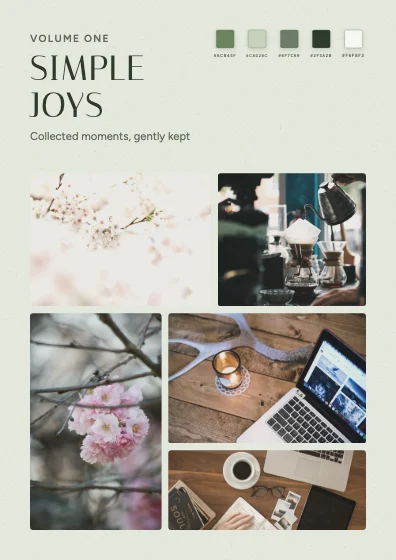 Aesthetic Pinterest216 templates
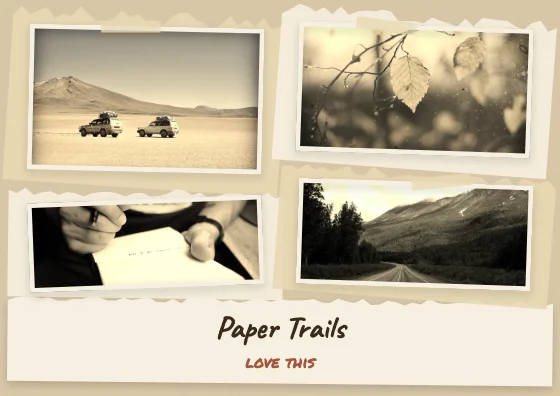 Vintage Scrapbook110 templates
- Cinematic Photography108 templates
- Wedding & Couple Memories216 templates
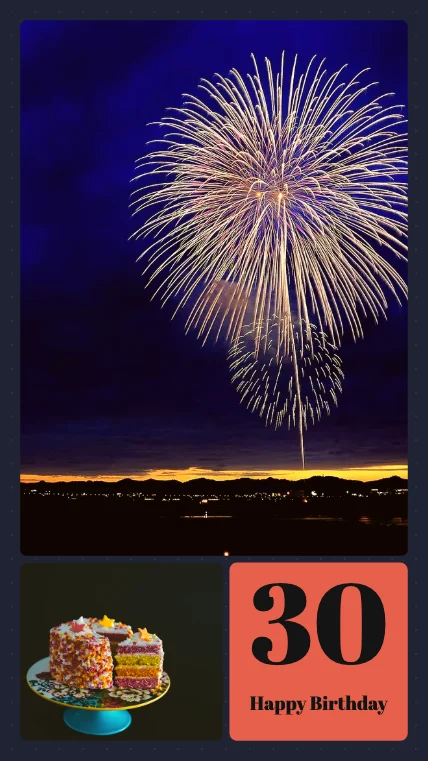 Birthday & Celebration158 templates
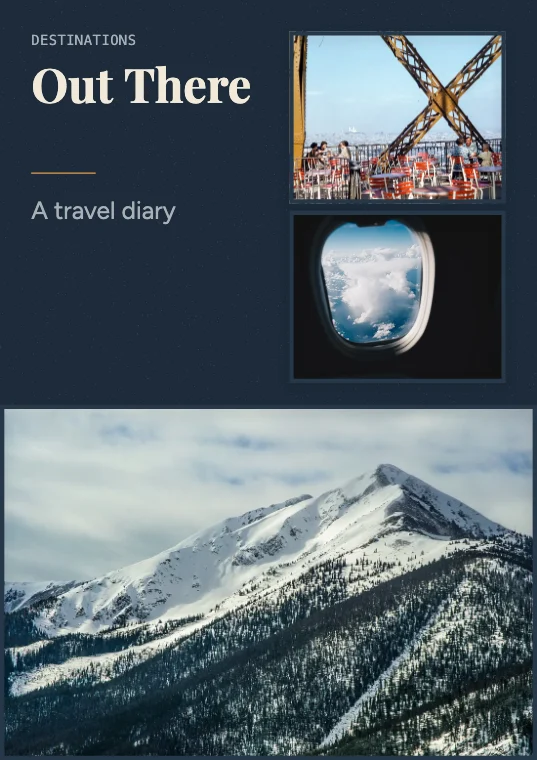 Travel & Adventure216 templates
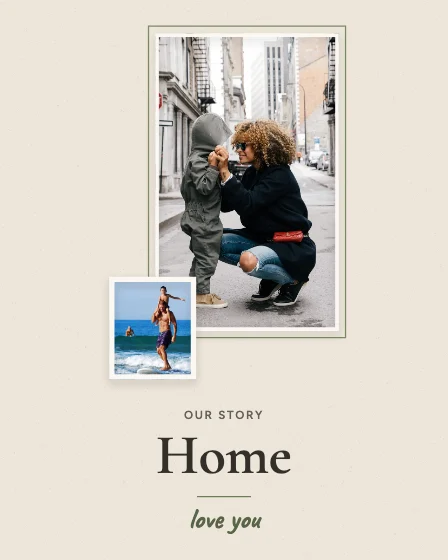 Family & Childhood Memories390 templates
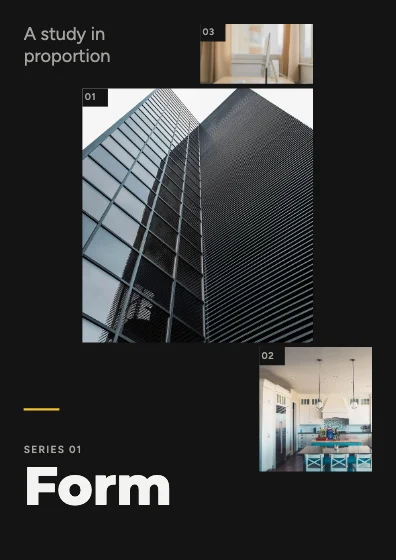 Modern Minimalist158 templates
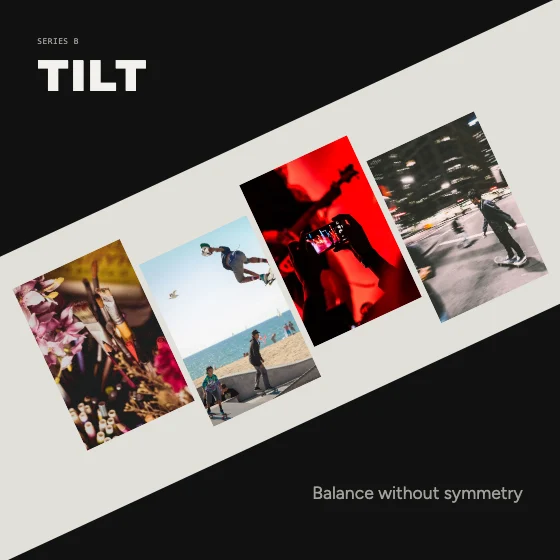 Creative Asymmetrical128 templates
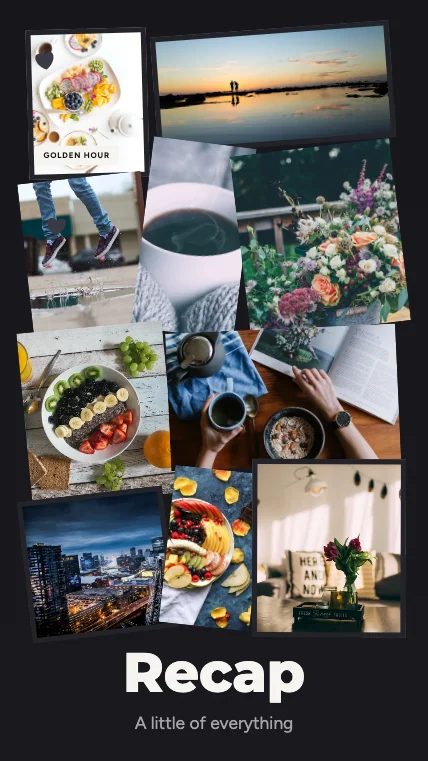 Instagram & Social Media561 templates
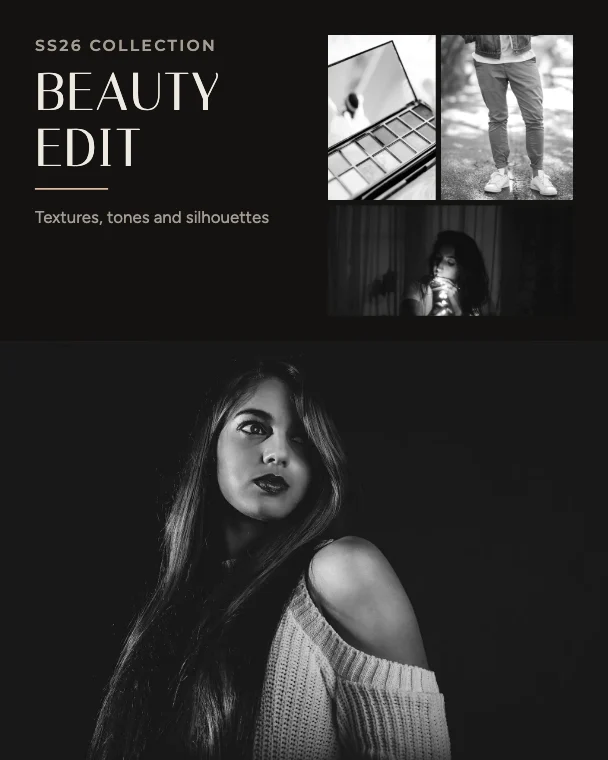 Fashion & Beauty216 templates
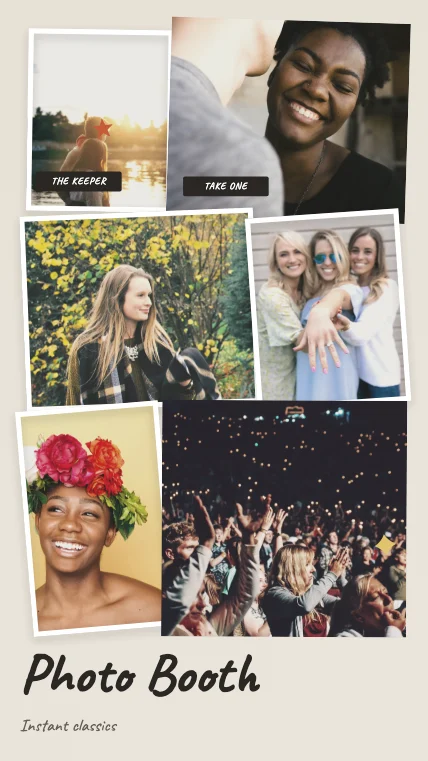 Photo Booth & Polaroid147 templates
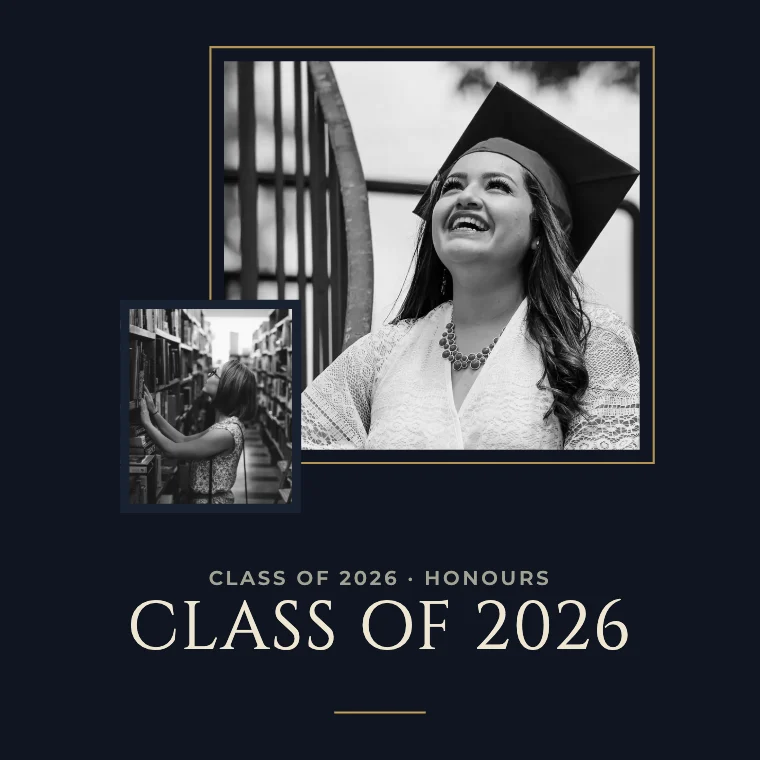 Graduation & Achievement158 templates
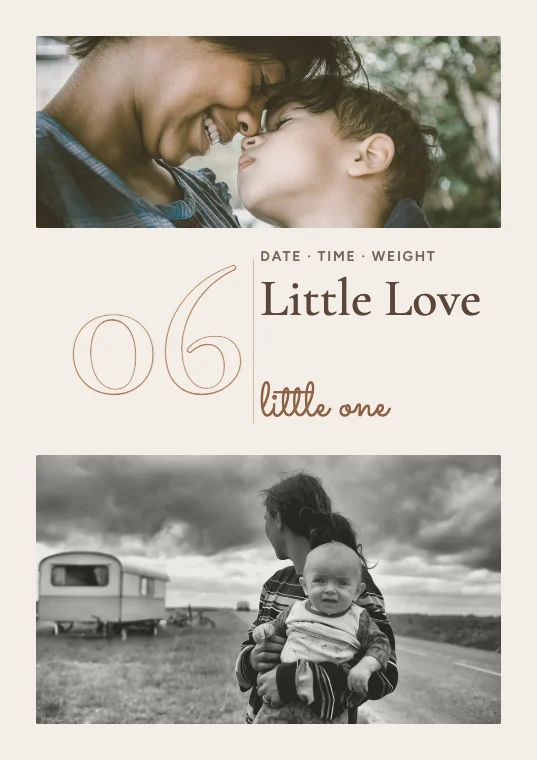 Baby & Newborn158 templates
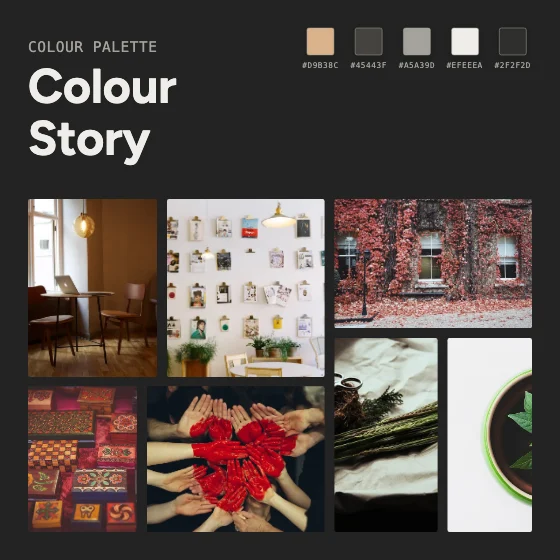 Moodboard & Inspiration100 templates
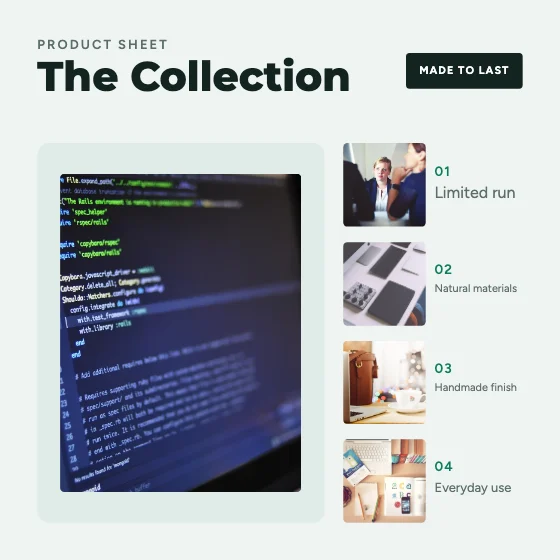 Business & Product Photography506 templates
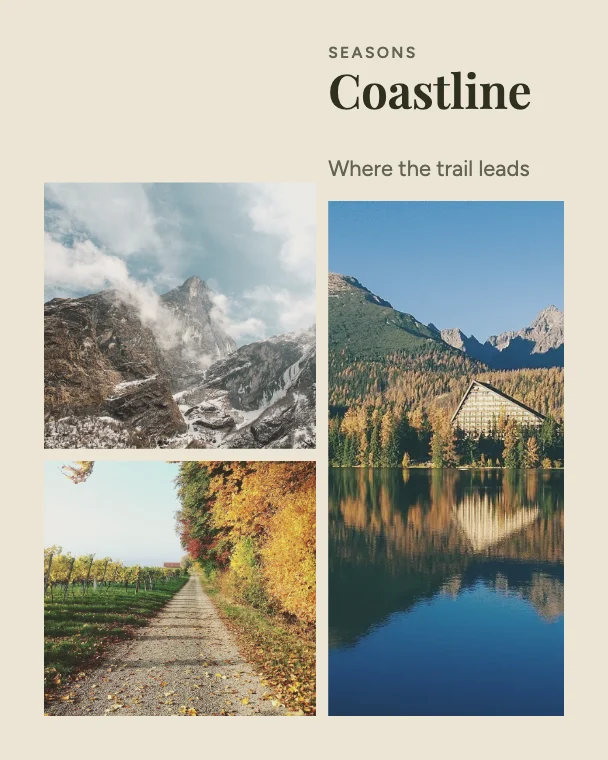 Nature & Landscape158 templates
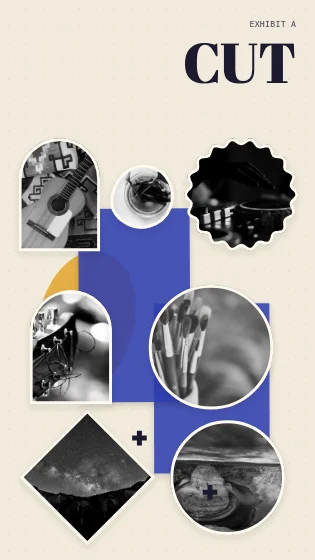 Artistic Experimental110 templates
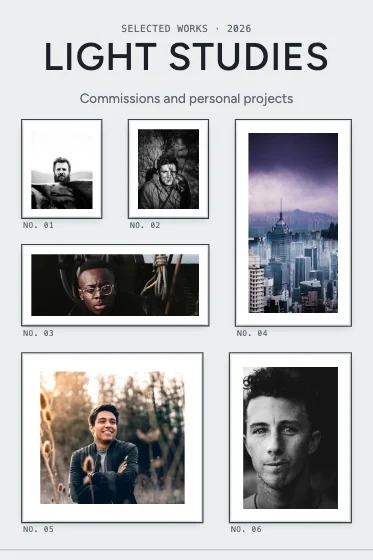 Premium Portfolio & Photography216 templates
Free editor
A photo collage studio in your browser
A full-screen editor where you work directly on the collage. Every step can be undone, and your collage and photos save in this browser as you go.
Photos into frames
Add several photos at once — drag them in, paste them or pick them from your phone (iPhone HEIC works). They replace the sample photos in order; drop one on any frame to put it there.
Edit directly on the canvas
Select anything to move, resize or rotate it. Drag a photo onto another to swap them. Duplicate, delete, lock, group and reorder layers.
Crop, flip and rotate
Double-click a photo to crop and reposition it inside its frame. Flip, rotate by 90° and zoom in on the part that matters.
Filters and adjustments
Ten one-click filters plus exposure, brightness, contrast, saturation, warmth and sepia — and opacity, borders, rounded corners and shadows per photo.
Text, shapes and stickers
Edit every heading and caption in place, change fonts and colours, and add shapes, lines, stickers and decorative elements.
Backgrounds and layout
Solid colours, gradients, patterns and textures. Re-arrange photos as a grid, masonry, rows or a loose scatter, with your own spacing.
Switch templates, keep your work
Try another design and your photos move into its frames and your text carries over. Anything that doesn’t fit stays in your Photos panel. Undo goes back.
Any size, sharp downloads
Instagram, stories, Pinterest, WhatsApp, YouTube, A4, photo prints or custom. Download PNG (even transparent), JPG or a print-size PDF.
Shortcuts for beginners
Simple rules that do the arranging for you — no AI service, nothing sent anywhere.
- Auto-fillPut all your photos into the frames in one click.
- Layouts for your photosSee templates that fit exactly the number of photos you have.
- ShuffleSwap the photos round at random until it feels right.
- Make a collage from my photosPicks a template for your photo count and fills it.
Downloads
High-quality PNG, JPG and PDF
PNG — Lossless, at standard, 2× or the maximum size your browser can draw — with an optional transparent background.
JPG — Smaller files for sharing, with adjustable quality.
PDF — One page; print presets make the page the real paper size (A4, 6 × 4 in, 8 × 8 in).
Presets: Instagram square, portrait and story, Facebook, Pinterest, WhatsApp status, YouTube thumbnail, A4 portrait and landscape, square and 6 × 4 in prints — or keep the canvas size.
Step by step
How to make a photo collage online
What makes a collage look good
- One hero photo, then supporting shots
- Photos with similar light and colour — or a filter on all of them
- Even spacing, or none at all — not something in between
- A short headline: a name, a date or a place
- Leave the template’s grid alone until the photos are in
The library has 4,000+ templates for family, friends, couples, babies, birthdays, weddings, graduations, pets, travel, food, fashion, fitness, Instagram posts and stories, Facebook, Pinterest, TikTok and YouTube covers, WhatsApp status, portfolios, product photos, real estate, events and before-and-after comparisons. Each is a distinct composition — grids, feature photos, masonry columns, polaroid walls, film strips, magazine spreads, circles, framed galleries, scrapbook pages, photo-booth strips and more — checked automatically so no two share a layout. Twenty collections hold 100 art-directed designs each: luxury editorial covers and spreads, Pinterest-style arches, vintage scrapbooks with torn paper and stamps, letterboxed cinema frames, wedding albums, milestone birthdays, travel postcards, passports and tickets, family timelines, Swiss-grid minimalism, asymmetrical and experimental cut-outs, creator layouts, fashion lookbooks, instant prints and booth strips, graduation certificates, newborn keepsakes, mood boards with colour swatches, product features, botanical landscapes and photography exhibitions.
The editor is a full canvas: every photo frame, line of text and decoration can be selected, moved, resized, rotated, layered, locked, grouped, duplicated or deleted, with undo and redo for every step. Photos can be cropped, flipped, rotated and adjusted — exposure, brightness, contrast, saturation, warmth, sepia and ten one-click filters — and frames can have rounded corners, borders and shadows. Your images are processed on your own device and never uploaded. Your collage and photos autosave in this browser.
- 1
Choose a template — search by occasion, style or number of photos, or filter for Instagram, stories, prints and more. It opens in the editor exactly as previewed.
- 2
Add your photos — drag them in, paste them or choose them from your phone (iPhone HEIC photos work too). They replace the sample photos in order; drop a photo on any frame to put it there.
- 3
Make it yours on the canvas — crop and reposition photos, apply filters, change the text, colours and background, add shapes and stickers, and move, resize, rotate or layer anything. Try another template and your photos move with you.
- 4
Download a PNG, JPG or PDF at the canvas size or a social or print preset, at standard, high or maximum quality.
Good to know
- Template previews use sample photos from M2Toolkit’s own image library; replace them with yours. Sample text is generic wording to type over.
- The number of templates is counted from the catalogue and rounded down.
- Popular and trending lists aren’t shown — there is no usage data yet, and we don’t invent it.
Photo credits (200 photographs)
The 20 collections show real photographs first published on Unsplash and Pexels under CC0 1.0 (no rights reserved), mirrored on Wikimedia Commons, and credited here with thanks — each name links to the photo’s licence page. They appear as sample photos inside the editable designs — add your own and they replace them.
Luxury Editorial
- Chevrons and Boots — Pete Bellis
- Countryside Contemplation — Brooke Cagle
- Soft Curls — Roksolana Zasiadko
- Brunette woman portrait — Christopher Campbell
- Fashionable woman and bokeh — chelsea ferenando
- First Shoot — Raquel Santana
- Woman Shopping LV — Blake Bronstad
- Yacht on blue lake — Artem Pochepetsky
- Round infinity pool — Cosmic Timetraveler
- White race car — Hans M
Pinterest Aesthetic
- Coffee, notebooks and pen — Freddy Castro
- Modest pink flowers in a vase — Kristina M M
- Pink-blossom-bunch-spring — Gariele Wright
- Focus-blossom-shot — kazuend
- Living room furniture — Atilla Taskiran
- New Home — Erick Lee Hodge
- Colorful House Plants — Tina Floersch
- Candle, antler and laptop — Priscilla Du Preez
- Journaling over coffee — Thought Catalog
- Brewing coffee in a jug — Karl Fredrickson
Vintage Scrapbook
- Food Photographer — Brooke Lark
- Photographers Muse — Clem Onojeghuo
- Abandoned bus in San Pedro de Atacama — Pablo Garcia Saldaña
- Gloomy autumn leaves — Grzegorz Mleczek
- Autumn forest floor — Sérgio Rola
- Road along Alaska mountains — alejandro gonzalez
- Road trip interior — kaluci
- Off-road trip through the scorching desert — Sahitya Kakarla
- Collection of antique lamps — Zbysiu Rodak
- Person taking notes — Calum MacAulay
Cinematic
- City night lights. — Arkady Lifshits
- City in Motion — Joseph Yates
- Radio City Music Hall neon — Luca Bravo
- Massive mountain in clouds — Tomo Nogi
- Arto Marttinen 2016-10-06 — Arto Marttinen
- Coastal storm brewing — Benjamin Sloth Lindgreen
- Hiker standing on a log at the Alouette Lake near Maple Ridge, British Columbia surrounded by mist and precipitation. Photo by Robert Alexander Wilson, 2017 — ROBERT ALEXANDER WILSON
- New York City on a cloudy day — Anthony DELANOIX
- Polar lights over dark trees — Vincent Guth
- Extreme Desert Hike — Luca Zanon
Wedding & Couple
- Fort Collins wedding embrace — Josh Applegate
- Windy wedding on a beach — Hisu lee
- Wedding couple hug on cliff — Brian Hartley
- Bride leans into husband — Brooke Cagle
- Bride and groom hold hands — Wu Jianxiong
- Bride and groom sit by pond — freestocks.org
- Newlyweds kiss in a cornfield — Tim Marshall
- 06 — Alvin Mahmudov
- Engagement ring on Vancouver bride — Wesley Tingey
- Roses (Unsplash PwWkzeJeJZE) — Julia Janeta
Birthday & Celebration
- Happy Birthday — Karly Gomez
- Markus Spiske 2017-03-21 — Markus Spiske
- Colorful Cake — Annie Spratt
- Birthday Cake with Candles (Unsplash M20ylqCzSZw) — Annie Spratt
- Happy Birthday! — Sergei Solovev
- Great Bookham, United Kingdom (Unsplash hwo3CEf0g9Y) — Jamie Street
- Fireworks and dark clouds — kazuend
- Pink Macarons — Karlis Dambrans
- Alisa Anton 2016-09-22 — Alisa Anton
- Sharing is caring — Toa Heftiba
Travel & Adventure
- Solo Summer Travel — Alessio Lin
- Planning for the weekend — Annie Spratt
- Ocean washing on the beach — Sarah Bürvenich
- White mountain with wooded slopes — Drew Patrick Miller
- Blue and white Greek rooftops — Alan Bicknell
- Red Venice canal — Toa Heftiba
- Eiffel Tower people dining — Les Anderson
- A woman in bikini at a tropical beach at Great Exuma Island, the Bahamas — Jakob Owens
- Orange hallway leading to Kyoto Prefecture — Peter Gabas
- In the air over the Tasman Sea — Pat Taylor
Family Memories
- Brunching with Friends — Ali Inay
- Before the breakers — Tim Mossholder
- Tomato Garden — Elaine Casap
- Cyprus father and son — Filios Sazeides
- Smiles in the street from mom — London Scout
- Furnished living room. — Stephen Di Donato
- Girl in Snow — Jeremiah Higgins
- Hot chocolate — Alisa Anton
- Family at Cottesloe beach — Alvin Balemesa
- In the wild. — Pablo Heimplatz
Minimalist
- Living room — Jarosław Ceborski
- Nordfjordeid, Norway (Unsplash hmIFzdQ6U5k) — Steinar Engeland
- Winter Workspace 2 — Norbert Levajsics
- Winter Workspace — Norbert Levajsics
- Wood table in front of white wall — Crew
- Squares and lines — Joel Filipe
- Glass building corner — Jonathan Simcoe
- Chairs in a meeting room — Breather
- Blue white kitchen interior — NeONBRAND
- Home Sweet Home Pt. 4 — Kari Shea
Creative Asymmetrical
- Armored Guardians of Wat Chaiyaphrueksamala C18th — Momay Monaiyakul
- Artist spray painting flowers — Maxime Bhm
- Framed wall art — Crew
- Vaper in da House — Illia Cherednychenko
- Chris Brignola 2015 — Chris Brignola
- Skateboard intersection — Alex wong
- Artist's Desk — Ella Jardim
- Guitarist bathed in red light — Sergio Alejandro Ortiz
- Going down the river — Hisu lee
- Sun Behind Clouds Canada — Idella Maeland
Instagram & Social
- Hot coffee on a cold day — PICSELI
- Cranes in a skyline — Mike Wilson
- Relaxing Breakfast — THE 5TH
- Garden in a bucket — Annie Spratt
- Healthy Trendy Brunch — Jannis Brandt
- Afternoon light — Daiga Ellaby
- Fruit Platter 1 — Brenda Godinez
- Two people at sunset — Sebastien Gabriel
- Crêpes — Brooke Lark
- Dan carlson 2016 — dan carlson
Fashion & Beauty
- Makeup brush set — freestocks.org
- Makeup brushes and eyeshadows — freestocks.org
- Model Features — Clem Onojeghuo
- Jose Murillo 2017 — Jose Murillo
- French Braid — Pete Bellis
- Las Vegas, United States (Unsplash rroMx2yddiM) — John Schnobrich
- I Love Portraits — Clarisse Meyer
- Men's Fall Fashion — Redd Angelo
- Outdoor portrait — Anthony Ginsbrook
- Quiet Moments — Niti K.
Polaroid & Photo Booth
- Friends show off engagement ring — Colin Maynard
- Book couple on ottoman — Ben White
- Couple relaxing on a blanket — Paul Proshin
- Dresden, Germany (Unsplash 950JJJW35ZY) — Jonas Weckschmied
- Mother Nature, Summer — Autumn Goodman
- Smiling woman in blanket — REASONS ART
- You're so funny — Tanja Heffner
- Moment of laughter — Nathan Anderson
- Cheering concertgoers — Ezra Jeffrey
- Smirking photographer in Kyoto — Alexandre Chambon
Graduation
- Graduation scarf — William Stitt
- Thank goodness it's over! — Juan Ramos
- Muhammad Rizwan 2017 — Muhammad Rizwan
- Caleb Woods 2017-06-03 — Caleb Woods
- Steven-Wong-University-of-Melbourne — Steven Wong
- Sir Daniel Wilson Quadrangle - St. George Campus, Toronto, Canada — Victoria Heath
- Chatsworth House, Bakewell, United Kingdom — Thomas Kelley
- Students learning together — Alexis Brown
- Smiling businesspeople — rawpixel.com
- Library, Charlotte — Clay Banks
Baby & Newborn
- Newborn Baby — Mindy Olson P
- Big Yawn — Tim Bish
- Children backyard swimming (Unsplash XtOKVEyHP2s) — Brandon Morgan
- Love (Unsplash SfjmMT4rb7Y) — Jakob Owens
- Woman and child touching faces — Bruno Nascimento
- La Piéta des Roms — Johann Walter Bantz
- Time together on the couch — Alexander Dummer
- Newborn baby feet — Janko Ferlič
- Girls and book — Ben White
- Baby's feet — Bonnie Kittle
Moodboards
- Pictures on wall with table — Jason Briscoe
- Ivy wall — Rob Bye
- Green House Plant — Peter Žagar
- Eating Together — Chris Lawton
- Coffee table corner in a London apartment — Alexander Pemberton
- Painted red — Tim Marshall
- Take a seat — Sabri Tuzcu
- Decorated wood boxes — Clem Onojeghuo
- Craft supplies — Joanna Kosinska
- Laptop on a living room table — Henry McIntosh
Business & Product
- Gadgets on a desk — Niklas Veenhuis
- Books, pencils, laptop, and iphone on a desk — Aleks Dorohovich
- Networking — James Pond
- Casual Meeting Room — Dan Gold
- Communal Coworking interior — Dan Gold
- Pexels-photo-70292 — Tim Gouw
- Old Port of Montreal, Montreal, Canada — London Scout
- Best Cheeseburger ever — Thomas Habr
- Teacup and laptop — Olu Eletu
- Pexels-luis-gomes-546819 — luis gomes
Nature & Landscape
- Autumn orchard path — Lukas H
- Bad Pyrmont, Deutschland (Unsplash CoD2Q92UaEg) — Sebastian Unrau
- Blue ocean wave — Austin Schmid
- Clear lake in the mountains — Tony Reid
- Mountain lake — Aleksandra Boguslawska
- Matterhorn sunset 2016 — Sam Ferrara
- Little Corona Beach sunrise — Austin Neill
- Three mountain peaks — Rosan Harmens
- Hiking on a rocky forest trail — Ezra Jeffrey
- Black horse on branches — Gabriela Kucerova
Artistic Experimental
- Lost in light circles ! — Amine Ounnas
- Paintbrushes — Alex Mihis
- Jar of Paint Brushes — Joshua Niedermayer
- DJ at work — Marcela Laskoski
- Said The Sky — Ryan Loughlin
- Stars Galaxy Rocky Mountain — Jeremy Thomas
- Storm over Horseshoe Bend — Daniel Olah
- MountainsWithStars — Teddy Kelley
- Guitar headstock during a performance — Roberta Sorge
- Guitar on patterned blankets — Junior Pereira
Portfolio
- Black and white portrait — A. Xromatik
- The Misadventures of An Ill Spent Youth — Louis Blythe
- Man with crossed arms — Warren Wong
- Irenio Dionzio — Jascha Huisman
- Mainstream session — Maksym Zakharyak
- Curly hair and freckles man — Jeremy Bishop
- Brunette woman near brick wall — Martin Miranda
- Hong Kong City — Annie Spratt
- Ny — Björn Simon
- Urban photographer — Jay Wennington
FAQ
Frequently Asked Questions
Content last updated . See how M2Toolkit works.
Also try:Mood Board Maker·Photo Frame Maker·Before & After Photo Maker·Instagram Post Maker
Is the photo collage maker really free?
Yes. Every template, every editing tool and every download is free — no sign-up, no watermark and no limit on how many collages you make.
How many photos can I put in a collage?
Templates have from 1 to 16 photo frames, and you can filter by photo count. You can also add more frames or photos to any template, or arrange any number of photos automatically with the Layout tools (grid, masonry, rows or scatter).
Will the template look the same when I open it?
Yes. The gallery preview and the editor draw the same design from the same template data, so the layout, colours, fonts and text you see are exactly what opens — ready for your photos.
Can I change the template after adding my photos?
Yes. Pick another template and your photos move into its frames in order, and text you typed carries over where the new design has a matching place. Anything that doesn’t fit is kept in the Photos panel, and Undo brings the previous design back.
What size should I use for Instagram?
Use a square (1080 × 1080) or portrait (1080 × 1350) template for the feed and a 9:16 template (1080 × 1920) for stories. You can also download any collage at an Instagram size from the Download dialog.
Can I print my collage?
Yes. Choose a print size such as 6 × 4 in, an 8 × 8 in square or A4 at 300 DPI, or download a PDF from a print preset — the PDF page is the real paper size.
Can I use photos from my iPhone?
Yes. HEIC photos are converted on your device and turned the right way up automatically.
Are my photos uploaded anywhere?
No. The editor runs in your browser and your photos and collages are saved on this device only. Download your collage to keep a copy; clearing your browser data removes the saved one.
Free · No sign-up · No watermark
Your photos, beautifully put together.
Pick one of 4,146 templates, drop in your photos and download a collage ready to share or print.
Helpful guides.
- Guide · Editors7 Best Online Design Tools in 2026: Researched, Compared, and Worth Your TimeCompare 7 of the best online design tools in 2026. Explore features, free plans, pricing, strengths, limitations, and the right platform for your creative work.Nov 20, 2026 · 17 min read
- Guide · DesignHow to Create Engaging Social Media Posts: Design, Sizes and CaptionsPlan posts around what your audience gets, design for each platform's size, make them readable in a second, use carousels well and write captions that add something.Nov 16, 2026 · 4 min read
Related tools.
Other free photo and design tools.
- Photo AdjustmentsPopularFix exposure, contrast, colour, warmth, shadows and sharpness — with a before/after compare.Images
- Image ResizerPopularChange an image's width and height in pixels or by percentage.Images
- Add Border & Rounded CornersAdd a coloured border, round the corners, crop to a circle or drop a shadow — saved as PNG.Images
- Mood Board MakerPopularMake mood boards from 5,000+ free templates — inspiration library, colour palettes, materials and a drag-and-drop editor; download PNG, JPG or PDF.Editors
- Passport & ID Photo MakerPopularCrop a photo to passport and visa sizes for 10 countries and print a 4×6 or A4 sheet.Images
- Image CropperCrop photos freely or to exact ratios like 1:1, 4:5 and 16:9.Images