Create Beautiful Invitations for Every Special Occasion
Explore thousands of beautifully designed invitation templates. Create elegant wedding invitations, birthday invitations, digital invitations, event invitations, and printable cards with an easy-to-use online invitation maker.
Free — no sign-up, no watermark. Everything stays in your browser.
- 2,000+ free templates
- Print-ready PDF
- Digital invitations
- RSVP & maps
- 463 ornaments
- Free downloads

What is M2Toolkit Invitation Maker?
A free online invitation maker and design studio that runs in your browser. Start from one of 2,406 templates, fill in your details once, make it yours, then print it or send it as a digital invitation.
- Templates
- 2,406 invitations: 160 occasions in 9 groups, 41 layouts, 39 styles
- 5 × 7 in, 4 × 6 in, A5, A6, A4, Letter and square cards — PDF with bleed and crop marks
- Digital
- Story, WhatsApp Status and 4:5 images, and scrollable invitations shared as a link
- Guests reply
- RSVP by WhatsApp, email or text from the digital invitation
- Languages
- English wording, plus Arabic and Urdu lines in real fonts
- Price & privacy
- Free, no sign-up, no watermark; your photos never leave your device
Featured invitation templates
Explore 2,000+ Free Invitation Templates
Every card is the real template drawn by the editor. Search by occasion, style or colour, filter for print or digital, and open any design — it opens in the editor exactly as shown.
- Invitation templates
- 2,406
- Occasions
- 160
- Layouts
- 41
- Design styles
- 39
2,406 templates
- Destination Wedding Tonal date InvitationSquare · Modern Type
- Birthday Dinner Ghost numeral InvitationStory · Art Deco
- Modern South Asian Wedding Names & ampersand InvitationStory · Champagne Neutrals
- Anniversary Party Ghost numeral Invitation5 × 7 · White & Gold
- Webinar Tonal date Invitation5 × 7 · Navy & Gold
- Tea Party Vine crown InvitationSquare · Garden Party
- Thanksgiving Dinner Classic centred Invitation7 × 5 · Watercolour Wash
- Graduation Announcement Tonal date InvitationA5 · Navy & Gold
- Concert Tonal date Invitation7 × 5 · Neon Night
- Boho Wedding Vine crown InvitationDigital 4:5 · Boho Earth
- 18th Birthday Embossed number InvitationDigital 4:5 · Modern Type
- Baraat Ceremony Classic centred Invitation5 × 7 · Black & Gold
- Engagement Party Tonal date InvitationDigital 4:5 · Modern Type
- Sweet Sixteen Embossed number InvitationDigital 4:5 · Neon Night
- Mayun Ceremony Garland InvitationDigital 4:5 · Ultra Minimal
- Baptism Vine crown InvitationA5 · Classic Elegant
- Product Launch Tonal date InvitationA5 · Tech Gradient
- Garden Party Vine crown InvitationStory · Ultra Minimal
- Diwali Celebration Mandala InvitationStory · Mughal Heritage
- Academic Award Ceremony Date block Invitation5 × 7 · Black-Tie Gala
- Fashion Show Tonal date InvitationSquare · Cinematic
- Civil Ceremony Tonal date InvitationStory · Champagne Neutrals
- 21st Birthday Ghost numeral InvitationDigital 4:5 · Modern Type
- Pakistani Wedding Classic centred Invitation5 × 7 · White & Gold
Browse by occasion
Invitations for every occasion
- Wedding542Ceremonies, receptions, engagements, save-the-dates, showers and the whole wedding weekend.
- Cultural & Traditional302Nikah, Walima, Mehndi, Baraat, Sangeet and other traditional celebrations — with real Arabic and Urdu type.
- Birthday316First birthdays to milestone 60ths — kids' parties, brunches, black-tie dinners and surprise parties.
- Baby & Family214Baby showers, gender reveals, christenings, anniversaries, housewarmings and family gatherings.
- Graduation130Graduation ceremonies, parties, dinners, award nights and announcements.
- Corporate286Conferences, launches, networking, award ceremonies, webinars and grand openings.
- Social & Parties240Dinner parties, cocktails, BBQs, New Year's Eve, Halloween, farewells and reunions.
- Religious & Seasonal192Ramadan, Iftar, Eid, Christmas, Diwali, Hanukkah, Easter, Thanksgiving and more — each in its own style.
- Creative & Special184Exhibitions, fashion shows, concerts, film screenings, book launches, fundraisers and VIP evenings.
Wedding invitation templates
Ceremonies, receptions, save-the-dates and showers — from classic ivory to black and gold.
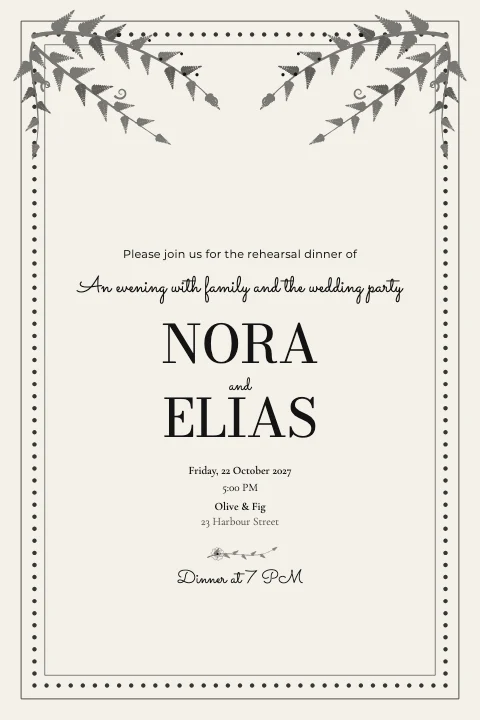 Rehearsal Dinner Vine crown Invitation4 × 6 · Editorial Magazine
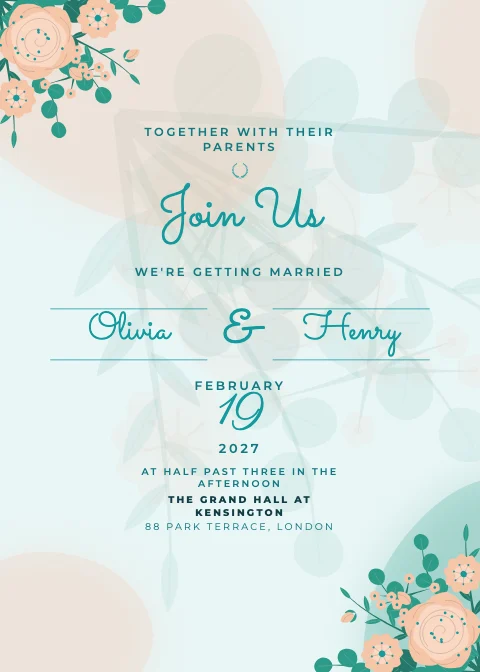 Boho Wedding Names & ampersand Invitation5 × 7 · Coastal Breeze
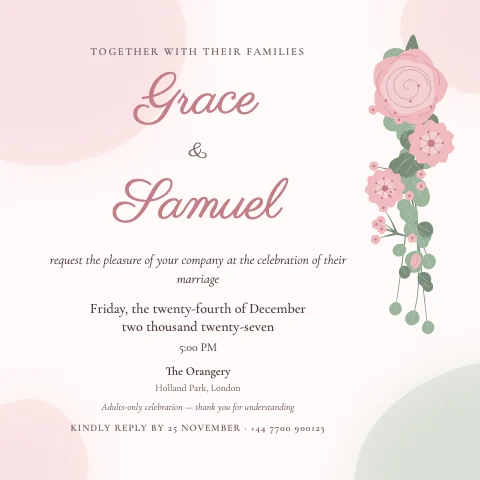 Garden Wedding Floral cascade InvitationSquare · Watercolour Wash
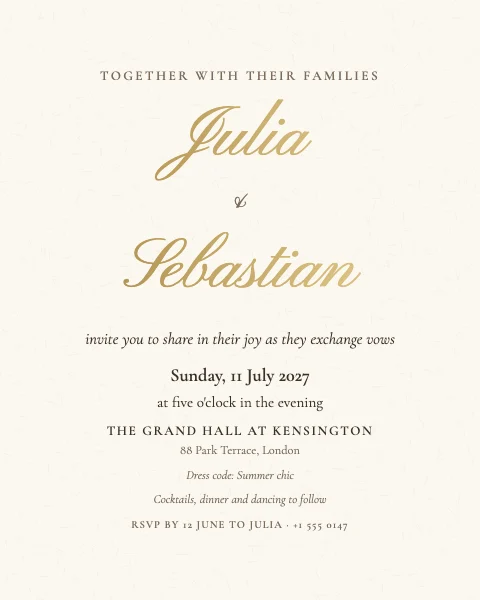 Wedding Classic centred InvitationDigital 4:5 · Classic Elegant
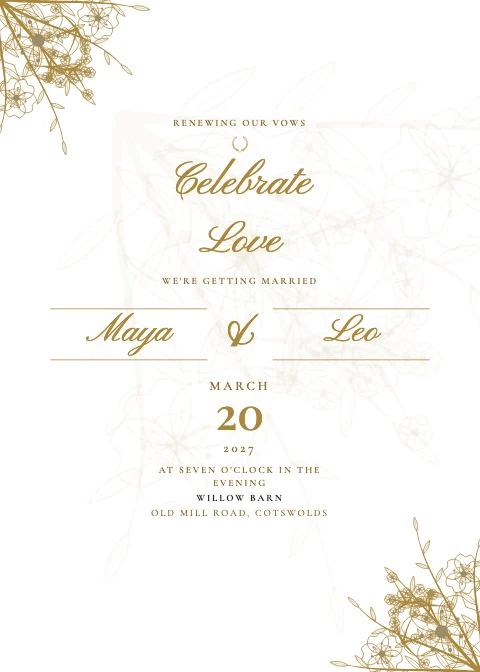
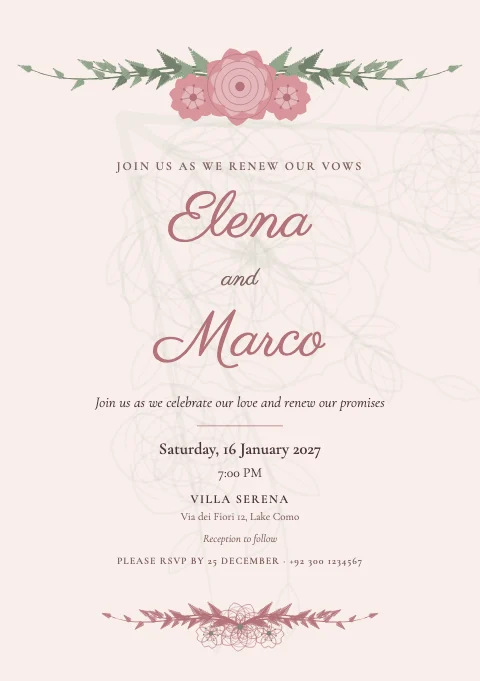 Vow Renewal Floral crown InvitationA5 · Romantic Floral
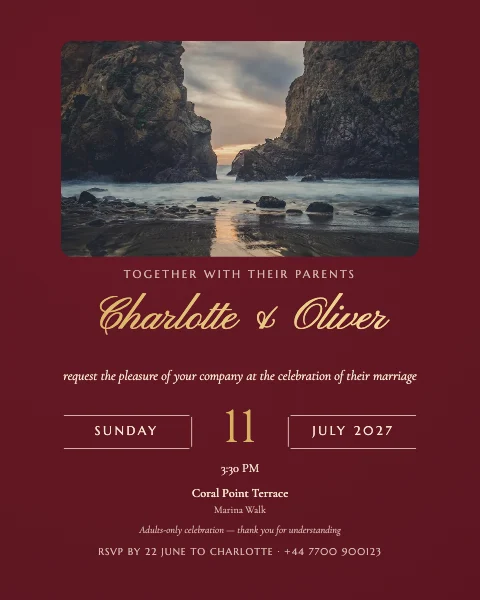 Beach Wedding Photo on top InvitationDigital 4:5 · Royal Maroon
Birthday invitation templates
First birthdays to milestone sixtieths, kids' parties to black-tie dinners.
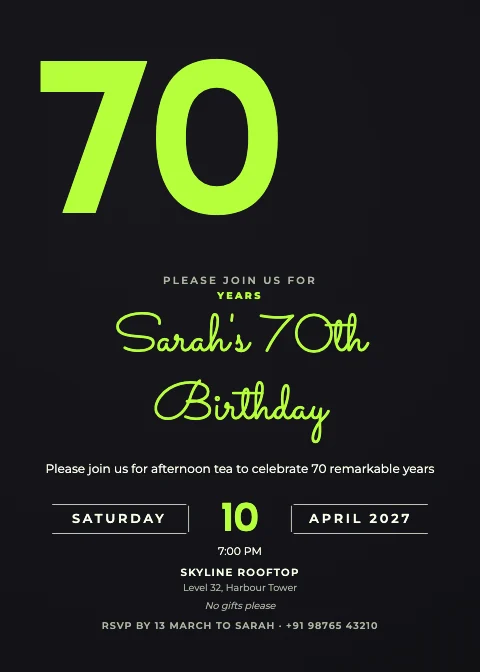
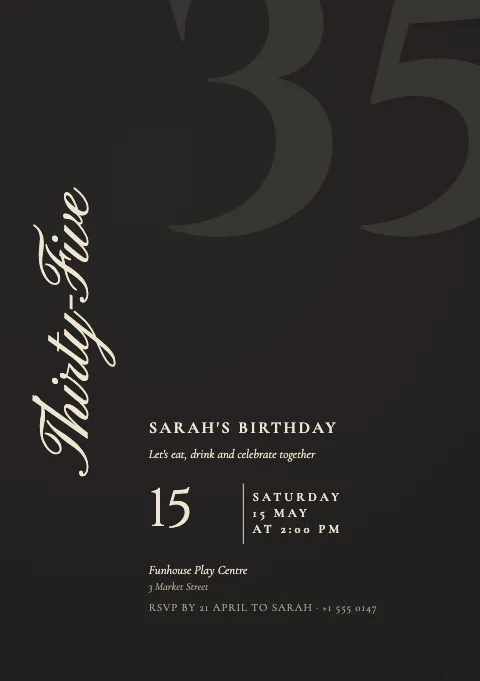 Adult Birthday Ghost numeral InvitationA5 · Black & Gold
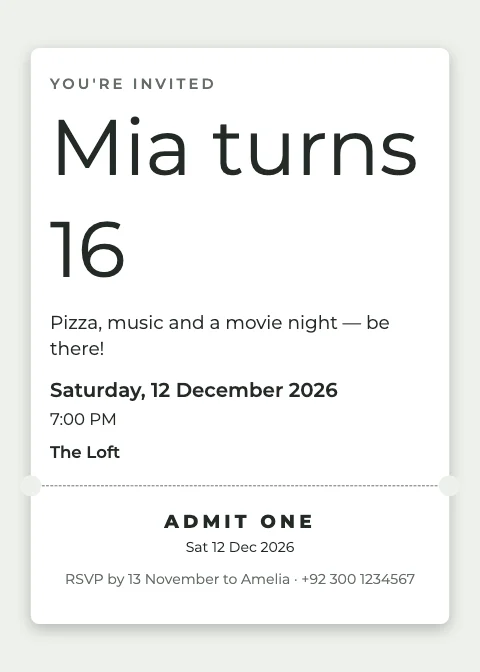 Teen Birthday Ticket Invitation5 × 7 · Modern Type
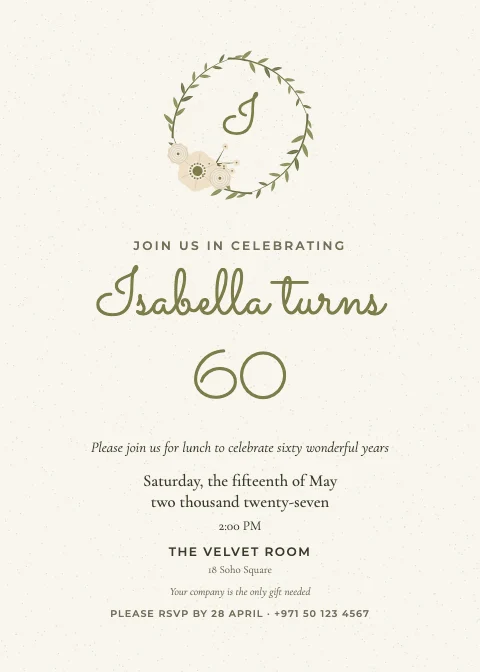 60th Birthday Wreath Invitation5 × 7 · Botanical Greenery
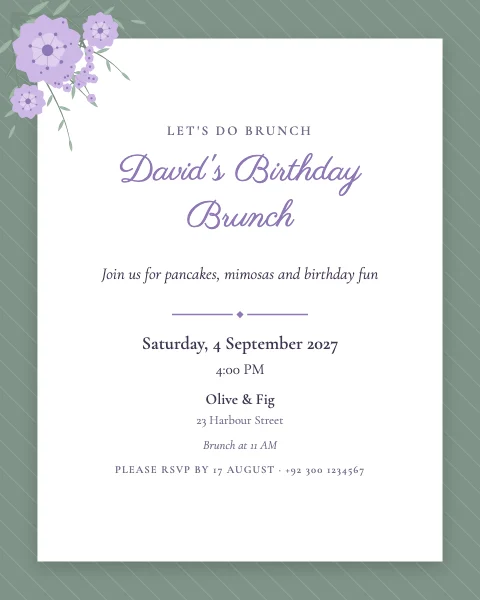 Birthday Brunch Layered card InvitationDigital 4:5 · Romantic Floral
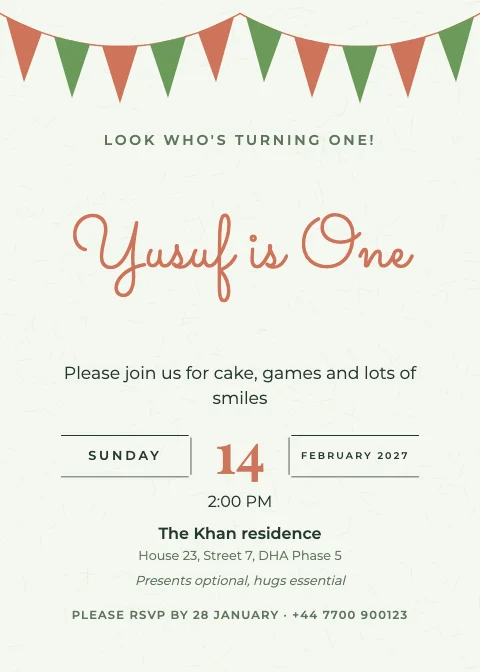 First Birthday Garland Invitation5 × 7 · Garden Party
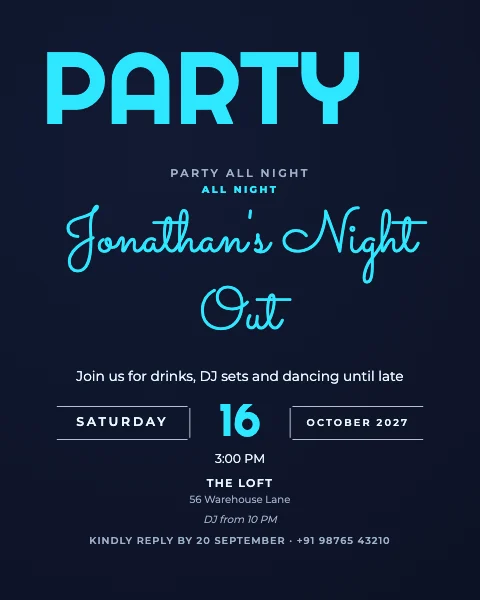 Birthday Night Party Big number InvitationDigital 4:5 · Neon Night
Editorial & modern invitations
Big ghost numerals, dates that run off the edge, names between fine rules and vine crowns — type-led designs.
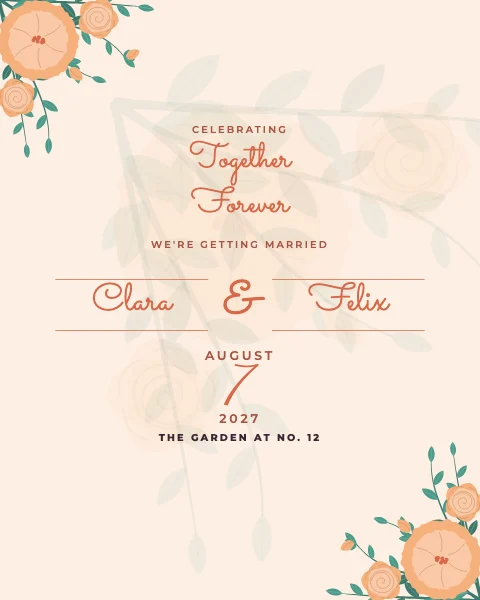 Anniversary Party Names & ampersand InvitationDigital 4:5 · Coastal Breeze
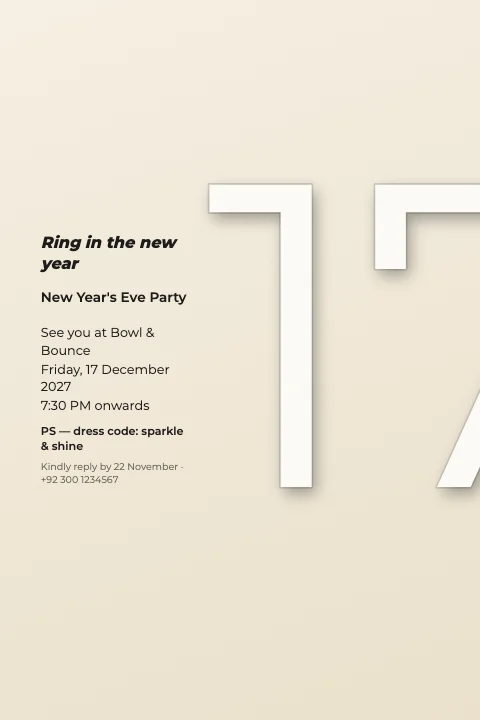 New Year's Eve Embossed number Invitation4 × 6 · Art Deco
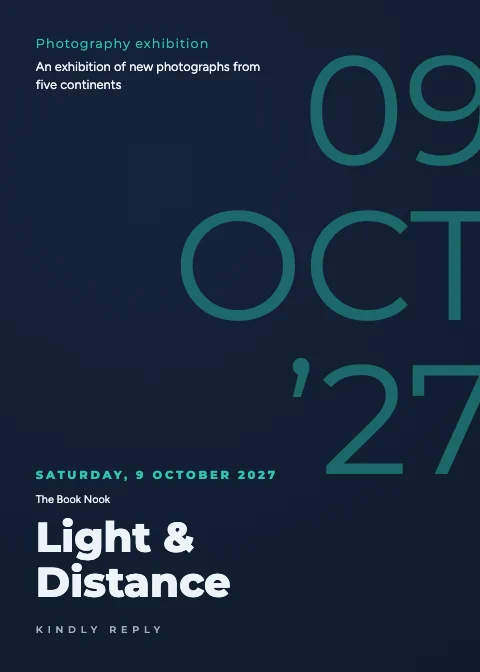 Photography Exhibition Tonal date Invitation5 × 7 · Executive Dark
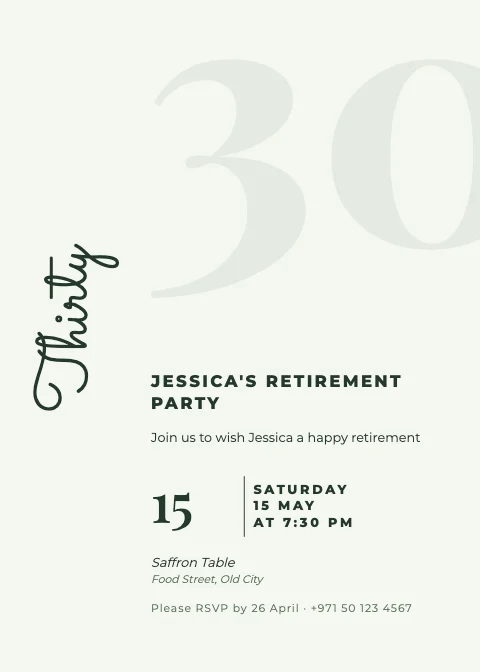 Retirement Party Ghost numeral Invitation5 × 7 · Garden Party
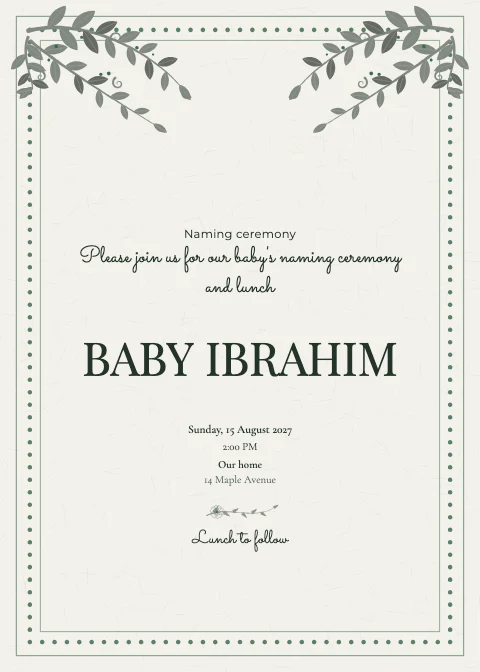 Naming Ceremony Vine crown Invitation5 × 7 · Botanical Greenery
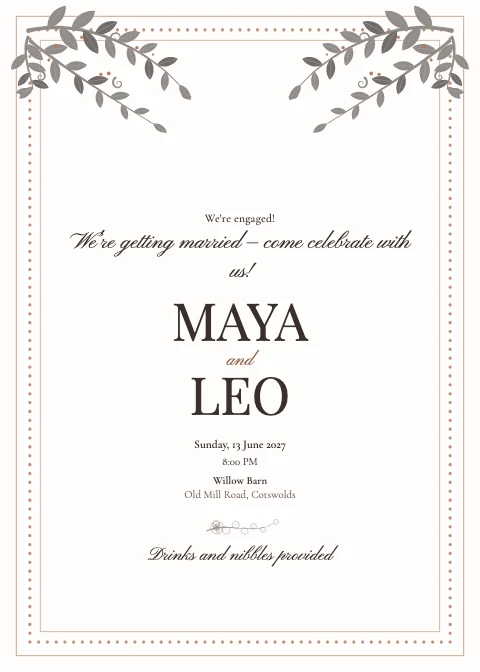 Engagement Party Vine crown Invitation5 × 7 · White & Gold
Digital invitations for phones
Story, WhatsApp Status and 4:5 sizes — or turn any card into a scrollable invitation.
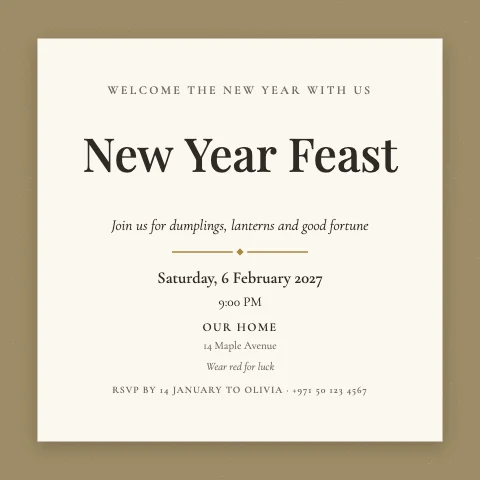 Lunar New Year Layered card InvitationSquare · White & Gold
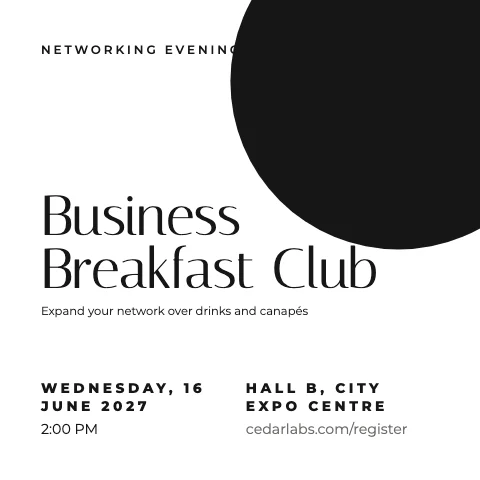 Networking Event Poster type InvitationSquare · Ultra Minimal
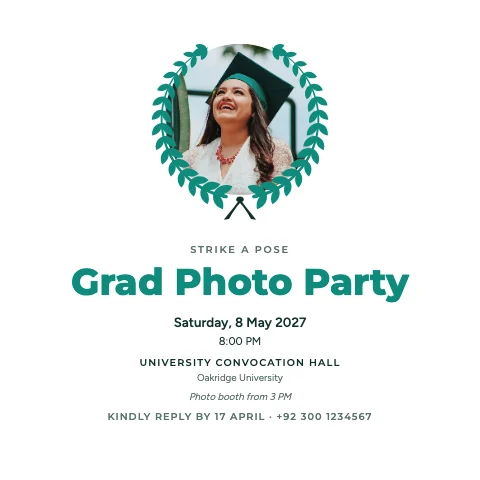 Graduation Photo Party Round photo InvitationSquare · Corporate Clean
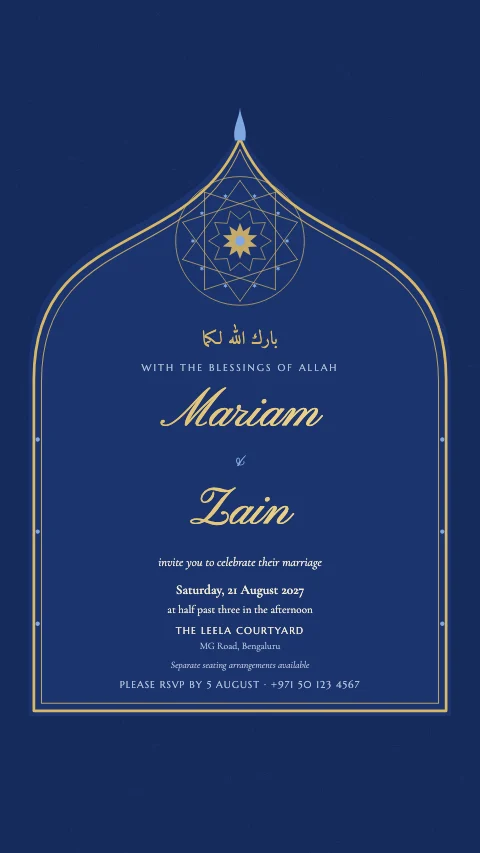 Islamic Wedding Cusped arch InvitationStory · Islamic Geometry
 Industry Event Header band InvitationStory · Executive Dark
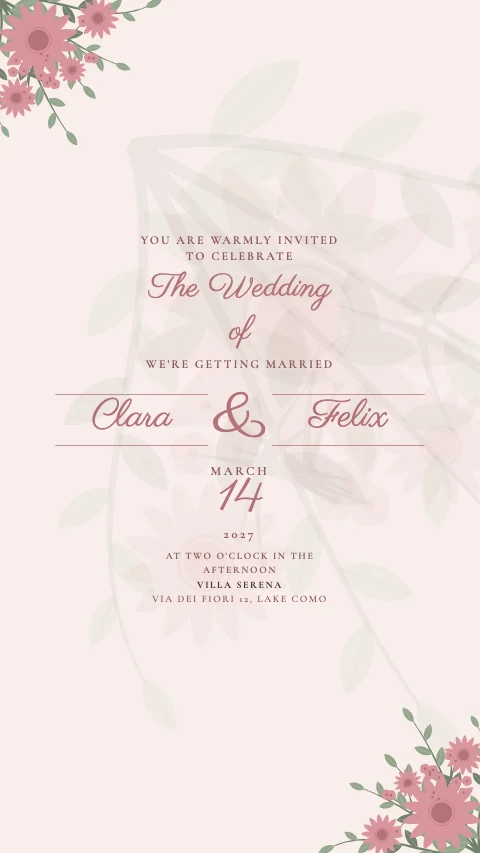 Watercolour Wedding Names & ampersand InvitationStory · Romantic Floral
Cultural & traditional invitations
Nikah, Walima, Mehndi, Baraat and Sangeet — arches, mandalas and real Arabic and Urdu type.
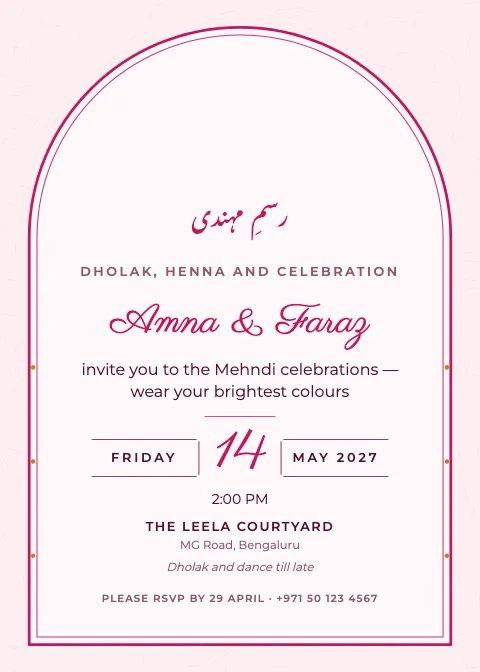 Mehndi Night Arch window Invitation5 × 7 · Mehndi Brights
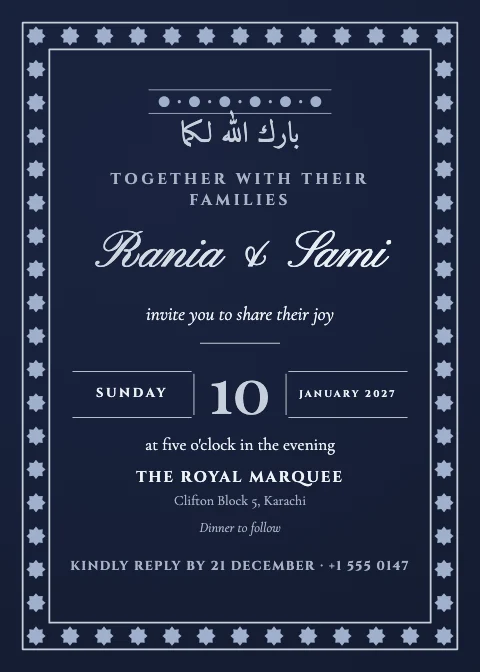 Arabic-Inspired Wedding Classic centred Invitation5 × 7 · Navy & Gold
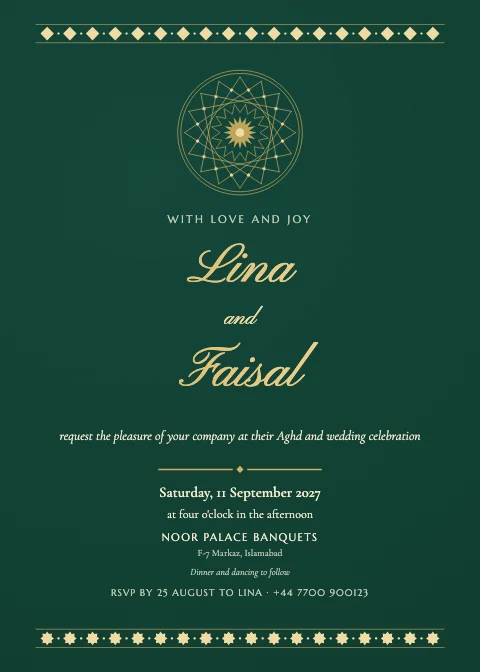 Persian-Inspired Wedding Geometric Invitation5 × 7 · Emerald & Gold
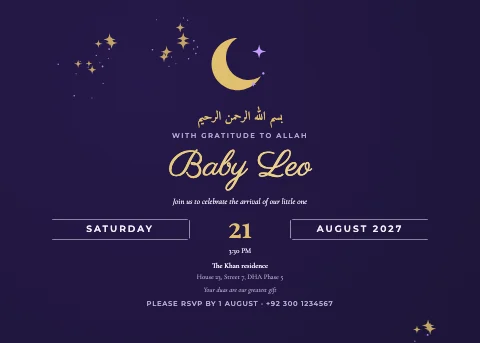 Aqiqah Night sky Invitation7 × 5 · Celestial Night
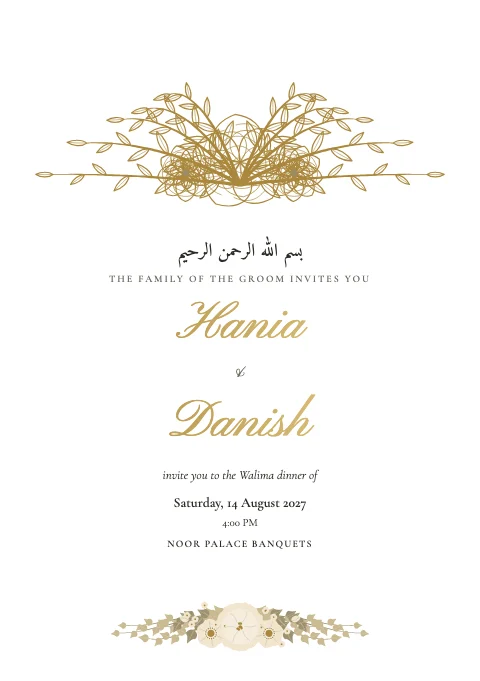 Walima Reception Floral crown InvitationA5 · White & Gold
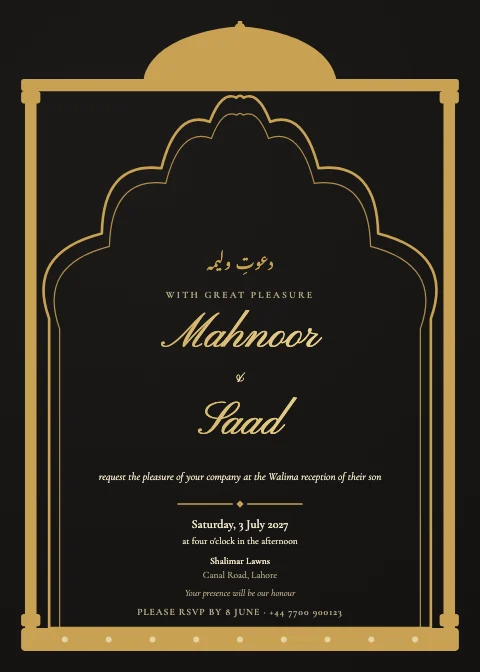 Walima Reception Jharokha window Invitation5 × 7 · Black & Gold
Baby shower & family invitations
Baby showers, gender reveals, christenings, anniversaries and housewarmings.
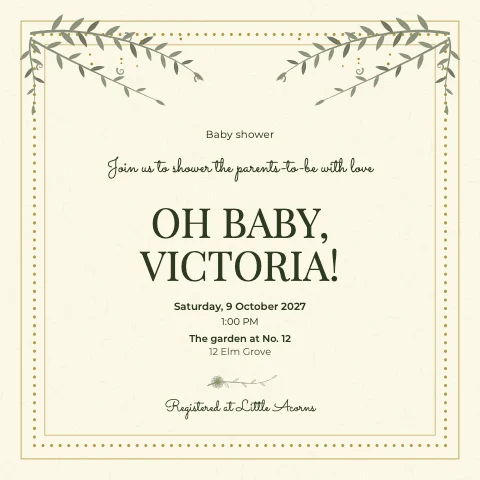 Baby Shower Vine crown InvitationSquare · Garden Party
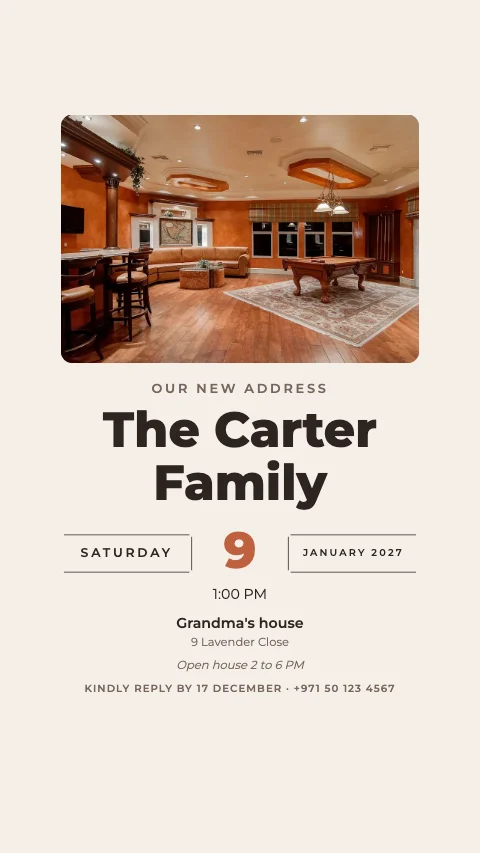 New Home Celebration Photo on top InvitationStory · Modern Type
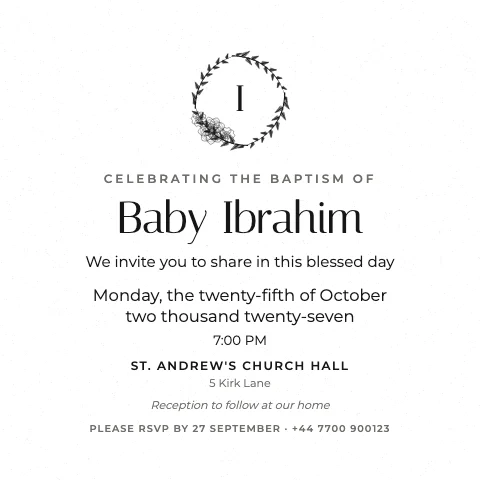 Baptism Wreath InvitationSquare · Ultra Minimal
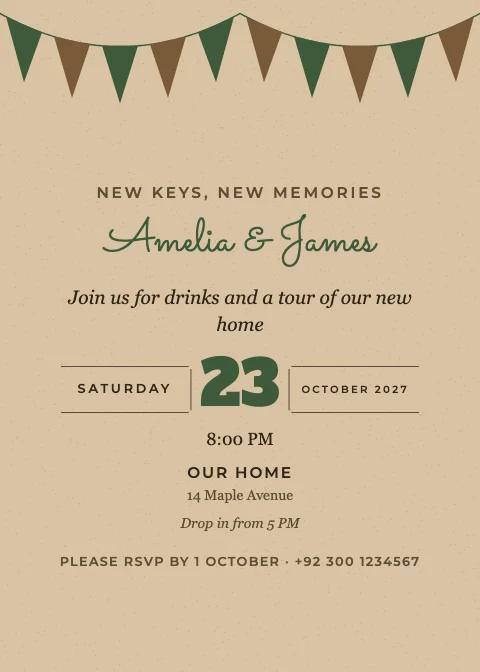 Housewarming Garland Invitation5 × 7 · Rustic Kraft
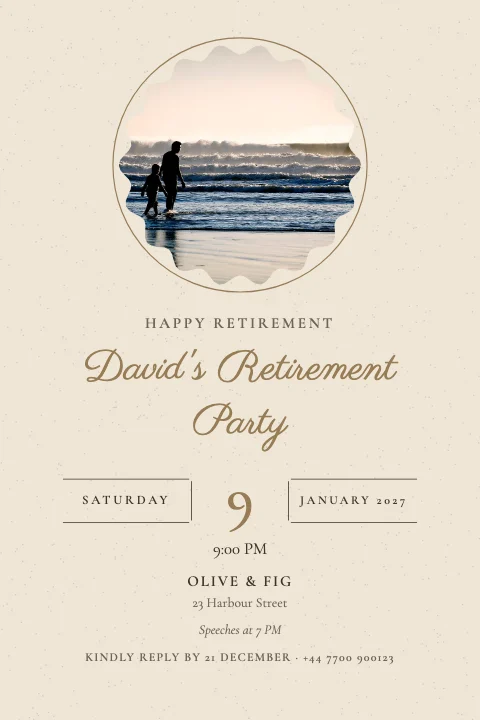 Retirement Party Round photo Invitation4 × 6 · Champagne Neutrals
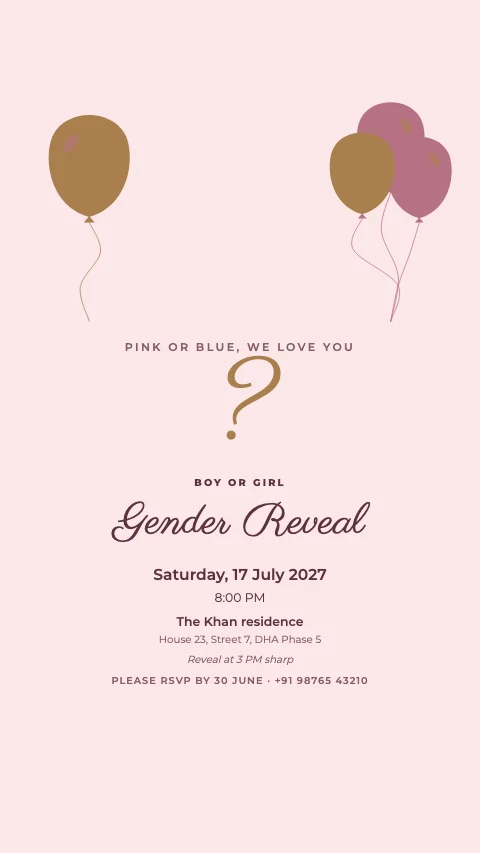 Gender Reveal Balloons InvitationStory · Pink & Gold
Graduation invitations
Ceremonies, parties, dinners and award nights with laurels and caps.
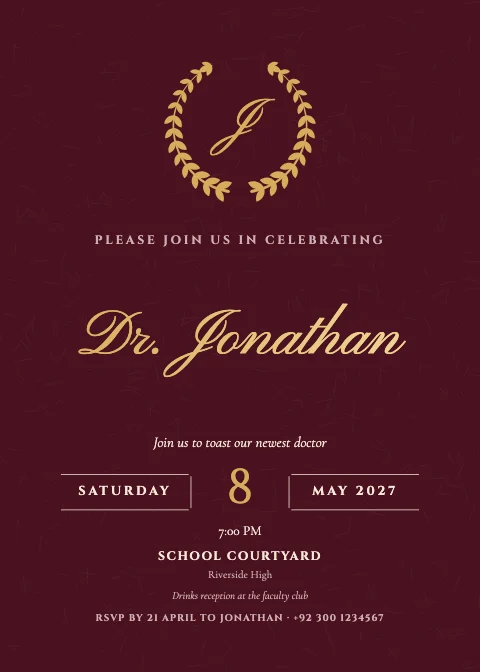 PhD Graduation Wreath Invitation5 × 7 · Academic Honours
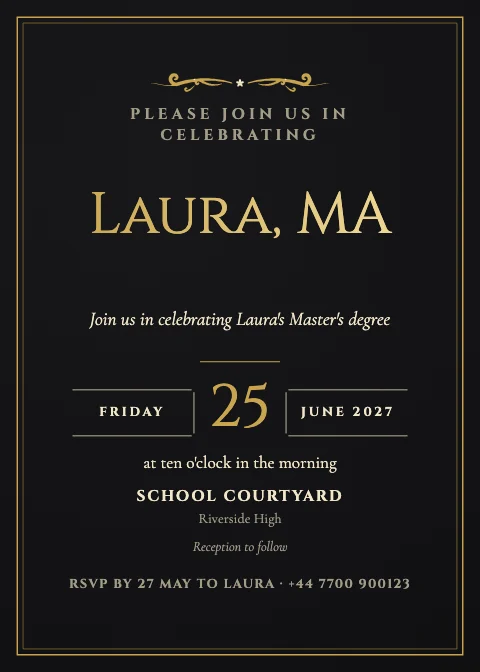 Master's Graduation Classic centred Invitation5 × 7 · Black-Tie Gala
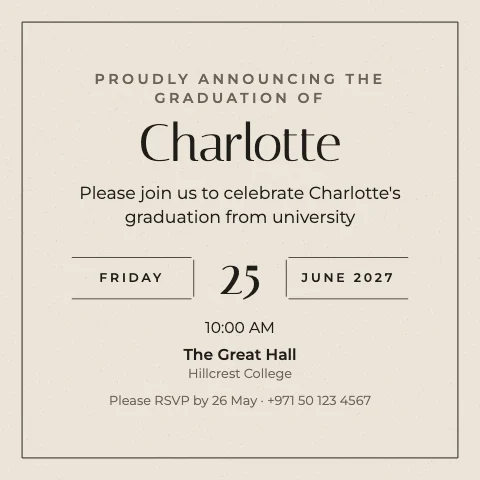 University Graduation Date block InvitationSquare · Ultra Minimal
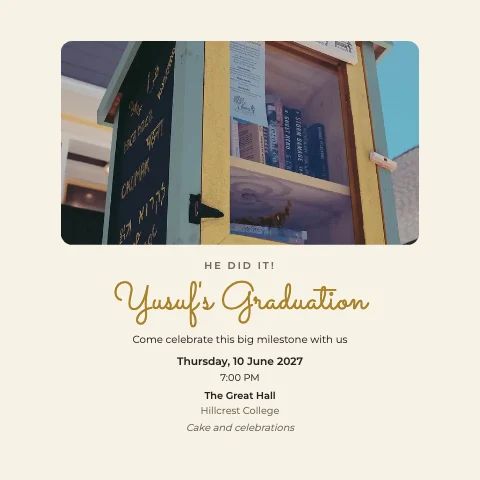 School Graduation Photo on top InvitationSquare · Modern Type
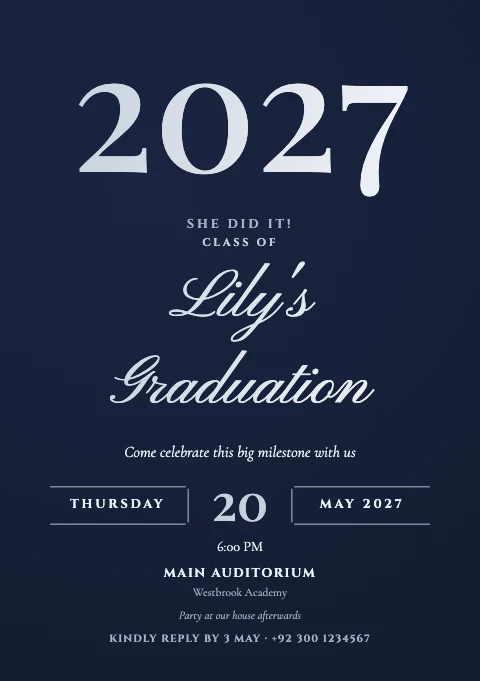 School Graduation Big number InvitationA5 · Navy & Gold
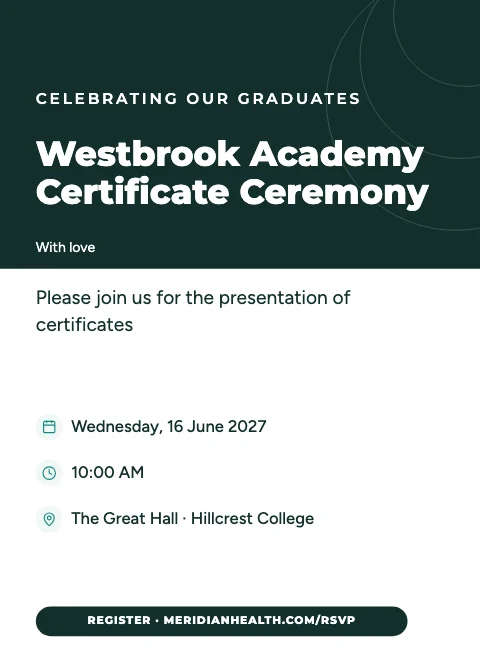 Certificate Ceremony Header band Invitation5 × 7 · Corporate Clean
Corporate event invitations
Conferences, launches, networking, galas and webinars — clean and professional.
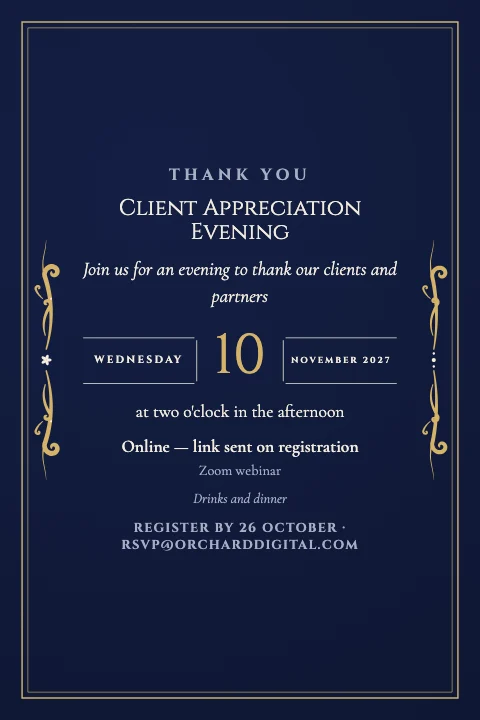 Client Appreciation Classic centred Invitation4 × 6 · Black-Tie Gala
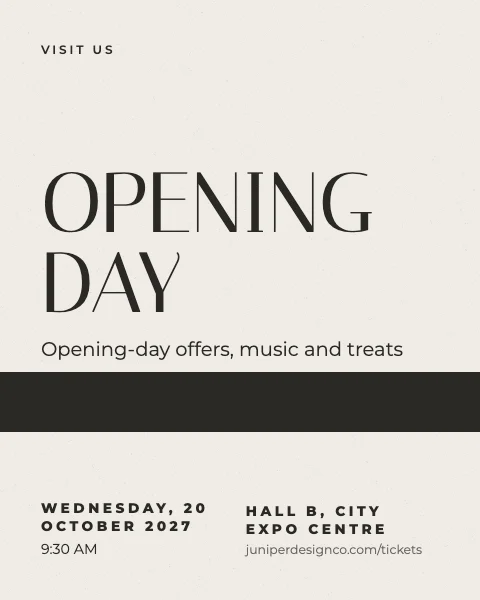 Store Opening Poster type InvitationDigital 4:5 · Ultra Minimal
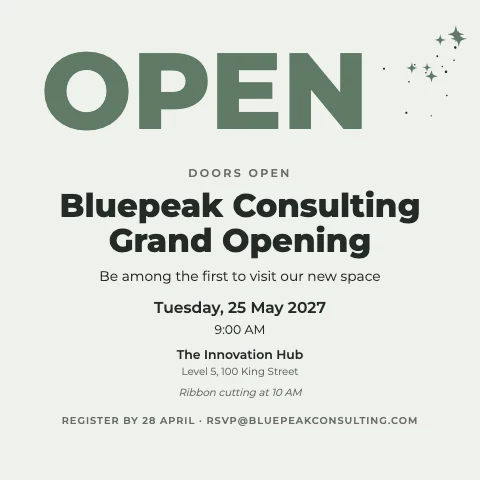 Grand Opening Big number InvitationSquare · Modern Type
 Business Seminar Minimal Invitation5 × 7 · Tech Gradient
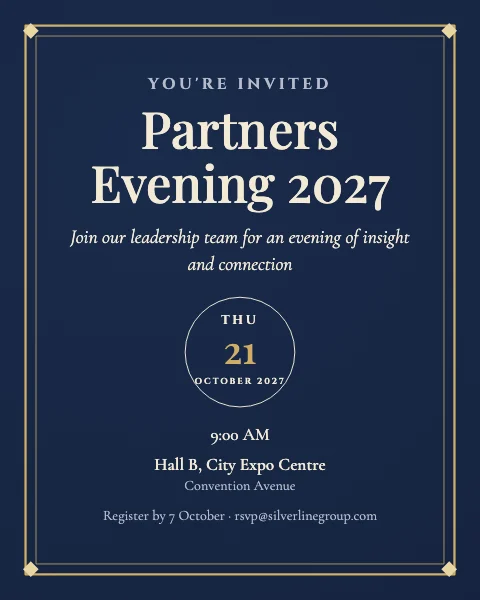 Corporate Event Date block InvitationDigital 4:5 · Navy & Gold
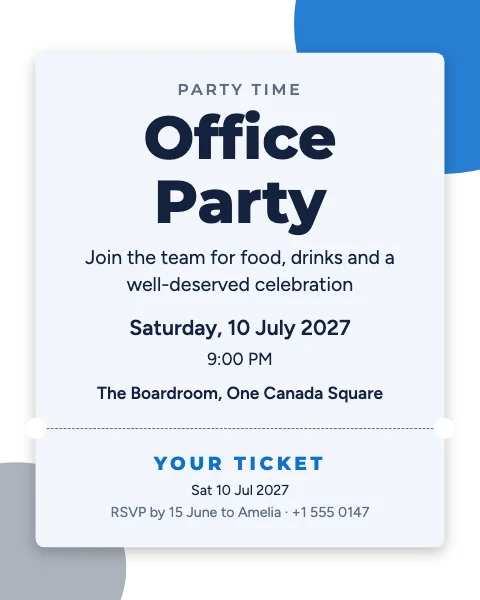 Office Party Ticket InvitationDigital 4:5 · Corporate Clean
Seasonal & religious celebrations
Ramadan, Iftar, Eid, Christmas, Diwali, Hanukkah, Easter and Thanksgiving — each in its own style.
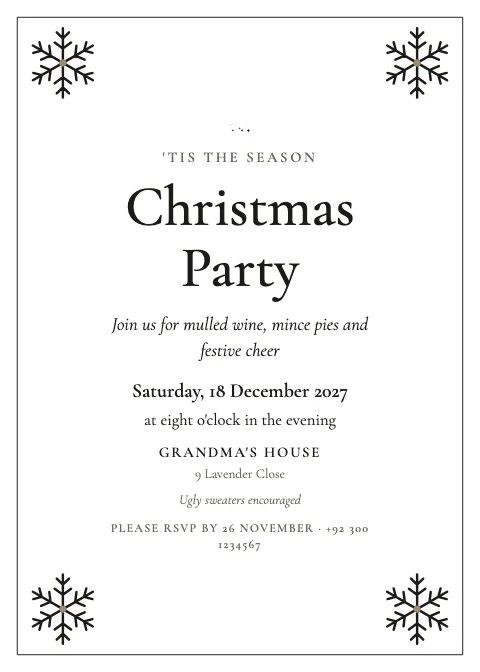 Christmas Party Classic centred Invitation5 × 7 · Classic Elegant
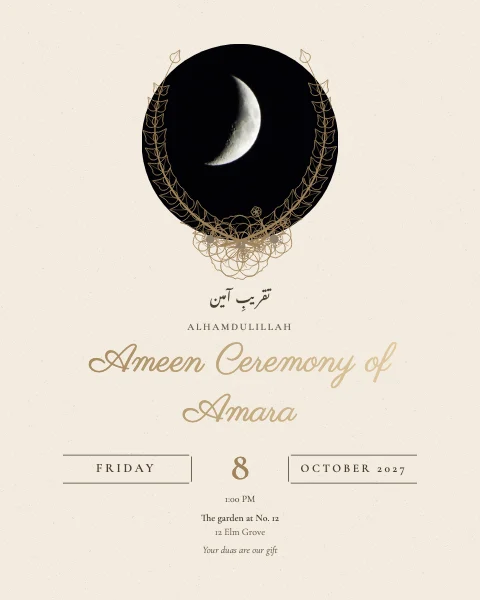 Quran Completion Round photo InvitationDigital 4:5 · Champagne Neutrals
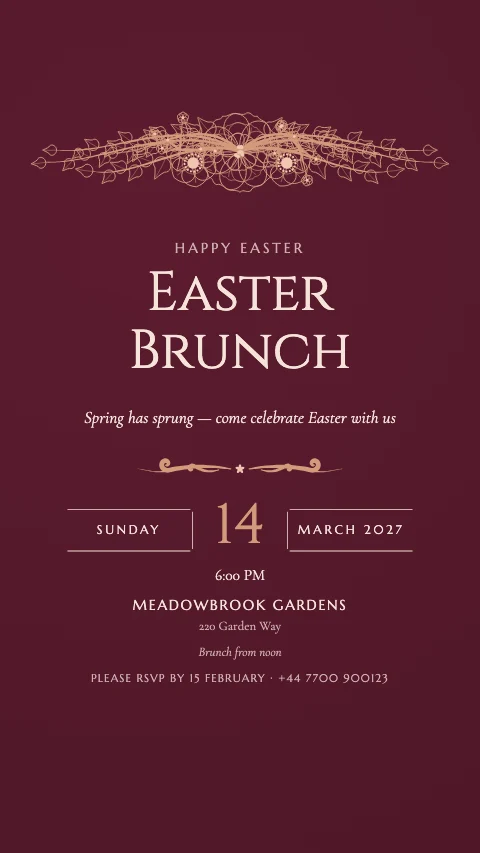 Easter Celebration Floral crown InvitationStory · Royal Maroon
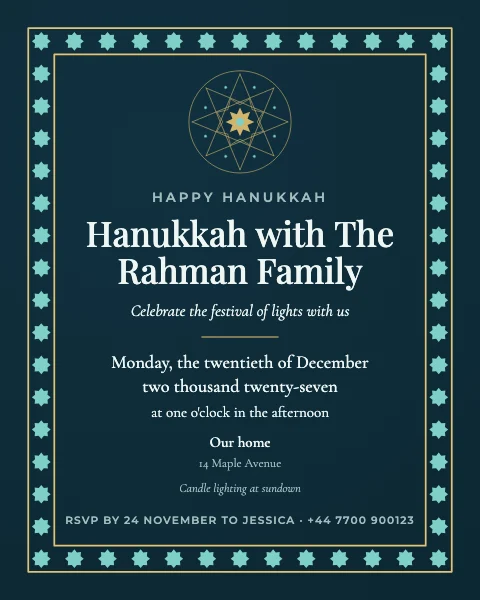 Hanukkah Party Geometric InvitationDigital 4:5 · Celestial Night
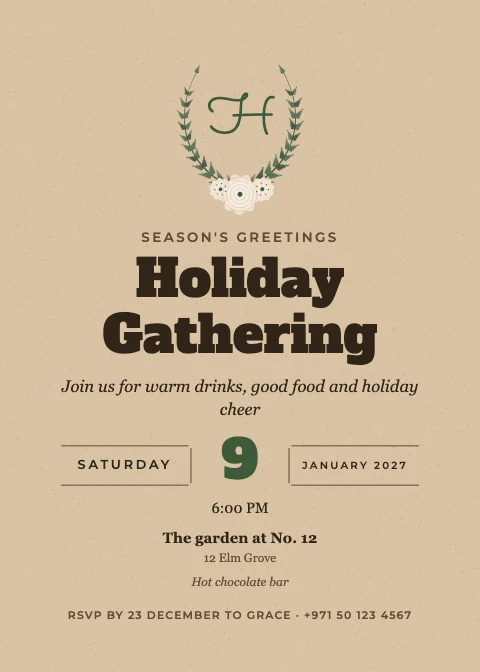 Holiday Gathering Wreath Invitation5 × 7 · Rustic Kraft
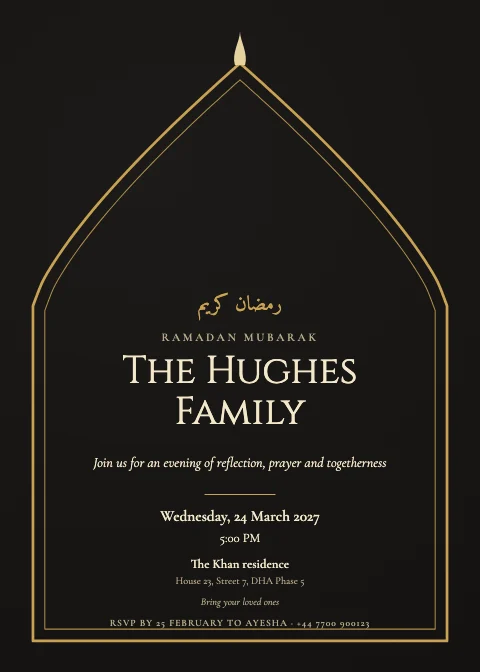 Ramadan Gathering Arch window Invitation5 × 7 · Black & Gold
Popular invitation styles
39 art directions, not just colour swaps
Each style is its own typography, palettes, paper and ornament vocabulary — a luxury wedding never looks like a networking event.
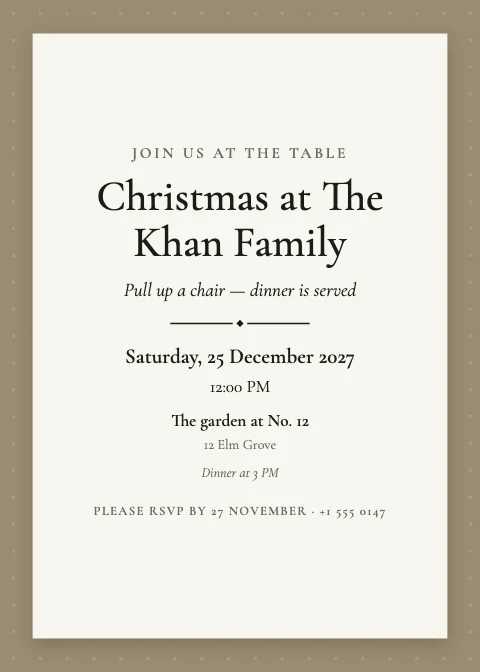 Classic ElegantIvory card, formal script names, fine serif and gold flourishes
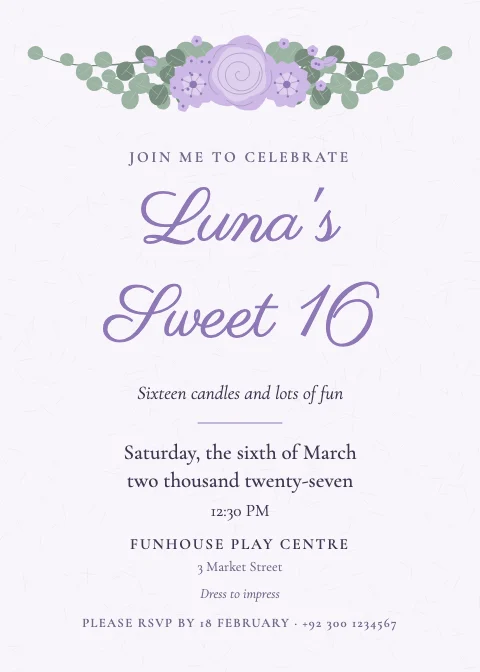 Romantic FloralPainted blush roses and peonies with flowing script
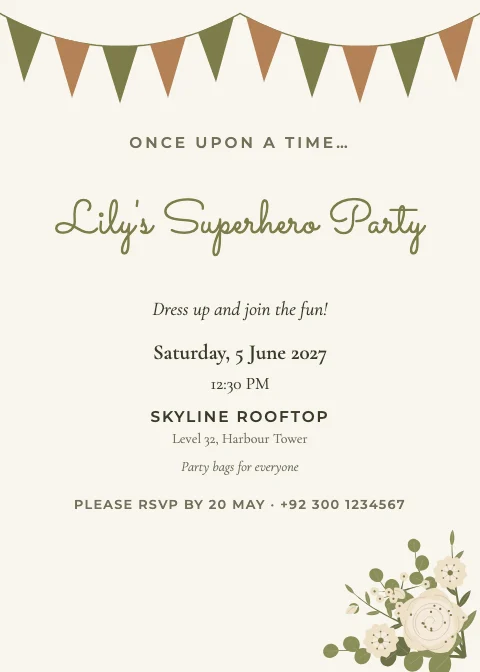 Botanical GreeneryEucalyptus, fern and olive leaves in fresh greens
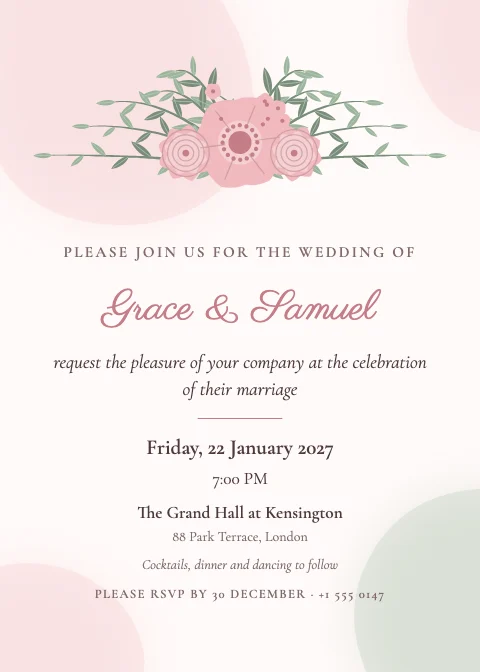 Watercolour WashSoft painted washes of colour behind delicate florals
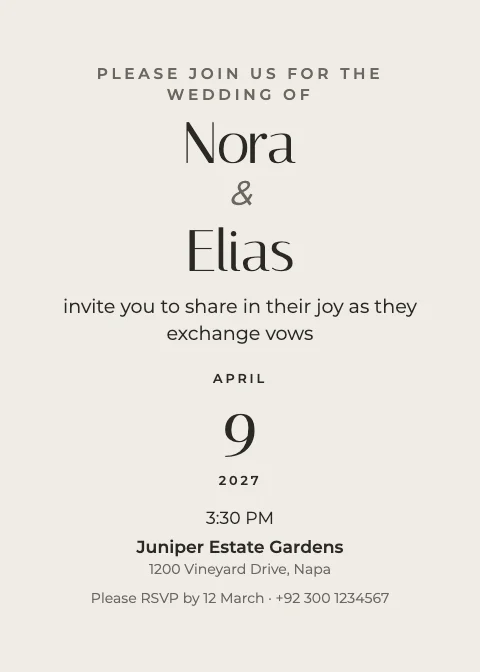 Ultra MinimalQuiet type, generous white space and a single fine rule
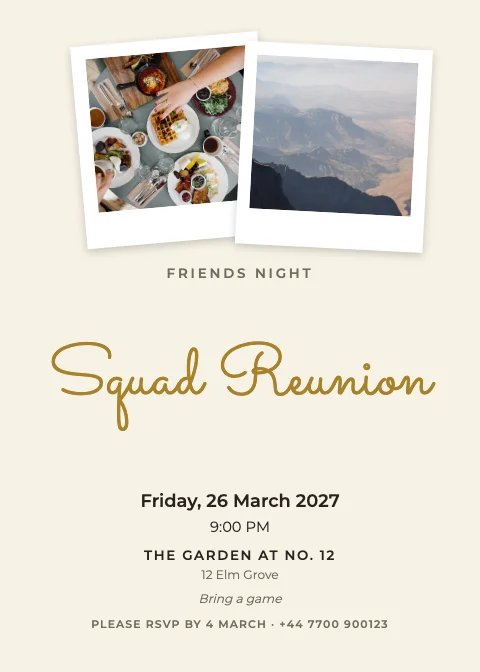 Modern TypeBold sans-serif headings with a relaxed script accent
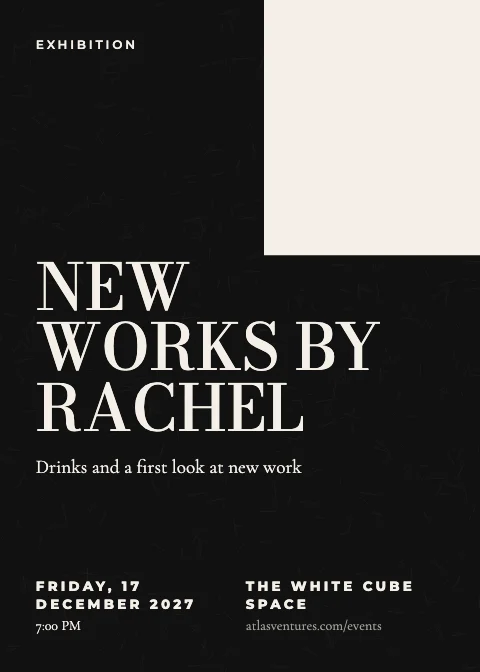 Editorial MagazineMagazine-cover type — huge serif, small caps and column rules
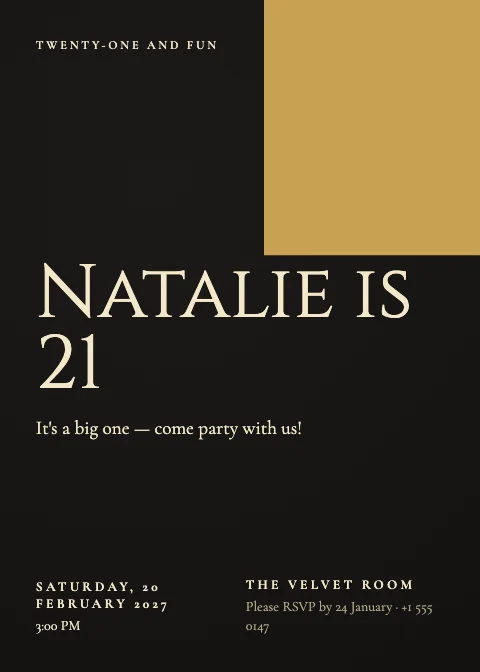 Black & GoldMidnight black with gold foil names and fine gold line art
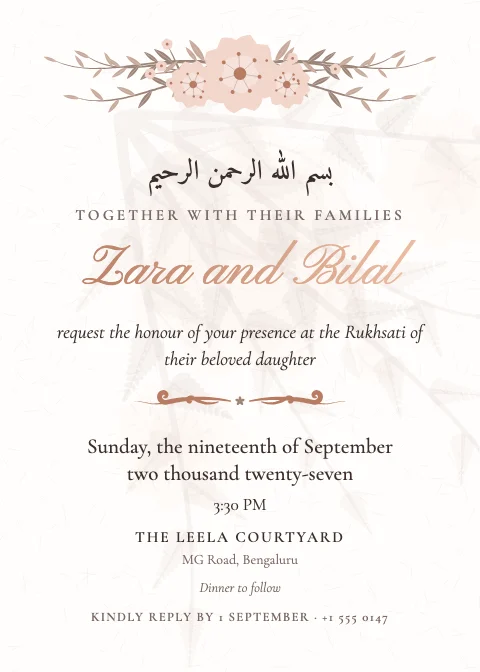 White & GoldBright white card, gold foil script and soft gold rules
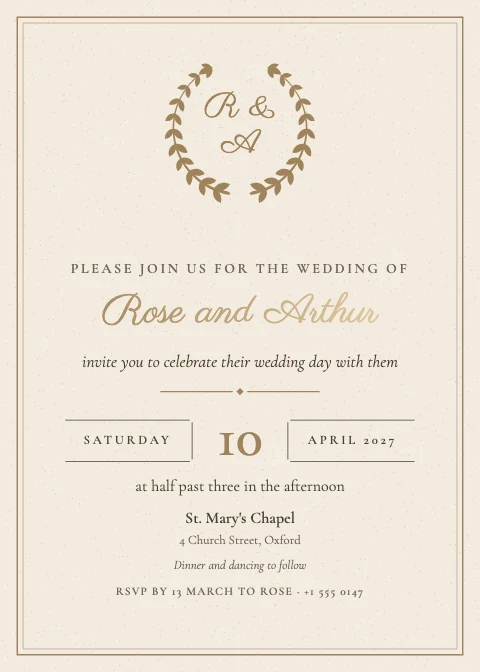 Champagne NeutralsChampagne, oat and taupe with pearl-grey type
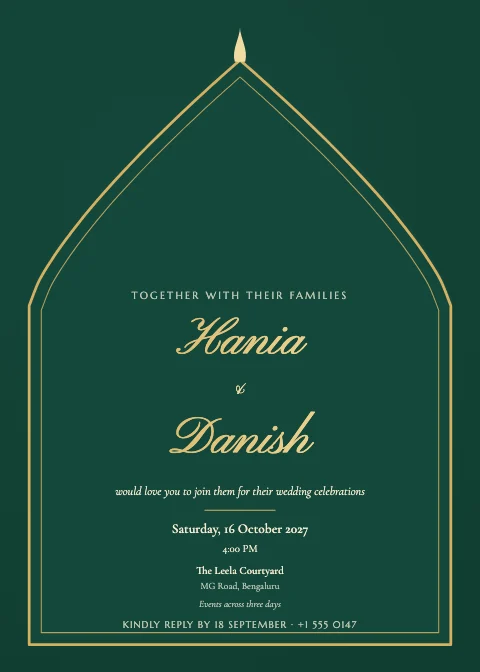 Emerald & GoldDeep emerald with gold ornament — rich and regal
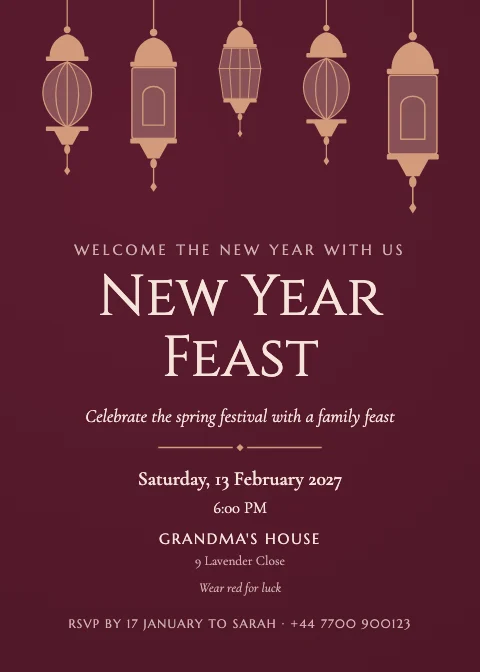 Royal MaroonMaroon and antique gold with ornamental arches
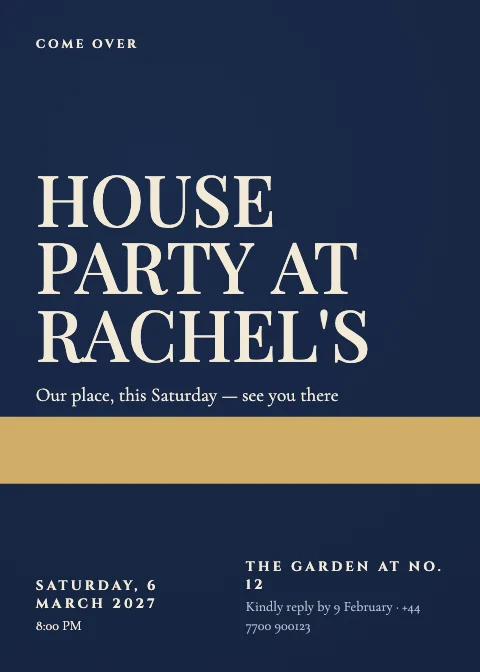 Navy & GoldNavy blue with gold — crests, laurels and stars
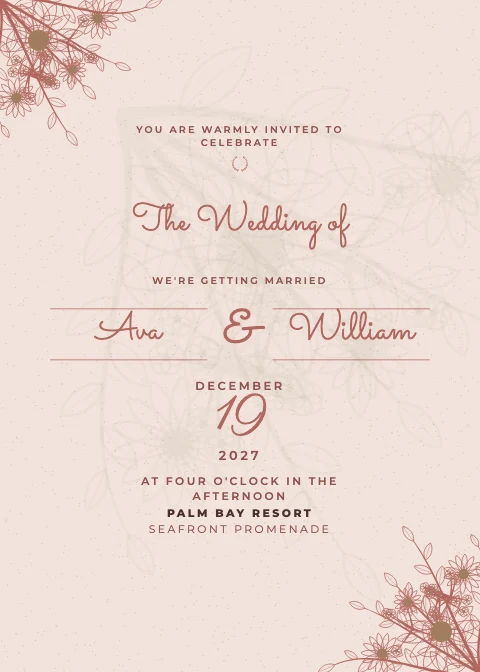 Boho EarthTerracotta, rust and sand with sun arches and palms
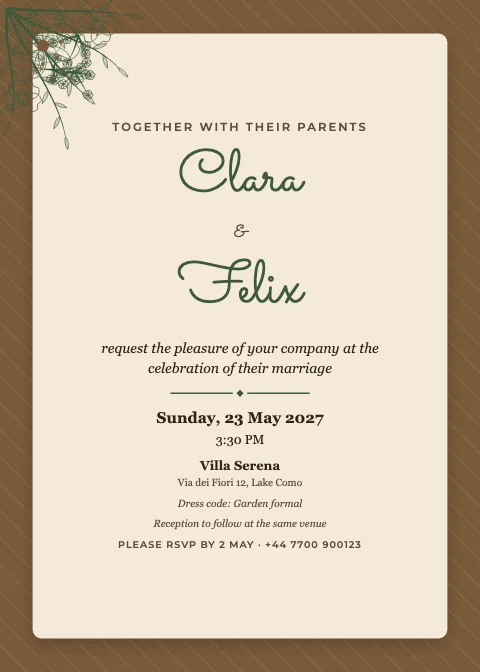 Rustic KraftKraft paper, greenery and fairy lights — barn and garden
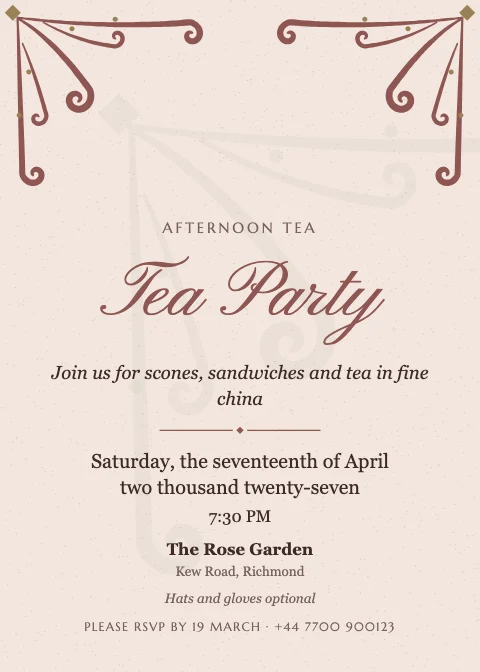 Vintage FiligreeOld-world filigree corners, engraved capitals and sepia
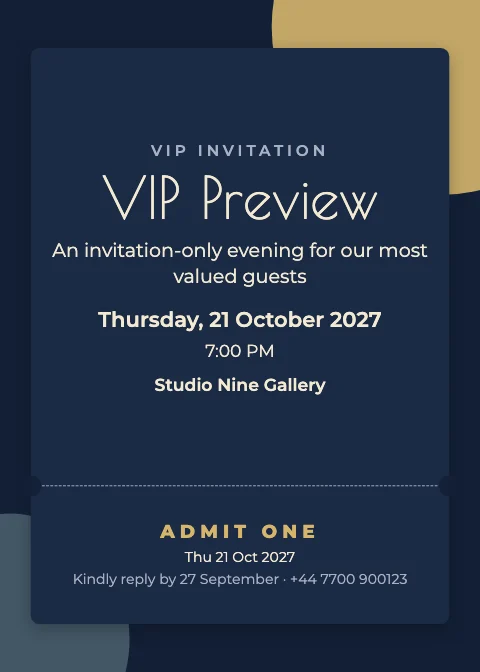 Art DecoGatsby glamour — geometric fans, stepped frames, metallic lines
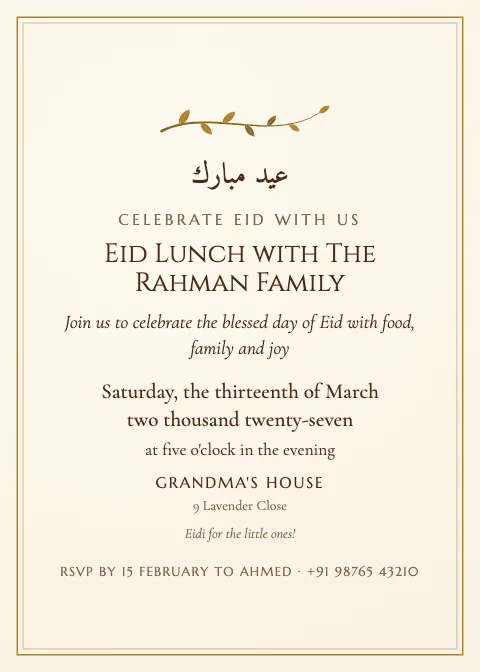 Mughal HeritageCusped arches, jharokha windows, mandalas and paisley
More styles: Islamic Geometry · Mehndi Brights · Soft Pastel · Playful Brights · Neon Night · Retro Groovy · Disco Glam · Pink & Gold · Corporate Clean · Executive Dark · Tech Gradient · Black-Tie Gala · Festive Season · Spooky Night · Gallery Swiss · Cinematic · Academic Honours · Garden Party · Coastal Breeze · Autumn Harvest · Celestial Night
Digital invitations
Printed card or digital invitation? Both.
Turn any card into a scrollable invitation made for phones — your card in an envelope that opens, then the details, a map, the schedule, photos and an RSVP. Share it as a link on WhatsApp, email or social, or download it as one file with your photos, video and music inside.
Links carry the invitation inside the link itself — nothing is uploaded or stored. Uploaded photos, video and music go in the downloadable file.
Make a digital invitationAn envelope that opens
Your card arrives in an envelope; one tap opens it, with optional music.
Date, time & calendar
Guests add it to their calendar in one tap (Apple, Google, Outlook).
Live countdown
Days, hours and minutes to go.
Venue & map
Directions and a map that loads when tapped.
RSVP by WhatsApp
Guests send their reply from their own phone — nothing is stored.
Music & video
Built-in music-box melodies, or your own music and video in the file.
Digital vs printable invitations
| Printed card | Digital invitation | |
|---|---|---|
| Best for | Formal weddings, keepsakes, older guests | WhatsApp, email, last-minute and large events |
| Cost | Printing and postage | Free to send |
| Holds | The essentials on one card | Map, schedule, photos, video, music, countdown, RSVP |
| Replies | Phone, text or a reply card | One tap by WhatsApp, email or text |
| From this tool | PDF at true card size (bleed & crop marks), 300 dpi PNG/JPG | Share link, single-file invitation, Story & 4:5 images |
The Invitation Studio
A full design studio, made for invitations
Details form
Type the names, date, time, venue and RSVP once. They're written into the card in its own wording — formal dates stay formal, date blocks get their day and month, monograms their initials — and lines you edited by hand are never overwritten without asking.
Original artwork
463 vector ornaments: painted roses, peonies and eucalyptus, fine line florals, cusped and round arches, jharokha windows, mandalas, star rosettes, lanterns, balloons and seasonal motifs. Sharp at any size, and recoloured to your palette.
Arabic & Urdu type
Bismillah, Shadi Mubarak, Dawat-e-Walima, Eid Mubarak and other standard lines set in real Arabic-script fonts (Amiri and Noto Nastaliq Urdu), right to left.
Colours & fonts
Every template's palettes, font pairings and variations. Change any colour, font, size, spacing or alignment — and switch templates without losing your words or photos.
Full design editor
Photos, crop and filters, text, shapes, frames, backgrounds and layers. Drag, resize, rotate, lock, group, align with guides and undo anything — with keyboard shortcuts.
Print & share files
Print-ready PDF at the true card size with optional bleed and crop marks, 300 dpi PNG or JPG, and Story or 4:5 images for WhatsApp and Instagram.
Recently added designs
Added November 18, 2026.
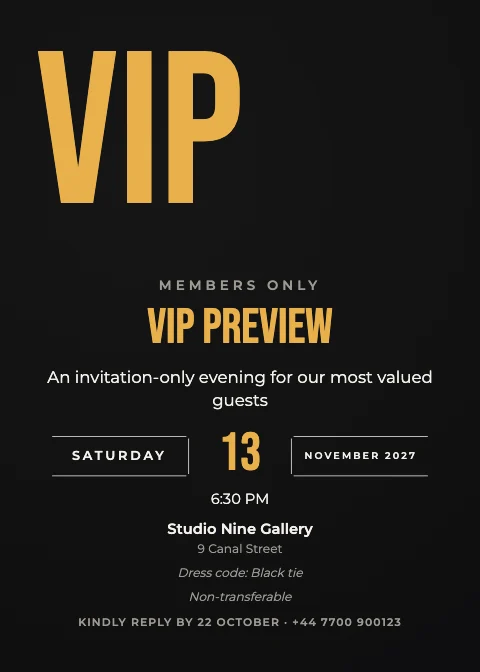 Cinematic Exclusive VIP Invitation5 × 7 · Cinematic
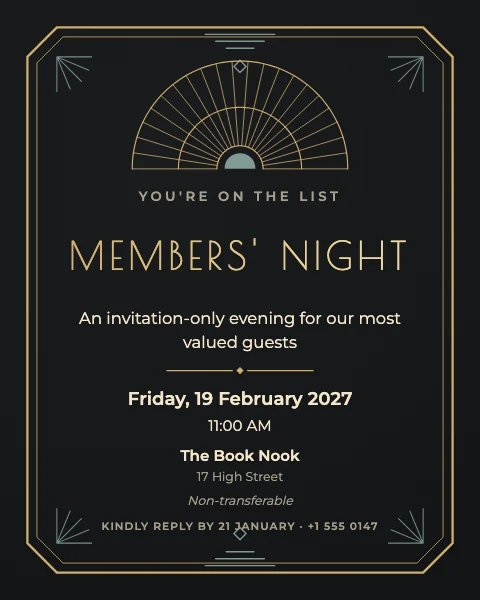 Art Deco Exclusive VIP InvitationDigital 4:5 · Art Deco
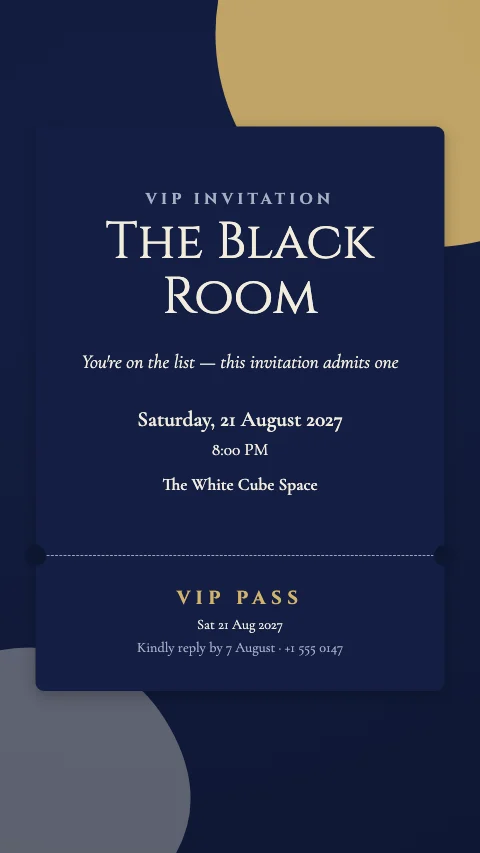 Black-Tie Gala Exclusive VIP InvitationStory · Black-Tie Gala
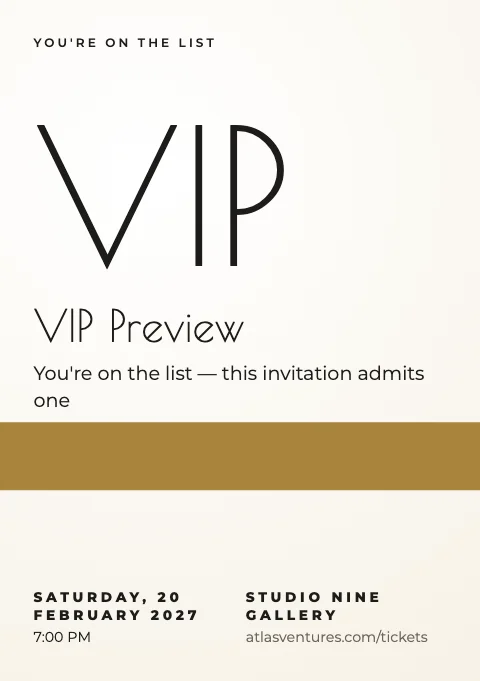 Art Deco Exclusive VIP Poster type InvitationA5 · Art Deco
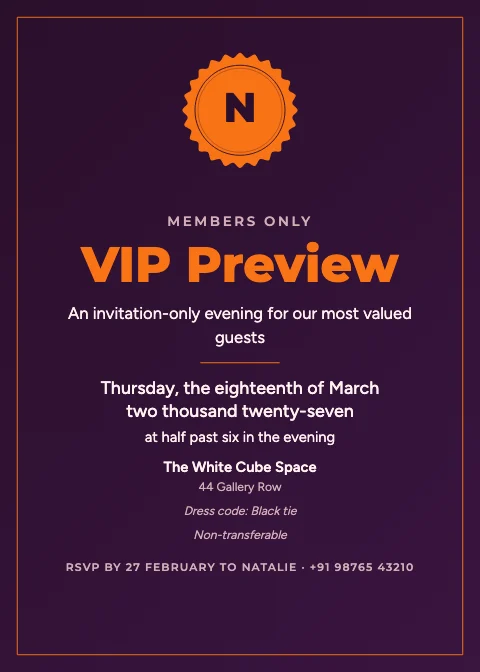 Tech Gradient Exclusive VIP Invitation5 × 7 · Tech Gradient
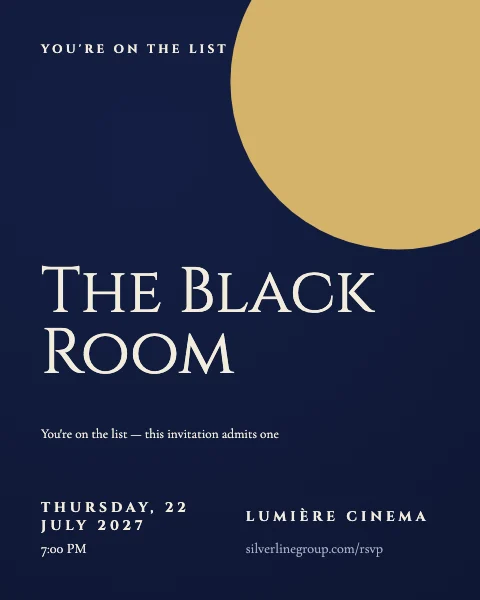 Black-Tie Gala Exclusive VIP Poster type InvitationDigital 4:5 · Black-Tie Gala
How it works
How to create an invitation
From template to printed card or WhatsApp link in a few minutes.
- 1Pick a template: search by occasion (wedding, nikah, first birthday, baby shower, conference…), style or colour, and filter for print or digital formats.
- 2Choose Edit template. The studio opens with exactly the design you saw.
- 3Open Details and type the names, date, time, venue and RSVP once — they're written into the card in its own style (a formal date stays formal, a date block gets its day and month).
- 4Add your photos, swap colours or fonts, and add flowers, arches or ornaments from the Artwork library. Every change can be undone.
- 5Download a print-ready PDF (with bleed and crop marks if your printer wants them), a 300 dpi PNG or JPG, or a phone-size image for WhatsApp.
- 6For a digital invitation, open Digital: add a map, schedule, countdown, photos, music and RSVP, then share it as a link or download it as a single file.
Invitation sizes
Print sizes are drawn at 150 px per inch and download at 300 dpi for print. Words stay inside a 5 mm safe margin; bleed is 0.125 in for US card sizes and 3 mm for A-sizes.
| Size | Dimensions | Best for |
|---|---|---|
| 5 × 7 in | 127 × 178 mm | The classic invitation card (A7 envelope) |
| 4 × 6 in | 102 × 152 mm | Postcards, save-the-dates, RSVP cards |
| A5 | 148 × 210 mm | Larger cards and programmes |
| A6 | 105 × 148 mm | Small cards and RSVP cards |
| Square 5.5 in | 140 × 140 mm | Square envelopes |
| Story / WhatsApp Status | 1080 × 1920 px | Phones, Instagram Stories, WhatsApp Status |
| Digital 4:5 | 1080 × 1350 px | WhatsApp chats, email, Instagram posts |
Invitation wording that works
- Formal weddings: “Together with their families, Amelia and James request the pleasure of your company at the celebration of their marriage.” Write the date and time in words for the most formal look — the Details form does this automatically on formal designs.
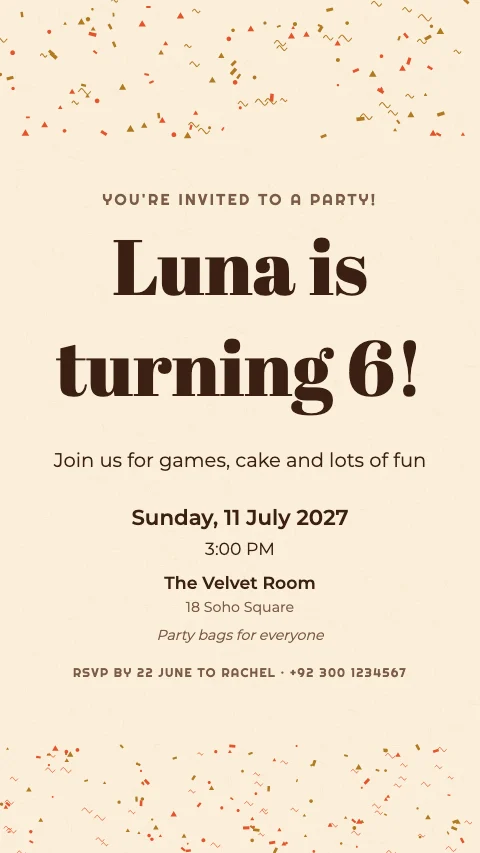
- Relaxed parties: lead with the reason (“Sophia is turning 5!”), then the essentials — date, time, place and how to reply. One short, warm line is enough.
- Corporate events: the event name, who's hosting, a one-sentence description, then date, time, venue and a registration link. Add an agenda for anything longer than an evening.
- Always include: who's hosting, what it is, when (day, date and time), where (venue and address) and how to reply, with a reply-by date about three weeks before the event.
Also useful:Flyer MakerInstagram Post MakerPhoto Frame Maker
Digital or printable?
- Printed cards feel special and suit formal weddings, older guests and keepsakes. Download the PDF at the card's real size (5 × 7 in, A5, 4 × 6 in…) and print at home on heavy card stock or at a print shop — ask whether they want bleed and crop marks, and tick them in the download if so.
- Digital invitations arrive instantly, cost nothing to send and can hold far more than a card: a map, the schedule, a photo gallery, a countdown, music and an RSVP button. They're ideal for WhatsApp, email and last-minute events.
- Many hosts do both: a printed card for close family and the digital invitation for everyone else, made from the same design.
Sharing an invitation on WhatsApp
- For a picture invitation, download the Story size (1080 × 1920) for WhatsApp Status, or the 4:5 size for chats — it fills a phone screen without cropping.
- For a digital invitation, copy its link and paste it into WhatsApp. The whole invitation travels inside the link; nothing is uploaded or stored by M2Toolkit. Links don't carry photos, video or music you uploaded — for those, send the invitation file instead.
- RSVP by WhatsApp: add your number in the RSVP settings. Guests fill in their name and reply, and WhatsApp opens with the message ready to send to you.
RSVP etiquette
- Ask for replies two to three weeks before the event, and say how (a phone number, email or the RSVP button).
- Be clear about who's invited — “Adults only”, “Plus-ones welcome” or the number of seats reserved — and about the dress code.
- Follow up kindly with anyone who hasn't replied a few days after the deadline.
Why M2Toolkit
Why make your invitation with M2Toolkit
- 2,000+ invitation templates for 160 occasions, each opening ready to edit.
- A Details form that writes names, dates, venue and RSVP into the card in the design's own wording.
- 463 original vector ornaments — florals, arches, frames, mandalas, lanterns — that take your colours.
- Print-ready PDFs at the true card size, with optional bleed and crop marks, and 300 dpi images.
- Scrollable digital invitations with an opening envelope, map, countdown, add-to-calendar, music and WhatsApp RSVP.
- Real Arabic and Urdu type for Nikah, Walima, Eid and other traditional invitations.
Good to know
- Print files are RGB, not CMYK. Most print shops and home printers accept RGB PDFs; if yours needs CMYK, ask them to convert it.
- Share links carry the invitation's text, design and built-in music inside the link itself. Photos, videos and music you upload stay in your browser and are only included in the downloadable invitation file.
- RSVPs aren't collected or stored by M2Toolkit: the RSVP section writes a message guests send to you by WhatsApp, email or text.
- Built-in music is short music-box arrangements of public-domain melodies, played live in the browser. If you upload music, only use music you have the right to share.
- Names, venues, companies and addresses in templates are invented samples. Sample photos are CC0 (public domain) pictures; replace them with your own.
- Arabic and Urdu lines are standard phrases set in real fonts (Amiri, Noto Nastaliq Urdu). Check any wording you add with someone who reads the language.
- Your invitations are saved only in this browser. Download your files before clearing site data.
Is the invitation maker really free?
Yes. All 2,000+ templates, the editor, the print PDFs, images and digital invitations are free, with no sign-up and no watermark.
Can I print my invitations at home?
Yes. Download the PDF — it's the real card size (for example 5 × 7 in) at 300 dpi. Print on card stock at 100% scale (not “fit to page”). For a print shop, tick bleed and crop marks if they ask for them.
How do I make a digital invitation?
Open any template, then Digital in the editor. Choose the sections (welcome, details, countdown, venue and map, photos, schedule, dress code, video, RSVP), add music if you like, and share it as a link or download it as one file.
How do I send an invitation on WhatsApp?
Either download the Story or 4:5 image and send it as a photo, or copy your digital invitation's link and paste it into a chat or your Status.
How do guests RSVP?
Add your WhatsApp number, email or phone in the digital invitation's RSVP settings. Guests enter their name, whether they're coming, the number of guests and a message, and their own app opens with the reply ready to send to you. M2Toolkit doesn't store replies.
Can I add music to my invitation?
Yes, to digital invitations. Pick a built-in music-box melody (they work in share links too) or upload your own file for the downloadable invitation. Music never autoplays — it starts when a guest opens the invitation or taps play.
Can I add my own photos?
Yes. Drop photos onto any photo frame in the editor or use Uploads, and add a photo gallery or video to a digital invitation. Your pictures stay on your device.
Are there Nikah, Walima and Mehndi invitations?
Yes — and Baraat, Rukhsati, Dholki, Mayun, Sangeet, Haldi, Aqiqah, Iftar and Eid invitations, in emerald, maroon, ivory-and-gold and other traditional looks, with optional Bismillah and Urdu lines set in real Arabic-script fonts.
Can I change the size after designing?
Yes. Change the size in the editor or pick another size when you download: template designs are re-composed for the new shape, never stretched.
Is my invitation uploaded anywhere?
No. The editor runs in your browser and saves on this device. A share link holds the invitation inside the link itself, so even sharing doesn't upload it to M2Toolkit.
Free · No sign-up · No watermark
Your celebration deserves a beautiful invitation.
Pick one of 2,406 templates, fill in your details, then print it or share it on WhatsApp.
Layouts include classic centred, floral crown, floral corners, floral cascade, wreath, arch window and more.
Related tools.
Other free design tools for events and celebrations.
- Flyer MakerPopular4,500+ free flyer templates for business, events, sales, restaurants and real estate — edit on the canvas, A4, A5, A6, Letter or social sizes, QR codes, and print-ready PDF with bleed, PNG or JPG.Editors
- Instagram Post MakerPopular4,000+ free Instagram post, Story and Reel cover templates in 23 styles — edit text and photos on the canvas, then download PNG, JPG or PDF.Editors
- Photo Frame MakerPopular3,400+ free photo frame templates for weddings, babies, birthdays, travel and holidays — upload your photos, customise frames, text and decorations, and download PNG, JPG or PDF.Images
- Photo Collage MakerPopularMake photo collages from 2,000+ free templates — drag in your photos, edit everything on the canvas and download PNG, JPG or PDF for Instagram, stories or print.Images
- QR Code GeneratorPopularMake a free QR code for any link or text, in PNG or SVG. No expiry.Web
- Mood Board MakerPopularMake mood boards from 5,000+ free templates — inspiration library, colour palettes, materials and a drag-and-drop editor; download PNG, JPG or PDF.Editors