Turn a Photo into a Coloring Page
Upload a photo of your pet, your child, a favourite toy or a holiday place and turn it into black-and-white line art you can color. It runs in your browser — the photo is never uploaded.
Choose one of 8 styles (Simple Kids, Cartoon, Detailed, Realistic Line Art, Minimal, Bold, Adult or Portrait), then fine-tune outline intensity, edge sensitivity, detail, line thickness, contrast, noise reduction, simplification and detail preservation. Background removal keeps just the subject.
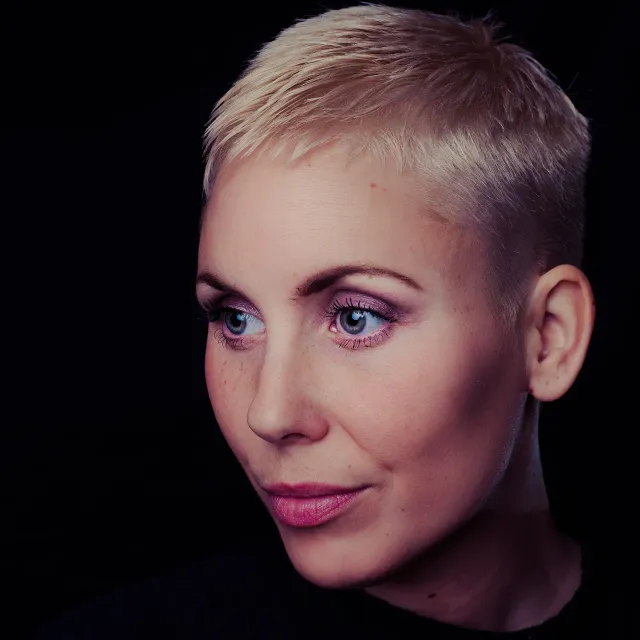
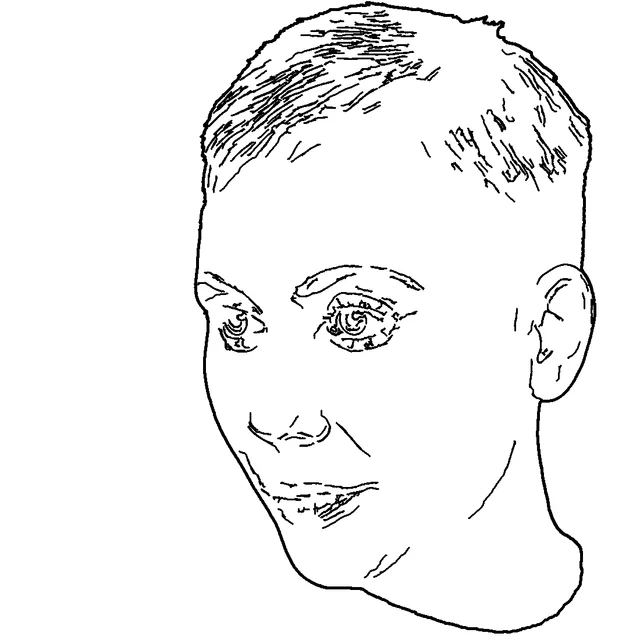
From photo to coloring page in 6 steps
- 1
Upload a JPG, PNG or WebP photo (up to 25 MB) — or drop it on the upload box.
- 2
See your original next to the coloring-page preview.
- 3
Choose a style: Simple Kids, Cartoon, Detailed, Realistic Line Art, Minimal, Bold, Adult or Portrait.
- 4
Adjust outline intensity, edge sensitivity, detail, line thickness, contrast, noise reduction, simplification and detail preservation — or switch on background removal.
- 5
Generate the outline and refine it: the preview updates as you move each slider.
- 6
Open it in the coloring editor to color it, download the line art as a PNG, or add it to your coloring book.
8 conversion styles
Simple Kids Coloring
Big shapes, thick lines, background removed.
Cartoon Outline
Clean outlines, few inner lines.
Detailed Coloring
More inner detail for older kids.
Realistic Line Art
Fine lines that follow the photo closely.
Minimal Outline
Only the main shapes.
Bold Outline
Extra-thick lines, easy to color.
Adult Coloring Style
Lots of small regions to fill.
Portrait Coloring Page
A person, background removed, face kept.
How the conversion works
Everything happens in your browser. The photo is smoothed to remove noise, then edges are found with the Canny method (gradient, thinning and connected thresholds that adapt to each photo), so lines follow shapes rather than turning dark areas into black fills. Fine details can be added from a sharper pass, small specks are removed, and lines are thickened to the width you choose. Background removal uses a small on-device segmentation model and draws the subject's outline.
Honest limits
- No automatic method suits every photo; busy backgrounds, low light and blur make messy outlines.
- Result quality is best with one clear subject — a pet, a face, a toy, a building.
- The result is a raster line drawing; use gap tolerance when filling if a line has a small break.
- Nothing is uploaded — and no cloud AI is used.
Tips
- Photos with one clear subject and a plain background convert best.
- Turn on background removal for pets and portraits.
- If there are too many lines, raise simplification or pick Simple Kids; too few, raise edge sensitivity.
Make it a coloring book
Add pages to the Book Builder, put a cover with a name on the front and download one printable PDF — A4, US Letter or A5.
More collections
Related coloring pages
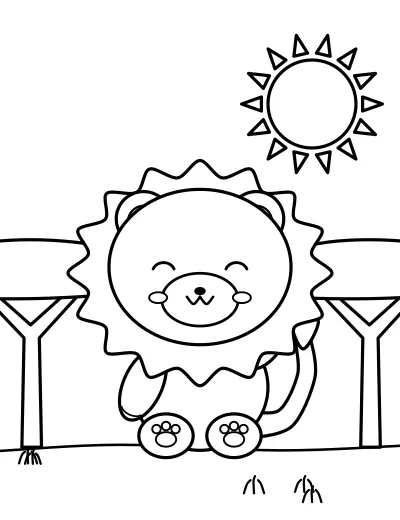 Animal
- Coloring Pages for Kids
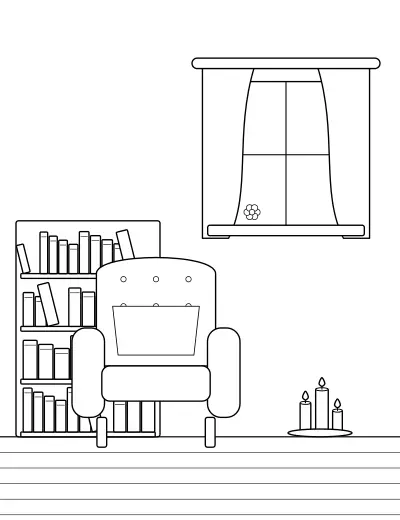 Adult Coloring Pages for Relaxation and Mindfulness
 Home, Family and Everyday Life
Browse all 2,000 pages in 20 categories on the Coloring Book Maker.