Create Eye-Catching YouTube Thumbnails That Make People Want to Watch
Explore thousands of customizable YouTube thumbnail templates. Design professional video thumbnails, add your own photos and text, preview them at different sizes, and download high-resolution designs for free.
Free — no sign-up, no watermark. Everything stays in your browser.
- 5,000+ free templates
- Small-size previews
- Readability check
- A/B versions
- Background removal
- Free downloads
- Templates
- Check
- Versions
- Headlines
- Cut-out
- Brand
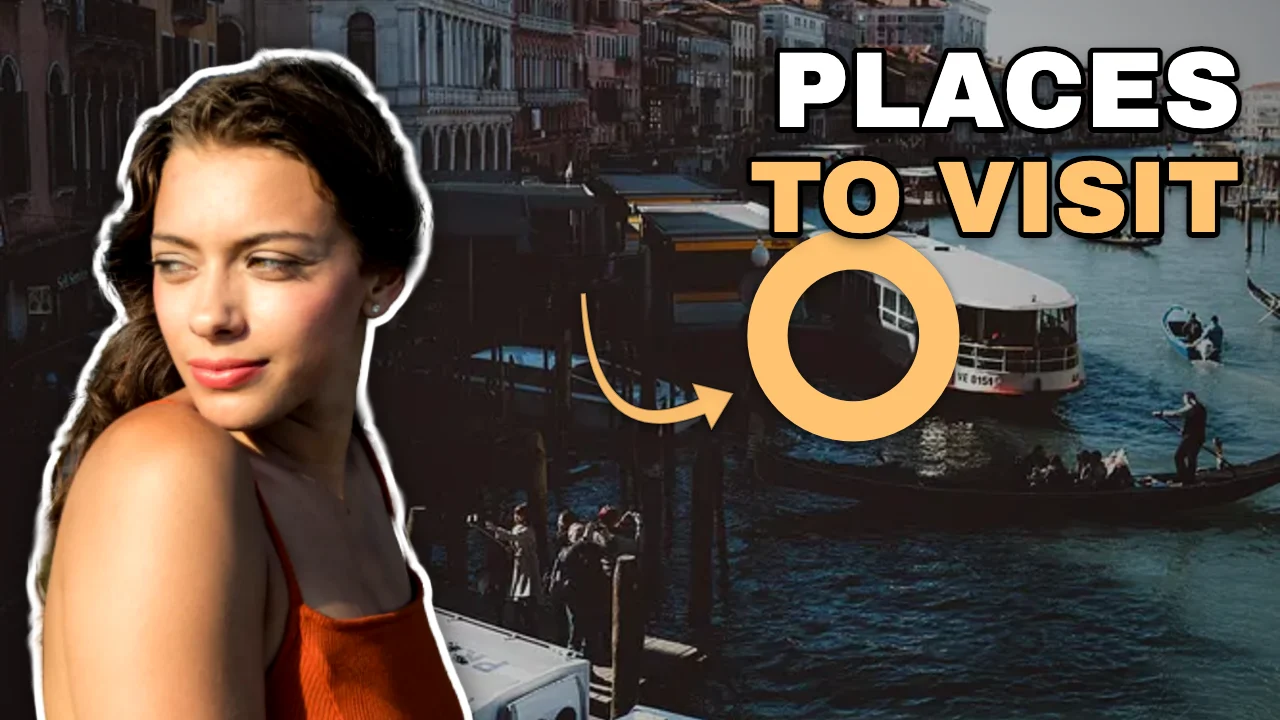
Small-size preview
168 px wide
120 px wide
Readable at small sizes · corner clear
A real template, Travel destinations First Look Thumbnail, in the editor — with the same picture at YouTube's small sizes.
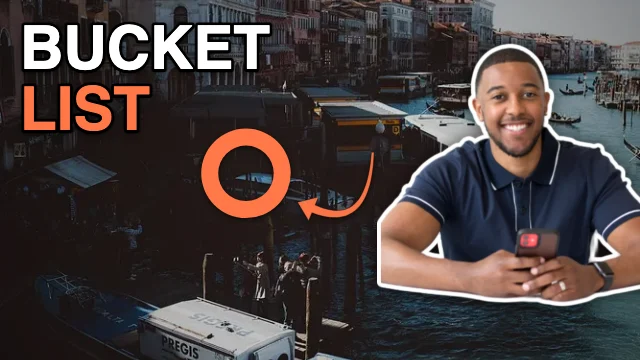
What is M2Toolkit YouTube Thumbnail Maker?
A free online thumbnail maker and design studio that runs in your browser. Start from one of 5,208 templates built to read at YouTube's small sizes, add your photo and words, check them at the sizes viewers actually see, and download a file that meets YouTube's rules.
- Templates
- 5,208 thumbnails: 217 topics in 16 groups, 20 compositions, 34 styles
- Made for
- Gamers, educators, reviewers, vloggers, podcasters, coaches, businesses and anyone who uploads videos
- Previews
- Home grid, mobile feed, the 168 px list and 120 px — light or dark
- Checks
- Contrast, text size at 168 px, word count, margins and the video-length corner
- Downloads
- 1280 × 720, 1920 × 1080 or 3840 × 2160, JPG or PNG, checked against 2 MB
- Price & privacy
- Free, no sign-up, no watermark; photos and cut-outs never leave your device
Featured YouTube thumbnail templates
Explore 5,000+ Free YouTube Thumbnail Templates
Every card is the real template drawn by the editor. Search by topic, filter by style, colour, layout, image, where the text sits or the text effect, then preview it at YouTube's sizes — it opens in the editor exactly as shown.
- Thumbnail templates
- 5,208
- Video topics
- 217
- Compositions
- 20
- Design styles
- 34
5,208 templates · showing 24
Travel destinations Host Left Thumbnail
Face left, headline right · Vibrant entertainment
Edit template
24 of 5,208
Popular categories
Browse by video category
The kinds of videos people make most — each with templates written for its topics.
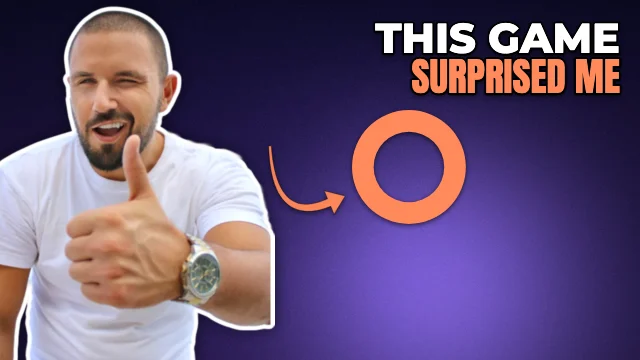 Gaming480 templates
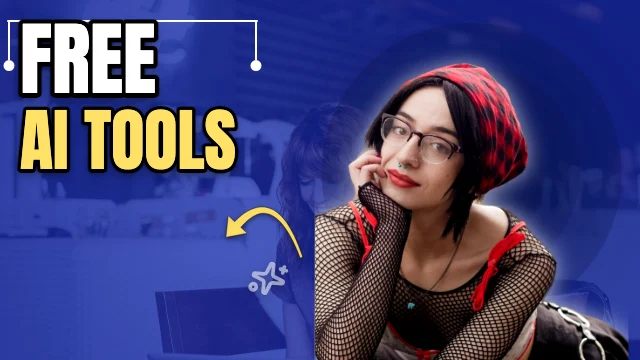 Technology & AI432 templates
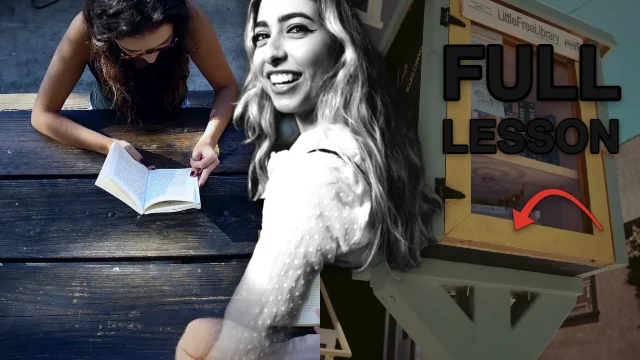 Education & tutorials432 templates
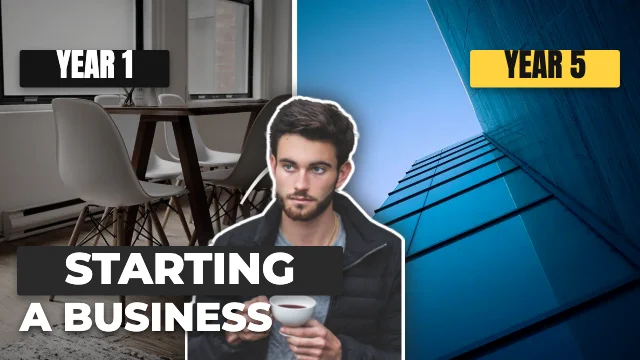 Business & finance384 templates
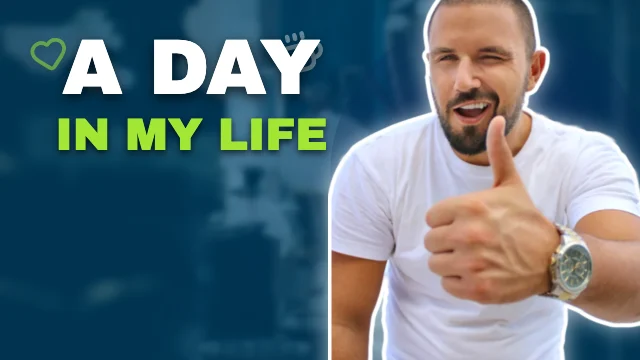 Vlogging & lifestyle336 templates
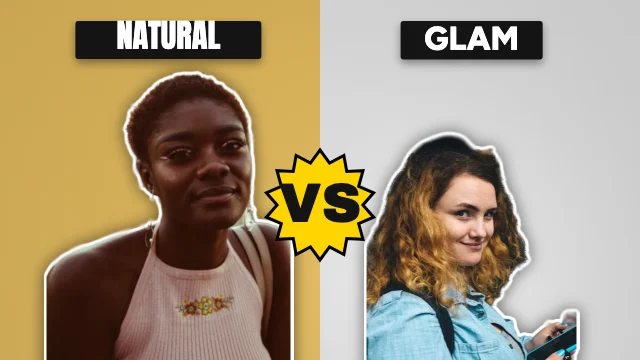 Beauty & fashion288 templates
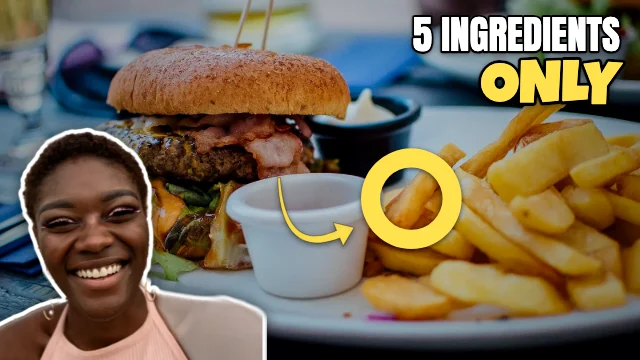 Food & cooking288 templates
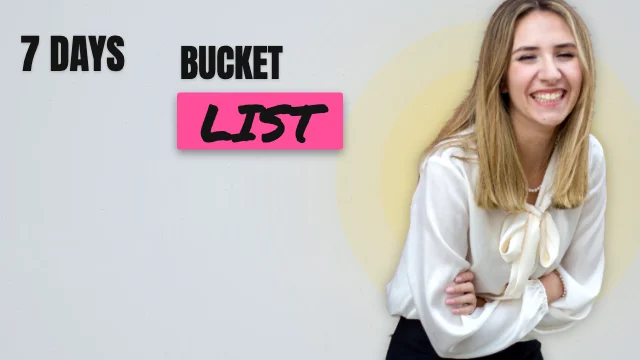 Travel & adventure336 templates
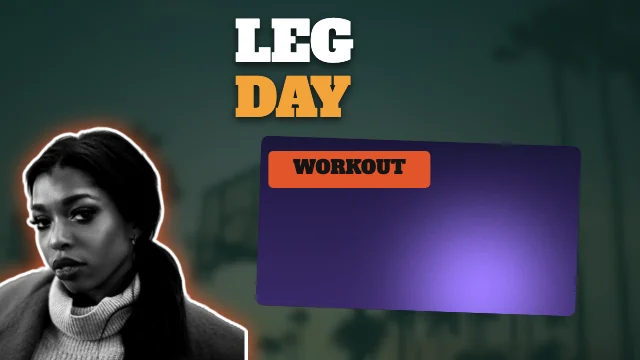 Fitness & health288 templates
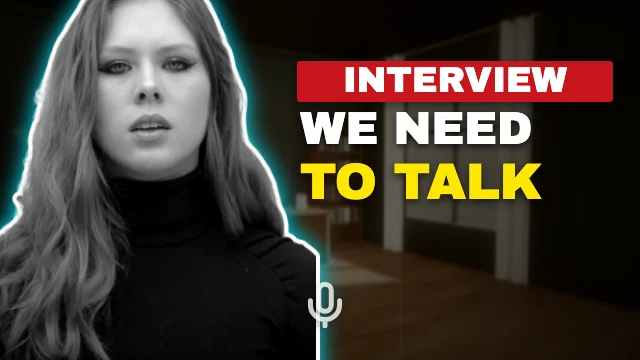 Podcast & interviews240 templates
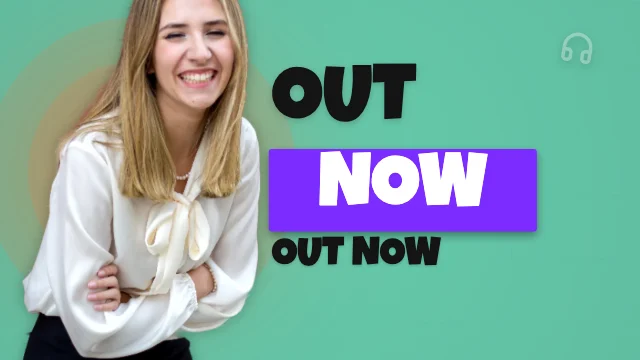 Music & entertainment288 templates
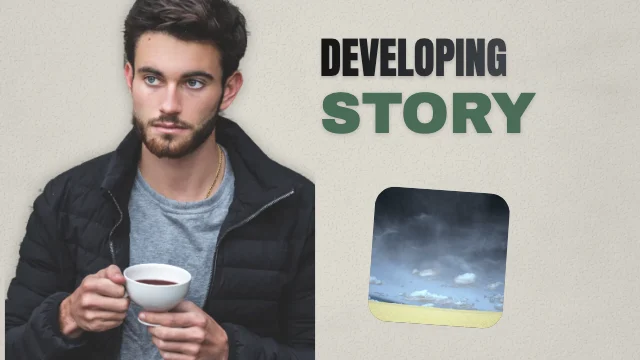 News & documentary240 templates
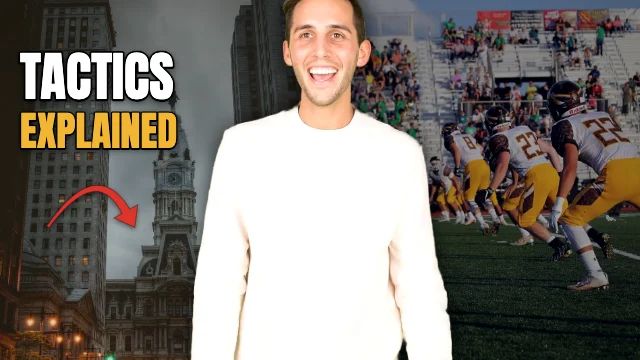 Sports288 templates
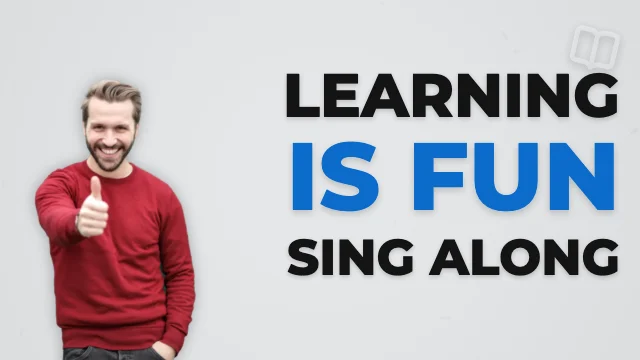 Kids & family216 templates
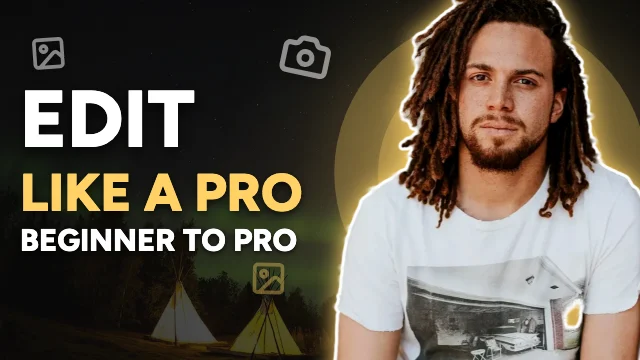 Professional & creative288 templates
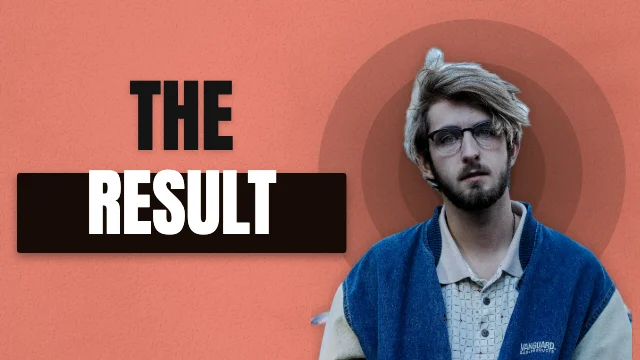 General & viral formats384 templates
Gaming thumbnails
Gaming thumbnails with arcade energy
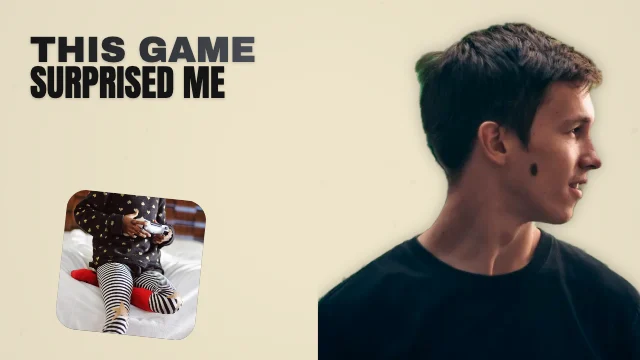 Gaming Secret ThumbnailHidden secret · 3D-inspired
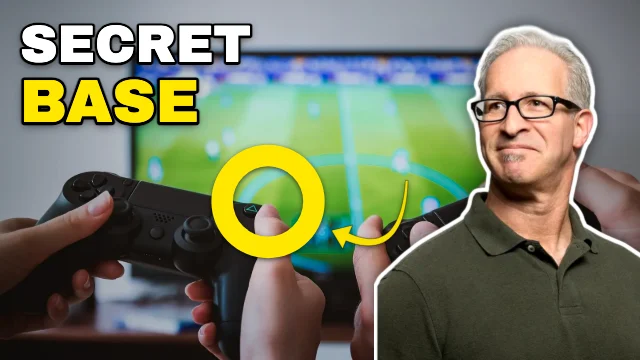 Block-building games Reaction ThumbnailReaction · High contrast
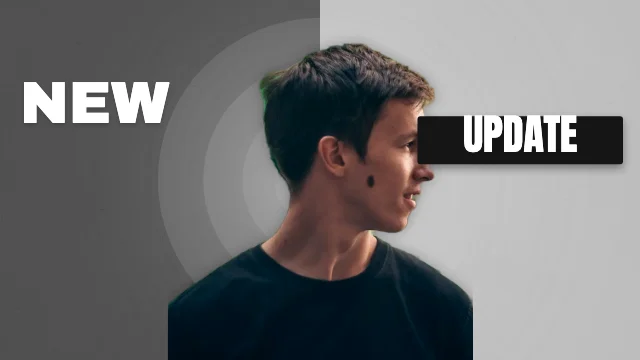 Avatar & obby games Face Split ThumbnailCentred subject · Monochrome
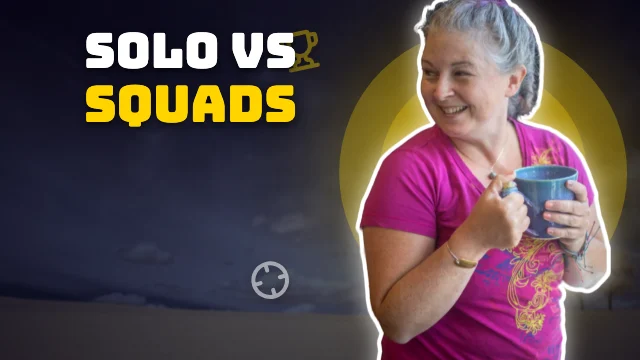 Competitive battle royale Host Right ThumbnailFace right, headline left · Gaming
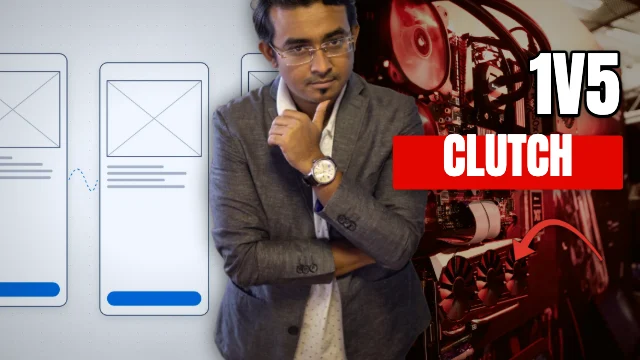 FPS games Two Worlds ThumbnailSplit scene · Esports
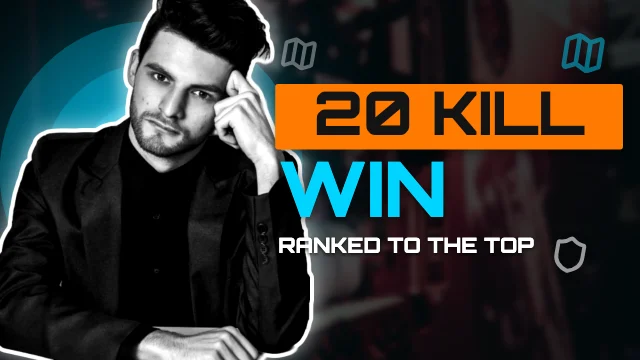 Battle royale Host Left ThumbnailFace left, headline right · Futuristic
AI & tech thumbnails
Clear, sharp AI and tech thumbnails
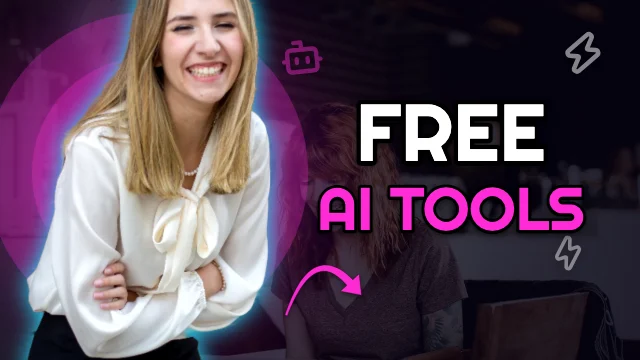 AI tools Creator Left ThumbnailFace left, headline right · Neon
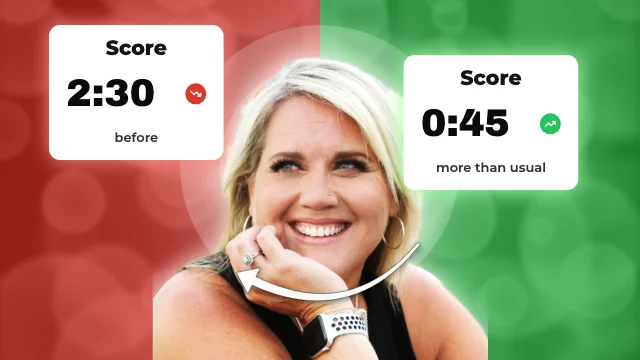 AI tutorials Results ThumbnailStat cards · Gradient
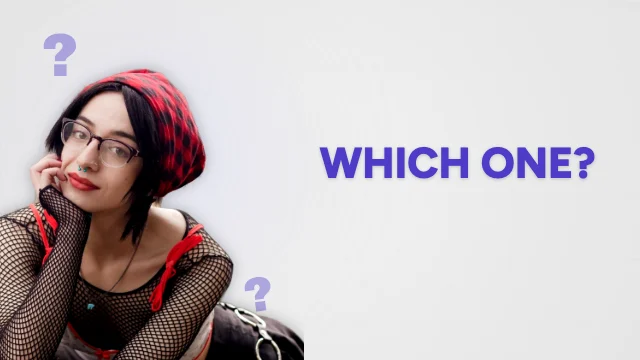 AI news Curious ThumbnailQuestion-led · Corporate
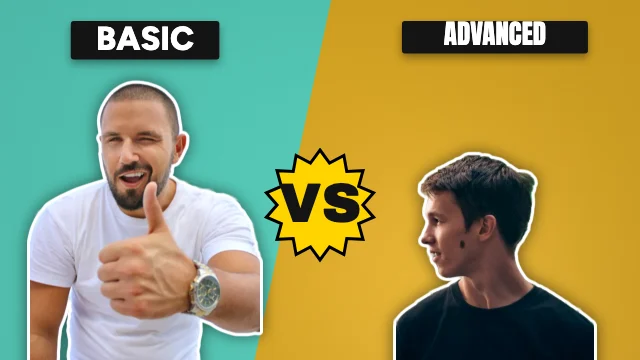 AI chatbot tutorials Versus ThumbnailTwo-item comparison · Glass-inspired
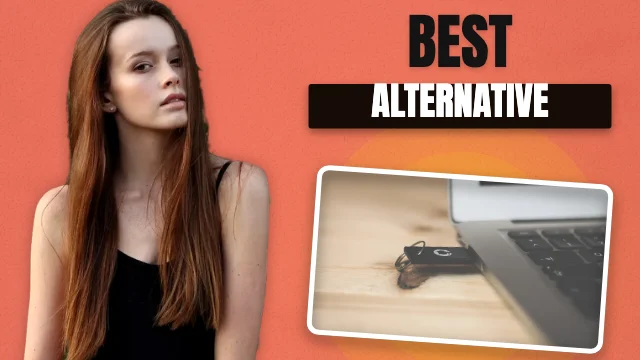 Software reviews Showcase ThumbnailProduct focus · Bold typography
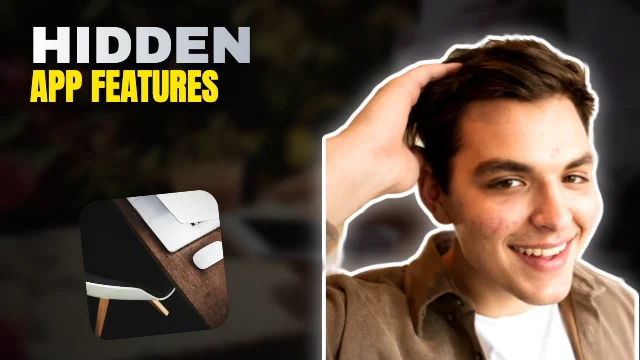 App reviews Reveal ThumbnailHidden secret · High contrast
Business & finance thumbnails
Trustworthy business thumbnails
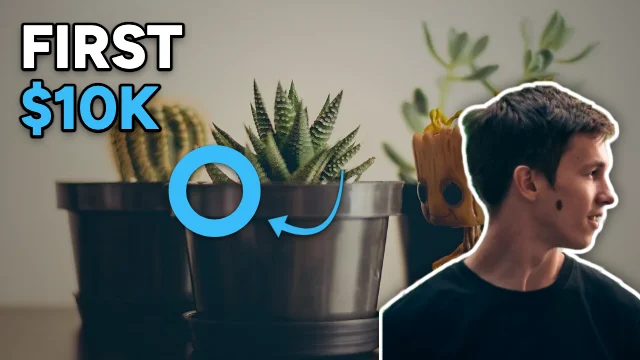 Entrepreneurship Spot It ThumbnailReaction · Premium dark
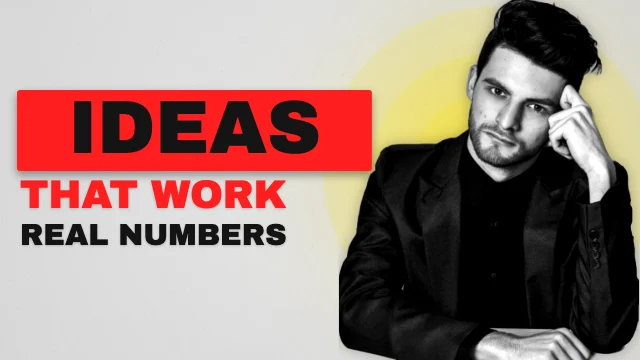 Business ideas Face Right ThumbnailFace right, headline left · High contrast
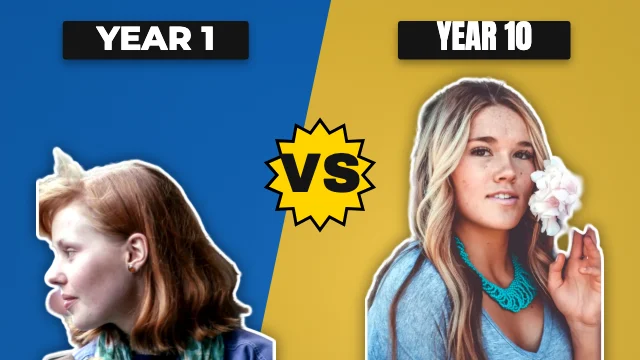 Startup stories Head to Head ThumbnailTwo-item comparison · Professional
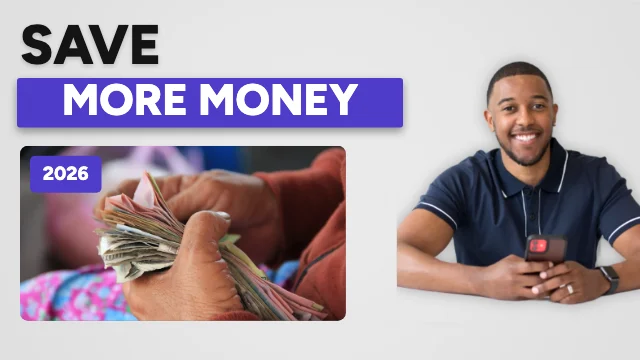 Personal finance Tutorial ThumbnailTutorial · Corporate
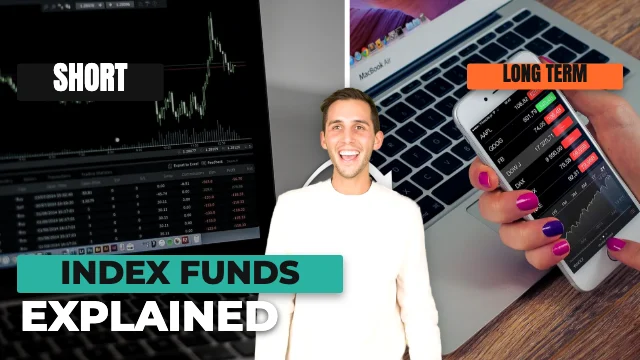 Investing education Then & Now ThumbnailBefore & after · Modern
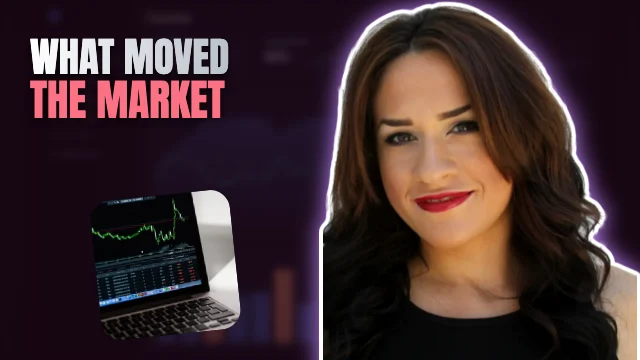 Stock market Hidden Secret ThumbnailHidden secret · Glass-inspired
Education thumbnails
Lessons and explainers people want to learn from
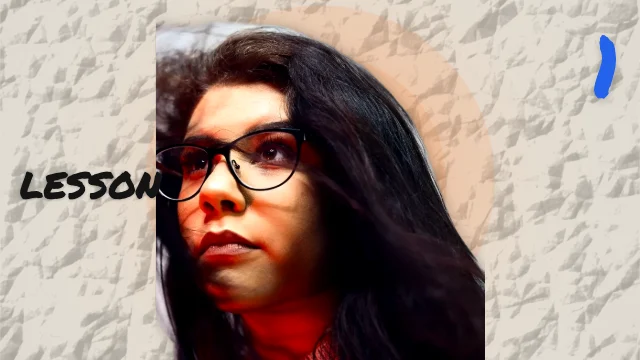 Educational lessons Centre Stage ThumbnailCentred subject · Hand-drawn
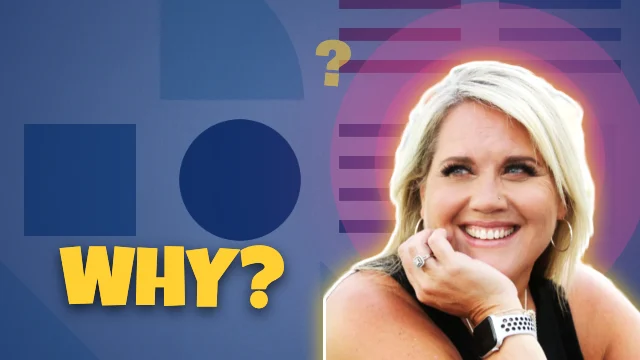 Mathematics Curious ThumbnailQuestion-led · Colourful
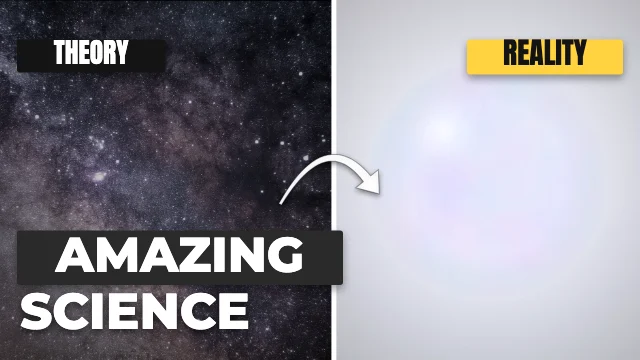 Science Then & Now ThumbnailBefore & after · Minimalist
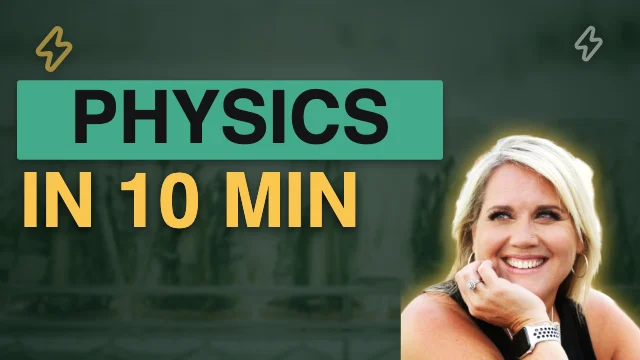 Physics Typography ThumbnailLarge typography · Illustration
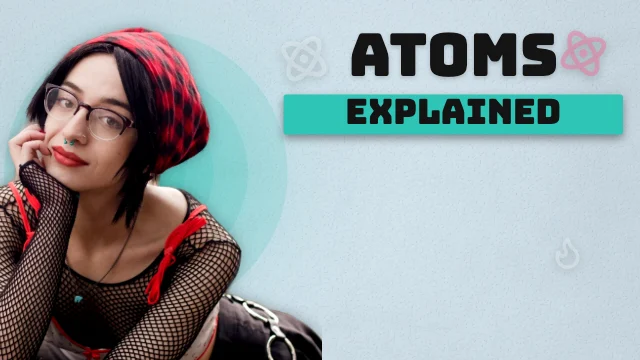 Chemistry Face Left ThumbnailFace left, headline right · 3D-inspired
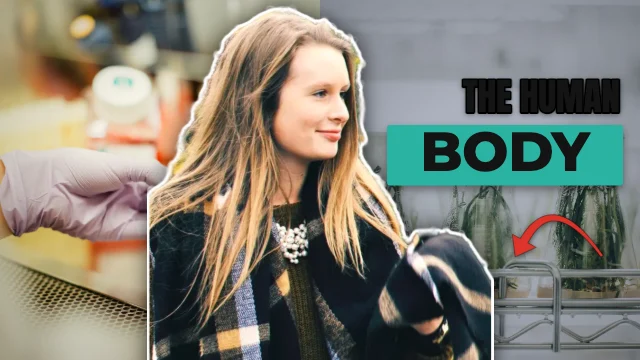 Biology Two Worlds ThumbnailSplit scene · Modern
Podcast & interview thumbnails
Guests, quotes and episode titles
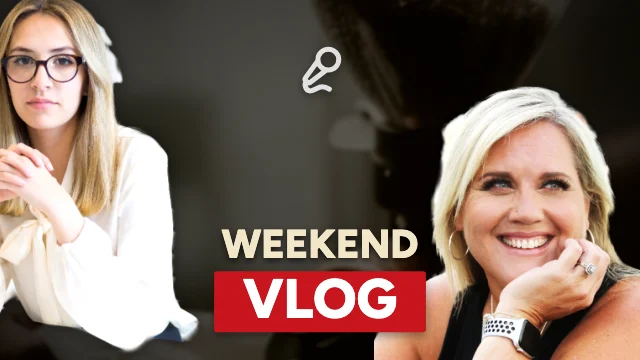 Daily vlogs Episode ThumbnailPodcast · Photography-focused
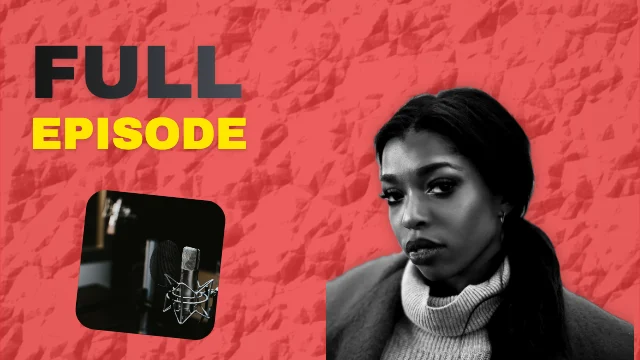 Podcast episodes Secret ThumbnailHidden secret · High contrast
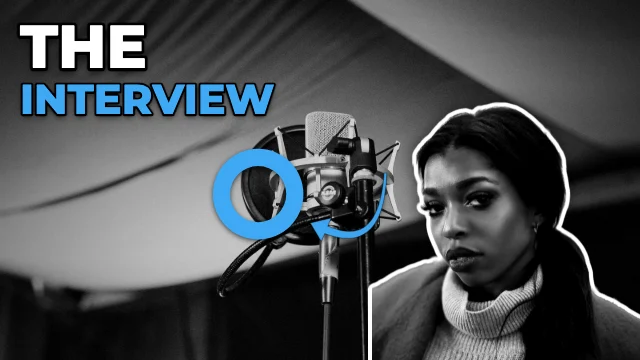 Guest interviews Spot It ThumbnailReaction · Professional
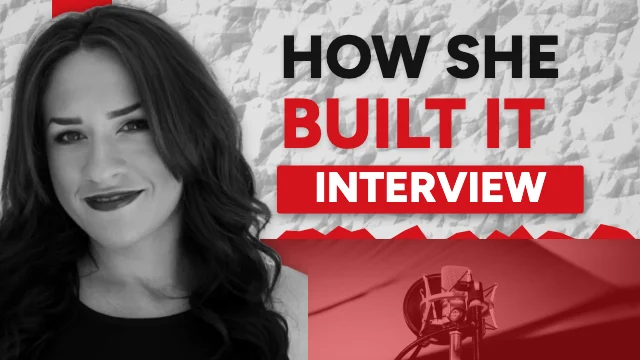 Business podcasts Documentary ThumbnailDocumentary · Corporate
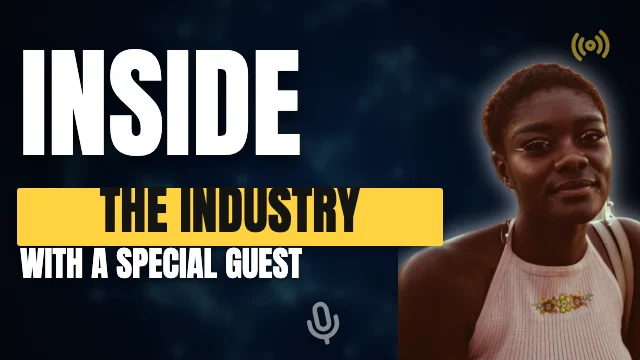 Technology podcasts Bold Words ThumbnailLarge typography · Dramatic
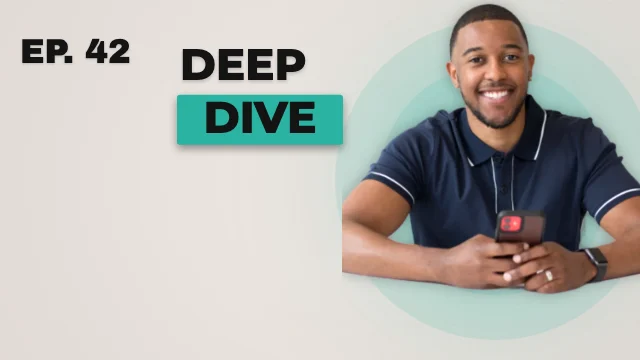 Educational podcasts Numbered ThumbnailNumber-led list · Modern
Travel & lifestyle thumbnails
Photo-led thumbnails for vlogs, food and travel
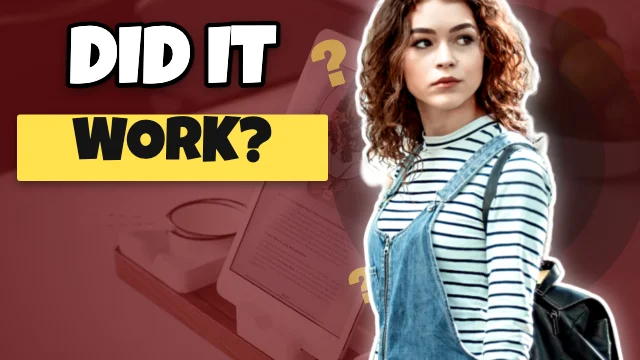 Daily vlogs Curious ThumbnailQuestion-led · Comic-inspired
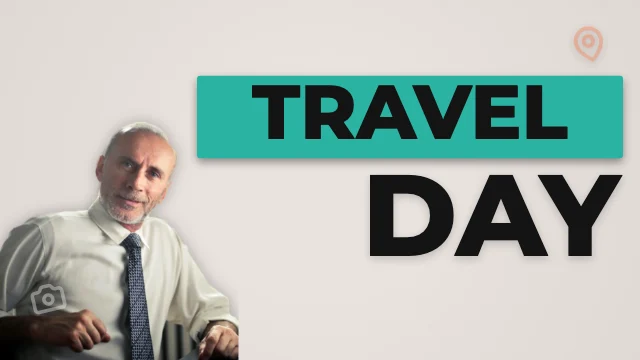 Travel vlogs Big Text ThumbnailLarge typography · Modern
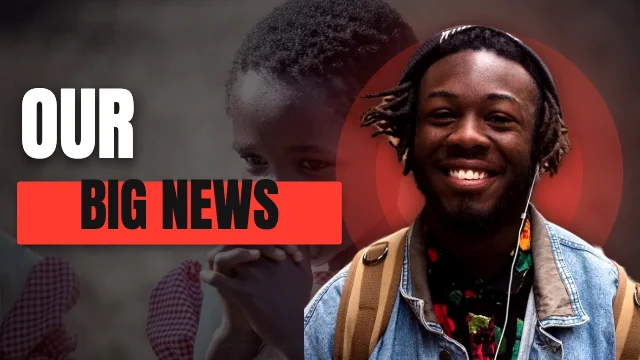 Family vlogs Creator Right ThumbnailFace right, headline left · Dramatic
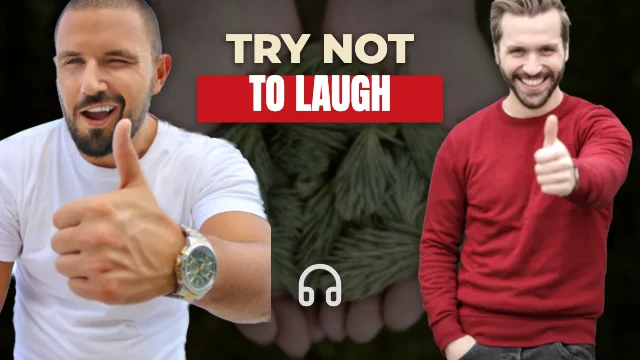 Couple Guests ThumbnailPodcast · Abstract
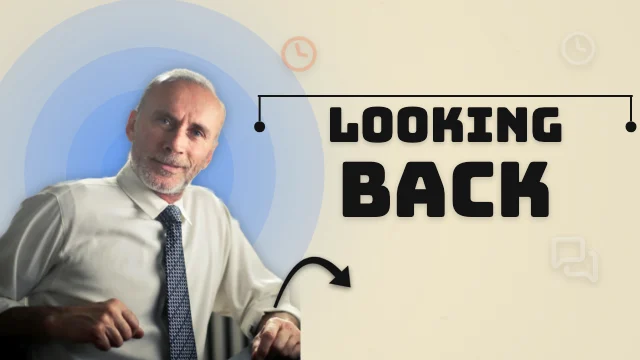 Personal stories Creator Left ThumbnailFace left, headline right · 3D-inspired
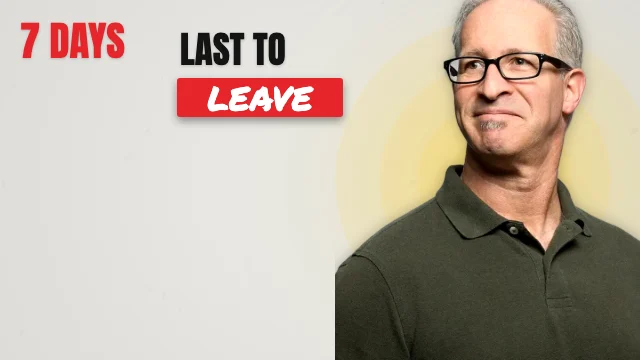 Challenges Numbered ThumbnailNumber-led list · Hand-drawn
Popular formats
Thumbnail formats you see everywhere
Formats creators use a lot on YouTube, each with a template to start from. (A general observation — we don't have view or click data and don't pretend to.)
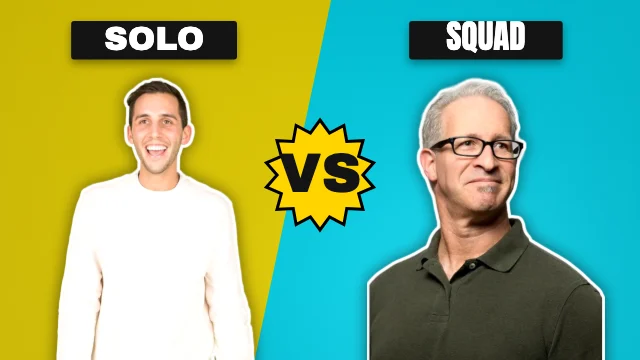
This vs that
Two sides, one choice. Works for reviews, food tests and match-ups.
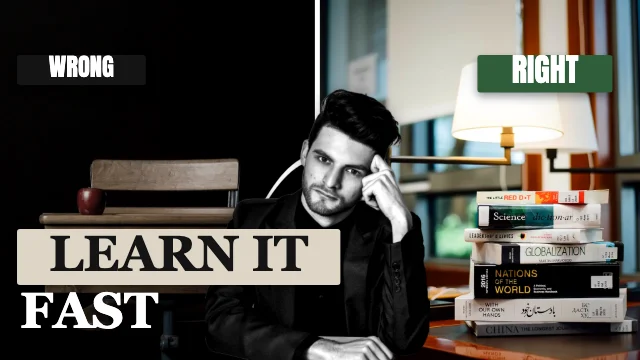
Before & after
Show the change the video delivers — a makeover, a build, a 30-day result.
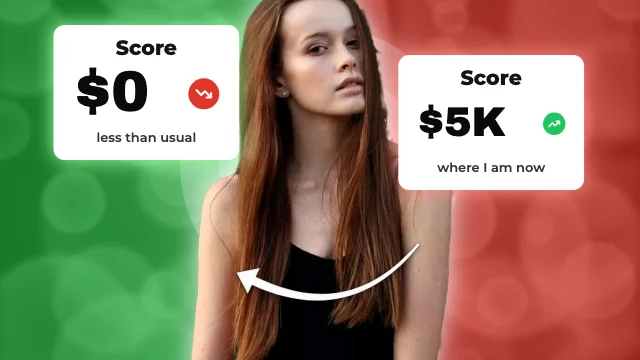
The numbers
Two stat cards and an arrow: 124 views to 187K, $0 to $5K.
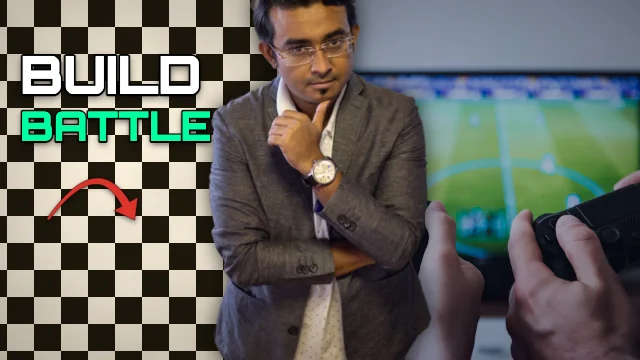
Two worlds
Two contrasting scenes either side of you — the problem and the place.
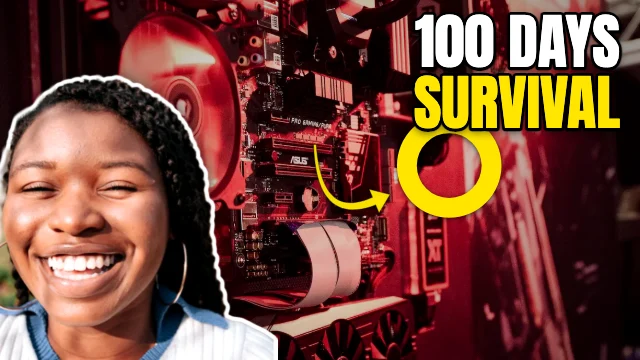
Reaction
A scene, your face and a circled detail — what did you just see?
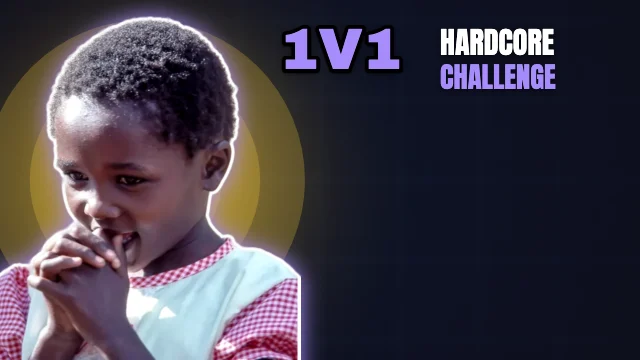
Big number
A huge number promises a clear structure: “7 tips”, “10 mistakes”.
Recently added · every template in this collection was added on . Trending and popularity lists will appear once there is real usage data — we don't invent it.
Design styles
Browse by design style
34 complete looks — typefaces, palettes, backgrounds and a headline treatment (thick outline, glow, 3D extrude, highlight boxes or clean type).
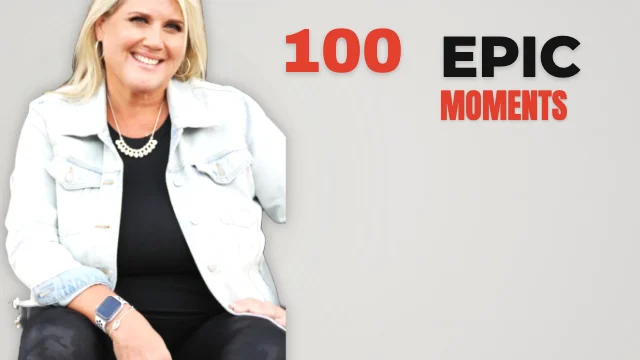 Minimalist191 templates · One idea, one subject, a few big words and space.
 Modern280 templates · Geometric sans, soft gradients, rounded cards and a clean cut-out.
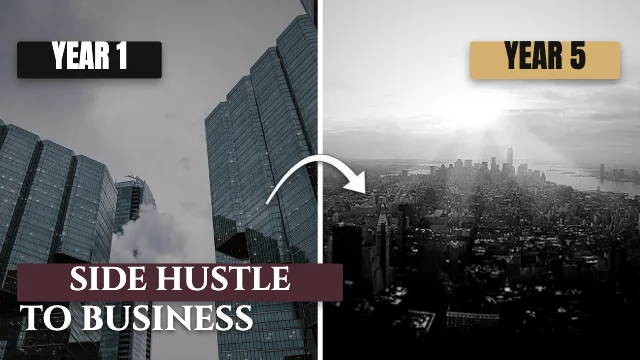 Luxury149 templates · Black and gold, spaced serif capitals and a polished subject.
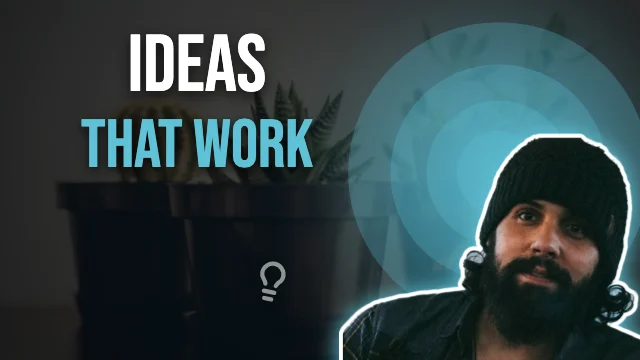 Cinematic159 templates · Film-grade colour, letterbox bars and tall spaced capitals.
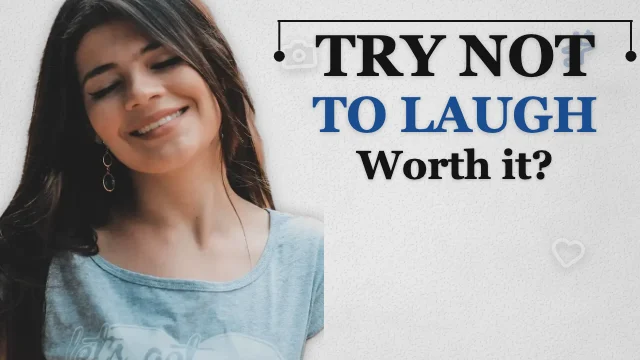 Editorial161 templates · Serif headlines, rules and a magazine-calm layout.
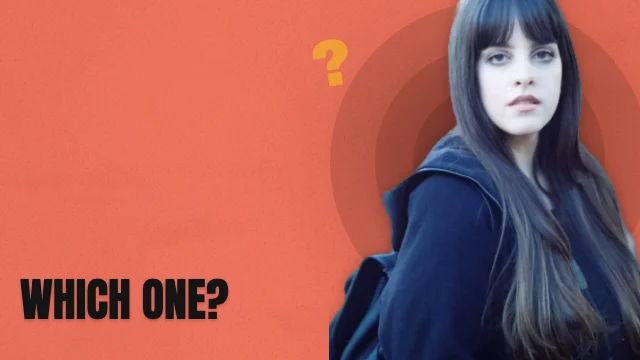 Bold typography209 templates · Huge condensed words that fill the frame.
 Gaming78 templates · Blocky extruded type, slashes, glow and arcade energy.
 Esports79 templates · Team-sport energy: sharp slashes, chevrons and hard shadows.
 Neon123 templates · Glowing tubes of colour on deep night grounds.
 Cyberpunk85 templates · Hazard yellow, magenta and cyan; HUD lines and slashed panels.
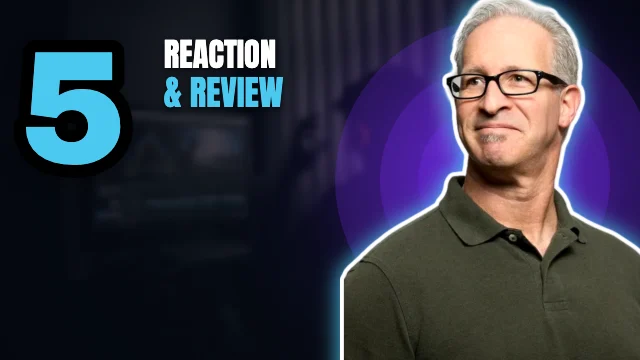 Futuristic82 templates · Wide sci-fi type, orbits, HUD frames and cool light.
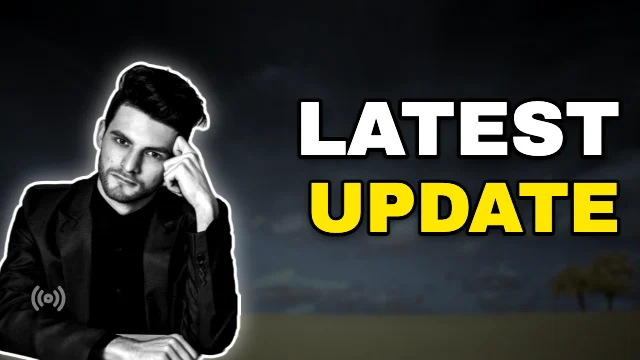 High contrast222 templates · Black, white and one loud colour — reads at any size.
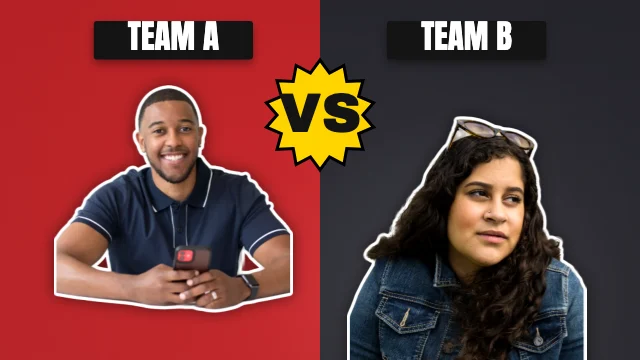 Dramatic176 templates · Dark storm light, red accents and serious faces.
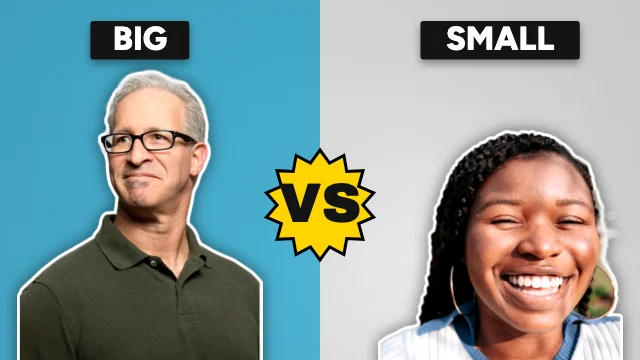 Photography-focused165 templates · A big photo does the work; type sits on it with a clean shadow.
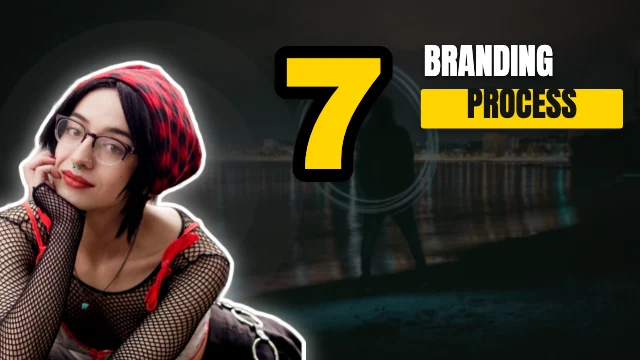 Magazine-inspired153 templates · Masthead type, cover lines and a cover-star cut-out.
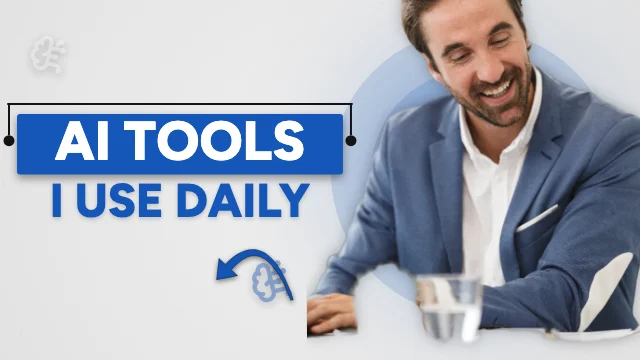 Corporate116 templates · Navy blocks, clean grid and a trustworthy tone.
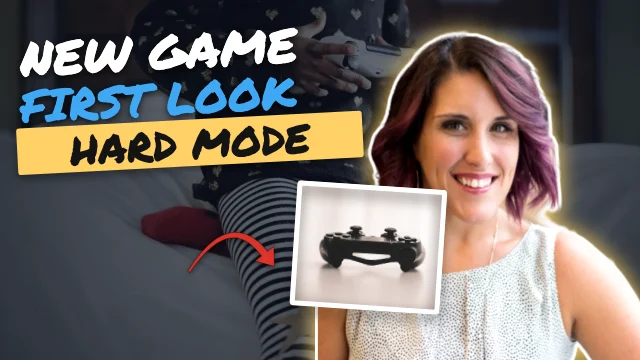 Professional200 templates · Balanced, confident and easy to read — the safe choice.
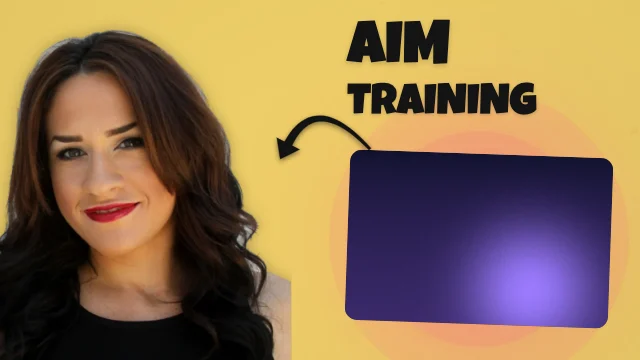 Colourful131 templates · Saturated blocks, chunky type and cheerful shapes.
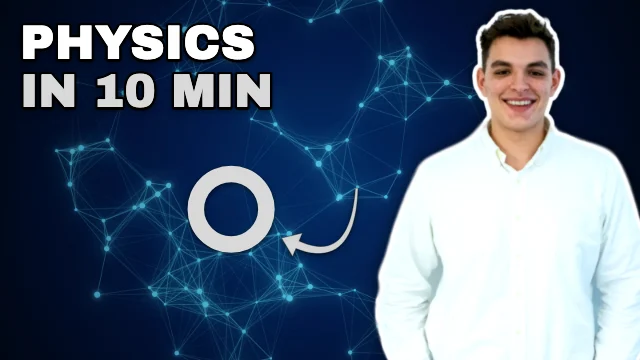 Monochrome142 templates · Black, white and grey — the subject and words carry it.
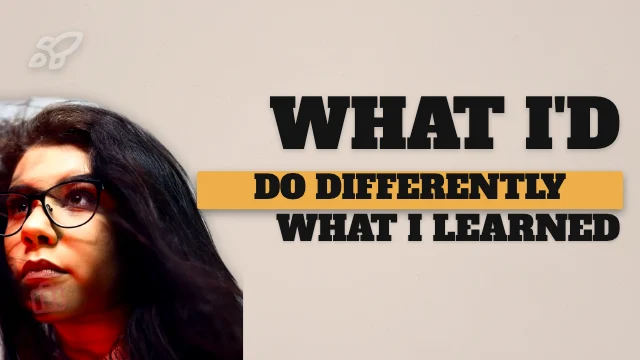 Retro172 templates · Seventies colour, sunbursts and chunky slab type.
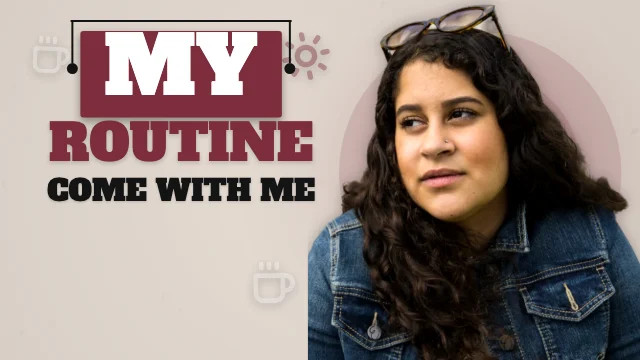 Vintage112 templates · Paper texture, old type and stamped badges.
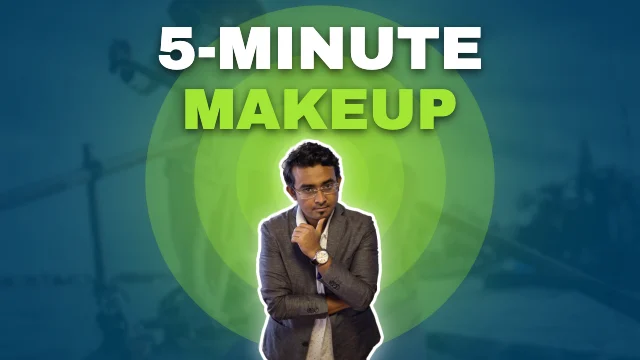 Gradient208 templates · Vivid colour washes with crisp white type.
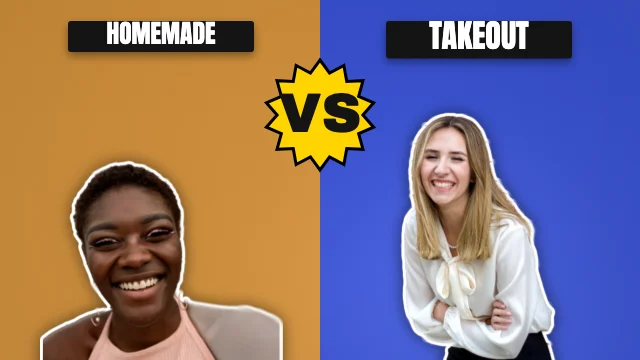 Geometric166 templates · Circles, triangles and arcs framing the subject.
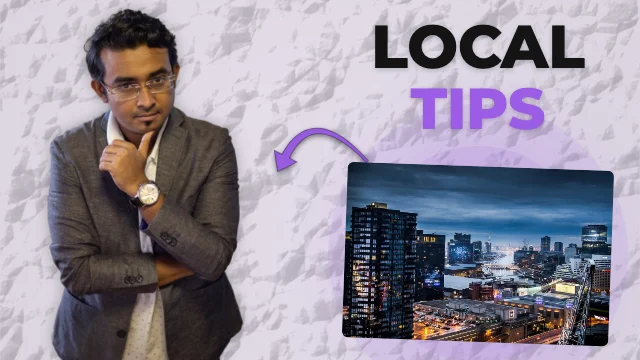 Abstract166 templates · Painted colour fields and organic blobs behind the subject.
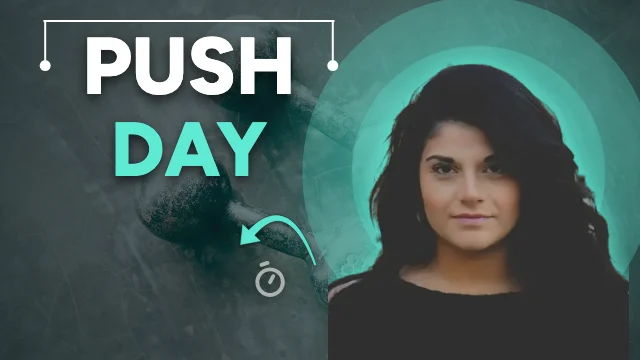 Glass-inspired148 templates · Frosted cards floating over colour and light.
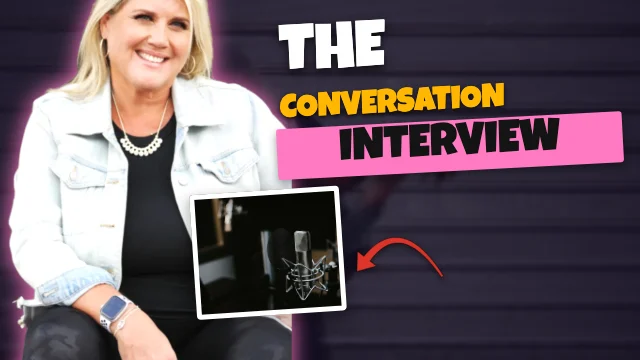 3D-inspired159 templates · Extruded chunky type, glossy spheres and deep shadows.
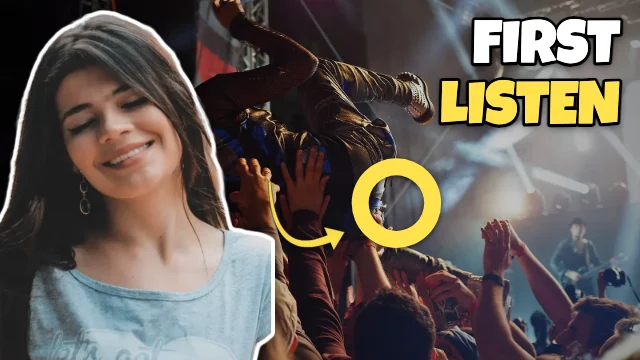 Comic-inspired146 templates · Halftone dots, starbursts, speech bubbles and inked outlines — original artwork.
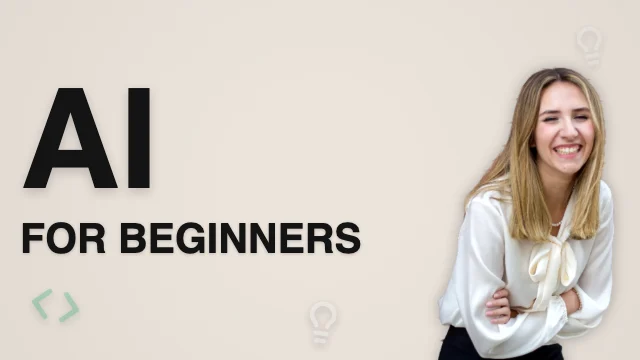 Illustration84 templates · Flat icons and simple shapes that tell the story.
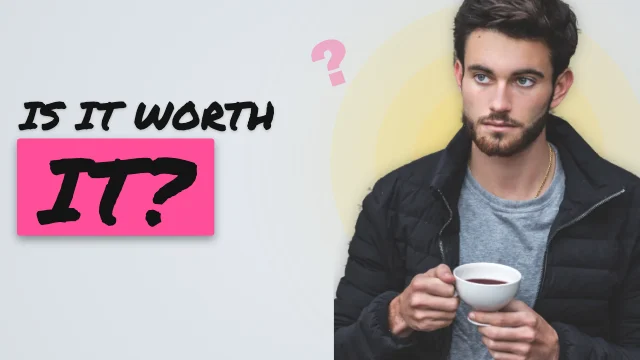 Hand-drawn157 templates · Marker headlines, scribbled arrows and sketchbook warmth.
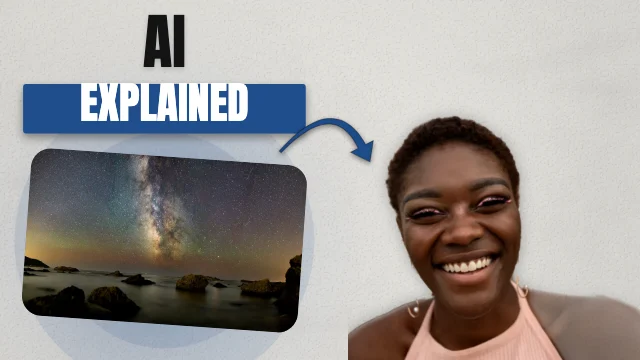 Documentary107 templates · Archival photos, serious type and a single red accent.
 News editorial127 templates · Breaking-news bars, red labels and a firm grid.
 Premium dark239 templates · Near-black grounds, a rim-lit subject and one precious accent.
 Clean educational99 templates · Clear labels, step badges and friendly, readable type.
 Vibrant entertainment217 templates · Hot colour splits, glowing cards and big reactions.
Thumbnail compositions
20 compositions, each built to read small
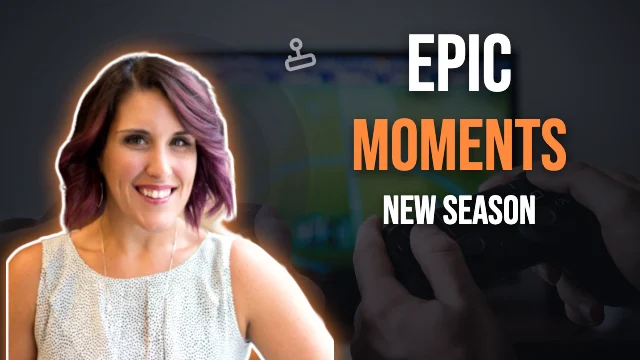 Face left, headline right421 templates
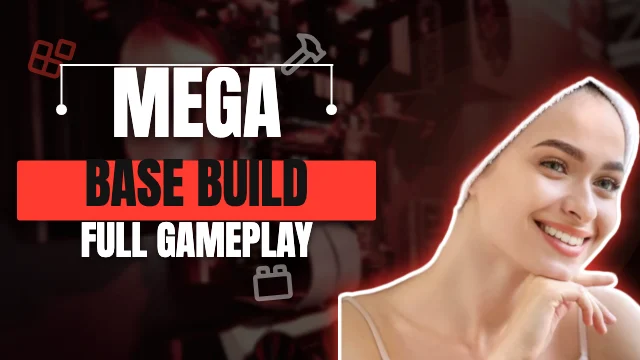 Face right, headline left424 templates
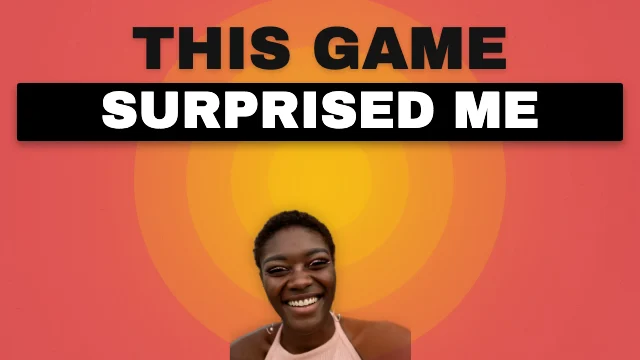 Centred subject256 templates
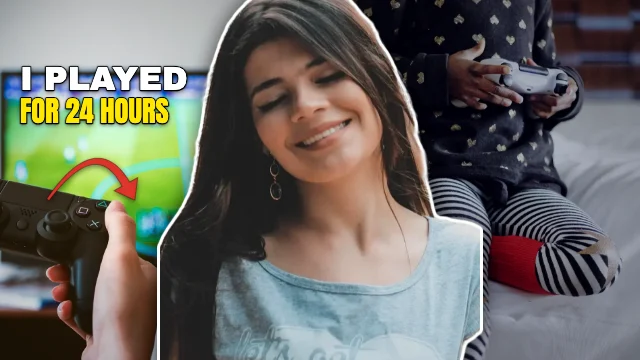 Split scene268 templates
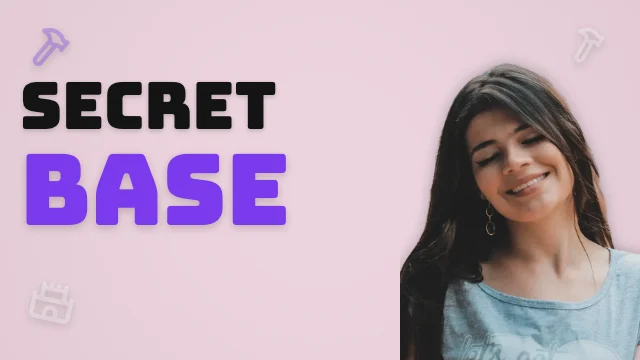 Large typography373 templates
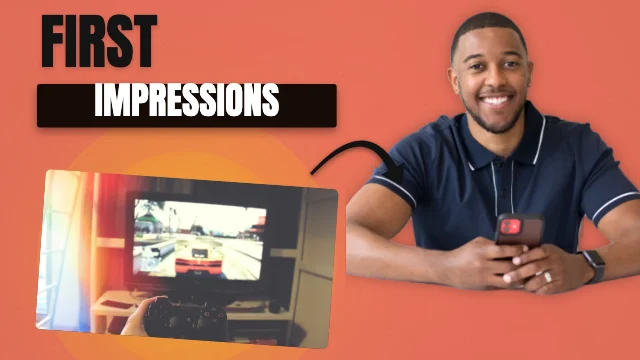 Product focus321 templates
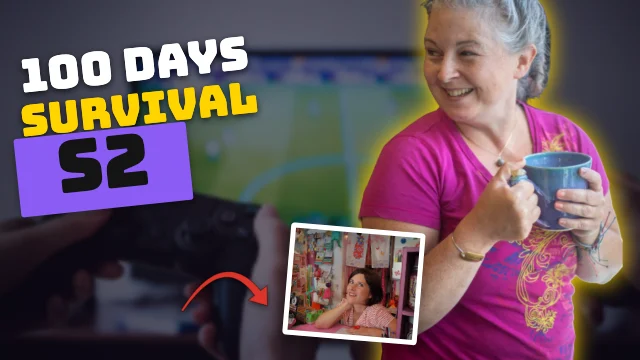 Holding the story257 templates
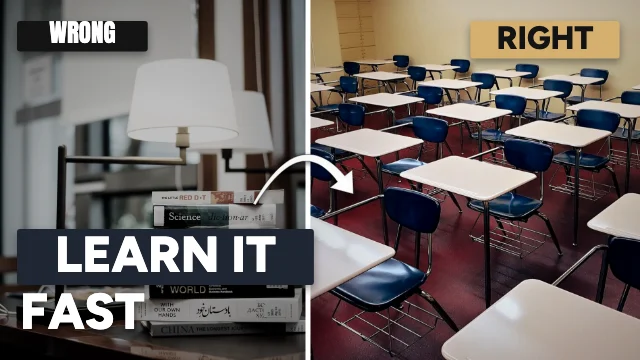 Before & after225 templates
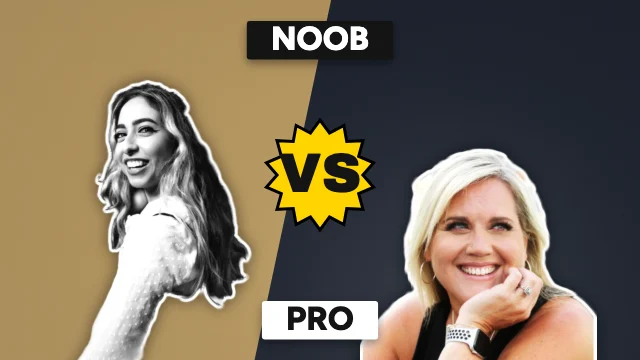 Two-item comparison265 templates
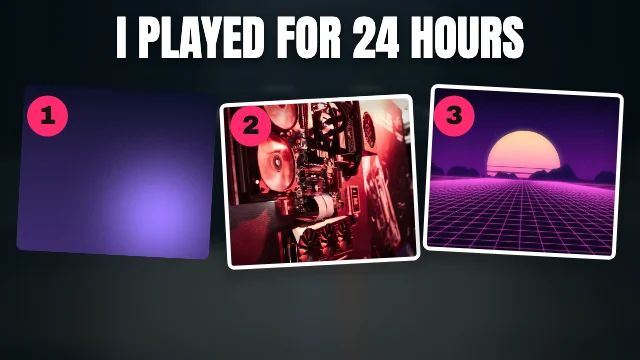 Three-item comparison303 templates
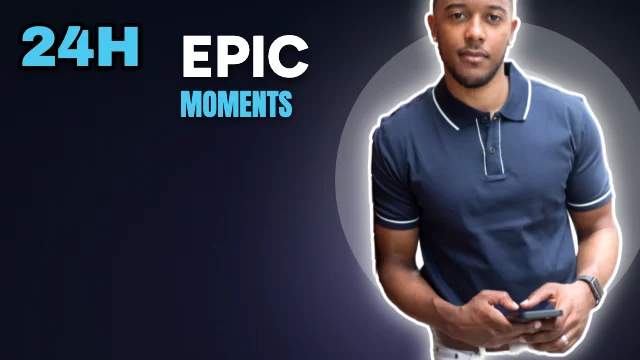 Number-led list340 templates
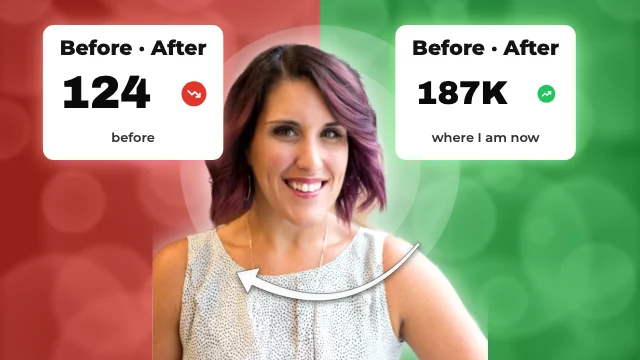 Stat cards168 templates
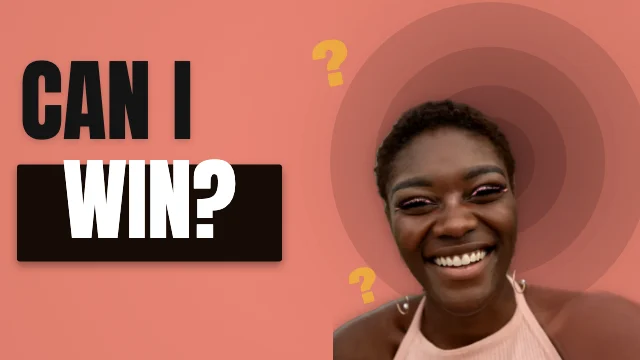 Question-led372 templates
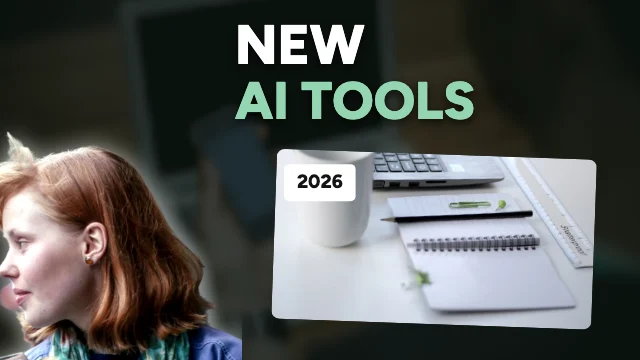 Tutorial154 templates
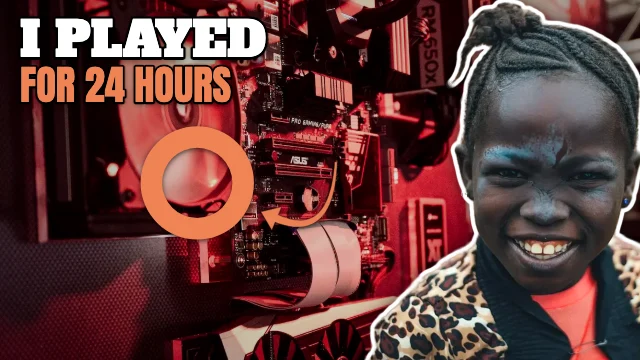 Reaction299 templates
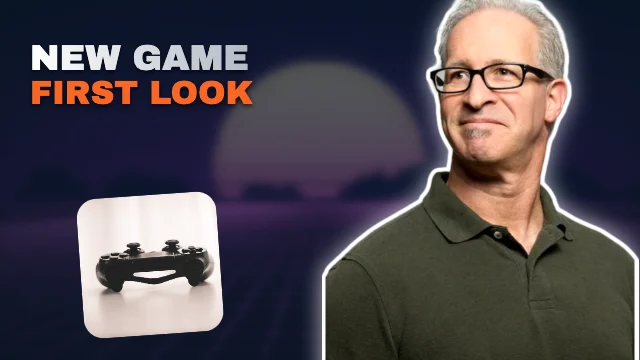 Hidden secret317 templates
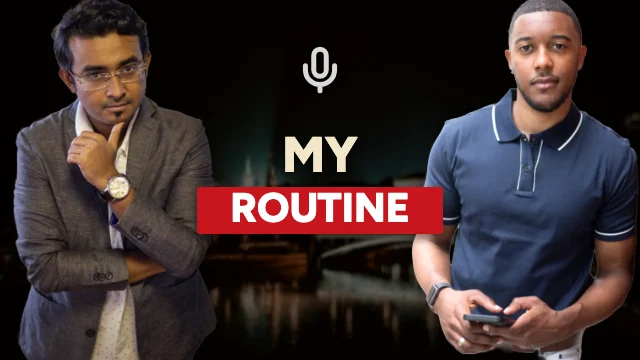 Podcast71 templates
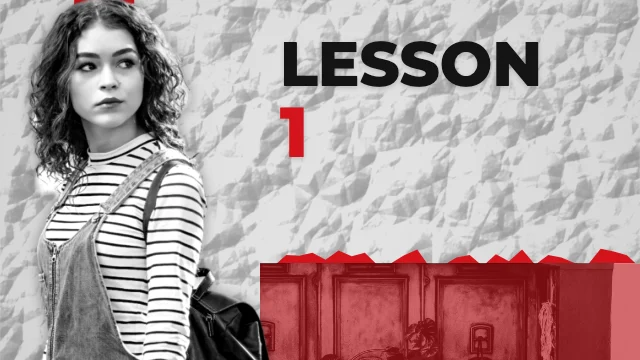 Documentary69 templates
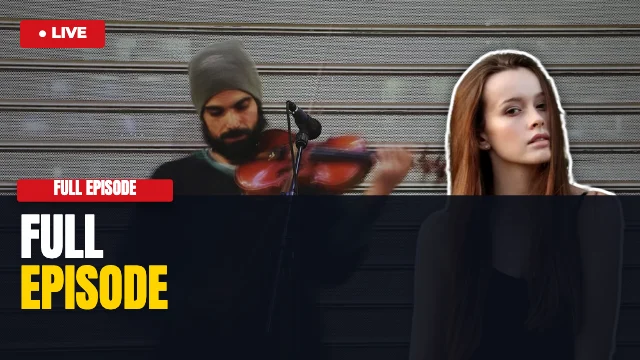 News63 templates
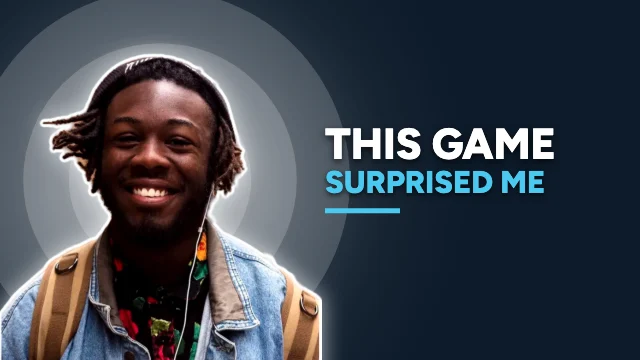 Minimal text242 templates
YouTube thumbnail size guide
YouTube thumbnail size and rules
What YouTube asks for (YouTube Help, checked 18 November 2026) and what this maker downloads.
| What | Value | Notes |
|---|---|---|
| Shape | 16:9 | Every template and download is 16:9 |
| Usual size | 1280 × 720 px | The editor's canvas size; small, sharp files |
| Recommended maximum | 3840 × 2160 px | 4K — available in the download screen |
| Minimum width | 640 px | Smaller images are rejected |
| File type | JPG or PNG | Both can be downloaded |
| File size | 2 MB (YouTube app) · 50 MB (computer) | The download screen checks 2 MB and can compress to fit |
| Account | Verified | YouTube only allows custom thumbnails on verified accounts |
| Video length badge | Bottom-right corner | Templates keep words out of it; Check warns you if yours don't |
Thumbnail design studio
More than a template — a thumbnail studio
A full-screen editor built around how YouTube shows thumbnails. Every step can be undone, and your designs save in this browser as you go.
Small-size previews
Your real thumbnail in the home grid, the mobile feed and the 168 px “Up next” list — drawn at each real size, in light or dark mode, with a sample video length. Press P any time.
Readability check
Check measures each text layer's contrast and its height at 168 px on the actual render, counts the words and watches the video-length corner — with one-click fixes. It's a readability check, not a click predictor.
16 composition layouts
Face left or right, centred subject, big type, product, before & after, versus, three picks, numbered list, question, tutorial, reaction, podcast, documentary, news and minimal — your words and photo move in.
Versions to compare
Duplicate a thumbnail into versions A, B and C, rename them, edit each one separately, compare them side by side at full and small sizes, and download each.
Background removal
Cut yourself out of any photo with the same on-device model as our Background Remover, then add a white, brand-colour or shadow rim so you stand out.
Headline ideas
Short headline ideas for your topic in six tones — curious, bold, helpful, fun, serious or compare — shortest first. Patterns, not AI: make them sound like you.
Shared channel brand
Save your colours, fonts, handle and logo once and apply them to any thumbnail. The YouTube Banner Maker uses the same saved brand, and Brand makes a matching profile picture and title card.
YouTube-ready files
Exactly 1280 × 720, 1920 × 1080 or 3840 × 2160, JPG or PNG. The file is decoded to confirm its size and checked against the 2 MB limit, and compressed to fit if you want.
Step by step
How to make a YouTube thumbnail
A thumbnail is the picture people see before they decide to watch. It's shown big on the home page and tiny in “Up next” lists and search on phones — often under 170 px wide — so what matters most is that the main subject and a few words are readable at that size, and that nothing important sits in the bottom-right corner, where YouTube draws the video length.
The 5,000+ templates cover 217 video topics in 16 groups — gaming, AI and tech, education, business and finance, vlogs, food, travel, fitness, beauty, entertainment, podcasts, kids and more. They follow what professional creator thumbnails do — a big, rim-lit face, a graded photo scene or a textured page, two or three heavy words with a highlight bar, curved arrows and stat cards — in 20 kinds of composition (face beside a headline, split scene, holding the story, before and after, versus, stat cards, three picks, big number, question, tutorial, reaction, hidden secret, podcast, documentary, news…) and 34 design styles, with sample headlines written for each topic.
Templates were generated from those layouts and then filtered: any template whose layout is too close to another in the same topic or style is rejected (colour, font and wording don't count as a difference). Every template was also rendered in a real browser and checked — headlines at least 56 px tall at 1280 × 720, readable contrast (or a thick outline), no words in the video-length corner, nothing overlapping, and no words over a face, prop or arrow. Templates that failed were replaced, not shrunk.
It all runs in your browser. Designs save on this device, background removal runs on your device, and nothing is uploaded. There's no account, watermark or paid AI service — headline ideas come from writing patterns and each topic's sample lines.
- 1
Find a template: search by topic (gaming, AI tools, cooking, finance…), filter by style, colour, layout, image type or where the text sits, and open the one closest to your video.
- 2
Choose Edit template. The studio opens with exactly the thumbnail you saw — every word, photo and shape can be edited.
- 3
Replace the sample photo with yours (drag it onto the frame, or use Uploads). Open Cut-out to remove the background on your device and add a rim glow.
- 4
Write 3–5 big words. Headlines suggests short ideas for your topic and tone; Versions lets you try two or three and compare them side by side.
- 5
Press P to see the thumbnail at the sizes YouTube shows it — the home grid, the mobile feed and the 168 px “Up next” list. Open Check for contrast, text size and the video-length corner, with one-click fixes.
- 6
Download a 1280 × 720 JPG or PNG (or 1920 × 1080 or 3840 × 2160). The download screen confirms the real size and that the file is under 2 MB, and can compress it if needed. Upload it in YouTube Studio → Content → your video → Thumbnail.
Thumbnails that read at a glance
- Use 3–5 words, and don't repeat the title — the thumbnail and the title should say different things that add up.
- One subject, big. A face showing an expression, or the one object the video is about, reads at 168 px; a crowded scene doesn't.
- Contrast beats colour. Light words on a dark ground (or a thick outline) stay readable on any device, in light and dark mode.
- Keep the bottom-right corner free — YouTube covers it with the video length.
- Make a few versions and pick the one you can still read in the small preview. YouTube Studio's own Test & Compare can then test them on real viewers.
Also useful:YouTube Banner MakerBackground RemoverInstagram Post Maker
Common thumbnail mistakes
- Too many words. If you can't read it in the 168 px preview, most people scrolling on a phone can't either.
- Putting text in the bottom-right corner, under the video length.
- Low-contrast text on a busy photo. Add a thick outline, a panel or a darker photo.
- Leaving the sample photo and headline in place — they're placeholders for your own.
- Uploading a PNG over 2 MB from the YouTube app. Use JPG, or let the download screen compress it.
- A thumbnail that promises something the video doesn't show. It may get a click, but viewers leave — and YouTube's policies don't allow misleading thumbnails.
Why M2Toolkit
Why make your thumbnail with M2Toolkit
- 5,000+ thumbnail templates for 217 video topics, each opening ready to edit.
- Small-size previews: the home grid, the mobile feed and the 168 px and 120 px list sizes, in light or dark mode.
- A Check panel that measures contrast and text size on the real render — a readability check, not a click predictor.
- Versions: make A/B/C variations, compare them side by side and download each.
- Background removal on your device, with a white, brand-colour or shadow rim.
- Exact 1280 × 720, 1920 × 1080 or 3840 × 2160 JPG or PNG, size-checked against YouTube's 2 MB limit.
Good to know
- Sizes, file types and limits follow YouTube Help (checked 18 November 2026). YouTube can change them; the download screen shows the real file it made.
- The readability score and checklist measure contrast, text size at 168 px, word count and the video-length corner on your actual render. They don't predict click-through rate or views — nothing can do that reliably without testing on real viewers.
- The small-size previews are simple mock-ups of YouTube's layout drawn around your real thumbnail, not YouTube's actual pages.
- Sample people are CC0 (public domain) photos cut out with the same on-device background remover you can use; sample headlines are invented. Replace both with your own.
- No game characters, brand logos or copyrighted artwork are used. Gaming templates use generic shapes and photos.
- Headline ideas come from fixed writing patterns, not an AI model. Your work is saved only in this browser — download it before clearing site data.
FAQ
Frequently Asked Questions
Content last updated . See how M2Toolkit works.
Also try:YouTube Banner Maker·Background Remover·Instagram Post Maker
What size should a YouTube thumbnail be?
16:9. 1280 × 720 pixels is the usual size; YouTube recommends up to 3840 × 2160, and the minimum width is 640 px. Use JPG or PNG — under 2 MB if you upload from the YouTube app (50 MB from a computer). The editor works at 1280 × 720 and downloads 1280 × 720, 1920 × 1080 or 3840 × 2160.
Are the templates really free?
Yes. All 5,000+ templates, the editor, background removal and the downloads are free — no sign-up and no watermark.
Will this thumbnail get more clicks?
No tool can promise that. The Check panel measures things that affect whether a thumbnail can be read — contrast, text size at small sizes, word count and the video-length corner — but it doesn't predict click-through rate. To compare designs on real viewers, use YouTube Studio's Test & Compare with versions made here.
How do I remove the background from my photo?
Select your photo and open Cut-out, then press Remove background. It uses the same on-device model as our Background Remover — the photo never leaves your device. Works best on one person or object with a clear outline; then pick a white, brand-colour or shadow rim.
How do I see what my thumbnail looks like on a phone?
Press P (or the eye icon). The preview draws your thumbnail at the real sizes of the home grid, the mobile feed and the “Up next” list (168 px) and 120 px, with a sample video length, in light or dark mode.
Can I make A/B versions of a thumbnail?
Yes. Open Versions and choose Duplicate as new version. Each version is edited separately; Compare shows them side by side at full and small sizes, and each can be downloaded.
Can I keep my text and photo when I change templates or layouts?
Yes. Pick another template or one of the 16 layouts and your words and photos move into it. Undo goes back.
Can my thumbnails match my channel banner?
Yes. Save your colours, fonts, handle and logo in Brand — the YouTube Banner Maker offers the same saved brand, and Brand can also make a matching profile picture, community post and title card.
Why can't I upload a custom thumbnail on YouTube?
YouTube only allows custom thumbnails on verified accounts (phone verification in YouTube Studio). Also check the file is JPG or PNG and under the size limit — the download screen shows both.
Is my design uploaded anywhere?
No. The editor runs in your browser and saves designs on this device only. You upload the finished file to YouTube yourself.
Free · No sign-up · No watermark
Your next video deserves a thumbnail people can read.
Pick one of 5,208 templates, add your photo and a few big words, check them at YouTube's small sizes and download a file ready to upload.
Helpful guides.
Related tools.
Other free design tools for creators.
- YouTube Banner Maker5,000+ free YouTube banner templates — safe-area guides, device previews, channel branding and 2560 × 1440 JPG or PNG downloads checked against YouTube's limits.Editors
- Background RemoverPopularRemove the background from any photo in seconds with AI that runs in your browser — then download a transparent PNG or add a new colour, photo, blur, shadow or outline.Images
- Instagram Post MakerPopular4,000+ free Instagram post, Story and Reel cover templates in 23 styles — edit text and photos on the canvas, then download PNG, JPG or PDF.Editors
- Text Art GeneratorPopular4,000+ free text art templates, a fancy Unicode and ASCII art generator, and a full typography studio — outline, glow, 3D, curves — with PNG, JPG, SVG or TXT downloads.Images
- Social Media Carousel MakerPopular7,000+ free Instagram and LinkedIn carousel templates in 81 design styles for every industry — edit every slide, then download PNG, JPG, ZIP or PDF.Editors
- Photo Collage MakerPopularMake photo collages from 2,000+ free templates — drag in your photos, edit everything on the canvas and download PNG, JPG or PDF for Instagram, stories or print.Images