Create a YouTube Banner That Makes Your Channel Stand Out
Discover thousands of customizable YouTube banner templates. Design professional channel art, preview it across devices, and download a high-resolution banner for free.
Free — no sign-up, no watermark. Everything stays in your browser.
- 5,000+ free templates
- Safe-area checks
- Device previews
- Channel branding
- Real design editor
- Free downloads
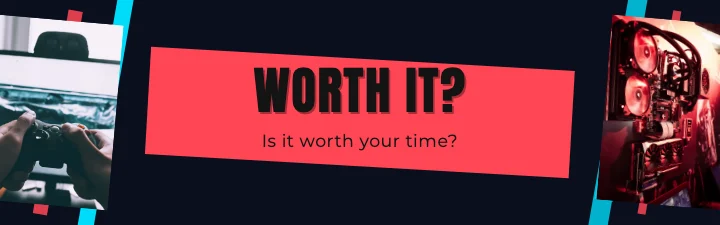
Worth It?
@worthit
A real template, Game reviews Arena YouTube Banner, on every device. Switch tabs to see how each one crops it.
What is M2Toolkit YouTube Banner Maker?
A free online YouTube banner maker and channel branding studio that runs in your browser. Start from one of 5,220 templates designed around YouTube's safe area, make it yours, check it on every device and download a file that meets YouTube's requirements.
- Templates
- 5,220 banners: 145 channel niches in 15 groups, 32 layouts, 31 styles
- Made for
- YouTubers, streamers, gamers, educators, podcasters, musicians, businesses and brands
- Safe area
- Marked on the canvas and checked for you, with approximate desktop, tablet and phone crops
- Previews
- Your actual banner on a TV, desktop, tablet and phone
- Downloads
- 2560 × 1440 or 2048 × 1152, JPG or PNG, under YouTube's 6 MB limit
- Price & privacy
- Free, no sign-up, no watermark; your photos never leave your device
Featured YouTube banner templates
Explore 5,000+ Free YouTube Banner Templates
Every card is the real template drawn by the editor, showing the desktop strip. Search by niche, name, style or colour, then preview it on every device — it opens in the editor exactly as shown.
- Banner templates
- 5,220
- Channel niches
- 145
- Layouts
- 32
- Design styles
- 31
5,220 templates · showing 24
24 of 5,220
Popular categories
Browse by channel niche
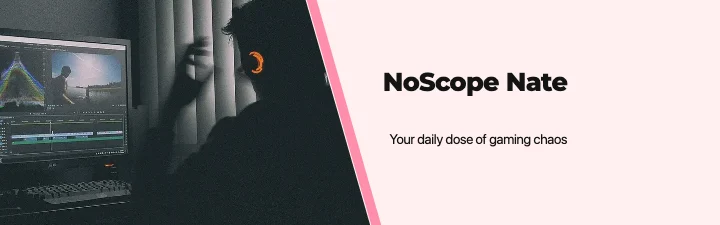 Gaming & esports432 templates
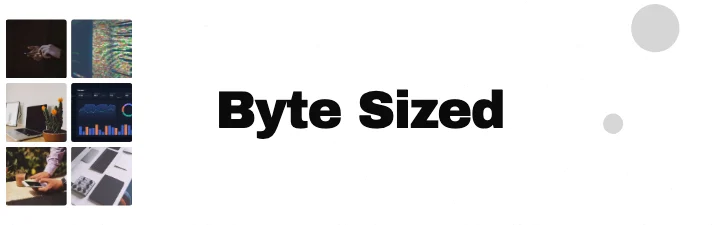 Technology & software396 templates
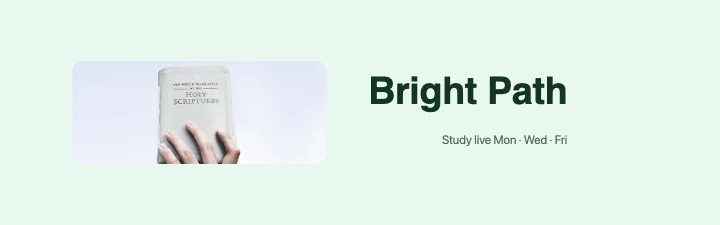 Education & learning360 templates
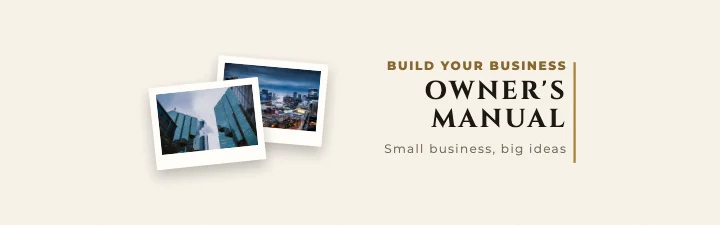 Business & finance396 templates
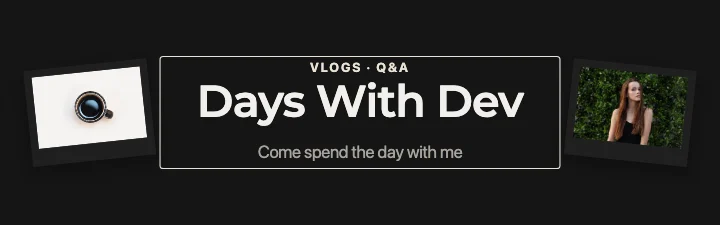 Lifestyle & vlogging360 templates
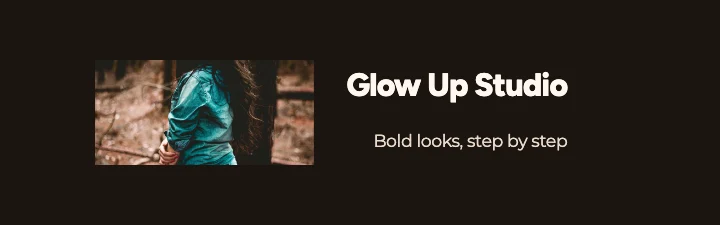 Beauty & fashion324 templates
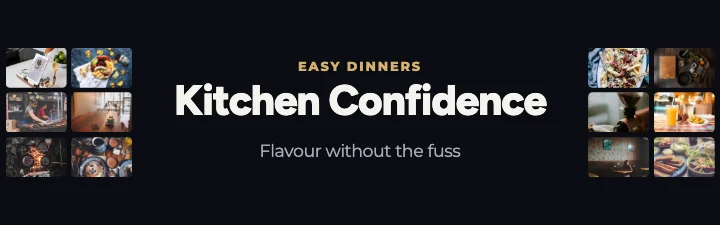 Food & cooking324 templates
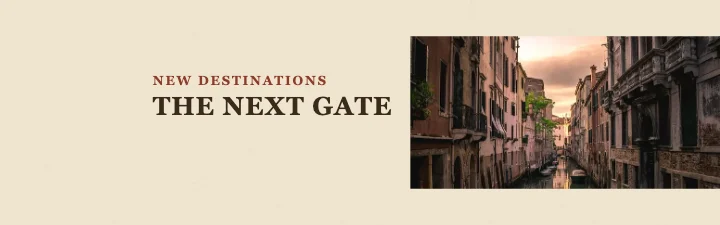 Travel & adventure324 templates
 Fitness & health288 templates
 Music & entertainment360 templates
 Kids & family252 templates
 Professional & business channels324 templates
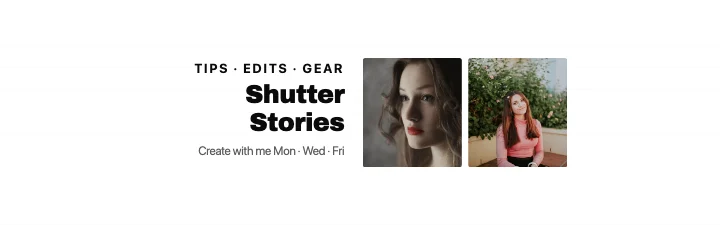 Creative & artistic324 templates
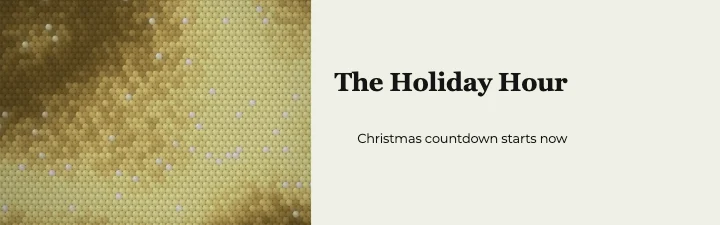 Seasonal & special events432 templates
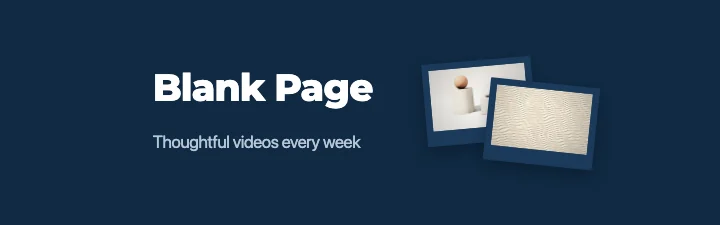 Minimal & general324 templates
Design styles
Browse by design style
31 complete looks — typefaces, palettes, backgrounds, panels, decoration and a channel-name effect (glow, extrude, hard shadow).
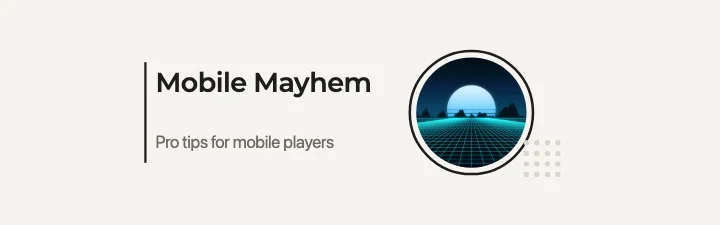 Minimalist199 templates · One idea, quiet type and a lot of space.
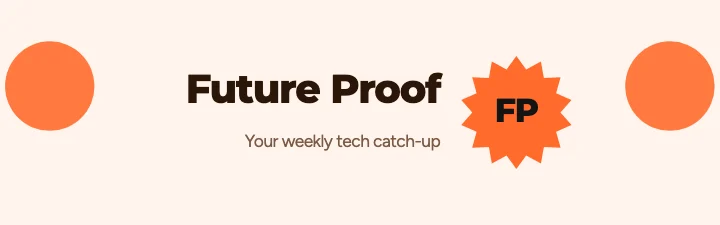 Modern281 templates · Confident geometric sans, soft blobs and rounded buttons.
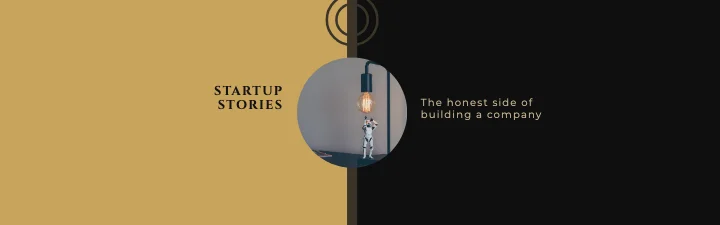 Luxury195 templates · Black, ivory and gold; spaced capitals and fine lines.
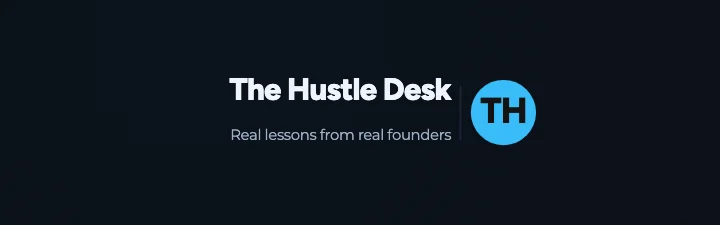 Premium dark279 templates · Near-black grounds, one precious accent and crisp light type.
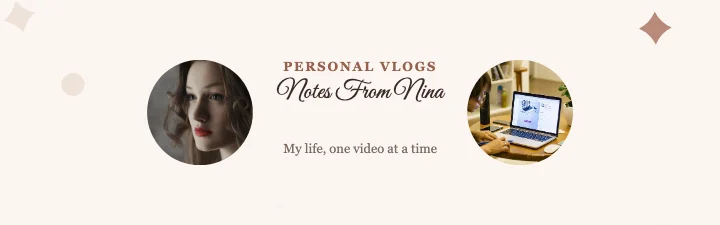 Elegant179 templates · Script names, serif lines and soft framed space.
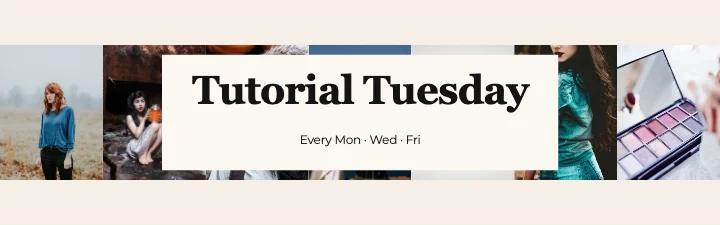 Editorial122 templates · Newspaper-grade serif headlines, rules and columns.
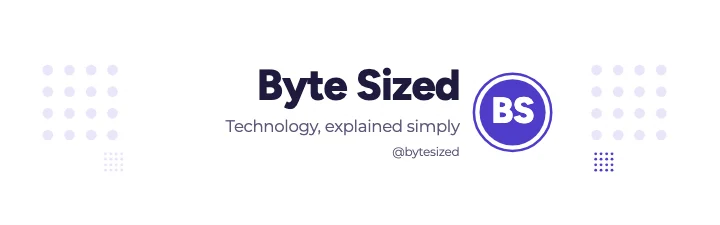 Corporate113 templates · Navy blocks, clear hierarchy and a trustworthy grid.
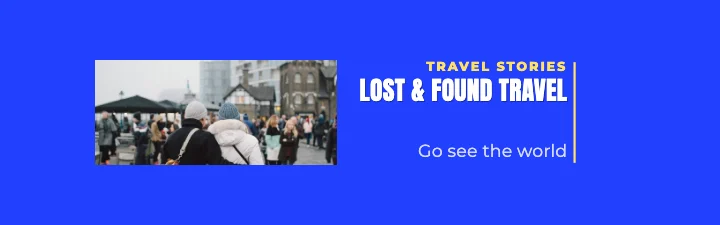 Bold typography148 templates · Huge condensed words that fill the strip.
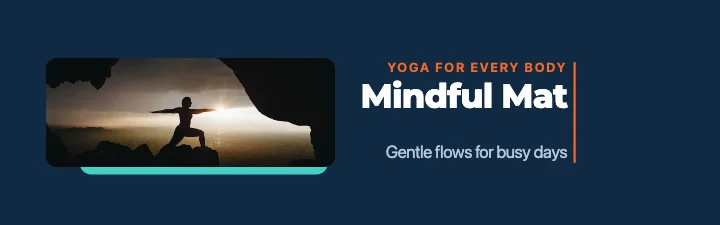 Geometric181 templates · Circles, triangles and arcs in confident colour.
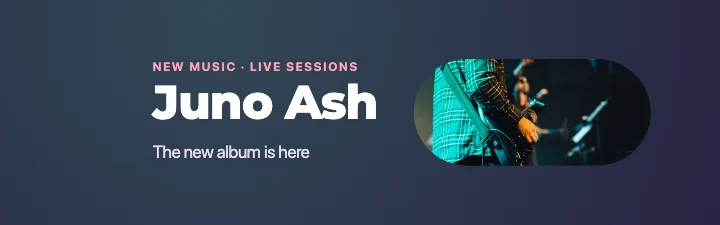 Abstract196 templates · Painted gradients, organic blobs and soft colour fields.
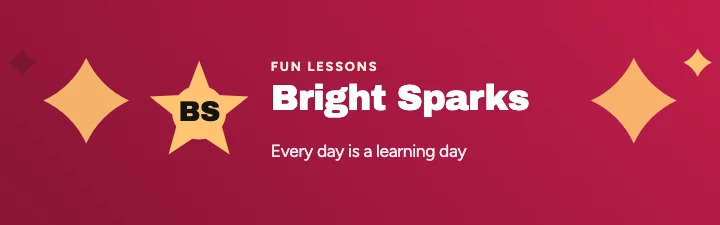 Gradient230 templates · Vivid colour washes and bright, airy type.
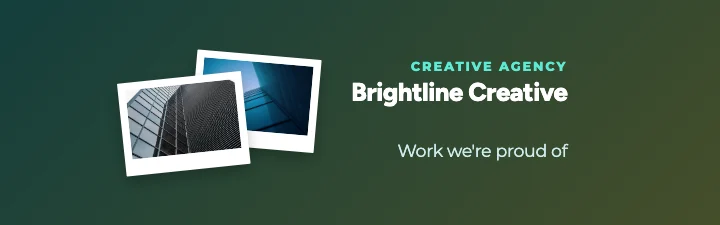 Glass-inspired181 templates · Frosted panels floating over colour and light.
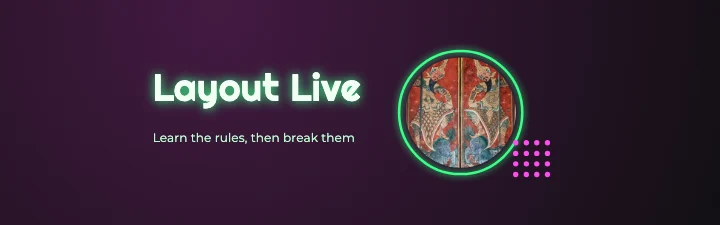 Neon136 templates · Glowing tubes of colour on deep night grounds.
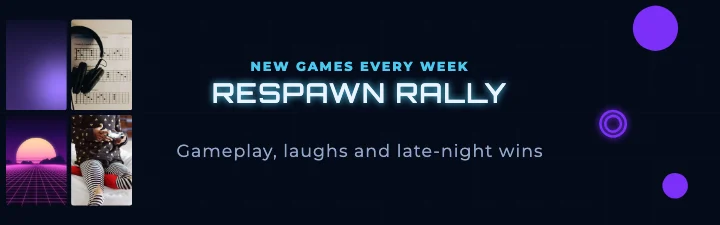
 Cyberpunk80 templates · Hazard yellow, magenta and cyan; slashed panels and HUD lines.
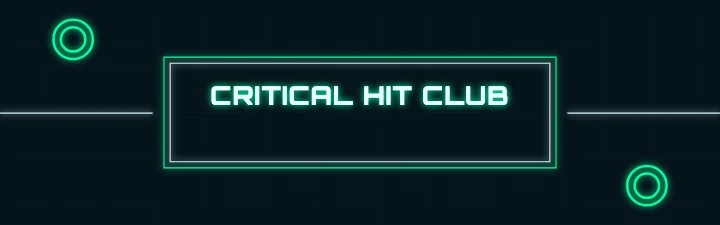
 Futuristic96 templates · Wide sci-fi type, orbits and clean HUD frames.
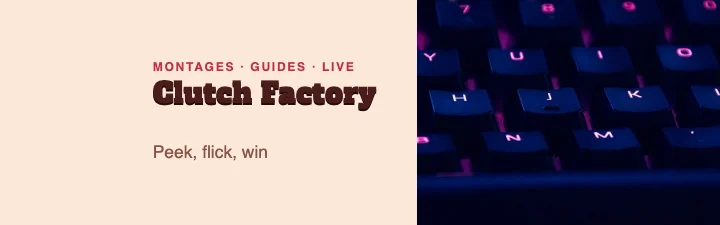 Retro209 templates · Seventies colour, sunbursts, stripes and slab type.
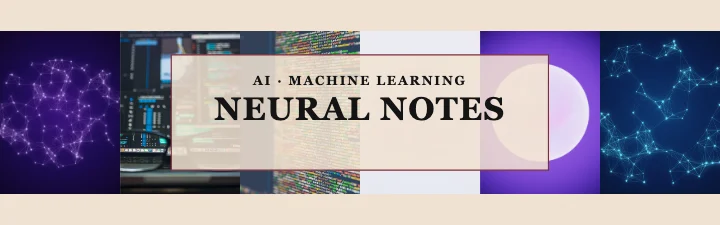 Vintage158 templates · Paper texture, frames, stamps and old-type charm.
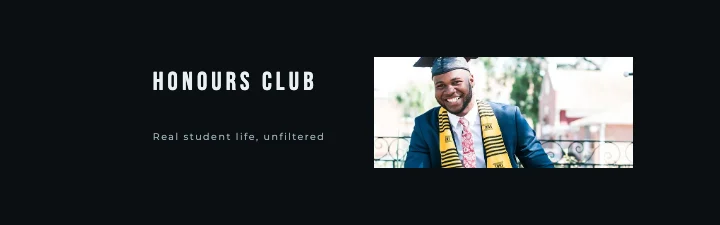 Cinematic101 templates · Letterboxed photos, tall spaced capitals and film-grade colour.
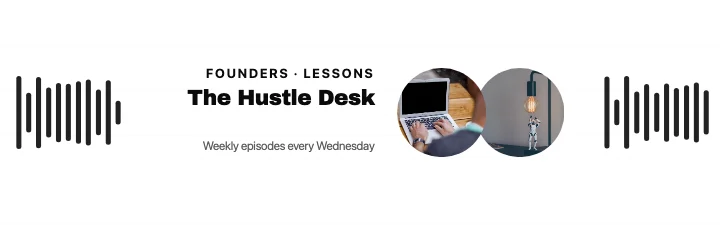 Monochrome220 templates · Black, white and grey — nothing else.
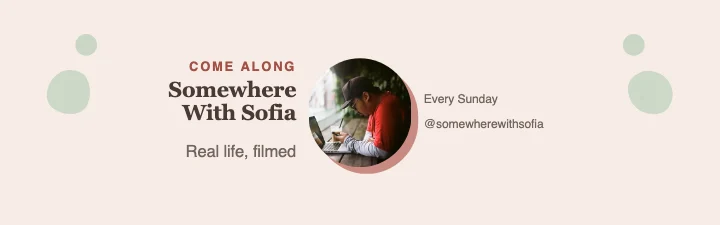 Pastel185 templates · Soft tints, arches, sparkles and gentle serif type.
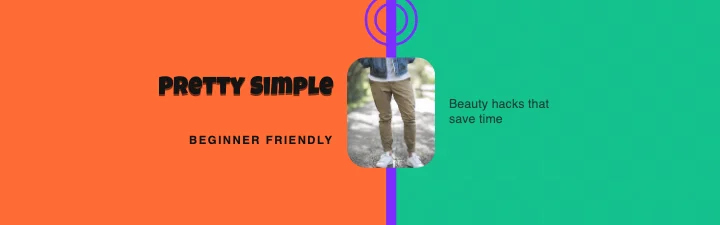 Colourful163 templates · Saturated blocks, chunky shapes and cheerful type.
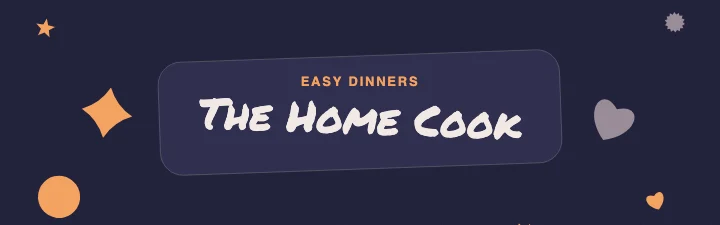 Artistic173 templates · Marker lettering, painted blobs and playful layouts.
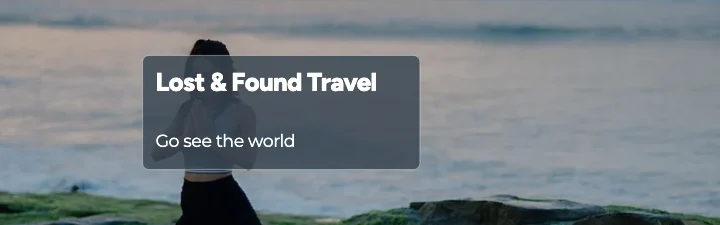 Photography-focused226 templates · Big photos, with type laid over or beside them.
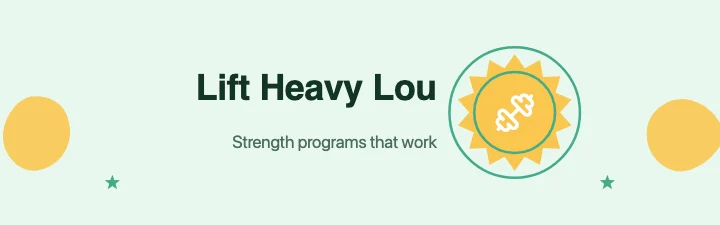 Illustration-focused152 templates · Icons and simple shapes that tell the story.
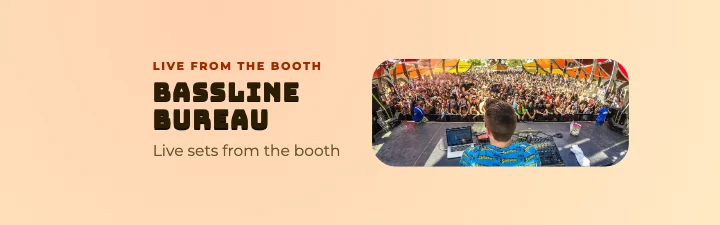 3D-inspired194 templates · Extruded chunky type, soft spheres and deep shadows.
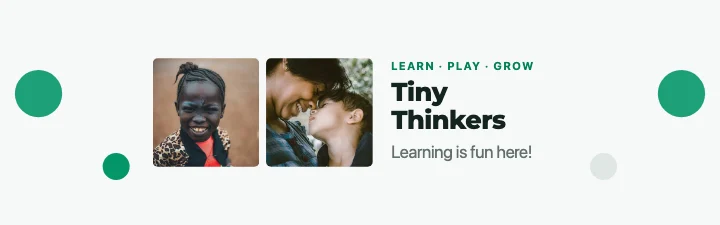 Clean professional163 templates · Balanced, light and easy to read — the safe business choice.
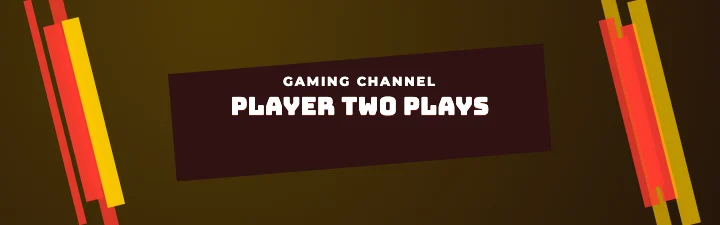 Gaming aesthetic67 templates · Blocky extruded type, slashes, glow and arcade energy.
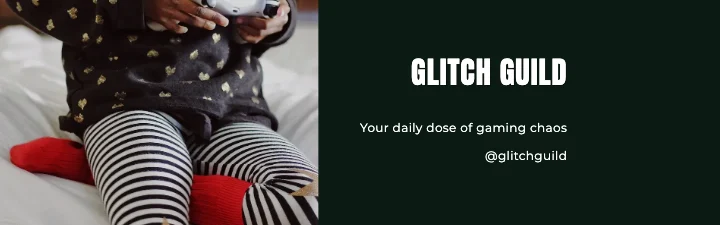 Esports72 templates · Team-sport energy: hard slashes of colour, chevrons and badges.
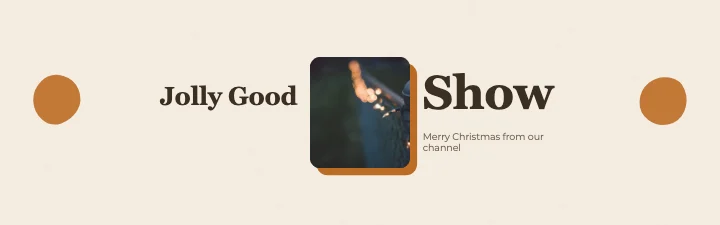 Nature-inspired196 templates · Earthy greens and sand, organic shapes and serif calm.
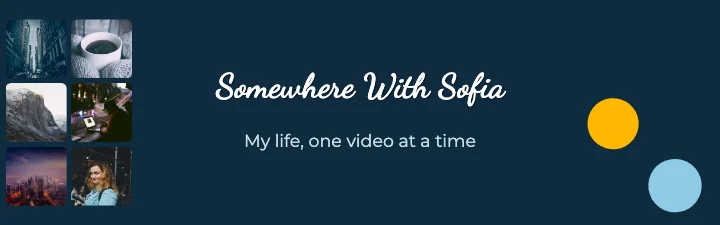 Travel aesthetic124 templates · Sun-washed photos, brush-script names and postcard details.
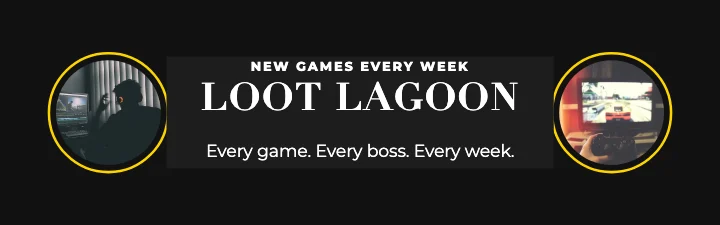 Magazine-inspired201 templates · Masthead type, cover lines and photo-led layouts.
Banner layouts
32 layouts, each built for the safe area
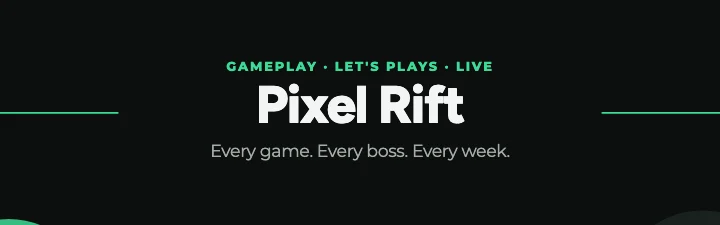 Centred title461 templates
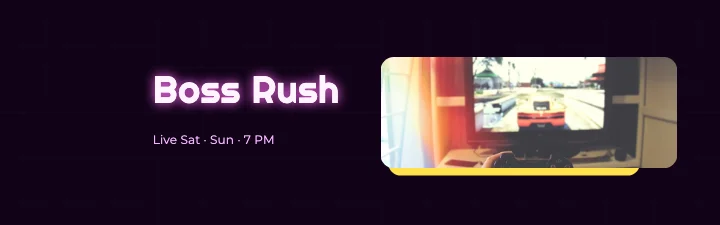 Left-aligned title471 templates
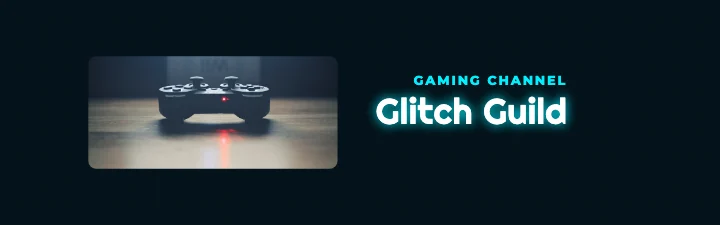 Right-aligned title460 templates
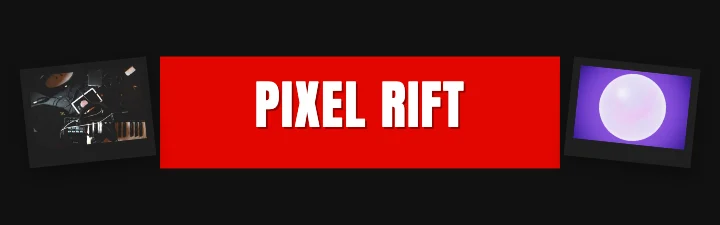 Photos on both sides319 templates
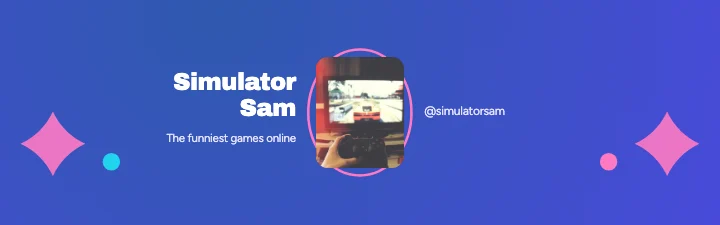 Creator portrait + title278 templates
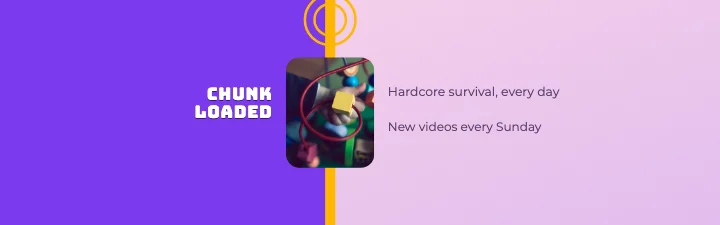 Two-tone split173 templates
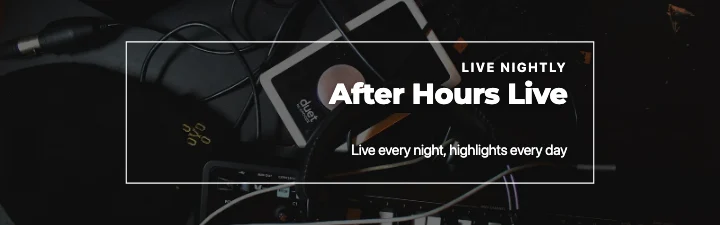 Full photo187 templates
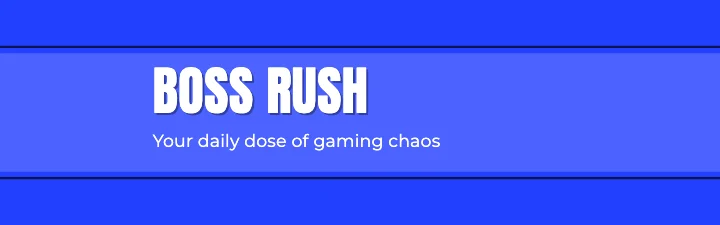 Colour band116 templates
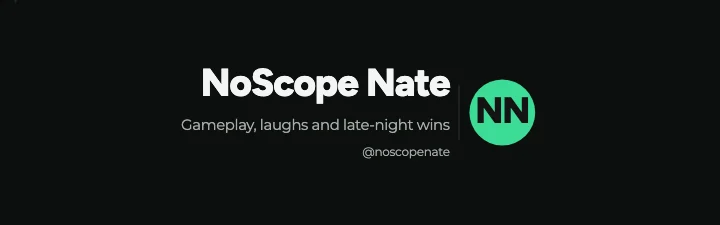 Logo + channel name369 templates
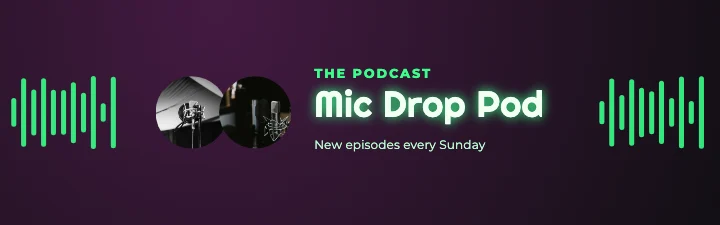
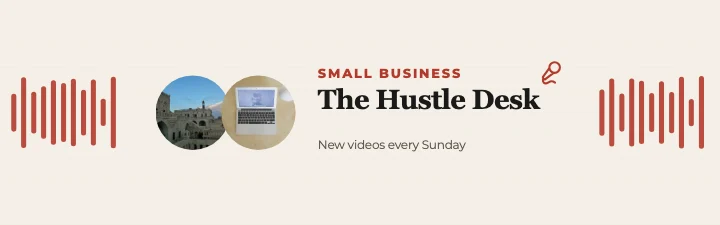 Podcast hosts48 templates
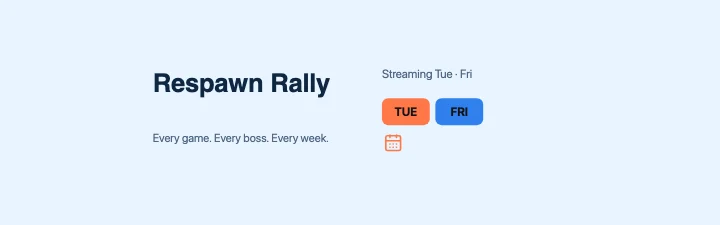 Upload schedule157 templates
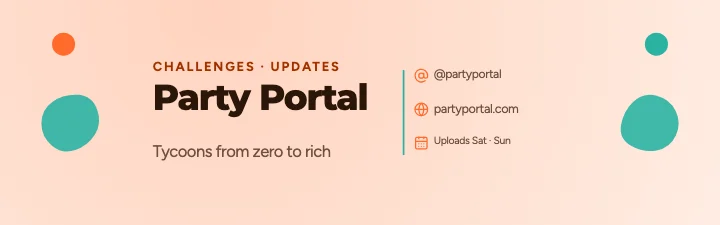 Handle + website94 templates
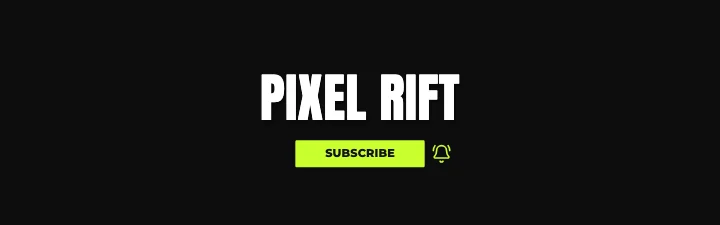 Subscribe button65 templates
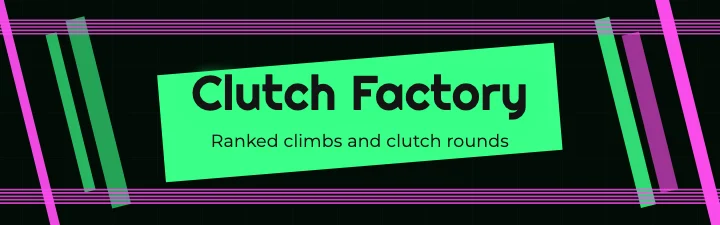 Gaming slashes47 templates
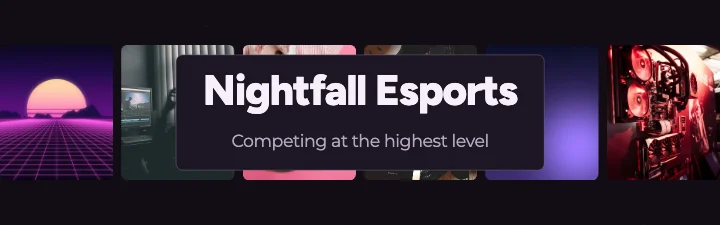 Photo strip144 templates
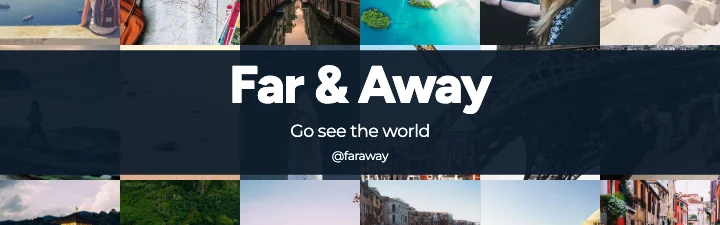
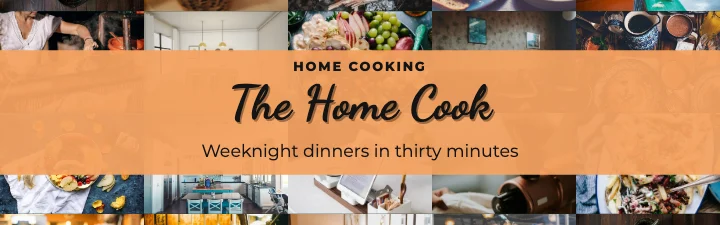 Photo wall49 templates
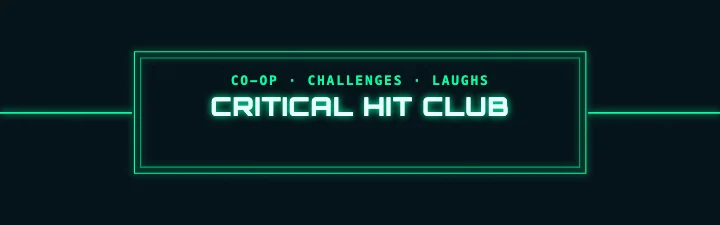 Framed193 templates
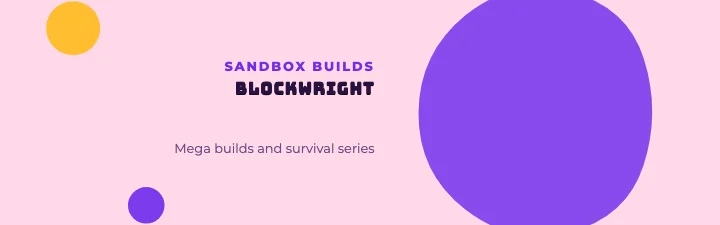 Orb / circle278 templates
 Editorial stack75 templates
 Badge / emblem274 templates
 Two photos297 templates
 Cinematic letterbox24 templates
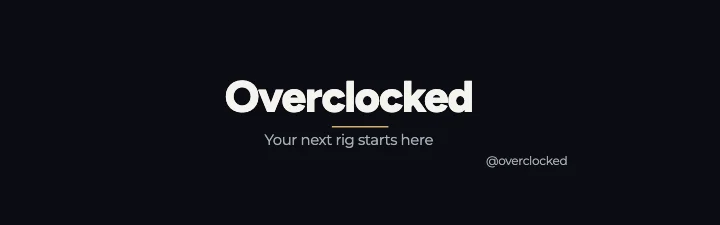 Minimal typography32 templates
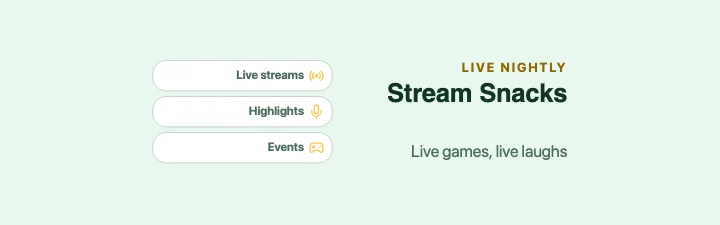 Content pillars58 templates
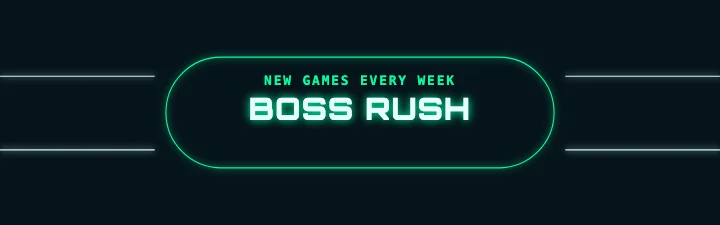 Neon sign28 templates
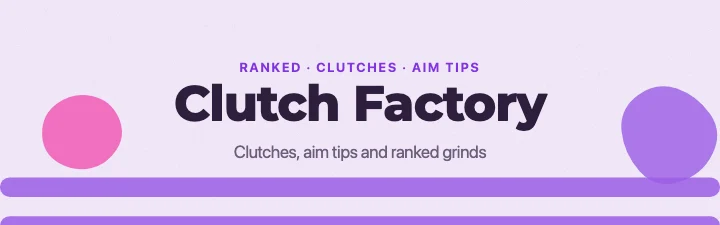 Waves95 templates
 Playful confetti86 templates
 Magazine masthead16 templates
 Photo cluster132 templates
 Diagonal split52 templates
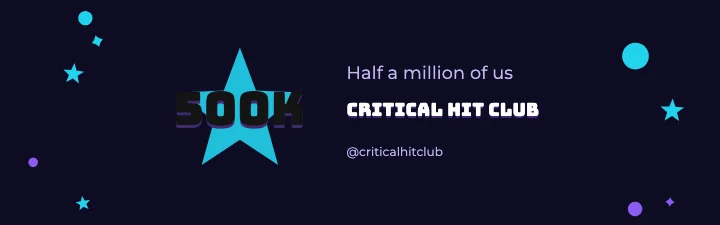 Milestone / thank you40 templates
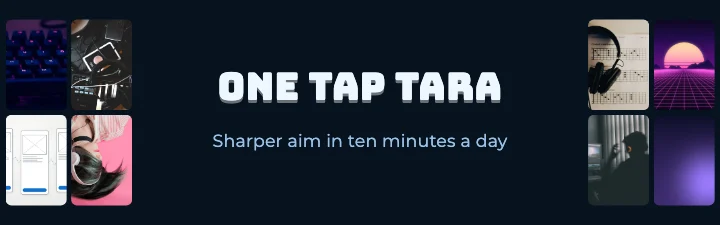 Side photo grid102 templates
Gaming, esports & streaming
Banners with arcade energy
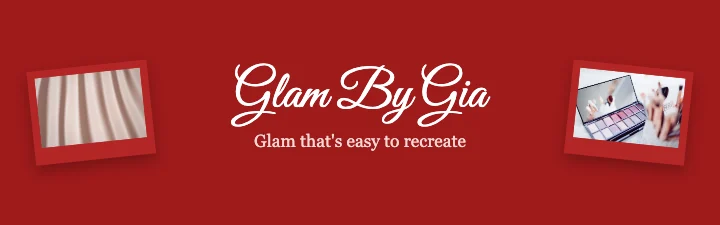
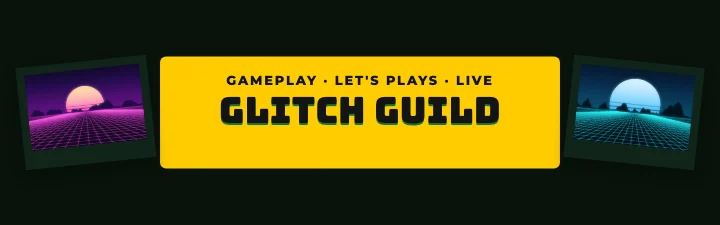 Gaming Flanked YouTube BannerPhotos on both sides · Gaming aesthetic
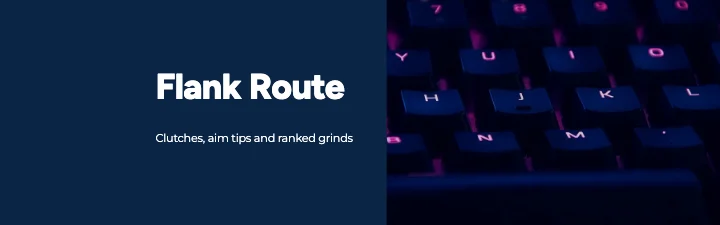 FPS gaming Feature YouTube BannerLeft-aligned title · Glass-inspired
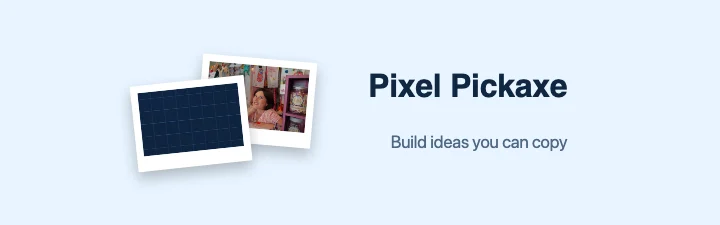 Block-building & sandbox games Feature YouTube BannerRight-aligned title · Illustration-focused
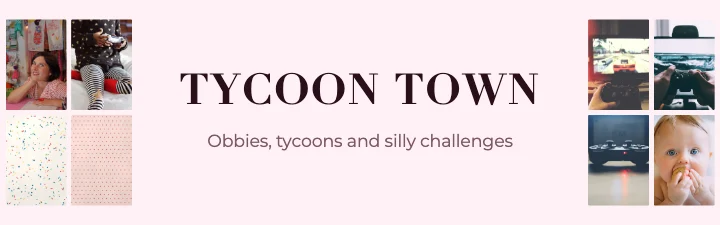 Avatar & party games Side Grid YouTube BannerSide photo grid · Magazine-inspired
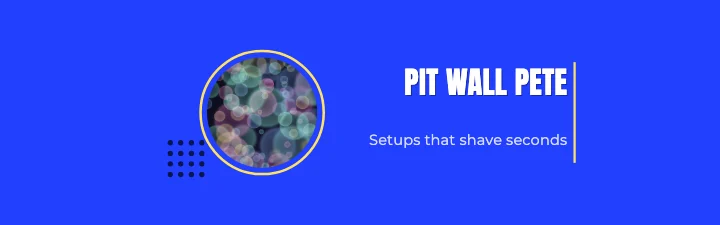 Racing games Showcase YouTube BannerRight-aligned title · Bold typography
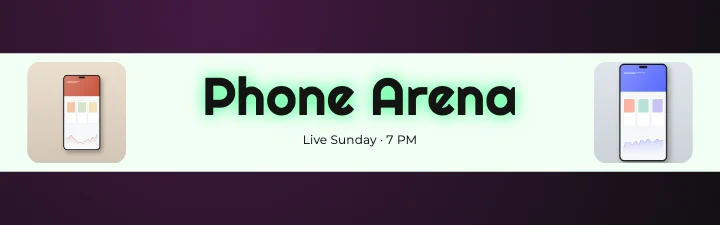 Mobile gaming Stripe YouTube BannerColour band · Neon
Lifestyle, beauty, food, travel & fitness
Photo-led banners for creators
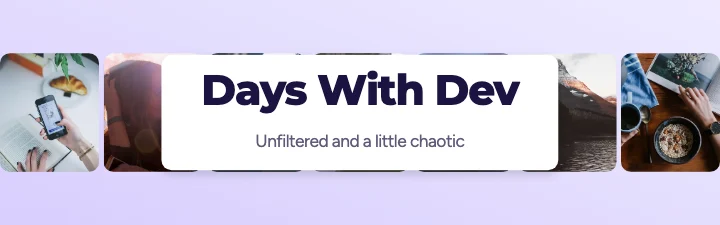 Personal vlogs Photo Row YouTube BannerPhoto strip · Modern
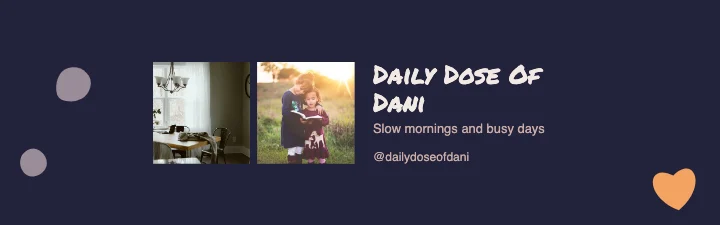 Daily lifestyle Double Photo YouTube BannerTwo photos · Artistic
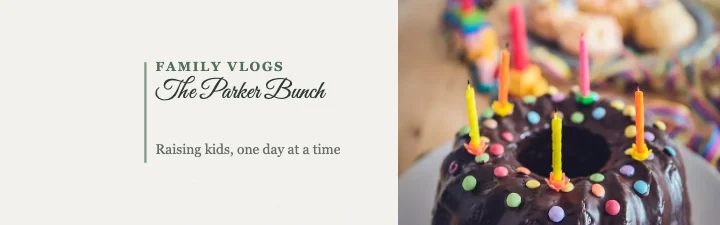 Family Showcase YouTube BannerLeft-aligned title · Elegant
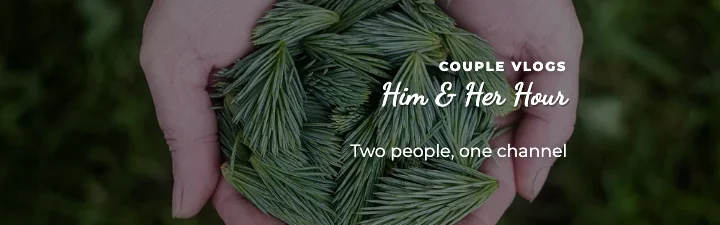 Couple Cover YouTube BannerFull photo · Travel aesthetic
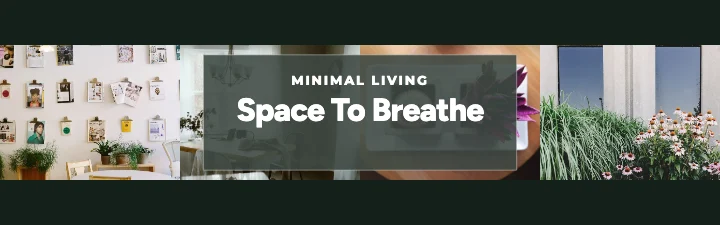 Minimal lifestyle Filmstrip YouTube BannerPhoto strip · Photography-focused
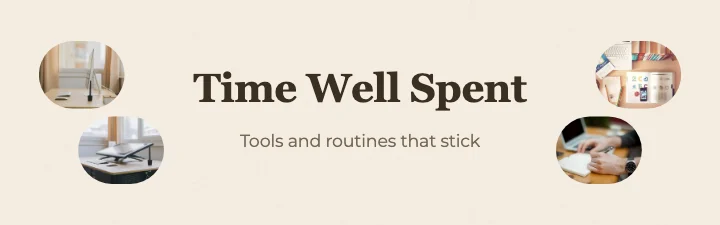 Productivity Twin Photo YouTube BannerPhotos on both sides · Nature-inspired
Business, education & professional
Clear, trustworthy channel branding
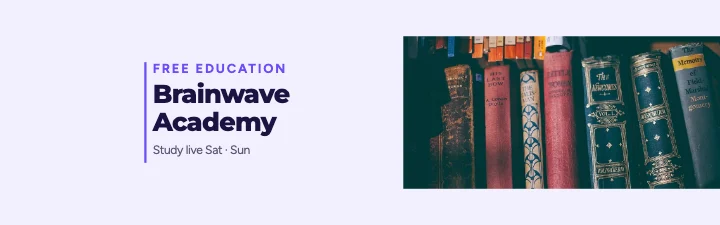 Online education Side Photo YouTube BannerLeft-aligned title · Modern
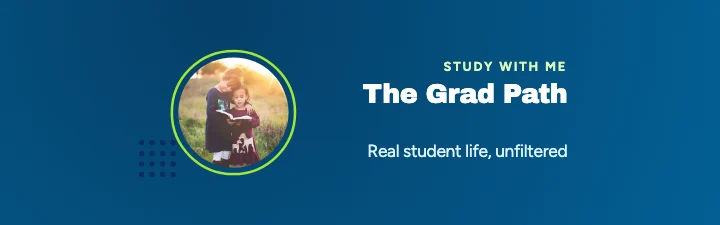 School & university Showcase YouTube BannerRight-aligned title · Gradient
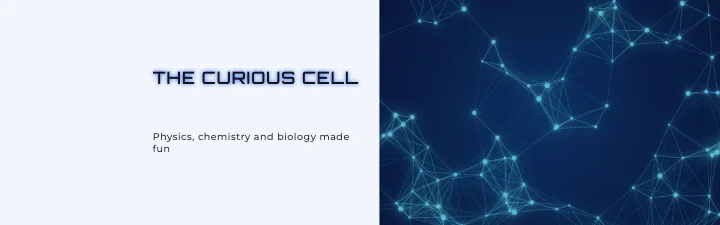 Science education Showcase YouTube BannerLeft-aligned title · Futuristic
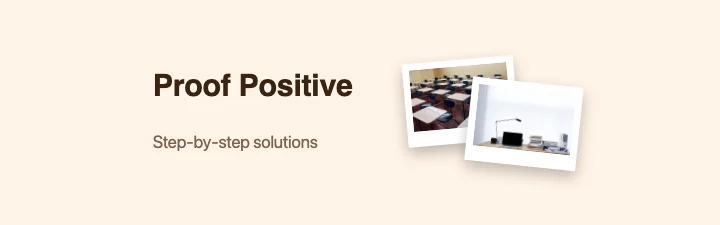 Mathematics Feature YouTube BannerLeft-aligned title · Illustration-focused
 Language learning Logo YouTube BannerLogo + channel name · Minimalist
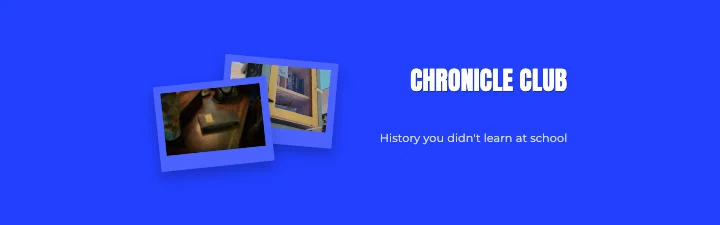 History Feature YouTube BannerRight-aligned title · Bold typography
Recently added · every template in this collection was added on . Popular and trending lists will appear once there is real usage data — we don't invent it.
Creator branding ideas
Popular ways to brand a channel
Common patterns on channel banners, each with a template to start from.
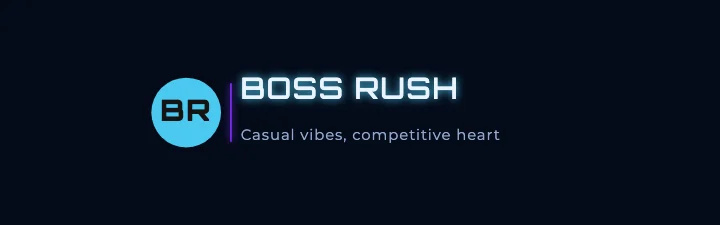
Logo + channel name
Your mark beside the name is the clearest way to make a banner feel like a brand. Upload your logo in Channel and it replaces the template's monogram.
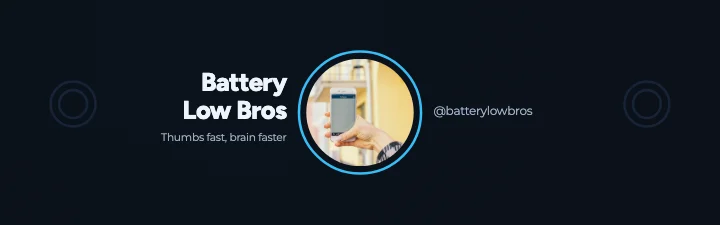
Your face in the middle
Viewers subscribe to people. Put your photo inside the safe area so phones never crop your face.
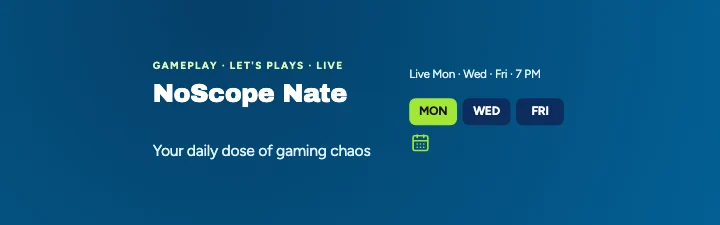
Upload schedule
Telling visitors when to come back (“New videos every Friday”) turns a visit into a habit.
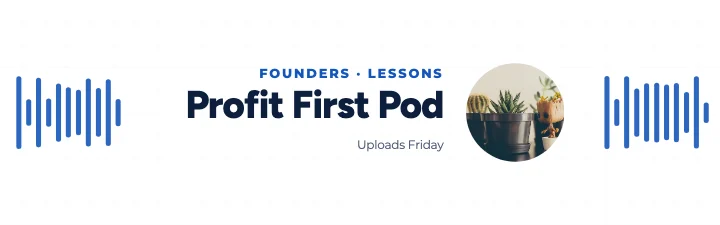
Podcast hosts and release day
Show the hosts, the show's name and when new episodes drop.
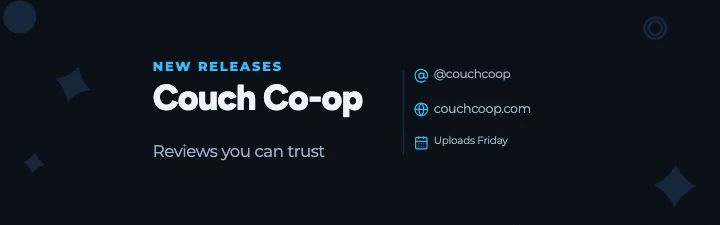
Handle and website
Help people find you elsewhere — use generic icons and your own handles, not third-party logos.
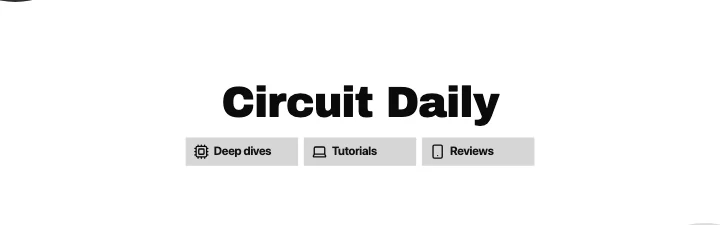
Content pillars
Three words on what you post (Reviews, Tutorials, Live) tell new visitors what to expect.
YouTube banner size guide
YouTube banner size and safe area
What YouTube asks for, and what each device shows. TV and the safe area come from YouTube's guidelines; the other crops are approximate and vary with screen size.
- TVs show everything — use the top and bottom for atmosphere, not words.
- Desktops show a wide strip — the sides are a good place for photos.
- Phones show about the safe area — keep the name, logo and face there.
| What | Size | Notes |
|---|---|---|
| Recommended image | 2560 × 1440 px | 16:9. Best for TVs and large screens |
| Minimum image | 2048 × 1152 px | 16:9. Smaller images are rejected |
| Safe area (official) | 1235 × 338 px at the minimum size | About 1544 × 423 px in a 2560 × 1440 banner, centred. Shown on every device |
| Maximum file size | 6 MB | JPG or PNG |
| TV | Whole image | 2560 × 1440 shown behind the channel details |
| Desktop (approx.) | Up to 2560 × 423 px | A strip through the middle; narrower windows show less of the sides |
| Tablet (approx.) | About 1855 × 423 px | The middle of the strip |
| Mobile (approx.) | About 1546 × 423 px | Close to the safe area |
YouTube channel branding studio
More than a template — a creator's studio
A full-screen editor built around how YouTube really shows banners. Every step can be undone, and your banners save in this browser as you go.
Safe-area assistant
The safe area is marked on the canvas, and Check lists anything outside it, too small to read on a phone or too low in contrast — with one-click fixes such as Move inside.
Device previews
See your real banner on a TV, a desktop channel page, a tablet and a phone, or with every crop at once. Press P at any time.
Channel branding
Type your channel name, tagline, niche line, upload schedule, handle, website and socials once. Upload your logo and set brand colours — and save it all for your next banner.
Tagline ideas
Sample taglines, niche lines and schedules for your channel's niche, ready to edit so they sound like you. No AI service involved.
Guided layouts
Centred title, logo + name, creator portrait, podcast, gaming, minimal, photo-led or business — switch layouts and keep your text and photos.
Brand kit
A matching profile picture, thumbnail starter, community post and title card in the same colours, fonts and name — each a real PNG download.
Full design editor
Text, fonts, colours, shapes, stickers, icons, backgrounds and your photos. Drag, resize, rotate, crop, layer, lock, group, align and undo.
YouTube-ready files
Exactly 2560 × 1440 or 2048 × 1152, JPG or PNG. The download is checked for size and shape, and squeezed under 6 MB if it needs to be.
Step by step
How to create a YouTube banner
A YouTube banner (channel art) is the wide image across the top of your channel page. YouTube uses the same image on TVs, computers, tablets and phones, but each shows a different part of it: TVs show the whole 16:9 picture, while phones show only a strip in the middle. That's why every template here keeps the words and logo inside the safe area, and uses the sides and the top and bottom for photos and decoration.
The 5,000+ templates cover 145 channel niches in 15 groups — from FPS gaming, esports teams and tech reviews to skincare, street food, travel vlogs, podcasts, kids' learning, Eid and Christmas. They use 32 kinds of layout (centred title, creator portrait, logo lock-up, podcast hosts, upload schedule, photo strip, neon sign, magazine masthead…) and 31 design styles, with sample channel names and lines written for each niche.
An automated check rejects any template whose layout repeats another one in the same niche or the same style. Every template is also rendered in a real browser and checked: each word is inside the safe area, text fits its box and is large enough for a phone, contrast is readable and nothing overlaps.
It all runs in your browser. Banners save on this device, nothing is uploaded, and there's no account, watermark or AI service involved. Tagline ideas come from a library of sample lines for each niche — edit them so they sound like you.
- 1
Find a template for your channel: search by niche (gaming, podcast, beauty, finance…), style or colour, or browse the categories. Preview it on every device before you open it.
- 2
Choose Edit template. The studio opens with exactly the banner you saw, with the safe area marked in red.
- 3
Open Channel and type your channel name, tagline, upload schedule, handle and website once — they go into the right places, and stay with you if you switch templates. Upload your logo and photos, and set your brand colours.
- 4
Press P (or Device preview) to see the banner on a TV, desktop, tablet and phone. Open Check: it lists anything outside the safe area, too small or too low in contrast, with one-click fixes.
- 5
Download a 2560 × 1440 JPG or PNG (or 2048 × 1152). The download screen confirms the size and that the file is under YouTube's 6 MB limit, and can compress it if needed.
- 6
In YouTube Studio, go to Customization → Profile → Banner image, upload the file and check the preview YouTube shows.
Channel art that works on every screen
- Keep it short. A channel name and one line about what you post read well even on a phone; schedules and links are a bonus.
- Put faces and logos in the middle. Photos of you can sit near the safe area, but crop them so your face is inside it.
- Use your brand colours everywhere. Match your banner, profile picture and thumbnails so people recognise your videos in a feed.
- Check contrast in the preview, not just on a big monitor. Light text on a busy photo needs a darker photo or a panel behind it.
Also useful:Background RemoverInstagram Post MakerSocial Media Banner Maker
Why M2Toolkit
Why make your banner with M2Toolkit
- 5,000+ banner templates for 145 channel niches, each opening ready to edit.
- The official safe area marked on the canvas, plus approximate desktop, tablet and phone crops.
- A Check panel that finds words outside the safe area, tiny or low-contrast text — with one-click fixes.
- Device previews of your actual banner on a TV, desktop, tablet and phone.
- Channel details, logo and brand colours in one place — kept when you switch templates.
- Exact 2560 × 1440 or 2048 × 1152 JPG or PNG, size-checked against YouTube's 6 MB limit.
Good to know
- Banner sizes, the safe area and the 6 MB limit follow YouTube Help (checked 18 November 2026). The desktop, tablet and phone crops in the guides and previews are approximate — YouTube's layout varies with screen width — so only the safe area is guaranteed.
- Device previews are simple mock-ups to show how your banner is cropped. They are not YouTube's actual pages.
- Template channel names, handles and websites are invented samples. Sample photos are CC0 (public domain) pictures and original renders; replace them with your own.
- No third-party logos are used. Social links use generic icons — add your own platform names as text.
- Tagline ideas are sample lines from a fixed library for each niche, not AI-written copy.
- Your work is saved only in this browser. Download your banner before clearing site data.
FAQ
Frequently Asked Questions
Content last updated . See how M2Toolkit works.
Also try:Background Remover·Instagram Post Maker·Social Media Banner Maker·Text Art Generator
What size should a YouTube banner be?
2560 × 1440 pixels (16:9) is the recommended size, and 2048 × 1152 is the minimum YouTube accepts. The file must be 6 MB or smaller. Every template here is 2560 × 1440, and you can download either size.
What is the YouTube banner safe area?
The part of the banner that shows on every device: 1235 × 338 px at the minimum size, which is about 1544 × 423 px in the middle of a 2560 × 1440 banner. Keep your channel name, logo and face inside it. The editor marks it in red and the Check panel warns you about anything outside it.
Why does my banner look cropped on my phone?
YouTube shows the same image on every device but crops it differently. TVs show everything; phones show a strip about 1546 × 423 px through the middle. Anything outside the safe area may be cut off — use the device previews to check before you upload.
Are the templates really free?
Yes. All 5,000+ templates, the editor and the JPG and PNG downloads are free, with no sign-up and no watermark.
Can I use my own photos and logo?
Yes. Drop photos onto any frame or use Uploads; open Channel to upload your logo (it replaces the template's logo mark). Your pictures stay on your device.
Can I keep my text when I change templates?
Yes. Fill in your channel details once and they move into any template you pick, along with your photos. Undo goes back.
Which file format should I upload — JPG or PNG?
Both work. JPG is usually smaller; PNG is lossless but photo-heavy banners can go over 6 MB. The download screen shows the real file size and can compress a file to fit under the limit.
Do the device previews show exactly what YouTube will show?
They use your real banner and the crops YouTube has published for years, but YouTube's page changes with screen size, so treat the desktop, tablet and phone crops as approximate. Only the safe area is guaranteed on every device.
Can I make a matching profile picture and thumbnails?
Yes. The Brand kit panel makes a matching profile picture (800 × 800), a thumbnail starter (1280 × 720), a community post (1080 × 1080) and a video title card (1920 × 1080) in your banner's colours, fonts and name, each downloadable as a PNG.
Is my banner uploaded anywhere?
No. The editor runs in your browser and saves your banners on this device only. You upload the finished file to YouTube yourself.
Free · No sign-up · No watermark
Your channel deserves a banner that fits.
Pick one of 5,220 templates, add your name, logo and photos, check it on every device and download it ready for YouTube.
Related tools.
Other free design tools for creators.
- Background RemoverPopularRemove the background from any photo in seconds with AI that runs in your browser — then download a transparent PNG or add a new colour, photo, blur, shadow or outline.Images
- Instagram Post MakerPopular4,000+ free Instagram post, Story and Reel cover templates in 23 styles — edit text and photos on the canvas, then download PNG, JPG or PDF.Editors
- Social Media Banner MakerDesign LinkedIn, X, Facebook and YouTube banners with text, gradients and your logo.Web
- Social Media Carousel MakerPopular7,000+ free Instagram and LinkedIn carousel templates in 81 design styles for every industry — edit every slide, then download PNG, JPG, ZIP or PDF.Editors
- Photo Collage MakerPopularMake photo collages from 2,000+ free templates — drag in your photos, edit everything on the canvas and download PNG, JPG or PDF for Instagram, stories or print.Images
- Text Art GeneratorPopular4,000+ free text art templates, a fancy Unicode and ASCII art generator, and a full typography studio — outline, glow, 3D, curves — with PNG, JPG, SVG or TXT downloads.Images